Customer Ratings & Reviews

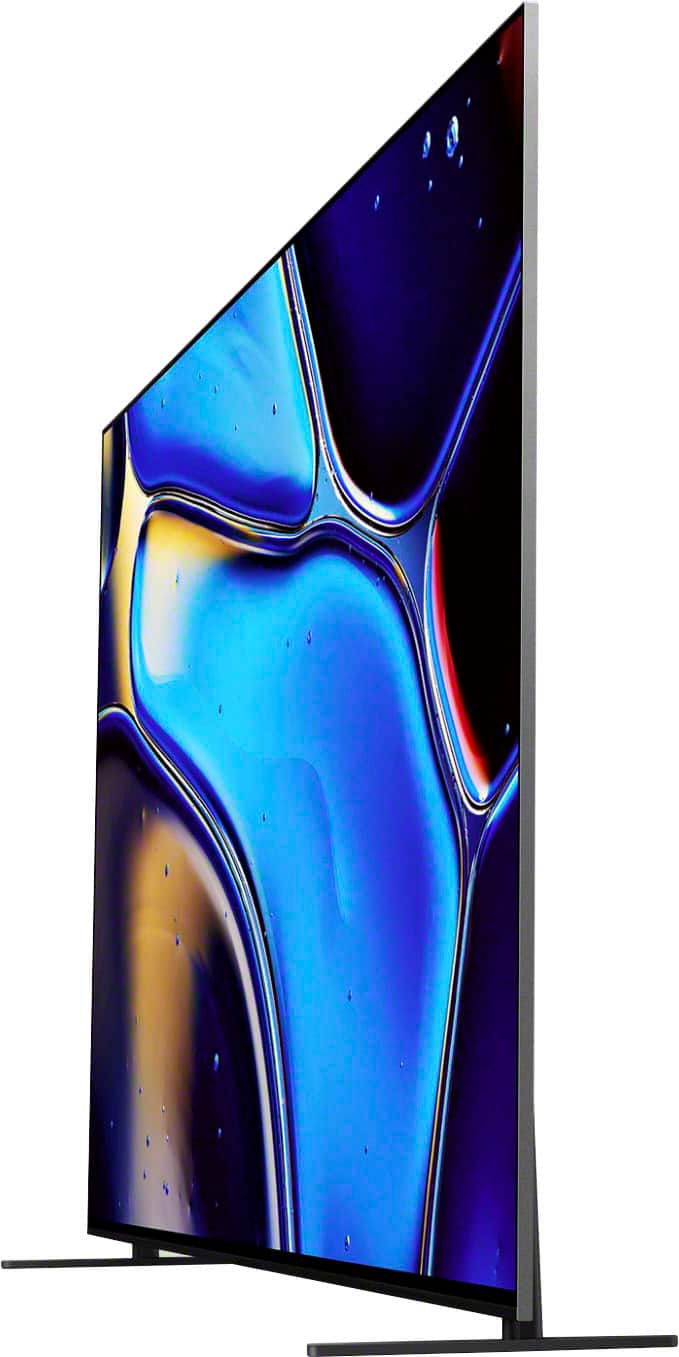


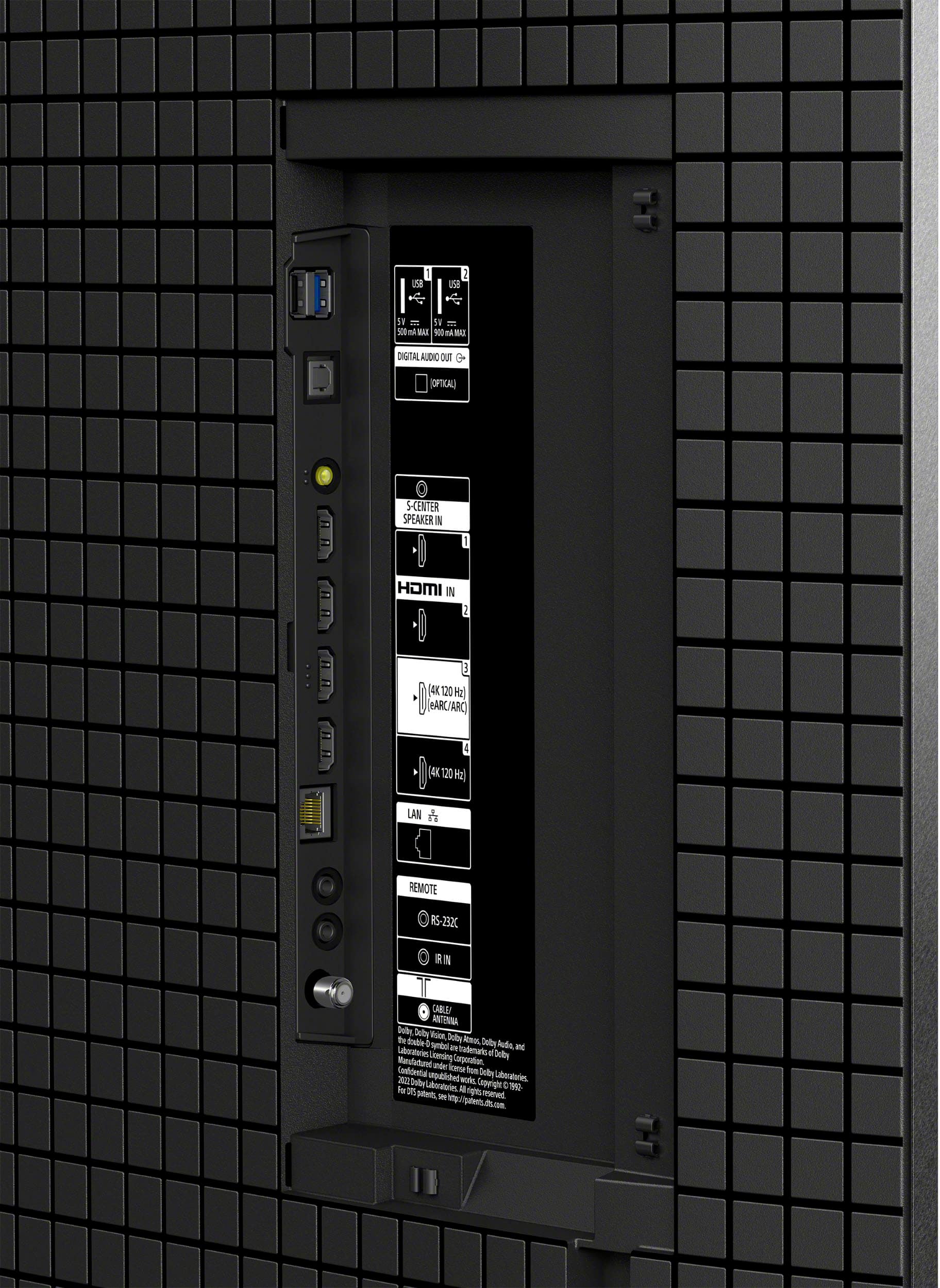







- Model:
- K77XR80
- SKU:
- 6578574
Rating by feature
- Picture Quality
Rating 4.9 out of 5 stars
- Sound Quality
Rating 4.6 out of 5 stars
- Brightness
Rating 4.7 out of 5 stars
Customers are saying
Customers regard the 77" Class BRAVIA 8 OLED 4K UHD Smart Google TV (2024) highly for its exceptional picture quality and vibrant colors. Users find the TV very easy to set up. Some customers have expressed concerns regarding connectivity, specifically mentioning HDMI ports.
This summary was generated by AI based on customer reviews.
- Pros mentioned:Picture quality
Miss Bo
||Posted . Owned for 6 months when reviewed.This reviewer received promo considerations or sweepstakes entry for writing a review.The pictures were very rich with beautiful colors. Much better than the Samsung.
I would recommend this to a friendBrand response from SonyListens
Posted .Thank you for the wonderful review, Boselaw!
We are absolutely thrilled to hear how much you are enjoying the picture on your K-77XR80 television!
It is incredibly rewarding to know that you are seeing rich, beautiful colors and that the display is delivering the premium viewing experience you expect from Sony.
We appreciate you choosing Sony to bring your entertainment to life!
Best regards,Gus, Sony Social Media Team
Apple TV users
||Posted . Owned for 1 week when reviewed.This reviewer received promo considerations or sweepstakes entry for writing a review.I would prefer a TV without the “Google” programming embedded. I don’t use Google and I like to go strictly through Apple TV. It would be helpful to have a toggle switch to shut off Google altogether. - The TV comes with an unpleasant and distracting voice announcement feature turned on - the TV should arrive with this feature turned off. - The default sound output has no way to switch to my sound system permanently but rather only allows a “ temporary” setting to use the sound system. The built-in TV sound is poor.
I would recommend this to a friendBrand response from SonyListens
Posted .Hi Charles,
Thank you for sharing your feedback! We understand your concerns regarding the Google features and sound settings on your TV.
Google Setup: You do have the option to perform a basic setup without logging into a Google account. This allows you to bypass the Google integration if you prefer to use only your Apple TV.
Talkback Feature: The voice announcement you mentioned (Talkback) can easily be turned off. Here are the steps:
Press the Quick Settings button on your remote, select Settings > System > Accessibility > Talkback.
Then, switch it OFF and press Enter. You can refer to this guide for a detailed walkthrough.
Sound Output: To address your sound system issue, please ensure that you’re using a wired connection to your sound system. If the connection is wireless or temporary, the TV may default to its built-in speakers. Once connected via HDMI ARC or Optical cable, you should be able to use your sound system as the permanent audio output. Ensure that the audio output settings on your TV are set to use the audio system. You can find this in the TV settings under Display & Sound > Audio output > Speakers > Audio system.
Built-in TV sound: You can customize your TV’s audio settings, including sound quality and sound modes, to fit your preferences by following the steps in this link: https://www.sony.com/electronics/support/articles/00302857?utm_source
For further assistance with your TV, you may reach out to our team directly through the official Sony support website https://us.esupport.sony.com/support/s/service?language=en_US
We hope this information improves your viewing experience. Thank you for choosing Sony! -Maria
- Pros mentioned:Picture quality
Review
||Posted . Owned for 1 month when reviewed.This reviewer received promo considerations or sweepstakes entry for writing a review.Very good quality picture and audio is also great.
I would recommend this to a friendBrand response from SonyListens
Posted .Hi RaghuK,
You made the right choice! We're glad that you like the sound and picture quality of the TV. Thank you for choosing Sony!
-Ralph
- Pros mentioned:Oled quality, Picture quality
As big as I could fit!
||Posted . Owned for 11 months when reviewed.This reviewer received promo considerations or sweepstakes entry for writing a review.A great improvement over our XBR65A8H oled. We have had a couple of problems with it turning on and off by itself.? I think this might be a Directv or google problem although there are issues on the internet with similar problems. I would like to try the newer model but just not sure it would be worth the price difference. Oled prices are dropping and I don’t think they will disappear with mini led replacing it. I can’t say much about the sound quality of the whole screen because we have in wall speakers but it sounds decent without the sound system.
I would recommend this to a friendBrand response from SonyListens
Posted .Hi Eubie,
It brings us great satisfaction to hear that you are enjoying the improvements of your new BRAVIA 8 compared to your previous OLED model.
Regarding the issue you mentioned with the TV turning on and off unexpectedly, we would like to help resolve this so you can enjoy your new display without interruption. While external devices or software settings can sometimes cause this behavior, we recommend following the troubleshooting steps outlined in our official support guide:
My BRAVIA TV turns on or off by itself
https://www.sony.com/electronics/support/articles/00032613
These steps are designed to help identify if the cause is related to a specific setting, a connected device like your satellite box, or a software update.
Thank you for being part of the Sony family.
Best regards,
Dominick
- Pros mentioned:Color, Picture quality
Borderline Exceptional!
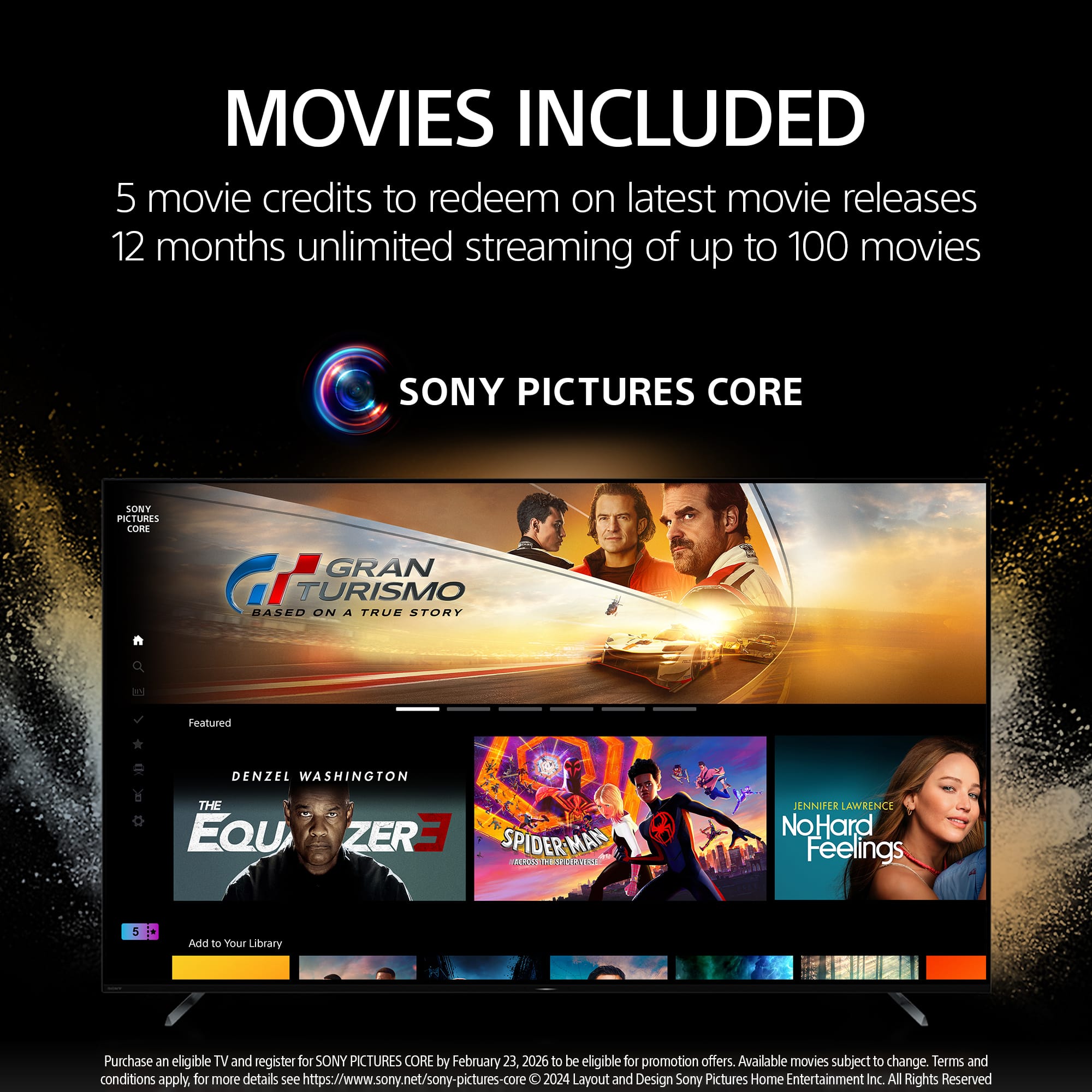
||Posted . Owned for 1 month when reviewed.This reviewer received promo considerations or sweepstakes entry for writing a review.Amazing Tv, great cinematic picture, including the Sony Pictures Core I wish it were a little brighter, it is WOLED so i understand, but sometimes you want punchier scenes if you are use to a Samsung. However nothing beats Sony's accuracy.
I would recommend this to a friendBrand response from SonyListens
Posted .Hi JonO,
We are delighted to hear that you are enjoying the cinematic picture and the exclusive content available through Sony Pictures Core. While we appreciate your feedback regarding the brightness levels compared to other panel technologies, our focus with the BRAVIA 8 WOLED remains on delivering the industry-leading color accuracy and deep blacks that provide a truly authentic movie-watching experience.
We really appreciate you being part of the Sony family.
Best regards,
Dominick
- Pros mentioned:Picture quality
Great TV. It has quirks, but I still love it.
||Posted . Owned for 3 weeks when reviewed.This reviewer received promo considerations or sweepstakes entry for writing a review.Great TV. Excellent motion handling. Great performance with colors. I do wish the highlights could get brighter, or that the colors could pop more. Regardless, the TV looks great. Brightness can really pop in Dolby Vision and my complaints quickly fade away. I didn't even know about the reality creation feature until I was fiddling with settings. It is an amazing feature that you should try if you own a Sony that supports it. It can bring about some details that can be hidden, even in 4k native content. Low res content gets a nice detail bump from it. This TV does come with quirks that may effect you. As of the firmware out in November 2024, when you want to use Dolby Vision from a video source, like an AppleTV, and 120hz/VRR signal, like from a PS5, and you connect them to the same HDMI source through an AVR, like a Denon x4800h, you will unfortunately not be able to activate both the PS5 or AppleTV's fullest features without continually flipping through Enhanced and Enhanced/VRR settings on the Sony. You can get either Dolby Vision at 24hz or 60hz, but you cannot also get 120hz/VRR when you switch your AVR to the PS5. Vice versa, you can get 120hz/VRR from your PS5, but you won't be able to get Dolby Vision from your AppleTV or UB820-K. This is something to do with the EDID and effects others Sony TVs like the A95L. Sony is aware of the issue and I hope they are working on a fix. You can check their support page if you want to verify the issue. You will also find this issue discussed on AV Forums. The workaround is to hook one device up AVR and one direct to the TV. For me that meant the PS5 goes directly to the TV and my video sources to the AVR. While it isn't currently effecting me, it kind of sucks that now I actually do need to worry about the HDMI 2.1 inputs in the TV because my AVR cannot be fully utilized. First world problems, but maybe this can be fixed with a firmware patch in the future... Other quirks are that this TV sometimes fights me with what audio output mode I'd like to use. I have no idea why it thinks I'd use the TV Speakers over my external speakers, but it happens sometimes. Maybe it is a latency issue with the bootup from the Denon and the TV. Regardless, some niche positives with the TV are that you can see detailed input signal info from a menu option for your standard content as well as a different version of the same information in game mode. This will include color depth, and resolution, audio signal. The game mode detailed info also shows current Hz which updates live. I do wish that game details would stay on the screen longer, but it is at least nice to have. I also really like that I did NOT have to sign into a google account to use the TV and that it did not try to hide that option. Because I didn't sign into google, I am not dealing with all the bologna ads and bloat. It lets you set it up as a "dumb" TV, or at least as close as we can get to a dumb tv today.
I would recommend this to a friendBrand response from SonyListens
Posted .Hi AndrewC, Thank you for sharing such a detailed review of your experience with the Sony BRAVIA 8 OLED! We're thrilled to hear you're enjoying its excellent motion handling, vibrant colors, and standout features like Dolby Vision and Reality Creation. It’s great to know these features are enhancing your viewing experience and even giving a boost to low-resolution content.
We understand the quirks you've mentioned, including the HDMI/EDID compatibility challenges and occasional audio output preferences.
For us to better assist you, could you give us more information about your set up? May we contact you directly? If so, please email the following information to socialsupport@am.sony.com. Apologies if you've already shared this information with customer service — we just want to ensure we have your most accurate details:
Full Name:
Case ID (if any):
Best Buy Username:
Telephone Number:
Additional Information regarding your experience with the BRAVIA 8
Thank your patience and for trusting Sony, and we look forward to resolving this for you!
Best regards,
Maria
- Pros mentioned:Picture quality
Great TV - working very well a year later
||Posted . Owned for 1 year when reviewed.This reviewer received promo considerations or sweepstakes entry for writing a review.A really nice screen! I have had it a year now and I really enjoy it. I upgraded my HDMI cables as well and that also made a big difference. I don't use the built in speakers as I have a receiver with a 5 speaker surround sound system. The TV speakers work but aren't even close to a mid to upper sound system
I would recommend this to a friendBrand response from SonyListens
Posted .Thank you for the wonderful review, ScoBoh!
Happy one-year anniversary with your K-77XR80! We are so glad to hear you’re still really enjoying that OLED screen. You made a smart move upgrading your HDMI cables—pairing high-quality cables with our XR Processor truly unlocks the full potential of those deep blacks and vibrant colors.
While we take pride in our Acoustic Surface Audio+, we certainly can’t argue with a dedicated 5-speaker surround system! It sounds like you’ve built an incredible home theater setup around that 77-inch display.
Thank you for being part of the Sony family!
Best regards,
Gus, Sony Social Media Team
- Pros mentioned:Picture quality
Great TV, Google Home integration could be better
||Posted . Owned for 1 week when reviewed.This reviewer received promo considerations or sweepstakes entry for writing a review.I was debating this vs the A95L, but I'm very happy I went with this one. We saved over $2000, and the picture quality is phenomenal. My only gripe is that I expected better Google Assistant integration from Sony. The integration works fine with no soundbar. However, for soundbars I have tried both the Sony Bravia Theater Bar 8 and the Sonos Arc. When either soundbar is plugged in via the HDMI arc port, I cannot control the sound volume via Google Asssitant commands (i.e. "set the TV volume to 10%") because the volume only goes up or down by 1 tick at a time. I contacted Sony and was escalated to tier 3 support before being informed that there is no workaround for this issue. I ended up sticking with the Sonos Arc over the Sony soundbar, however, since at least Sonos has a dedicated Google Home integration, which at least allows me to say "Set the *soundbar* volume (not TV volume) to 10%". That voice command was not working at all with the Sony system, so I was forced to use the remote control. So, if you need Google Home integration for this TV I would recommend going with a Sonos soundbar instead of Sony. I hope this saves somebody the many hours we spent investigating the issue. Otherwise we are very happy with our purchase!
I would recommend this to a friendBrand response from SonyListens
Posted .Hi Jack, thank you for sharing your experience. It's great to hear that your happy with your purchase. We're also glad that you find your Sony BRAVIA 8 TV's picture quality phenomenal! As for your concern with the Google Assistant and soundbar, we deeply apologize for the inconvenience this has caused you. To assist you better with the issue, we'd like to know more information about what have been discussed when you called. Please email the below details to socialsupport@am.sony.com. Apologies if you disclosed some of this information in your review and to customer service, we just want to ensure that we have your accurate details at the time of communication. Full Name: Case ID (if any): Best Buy Username: Telephone Number: Sony TV Model Number: Additional Information regarding your experience with the BRAVIA 8: We are sorry for the inconvenience and hope to speak to you to resolve this matter. Sincerely, Maria
- Pros mentioned:Picture qualityCons mentioned:Connectivity
Great picture, but…
||Posted . Owned for 1 month when reviewed.This reviewer received promo considerations or sweepstakes entry for writing a review.The picture is awesome compared to my old 65 inch Sony. Only issue I have is keeping the connection with my optically connected speaker. For some reason it will revert back to the TV speakers. It’s really annoying to have to go to the settings and reconnect it back to my speaker.
I would recommend this to a friendBrand response from SonyListens
Posted .Hi DavidC, Thanks for sharing your review. We're glad you like your new TV. We apologize if you're experiencing some concerns with the speaker settings. Make sure to keep your TV up to date to avoid any performance issues. Enjoy and thanks for choosing Sony. -Craig
- Pros mentioned:Picture quality
Greath TV
||Posted . Owned for 1 month when reviewed.This reviewer received promo considerations or sweepstakes entry for writing a review.I recently purchased the Sony Bravia 8 OLED and overall, it’s been a great experience. The picture quality is stunning — deep blacks, vibrant colors, and sharp contrast make movies and 4K content look amazing. The Acoustic Surface Audio+ system is also impressive, delivering clear and immersive sound without the need for additional speakers. I’m using it mostly with a PS5, and the gaming performance is smooth and responsive, with support for 4K at 120Hz, VRR, and low input lag. It really enhances the gaming experience. The only reason I’m giving it 4 stars instead of 5 is because I wish it had more HDMI 2.1 ports. Still, it’s a solid premium TV that delivers excellent performance in every category that matters to me.
I would recommend this to a friendBrand response from SonyListens
Posted .Hi, Oscar,
Thanks for the review and the comments! We really appreciate the feedback as Sony strives to deliver the best quality products. We are glad you are taking advantage of the high-performance gaming with HDMI 2.1, featuring 4K/120, VRR, ALLM and the newly added Source-based Tone Mapping (SBTM)
Thank you for choosing Sony, have an amazing day!
-DiegoV.
- Pros mentioned:Picture quality
Beautiful picture
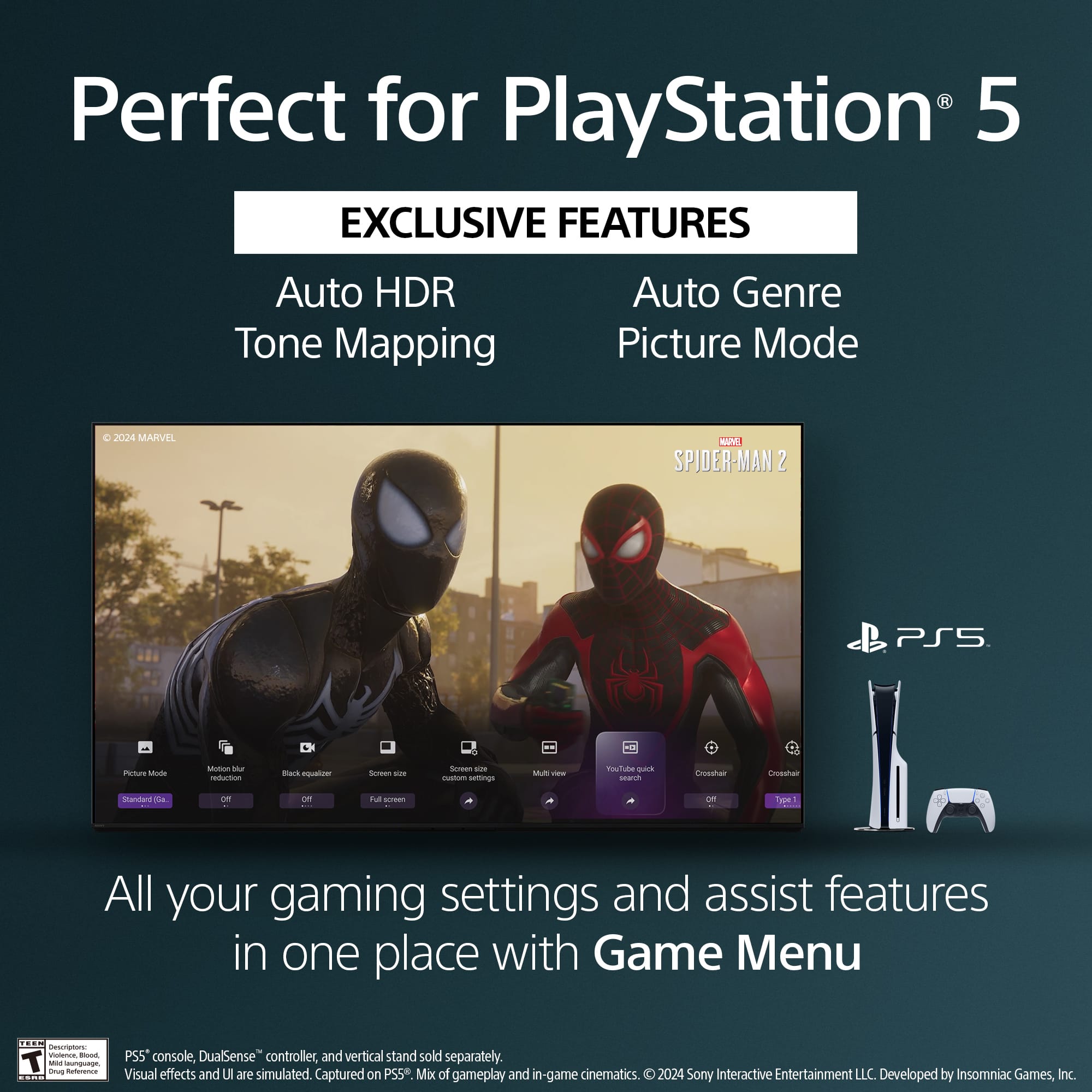
||Posted . Owned for 1 month when reviewed.This reviewer received promo considerations or sweepstakes entry for writing a review.When we purchased this TV, I was looking at other, equally impressive televisions. But the salesman mentioned that the Bravia 8 I was looking at was made to be paired with the PS5 gaming system. There are a couple of extra functions that are available when the 2 units are paired together. The only issue I had with the TV so far, the PS5 and TV did not sync seamlessly. I had to google my issues to learn what settings to change to get my game system to work with the Bravia. It's a beautiful picture.
I would recommend this to a friendBrand response from SonyListens
Posted .Hi BBfan,
That's great you're enjoying the beautiful picture of your BRAVIA 8 OLED TV! We're sorry you faced some initial syncing hurdles with your PS5. While our TVs are designed for optimized PS5 pairing with features like Auto HDR Tone Mapping, we understand you had to find settings. We aim for a smooth setup, and our support is always there if you need it.
Thanks for choosing Sony.
-Eliab
- Cons mentioned:Connectivity
Hard to Navigate
||Posted .This reviewer received promo considerations or sweepstakes entry for writing a review.The menu and settings is extremely difficult to navigate. There are times where the TV, out of nowhere, while watching a program, will stop and search items are displayed on the screen, then 30 seconds later, everything is back to normal.
I would recommend this to a friendBrand response from SonyListens
Posted .Thank you for sharing your feedback, Dad4two.
We are truly sorry to hear about the two frustrating issues you are experiencing with your K-77XR80 television: difficulty navigating the menus and the unexpected interruptions where search items appear while watching a program. We apologize that this is impacting your viewing experience.
We understand your frustration with the TV's menu navigation and regret that the interface is not easier to use.
Regarding the unexpected searching, this is usually caused by the Voice Search/Microphone button on the remote control being accidentally pressed or stuck. To resolve this, please try the following steps immediately:
Check the Remote: Inspect the remote to ensure the Microphone button is not stuck. Try removing and reinserting the batteries after a few minutes.
Software Update: Ensure your TV has the latest firmware for stability improvements. (Go to Settings > System > About > System software update).
If the search issue persists after these steps, please contact our support team directly at https://us.esupport.sony.com/support/s/support-contact?language=en_US&category=tv for personalized troubleshooting.
Thank you for bringing this to our attention.
Best regards, Gus, Sony Social Media Team
- Pros mentioned:Picture quality
Sony TV
||Posted . Owned for 2 weeks when reviewed.This reviewer received promo considerations or sweepstakes entry for writing a review.I could not make my mind up on which TV I would purchase .but the Sony won me over
I would recommend this to a friendBrand response from SonyListens
Posted .Thank you for the fantastic review, DerrickS!
We are so glad the Bravia 8 won you over! With its pure black OLED panel and the intelligence of our XR Processor, you've chosen a TV that offers incredible depth and realism. That 77-inch screen combined with Acoustic Surface Audio+ means you aren't just watching a movie—you’re right in the middle of it.
Thank you for joining the Sony family!
Best regards,
Gus,
Sony Social Media Team
- Pros mentioned:Picture quality
Great
||Posted . Owned for 1 month when reviewed.This reviewer received promo considerations or sweepstakes entry for writing a review.The tv work well and ilwas worth the money I would tell other to look in to it
I would recommend this to a friendBrand response from SonyListens
Posted .Thank you for the fantastic review, JenniferK!
We are so glad to hear that your Bravia 8 is working well and that you feel it was a great investment! It is wonderful to know you’d recommend it to others. With that massive 77-inch OLED screen and our XR Processor, you're getting those perfect blacks and vibrant colors that truly make a cinematic difference at home.
Thank you for choosing Sony!
Best regards,
Gus,
Sony Social Media Team
- Pros mentioned:Picture quality
Pricey But Reliable
||Posted . Owned for 8 months when reviewed.This reviewer received promo considerations or sweepstakes entry for writing a review.The TV is as expected. The image looks great the issues are just that there is some artifacting issues that happen in certain movies at 4k. Make sure that you bring a vehicle large enough for this TV to fit vertically. Great TV, it isn't the best value though.
I would recommend this to a friendBrand response from SonyListens
Posted .Hi RCSUTTON,
Thank you for sharing your feedback and for choosing the Sony - BRAVIA 8. We truly appreciate your 4-star review and are glad to hear you're enjoying the picture quality and reliability of your TV.
Regarding the artifacting issues you mentioned when watching certain 4K movies, we recommend performing a quick restart by holding down the Power button on your Sony remote for about 10 seconds. Also, please ensure your TV's software is up to date by going to Settings > System > About > System Software Update.
If you're streaming content through an external device, we also suggest using a premium high-speed HDMI cable to ensure optimal 4K performance and minimize any signal-related artifacts.
We appreciate your feedback and hope this tips help you enjoy an even better viewing experience.
Thanks for being part of the Sony family!
Regards,
Dominick
- Pros mentioned:Picture quality
Love the 77 inch
||Posted . Owned for 2 weeks when reviewed.This reviewer received promo considerations or sweepstakes entry for writing a review.I love the TV. I love the quality of picture. Super happy with the purchase of this TV so far a little glare, but it’s OK.
I would recommend this to a friendBrand response from SonyListens
Posted .Hi MercedesC,
We are so pleased to hear that you love the picture quality of your 77" BRAVIA 8 OLED TV and are super happy with your purchase! We understand the slight glare can be challenging, but we're glad it hasn't significantly impacted your viewing enjoyment.
Thanks for choosing Sony.
Best regards, Eliab
- Pros mentioned:Picture quality
Sony
||Posted . Owned for 3 weeks when reviewed.This reviewer received promo considerations or sweepstakes entry for writing a review.So far, it has been a good viewing experience. It doesn’t seem as clear as it was in the store but still clearer than LCD. The remote control buttons are a little small for someone with disabilities. The stand seems pretty sturdy as we chose not to wall mount it until we decide for sure where to put it. Overall it’s a nice tv.
I would recommend this to a friendBrand response from SonyListens
Posted .Hi AmyW! Thank for your sharing your experience with the BRAVIA 8 OLED TV. If the picture quality is not as clear as you saw it at the store, you may try to change some picture settings on the TV like: Brightness, color and picture mode. Here you have a link on how to adjust the picture settings: https://www.sony.com/electronics/support/articles/00190409?utm_source=glean. Regarding the buttons on the remote control, we appreciate the feedback, and we will take that into consideration for future improvements. Thank you for choosing Sony! Best regards. -Ismael
- Pros mentioned:Picture quality
New TV
||Posted . Owned for 1 month when reviewed.This reviewer received promo considerations or sweepstakes entry for writing a review.Excellent picture, play back is super clear but a pain to set up with google. Couple of installations got in a loop which was a pain and strangely a few apps says I’m in another region other than NAM.
I would recommend this to a friendBrand response from SonyListens
Posted .Hello MATTHEWC,
Thank you for choosing Sony!
We're really happy to hear that you're enjoying the excellent picture and super clear playback on your K77XR80 TV.
We're sorry to hear about the issues you encountered during the setup process with Google and the problems with some apps displaying the incorrect region. To assist us in gathering more information regarding this matter and to work together towards a solution, please reach out to us via email at socialsupport@am.sony.com. We kindly ask that you include the following details in your message:
- Name:
- BestBuy Username:
- Model Number:
- Description of the Issue:
- Telephone Number:
Thank you for your patience, and we look forward to assisting you further.
Best regards,
-Fred
- Pros mentioned:Picture quality
Picture Quality and Sound Syncing
||Posted . Owned for 1 week when reviewed.This reviewer received promo considerations or sweepstakes entry for writing a review.Picture quality is impressive and minimal changes needed right out of the box. User interface is easy to navigate as well. Issues with syncing audio through my Denon receiver but was able to resolve it after some trial and error.
I would recommend this to a friendBrand response from SonyListens
Posted .Hi Metsfan8174,
Thanks for sharing your review and experience with the Sony BRAVIA 8. We're glad that you like the picture quality and user-interface of the TV. It's unfortunate that you experienced an audio syncing issue with the TV. We're glad that you were able to resolve the issue. Help guides and manuals are available on our support website if ever you need assistance with the TV. Please refer to this link:
https://www.sony.com/electronics/support/televisions-projectors-oled-tvs-android-/k-77xr80
Thank you for choosing Sony!
-Ralph
- Pros mentioned:Picture quality
Picture is great
||Posted . Owned for 3 weeks when reviewed.This reviewer received promo considerations or sweepstakes entry for writing a review.Picture is great. Sound is bad, you will need a sound bar.
I would recommend this to a friendBrand response from SonyListens
Posted .Hi HS18,
We appreciate your feedback regarding the 77" BRAVIA 8 OLED TV. While we are glad you are enjoying the great picture quality, we understand your disappointment with the internal sound performance and the necessity of adding a soundbar. We continually strive to optimize audio performance, but for those seeking truly cinematic sound, we do recommend pairing the TV with one of our high-quality soundbars or home audio systems for the best possible experience.
Thanks for choosing Sony.
Best regards, Eliab