Case Speakers
-
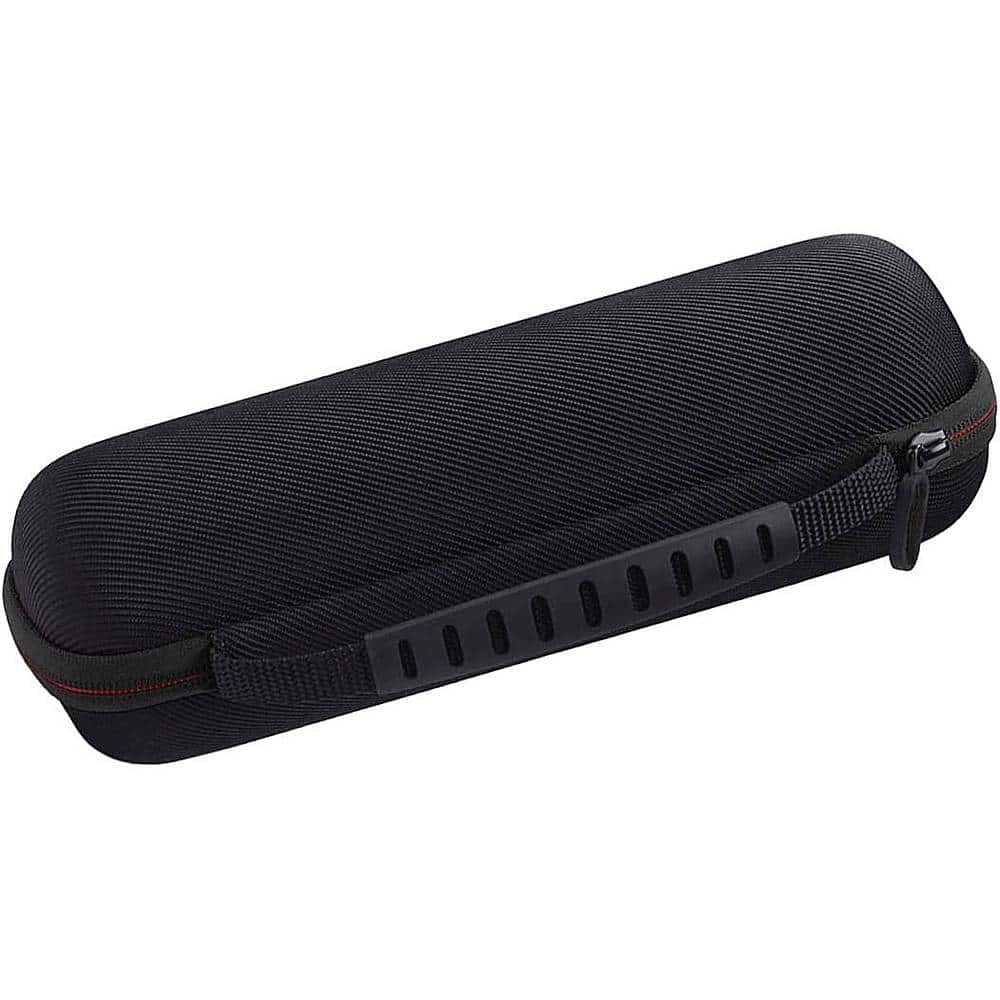
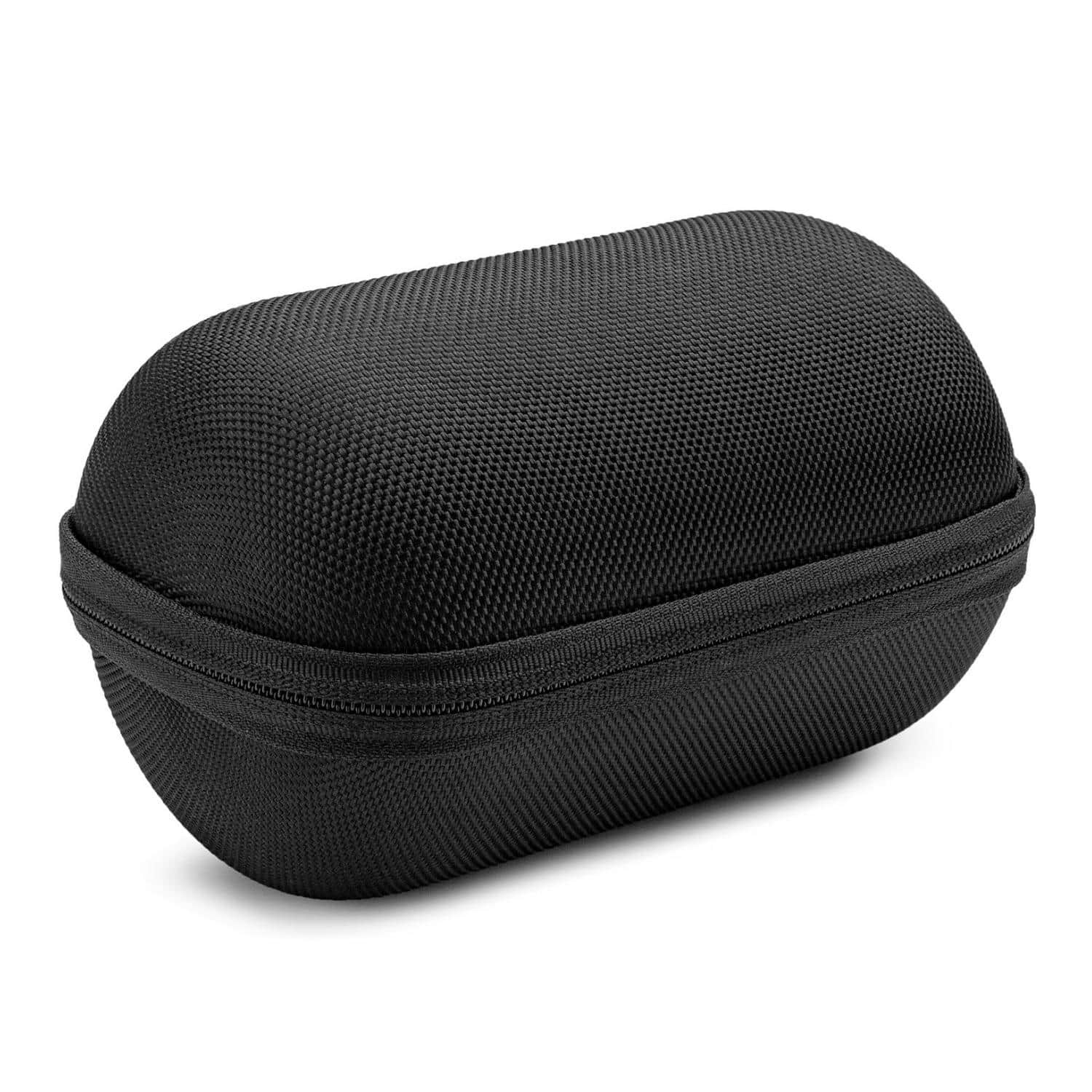
SaharaCase - Carrying Case for JBL Flip 6, Ultimate Ears BOOM 4, and Sonos Roam 2 Portable Speaker - Black
SKU: J3GTVXV245See all Bluetooth & Wireless Speaker AccessoriesProduct Description
A black, water-resistant hard case made of durable nylon and EVA to protect your portable Bluetooth speaker.Your price for this item is $39.19Save $0The previous price was $39.99 -
Sony - SRS-XE300 X-Series Wireless Portable Bluetooth Speaker (Gray) with Case - White
SKU: JJG2F3RLTWSee all Bluetooth & Wireless SpeakersProduct Description
A wireless portable Bluetooth speaker in light gray with water, dust, and shock resistance plus a protective case.Your price for this item is $109.99 -
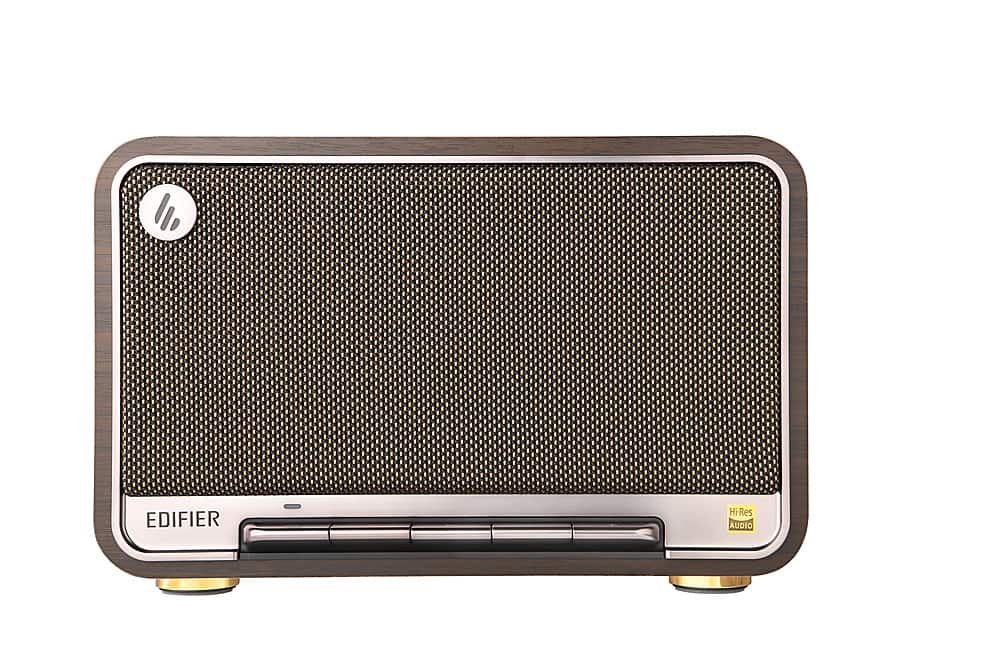
Edifier - D32 Portable Bluetooth 5.3 Wireless Speaker with Apple AirPlay High Resolution Audio and 11 Hour Battery Life - Black Walnut
SKU: J3WSK7S9PTBeautiful Speaker and great sound...Awesome speakers and great sound! I love the quality and its portable as well.
See all Bluetooth & Wireless SpeakersProduct Description
A retro-style portable wireless speaker in black walnut with Bluetooth 5.3, AirPlay, and 11-hour battery life.Your price for this item is $229.99 -
CASEMATIX - Travel Case Fits JBL Flip 7 Portable Bluetooth Speaker, EVA Hard Shell Protection, Carry Handle, Case Only - Turquoise
SKU: J3GTK7XCW3I love the box for my speaker. It's the best thing I could had ordered.
See all Bluetooth & Wireless Speaker AccessoriesProduct Description
A turquoise EVA hard shell case with padded interior and carry handle for protecting your portable Bluetooth speaker.Your price for this item is $24.99 -
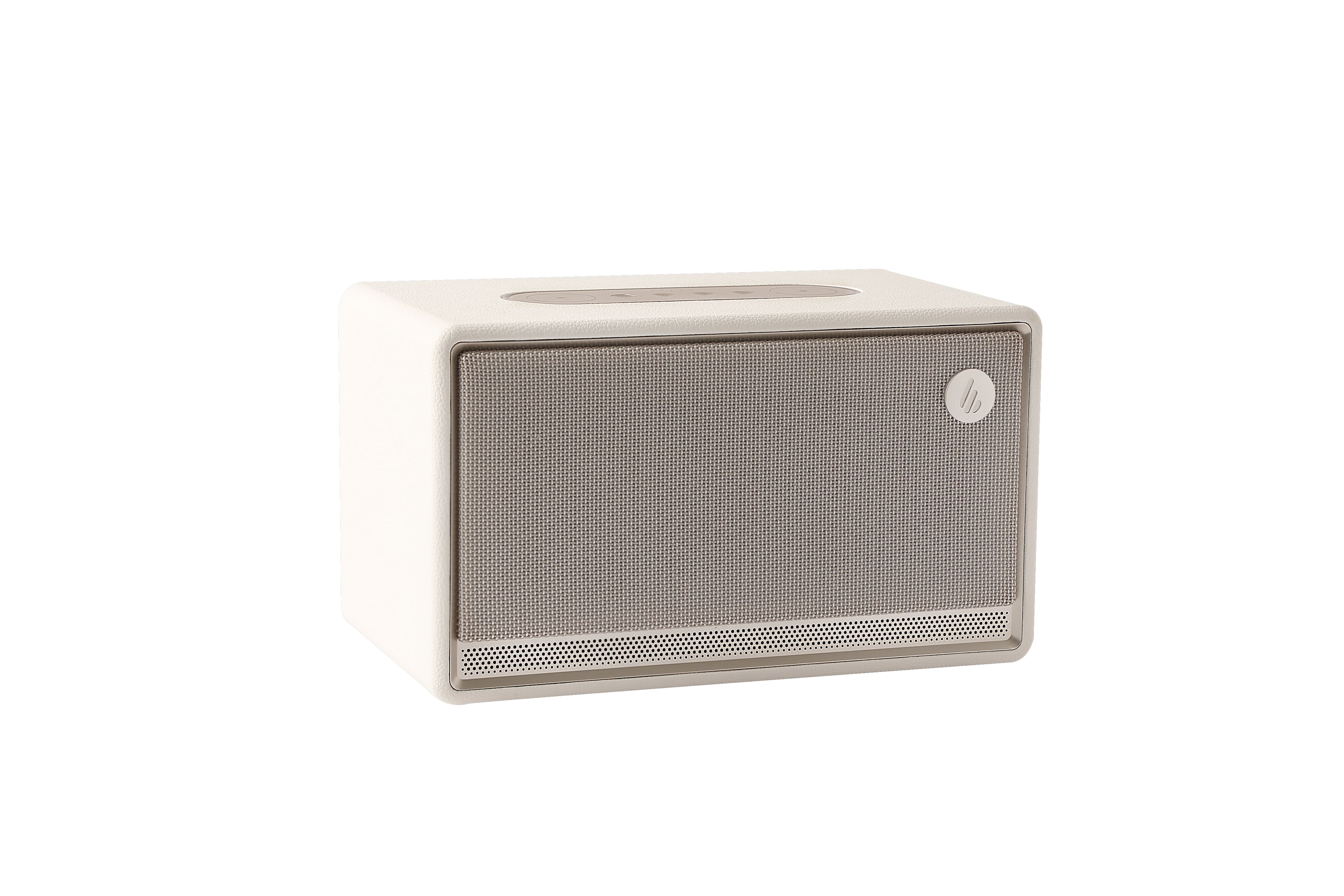
Edifier - ES300 Wireless Speaker - Ivory
SKU: J3WSK7S9V5See all Bluetooth & Wireless SpeakersProduct Description
An elegant ivory wireless speaker featuring a handcrafted wooden case, leather-like finish, and Bluetooth connectivity.Your price for this item is $299.99 -
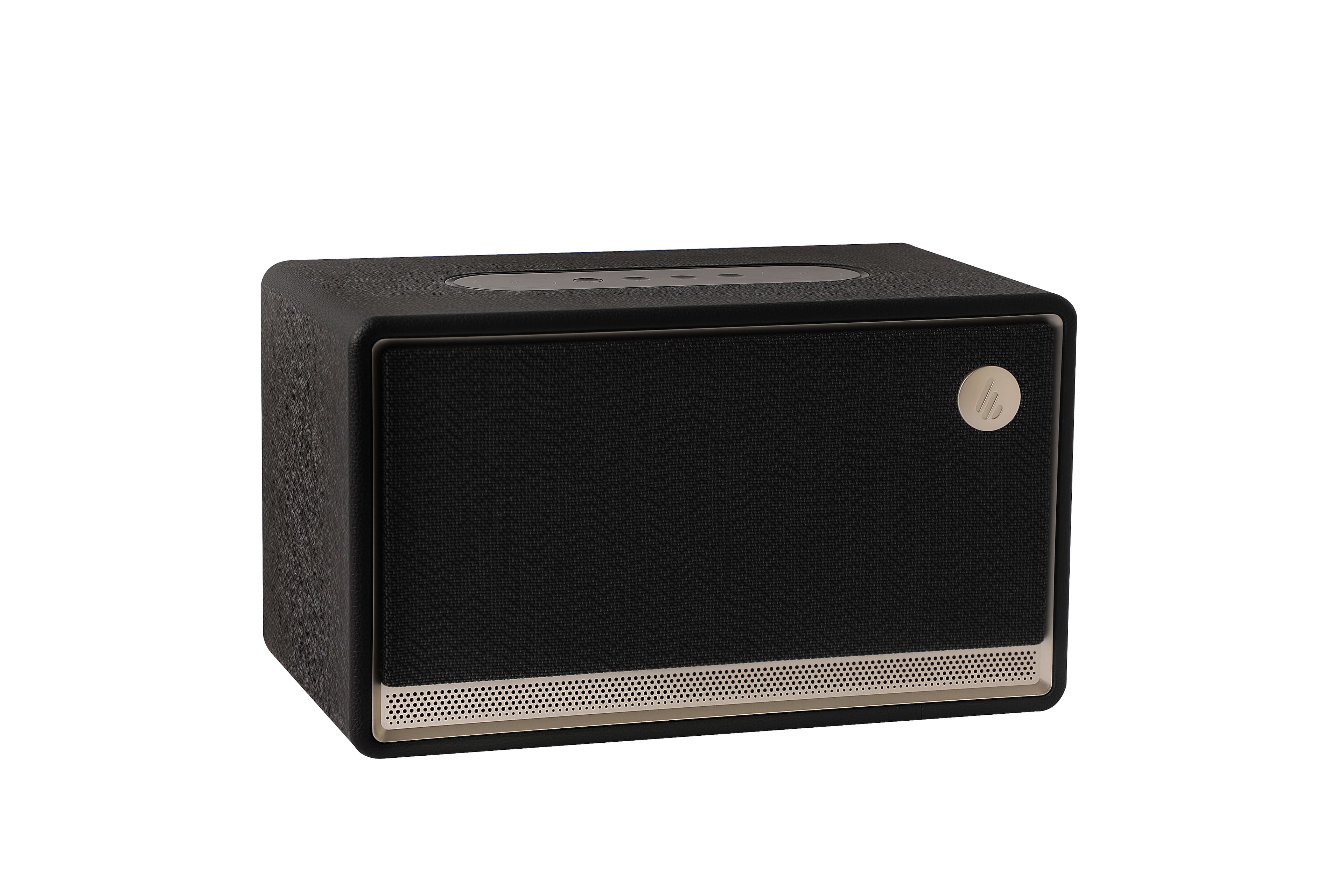
Edifier - ES300 Wireless Speaker - Black
SKU: J3WSK7S67RSee all Bluetooth & Wireless SpeakersProduct Description
A stylish black wireless speaker featuring a handcrafted wooden case, leather-like finish, and Bluetooth connectivity.Your price for this item is $299.99 -
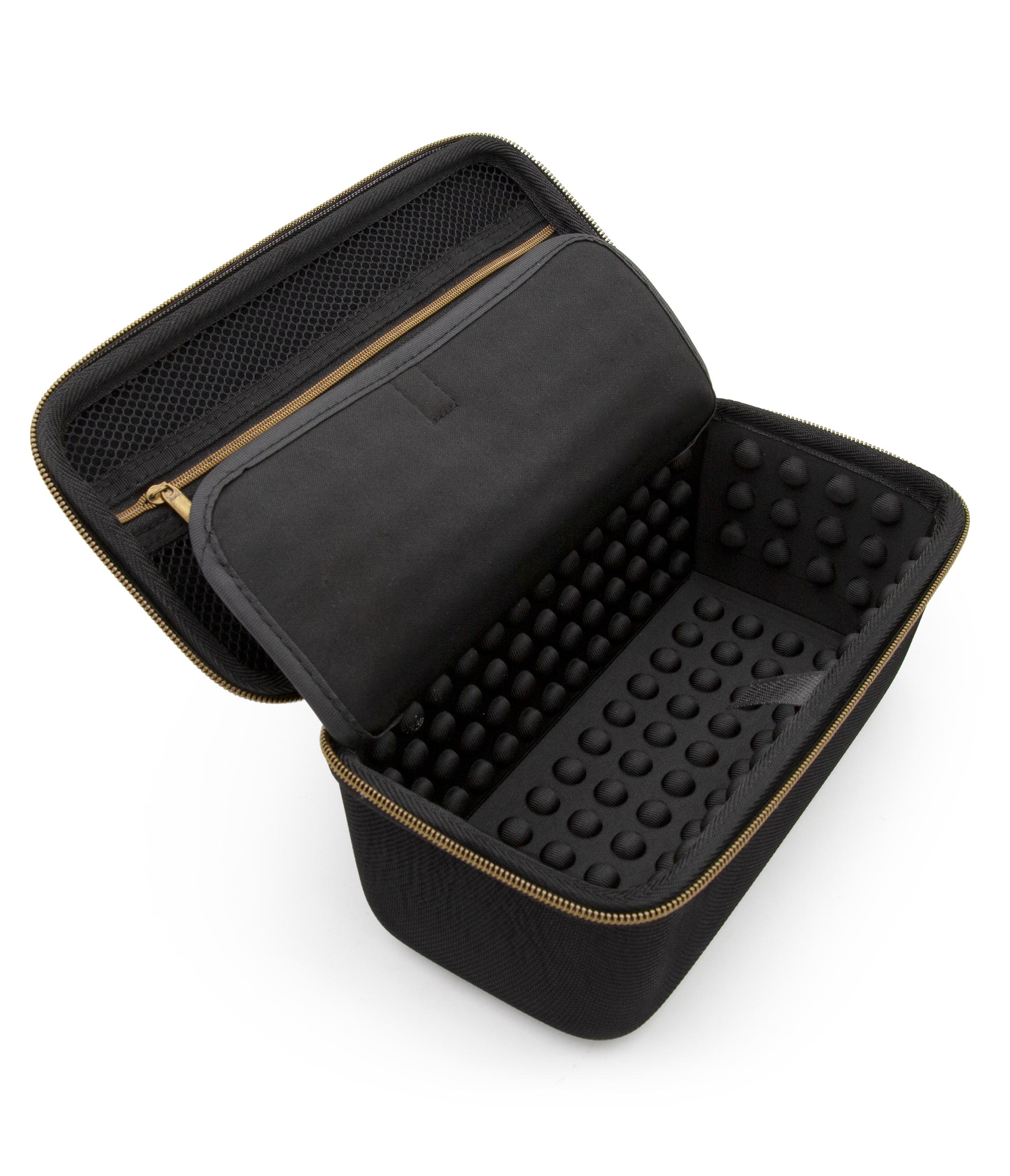
CASEMATIX - Travel Case Fits Ultimate Ears BOOM 4 Bluetooth Speaker, Hard Shell Portable Speaker Protection, Case Only - Black
SKU: J3GTK7XCW9See all Bluetooth & Wireless Speaker AccessoriesProduct Description
A rugged black EVA hard shell case offering secure, padded protection for your portable Bluetooth speaker.Your price for this item is $28.99 -
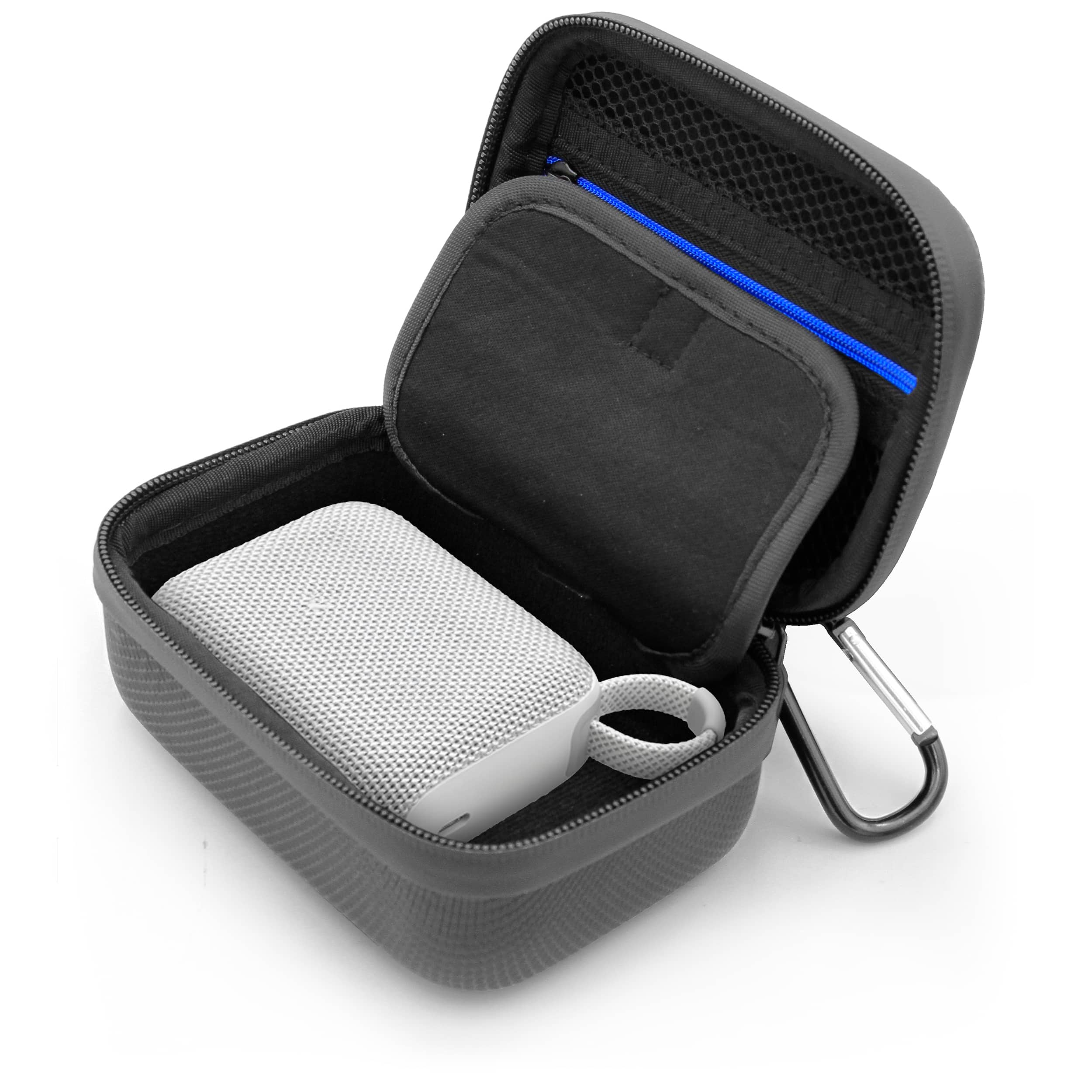
CASEMATIX - Travel Case Fits JBL Go 4 Portable Bluetooth Speaker – Compact EVA Protective Carry Case w/ Zippered Pocket & Strap
SKU: J3GTK7XCR8See all Bluetooth & Wireless Speaker AccessoriesProduct Description
A rugged black EVA travel case with water-resistant shell, dust-resistant zipper, and accessory pocket for protection.Your price for this item is $14.99 -
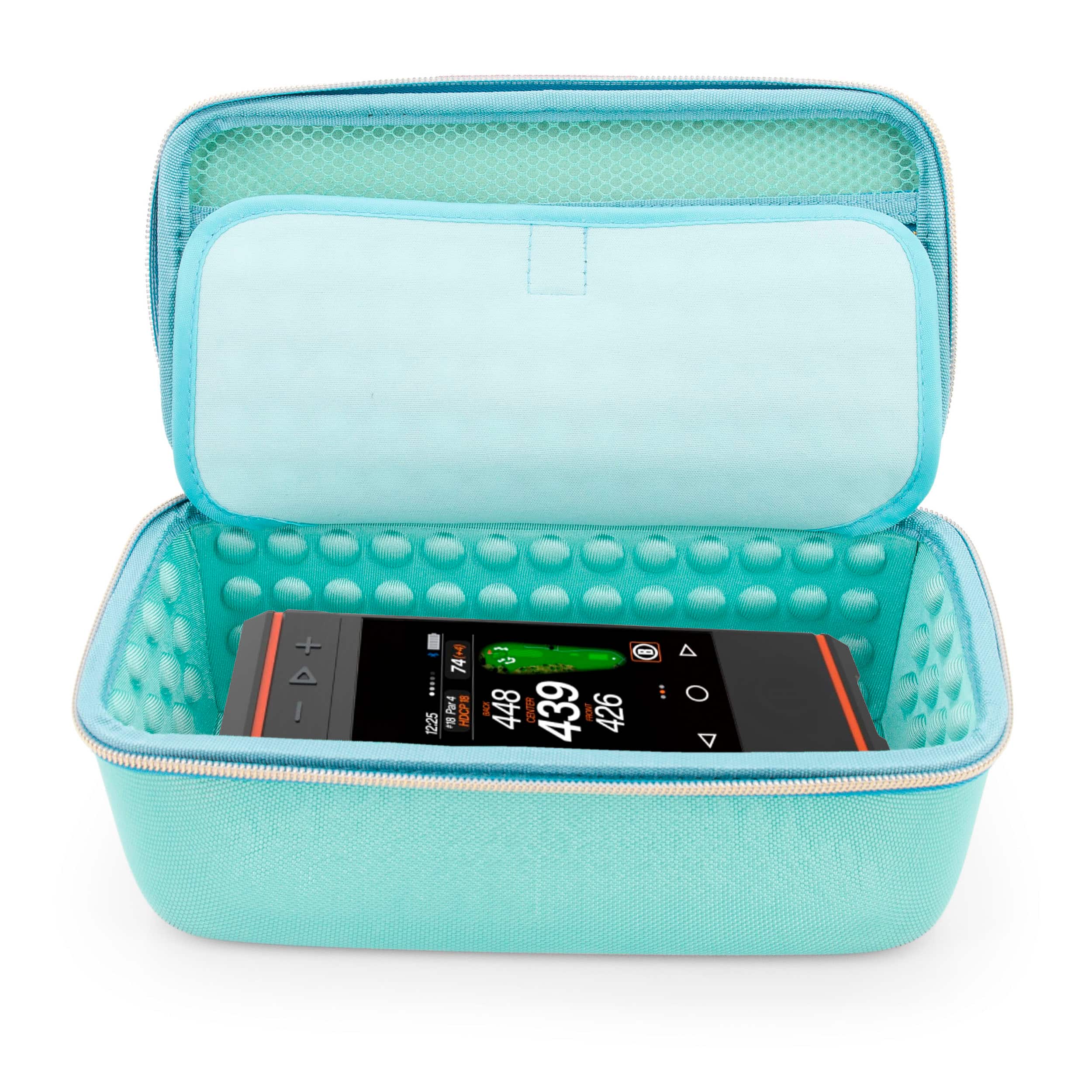
CASEMATIX - Hard Travel Case for Bushnell Wingman HD GPS Speaker and GPS Golf Speaker Accessories - Bluetooth Golf Speaker Case
SKU: J3GTK7XX3HSee all Bluetooth & Wireless Speaker AccessoriesProduct Description
A rugged turquoise EVA hard shell case offering shock-absorbing protection and organized storage for golf speakers.Your price for this item is $24.99 -
Knox - Gear Protective Case for Ultimate Ears WONDERBOOM/WONDERBOOM 2 Speaker - Black
SKU: J78TKRF54ZSee all Bluetooth & Wireless SpeakersProduct Description
A durable black case that protects your Ultimate Ears WONDERBOOM or WONDERBOOM 2 speaker during travel.Your price for this item is $29.95


Best Sellers
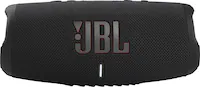
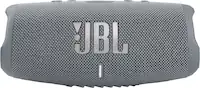

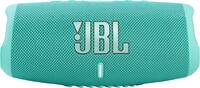



Related Pages




FAQ
Case speakers are small audio devices installed inside a computer case, primarily used to emit system beeps and diagnostic codes during boot-up or troubleshooting. They help users identify hardware issues through audible signals.
Most modern motherboards feature a dedicated header for case speakers, making them widely compatible. However, it's important to check your motherboard's manual to ensure it has the necessary pins for connecting a case speaker.
No, case speakers are not designed for full audio playback. They are intended for basic system notifications and error codes. For music, movies, or gaming audio, dedicated external speakers or headphones are recommended.
To install a case speaker, locate the speaker header on your motherboard, usually labeled 'SPEAKER' or similar. Plug the case speaker connector into this header, ensuring correct alignment as indicated in your motherboard's manual.
Yes, case speakers are helpful diagnostic tools. When your PC encounters hardware issues during startup, the motherboard may emit specific beep codes through the case speaker, which can be referenced in your motherboard manual to identify the problem.