Google Classroom Laptop
-
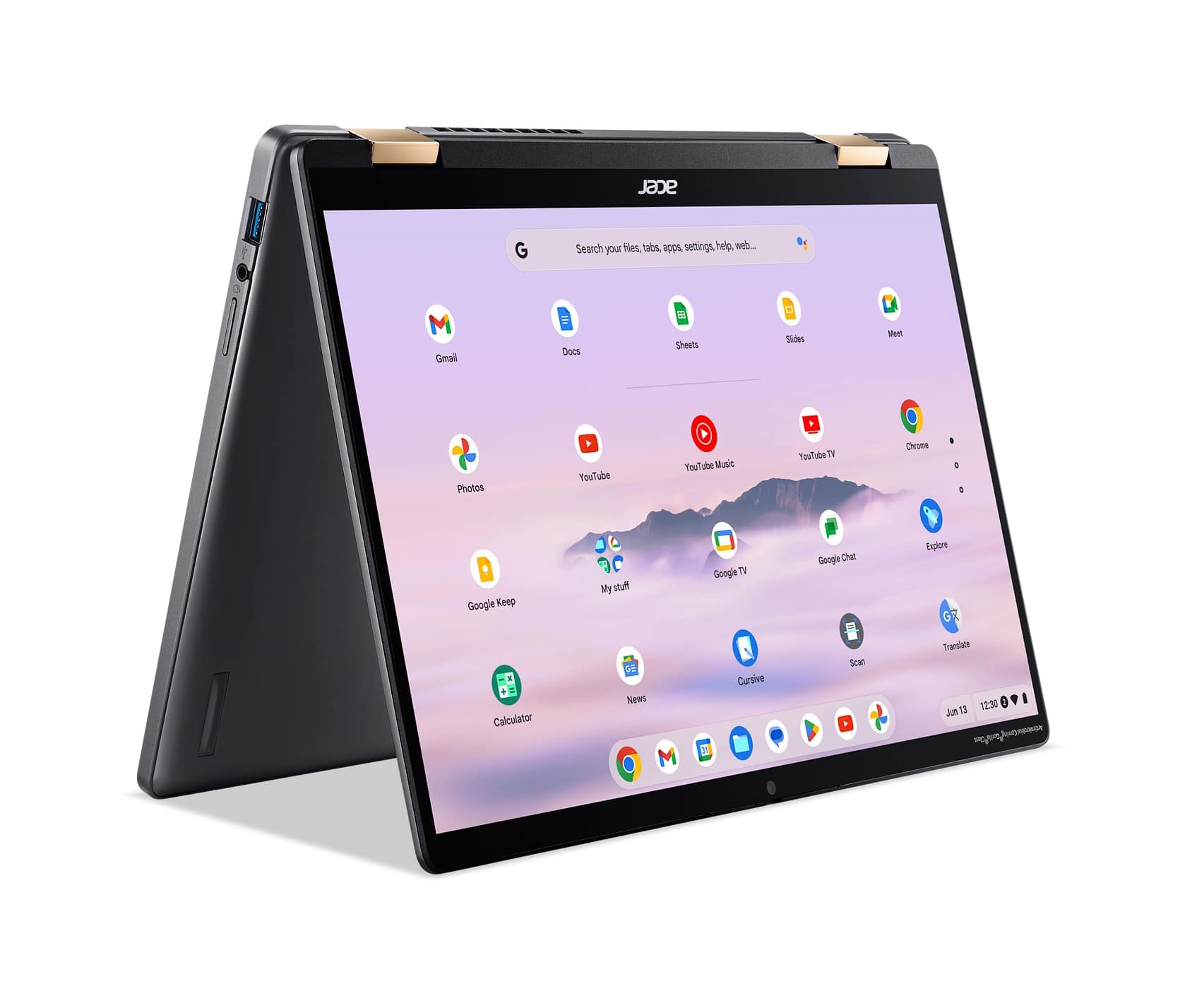
Acer - Chromebook Plus Spin 714 Laptop with Google AI – 14" WUXGA Touch - Intel Core Ultra 5 115U – 8GB LPDDR5 – 256GB SSD - Steel Gray
SKU: JJ8V8HCQ4VSee all Touchscreen ChromebooksProduct Description
A versatile steel gray 2-in-1 Chromebook featuring Intel Core Ultra 5, 8GB RAM, and a WUXGA touchscreen.Your price for this item is $669.00Save $130The previous price was $799.00 -
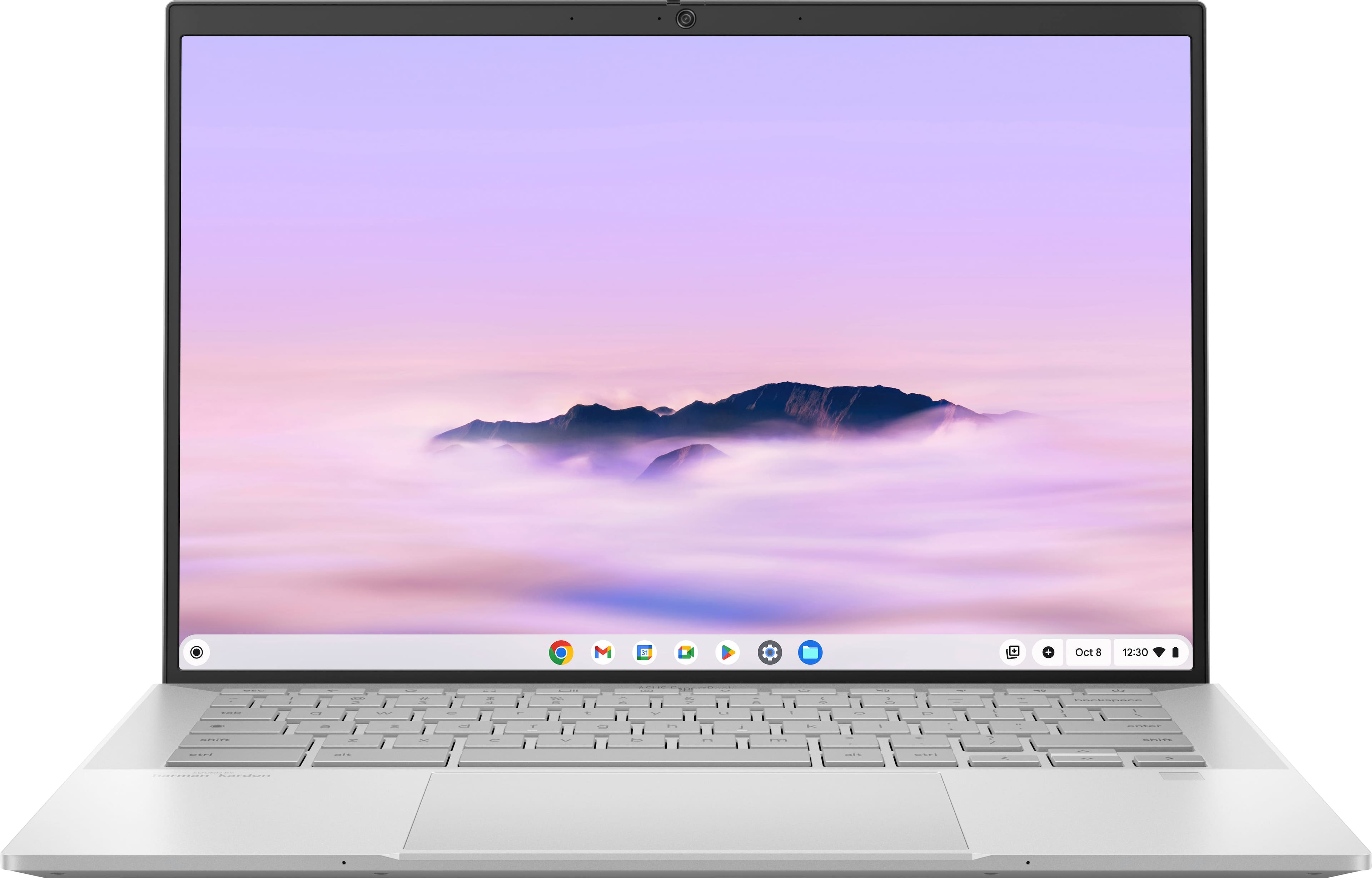
ASUS - ExpertBook CX54 14" 2K Chromebook Plus Touch Screen Laptop with Google AI - Intel Core Ultra 5 - 16GB Memory - 256GB SSD - Fog Silver
SKU: JJGGLQVRGXI love this Chromebook, it has everything you could ask for. The Best part is the screen....Easy to use I love it...Great quality perfect size to transport Don't know what else to say I love it
See all Touchscreen ChromebooksProduct Description
A sleek fog silver Chromebook with Intel Core Ultra 5, 16GB RAM, 256GB SSD, and touchscreen display.Your price for this item is $799.99 -
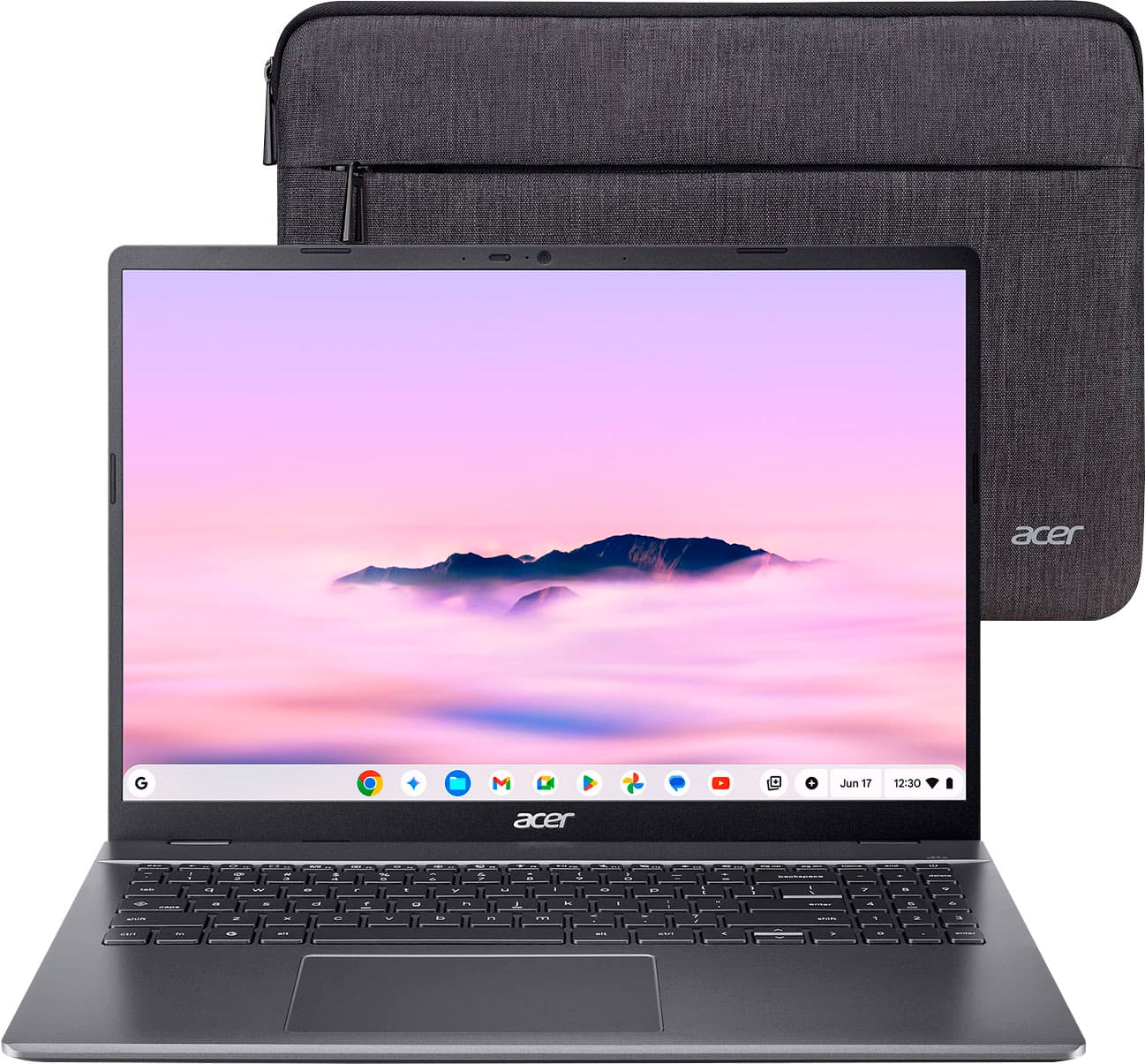
Acer - Chromebook Plus 516 Laptop – 16" WUXGA Display - Intel i3-1315U – 8GB Memory - 128GB Storage - Wi-Fi 6E - Google AI - Steel Gray
SKU: JJ8V8H3CK9The Best!...I love this for my two home businesses. Chromebooks are the best! Dont shy away from them!...My Chromebook from Best Buy...easy to use...love the size... keyboard large enough to read...
See all ChromebooksProduct Description
A steel gray laptop featuring a 16" WUXGA display, Intel i3 processor, 8GB RAM, and Google AI.Your price for this item is $649.00 -
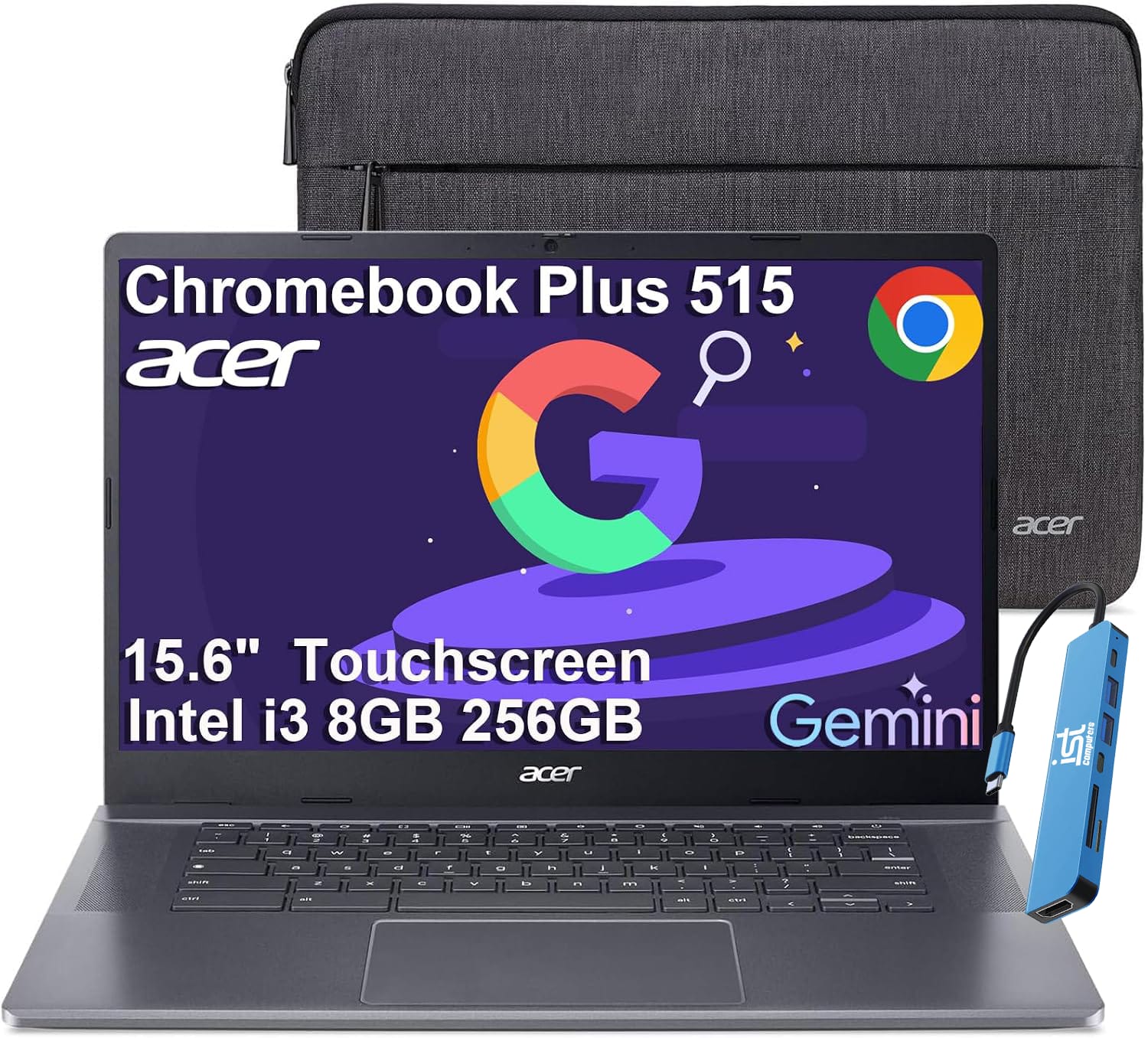
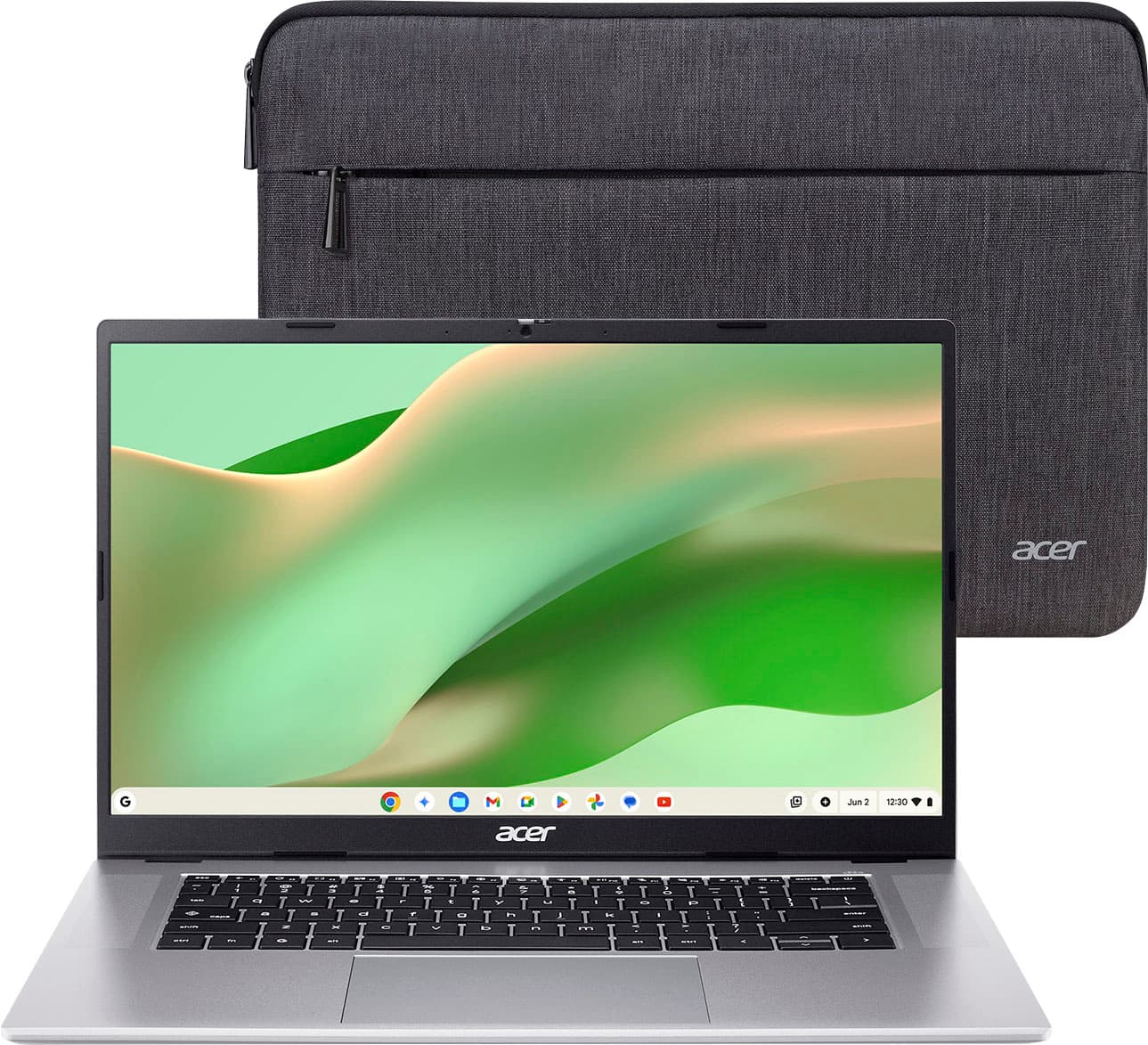
Acer - Chromebook Plus 515 15.6" FHD Touchscreen Laptop with Google AI - Intel Core i3-1305U - 8GB RAM - 256GB SSD - Chrome OS - Steel Gray
SKU: J3GWT6Q693See all Touchscreen ChromebooksProduct Description
A gray touchscreen laptop with Intel Core i3, 8GB RAM, 256GB SSD, and built-in Google AI tools.Your price for this item is $599.99 -
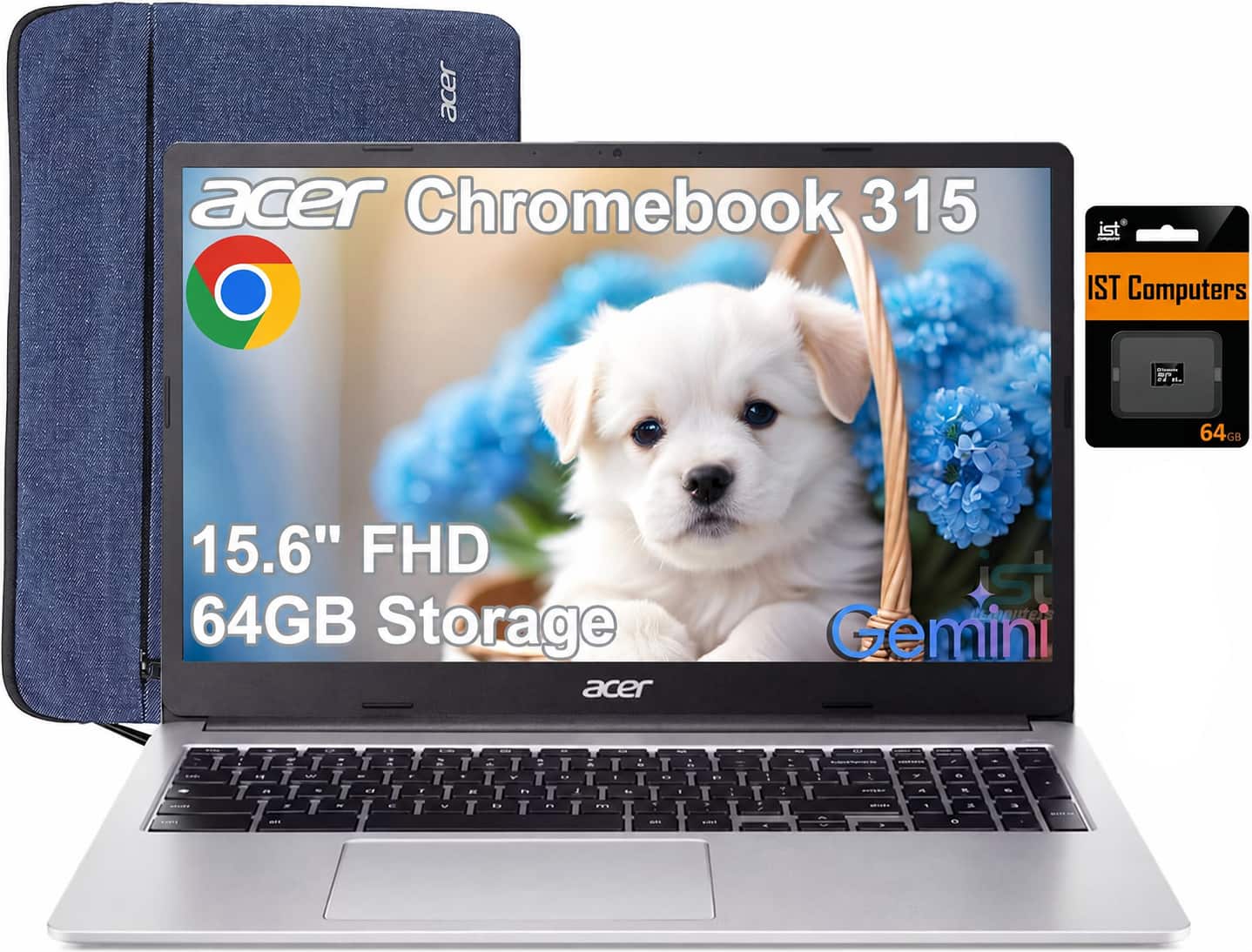
Acer - Chromebook 315 – 15.6" FHD Laptop with Google AI - Intel Celeron N4500 - 4GB LPDDR4X - 64GB eMMC+64GB SD Card - Silver
SKU: J3GWQRFR7RSee all ChromebooksProduct Description
A silver laptop with a 15.6" Full HD display, Intel Celeron processor, and 128GB storage.Your price for this item is $249.99Save $150The previous price was $399.99 -
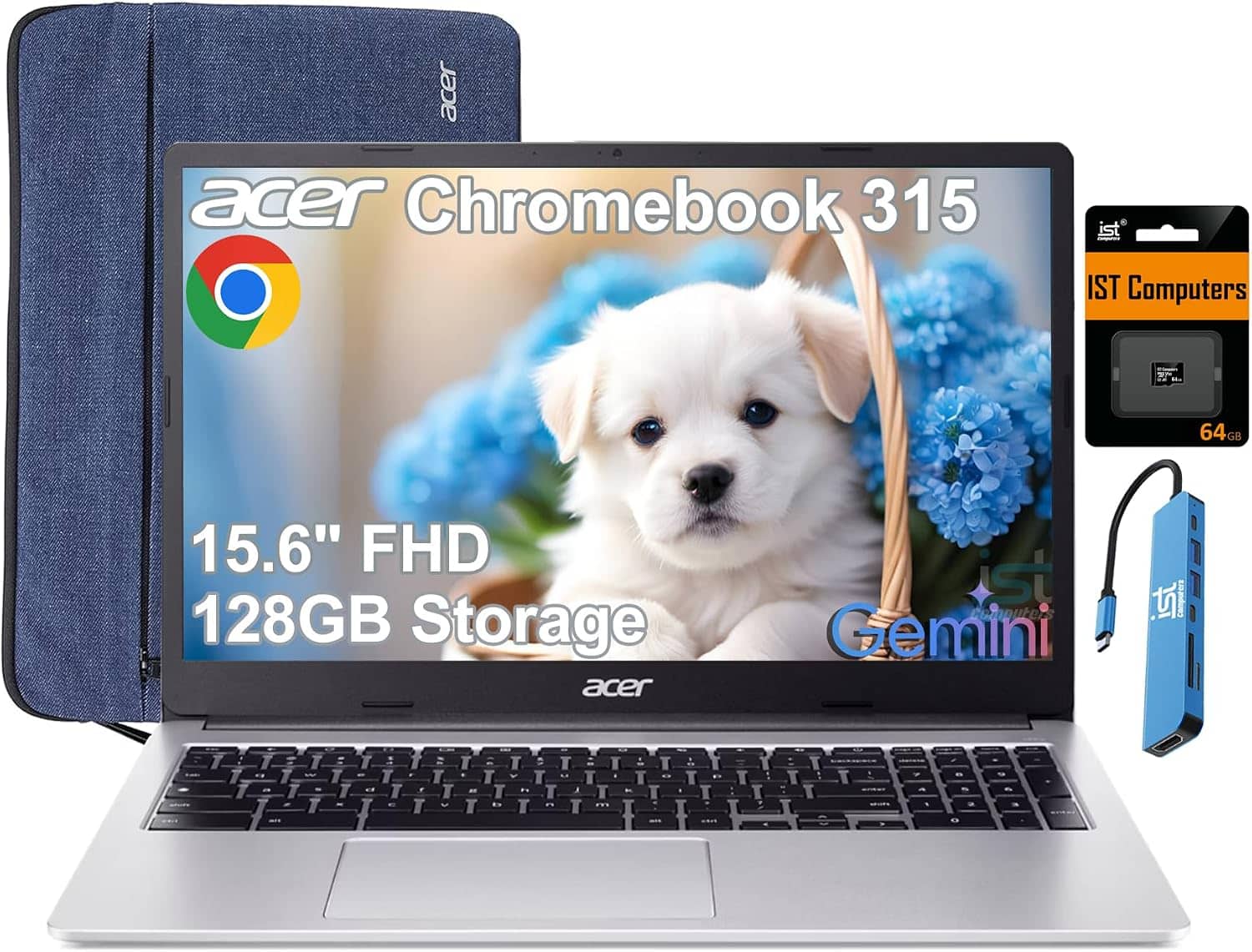
Acer - Chromebook 315 – 15.6" FHD Laptop with Google AI - MediaTek Kompanio 540 – 4GB Memory – 128GB Storage – Wi-Fi 6E - Silver
SKU: JJ8V8HG45XBest Chromebook...It's super bright and not as clear as the last Chromebook I purchased from Best Buy.
See all ChromebooksProduct Description
A silver laptop with a 15.6" FHD display, MediaTek processor, 4GB RAM, and Wi-Fi 6E connectivity.Your price for this item is $269.00Save $110The previous price was $379.00 -
Acer - Chromebook 315 – 15.6" FHD Laptop with Google AI - Intel Celeron N4500 – 4GB Memory – 64GB eMMC+64GB SD Card - Silver
SKU: J3GWT6QH45See all ChromebooksProduct Description
A silver Chromebook with Intel Celeron processing, 4GB memory, 64GB eMMC storage, FHD display, and ChromeOS.Your price for this item is $279.99Save $90The previous price was $369.99 -
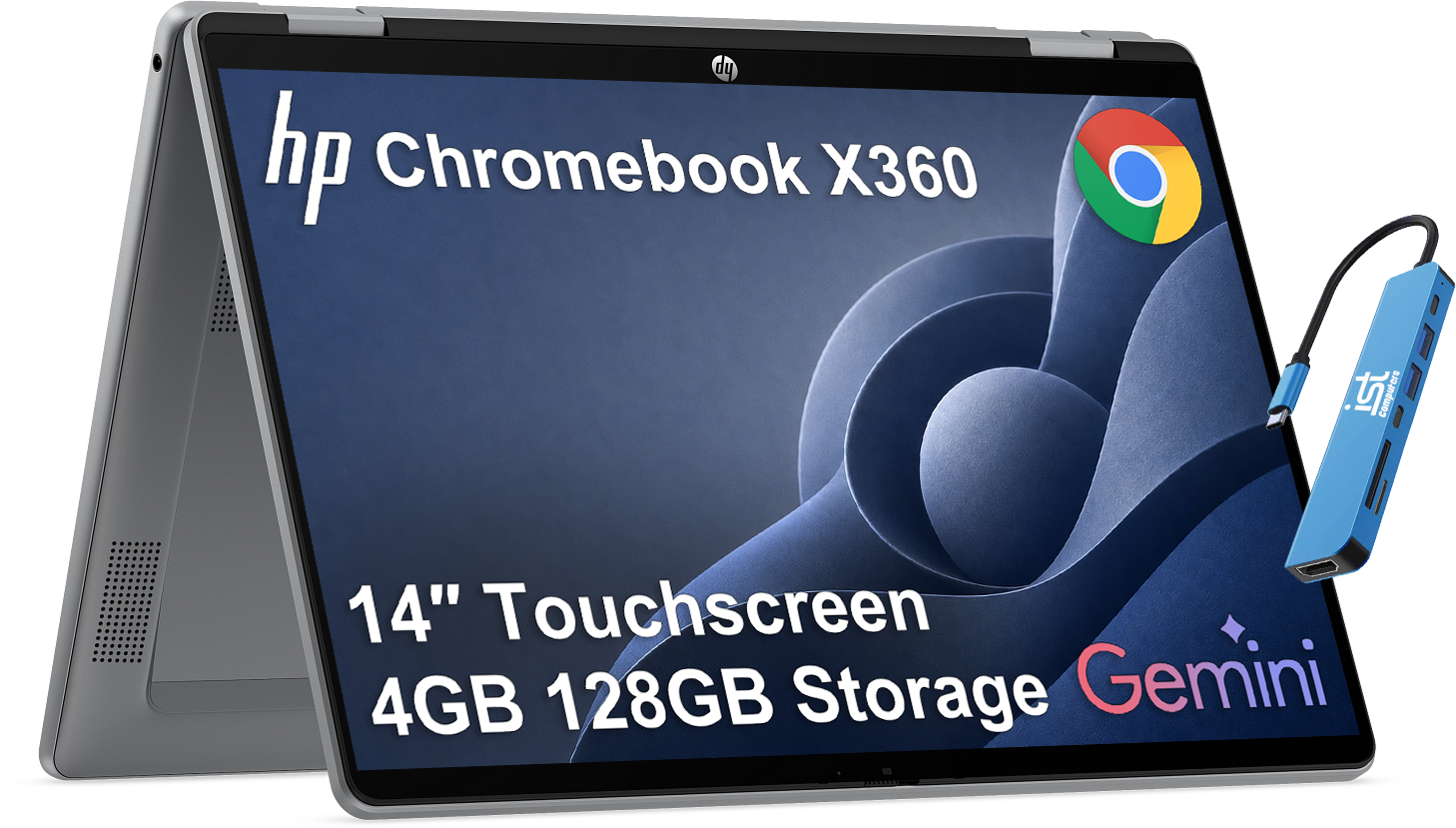
HP - Chromebook x360 14'' FHD+ 2-in-1 Touchscreen Laptop - Intel N150 2025 - 4GB RAM - Google AI - Meteor silver
SKU: J3GWT6QRTTSee all Touchscreen ChromebooksProduct Description
A versatile silver 2-in-1 Chromebook with a 14" FHD+ touchscreen, Intel N150, and Google AI integration.Your price for this item is $369.99Save $30The previous price was $399.99 -
Acer - Chromebook 315 – 15.6" FHD Laptop with Google AI - MediaTek Kompanio 540 – 4GB Memory – 64GB Storage – Wi-Fi 6E - Silver
SKU: JJ8V8HLKPTGreat price. Great laptop. I love the battery life and the perfomance. Fast speeds and reliability....This is a great Chromebook. The speed is fast, the screen is sharp and the keyboard responsive....A...
See all ChromebooksProduct Description
A sleek silver laptop with a 15.6" FHD display, Wi-Fi 6E, 4GB RAM, and 64GB eMMC storage.Your price for this item is $229.00Save $120The previous price was $349.00 -
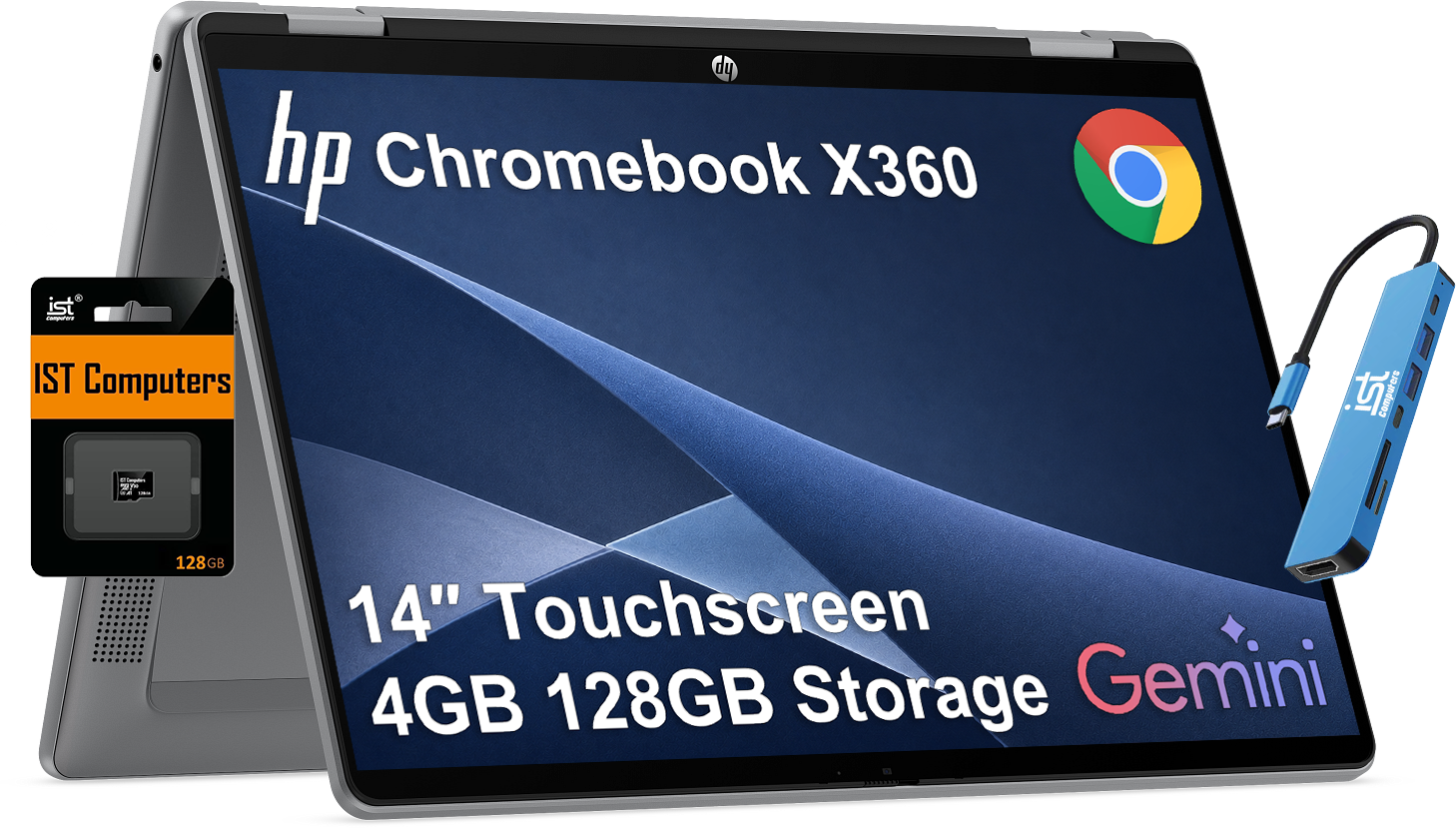
HP - Chromebook x360 14'' FHD+ 2-in-1 Touchscreen Laptop - Intel N150 2025 - 4GB RAM - 128GB SD Card - Google AI - 128GB SD Card - Meteor silver
SKU: J3GWT6QQ4HSee all Touchscreen ChromebooksProduct Description
A versatile silver 2-in-1 Chromebook with a 14" FHD+ touchscreen, Intel N150, and 128GB storage.Your price for this item is $389.99Save $250The previous price was $639.99
Best Sellers





Related Pages





FAQ
When choosing a laptop for Google Classroom, look for features such as reliable Wi-Fi connectivity, a comfortable keyboard, long battery life, and compatibility with web browsers like Google Chrome. A device with at least 4GB of RAM and a recent processor will help ensure smooth multitasking and classroom performance.
Yes, Chromebooks are an excellent choice for Google Classroom because they are designed to work seamlessly with Google’s suite of education tools, including Google Docs, Drive, and Classroom itself. They boot up quickly, receive regular updates, and typically offer strong battery life.
Absolutely! Google Classroom is web-based and works well on Windows and Mac laptops using popular browsers like Chrome, Firefox, or Safari. Just ensure your device is updated and has a stable internet connection for the best experience.
No special software is required. Google Classroom runs in your web browser, so you only need to sign in with your Google account. However, installing the Google Chrome browser is recommended for optimal compatibility and access to extensions.
Accessories such as a wireless mouse, laptop sleeve, external webcam, or noise-canceling headphones can make using Google Classroom more comfortable and productive. Consider a USB hub or external storage for additional connectivity and file management.