Halloween Ghost Projections: Choose Hardware and Plan Your Setup
Bring a little haunting to your home with Halloween projection effects. Start with a portable projector, choose a surface that fits your scene, and test your ghost video before October 31. Shop hardware at Best Buy, then use the setup tips below to plan placement, playback, and a clear view of the scares. Halloween video content and specialty projection materials may require separate purchases.
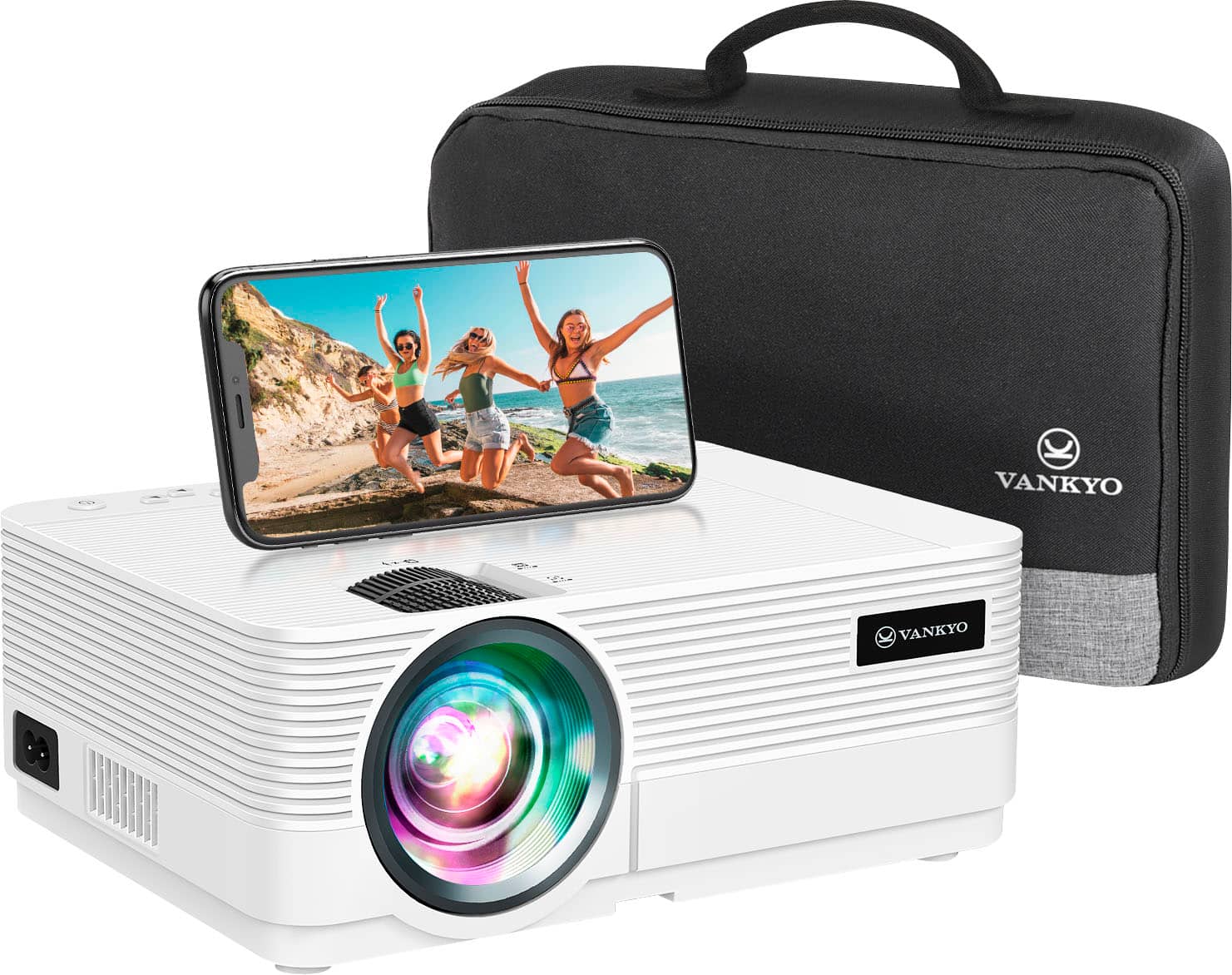
Portable Projectors for Your Ghost Display
Portable Screens for Rear Projection
Halloween Ghost Projections: Choose Hardware and Plan Your Setup
FAQs
You need a video projector, a suitable projection surface, ghost-effect video content, and a compatible way to play it. A laptop connected through HDMI can be a practical starting point. Add a stable table or compatible stand and access to power. Standard video projectors do not necessarily include Halloween effects, so check package contents and the video provider’s playback requirements before buying.
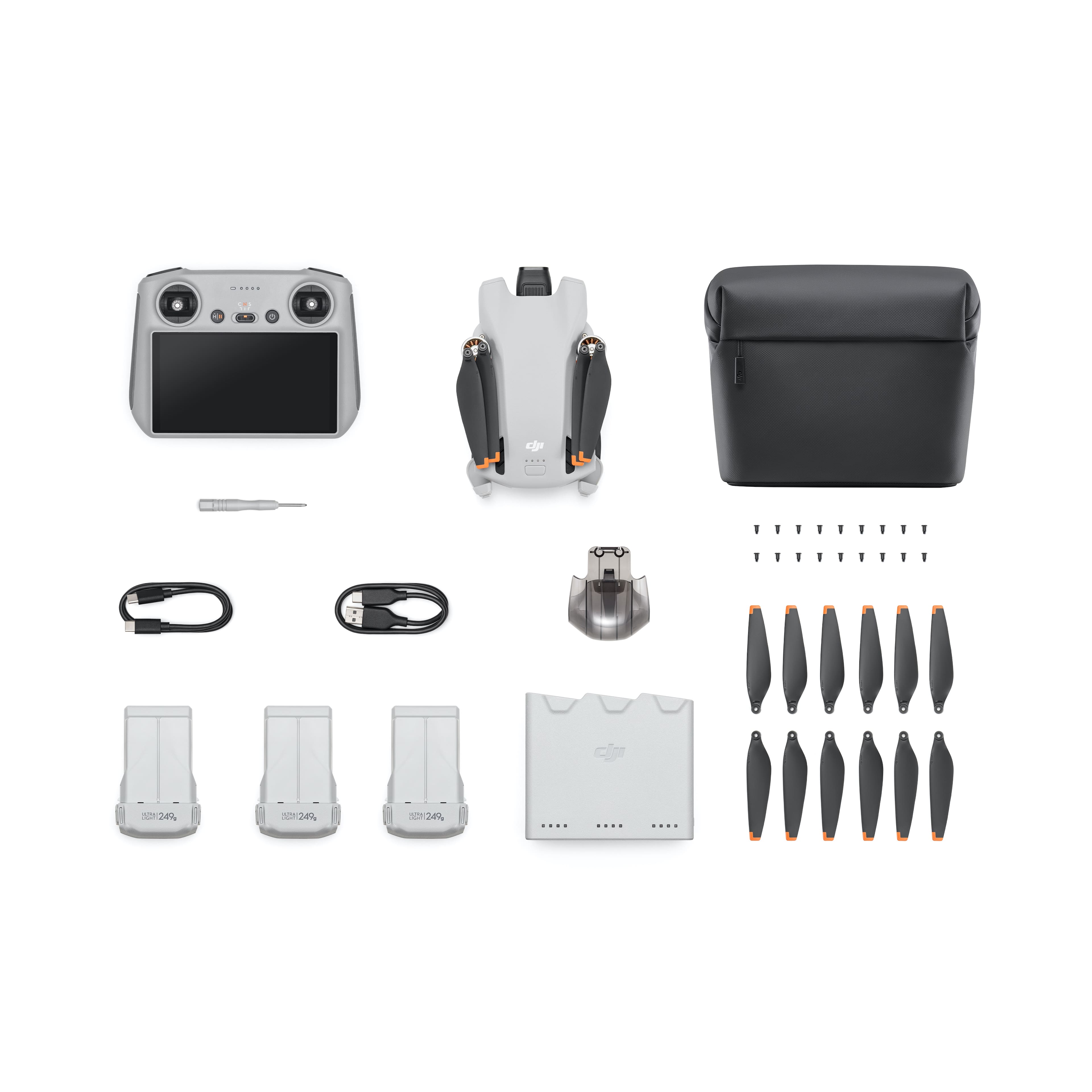
Start with the size of your display, the light around it, and the distance available between the lens and surface. The Epson EpiqVision Flex CO-W01 offers 3,000 lumens of color and white brightness with 1280 x 800 resolution. The Epson Lifestudio Flex Plus offers 4K PRO-UHD, 1,000 lumens of color and white brightness, and Sound by Bose. The Kodak FLIK HD9 offers native 1080p resolution and Android TV. These features serve different needs; smart apps alone do not guarantee support for your chosen effects files or continuous looping.
There is no single brightness requirement for every setup. Larger images, translucent materials, and nearby lights can make an effect harder to see. Compare brightness ratings measured using the same standard, rather than treating every advertised lumen figure as equivalent. Test after dark at your planned image size. If the ghost looks washed out, reduce light hitting the surface or make the image smaller while keeping walkways well lit. For complementary accents, explore Halloween lighting decorations.
For a window display, place suitable translucent rear-projection material inside the window and aim the projector at it from indoors. Bare glass usually will not provide a useful image. A floating-ghost illusion typically uses specialty projection mesh or scrim, dark surroundings, and video with a black background; it is not a true midair hologram. Conventional rear projection screens work for visible-screen scenes but may not disappear into the background. Follow the material provider’s instructions and keep exits accessible.
Check the model’s throw ratio, minimum focus distance, and placement guide. As a starting estimate, lens-to-screen distance equals image width multiplied by throw ratio. For example, a 4-foot-wide image at a 1.5:1 throw ratio needs about 6 feet of distance. Position the projector as square to the surface as possible before using keystone correction. For rear projection, use the appropriate image-flip setting if needed. Only operate the projector in orientations approved by its manufacturer.
Sometimes, but support varies by projector and playback app. A USB port may be intended for power, service, or limited media playback rather than video files. Confirm supported file formats and repeat-play options in the manual. For a predictable setup, test a locally stored, properly licensed video on a laptop or compatible media player over HDMI. Disable sleep settings and notifications, then let the loop run long enough to catch pauses or on-screen menus.
Do not assume a portable projector is weather-resistant, even if its listing mentions outdoor entertainment. An indoor window setup can keep equipment away from rain and dew. Follow the manufacturer’s temperature, moisture, and ventilation requirements; never cover vents or seal a projector in an improvised box. For equipment approved for outdoor use, use appropriate outdoor-rated power accessories and GFCI protection, and route cords away from walking paths.
Use September to measure your space and check hardware compatibility, then rehearse after dark in early October. Check focus, image size, viewing angle, looping, power, and nearby light. If time is short, keep the scene to one indoor window or wall and use a playback device you already know. Check current pickup or delivery options for your location rather than assuming availability. For the rest of your decorations, see last-minute Halloween setup ideas.