iPad For Students
-
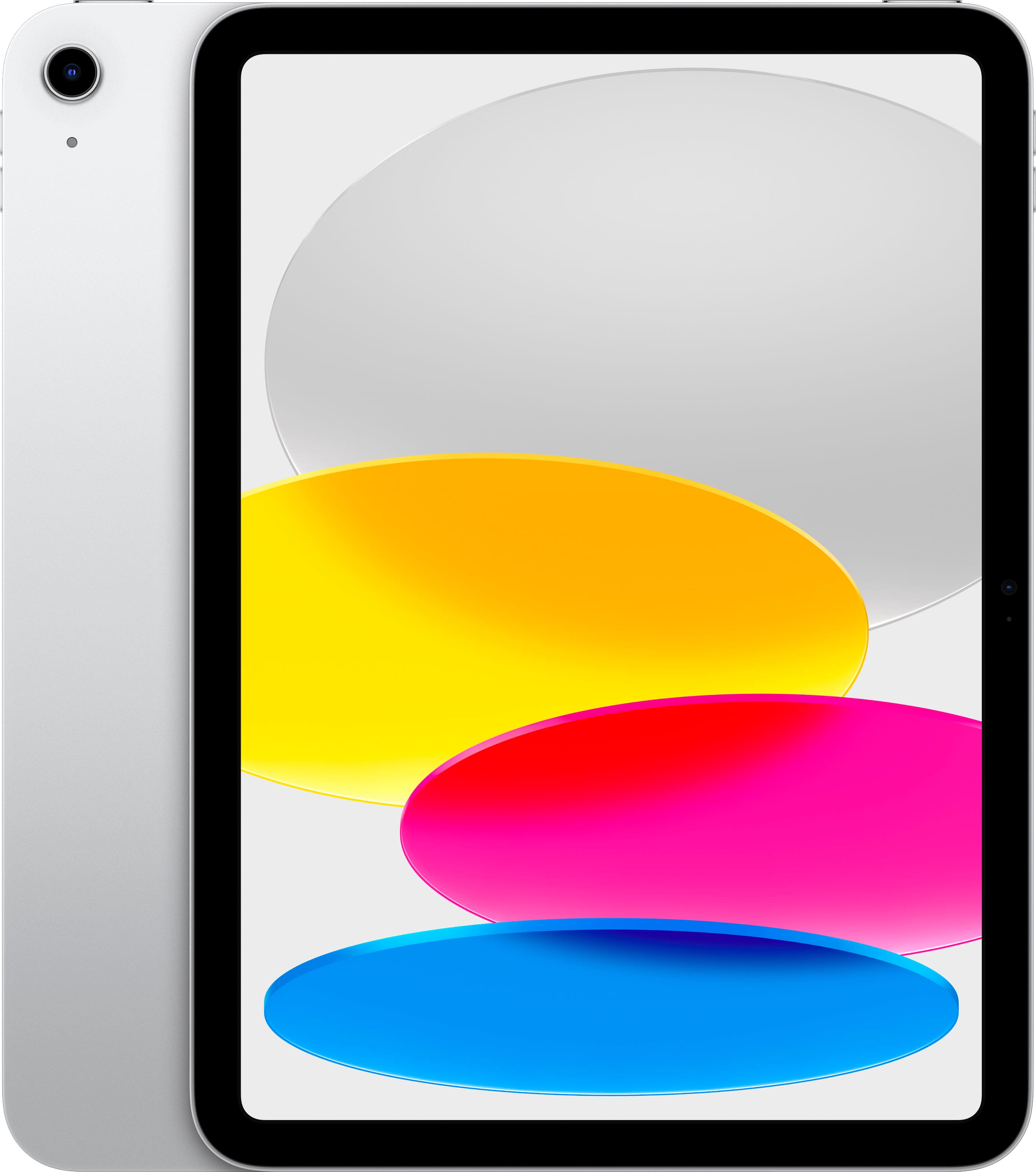
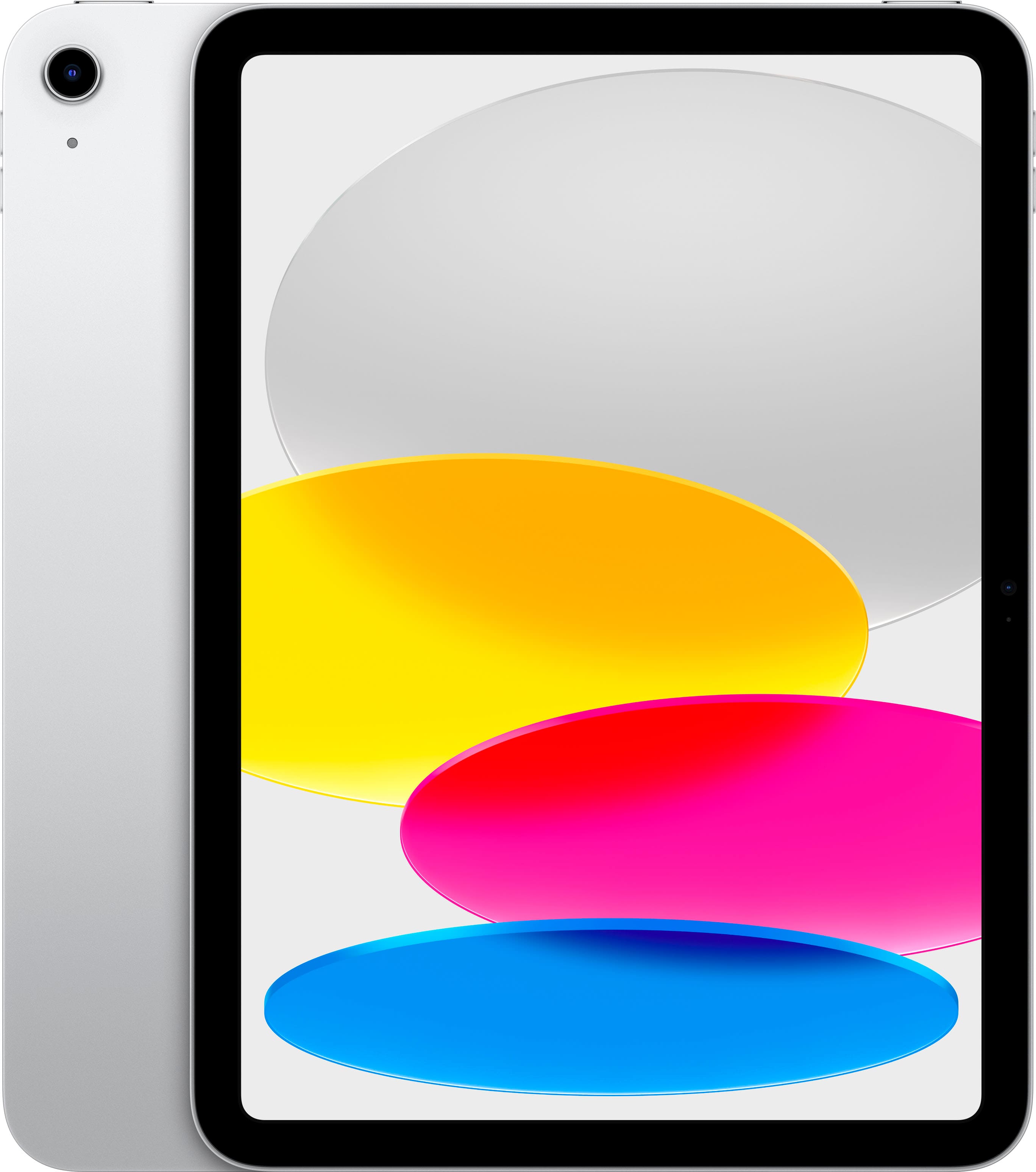
Apple - 10.9-Inch iPad - (10th Generation) with Wi-Fi - 64GB - Silver
SKU: JJ8ZH6HK5TSee all iPadProduct Description
A versatile silver tablet featuring a 10.9-inch Liquid Retina display, 64GB storage, and A14 Bionic chip.Your price for this item is $479.99 -
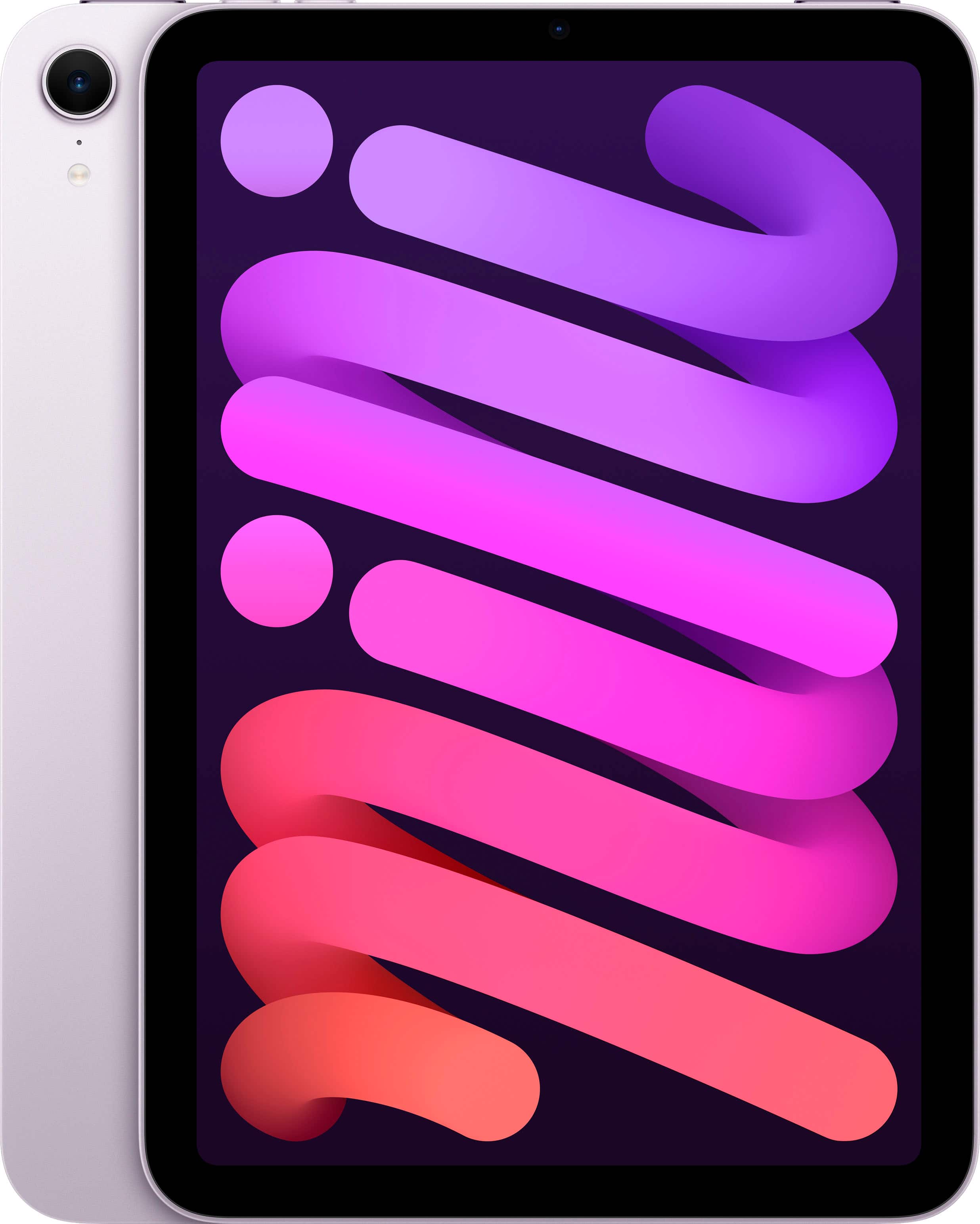
Apple - iPad mini (A17 Pro chip) - Built for Apple Intelligence - Wi-Fi 128GB - Purple
SKU: JJGCQ8GTSCGreat product! Love the ease of shopping at this Best Buy location....Great product!...Love my mini!!!...Best purchase I made; had great help by the staff who were super knowledgeable and knew exactly...
See all iPad miniProduct Description
A portable purple tablet featuring the A17 Pro chip, 8.3" Liquid Retina display, and 128GB storage.Your price for this item is $599.00 -
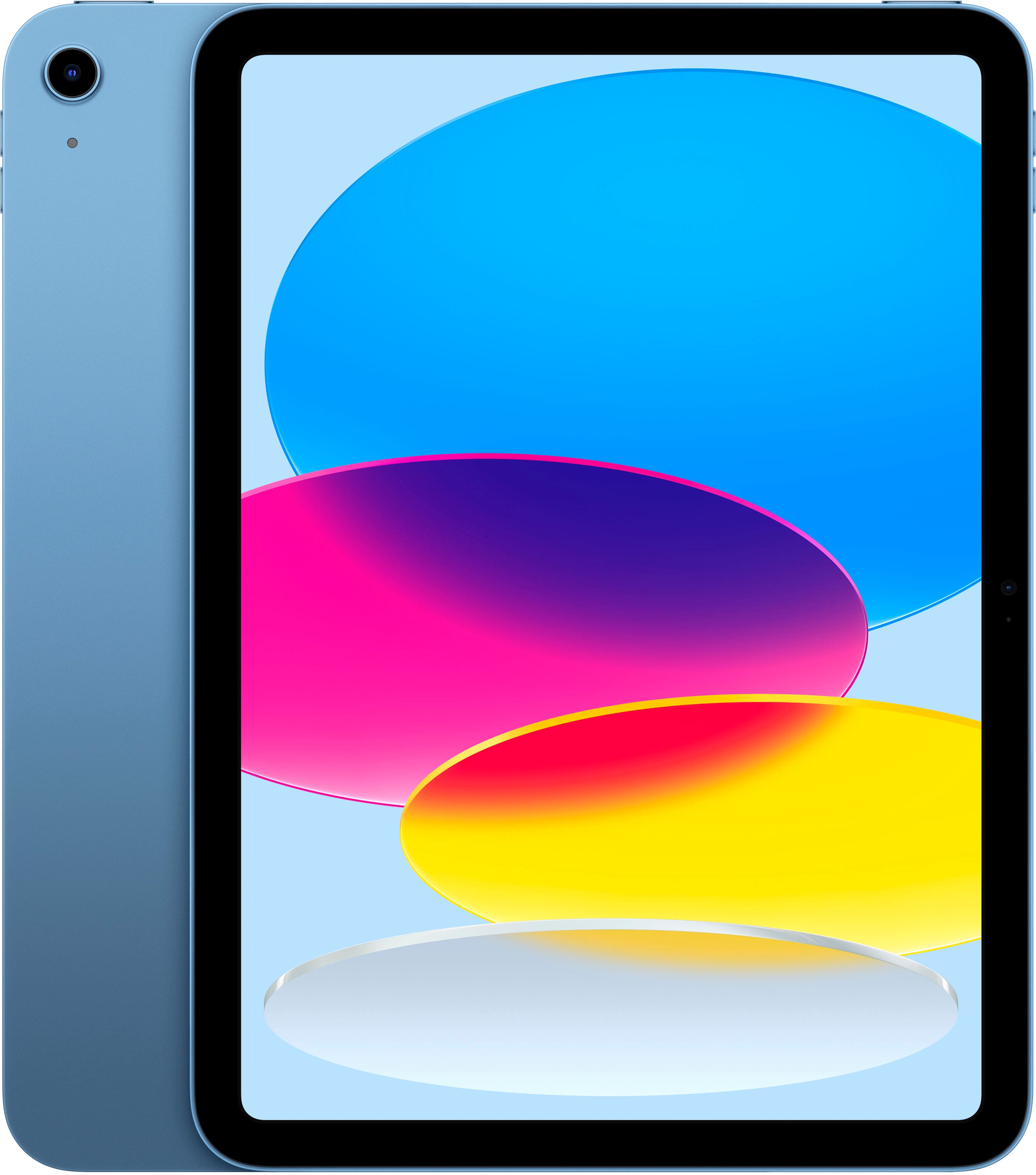
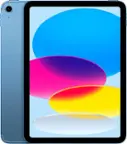
Apple - 10.9-Inch iPad - (10th Generation) with Wi-Fi - 256GB - Blue
SKU: JJ8ZH6HFKFSee all iPadProduct Description
A versatile blue tablet featuring a 10.9-inch Liquid Retina display, 256GB storage, and A14 Bionic chip.Your price for this item is $579.99 -
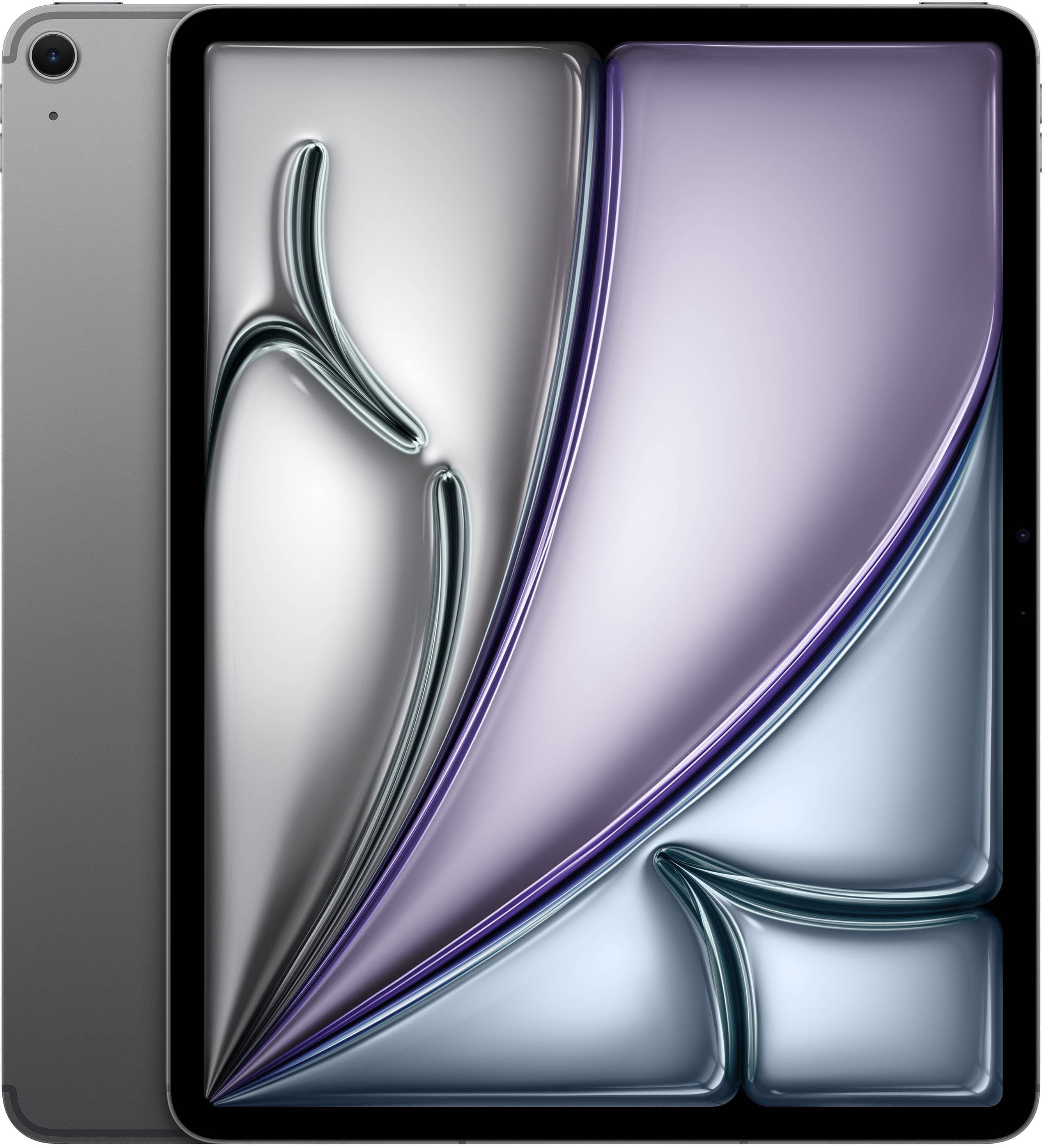
Apple - 13-inch iPad Air M4 chip Wi-Fi + Cellular 128GB - Space Gray (AT&T)
SKU: JCQ6HT8QZFLove this iPad’s screen size & quality.
See all iPad AirProduct Description
A sleek Space Gray tablet with M4 chip, 128GB storage, Liquid Retina display, Wi-Fi 7, and 5G.Your price for this item is $1,099.99 -
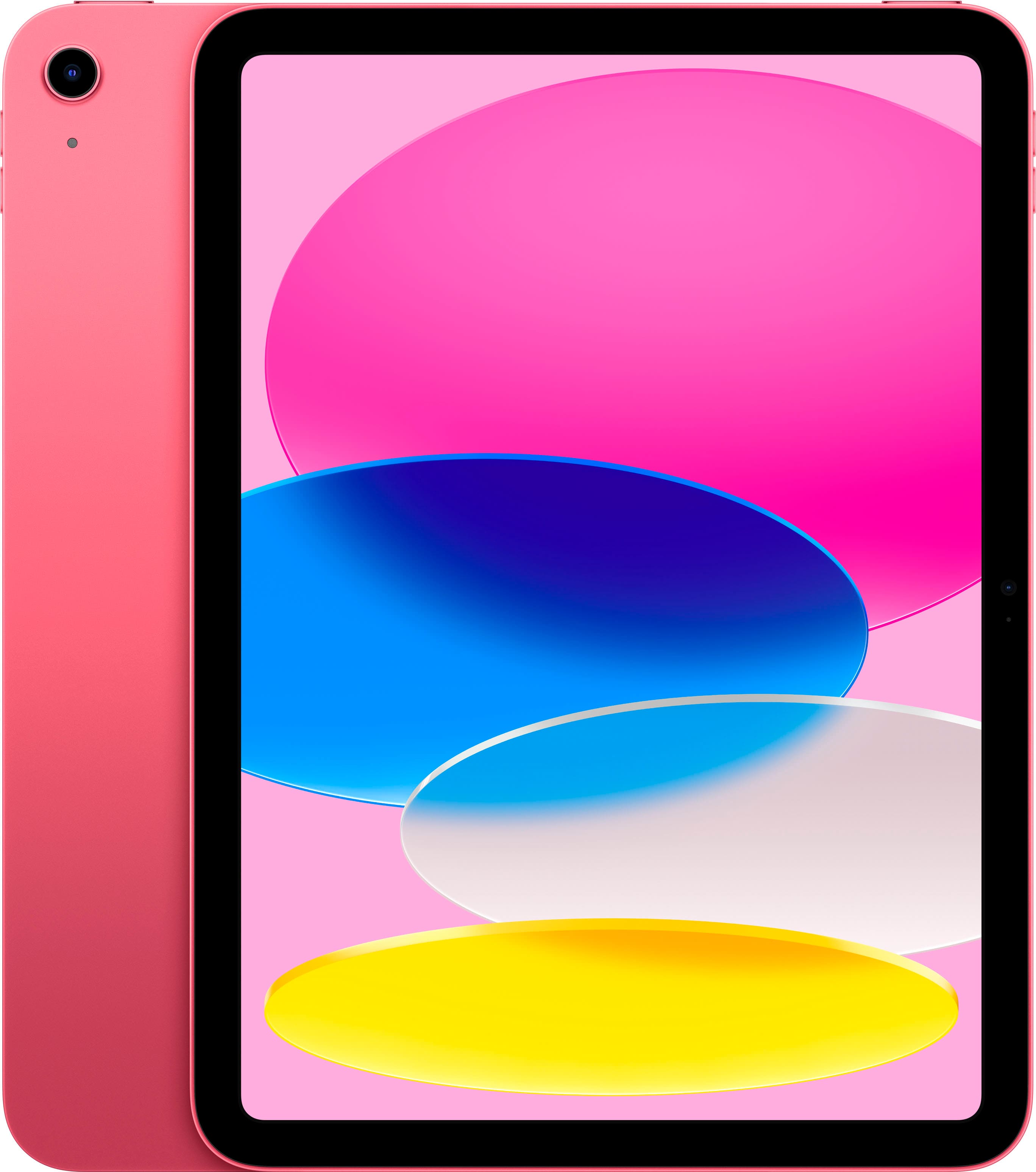
Apple - 10.9-Inch iPad - (10th Generation) with Wi-Fi - 256GB - Pink
SKU: JJ8ZH6HVHSSee all iPadProduct Description
A versatile pink tablet featuring a 10.9-inch Liquid Retina display, 256GB storage, and A14 Bionic chip.Your price for this item is $579.99 -
Apple - 10.9-Inch iPad - (10th Generation) with Wi-Fi - 256GB - Silver
SKU: JJ8ZH6HFY8See all iPadProduct Description
A versatile silver tablet featuring a 10.9-inch Liquid Retina display, 256GB storage, and A14 Bionic chip.Your price for this item is $579.99 -
Apple - 10.9-Inch iPad - (10th Generation) with Wi-Fi - 256GB - Yellow
SKU: JJ8ZH6HV3ZSee all iPadProduct Description
A vibrant yellow tablet featuring a 10.9-inch Liquid Retina display, 256GB storage, and A14 Bionic chip.Your price for this item is $579.99 -
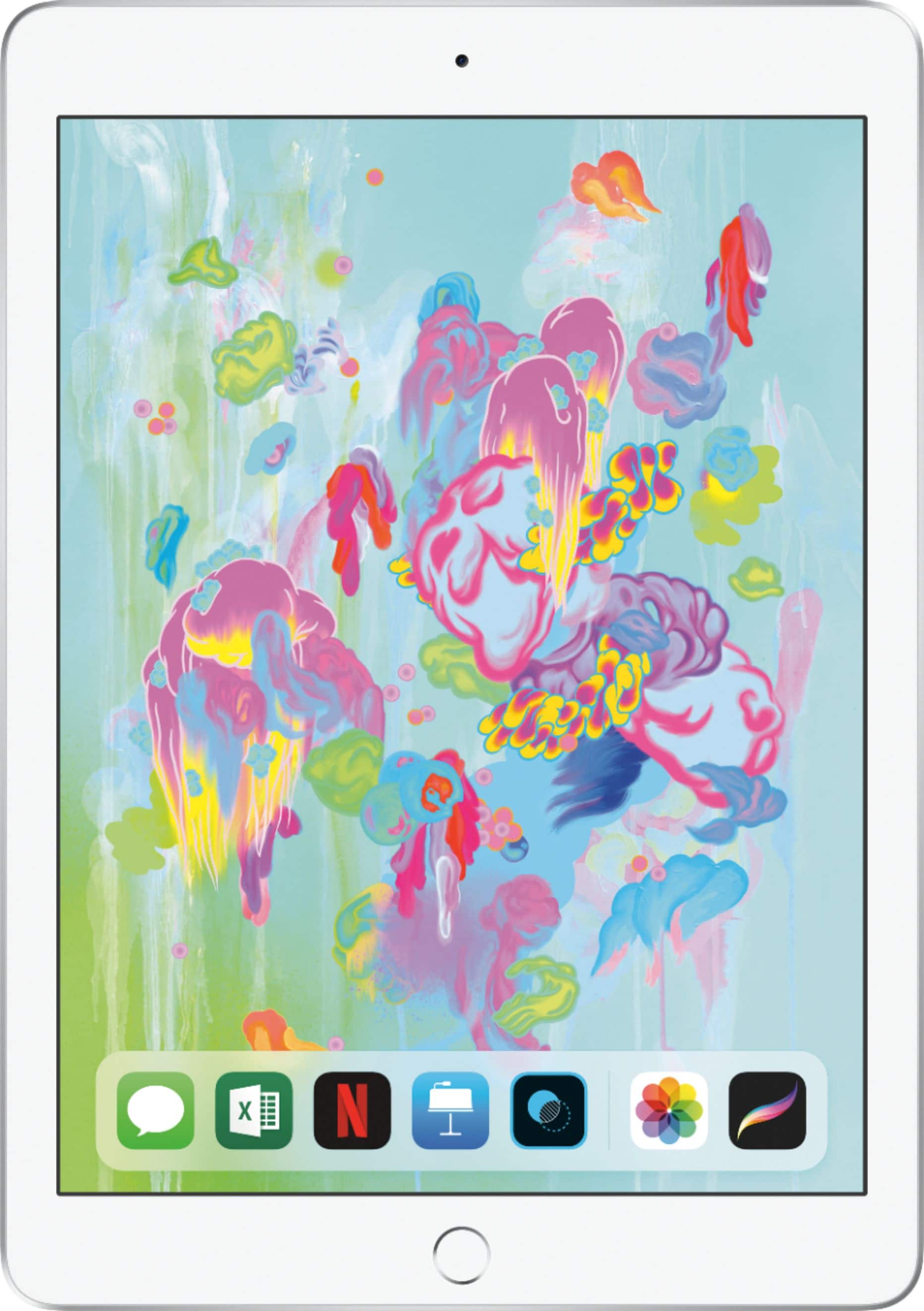
Apple - iPad 6th gen with Wi-Fi - 32GB - Silver
SKU: JJ8XJL66KVSee all iPadProduct Description
A silver tablet featuring a Retina display, A10 Fusion chip, 32GB storage, cameras, and headphone jack.Your price for this item is $349.00 -
Apple - iPad mini (A17 Pro chip) - Built for Apple Intelligence - Wi-Fi + Cellular 256GB - Space Gray (AT&T)
SKU: JCQ6HWQQW8I Love my iPad !! I use it everyday and now can't live without it....Love my iPad mini! I use it all the time. I always it with me.
See all iPad miniProduct Description
A portable Space Gray tablet with A17 Pro chip, 256GB storage, 8.3" Liquid Retina display, and cellular connectivity.Your price for this item is $849.99 -
Apple - iPad mini (A17 Pro chip) - Built for Apple Intelligence - Wi-Fi + Cellular 128GB - Space Gray (Unlocked)
SKU: JJGCQ8YLLTBest iPad recomende buy it best one great for work...Best iPad ever...Great iPad. I love that it’s small and compact and fits in my pocket. I would recommend to everyone.
See all iPad miniProduct Description
A portable tablet in space gray featuring the A17 Pro chip, 8.3" Liquid Retina display, and 128GB storage.Your price for this item is $749.00


Best Sellers







Related Pages






FAQ
iPads offer powerful performance, long battery life, and access to a wide range of educational apps. Their lightweight design makes them easy to carry between classes, and features like Apple Pencil compatibility and split-screen multitasking help students take notes, draw, and stay organized.
Yes, many iPad models support the Apple Pencil, allowing you to take handwritten notes, annotate PDFs, and draw diagrams directly on the screen. Popular apps like GoodNotes and Notability make digital note-taking easy and efficient.
Absolutely! iPads support Microsoft Office apps like Word, Excel, and PowerPoint, as well as Google Workspace apps such as Docs, Sheets, and Slides. You can download these apps from the App Store and use them for assignments, presentations, and collaboration.
iPads offer a variety of productivity and organization tools, including calendar apps, reminders, and note-taking apps. You can also use cloud storage solutions like iCloud, Google Drive, and Dropbox to keep your files accessible and organized across all your devices.
Yes, iPads come with high-quality cameras and built-in microphones, making them ideal for video calls and online classes via apps like Zoom, Microsoft Teams, and FaceTime. The large, clear display ensures you can see your instructors and classmates with ease.