Tools For Computer Building
-
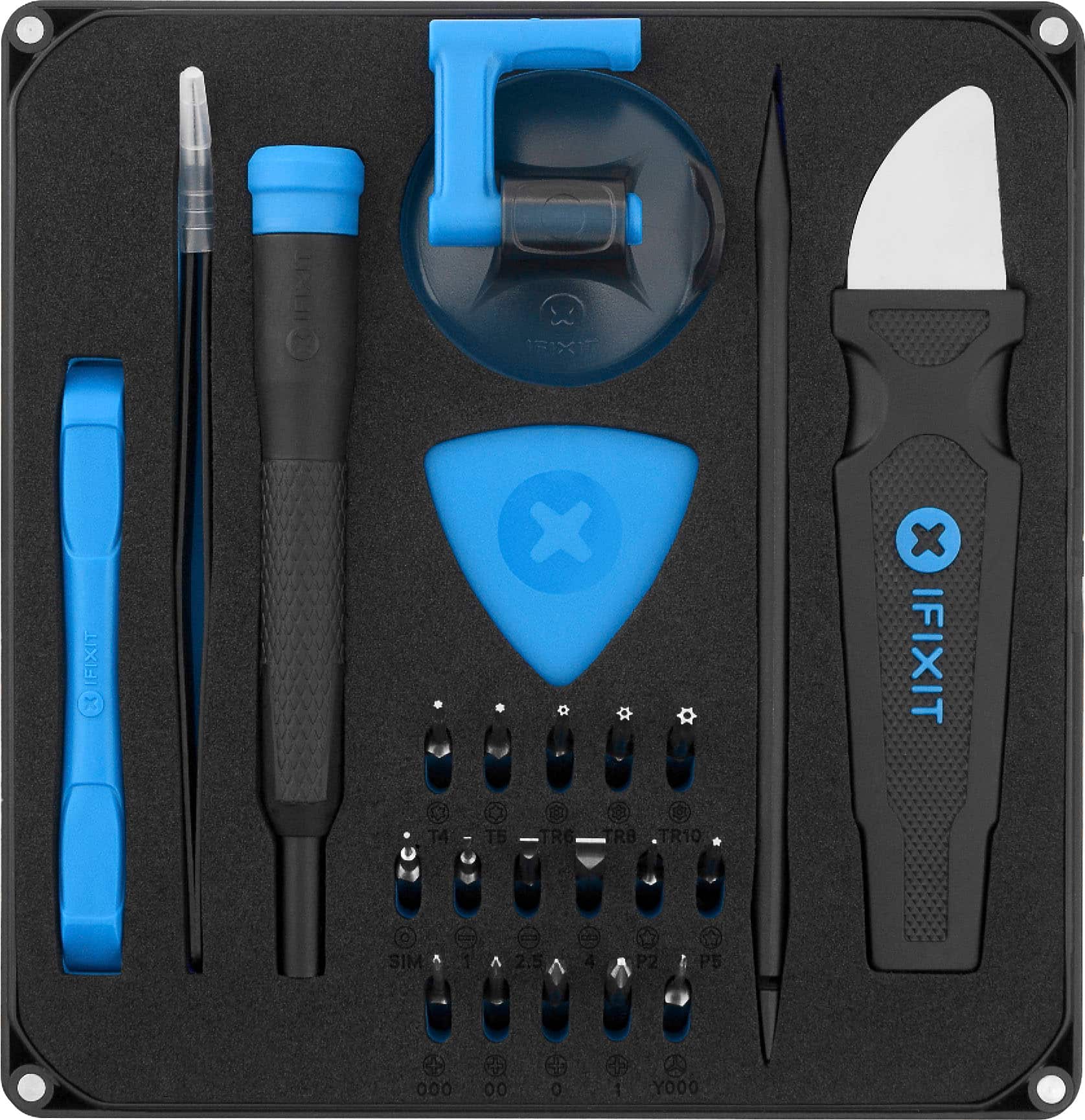
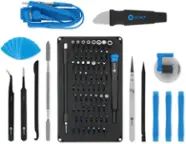
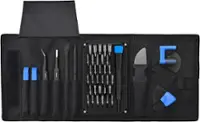
iFixit - Essential Electronics Toolkit - Starter Set - Black
SKU: J3QG2SQP89Ifixit the best tools out there....Love Ifixit tools. I own just about every set they offer....All great quality tools with the best warranty...Great product...I love best buy. I use this everyday for...
See all Computer Cleaning & RepairProduct Description
A black toolkit featuring precision screwdriver bits, tweezers, and tools in a magnetized case for electronics repair.Your price for this item is $29.99 -
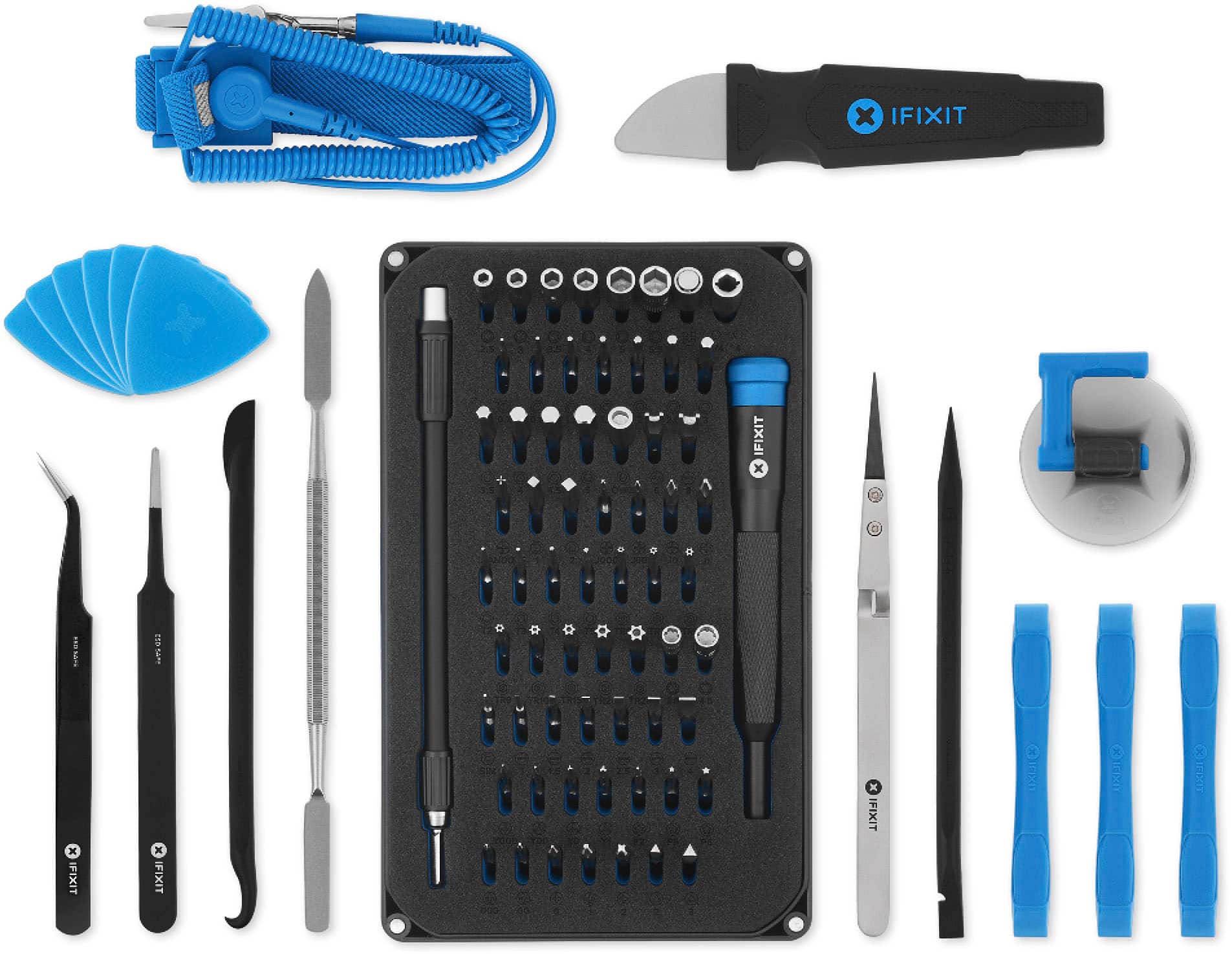
iFixit - Pro Tech Toolkit - Professional Set
SKU: J3QG2SQPJQBest thing I every buy love great Kit for fixing phones gaming System PC ETC........I love it it’s so good for PC building its the best
See all Computer Cleaning & RepairProduct Description
A versatile toolkit featuring 64 steel bits and an aluminum driver handle for precise electronic repairs.Your price for this item is $79.99 -
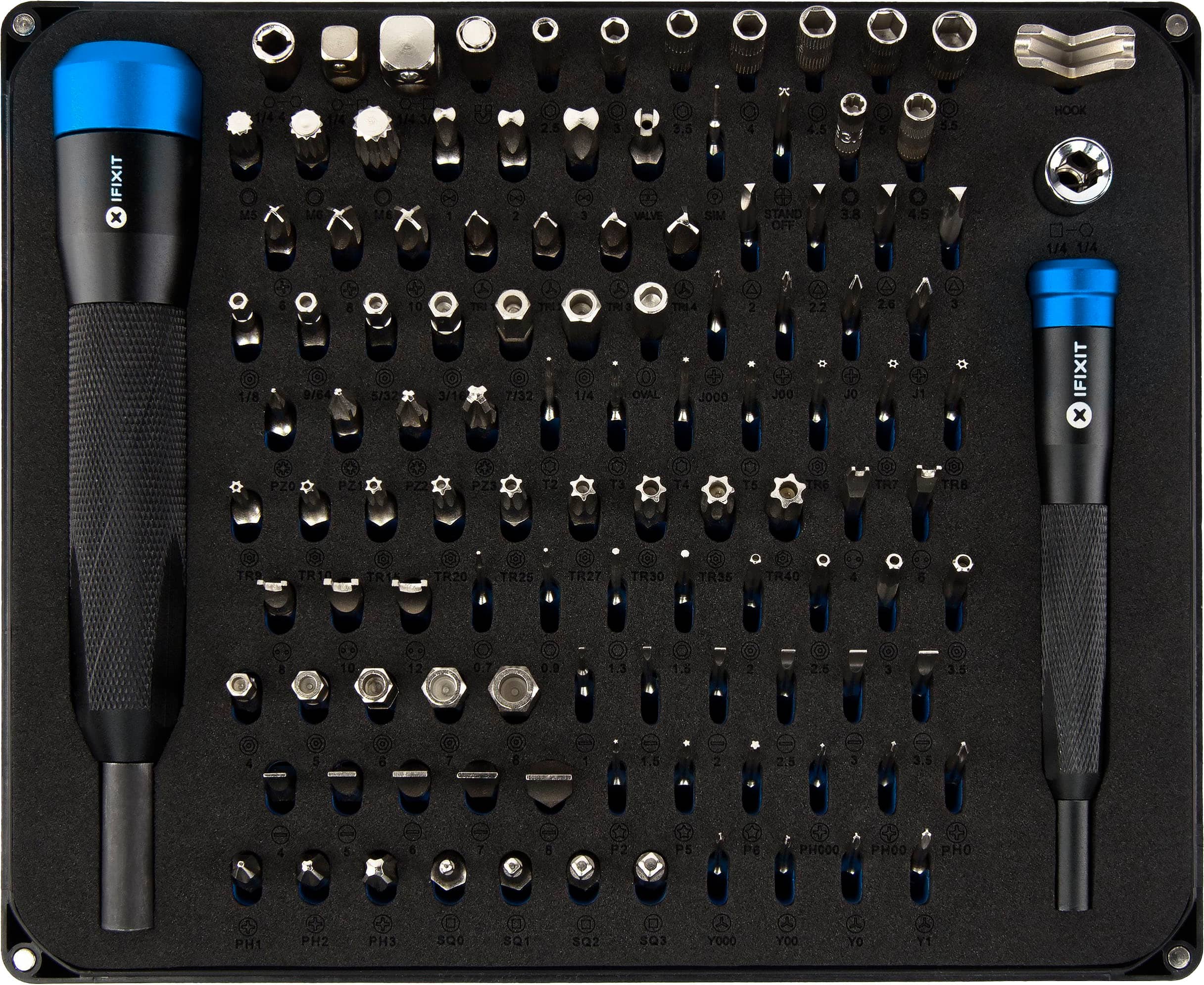
iFixit - Manta Bit Set - 112 Bit Driver Kit - Black
SKU: J3QG2SQPKJIfixit are the best tools for technicians anywhere...Love Ifixit tools. I own just about every set they offer....All great quality tools with the best warranty....I love this wouldn’t stop using it for...
See all Computer Cleaning & RepairProduct Description
A comprehensive black steel bit driver kit featuring 112 assorted bits for versatile repair and maintenance tasks.Your price for this item is $69.99 -
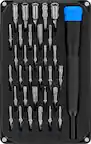
iFixit - Pro Tech Go Toolkit - Advanced Set
SKU: J3GWLLVW24Best repair kit and warranty...Love them. Best warranty around too. If you lose anything or need new bits....Great tool kit. I especially love the magnetic screwdriver. Had everything I needed!
See all Computer Cleaning & RepairProduct Description
A versatile toolkit featuring 32 durable S2 steel precision bits and high-quality tools for everyday repairs.Your price for this item is $49.99 -
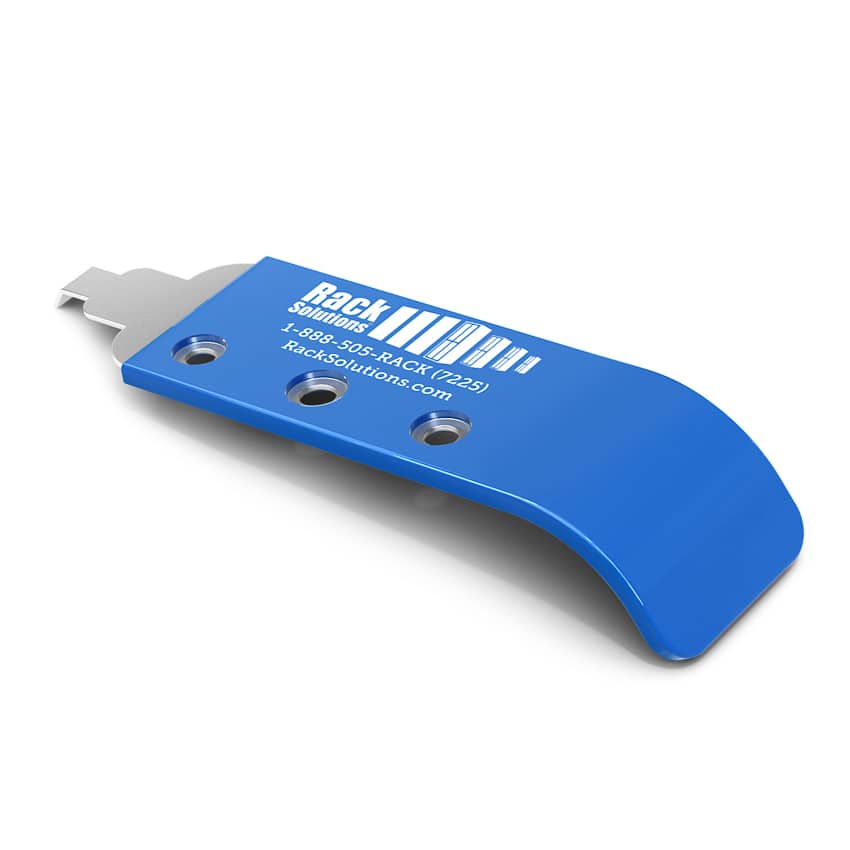
RackSolutions - Cage Nut Tool - Black
SKU: J3GL22F34PSee all All Wi-Fi & NetworkingProduct Description
A black stainless steel tool with plastic covering that simplifies cage nut installation and removal while protecting hands.Your price for this item is $24.66 -
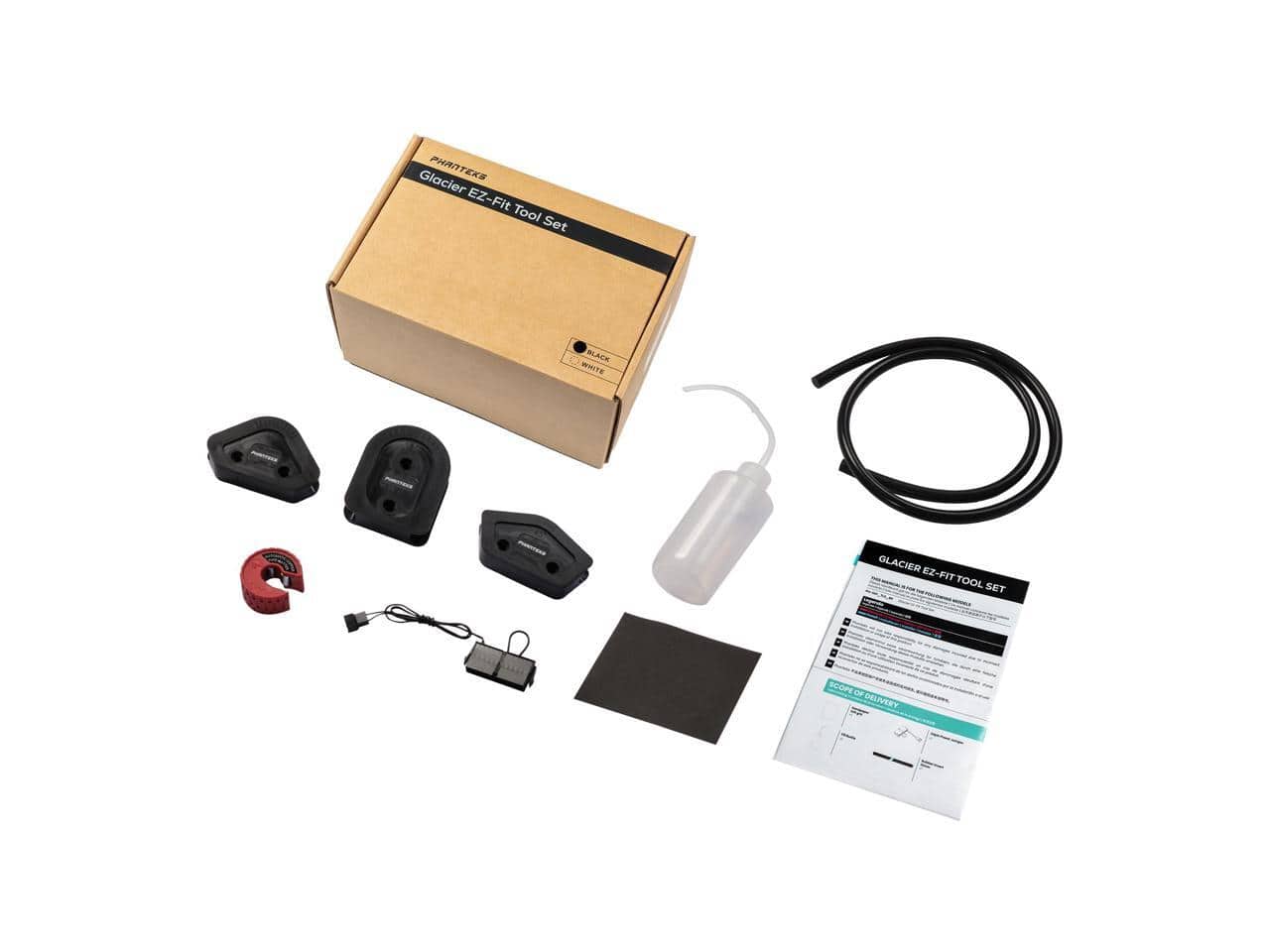
Phanteks - Glacier EZ-Fit Tool Set - 16x12mm Hard Tube Water Cooling Bending Tools (45/90/180 degrees) with Fill Bottle - Black
SKU: J3Z837HV5WSee all Case FansProduct Description
A black hard tube water cooling tool set for precise 45°, 90°, and 180° bends with fill bottle.Your price for this item is $26.99Save $5The previous price was $31.99

Best Sellers



Related Pages



FAQ
Common PC building tools include Phillips-head screwdrivers, precision screwdrivers, tweezers, and a flashlight. A parts tray keeps screws and brackets organized, while cable ties and hook-and-loop straps are commonly used for cable management. Check your case and component documentation for any specialized tool requirements.
A computer repair toolkit typically contains a screwdriver handle, interchangeable bits, tweezers, and opening tools. Some kits also include a flexible driver extension, a parts tray, or a carrying case. Contents vary, so compare the included tools with those listed in your component installation guides.
Use a compartmentalized parts tray or labeled containers to separate case screws, motherboard standoffs, drive screws, and mounting brackets. Group hardware by component and keep unused pieces with their original packaging. Keep component manuals nearby to reference the correct hardware for each installation.
Thermal paste application may involve a paste syringe and an applicator, depending on the paste manufacturer's instructions. For replacing existing paste, common cleaning supplies include lint-free wipes and isopropyl alcohol. Some CPU coolers come with thermal paste preapplied, so check the cooler documentation before adding any.
Common cable management accessories include reusable hook-and-loop straps, cable ties, cable clips, and cable sleeves. Some builders also use cable combs with individually sleeved power cables. Your computer case may include routing channels, tie-down points, or straps for organizing cables behind the motherboard tray.