

Insignia™ - Dual-Controller Charger for Xbox One
This item is no longer available in new condition.
See similar items below.
Description
Features
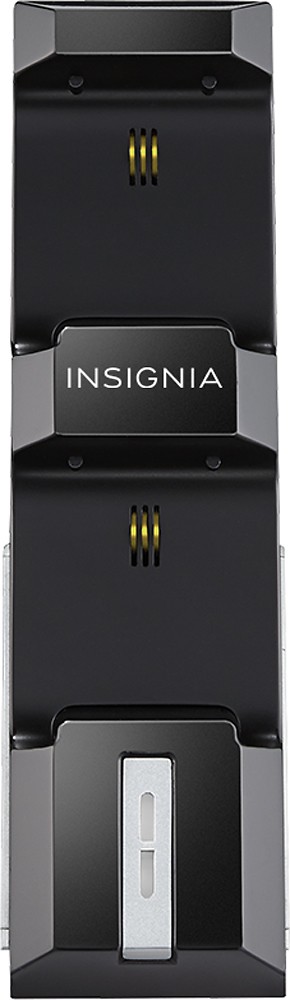
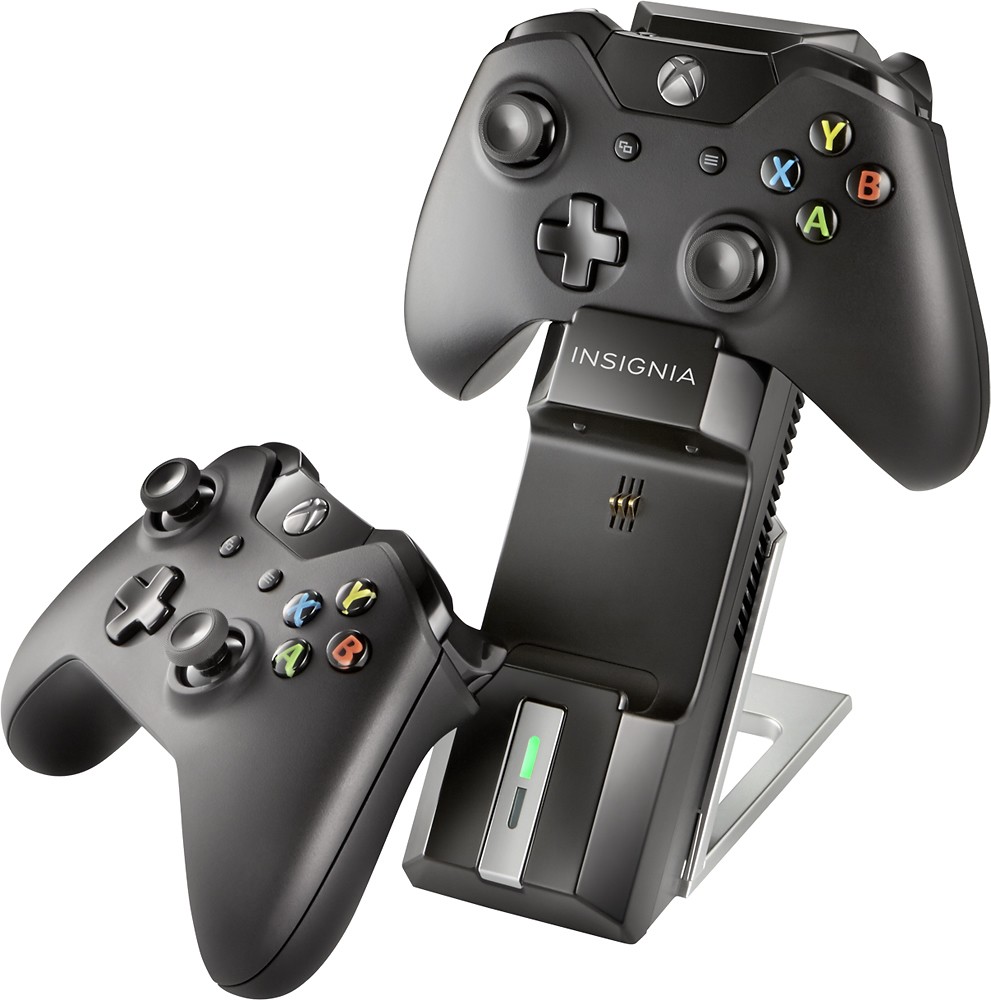
Charges two Xbox One controllers simultaneously
You and a friend can keep gaming for extended periods.
See how much power you have
LED lights keep you notified of your controller's charging status.
Easy to store
Provides compact storage for your controllers when not in use.
Accessories included
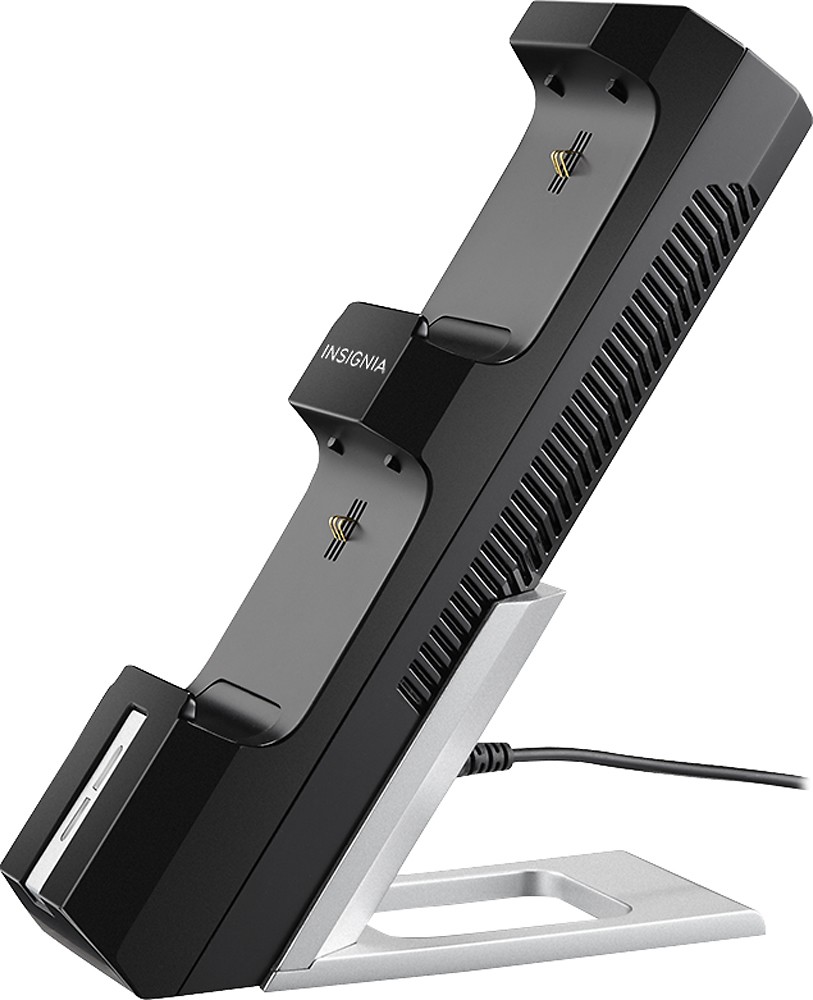
Comes with a charging stand, a detachable base, 2 battery packs, 2 battery covers, an AC adapter and a quick-setup guide.
Other
- Manufacturers Suggested Age6 years and up
- UPC600603162220
Customer reviews
Rating 4.5 out of 5 stars with 1662 reviews
(1,662 customer reviews)to a friend
Customers are saying
Customers are impressed with the product's long battery life and ease of use, frequently praising its convenient size and attractive design. Many appreciate the charger's affordability and the included stand. However, some users note that the stability of the charger and the connection to the controllers could be improved.
This summary was generated by AI based on customer reviews.
- Pros mentioned:Battery life, Charging speed, Size
Rated 4 out of 5 stars
Surprisingly solid piece of equipment
||Posted .This reviewer received promo considerations or sweepstakes entry for writing a review.I chose going third-party for my controller recharger for several reasons. I've had this product for about 3 months and it is working out great! It fits up to 2 controllers at a time and can recharge a depleted battery pack in about 1-2 hours. The packs last for about 3-4 hours when fully charged and deplete faster if you have your headset plugged in. A green light will be displayed pertaining to the corresponding docking station your controller is in (top or bottom) once the connection is made. I was skeptical at first because the charge station was so light I was concerned about it being knocked over but have no complaints now. Just be aware that it offers no option to charge the controllers while they are in use. So if you want to continue playing when your remote dies make sure you have some AA batteries on hand. Otherwise be prepared to take an hour or so break.
I would recommend this to a friend - Pros mentioned:Battery life
Rated 5 out of 5 stars
Good charger/stand.
Posted .This reviewer received promo considerations or sweepstakes entry for writing a review.I don't have any complaints so far. I don't spend hours playing games. So I'm not sure how long the battery would last. But It usually takes a bout a week or close to week until I charge it again. I have 2 controllers. So I just use the other one while the other one chargers. Good looking stand overall.
I would recommend this to a friend - Pros mentioned:Battery life, Charging speed, Price
Rated 5 out of 5 stars
Works well and great price.
||Posted .This reviewer received promo considerations or sweepstakes entry for writing a review.When I am playing games (destiny right now) and need to be on for a while (raids), one pack alone carries me through. It is nice to be able to swap out the recharge batteries when necessary and I never have to worry about using AA batteries as backup. I also like how you just rest the controller in the charging slot. Great price too!
I would recommend this to a friend - Pros mentioned:Battery life, Ease of use, Size
Rated 5 out of 5 stars
Works great
||Posted .This reviewer received promo considerations or sweepstakes entry for writing a review.Found this on sale used my rewards points so it was basically free. Anyway husband lovedit. He was so excited. It's not bulky and very easy to little set up. Makes it so much easier than changing batteries all time let alone trying to find some. Great investment highly recommend.
I would recommend this to a friend - Pros mentioned:Battery lifeCons mentioned:Stability
Rated 5 out of 5 stars
Works as shown
||Posted .This reviewer received promo considerations or sweepstakes entry for writing a review.Comes with rechargeable batteries and works as a great looking controller stand that charges the batteries when not in use. Won't work with existing Microsoft brand rechargeable batteries. Leaves the USB port exposed for plugging in.
I would recommend this to a friend - Pros mentioned:Battery life, Ease of use, Size
Rated 5 out of 5 stars
Cheaper than replacing batteries
||Posted .This reviewer received promo considerations or sweepstakes entry for writing a review.Charges controller well. Doesn't take up too much space. Easy to get controllers on/off. If you play your Xbox like most people, you will definitely save money on batteries.
I would recommend this to a friend - Pros mentioned:Charging speed, Price, Size
Rated 5 out of 5 stars
Good Charger
||Posted .This reviewer received promo considerations or sweepstakes entry for writing a review.I purchased this charger for the price and for the way the controllers are mounted to the charger.It takes up less space and works quickly charging the controllers.
I would recommend this to a friend - Pros mentioned:Battery life, Price
Rated 4 out of 5 stars
Excellent Product at This Price Point
||Posted .This reviewer received promo considerations or sweepstakes entry for writing a review.Great product. I love it so far and like it more because of the price point. Looks good on my end table and does a good job holding two controllers. So far so good on the battery life per charge. My only issue would be the way the controller sits in the holder. The controller is set on the area where the headset adaptor connects, so if you have an upgraded headset and want to leave the adaptor connected, you cannot with this product. So for now I have to completely disconnect my headset and headset adaptor. But again, at this price....it's a 5 star product with one minor issue
I would recommend this to a friend
Q: QuestionCan you use a Microsoft plug and play cable to charge the insignia batteries?I currently have one plug and play battery cable for the XBox One and was wondering if this would also Charge the Insignia Batteries (in case the battery where to die during a long play session) since you are not able to play while it is being charged in the stand.
Asked by Anonymous.
- A:Answer It worked on my XBOX one
Answered by vicgiocar
Q: QuestionWill this support Xbox One Elite controller with the paddles installed?I use my Elite controller with paddles installed. Will I have to remove paddles to charge?
Asked by Kevin.
- A:Answer This dual charger has not been test fitted with the Xbox Elite controllers. The best option would be to test fit the controller in the charging base. Best Buy does offer a 15 day return policy that would allow you to return the unit if you do not like the fit or if it does not charge the elite controller.
Answered by InsigniaCustomerSupport

Q: QuestionPlug into wall or USB port?Does this unit plug into the wall or do you plug it into the XBOX USB port?
Asked by DZM.
- A:Answer The wall
Answered by Rick
Q: QuestionWhat kind of batteries?Are the batteries included lithium or nicad?
Asked by Cat.
- A:Answer lithium ion
Answered by platdrgn
Q: QuestionCan you charge the batteries without using the controller?Can you charge the batteries independent of the controller? For instance if I buy a few more back up batteries can they charge on the stand by themselves?
Asked by Anonymous.
- A:Answer I actually believe you can. The way the charger works is by a pressure sensor. If you can find a way to make the charger packs stay on the pressure trigger, I'm pretty sure that the packs will still charge.
Answered by Gamerguy008
Q: QuestionDo you need to use the included stand?Do the controllers sit on the base and charge properly if you don't attach the stand that comes with this unit?
Asked by Anonymous.
- A:Answer I tried this, and it works I guess, but its not a very good experience, it becomes top heavy and job flops. I would recommend using the stand.
Answered by nna12