Customer Ratings & Reviews
- Model:
- XPS9560-7001SLV
- SKU:
- 5784589
to a friend
Customers are saying
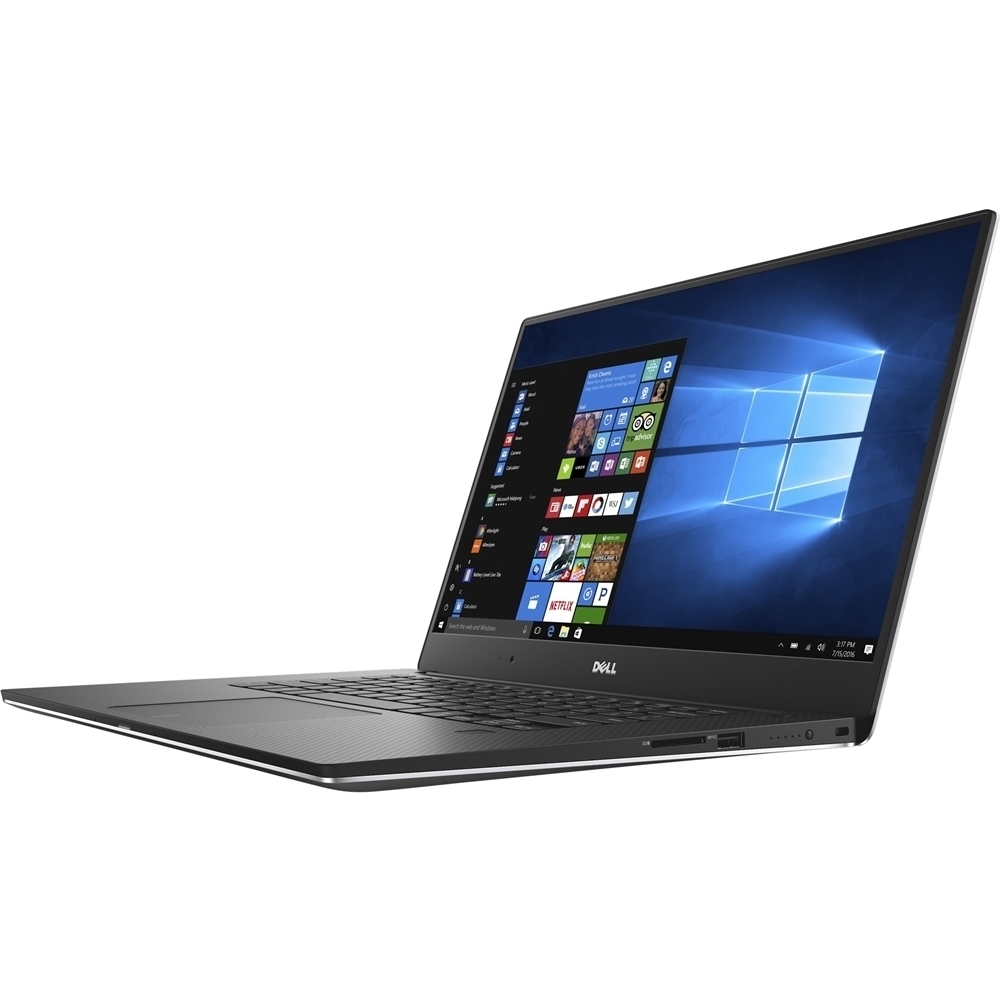
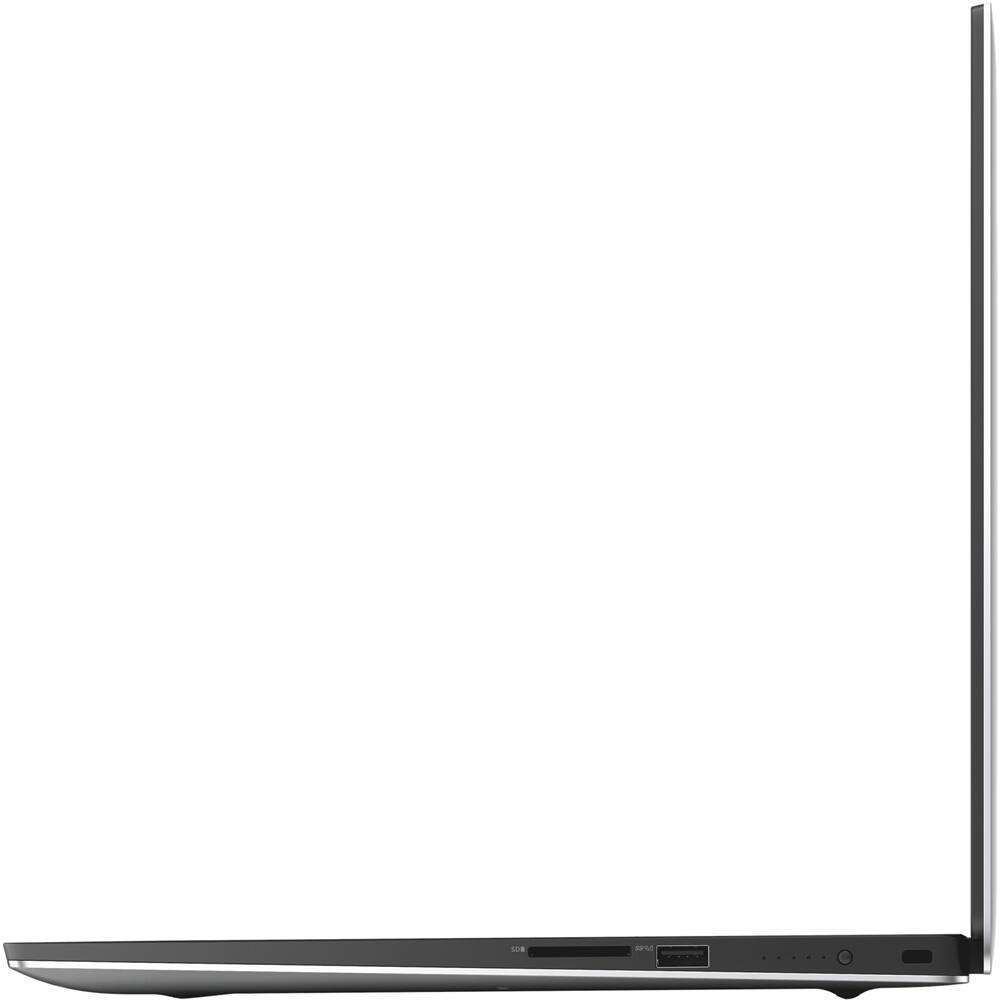
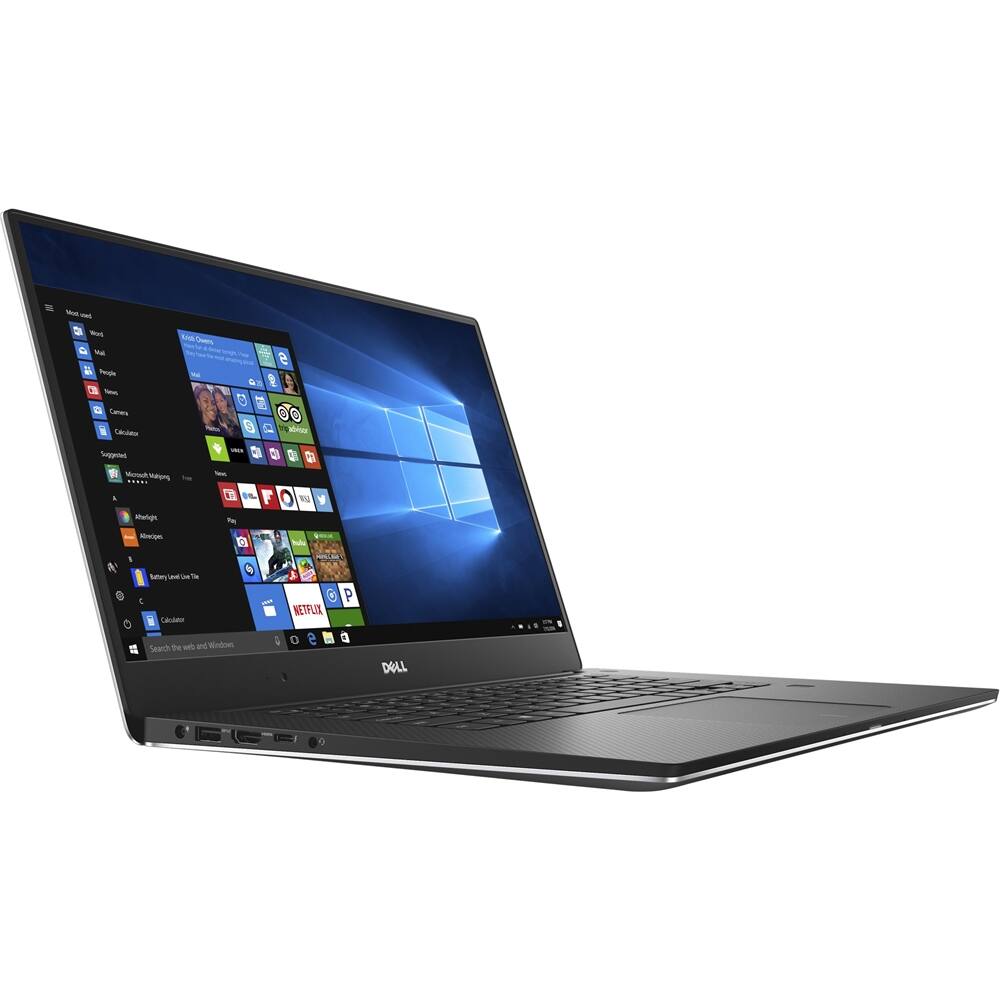
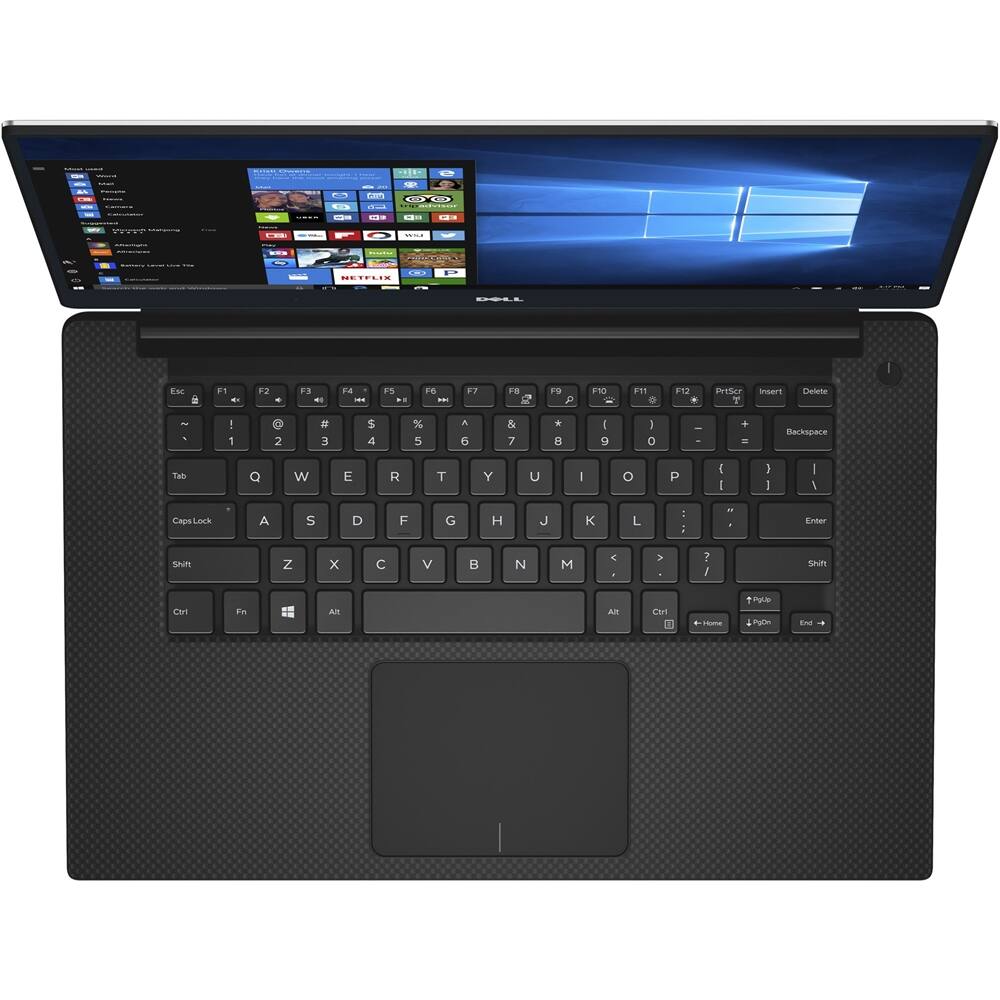
Customers express satisfaction with the XPS 15.6" laptop's stunning 4K display, fast performance, and powerful capabilities. They appreciate the exceptional build quality, light weight, and good graphics. Overall, customers are pleased with the laptop's performance and features.
This summary was generated by AI based on customer reviews.
- Pros mentioned:Build quality, Screen
Amazing Computer - Or Is It?
||Posted .This reviewer received promo considerations or sweepstakes entry for writing a review.Here's the deal: The Dell XPS 15 9560 is probably one of the best--if not the best--computers currently on the market. Or, at least, it should be. From my experiences with it, I'm not so convinced. The GOOD: Hardware-wise, this computer is phenomenal. Build quality is exceptional all around. The aluminum and carbon fiber work very well together, creating a laptop that not only looks and feels good, but is incredibly strong. The 4K infinity display on the model I got is amazingly vivid and sharp, and is one of the best screens I've ever looked at. Most programs scale correctly with this resolution, though I sometimes experience windows that are either way to small or are very pixelated. For the most part, though, the screen is great. For everyday users, I'm not sure it is worth the extra cash, but for users that need that resolution or color accuracy, there's nothing out there that can match this package. The BAD: Out of the box, this laptop was extremely buggy. After a load of updates, it is only marginally better. I still experience, quite often, audio dropouts, display driver issues (I'll explain later), and other small issues that are likely a result of poor optimization for this hardware by Dell. Possibly the most annoying of these issues is the display driver issues. In everyday use, there's no sign of anything being wrong. However, when I open Adobe Photoshop and try to edit an image, it says that my monitor profile "" appears to be defective, and it will not allow me to edit an image without disabling the color profile, which skews the colors. This is extremely disappointing, especially since there is no real fix for it. I found a workaround that works for one session at a time, but after any power cycle I need to redo it. Another issue I have with the computer is the audio. Not only the audio drivers that occasionally decide to drop out, but also the speakers themselves. They are straight up BAD. One of my speakers suffers from distortion at almost any volume level above 10 (out of 100!), which further decreases the sound quality. I would love to try to get it fixed, but there's no way to get this fixed without sending it back to Dell, which would be a huge hassle. The speakers are already so bad that I use external ones most of the time anyways. The SUMMARY: To conclude, I would have to say that the XPS 15 really should be one of the best laptops on the market, but it isn't. Maybe if Dell would actually provide customers with a bug-free experience. Fortunately, I am reasonably tech-savvy, so I have been able to diagnose and solve most of my problems with this computer so far. If you're not good at that kind of thing, I would actually suggest that you pass on this computer, even though you really should be buying it. It pains me not to be able to recommend this, but I really can't because of my terrible experience with it so far.
No, I would not recommend this to a friendBrand response from YourDellTeam
Posted .@Flapjack23, Thanks so much for your honest and thorough review of this laptop. We wanted to share a support article with you related to the audio issues that you seem to be having. Please take a look at this Sound/Audio Problems article - http://dell.to/2tqKYrC. Thank you for sharing your expert opinion in your review and we hope that the computer continues to meet your needs.

- Pros mentioned:4k display
Good specs but performance issues
||Posted .This reviewer received promo considerations or sweepstakes entry for writing a review.I like my Dell XPS; it has great specs, such as an I7 processor, fingerprint sensor, solid state hard drive, and 4K screen, but there are several major performance issues, such as screen flickering and inconsistent video quality. Unacceptable in a computer of this price range, and Dell must do more to prevent these problems in future models.
No, I would not recommend this to a friendBrand response from YourDellTeam
Posted .@David we're glad to hear that there are many features on your new laptop that you are enjoying. We're sorry to hear about the screen flickering issues that you are having. Here's a Dell Support troubleshooting article related to screen flickering that hopefully you'll find helpful - http://dell.to/2tQvgt0.
- Cons mentioned:Expensive
Thermo problem.
||Posted . Owned for 1.5 years when reviewed.This reviewer received promo considerations or sweepstakes entry for writing a review.I bought the 2017 XPS 15. It is nice and sleek notebook also expensive. After 9 months passed it did not turn on because of the thermo problem. Then I called the dell costumer service. They helped me very well and fix the notebook.
No, I would not recommend this to a friend Dell xps
||Posted .This reviewer received promo considerations or sweepstakes entry for writing a review.I would have bought this item elsewhere. They didn't have the 1T version so in order to buy it locally, I bought the smaller version and upgrade. After opening the computer, they found out they didn't sell the version of upgrade the computer required.
No, I would not recommend this to a friendalright laptop
||Posted .This reviewer received promo considerations or sweepstakes entry for writing a review.Good, but has issues. The laptop needed to be faster.
No, I would not recommend this to a frienddisappointed
||Posted .This reviewer received promo considerations or sweepstakes entry for writing a review.This computer slows down, freezes and boots me. I'm frustrated.
No, I would not recommend this to a friend- Cons mentioned:Battery life
overall it's ok
Posted .This reviewer received promo considerations or sweepstakes entry for writing a review.It is a nice set up. I wish I had gotten a slightly larger size, but not really that big of a deal. The graphics are crisp, easy to navigate, especially if you are a Windows based person. My biggest con on this, is the battery. I can't believe how fast it sucks power. I got this for work, I am on it all day. I have to make sure I'm in a spot that I can plug it in or it dies before my day ends. Now I'm wishing I spent the extra $1000 and got the Mac Book. Oh well, live and learn I guess.
No, I would not recommend this to a friendBrand response from YourDellTeam
Posted .Hello tarab1971,
Thanks for your review. We're sorry to hear that your new computer's battery is not lasting as long as you hoped it would. We'd recommend the following tips to help preserve your battery life:
Change the Power Plan:
1. On the notification area of the taskbar, right-click the Battery icon.
2. On the options list, click Power Options.
3. Select a power plan on the battery meter, such as Power Saver or Balanced. Windows 10 has a built in 'Battery Saver' mode that can be activated to extend your system's battery life. The Battery Saver mode will monitor and limit background activity and other features such as push notifications. You do have the option to enable or disable this mode within settings or within advanced Battery Saver settings, you can customize the mode to best suit your needs.
a) Click on the Action Center icon in the taskbar and select the tile for Battery Saver.
b) If running Cortana then type Battery Saver into the search box and select from the results.
Within the Battery Saver settings page, you will be able to turn on and off the feature and customize the feature to best meet your needs.
c) Turn Battery Saver On or Off.
d) Additional settings available via the Battery use and Battery saver settings links.
e) Battery use shows further info on apps and their power usage.
f) Battery Saver Settings screen allows you to customize further Battery Saver feature.
You can read the full article here - http://dell.to/2vfXWf4.
We hope that your battery life is extended after using these tips.
Best,
Bryan
1-800-624-9896