Customer Ratings & Reviews
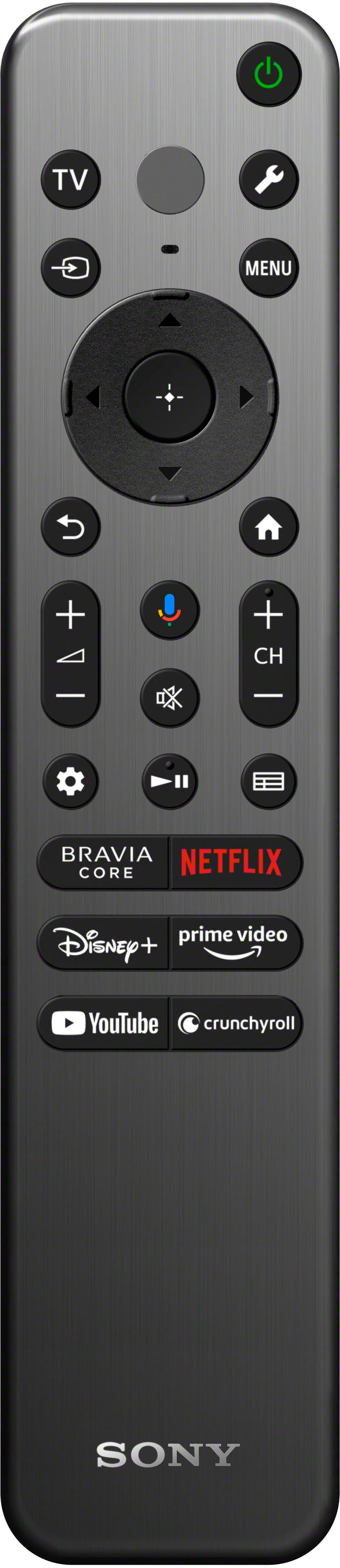
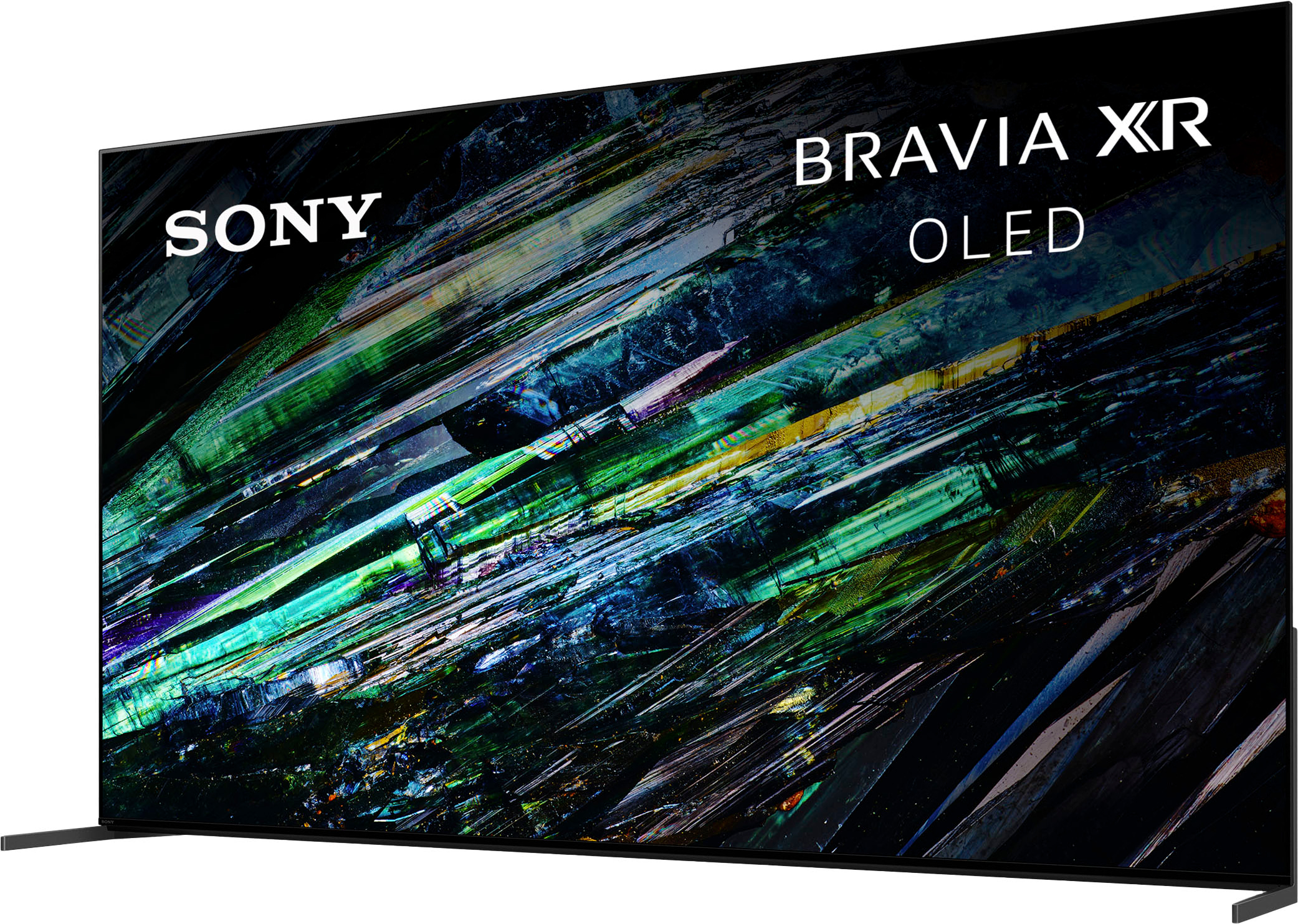
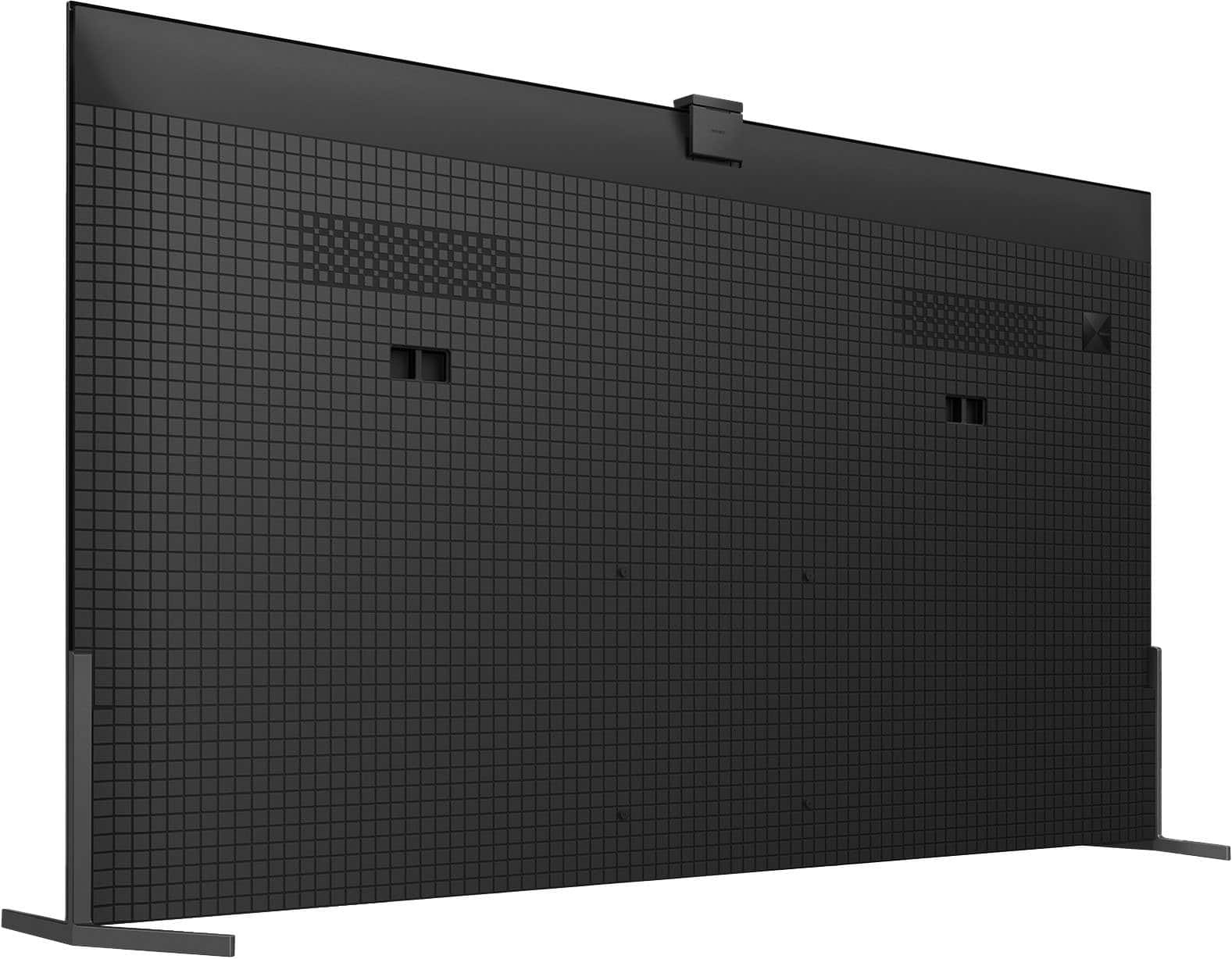
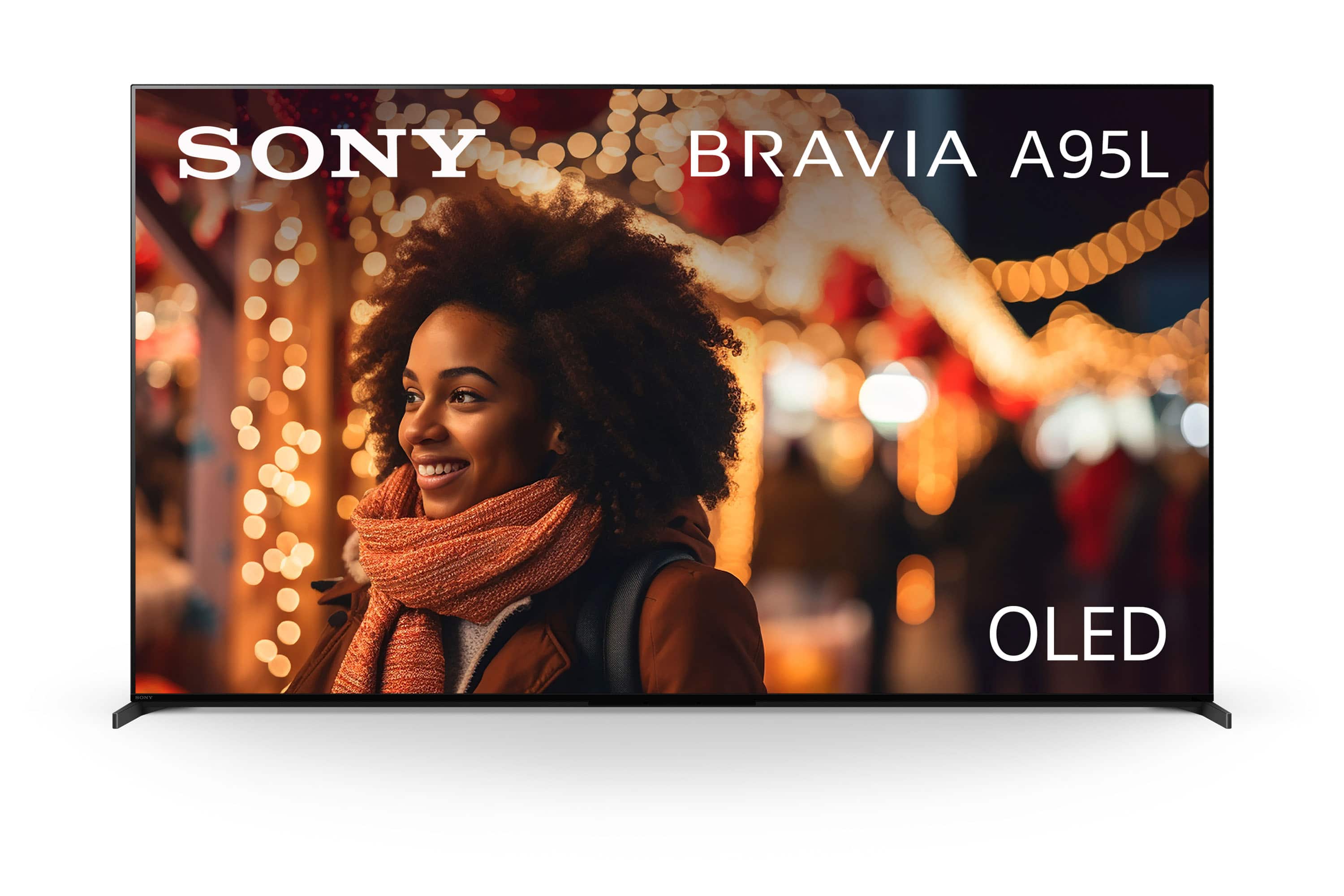
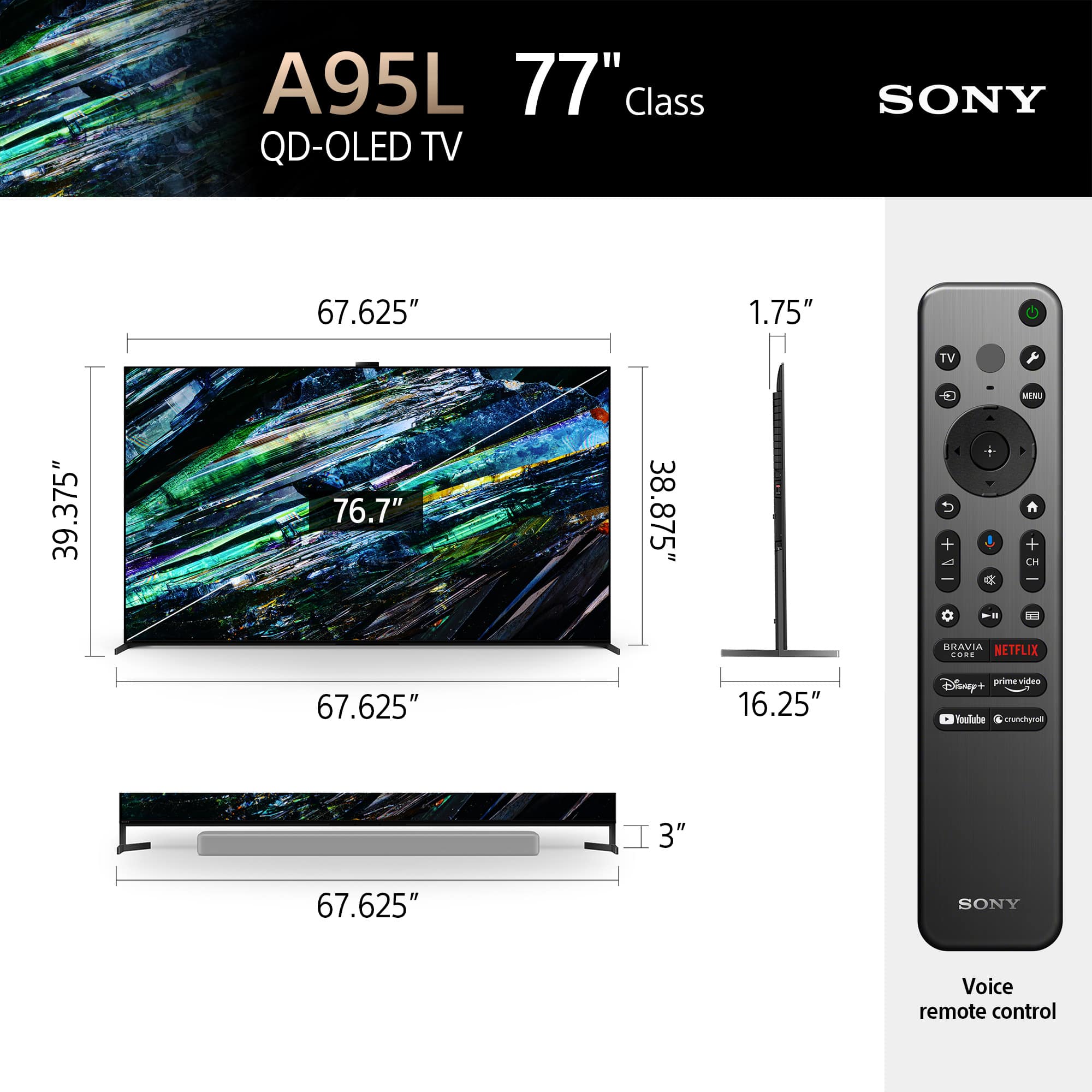
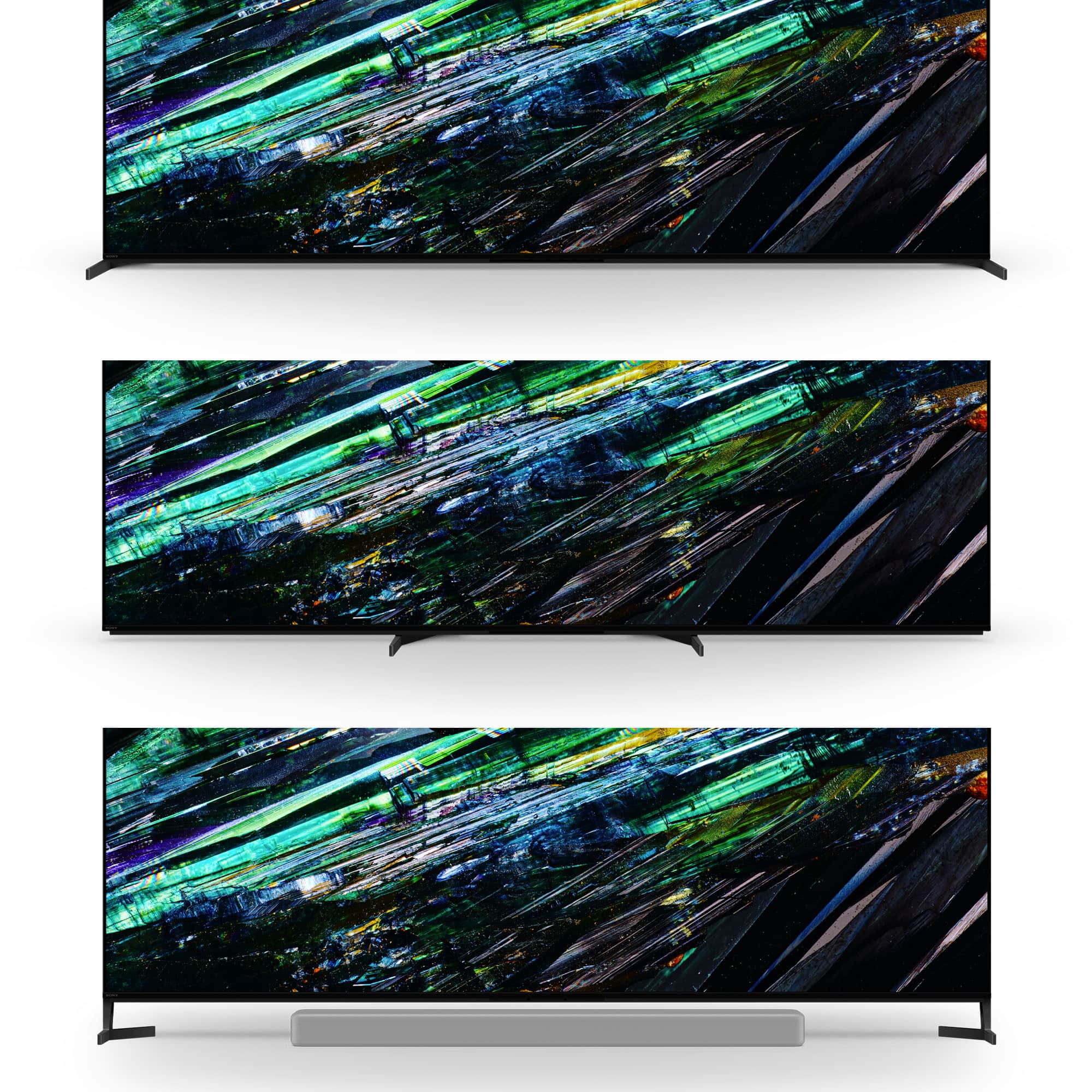










- Model:
- XR77A95L
- SKU:
- 6553380
Rating by feature
- Picture Quality
Rating 4.9 out of 5 stars
- Sound Quality
Rating 4.7 out of 5 stars
- Brightness
Rating 4.8 out of 5 stars
Customers are saying
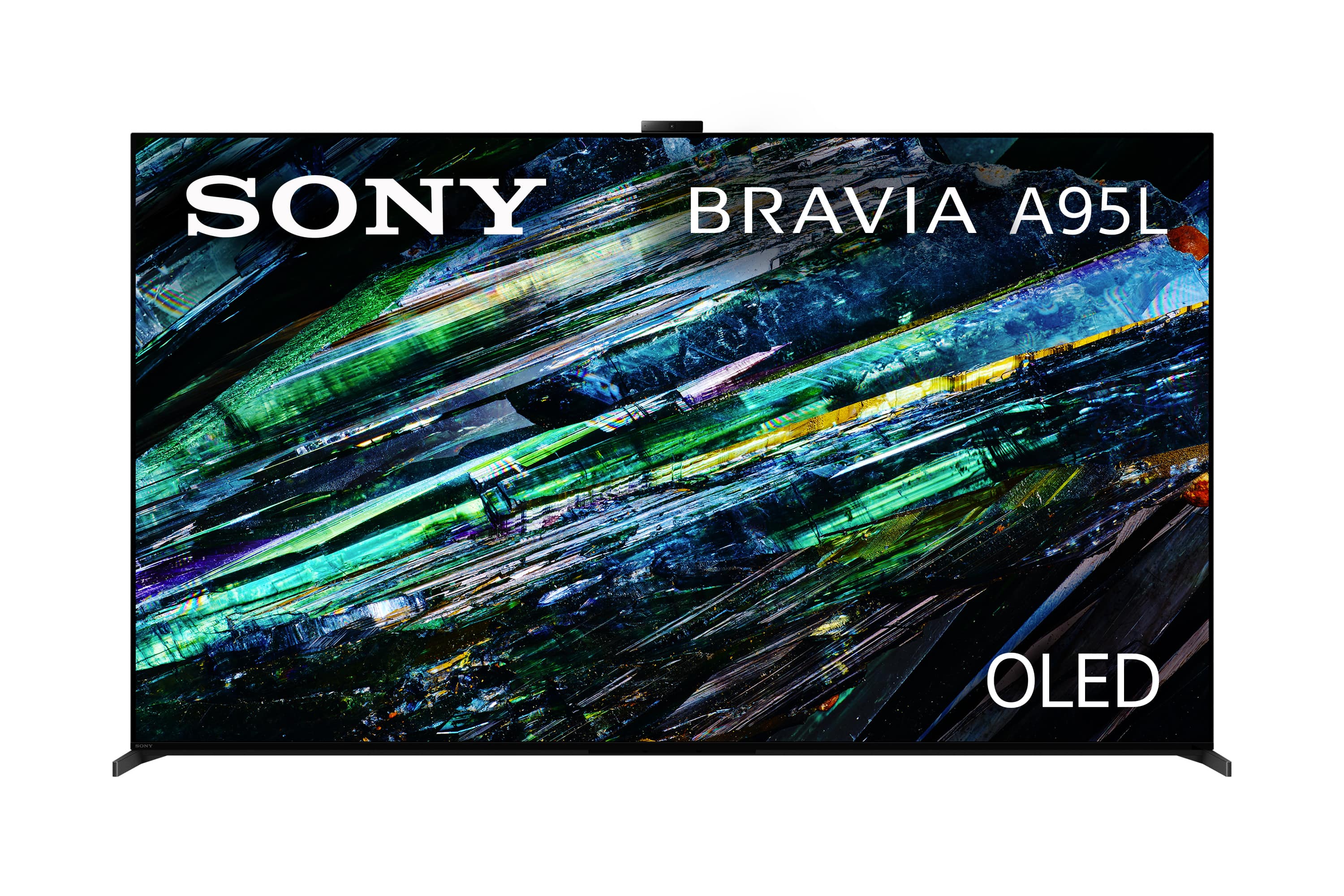
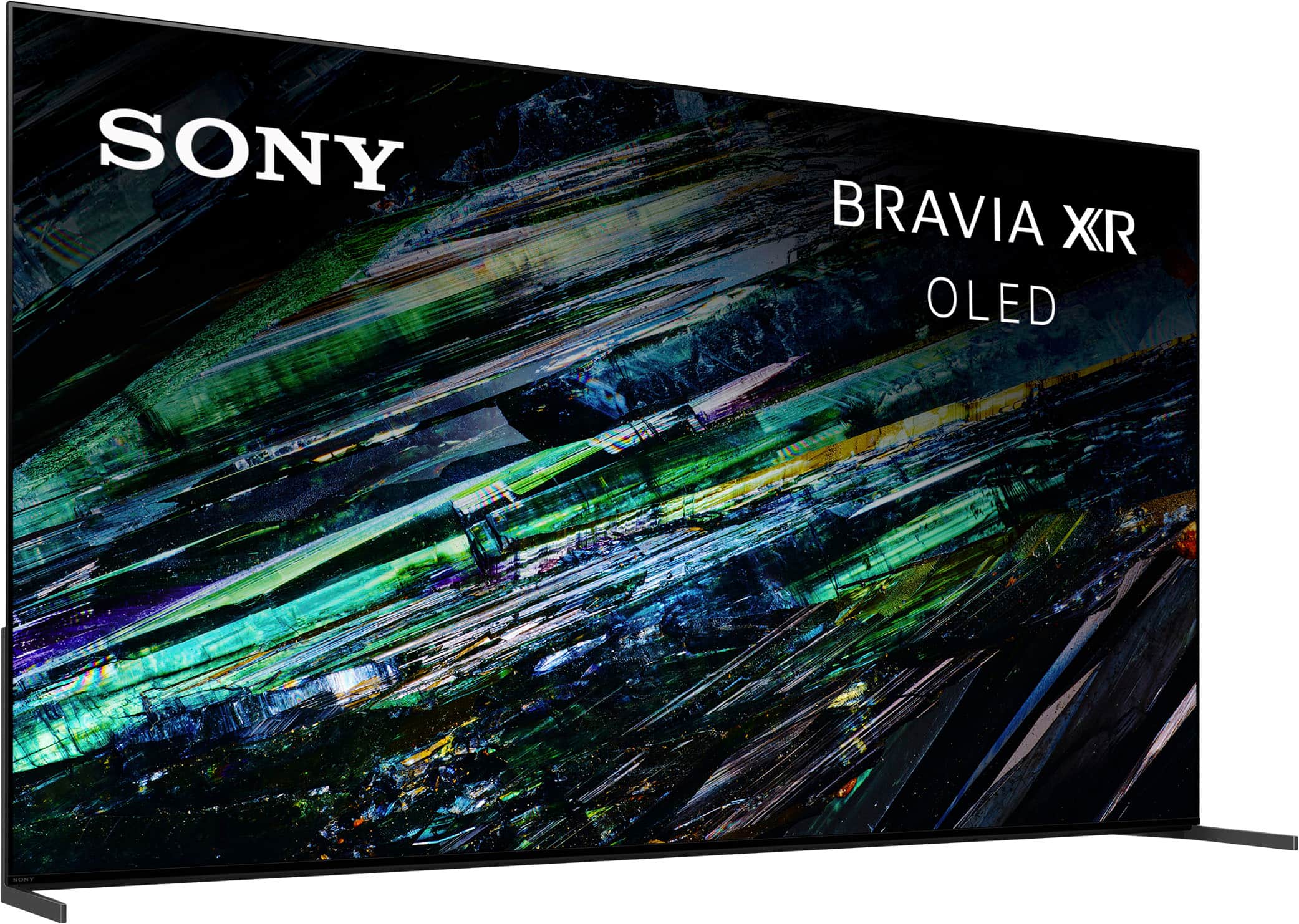
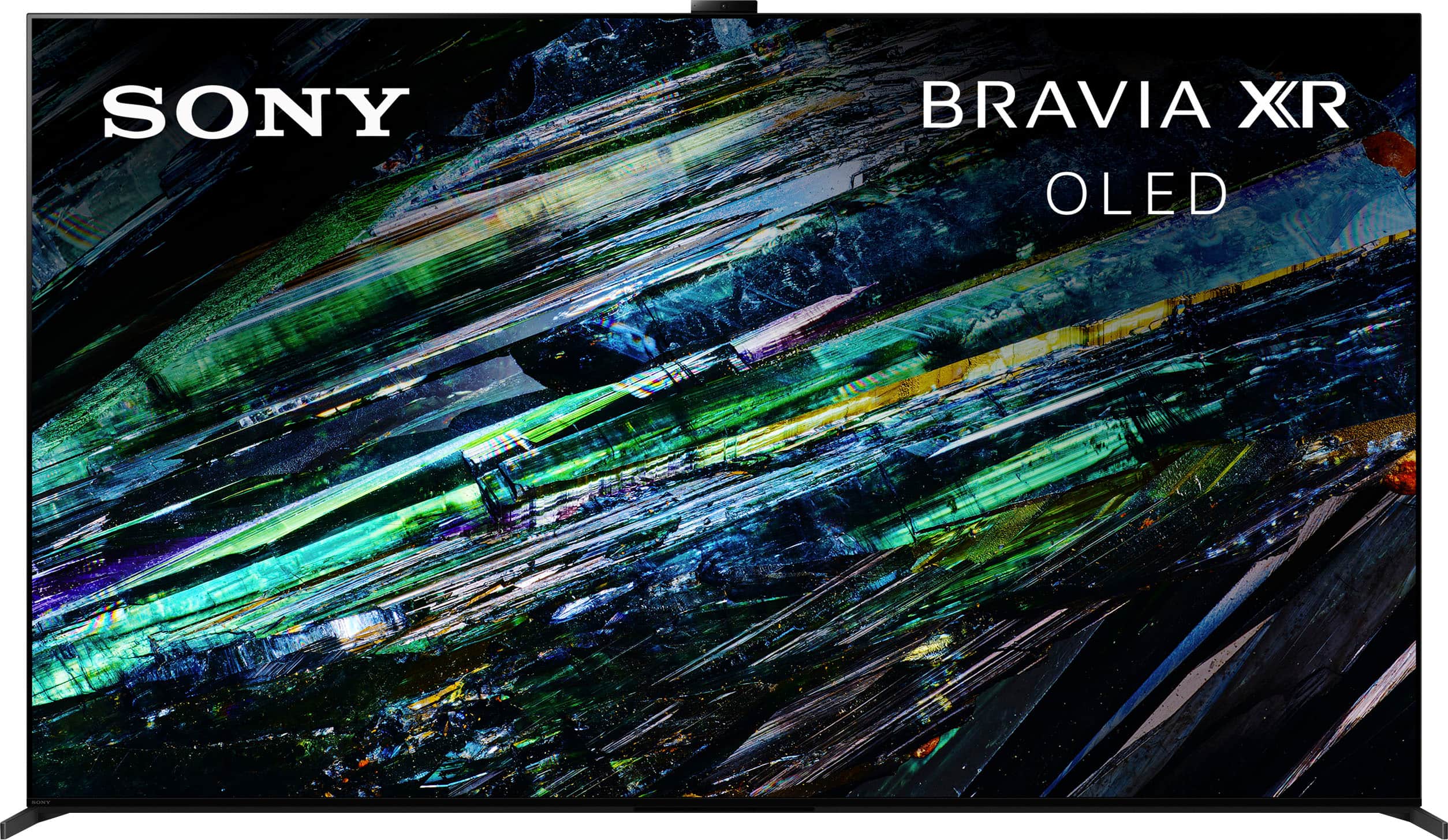
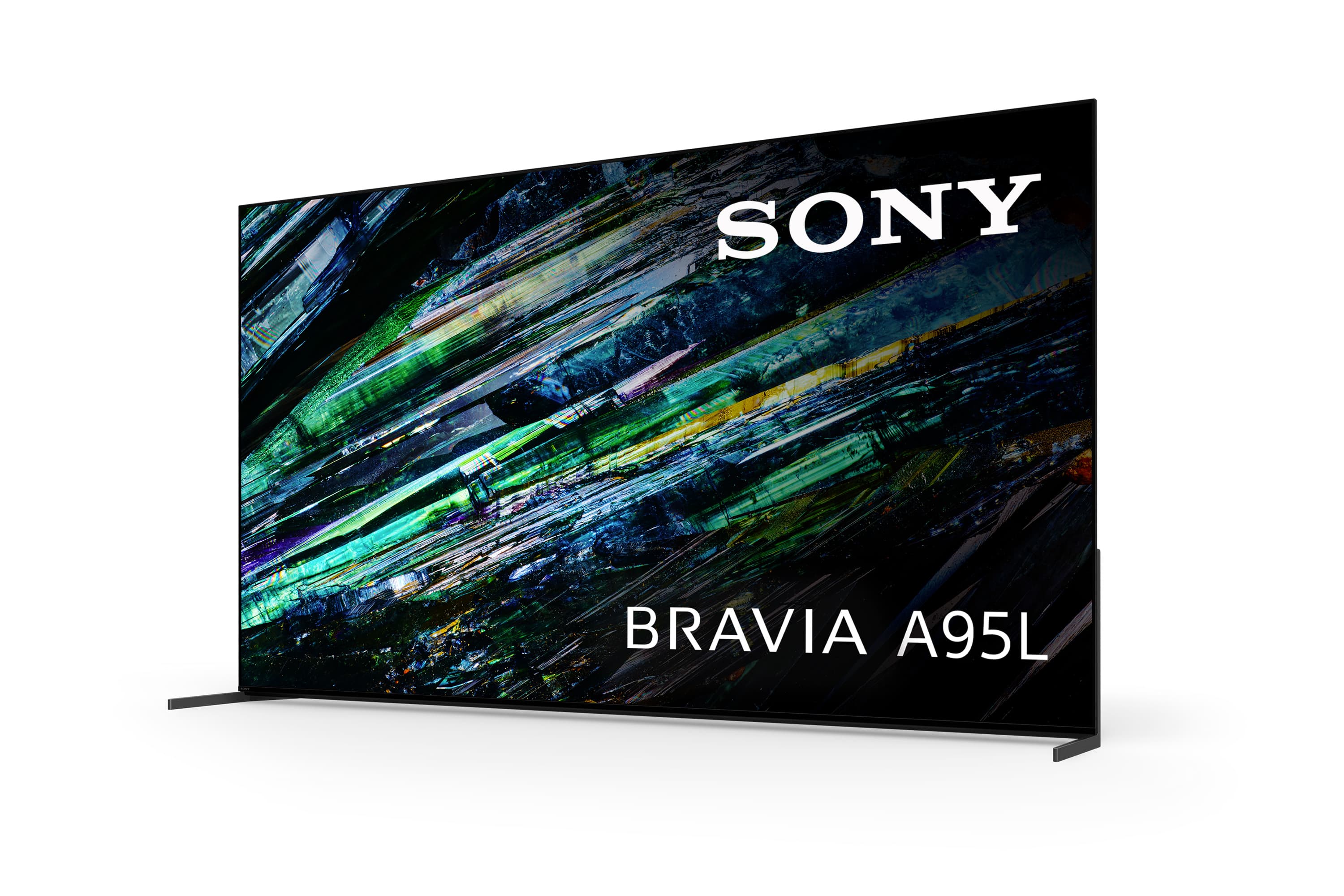
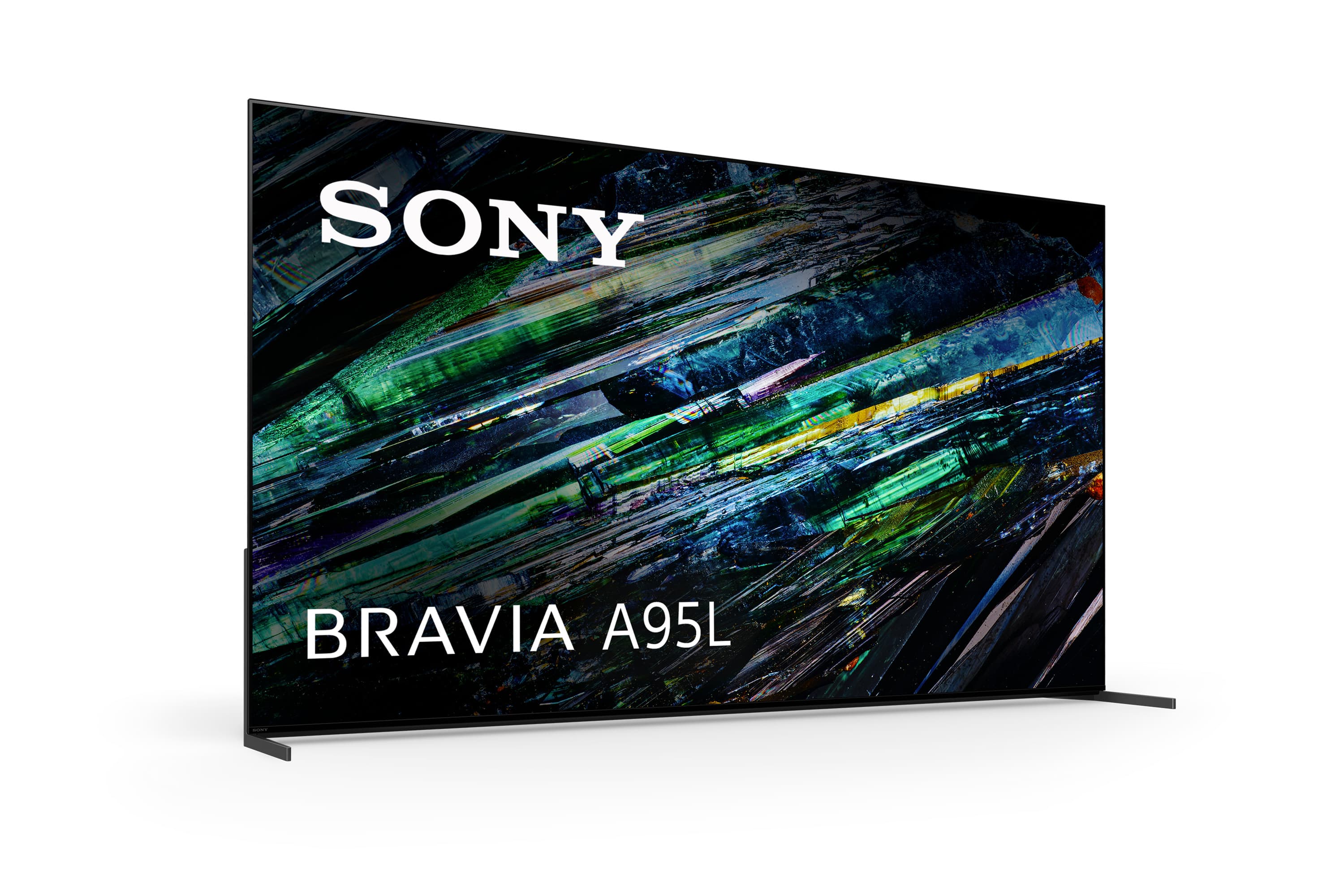
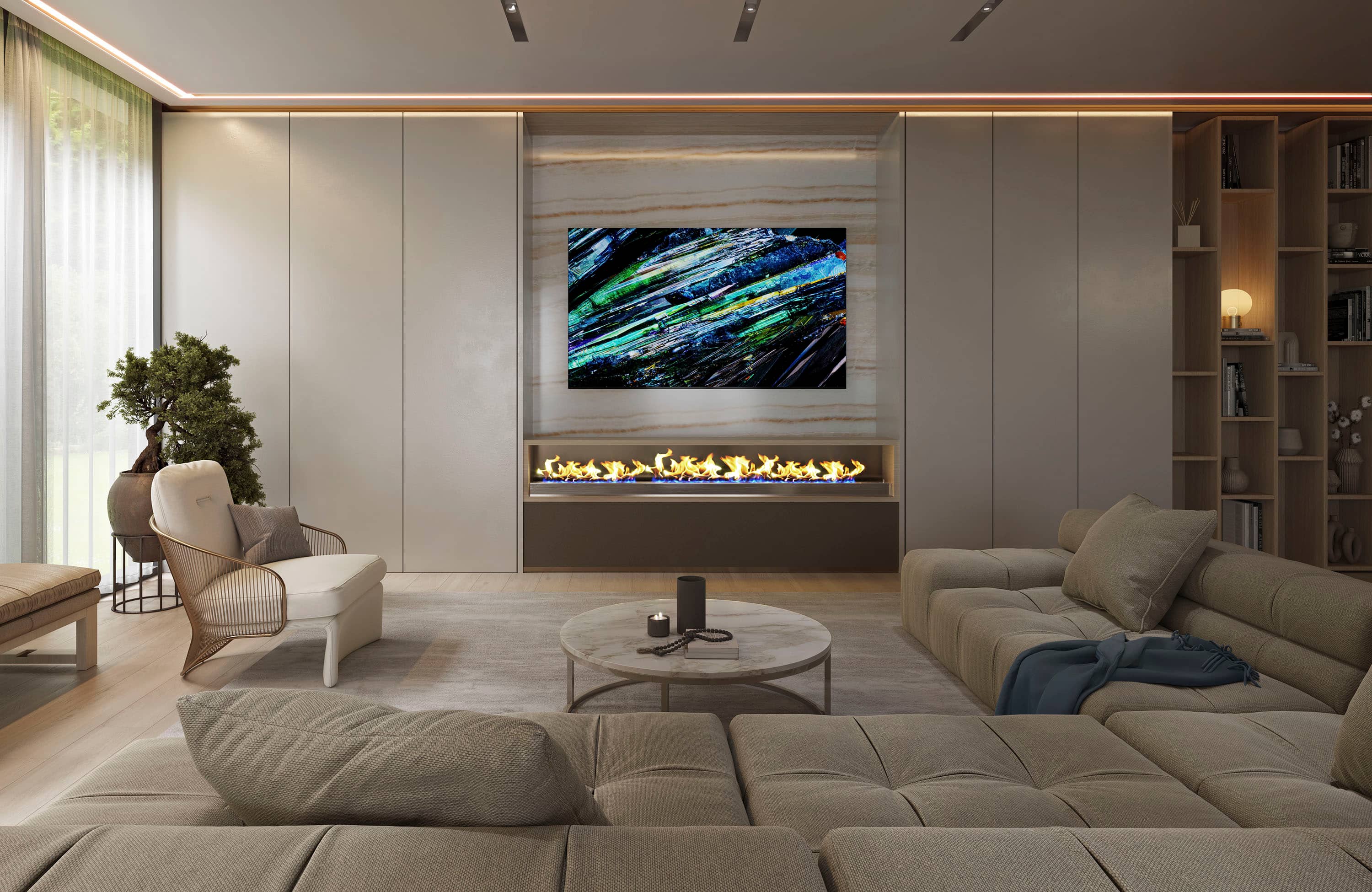
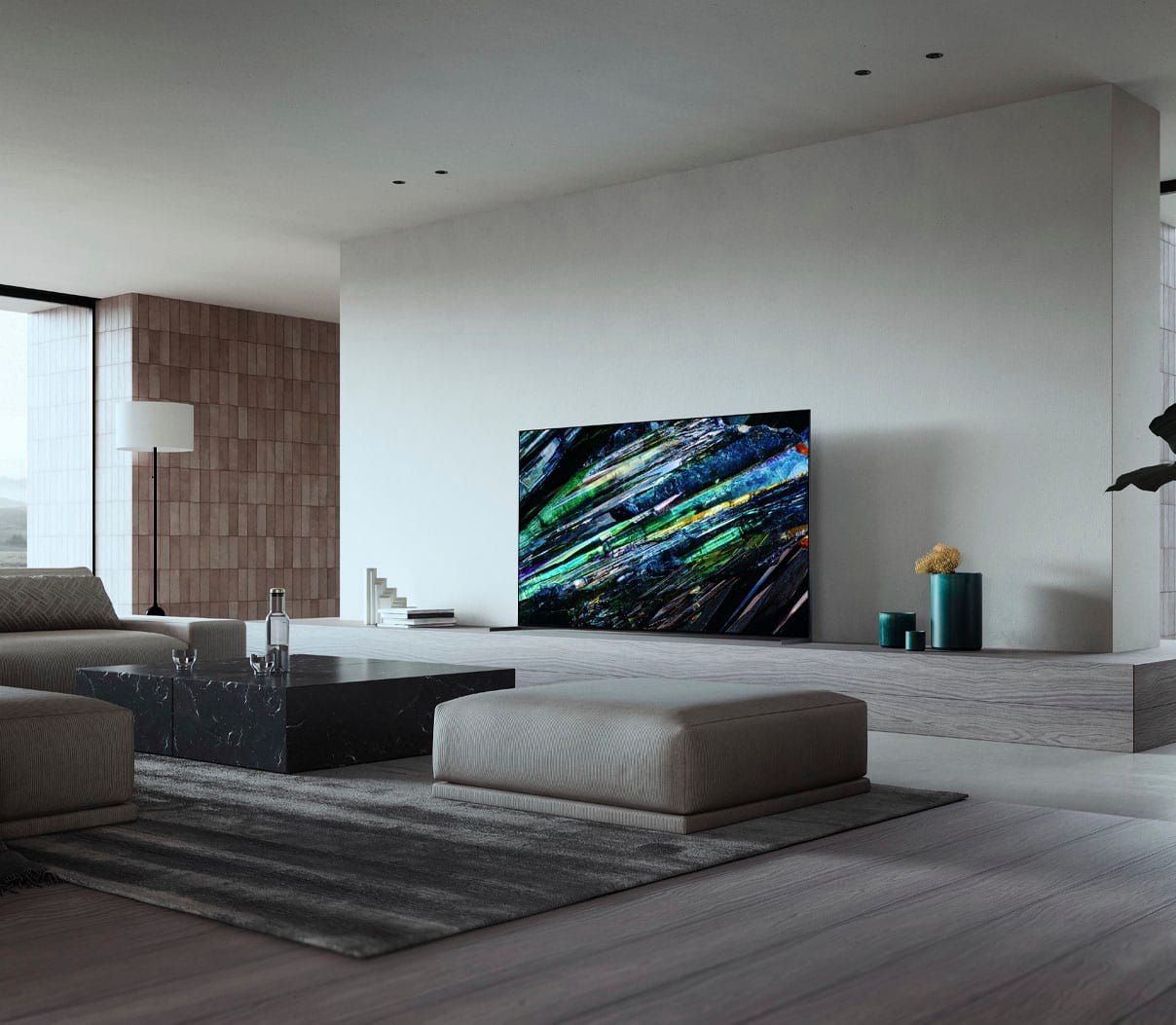
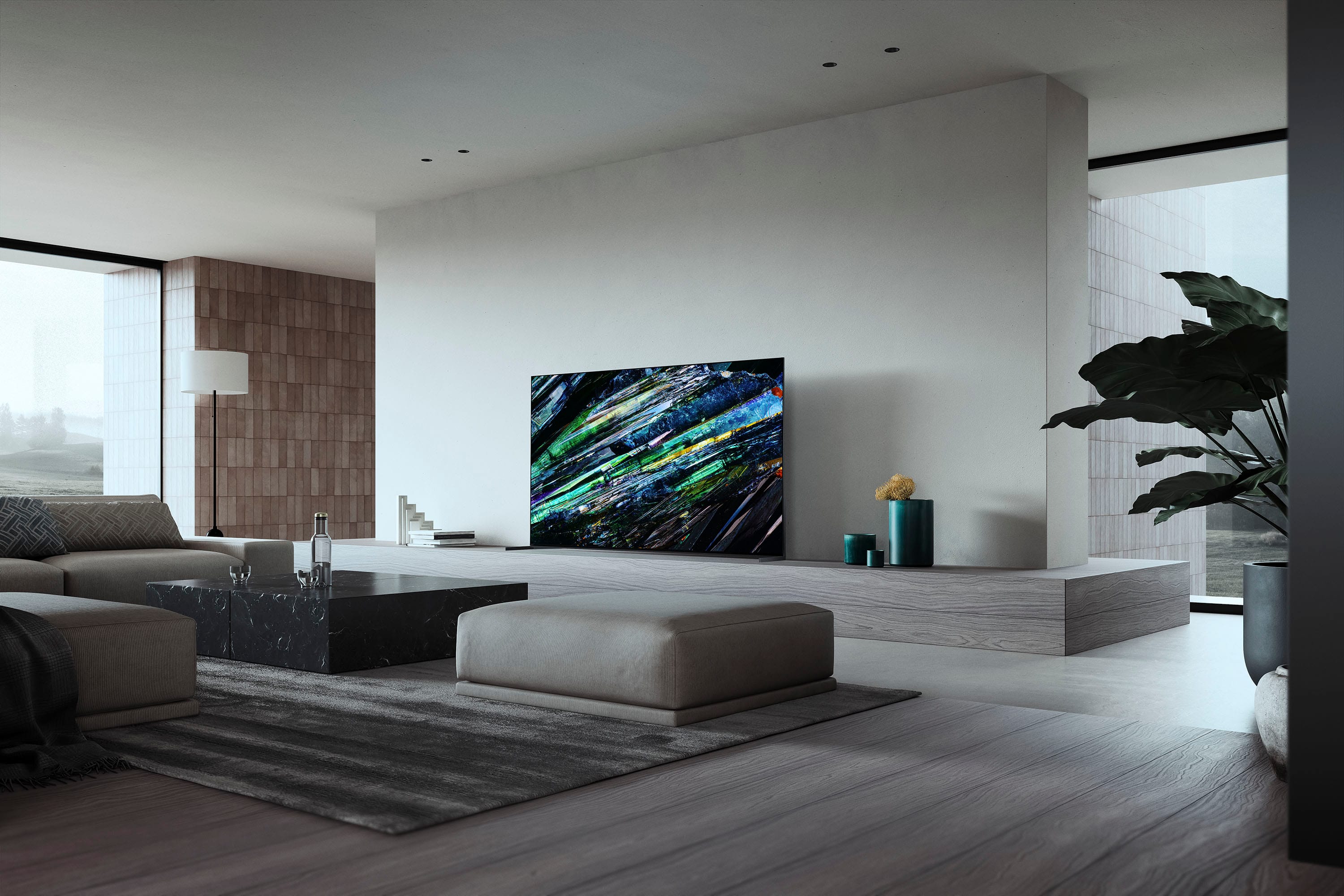
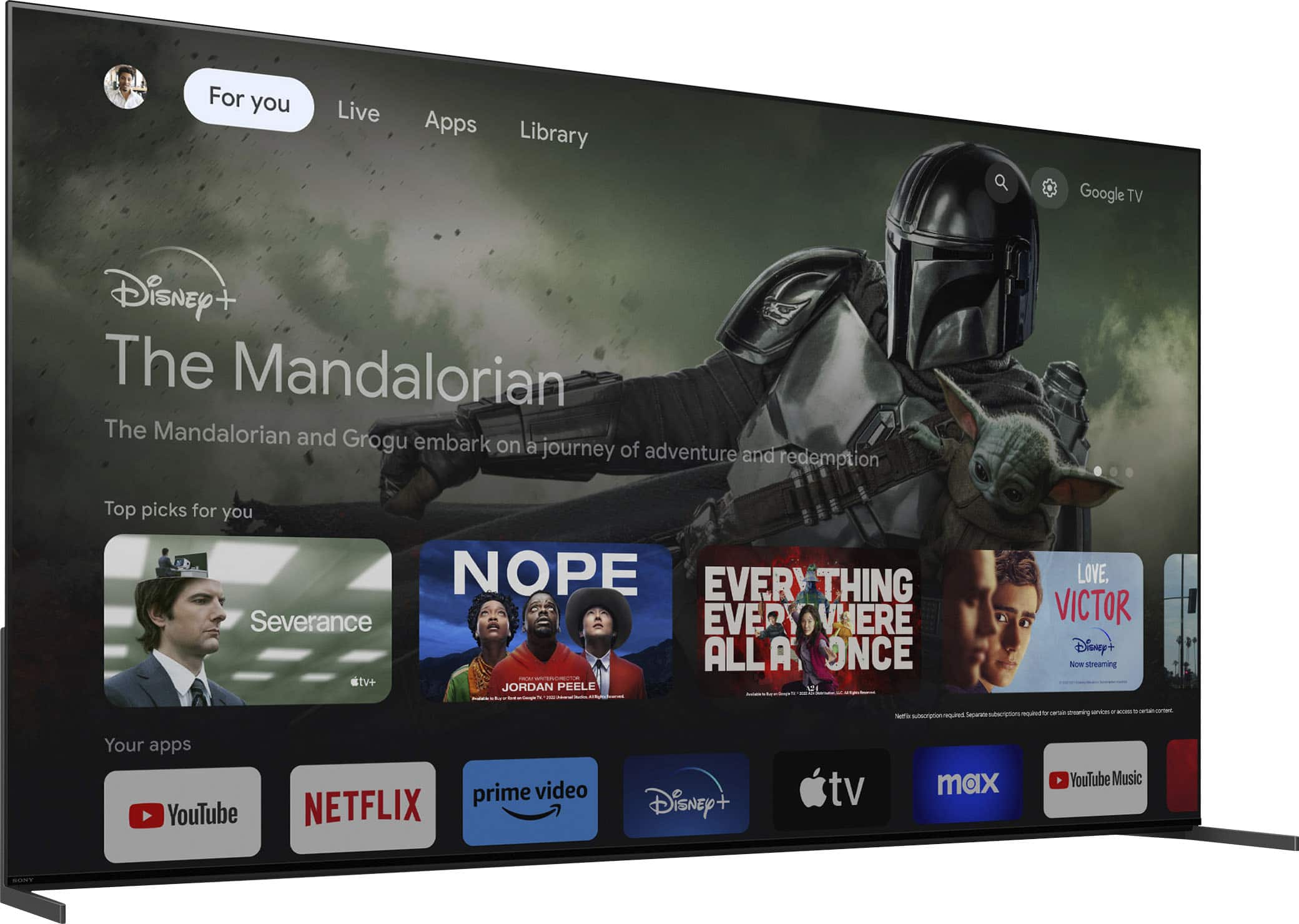
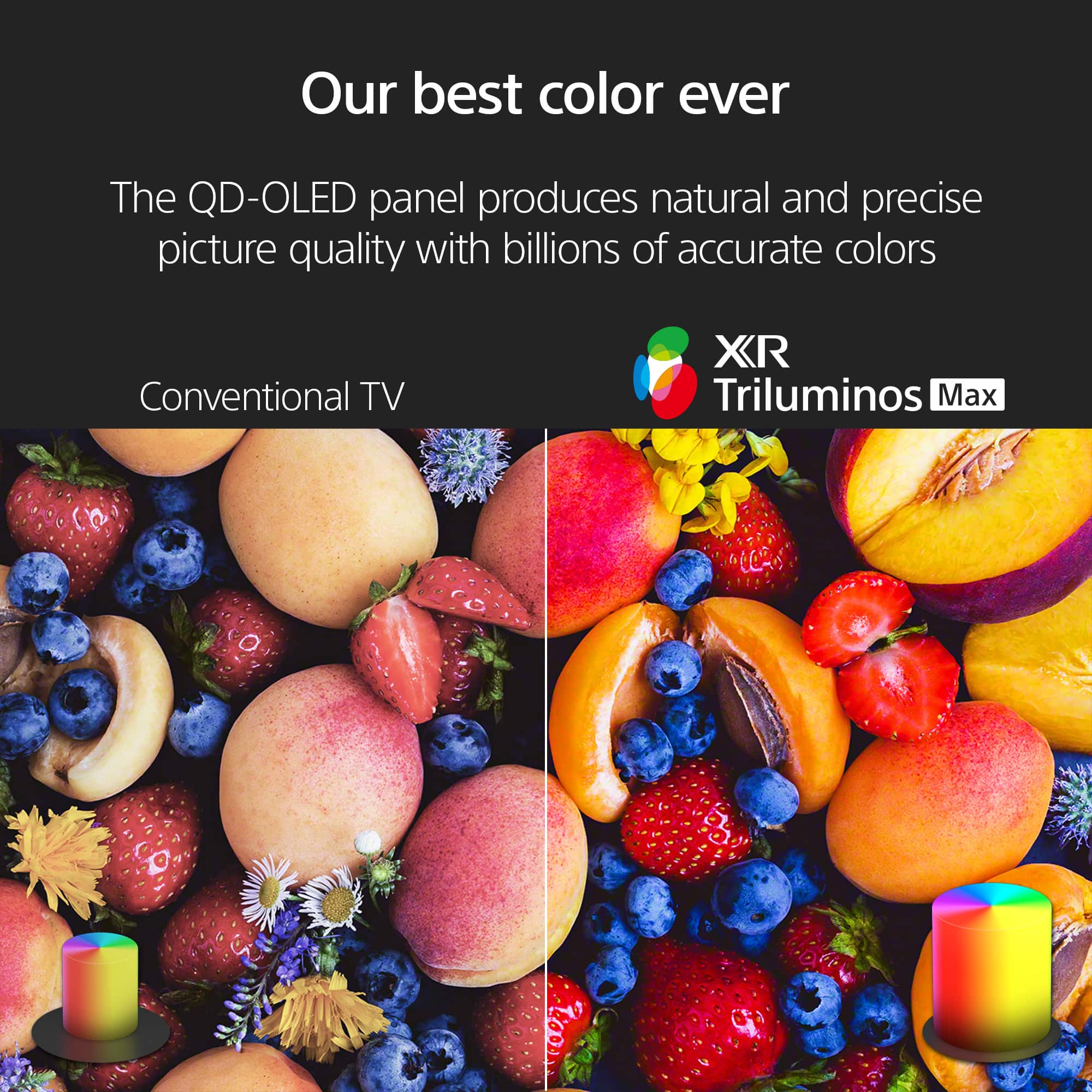
Customers frequently mention the exceptional picture quality and brightness of the 77" class BRAVIA XR A95L OLED 4K UHD Smart Google TV (2023). Reviewers also appreciate the TV's upscaling capabilities and excellent black levels. Some customers feel the price is high and that the HDMI 2.1 ports are lacking. Overall, the TV is considered a high-quality product.
This summary was generated by AI based on customer reviews.
More hype than substance.
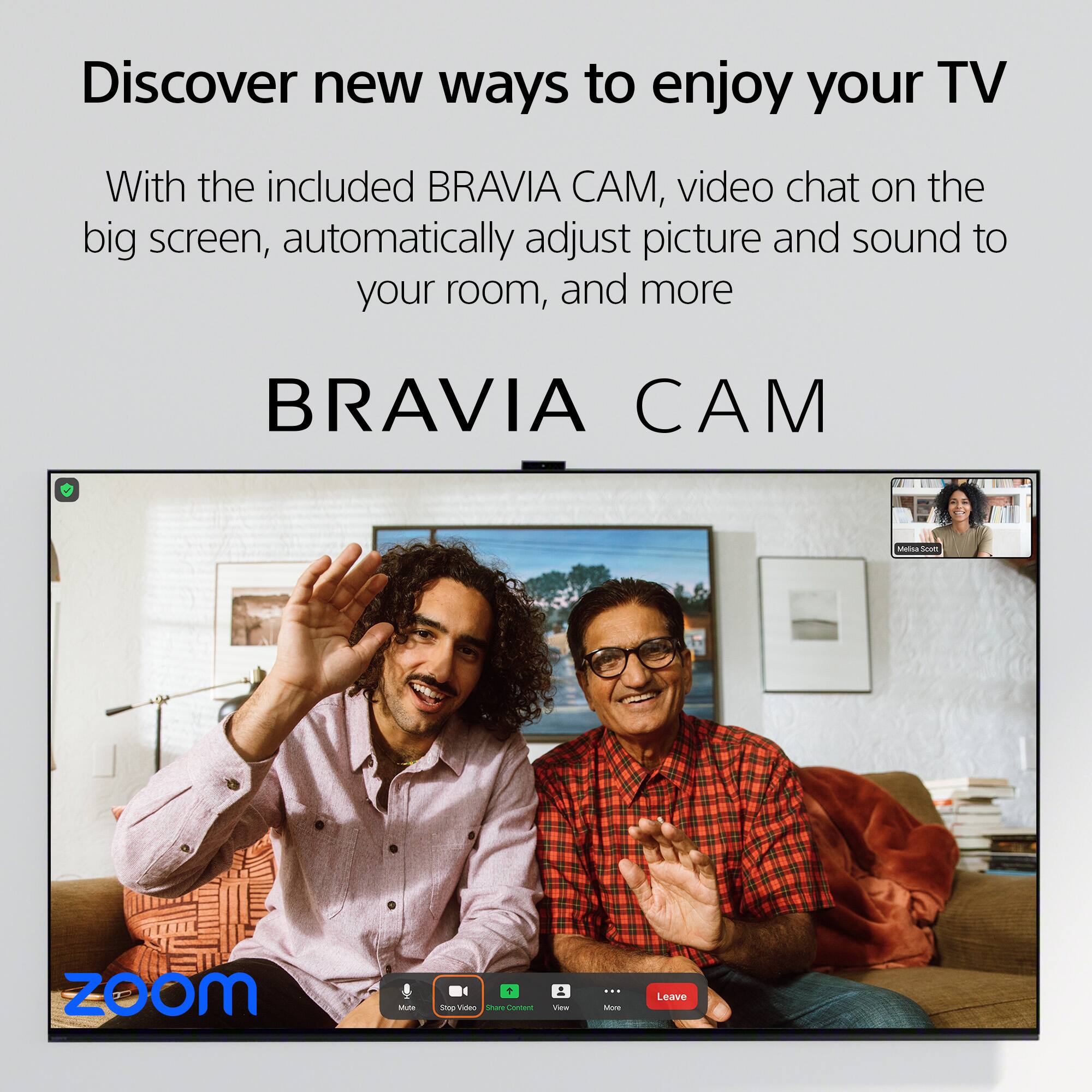
||Posted . Owned for 2 weeks when reviewed.This reviewer received promo considerations or sweepstakes entry for writing a review.Bought a 77 A95L, as it is an upgrade from my LG 65 B7, however I think this is more hype then substance. Not blown away, but its audio is great and picture quality isnt as vibrant as I expected being qd oled. All in all, I think I would have gone with a G3 and saved the 1000. Also, the bravia cam is not that easy to setup. Operating system is a lot faster than my C2. Its not a bad TV, it may just take some getting used to.
I would recommend this to a friendBrand response from SonyListens
Posted .Hi Patrick, Thank you for upgrading to your new Master Series A95L. We value your feedback regarding the picture quality and that it hasn't performed to your standards. We want to make sure that you’re taken care of and go through some troubleshooting with you to make sure your TV is great. Verify if the issue occurs on other channels and other video sources (e.g., Cable box, Signal Channels, Blu-ray Player, PlayStation, or any other external input). If the picture is blurry or noise occurs on your Google TV screen when watching videos, please try following the steps on the link below to resolve the issue:
https://www.sony.com/electronics/support/televisions-projectors-oled-tvs-android-/xr-77a95l/articles/00141958
The quality of the source is also a big factor in getting an excellent picture quality. Having said that, picture mode settings provide preset adjustments for the type of picture you are viewing. Picture settings also allow a wide array of changes to color, contrast, clarity, and brightness that can improve the viewed content on your Google TV. For more information, please visit the link below.
https://www.sony.com/electronics/support/televisions-projectors-oled-tvs-android-/xr-77a95l/articles/00190409
We do have good information on how to setup the BRAVIA CAM and perform initial settings on this helpful link: https://www.sony.com/electronics/support/articles/00279217
For future reference, we can offer assistance on how to set up or operate the features and functions of your Sony TV by visiting our Sony Support website to download the help guide and look for additional information about your product. Also, you can chat with one of our agents who would be glad to help or send us an email at socialsupport@am.sony.com with the following details:
Name:
Best Buy Username:
Model Number:
Issue:
Telephone Number:
Regards,
Jess
Mixed review
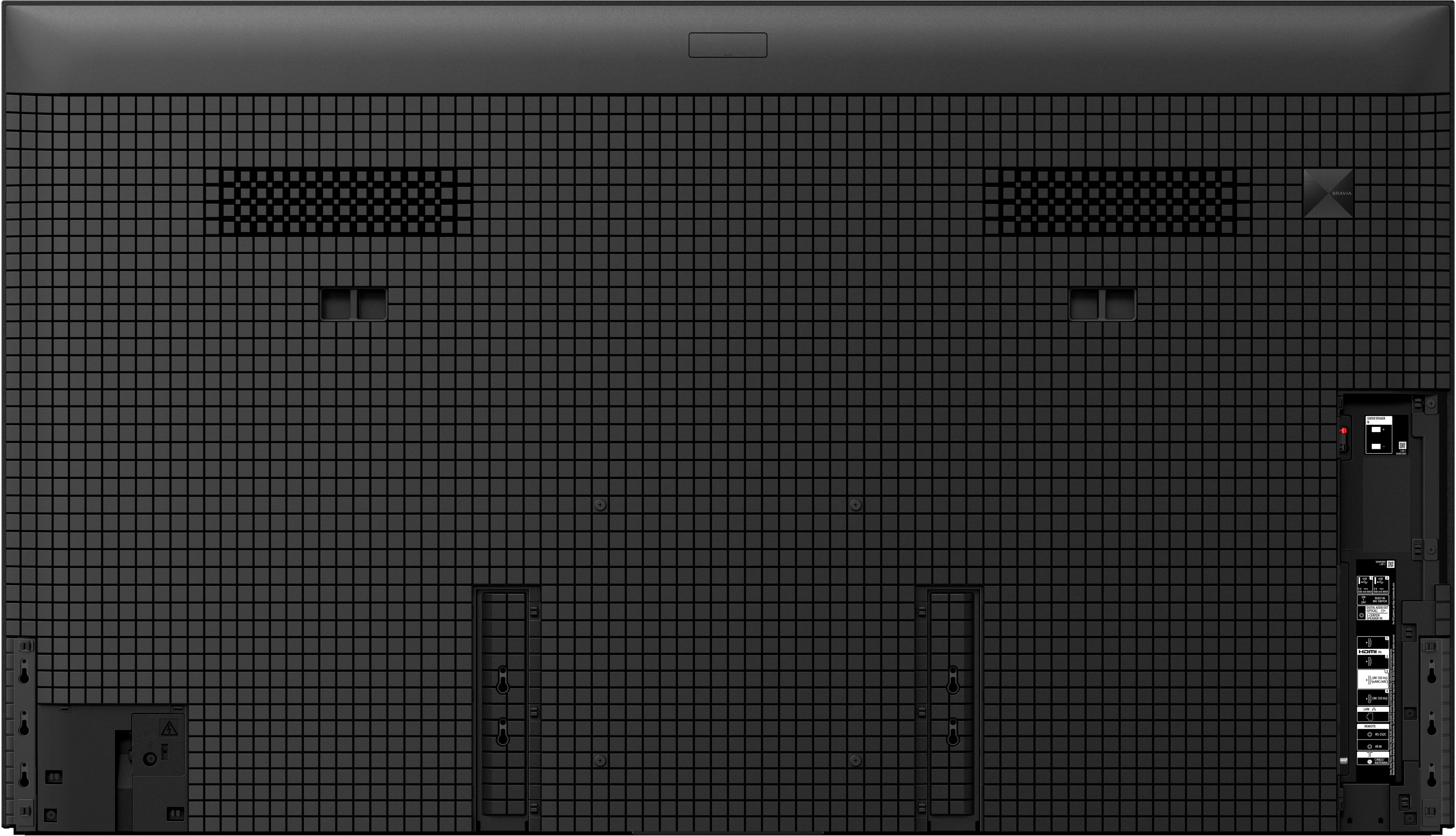
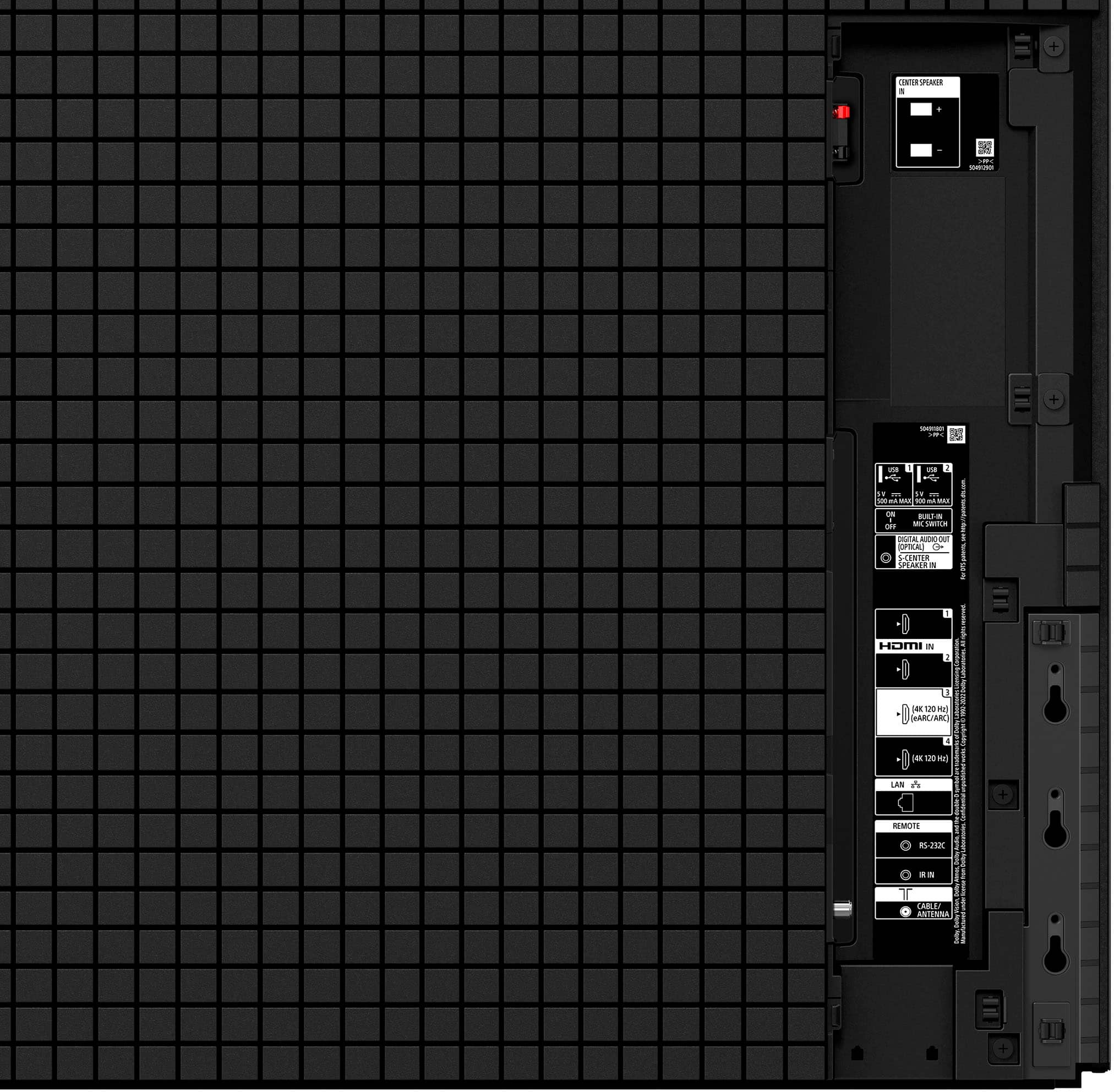
||Posted . Owned for 1 month when reviewed.This reviewer received promo considerations or sweepstakes entry for writing a review.Great potential. But honestly very disappointing. I tried really hard to like this TV but there were so many issues. 1 missing 4 HDMI 2.1 ports which at this price is terrible. 2. There was something wrong with my HDMI ports where there would be feedback every time I play anything from my soundbar with Dolby atmos. There were pulsating sounds with any kind of background music. 3. The screen does horribly when there is any scenic panning. You’ll notice the actor standing with the background changing behind him and everything is fragmenting. Not sure if it’s just my TV based on the positive reviews but I wont be buying a Sony this year. Hopefully 2024 will be better. The reason I’m giving 3 stars is at least its got a good picture and brightness is so much better then my much older oled.
No, I would not recommend this to a friendBrand response from SonyListens
Posted .Hi BestBuyer,
While we're glad that you like its amazing picture, we regret to hear you're not having the best experience with this TV and you're experiencing some audio issues. Your feedback regarding the picture issues and 2 HDMI 2.1 ports is extremely important to us and is very much appreciated. Please allow us to help you and turn this into a better experience. If you haven't yet, try the following:
1. Disconnect the cable from the soundbar and TV and then reconnect the cable.
2. If you continue to see the behavior, perform a power reset on the soundbar and TV.
3. Check the HDMI control on the soundbar. Try to disable and enable it.
4. If possible, try replacing the HDMI cable.
5. Perform a factory reset of your TV
For instructions, please visit this link: https://www.sony.com/electronics/support/articles/00159487
If the picture keeps getting fragmented sporadically, you may also find this link helpful: https://www.sony.com/electronics/support/articles/00032635
Also, check that your TV is running the latest firmware. For us to better assist you, may we contact you to help and get more information? If so, please email the below information to socialsupport@am.sony.com.
Apologies if you disclosed some of this information in your review and to customer service, we just want to ensure that we have your accurate details at the time of communication.
Full Name:
Best Buy Username:
Telephone Number:
Sony Model Number:
Additional Information regarding your experience with the A95L:
We are sorry for the inconvenience and hope to speak to you to resolve this matter.
Sincerely,
Jess
Good performance, but better 2025 contenders
||Posted .This reviewer received promo considerations or sweepstakes entry for writing a review.I’m conflicted. This is the best tv that I’ve ever owned. It has fantastic color reproduction and color depth, is bright although daytime brightness is a bit lacking. Gaming is nice but again I feel like the gaming mode brightness is either auto dimming or throttling. For movies and tv, though, which is my primary use case it looks phenomenal. I generally use Dolby bright for most content that I can match on. The major con for me, however, is that the TV died after 7 months of use, and the parts are unavailable to fix it until after the holiday. I owned an A95K for 4 years without issue and upgraded to this set, so I am disappointed that it couldn’t make it that far. Additionally, I think that the LG G5 probably offers more complete value with better price and with calibration can achieve similar numbers. Overall I’d give 5 stars in 2023 (when it came out, the competition wasn’t as good) but in 2025 I would def go for the G5 especially for the price.
No, I would not recommend this to a friendBrand response from SonyListens
Posted .Hi Ayobami,
We are truly sorry to hear that your BRAVIA A95L has required service so soon and that the wait for parts is impacting your holiday viewing. While we take great pride in the QD-OLED’s color depth and cinematic performance, we understand that reliability and support are just as critical as picture quality. We appreciate your feedback regarding the gaming brightness and current market comparisons, and we will share your experience with our quality and service teams to help us improve. Thanks for choosing Sony.
Best regards, Eliab
Juice is not worth the Squeeze
||Posted . Owned for 2 months when reviewed.This reviewer received promo considerations or sweepstakes entry for writing a review.Very overrated, over hyped and ridiculously expensive TV. While the PQ on the Sony A95L is great, it is not that much better than it's nearest competition (Samsung S90/95C and the LG G3). In almost all instances the PQ is about the same and doesn't justify the huge price gap. I had so many issues with the TV that I was left very disappointed. I never went more than 3 days with being forced to reboot/restart the TV for one reason or another. A few days after I purchased the TV, it didn't turn on at all and I had to physically unplug the TV for it to start. A few days later it kept doing a hard crash about 4 or 5 times that day. I wouldn't buy this until the price gets more "reasonable." After that it seemed to correct itself. But then 4 days later the Audio Sync just kept "breaking" and it was more than lip syncing being off, I constantly lost audio and had to reboot the TV just to get the Audio back and I used a Sony Soundbar Set up thinking it would work flawlessly with this TV and it absolutely didn't. I could never enjoy the TV because the ridiculous price to performance, just didn't justify it. There would be times I'm watching it and occasionally I'll see an image that made me go WOW, I'm glad I bought this, but then the issues would occur. I also think all the hype around the built in Audio is WAY overblown. It isn't much "better" than any other TV and I thought it was pretty weak until you turned it up pretty loud (like most TVs).
No, I would not recommend this to a friendBrand response from SonyListens
Posted .Hi Malexandria,
Thank you for telling us about your experience with your Sony A95L OLED 4K TV. We regret to learn that the TV is not working properly and you encountered some sound issues with your TV and audio system. This is not the experience that we want you to have. Many issues can be fixed without a repair. If you haven't yet, we do have troubleshooting steps that may help resolve some issues, especially if your TV has no picture, no power, or the LED light blinks or flashes red. You may refer to the helpful link below.
https://www.sony.com/electronics/support/televisions-projectors-lcd-tvs-android-/kd-65x80k/articles/00153674
A separate article is available if there is no sound when using a TV or audio system with the ARC/eARC feature on this link here: https://www.sony.com/electronics/support/articles/00020051
To make sure your TV runs as smooth as possible, we highly recommend downloading and installing the latest software for the TV. For future reference, we can offer assistance on how to set up or operate the features and functions of your Sony TV by visiting our Sony Support website to download the help guide and look for additional information about your product. Please note we have a customer hotline that is happy to assist you and help troubleshoot any concerns you have.
For us to better assist you, may we contact you to help? If so, please email the below information to socialsupport@am.sony.com.
Apologies if you disclosed some of this information in your review and to customer service, we just want to ensure that we have your accurate details at the time of communication.
Full Name:
Best Buy Username:
Telephone Number:
Sony TV Model Number:
Additional Information regarding your experience with the A95L.
We value you being a Sony customer. Thank you for letting us help assist you.
Sincerely,
Jess
Superior PQ/Upscaling but troubling issues.
||Posted . Owned for 1 week when reviewed.This reviewer received promo considerations or sweepstakes entry for writing a review.I've had the TV for 2 months (return window is 90 days with Best Buy Plus). Will update if I decide to keep the set. I love this TV, but there have been some headaches. For 5K+, some of these problems are frustrating. Pro's - Picture Quality is outrageously good. Skin tones are much more natural on the Sony when compared to the LG G3, and the vibrant colors stand out more. The TV speakers are the best I've hever heard. I don't think there is a better PQ TV on the market. For accurate colors and upscaling, its easily the best. Con's - This TV does not play well with other devices. Having issues using the Apple TV (crackling speakers, desync audio), as well as having real issues using a sound bar or surround setup. Desync is a headache Sometimes motion stutters on long panning camera shots and when watching sports, the TV auto-dims. Its extremely noticable. If I can fix some of the issues, I'll be keeping the TV. I've been trouble shooting on the AVS forums for a few weeks. Considering swapping for an LG G3 if I can't solve the dsync issues. Using the surround sound with a receiver has been a nightmare.
No, I would not recommend this to a friendBrand response from SonyListens
Posted .Hello Anton,
While we are happy that you are pleased with the picture quality of our Sony XR77A95L TV, we're sorry to hear that you are having some issues with the audio. This is not the experience we want you to have. Please allow us to help and troubleshoot this. Here are some troubleshooting steps that you can follow to resolve this issue. Kindly check these helpful links.
From the Online Help Guide:
You are concerned about a delay between the picture and sound.
https://helpguide.sony.net/tv/kusltn2/v1/en-003/08-05_10.html
Also, click this link then select the issue:
https://www.sony.com/electronics/support/televisions-projectors-oled-tvs-android-/xr-77a95l/articles/00202032?cpint=spt-tv_triage_00200862_audio
If these will not resolve the issue, please email the below information to socialsupport@am.sony.com.
Apologies if you disclosed some of this information in your review and to customer service, we just want to ensure that we have your accurate details at the time of communication.
Full Name:
Best Buy Username:
Issue:
Telephone Number:
Model Number:
We are sorry for the inconvenience and hope to speak to you to resolve this matter.
Sincerely,
Marco
Want to love it
||Posted . Owned for less than 1 week when reviewed.This reviewer received promo considerations or sweepstakes entry for writing a review.I had this tv installed a few weeks ago. We cannot get it to stay on, if it even turns on. We have reset it, unplugged everything, and taken it off of the surge protector. If it turns on, it turns back off within a minute. The red blinking light indicates something wrong with the tv. Best Buy is replacing it.
I would recommend this to a friendBrand response from SonyListens
Posted .Hi AnnemarieN,
We're so sorry to hear about the trouble you’ve been having with it not staying on and the red blinking light issue. It sounds like you’ve tried all the right troubleshooting steps already. We're glad to hear Best Buy is stepping in to replace it for you. That should get you back to enjoying your TV soon! If you need any help with setup or have questions about the new unit once it arrives, feel free to reach out and we'll be more than happy to assist you. You may send us an email at socialsupport@am.sony.com with the following:
Name:
Best Buy Username:
Model Number:
Issue:
Telephone Number:
We appreciate you and thanks for sharing your feedback!
Regards,
Jess
Not Sony's best TV.
||Posted . Owned for 1 week when reviewed.This reviewer received promo considerations or sweepstakes entry for writing a review.I purchased the 83" Sony A90J (2021) model in July of this year and purchased this 77" (2023) model this month. The A90J has a better picture, is 6 inches bigger, and cost me $400 less, and gets 5 stars across the board. The AJ90 is now discontinued...hmmmm. I suppose this is a great TV if it's the best picture in your home, but that's not the case for me. Needless to say, I returned this TV because I EXPECTED more from a newer TV that cost more. Don't let the fancy new terminology fool you. Just because a newer model has a new supercalifragilisticexpialidocious processor, does not mean that it's better than old processors. All companies try to make a profit, which may mean buying cheaper components and selling them at a premium after hyping them up as the best new thing.
No, I would not recommend this to a friendBroken Dolby Vision or 120hz VRR. Not both.
||Posted . Owned for 1 week when reviewed.This reviewer received promo considerations or sweepstakes entry for writing a review.Returned since it would not allow both 120hz VRR and Dolby Vision on same input. Couldn't use receiver as single input without changing in the menu every time you switched inputs. Also Dolby Vision looked a bit green. G4 will be the TV I go with.
No, I would not recommend this to a friendBrand response from SonyListens
Posted .Hi 12inches,
We are really sorry if our A95L didn't live up your expectations and that it had to be returned. This is certainly not the news we'd like to hear from you. While the A95L supports 4K120Hz and Dolby Vision, the TV does not support Dolby Vision at 120Hz at this time. We will have your feedback noted as we always strive for the best customer experience. As for the power on behavior, you can actually change the TV startup behavior to Last input if you prefer the TV to power on with the last watched TV channel or external input. For more details about this feature, visit the following article:
https://www.sony.com/electronics/support/articles/00257833
We appreciate you and your input, and we are hoping you will consider Sony again in your future purchase.
Sincerely,
Romeo
5 star tv compromised by logo dimming
Posted .This reviewer received promo considerations or sweepstakes entry for writing a review.This is an easy five star tv, if not for logo dimming. Sports fans take notice. When watching SDR sports with peak luminance set to high, the tv will dim down over time when there’s a static scoreboard, making the broadcast much less impactful. LG and Samsung have either removed logo dimming or given the owner the option to disable it in the menus. Sony is at a competitive disadvantage for this, and needs to address ASAP. Everything else about the tv is fabulous.
I would recommend this to a friendBrand response from SonyListens
Posted .Hi MichaelC,
Thanks for sharing your thoughts and experience using your BRAVIA XR A95L. We’ve taken note of your feedback about the ASBL kicking in or static logo dimming, especially when watching sports content in SDR. We also appreciate pointing out the peak luminance setting that determines how bright it's going to actually be on the average. Picture settings allow a wide array of changes to color, contrast, motion settings, and brightness that can improve the viewed content on your TV. Unfortunately, you cannot turn off ASBL (Auto Static Brightness Limiter) on this unit.
If the same image is displayed repeatedly or for long periods of time, image retention may occur. This issue is not a malfunction. We have equipped this TV with functions, [Pixel shift] and [Panel refresh], that are designed to reduce image retention. These functions automatically run according to your TV’s condition or you can run them manually.
Despite your concerns, we're delighted to hear that you like most of the features of this TV, especially the excellent picture quality.
If there is something that we can help you with, please email the below information to socialsupport@am.sony.com.
Apologies if you disclosed some of this information in your review and to customer service, we just want to ensure that we have your accurate details at the time of communication.
Full Name:
Best Buy Username:
Telephone Number:
Sony TV Model Number:
Additional Information regarding your experience with the A95L:
We are sorry for the inconvenience and hope to speak to you to resolve this matter.
Regards,
Jess
Sony Social Support