Chromebooks With AI
-
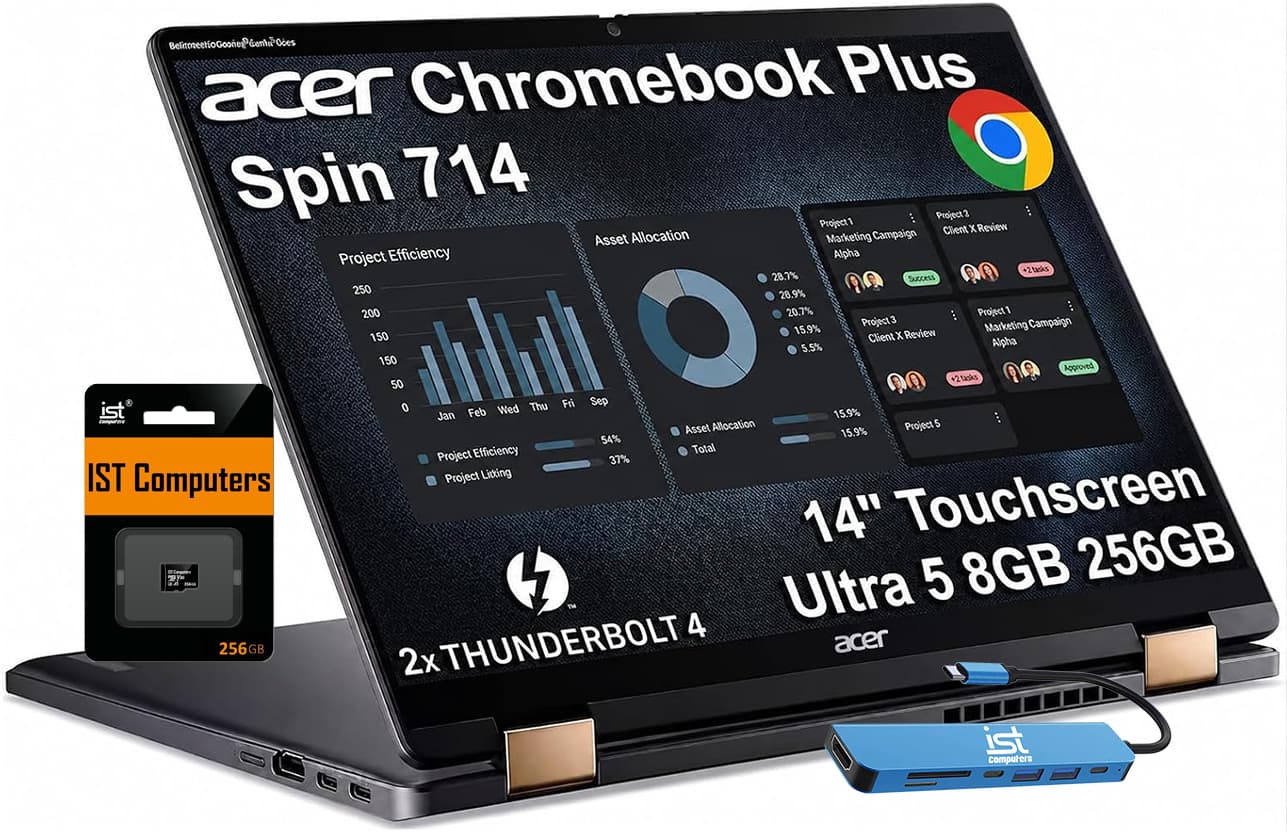
Acer - Chromebook Plus Spin 714 Laptop with Google AI – 14" WUXGA Touch - Intel Core Ultra 5 115U – 8GB RAM – 256GB+256GB SD - IST HUB - 256GB SD Card - Gray
SKU: J3GWQRFHGFSee all Touchscreen ChromebooksProduct Description
A versatile 2-in-1 laptop in steel gray featuring Intel Core Ultra 5, 14" WUXGA touch display, and AI enhancements.Your price for this item is $679.99Save $370The previous price was $1,049.99 -
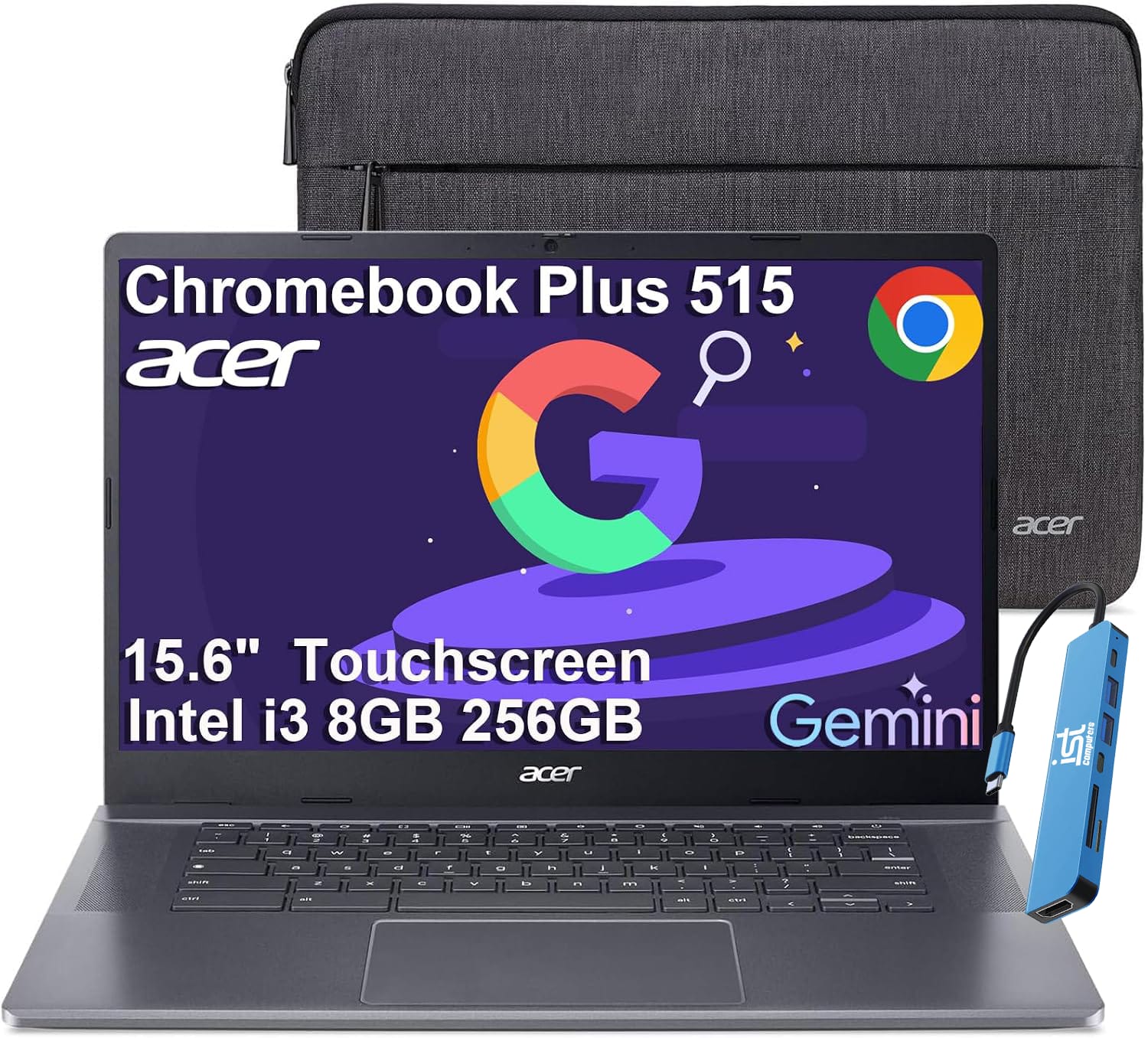
Acer - Chromebook Plus 515 15.6" FHD Touchscreen Laptop with Google AI - Intel Core i3-1305U - 8GB RAM - 256GB SSD - Chrome OS - Steel Gray
SKU: J3GWT6Q693See all Touchscreen ChromebooksProduct Description
A gray touchscreen laptop with Intel Core i3, 8GB RAM, 256GB SSD, and built-in Google AI tools.Your price for this item is $599.99 -
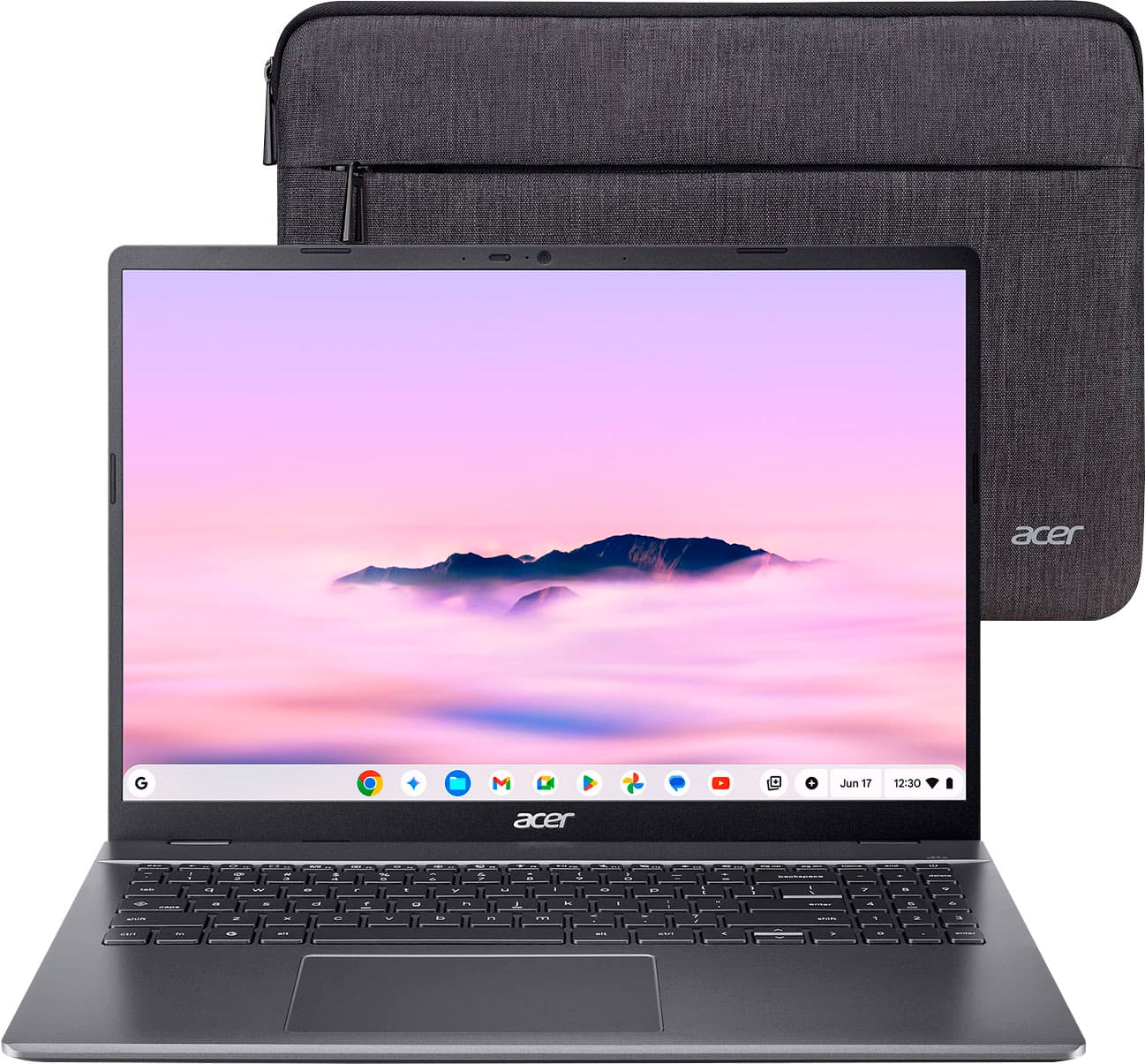
Acer - Chromebook Plus 516 Laptop – 16" WUXGA Display - Intel i3-1315U – 8GB Memory - 128GB Storage - Wi-Fi 6E - Google AI - Steel Gray
SKU: JJ8V8H3CK9The Best!...I love this for my two home businesses. Chromebooks are the best! Dont shy away from them!...My Chromebook from Best Buy...easy to use...love the size... keyboard large enough to read...
See all ChromebooksProduct Description
A steel gray laptop featuring a 16" WUXGA display, Intel i3 processor, 8GB RAM, and Google AI.Your price for this item is $649.00 -
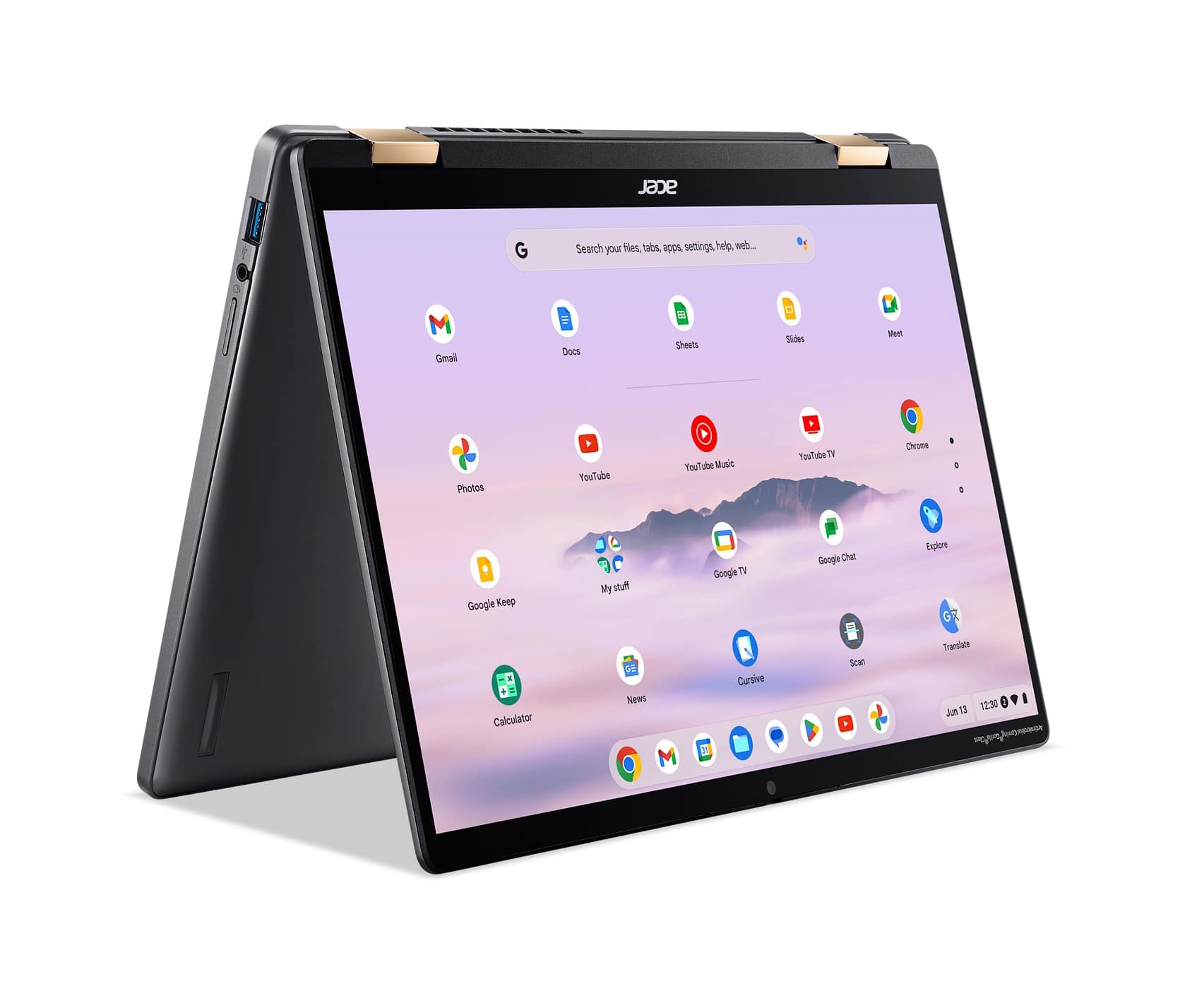
Acer - Chromebook Plus Spin 714 Laptop with Google AI – 14" WUXGA Touch - Intel Core Ultra 5 115U – 8GB LPDDR5 – 256GB SSD - Steel Gray
SKU: JJ8V8HCQ4VSee all Touchscreen ChromebooksProduct Description
A versatile steel gray 2-in-1 Chromebook featuring Intel Core Ultra 5, 8GB RAM, and a WUXGA touchscreen.Your price for this item is $669.00Save $130The previous price was $799.00 -
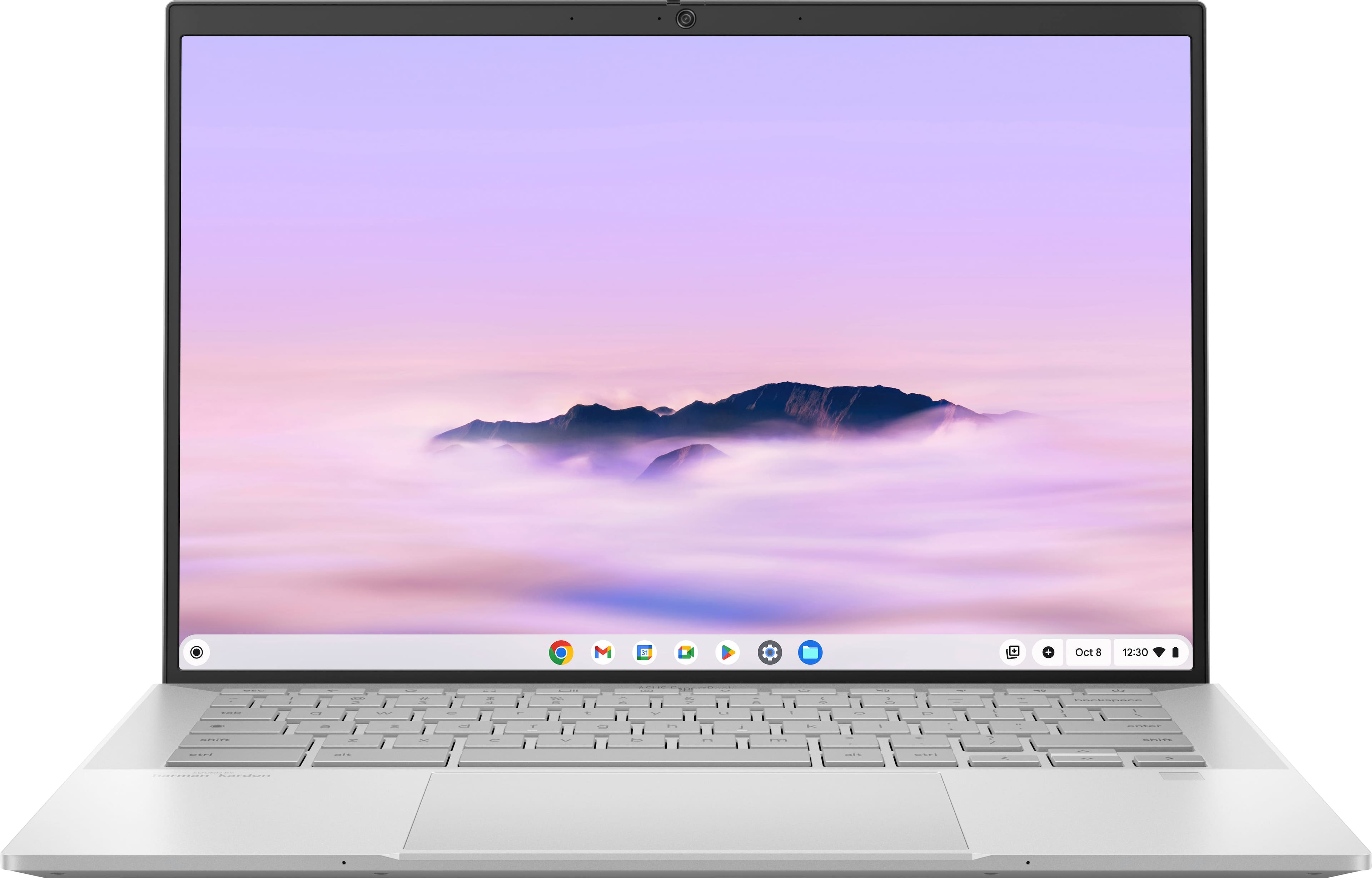
ASUS - ExpertBook CX54 14" 2K Chromebook Plus Touch Screen Laptop with Google AI - Intel Core Ultra 5 - 16GB Memory - 256GB SSD - Fog Silver
SKU: JJGGLQVRGXI love this Chromebook, it has everything you could ask for. The Best part is the screen....Great quality perfect size to transport Don't know what else to say I love it...Easy to use I love it
See all Touchscreen ChromebooksProduct Description
A sleek fog silver Chromebook with Intel Core Ultra 5, 16GB RAM, 256GB SSD, and touchscreen display.Your price for this item is $799.99 -
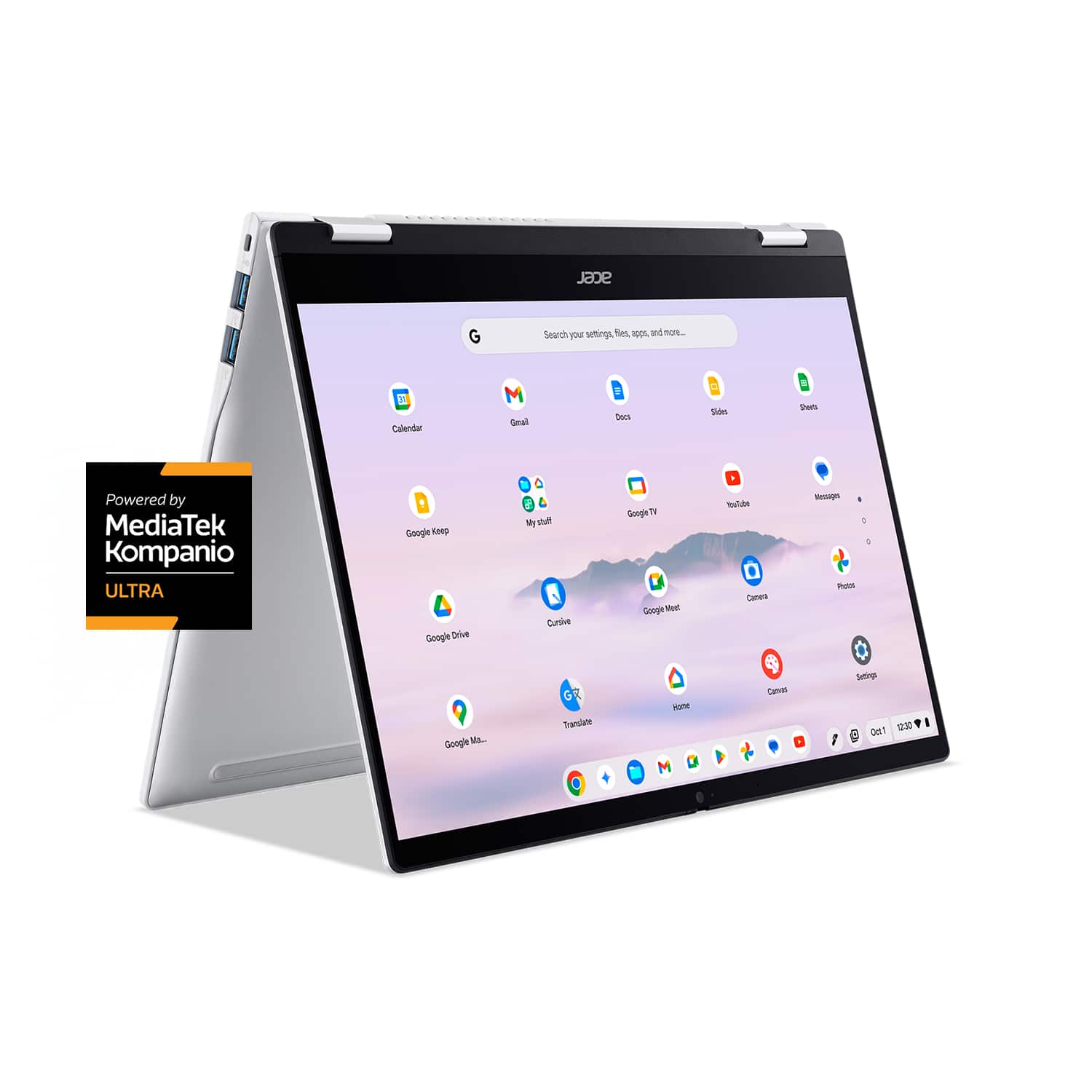
Acer - Chromebook Plus Spin 514 -14" WUXGA Touch Laptop MediaTek Kompanio Ultra -12GB Memory 256GB Storage - Wi-Fi 7 Google AI - Platinum Silver
SKU: JJ8V8HG3JSSee all Touchscreen ChromebooksProduct Description
A versatile platinum silver 2-in-1 Chromebook featuring a 14" WUXGA touchscreen, 12GB RAM, and Wi-Fi 7.Your price for this item is $640.00Save $109The previous price was $749.00 -
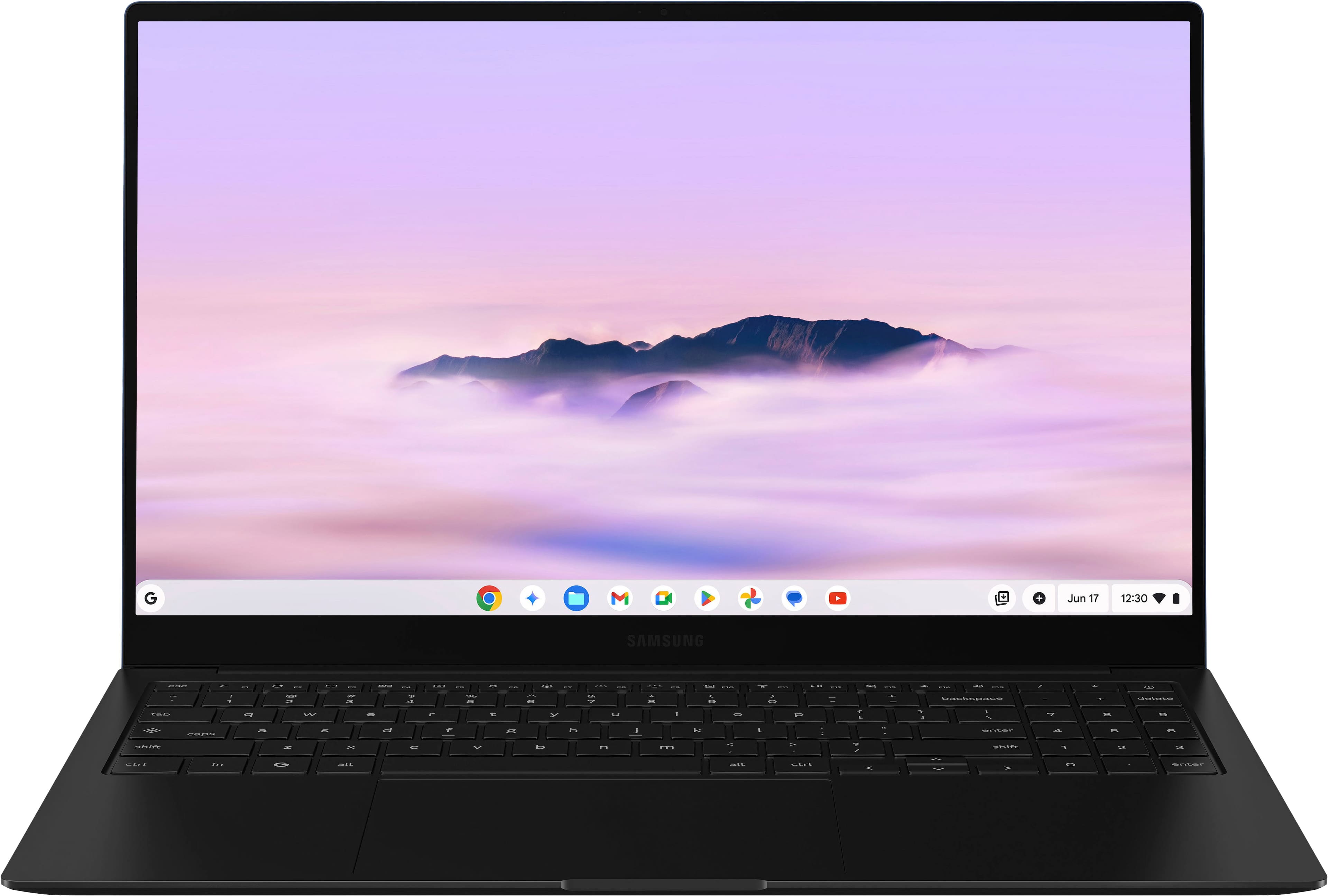
Samsung - Galaxy Chromebook Plus 15.6” with Google AI - AMOLED display - Intel Core 3 - 8GB Memory 256GB Storage - Neptune Blue
SKU: J3ZYG24W5GGreat device and service from best buy, saved me $100 already...Best purchase ever...Love the ease of use. The battery life is amazing. Boots up super fast.
See all ChromebooksProduct Description
A lightweight Neptune Blue Chromebook with AMOLED display, Intel Core 3, 8GB RAM, and Google AI.Your price for this item is $774.99 -
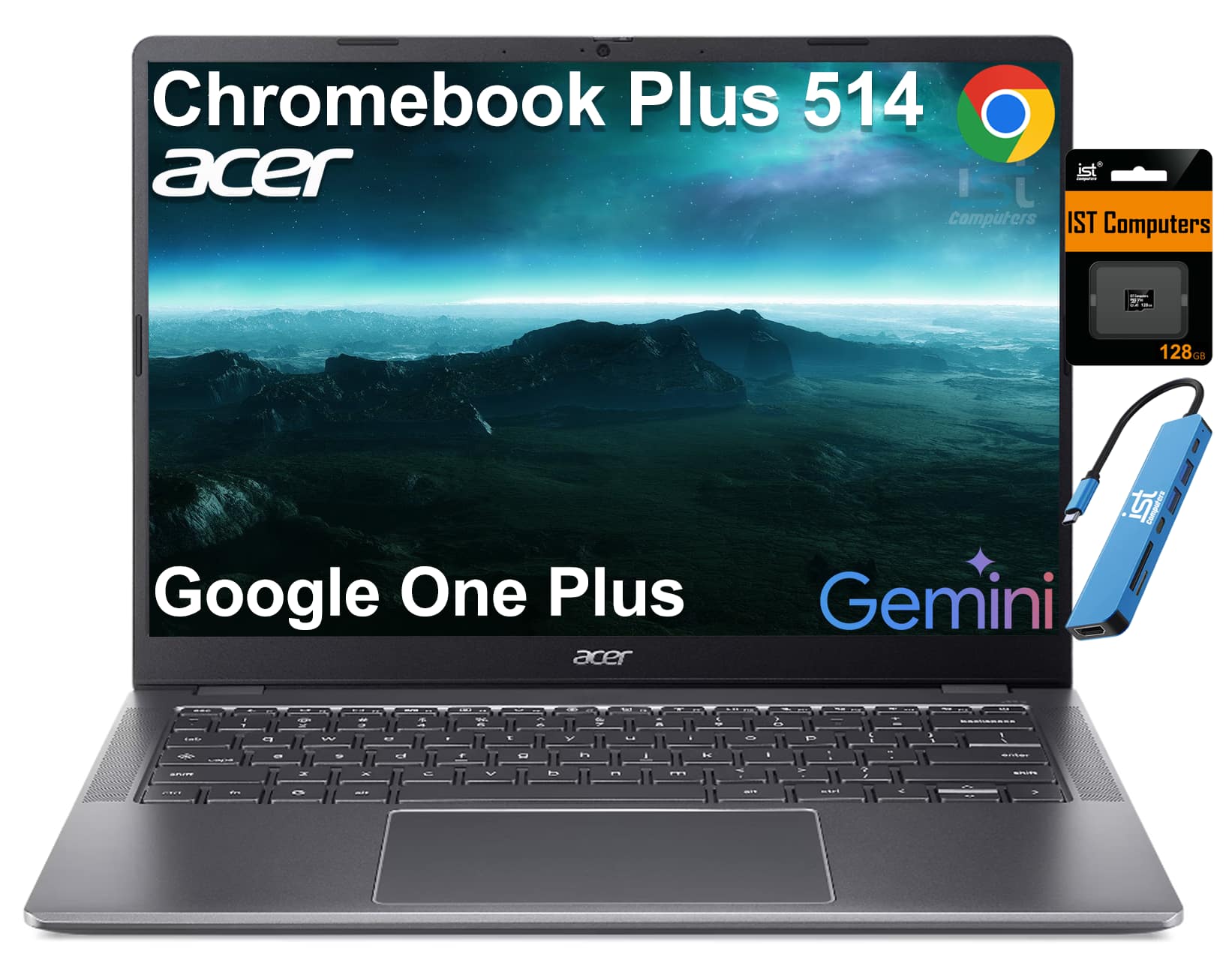
Acer - Chromebook Plus 514 14" FHD+ Touchscreen Laptop with Google AI - Intel Core 3 - 8GB RAM - 512GB+128GB SD - Backlit - Steel Gray
SKU: J3GWQRFYGWSee all ChromebooksProduct Description
A thin, military-grade Chromebook with 14" FHD+ touchscreen, Intel Core i3, 8GB RAM, and 640GB storage.Your price for this item is $599.99
Best Sellers


Related Pages


FAQ
Chromebooks with AI features offer enhanced productivity, smarter multitasking, and seamless integration with cloud-based apps. AI-powered tools can help with tasks like grammar correction, voice commands, image recognition, and personalized recommendations, making your daily computing experience more efficient and intuitive.
You can use a variety of AI-powered applications on a Chromebook, including Google Assistant, Google Photos (for smart photo organization), and productivity tools like Google Docs with Smart Compose. Many Chromebooks also support Android apps from the Google Play Store, expanding your access to AI-driven apps for creativity, learning, and communication.
AI enhances Chromebook performance by optimizing battery usage, speeding up app launches, and intelligently managing background processes. Some models also use AI to improve security by detecting potential threats and providing real-time protection for your data.
Yes, many Chromebooks with AI capabilities support voice commands through Google Assistant. You can use your voice to search the web, open apps, set reminders, control smart home devices, and more, all hands-free.
Absolutely! Chromebooks with AI features are ideal for students and remote workers thanks to their fast startup times, easy access to cloud-based productivity tools, and smart features that help streamline research, writing, and collaboration.