Black Friday is hereEnds Nov. 28.Shop now

Main Content
Skip to contentGo to Product Search

Black Friday is hereEnds Nov. 28.Shop now

Main Content

Chromebooks For Kids

Find Chromebooks for kids to support homework, online learning, and everyday browsing. As you compare ChromeOS laptops, consider screen size, portability, and compatibility with your child’s school apps and requirements to help choose a device that fits their needs.
Categories & Filters
Results
Main Results

Chromebooks For Kids

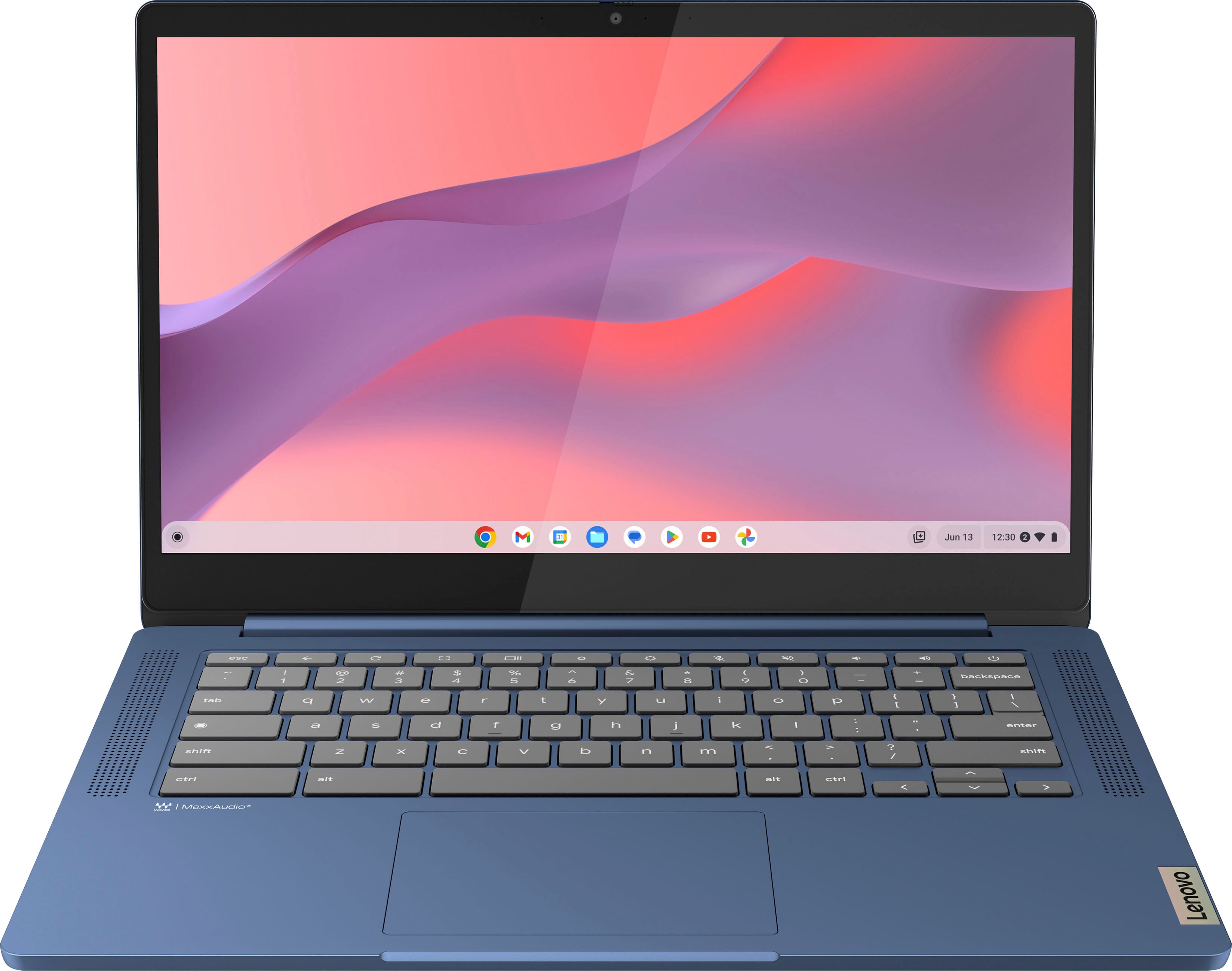
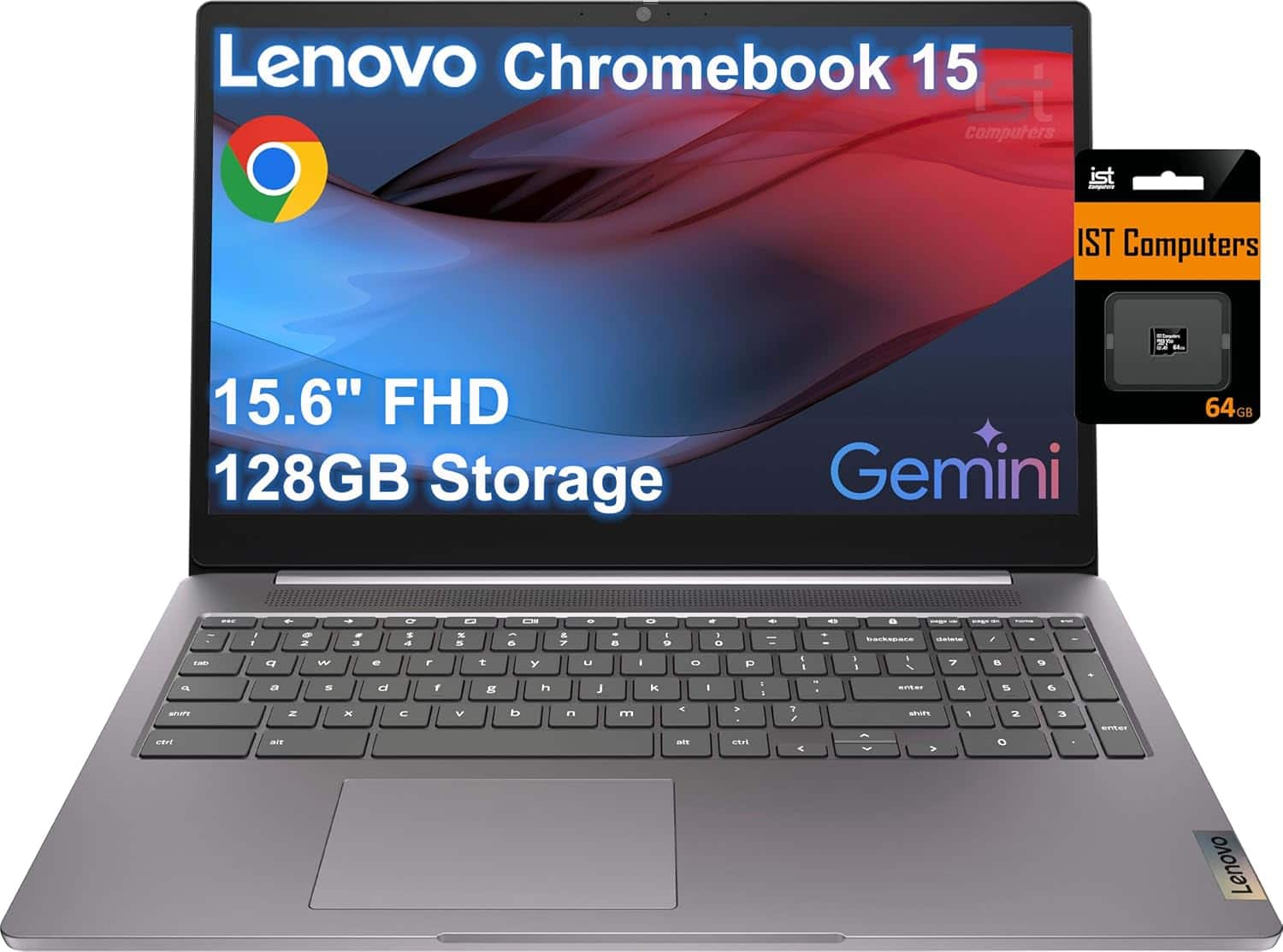
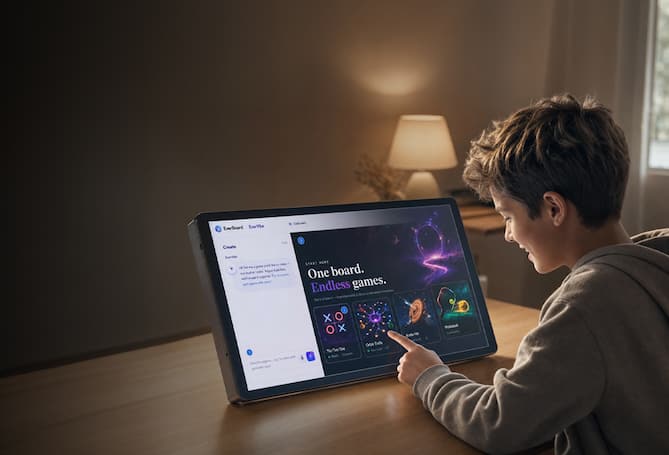
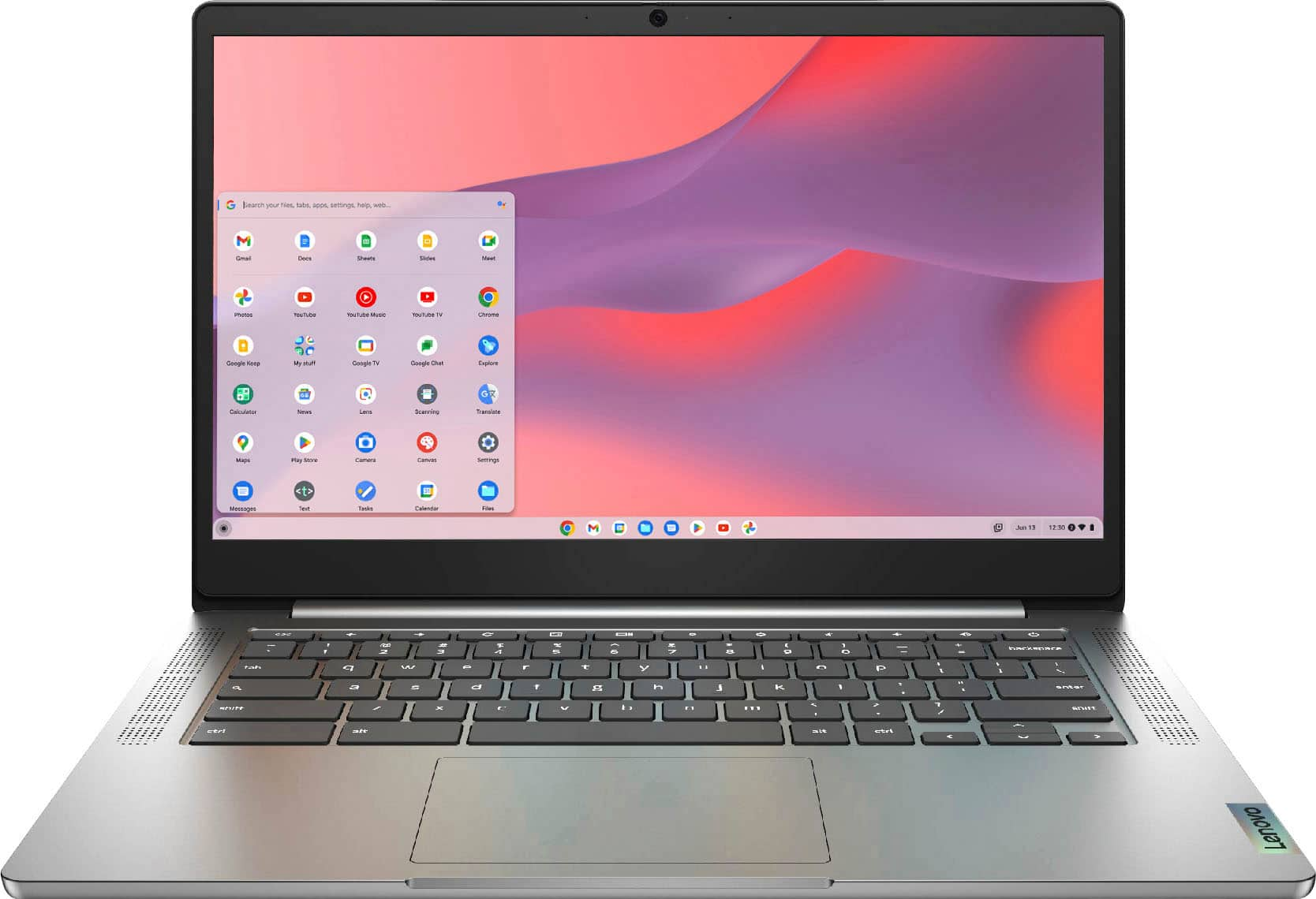
Chromebooks for kids support everyday learning, creative projects, and downtime in a laptop format that works well for many browser-based activities. Writing a book report, practicing multiplication, watching an assigned video, and joining a virtual tutoring session can all fit into the same device, provided the school’s software and account requirements are compatible. The right fit depends less on age alone than on how a child will use the computer. A beginning reader may benefit from a compact touchscreen for tapping through lessons, while a student writing longer assignments may be more comfortable with a roomy keyboard and a larger display. Screens around 11 to 12 inches keep the overall footprint small for carrying between rooms or fitting on a crowded desk; displays around 14 inches or larger provide more space for viewing a document beside research notes. Screen resolution matters, too, especially when reading small text or comparing diagrams. A traditional clamshell design provides a familiar typing setup, while a convertible Chromebook with a folding hinge can support different positions for reading, drawing, or watching instructional videos. Detachable designs offer another approach, though keyboard stability and the space needed for a kickstand deserve attention when the device will be used on a lap. Touch input can make some activities feel more direct, but it does not replace a comfortable keyboard for regular writing. Stylus support is useful for sketching and handwritten notes only when the device and pen are compatible; a touchscreen alone does not guarantee that compatibility. For children who carry their computer independently, weight and grip can be as important as screen size. A manageable laptop that slips easily into a protective sleeve is often a better everyday companion than a larger device that feels awkward to move. Battery life also deserves attention, with the understanding that video calls, screen brightness, and other demanding activities affect how long a charge lasts.

Performance needs grow with the number of things happening at once. A child using one learning website has different needs from a student keeping research tabs, a writing assignment, music, and a video meeting open together. For that heavier mix, 8GB of RAM is a useful specification to consider because it gives the system more room to manage simultaneous tasks than a lower-memory configuration. Processor capability matters as well, particularly for frequent video calls, media-rich websites, and more demanding applications. Internal storage holds downloads, screenshots, offline files, and installed apps, while cloud storage can make schoolwork accessible across compatible devices and accounts. Those are different resources, so ample online storage does not eliminate the need to consider local capacity. Some browser-based tools support offline work after the appropriate setup, but not every assignment or application works without internet access. A Chromebook is primarily designed around web-based computing, and compatibility should be confirmed for any required testing software, specialized coursework, or downloadable program. Applications built for other desktop operating systems do not necessarily run on it, and app support can differ by device. Gaming expectations deserve the same attention: browser games and some supported apps may fit comfortably, while demanding desktop games can require a different kind of computer. For remote lessons, a clear webcam, usable microphone, and reliable wireless connection help a child participate without repeatedly moving closer to the screen or repeating an answer. Headphone connections and accessory ports also matter when a student uses a wired headset, mouse, external display, or removable storage. Charging connections should be checked rather than assumed to match an existing charger. Families comparing classroom-focused features can also explore Chromebooks for Back to School for another view of laptops suited to assignments and school routines. School requirements remain the starting point, especially when administrators specify supported devices, account settings, or assessment tools.

Durability is particularly relevant when a laptop travels in a backpack beside books, lunch containers, and art supplies. Plastic housings can keep a Chromebook lightweight, while metal construction can provide a firmer feel; neither material alone establishes how well a device will withstand everyday handling. Reinforced corners, protective bumpers, sturdy hinges, and a spill-resistant keyboard can be worthwhile features when explicitly included in the specifications. Spill resistance is not waterproofing, and durability claims should be read with their stated testing conditions and limitations in mind. A padded sleeve helps protect against scratches and minor bumps during transport, but careful packing still matters: heavy books pressing against the lid can put stress on the display. At home, a stable work surface, a clear charging area, and drinks placed away from the keyboard support easier care. Closing the lid before carrying the laptop, lifting it by the base rather than the screen, and keeping objects off the keyboard before shutting it can help prevent accidental damage. Cleaning should follow the manufacturer’s directions, using a soft cloth and keeping liquid away from openings. Family setup is another part of choosing a Chromebook for a child. Supported parental controls can help adults manage screen time, app access, and website permissions, although features depend on account type, device settings, and whether the computer is managed by a school. School-managed accounts may follow administrator rules that differ from those for a personal account. Separate user profiles can help keep family members’ files and browsing activity organized, while clear household expectations give technical controls useful context. For longer-term use, the published automatic-update end date deserves attention because support is tied to the device model rather than simply beginning when it is purchased. Automatic updates help maintain supported software and security protections, but they do not replace thoughtful account management or conversations about online safety. As a gift, a Chromebook can offer a child more independence for reading, creating, and completing assignments when its capabilities match the recipient’s needs. Checking school compatibility and coordinating account setup with a parent or guardian helps turn that gift into a practical part of everyday learning.

FAQs