Save up to 50% on 3-Day Sale deals.Ends 12/14.Shop now

Main Content
Touchscreen Monitors

Touchscreen Monitors

(12)
Sort by:

Buying a touch screen monitor

Why choose a touch screen computer?

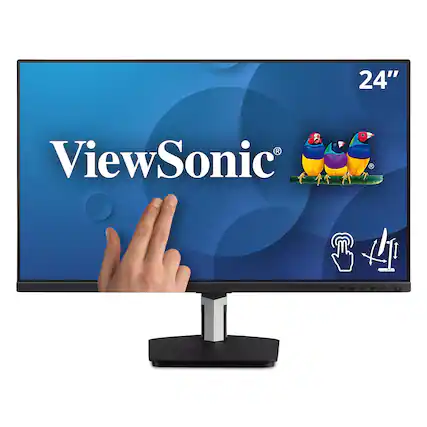
Touch screen monitors offer an intuitive and interactive way to navigate digital environments. Whether you're working, gaming or creating, these displays provide a seamless experience that blends tactile control with visual clarity. Much like the benefits of a touch screen laptop or a tablet, a touch screen monitor provides ample ways to have a more dynamic workflow by allowing you to tap, swipe and pinch directly on the screen, making tasks like drawing, editing or browsing more fluid and natural—all on a full-sized display.

Modern touch screen monitors for computers come in a variety of styles, including sleek ultrathin panels, curved displays and adjustable stands that support both horizontal and vertical orientations. Many models feature edge-to-edge glass, high-definition resolution and multi-touch capabilities.

When selecting a touch screen monitor, consider your primary use case. Artists and designers may prefer models with stylus support and high color accuracy, while business users might prioritize ergonomic stands and compatibility with productivity software. Screen size is another factor—compact 15-inch displays are great for tight workspaces, while larger 27-inch or 32-inch options offer expansive views for multitasking or media consumption.

Using your new touch screen monitor

Setting up a touch screen monitor is typically straightforward. Most models are plug-and-play, automatically recognized by your operating system. Position your monitor at a comfortable angle to reduce glare and strain, and ensure your desk setup allows easy access to the screen for touch gestures. You can also pair them with a privacy screen for even more screen protection and security.

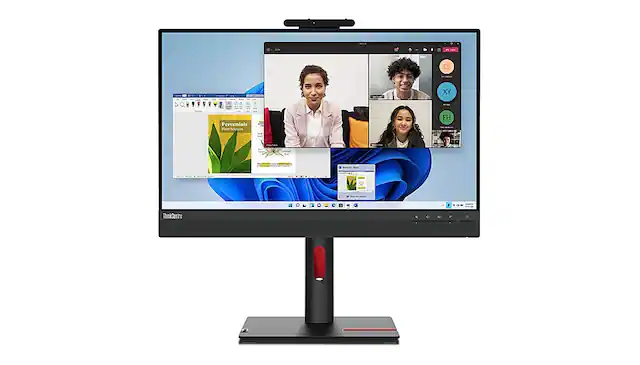
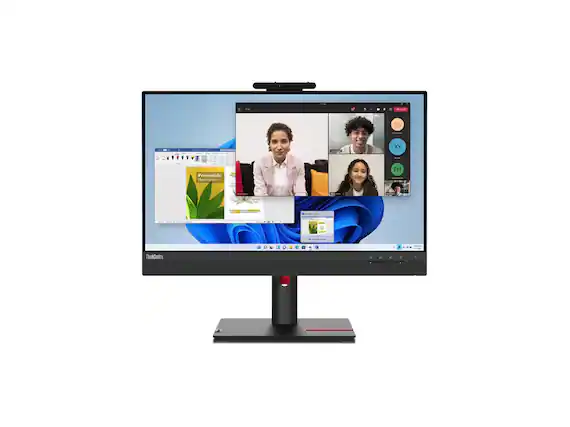
Connectivity is key. Look for monitors with HDMI, USB-C or DisplayPort inputs to ensure compatibility with your computer or laptop. Some touch screens also include built-in speakers, webcams or USB hubs, which can reduce clutter and streamline your setup. If you're planning to mount your monitor, check for VESA compatibility and the range of motion offered by the stand or arm.

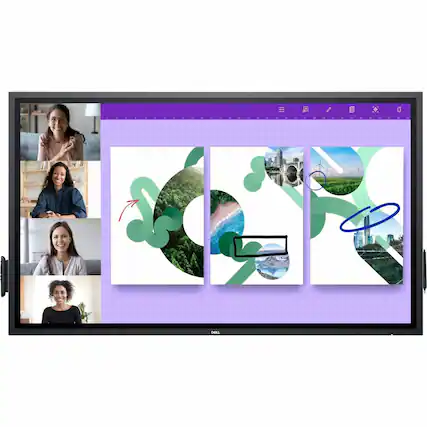
Once installed, explore the full range of functionality. Use touch gestures to scroll through documents, zoom into images or switch between apps. For creative tasks, pair your monitor with a stylus to sketch, annotate or edit with precision. In business settings, touch screens can enhance video conferencing, digital whiteboarding or customer-facing kiosks.

Touch screen monitors are also popular in educational environments, retail spaces and home offices. They support hands-on learning, interactive signage and streamlined workflows. As touch technology continues to evolve, these monitors are becoming more responsive, energy-efficient and versatile across a wide range of applications.

Before purchasing, consider your system’s compatibility, workspace layout and intended use. A well-chosen touch screen monitor can elevate your productivity, creativity and overall computing experience.

Sponsored
Sponsored

Similar products from outside of Best Buy

sponsored