Deals for every list.Start early, save early.Shop now

Main Content
Skip to contentGo to Product Search

Deals for every list.Start early, save early.Shop now

Main Content

Pre-Built PCs

Find a pre-built PC that fits your needs without having to assemble a computer yourself. When comparing desktop systems for everyday tasks, work, or gaming, look at the processor, memory, storage, and graphics alongside your software’s requirements to help narrow your options within your budget.

Categories & Filters
Results
Main Results

Pre-Built PCs

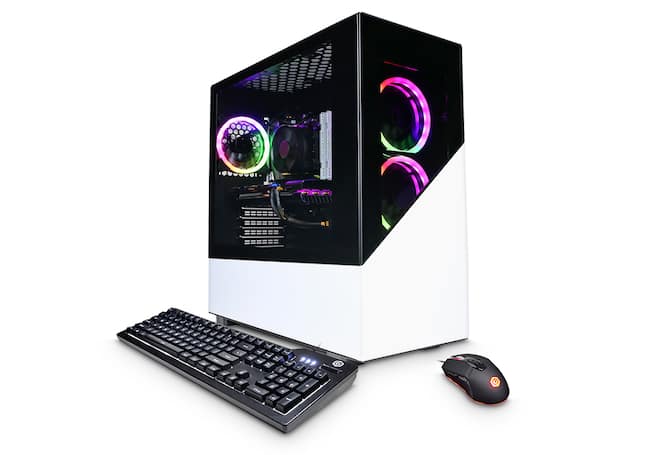
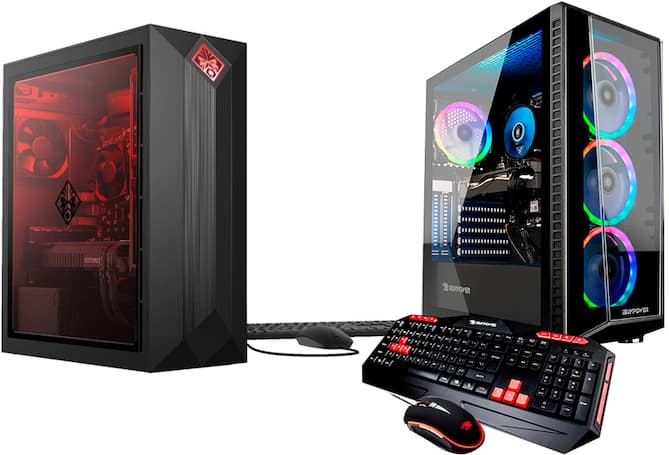
Pre-built PCs bring the main components of a desktop computer together in an assembled system, offering a convenient alternative to selecting and installing individual parts. They appeal to a wide range of users, from students and households looking for an everyday computer to gamers, creators, and professionals with more demanding workloads. The right configuration depends on the software you use and how much you expect to do at once. Web browsing, streaming, video calls, and document editing generally require fewer computing resources than video production, complex design work, or graphically intensive games. A balanced combination of processor, memory, storage, and graphics capability matters more than any single specification. For shoppers replacing a laptop or an aging desktop, a pre-built PC can also provide a dedicated home workstation with a choice of monitor size, keyboard, and other accessories. Comparing the complete configuration helps distinguish a system suited to everyday tasks from one designed for specialized applications.

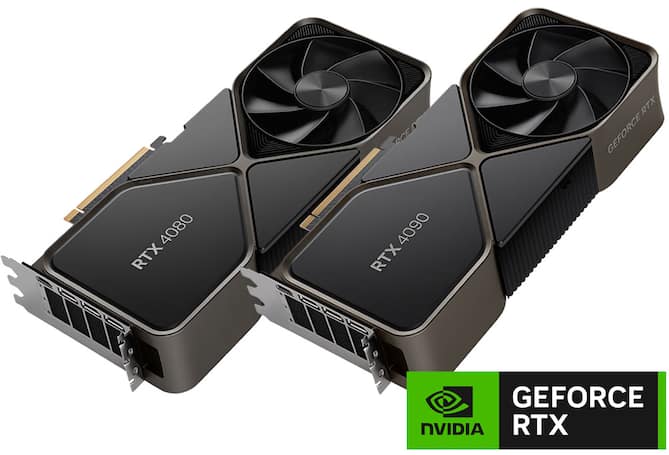
Performance differences among pre-built PCs become especially important when gaming, editing media, or running demanding software. The processor handles a broad range of computing tasks, while a dedicated graphics card can be important for demanding games, 3D rendering, and applications that support graphics acceleration. Integrated graphics may be sufficient for everyday productivity and entertainment, depending on the software and display requirements. Memory supports active applications and multitasking, while storage holds your operating system, programs, and files; having more of one does not replace the need for the other. Solid-state storage can help shorten startup and application loading times, and storage capacity deserves attention if you keep large game libraries, photos, or video projects locally. Published system requirements for the applications you use offer a useful point of comparison. For gaming, the resolution and refresh rate of your intended monitor also affect the level of graphics performance worth considering, rather than treating every gaming setup as having the same needs.

Size, connectivity, and room for future changes are practical differences that can matter just as much as performance. A compact desktop can fit more comfortably into a smaller workspace, while a larger tower may offer more internal expansion space, depending on its design. Upgrade flexibility varies by system, so accessible memory slots, drive connections, power supply capacity, and component compatibility are worth checking if you plan to make changes later. Cooling design and fan noise can also influence how comfortably a desktop fits into a shared room, home office, or gaming space. Available USB ports, display connections, Ethernet, Wi-Fi, and Bluetooth support determine how a PC connects to your monitors, network, and accessories. Checking the included operating system and peripherals helps clarify the complete setup cost, especially when moving from a laptop to a desktop for the first time. A well-matched pre-built PC combines the performance your applications require with the physical fit and connections that make everyday use convenient.

FAQs