Touchscreen Chromebooks For Kids
-
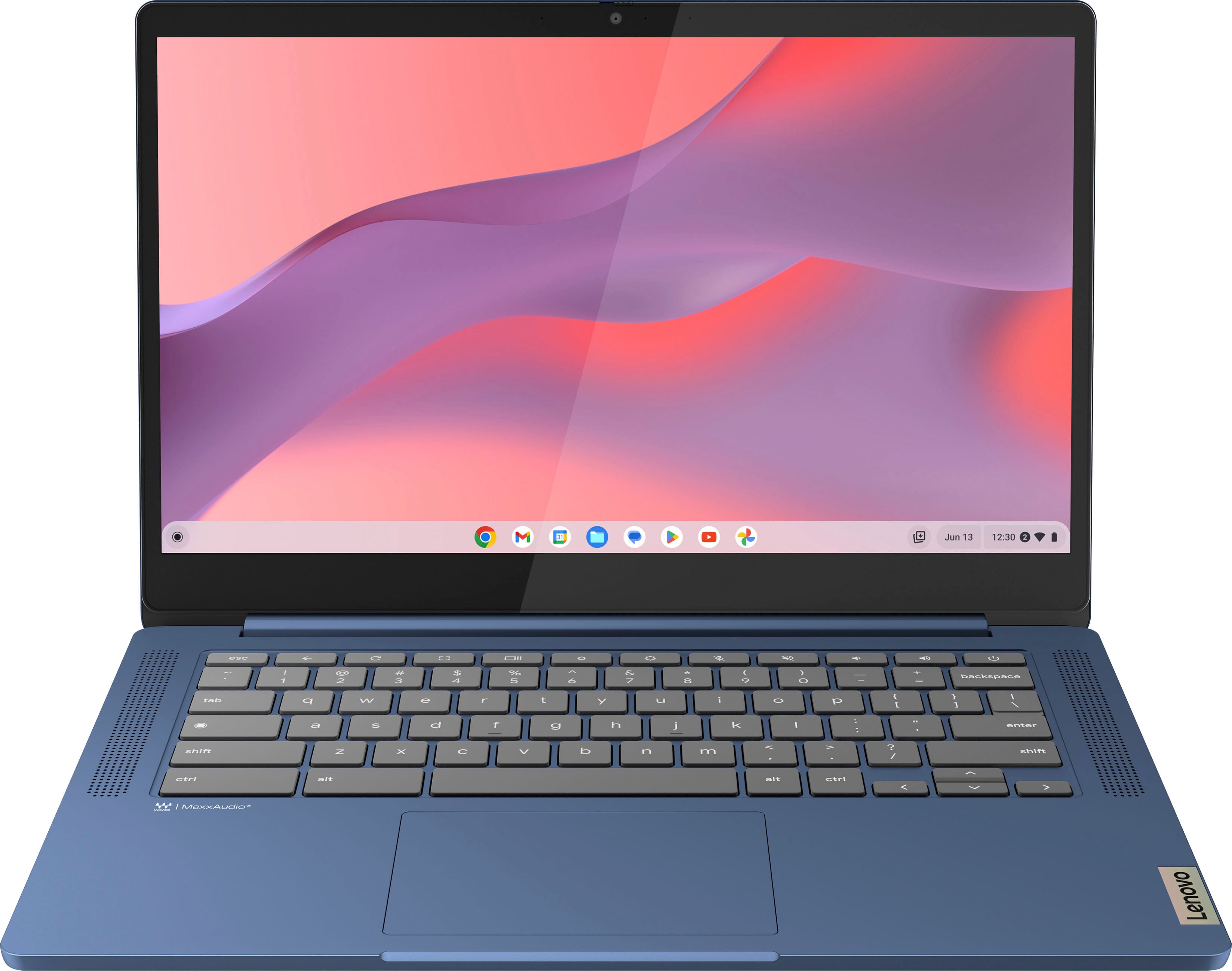
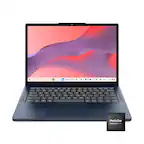
Lenovo - IdeaPad Slim 3 Chromebook Laptop - 14" Full HD Touchscreen Laptop - MediaTek Kompanio 520 2022 - 4GB Memory - 64GB eMMC - Abyss Blue
SKU: JJG8CHVGY6Great product...I love my laptop! Easy to use and very carry around....Great touchscreen laptop...Love it would buy again.
See all Touchscreen ChromebooksProduct Description
An ultra-portable abyss blue Chromebook with a 14" Full HD touchscreen, Wi-Fi 6, and 13.5-hour battery.Your price for this item is $254.00Save $45The previous price was $299.99 -
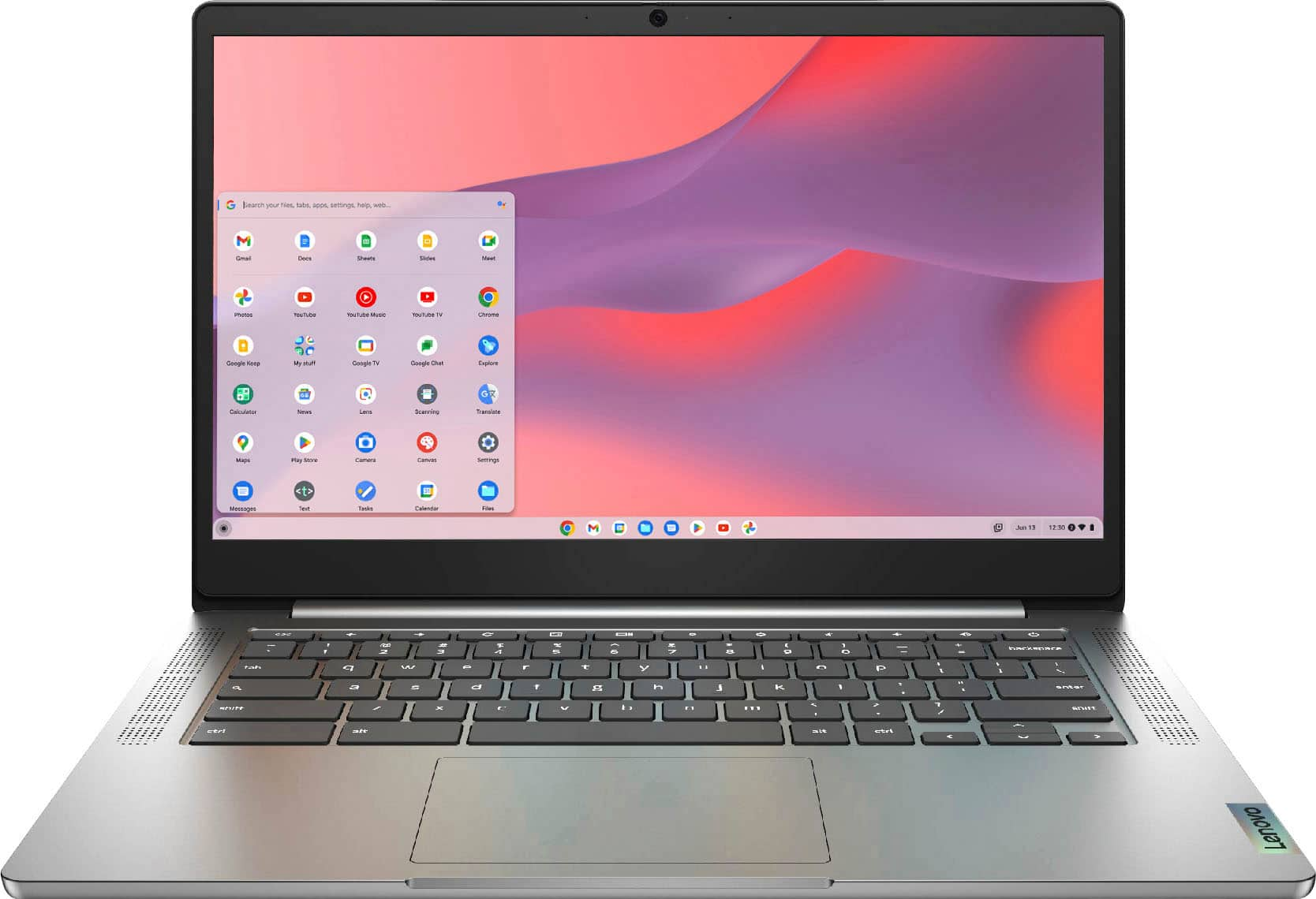
Lenovo - Chromebook 3 IdeaPad - 14" 2K Touchscreen Laptop - MediaTek MT Series MT8183 (2019) - 4GB Memory - 64GB Storage - Arctic Grey
SKU: JJG7HFYJWZAmazing computer I love the quality is the best Lenovo is the best...Use them for school and leisure , just great and love the touch screen...best laptop . We own three, issues.
See all Touchscreen ChromebooksProduct Description
A grey 2-in-1 touchscreen Chromebook with Chrome OS, MediaTek processing, 4GB memory, and 64GB eMMC storage.Your price for this item is $199.99Save $119The previous price was $319.00 -
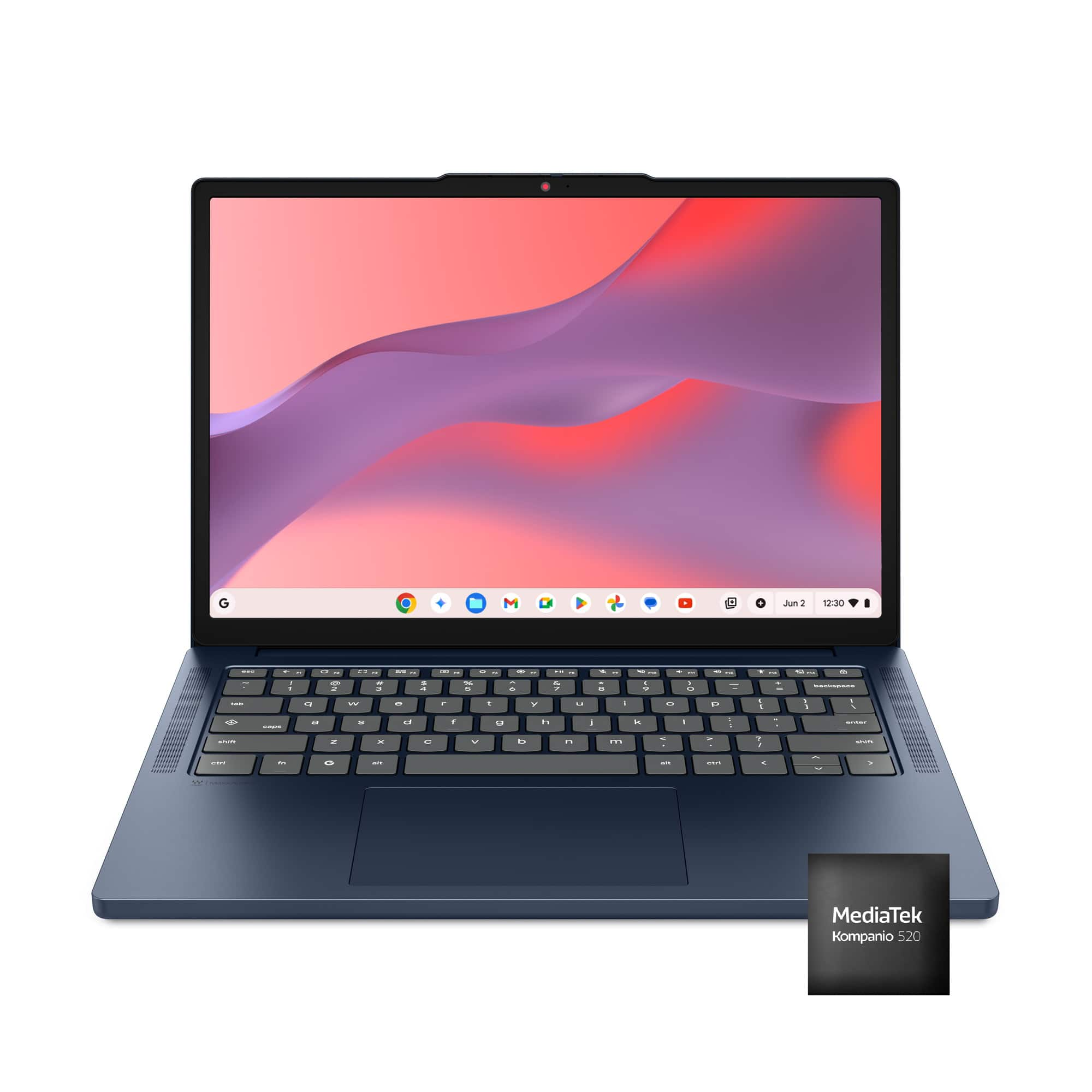
Lenovo - Chromebook IdeaPad Slim 3 - 14" 2K Touchscreen Laptop - MediaTek Kompanio 500 Series (2026) - 4GB Memory - 64 GB Storage - Cosmic Blue
SKU: JJGH3QCJKRBEST CHROMBOOK FOR THE PRICE...I love it so much I'm on my 3rd one. Bought two for me and one for my mom....Love this
See all Touchscreen ChromebooksProduct Description
A Cosmic Blue touchscreen Chromebook with a 2K IPS display, Wi-Fi 6E, and 18-hour battery life.Your price for this item is $189.00Save $230The previous price was $419.00 -
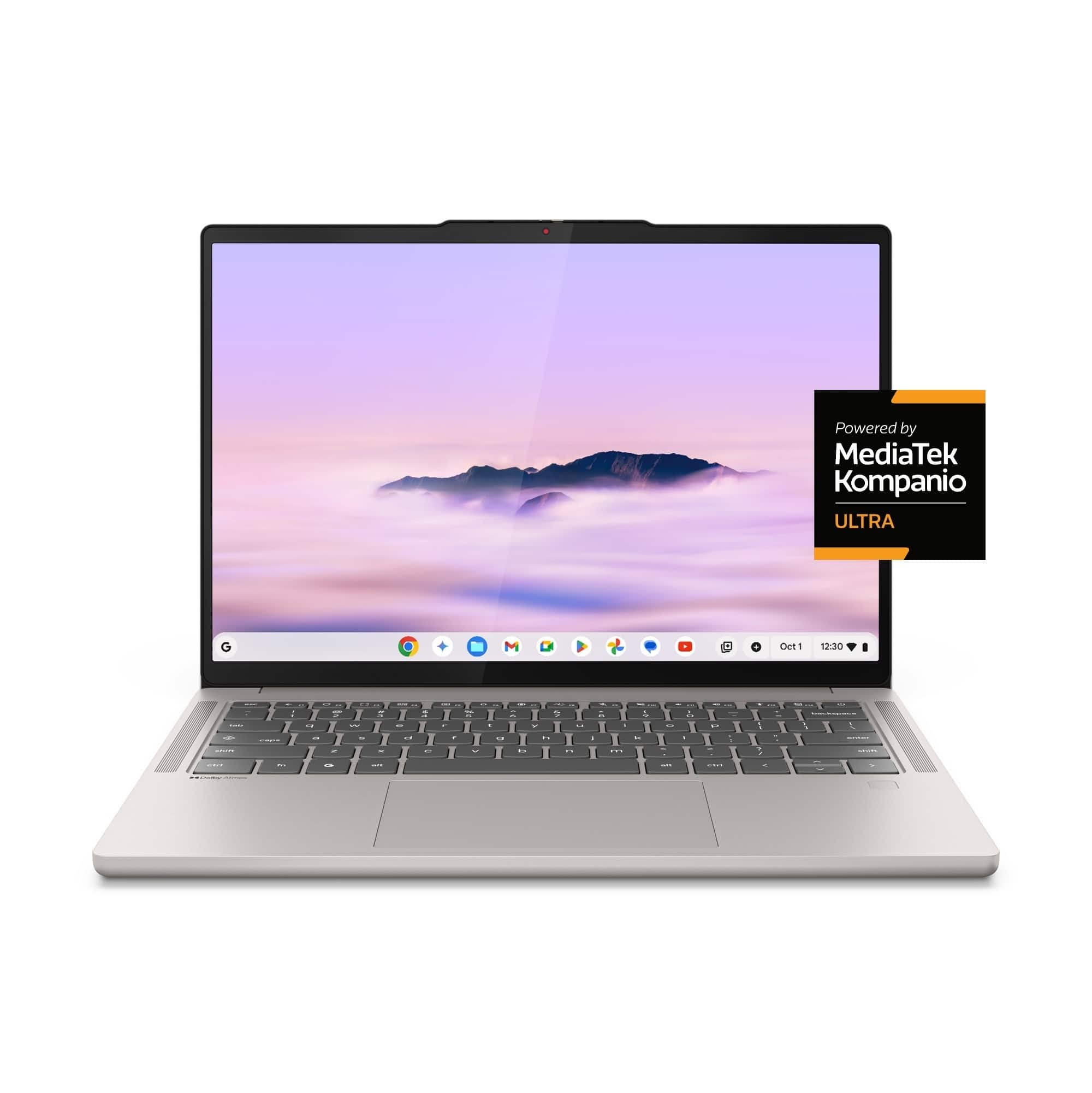
Lenovo - Chromebook Plus - 14" OLED 2K Touchscreen Laptop - MediaTek Kompanio Ultra Series 2025 - 16GB Memory - 256GB Storage - Seashell
SKU: JJGSHGLZ78I love new laptop so much and beautiful days and I love screen and I love new one and best...Best Chromebook to date!...Love this computer. The screen is great. It is so fast, the 16 gm memory shines....
See all Touchscreen ChromebooksProduct Description
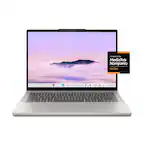
A seashell touchscreen Chromebook with OLED 2K display, Kompanio Ultra processor, 16GB RAM, and 256GB storage.Your price for this item is $999.00 -
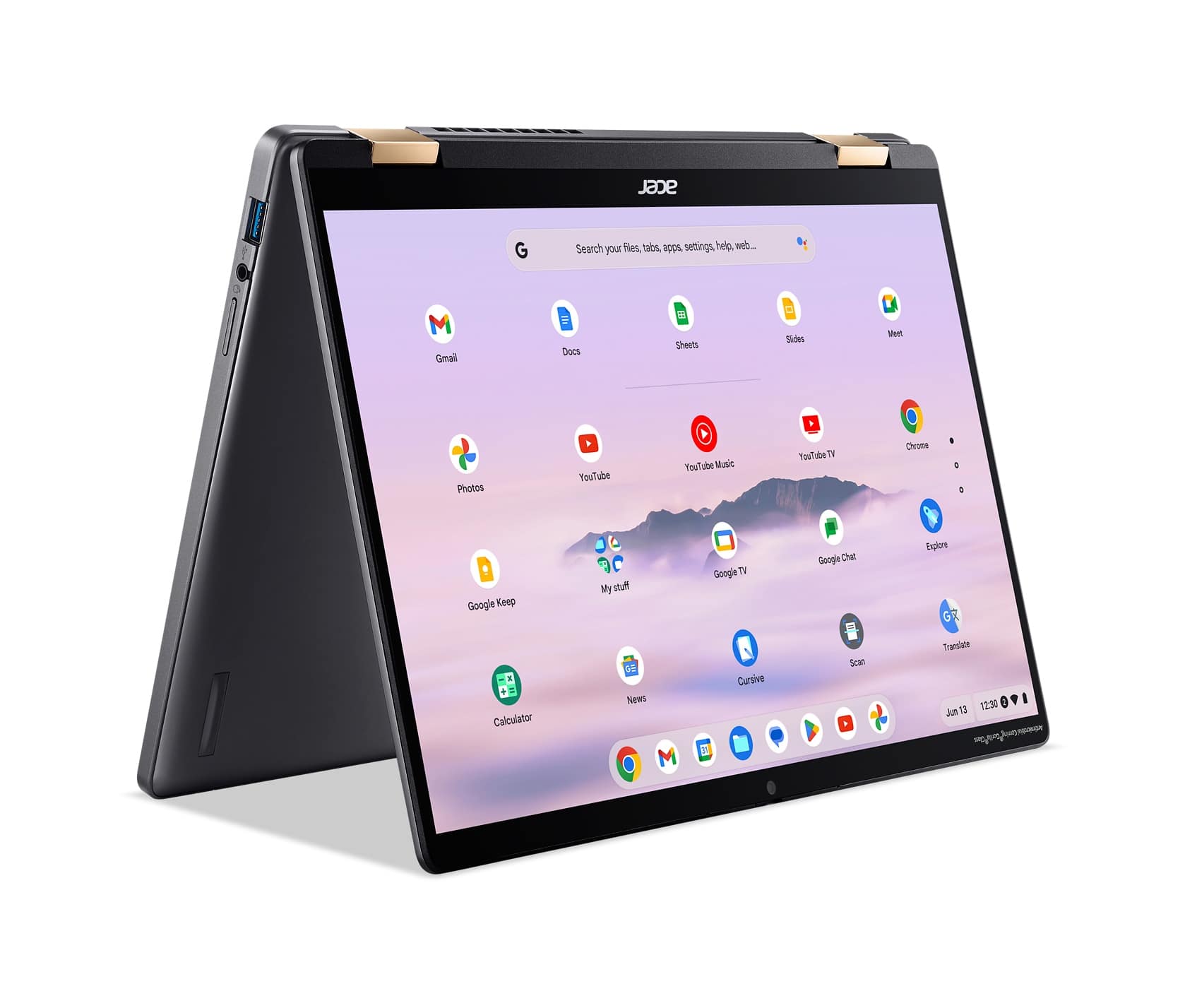
Acer - Chromebook Plus Spin 714 14" 2K 2-in-1 Touchscreen Laptop - Intel Core Ultra 5 Series 1 2023 8GB Memory 256GB Storage - Steel Gray
SKU: JJ8V8HCQ4VSee all Touchscreen ChromebooksProduct Description
A gray 2-in-1 Chromebook with touchscreen, Intel Core Ultra 5 processing, 8GB RAM, and 256GB SSD.Your price for this item is $609.99Save $189The previous price was $799.00 -
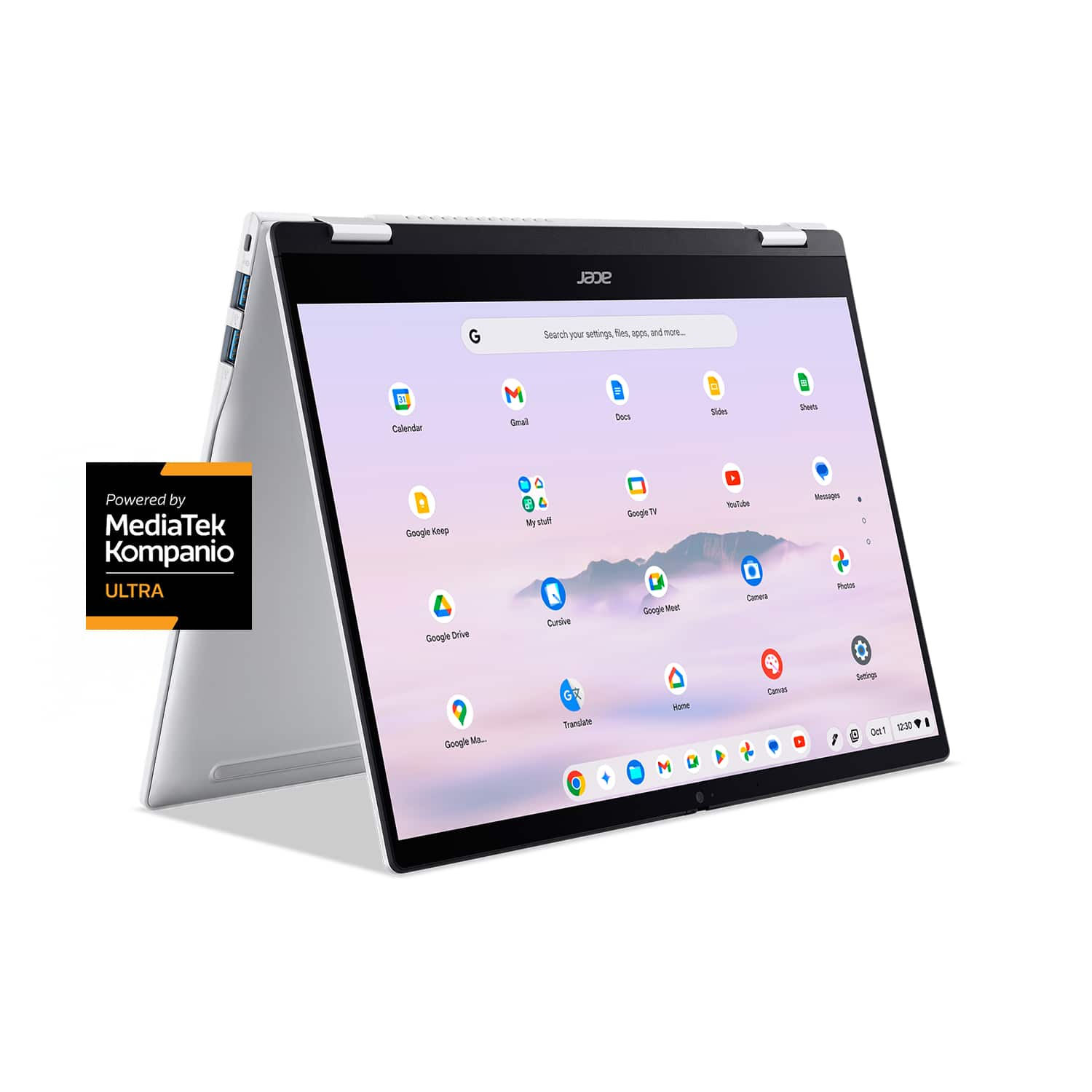
Acer - Chromebook Plus Spin 514 14" 2K 2-in-1 Touchscreen Laptop MediaTek Kompanio Ultra Series 2025 12GB Memory 256GB Storage - Platinum Silver
SKU: JJ8V8HG3JSOne of the best I have used. Great balance between work and personal use....Best yet, it let me play games in the cloud....Great!...Love it so far! Exactly what I needed - a great everyday home computer....
See all Touchscreen ChromebooksProduct Description
A platinum silver 2-in-1 Chromebook with a 2K touchscreen, 12GB memory, and 256GB storage.Your price for this item is $799.00Save $200The previous price was $999.00 -
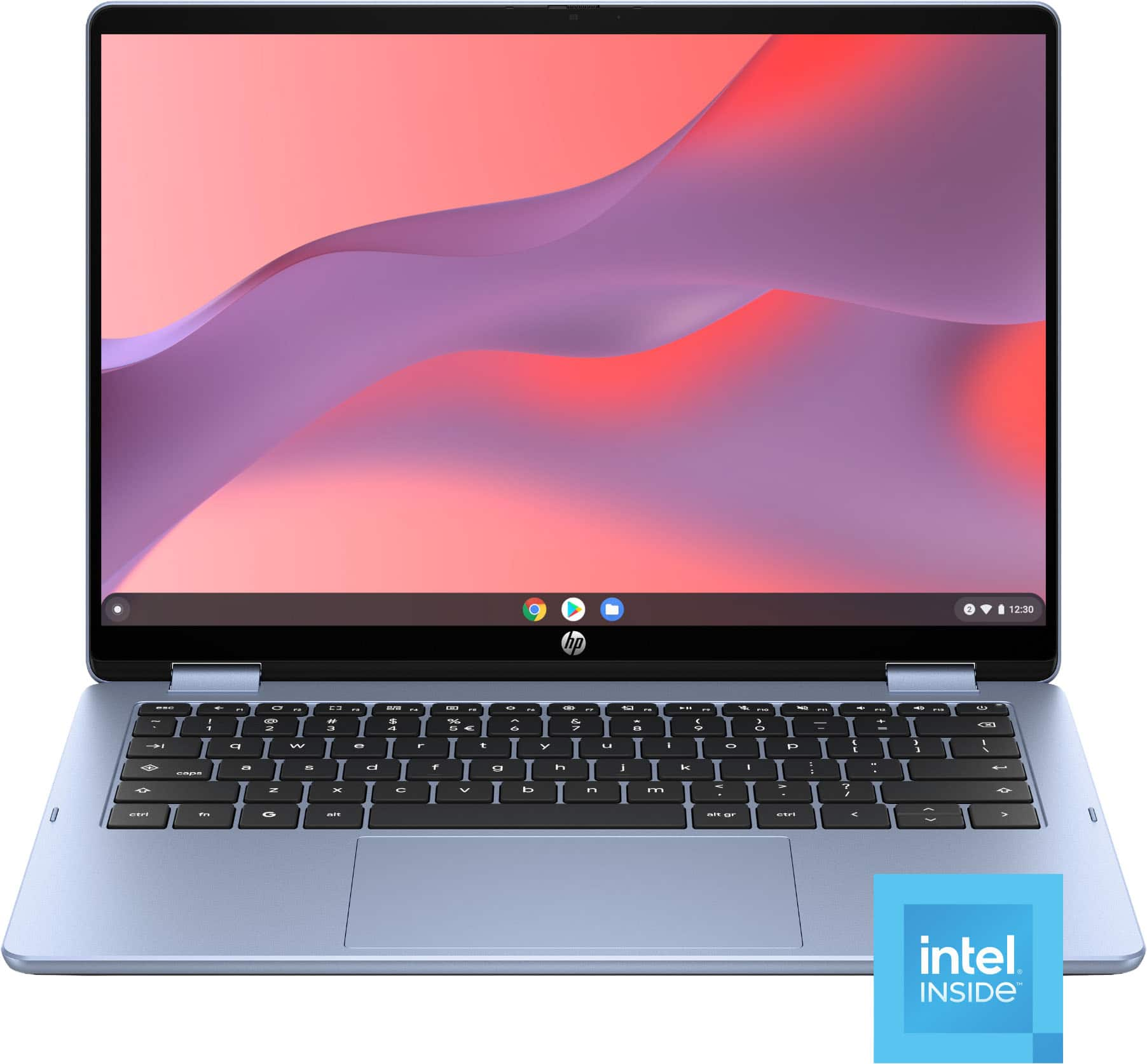
HP - 14" 2K Touchscreen 2-in-1 Chromebook - Intel Core N150 (2025) - 8GB Memory - 64GB eMMC Storage - Sky Blue
SKU: JJGWKYHHQYIt has delivered all the great features proclaimed by Best Buy....Very easy to Navigate, I absolutely love the color. The clarity in the screen is awesome....The sound on this Chromebook is great. I love...
See all Touchscreen ChromebooksProduct Description
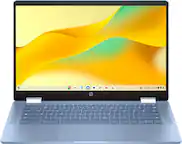
A sky blue 2-in-1 Chromebook with 2K touchscreen, 360-degree hinge, Intel N150, and 64GB eMMC storage.Your price for this item is $549.00 -
HP - Chromebook Plus 14" 2K Touchscreen Laptop - Intel Core Processor N Series (2025) - 8GB Memory - 128GB Storage - Glacier Silver
SKU: JJGWKYQQL7Great reasonably priced Chromebook...This is best we can get nowadays...I love the laptop, but it folded so I could use it as a tablet. Overall a great laptop!
See all Touchscreen ChromebooksProduct Description
A touchscreen Chromebook with Intel Core N-series processing, 8GB memory, 128GB storage, and Glacier Silver finish.Your price for this item is $599.00 -
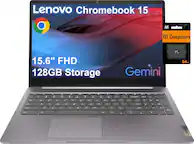
Lenovo - Chromebook Plus - 15.3" 2K Touchscreen Laptop - Intel Core Processor N Series (2025) - 8GB Memory - 128GB Storage - Cosmic Blue
SKU: JJGH3Q3QSKGreat , simple...Best laptop for basic stuff, touch screen is a plus, highly recommended...Great product super fast simple with plenty of storage price point is a plus as well....Love it so far.
See all Touchscreen ChromebooksProduct Description
A Cosmic Blue touchscreen Chromebook with Intel Core processing, 8GB memory, 128GB storage, and Gemini integration.Your price for this item is $349.00Save $280The previous price was $629.00 -
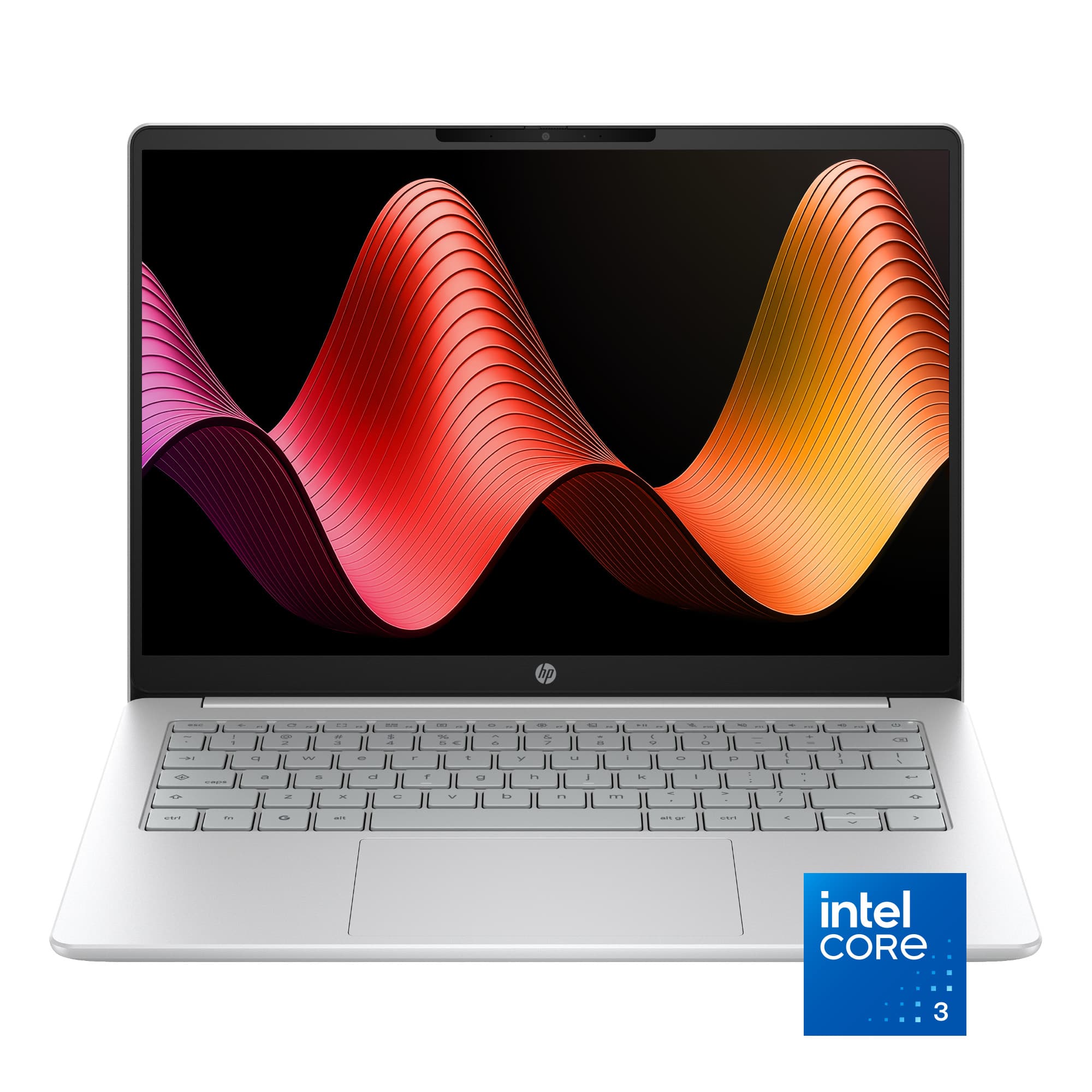
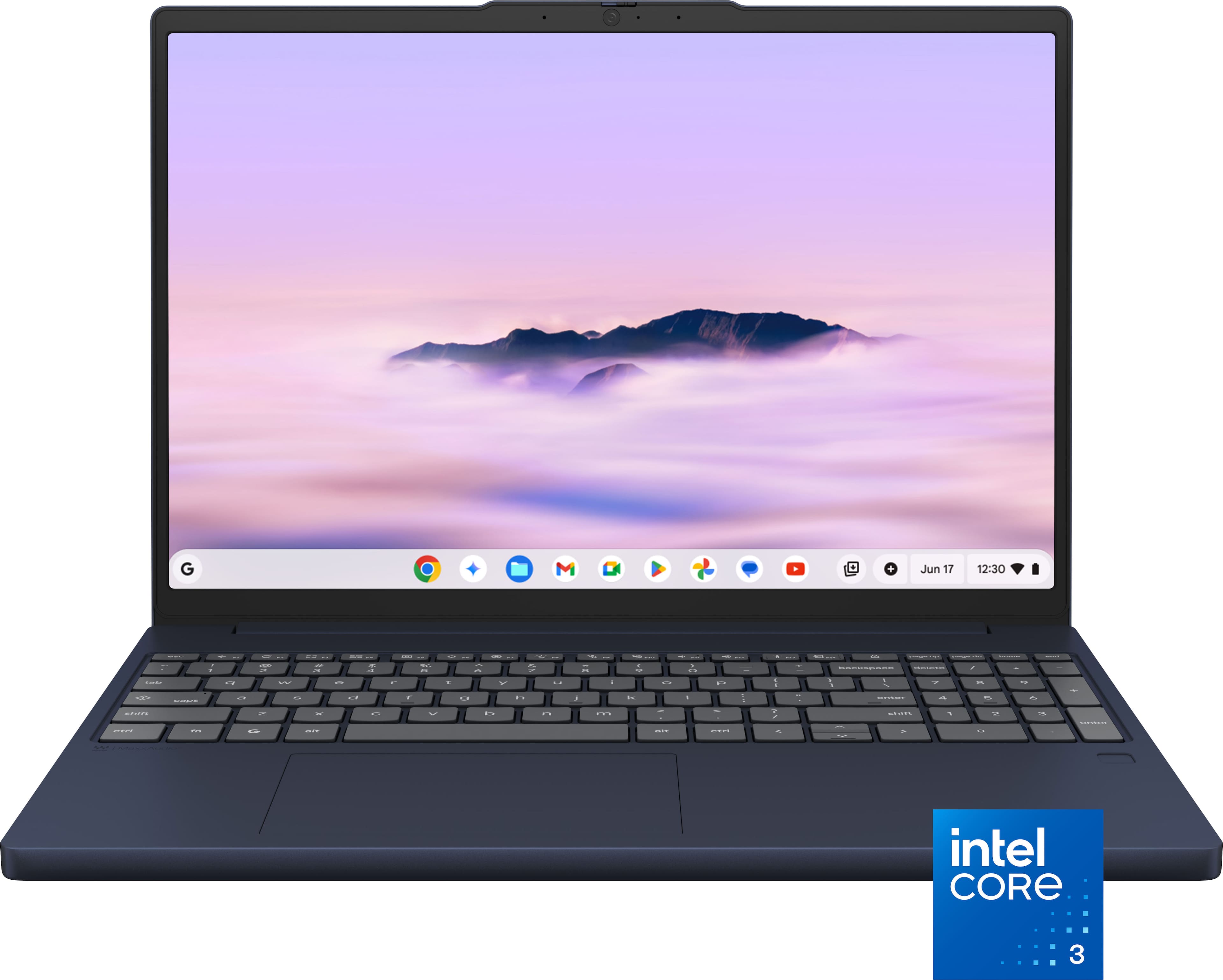
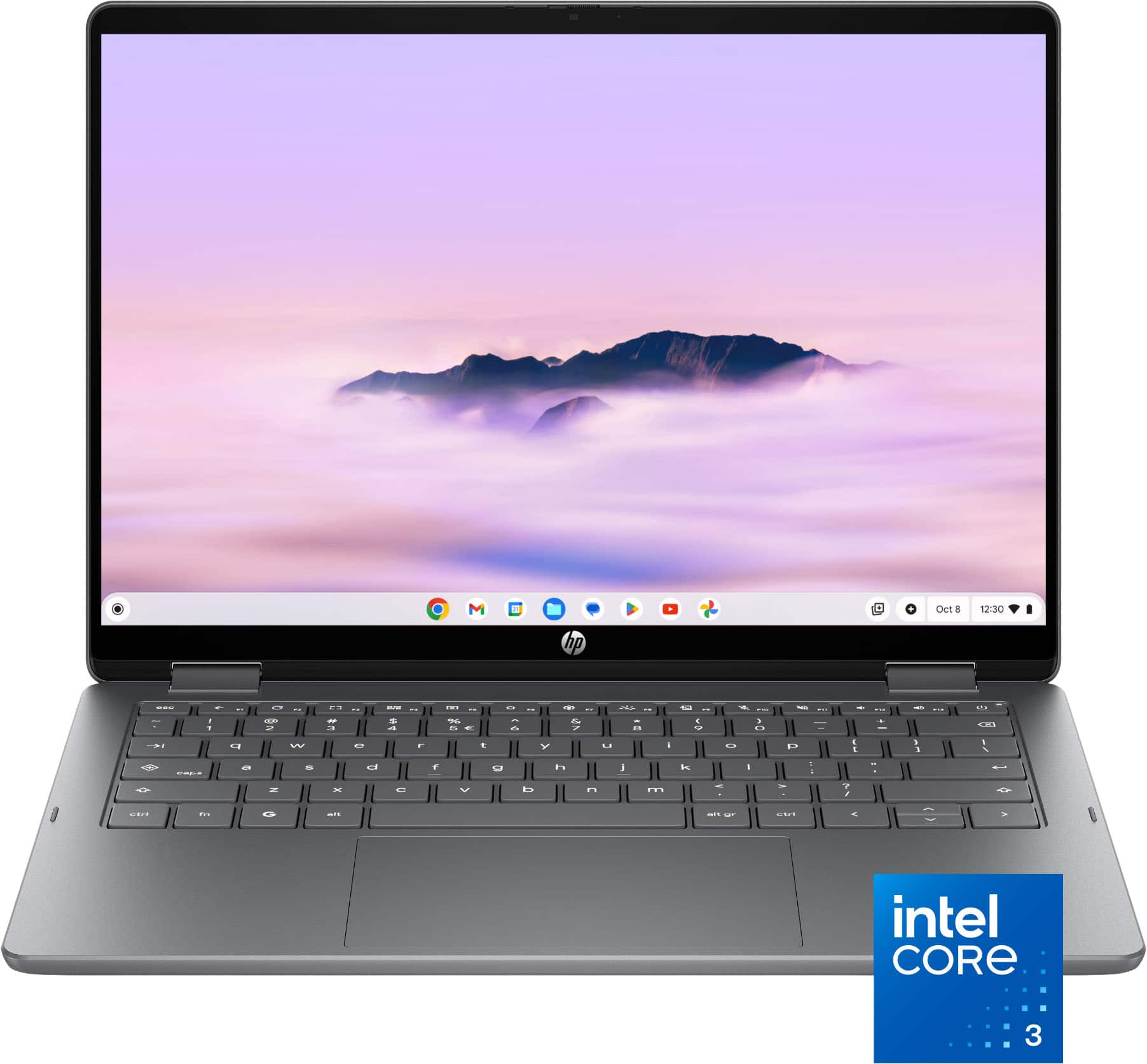
HP - 14" 2K Touchscreen 2-in-1 Chromebook Plus - Intel Core 3 N355 (2025) - 8GB Memory - 256GB Storage - Meteor Silver
SKU: JJGWKYHTC8Best of the best...If I could buy it again I would buy it I love is the best of the best...Love it!...This is the perfect size for me and i love the touchscreen capability!
See all Touchscreen ChromebooksProduct Description
A silver 2-in-1 Chromebook with touchscreen, 8GB memory, 256GB storage, and a 360-degree hinge.Your price for this item is $429.00Save $250The previous price was $679.00
Best Sellers

Related Pages




FAQ
Touchscreen Chromebooks are user-friendly and intuitive, making them ideal for kids. The touch interface allows for easier navigation, especially for younger children who may not be comfortable with a traditional keyboard and mouse. Many models also offer durable designs, parental controls, and access to educational apps through the Google Play Store.
Yes, touchscreen Chromebooks are well-suited for schoolwork and online learning. They support popular educational platforms like Google Classroom, Zoom, and various web-based resources. The touch functionality can also enhance interactive learning experiences.
Most touchscreen Chromebooks support Family Link by Google, which allows parents to set screen time limits, manage app downloads, and monitor activity. This helps ensure a safe and controlled digital environment for kids.
Many touchscreen Chromebooks can run Android apps from the Google Play Store. This gives kids access to a wide variety of educational games, creative tools, and productivity apps designed specifically for children.
Setting up a touchscreen Chromebook for a child is straightforward. During the initial setup process, you can create a supervised account using Family Link or add your child's Google account. From there, you can customize settings and install age-appropriate apps.