Controllers For Mac
-
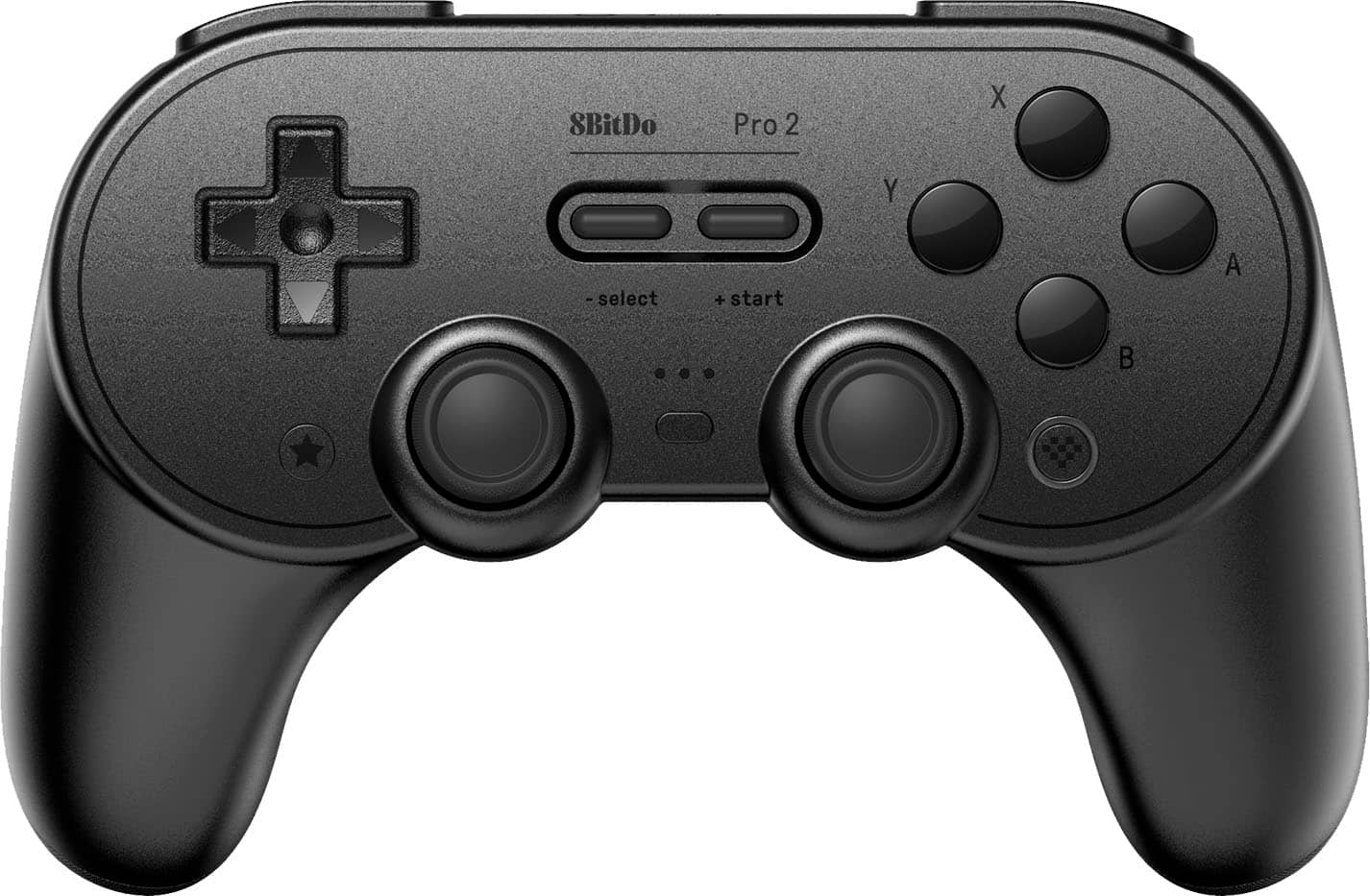
8BitDo - Pro 2 Bluetooth Controller for Switch, Windows, macOS, Android, and Steam Deck with Hall Effect Joysticks - Black
SKU: CZY3JSJLCJGreat packaging and great customer service as well thank you Best Buy I love ya...I just wish best buy provided more 8bitdo stuff as all of it feels great to use!...One of the best feeling controllers....
See all Gaming ControllersProduct Description
A versatile black Bluetooth controller with Hall Effect joysticks, customizable buttons, and USB-C charging.Your price for this item is $42.49Save $7The previous price was $49.99 -
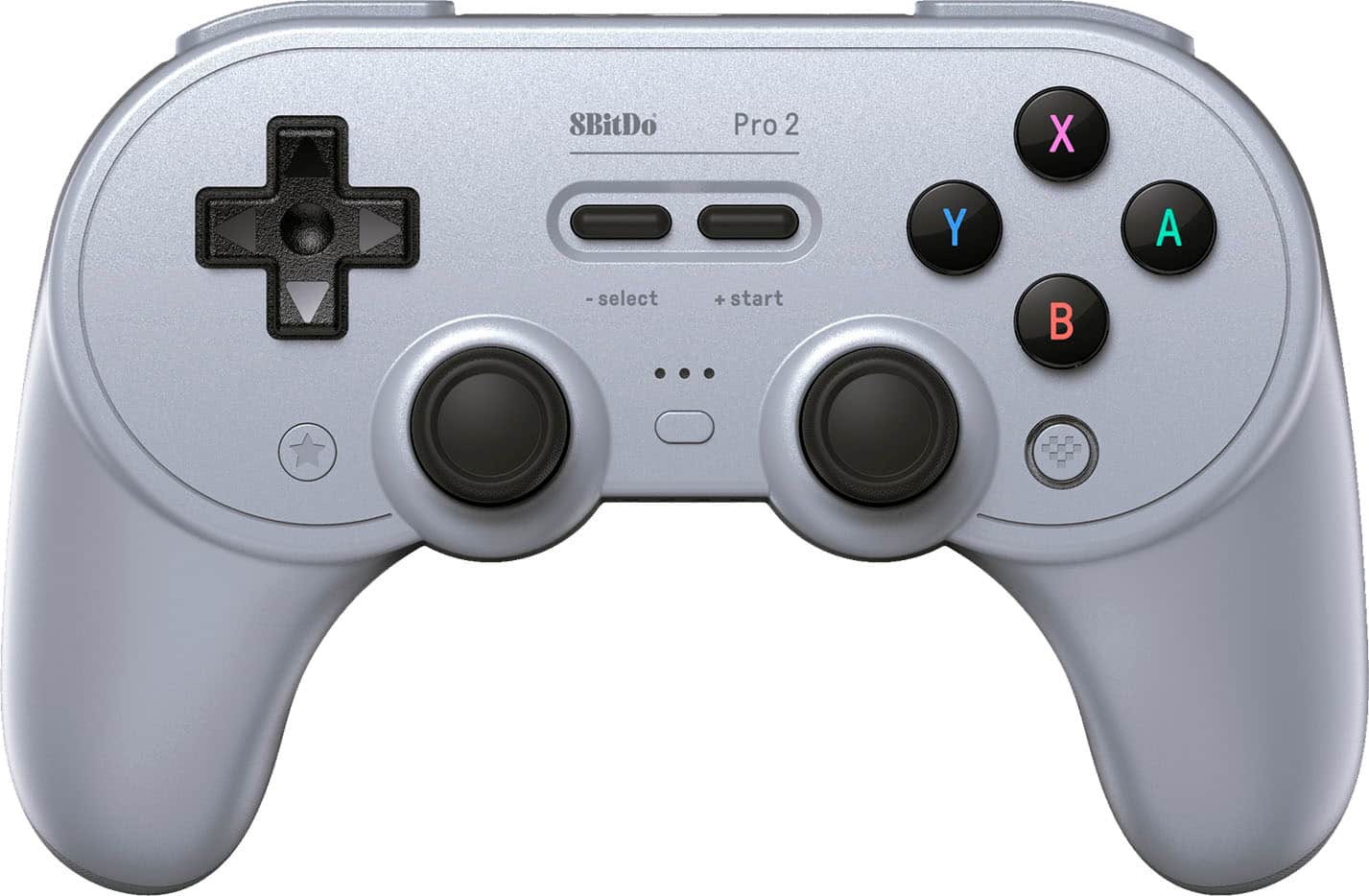
8BitDo - Pro 2 Bluetooth Controller for Switch, Windows, macOS, Android and Steam Deck with Hall Effect Joysticks - Gray
SKU: CZY3JSJL78Works great!...I love that you can switch between switch and Xbox controller mode with the switch on the back....Works great on the Switch and plugged into a PC for Steam PC. Very comfortable to hold....
See all Gaming ControllersProduct Description
A versatile gray Bluetooth controller with Hall Effect joysticks, customizable buttons, and USB-C charging.Your price for this item is $42.49Save $7The previous price was $49.99 -
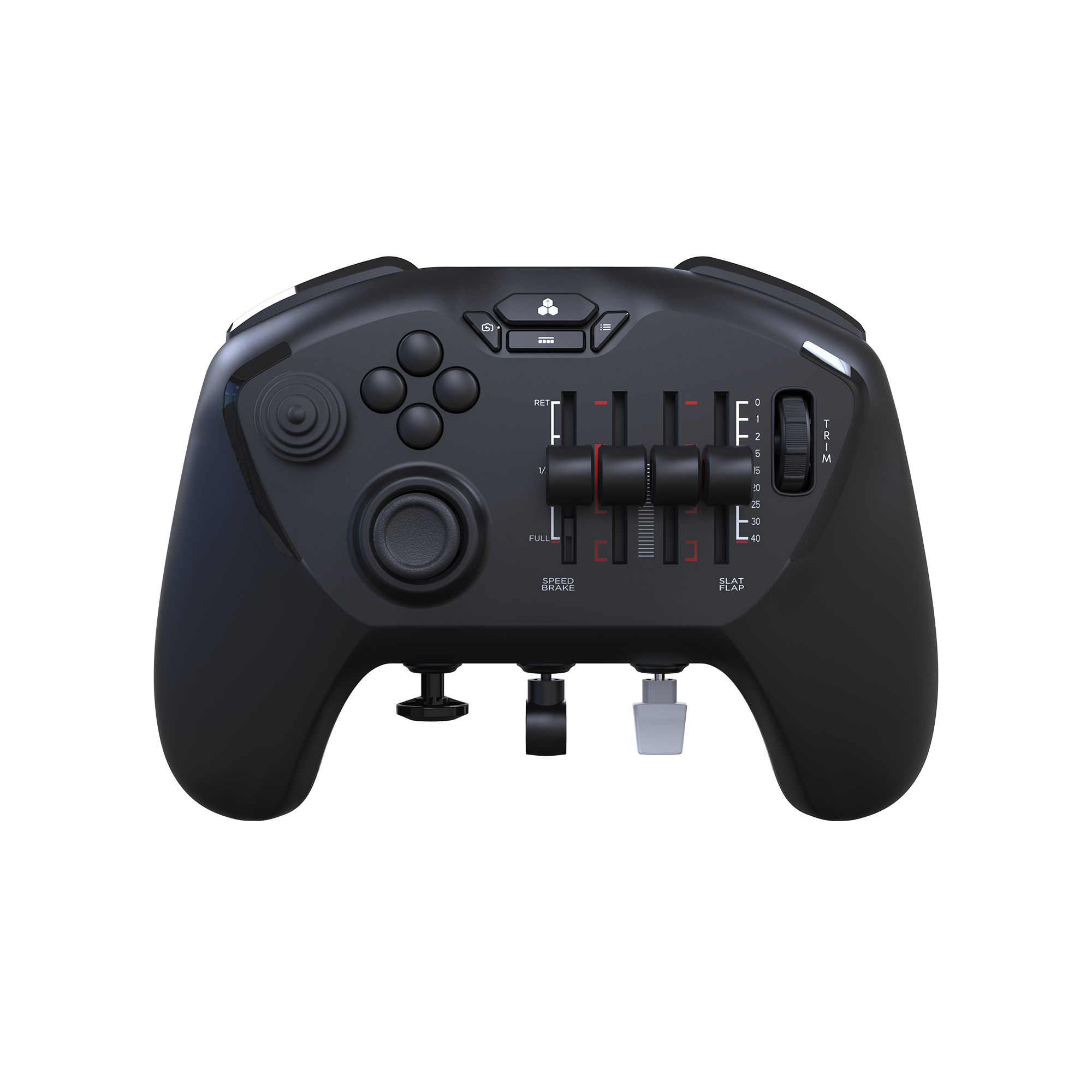
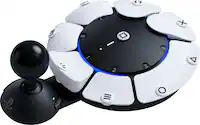
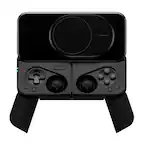
Honeycomb Aeronautical - Echo Aviation Wireless Controller for Windows & Mac - Black
SKU: CJS4GXK8Y8See all Gaming ControllersProduct Description
A compact black handheld controller offering full flight controls, rechargeable battery, and USB-C for PC simulators.Your price for this item is $149.99 -
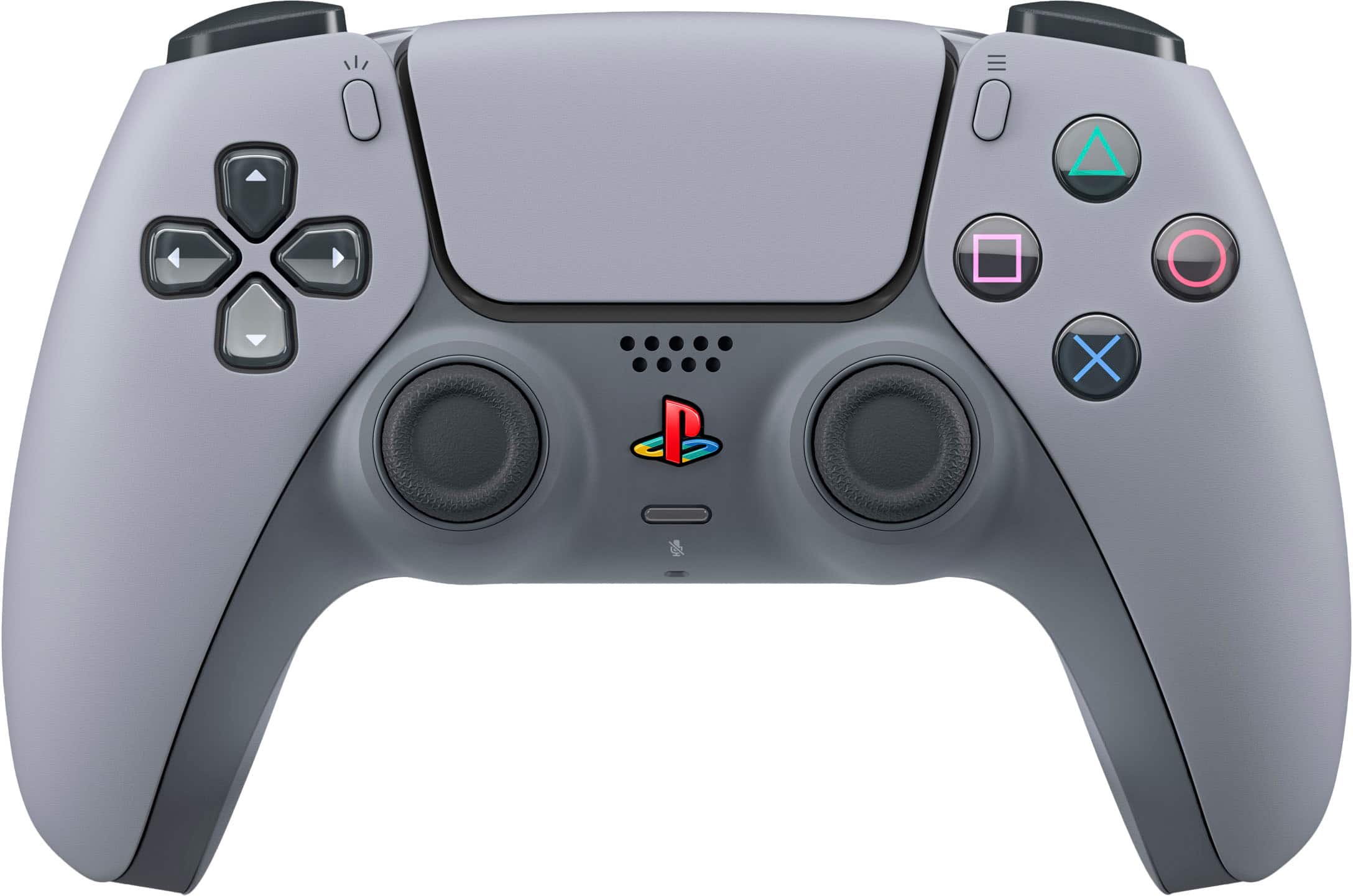
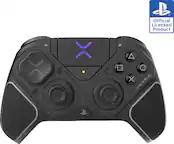
Sony Interactive Entertainment - 30th Anniversary Limited Edition - DualSense Wireless Controller for PS5, PC, Mac & Mobile - Gray
SKU: JXHQ3CX37VSee all Gaming ControllersProduct Description
A limited edition gray wireless controller featuring classic PlayStation-inspired design for PS5, PC, Mac, and mobile.Your price for this item is $233.91Save $1The previous price was $234.99 -
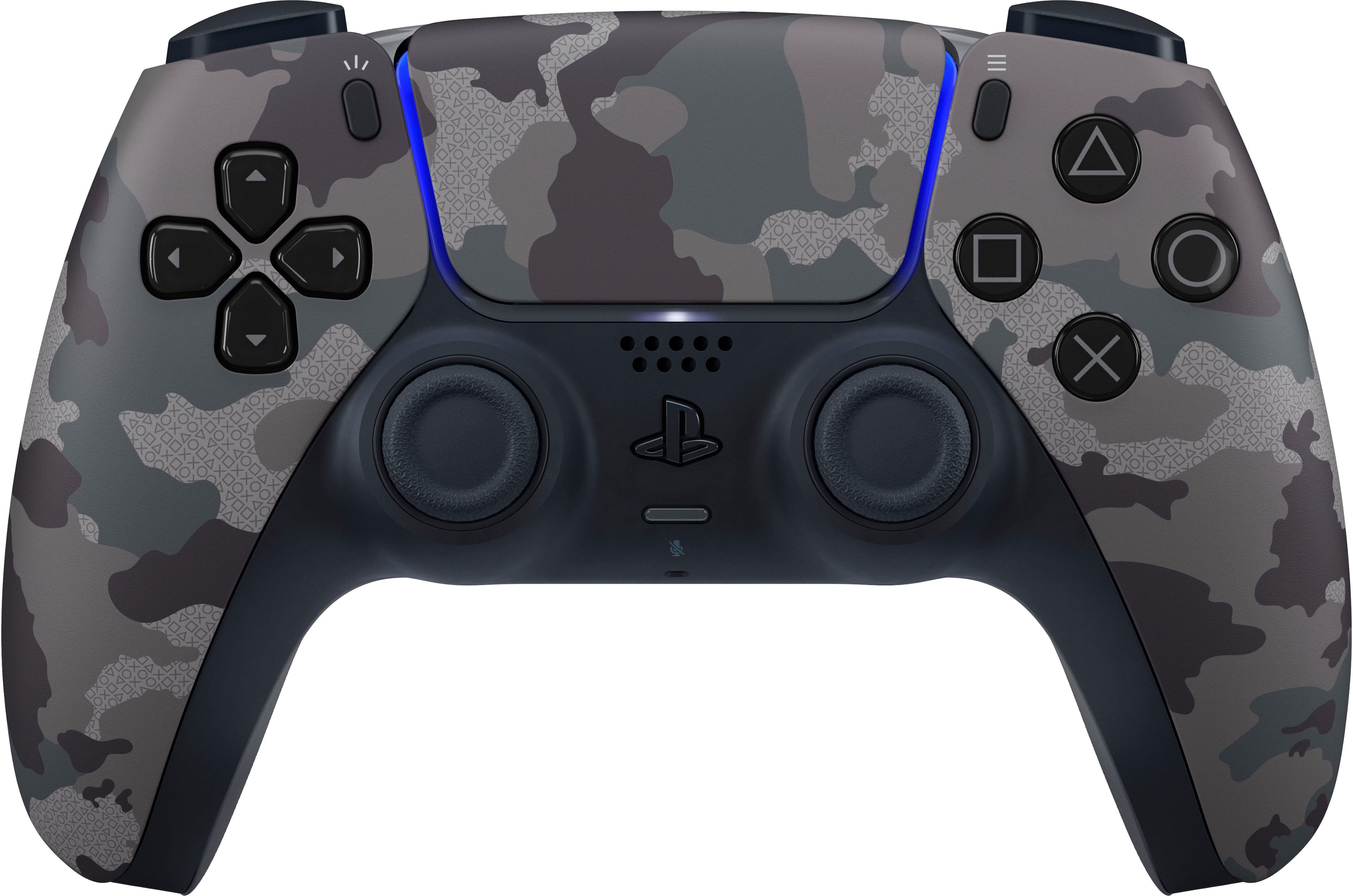
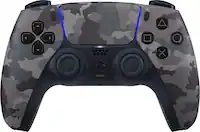
Sony Interactive Entertainment - DualSense Wireless Controller for PS5, PC, Mac & Mobile - Gray Camouflage
SKU: JXHQ3CCH84See all Gaming ControllersProduct Description
A wireless controller in gray camouflage featuring haptic feedback, adaptive triggers, and a built-in microphone.Your price for this item is $99.99 -
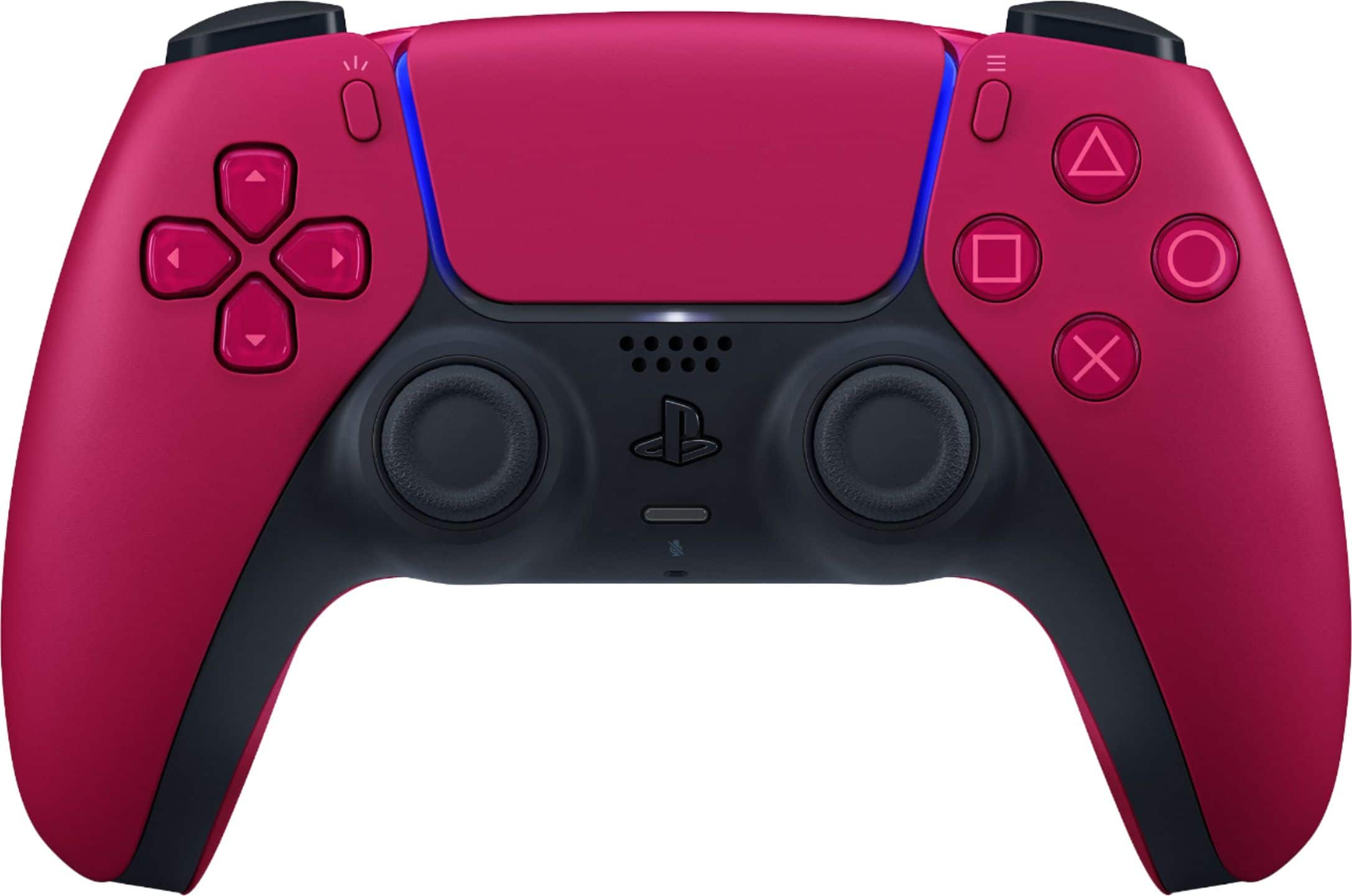
Sony Interactive Entertainment - DualSense Wireless Controller for PS5, PC, Mac & Mobile - Cosmic Red
SKU: JXHQ3CCW5HSee all Gaming ControllersProduct Description
A vibrant cosmic red wireless controller featuring haptic feedback, adaptive triggers, and a built-in microphone.Your price for this item is $109.99 -
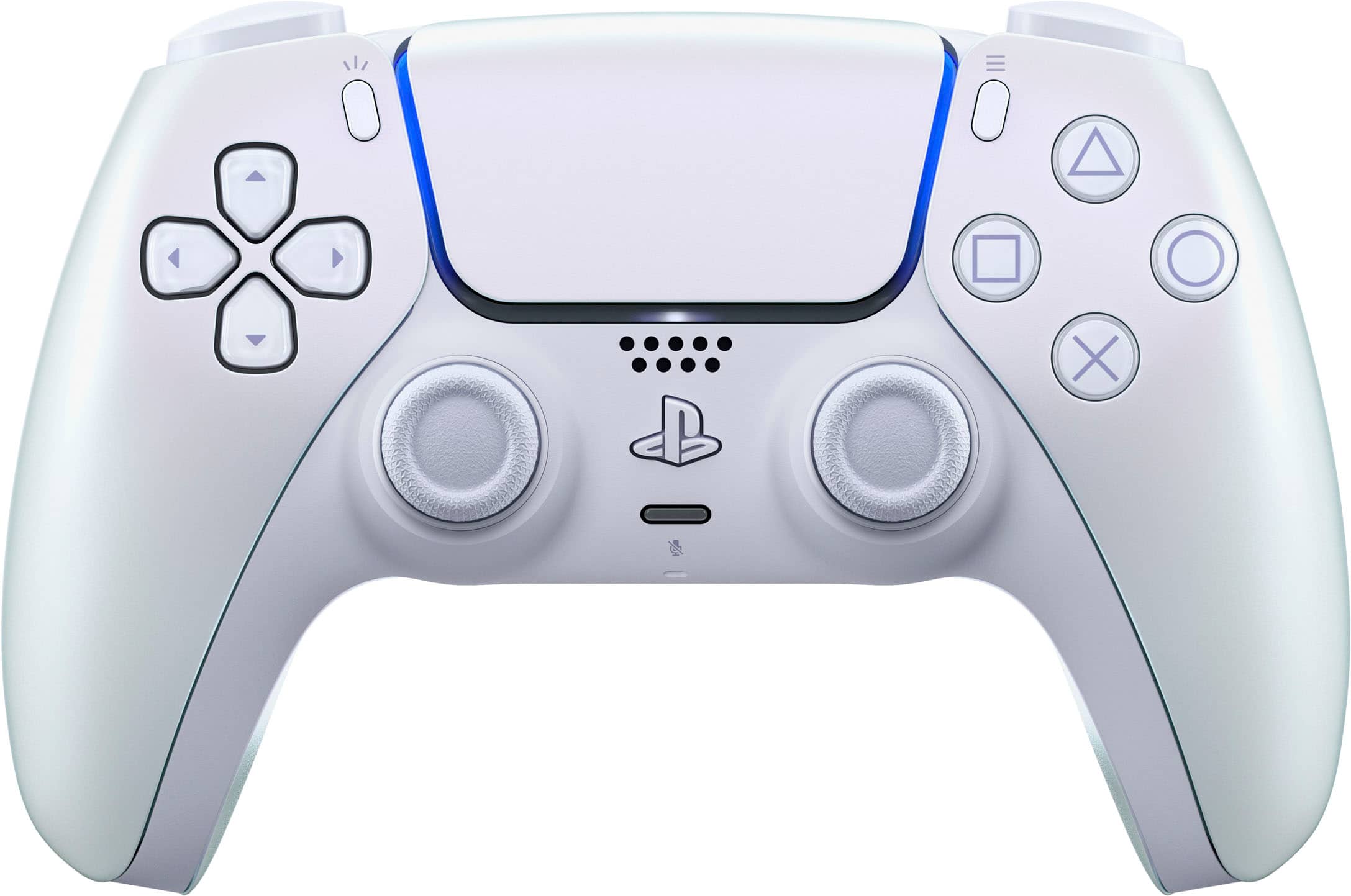
Sony Interactive Entertainment - DualSense Wireless Controller for PS5, PC, Mac & Mobile - Chroma Pearl
SKU: JXHQ3C2Q2LSee all Gaming ControllersProduct Description
An iridescent wireless controller with haptic feedback and a pink-and-cream Chroma Pearl finish.Your price for this item is $79.99 -
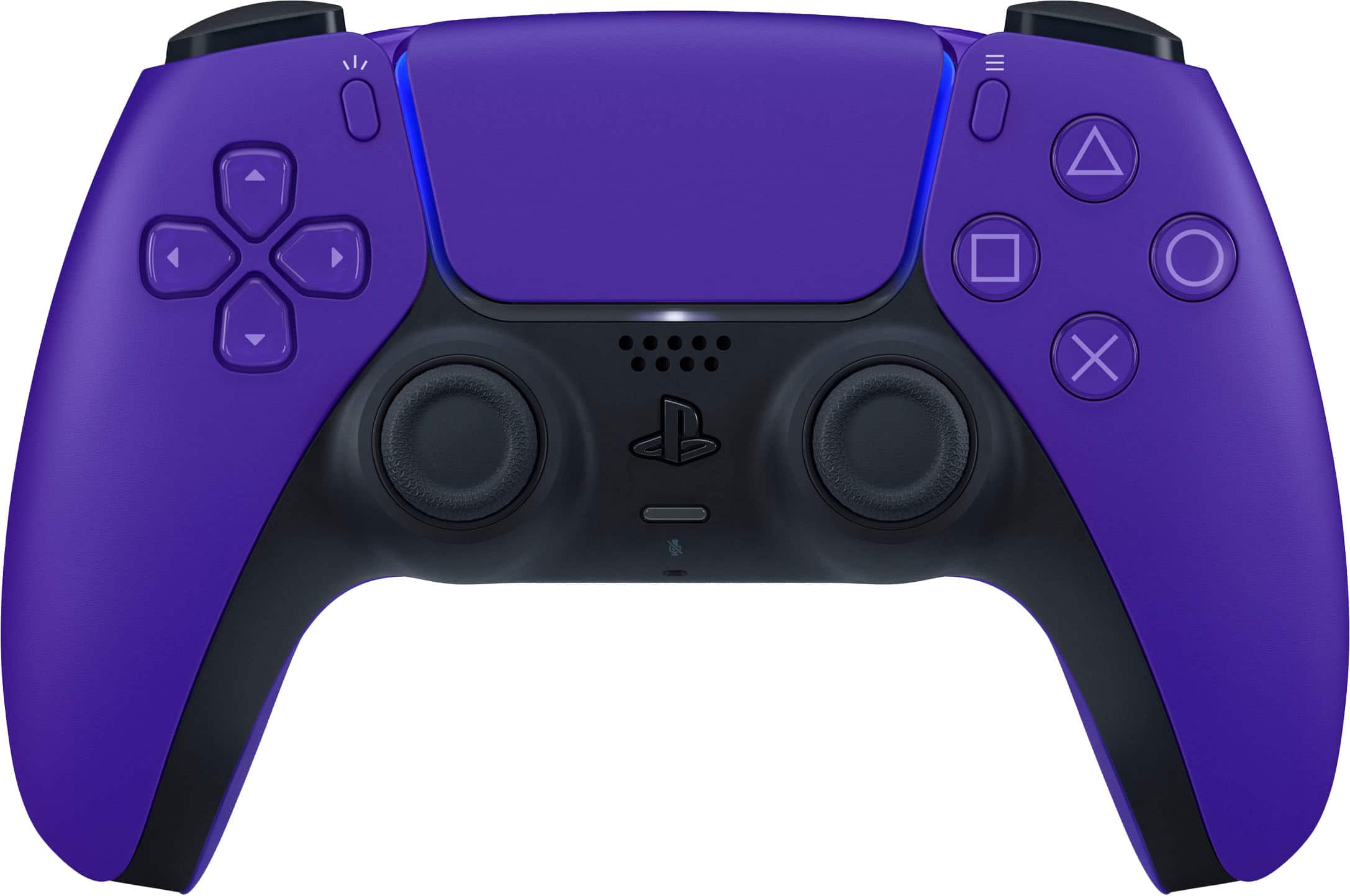
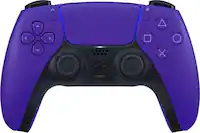
Sony Interactive Entertainment - DualSense Wireless Controller for PS5, PC, Mac & Mobile - Galactic Purple
SKU: JXHQ3CCWF3Great!
See all Gaming ControllersProduct Description
A sleek galactic purple wireless controller featuring adaptive triggers, haptic feedback, and a built-in rechargeable battery.Your price for this item is $74.00 -
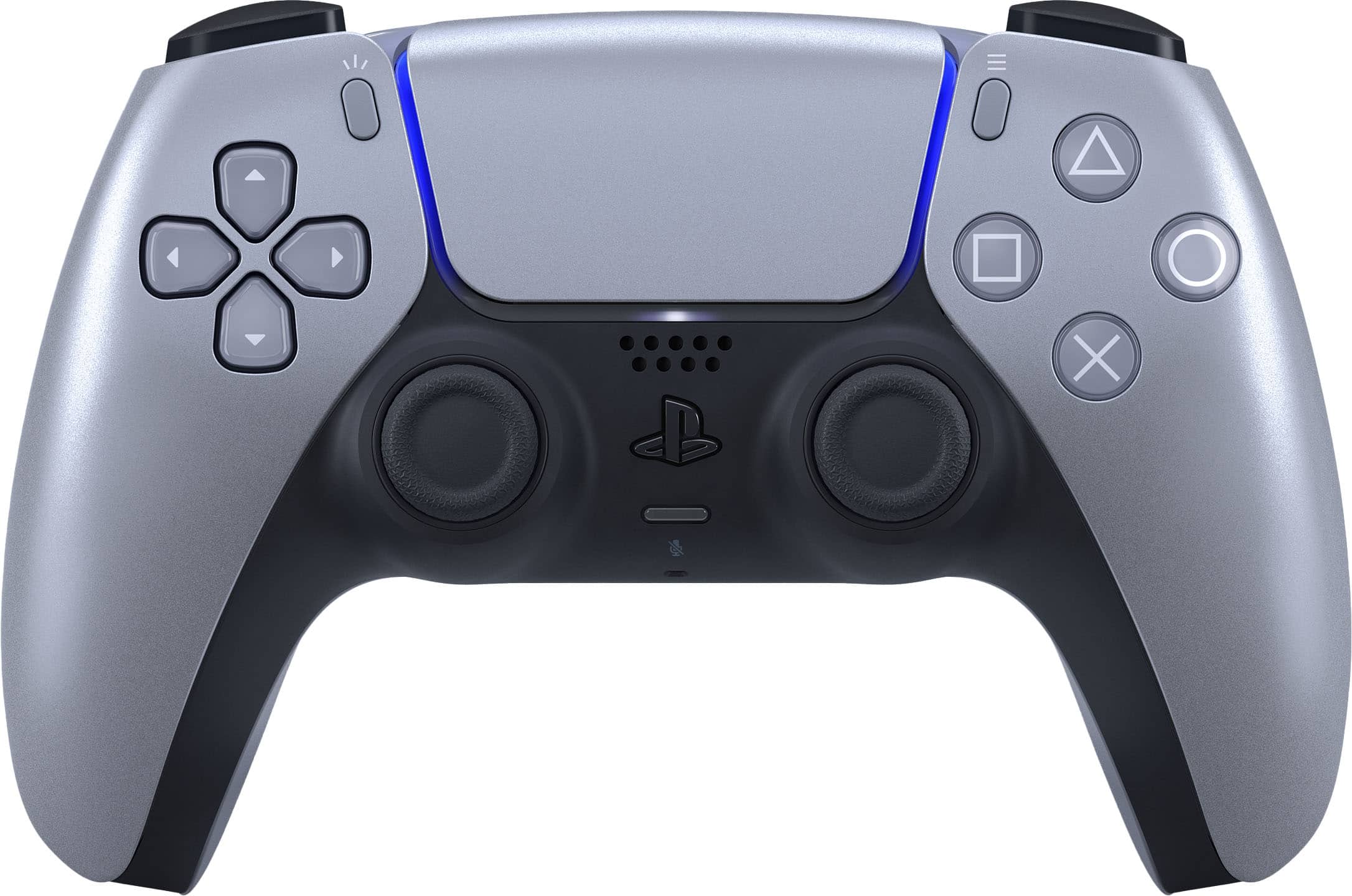
Sony Interactive Entertainment - DualSense Wireless Controller for PS5, PC, Mac & Mobile - Sterling Silver
SKU: JXHQ3CCHLJSee all Gaming ControllersProduct Description
A sleek sterling silver wireless controller featuring adaptive triggers, haptic feedback, and a USB-C charging interface.Your price for this item is $79.00Save $10The previous price was $89.99 -
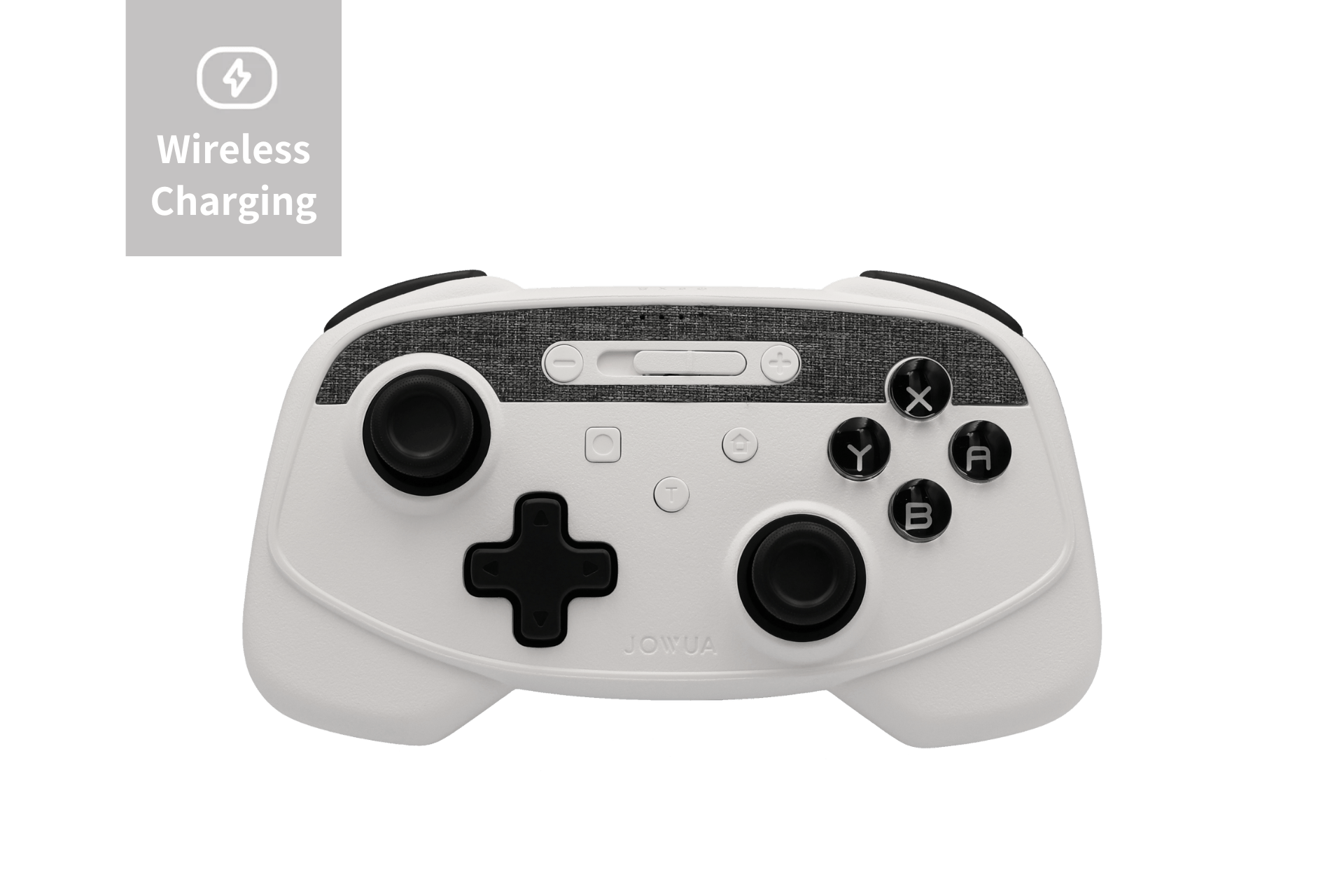
JOWUA - Tesla Gaming Controller - (Wireless Charging)
SKU: C34467YQK8See all Auto Care & CleaningProduct Description
A versatile plastic wireless controller with dual vibration, 6-axis gyro, and seamless integration with Tesla charging pads.Your price for this item is $54.95
Best Sellers

Related Pages



FAQ
Not all controllers are universally compatible with macOS. Many popular controllers, like those from PlayStation, Xbox, and select third-party brands, offer Mac compatibility, but it's important to check the product specifications for macOS support before purchasing.
Most wireless controllers connect to a Mac via Bluetooth. To pair, turn on your controller's pairing mode, open Bluetooth settings on your Mac, and select the controller from the list of available devices. Specific pairing instructions may vary by brand and model.
Controller support depends on the individual game. Many modern Mac games offer native controller support, but some may require additional configuration or third-party software. Always check the game's compatibility details for controller support.
Some controllers work out of the box with macOS, while others may require you to install specific drivers or software for full functionality. Refer to the manufacturer's website or included documentation for setup instructions.
While many controllers are designed to be cross-platform, including support for Mac, some brands do offer models tailored for macOS users. Look for controllers that list macOS compatibility in their product descriptions for the best experience.