Controllers For Steam Games
-
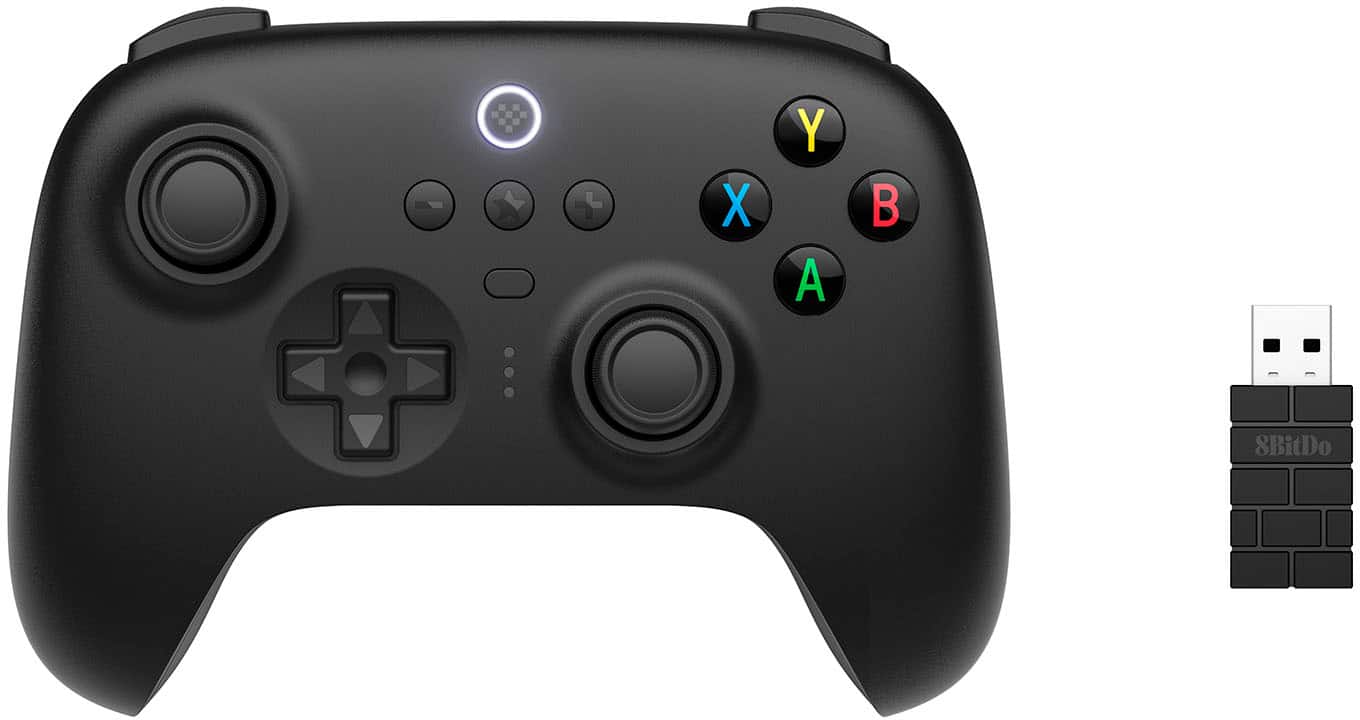
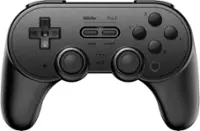
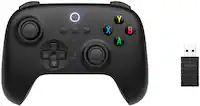
8BitDo - Ultimate 2.4G Wireless Controller for Android, iOS, Windows and Steam Deck with Hall Effect Joysticks - Black
SKU: CZY3JSJG5FBest Controller...It's great! Best controller i have ever used for sure!...best controller...best controller for the price....It feels great in hands and works as good as any controller that costs 3 times...
See all Gaming ControllersProduct Description
A versatile black wireless controller with Hall Effect joysticks, USB-C charging, and multi-platform compatibility.Your price for this item is $42.49Save $7The previous price was $49.99 -
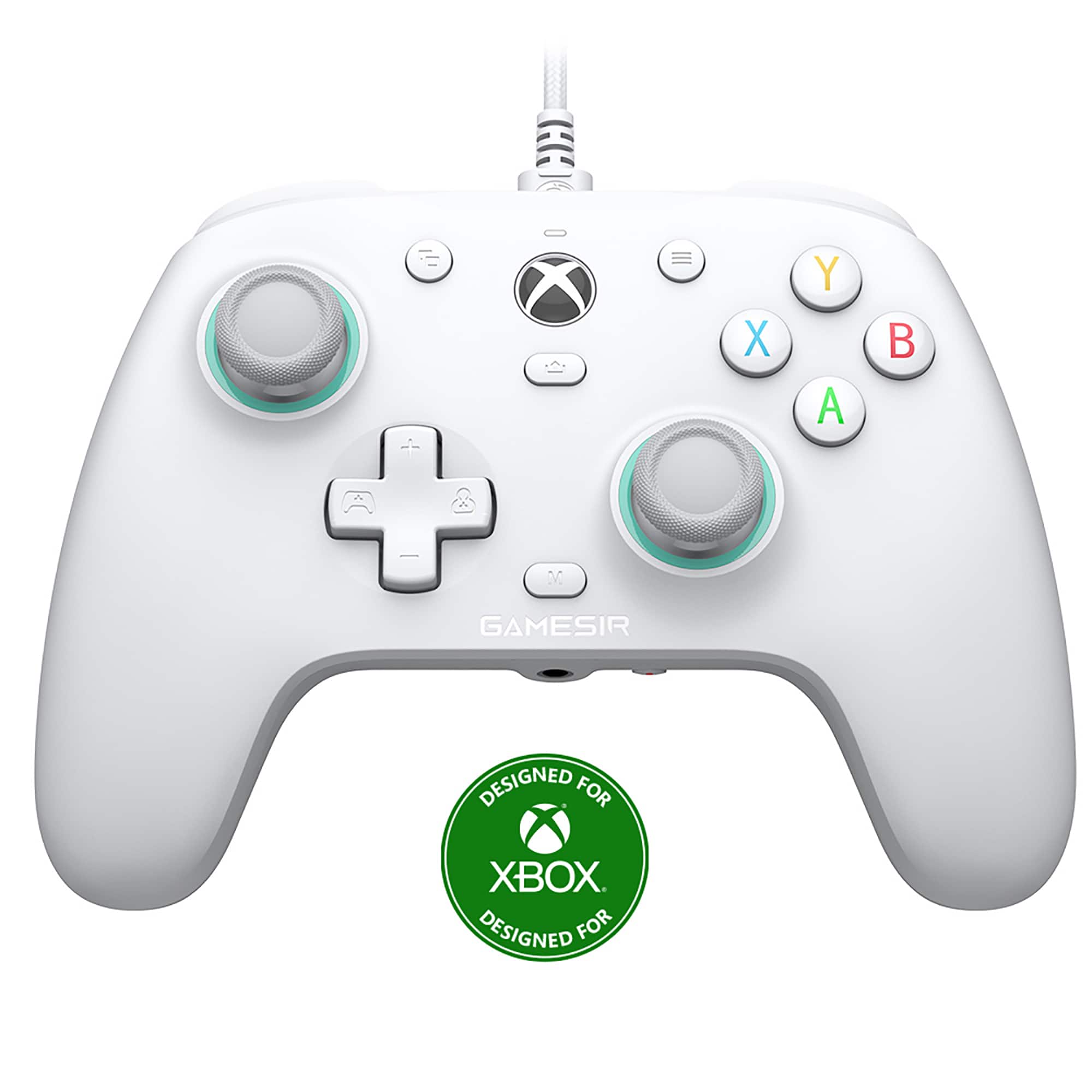
GameSir - G7 SE Wired Controller for Xbox Series X|S|One, Windows 10/11, Plug & Play with Hall Effect Joysticks & Trigger, 3.5mm - White
SKU: CZS9HRX2CJIt’s great dropped it a few times and it’s never got stick drift it’s got a nice cord definitely worth...Great build quality, no stick drift, and great for fps games....Great controller
See all Gaming ControllersProduct Description
A white wired controller offering Hall Effect joysticks, custom back keys, and plug-and-play compatibility for Xbox and PC.Your price for this item is $69.99 -
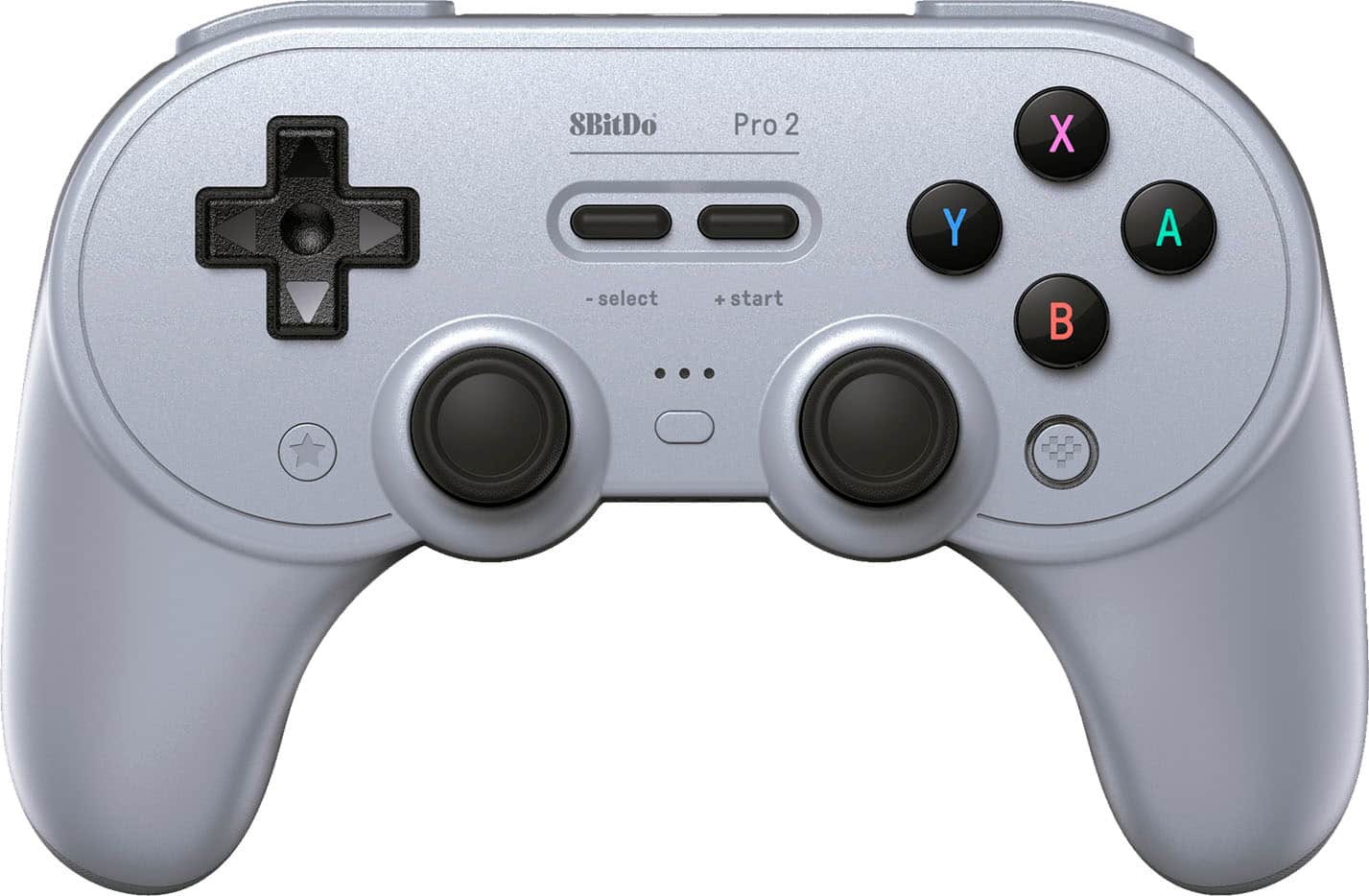
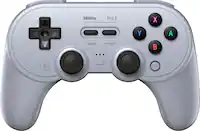
8BitDo - Pro 2 Bluetooth Controller for Switch, Windows, macOS, Android and Steam Deck with Hall Effect Joysticks - Gray
SKU: CZY3JSJL78Works great!...I love that you can switch between switch and Xbox controller mode with the switch on the back....The price was great, too.
See all Gaming ControllersProduct Description
A versatile gray Bluetooth controller with Hall Effect joysticks, customizable buttons, and USB-C charging.Your price for this item is $42.49Save $7The previous price was $49.99 -
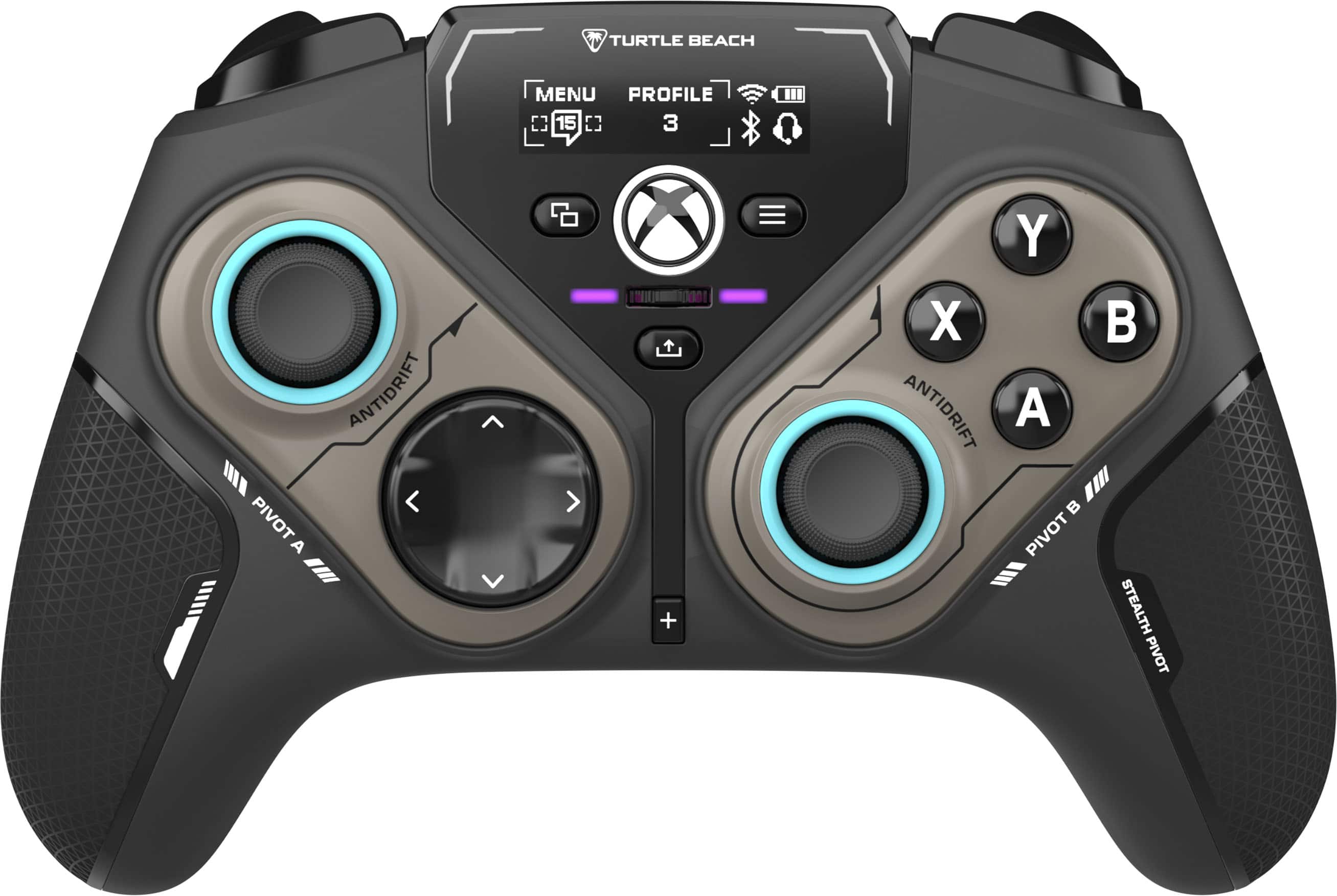
Turtle Beach - Stealth Pivot Wireless Smart PC Gaming Controller with Rotating Modules - Black
SKU: JXK5HFZJF7Work great on my PC is the best controller I literally recommend 100%...Love
See all PC Gaming ControllersProduct Description
A wireless black gaming controller with rotating modules, customizable display, and multi-platform compatibility for versatile play.Your price for this item is $99.99Save $40The previous price was $139.99 -
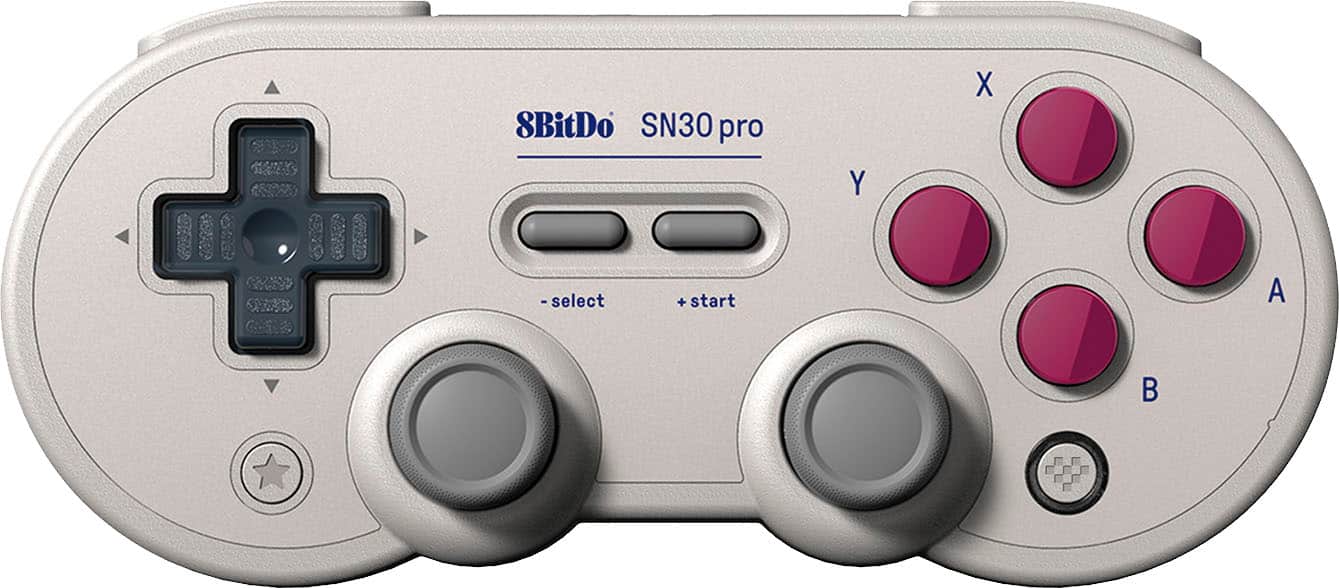
8BitDo - SN30 Pro Wireless Controller for Switch, Windows, macOS, Android and Steam Deck with Hall Effect Joysticks - G Classic
SKU: CZY3JSJLJ9Best controle...Really good.you can buy because it is the best controle...I love this controller....Even the color ways are great!
See all Gaming ControllersProduct Description
A wireless Bluetooth controller in G Classic color featuring Hall Effect joysticks, rumble, and motion controls.Your price for this item is $38.99Save $6The previous price was $44.99 -
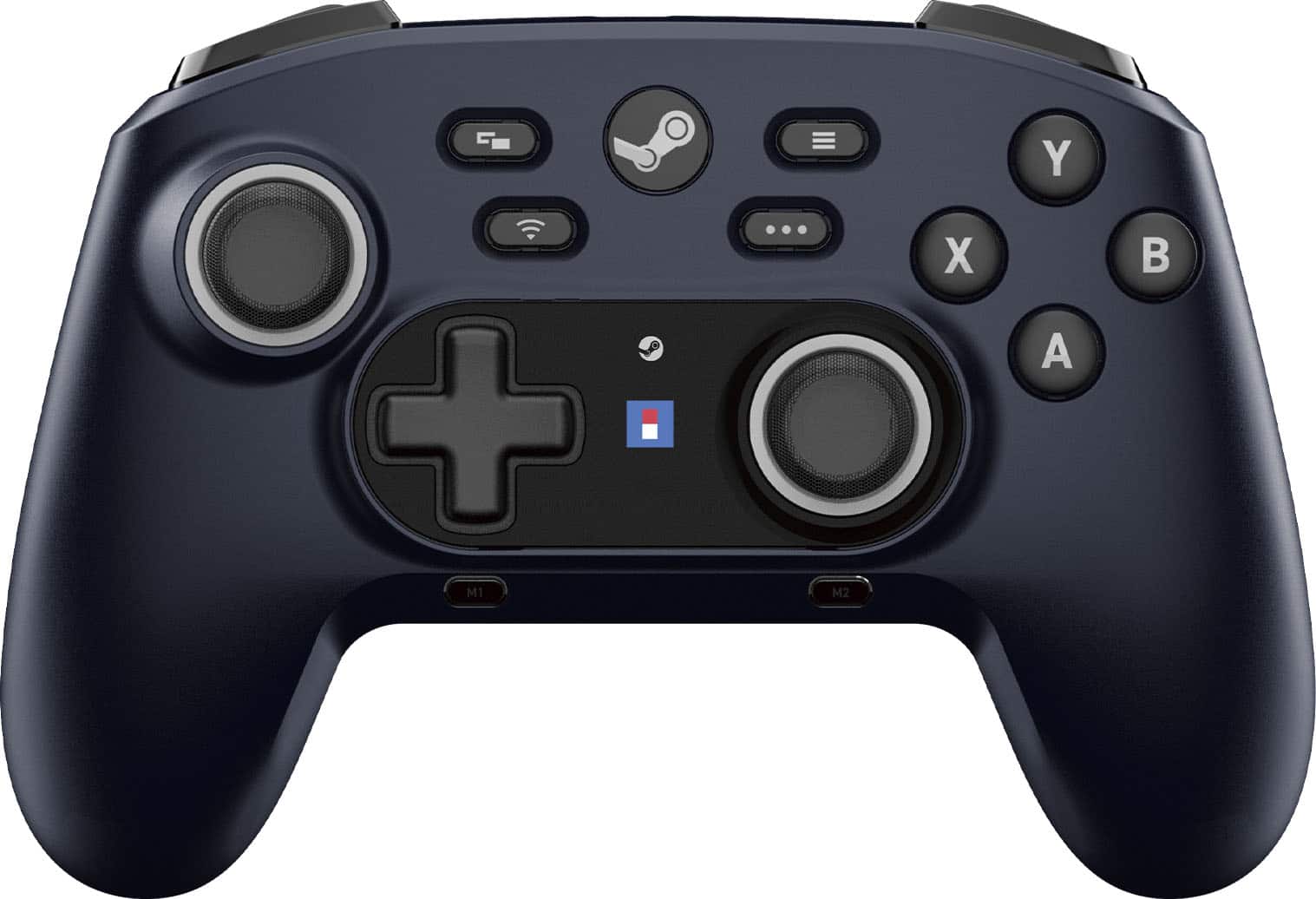
Hori - Wireless HORIPAD for Steam (Midnight - Black
SKU: J3GTV3LPZPFeels good, looks great, integrates with Steam nicely....Feels great.
See all Gaming ControllersProduct Description
A wireless black controller for Steam and Steam Deck featuring gyro sensors, programmable buttons, and Bluetooth connectivity.Your price for this item is $59.99 -
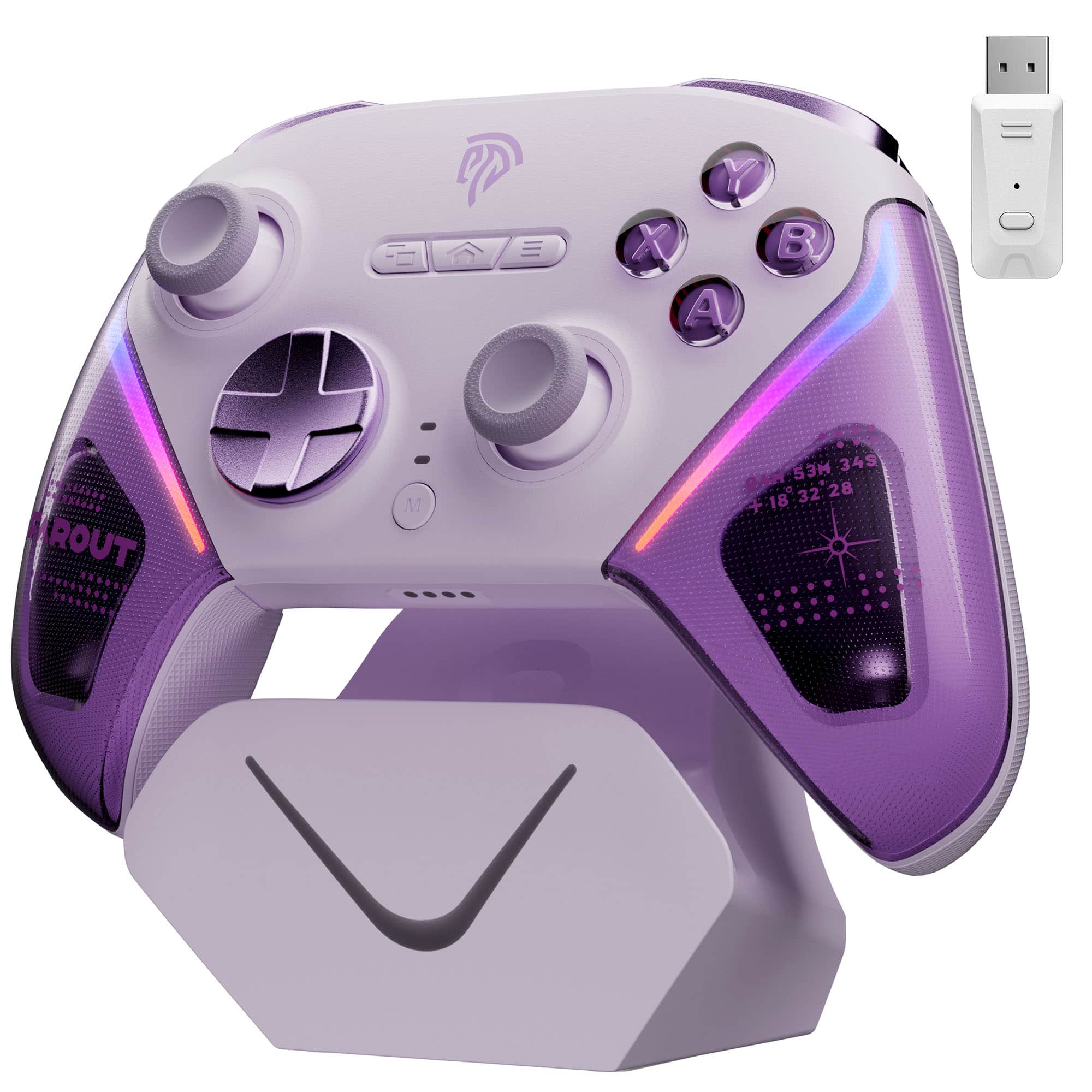
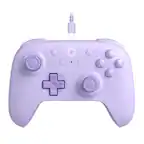
EasySMX - D10 Wireless Game Controller - TMR Joysticks, Dual-Mode Triggers for PC/Switch/Android/iOS/Steam Deck - Purple
SKU: J237V4XV9VSee all Gaming ControllersProduct Description
A purple wireless controller featuring ultra-precise MagLev joysticks, dual-mode triggers, and programmable back buttons.Your price for this item is $49.99 -
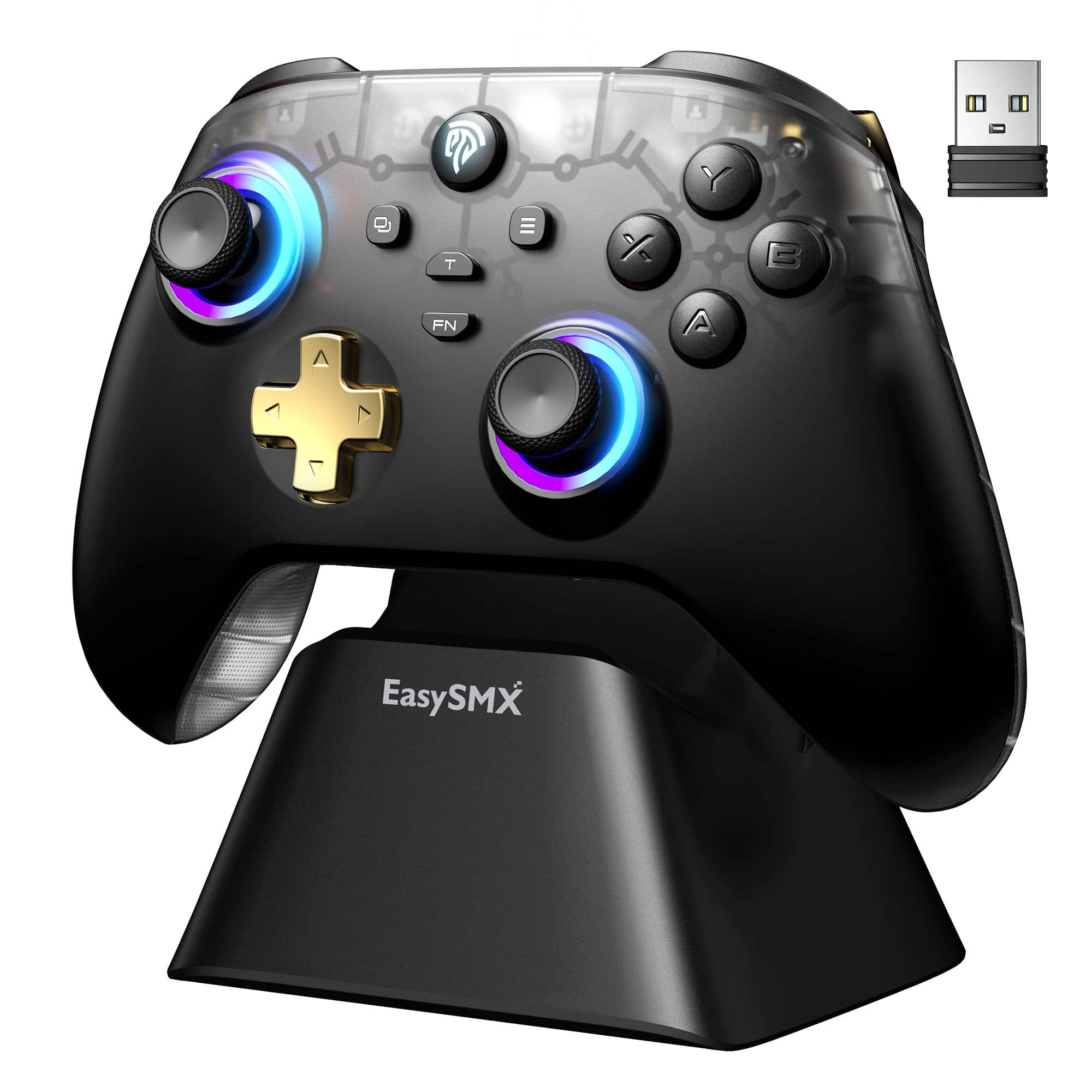
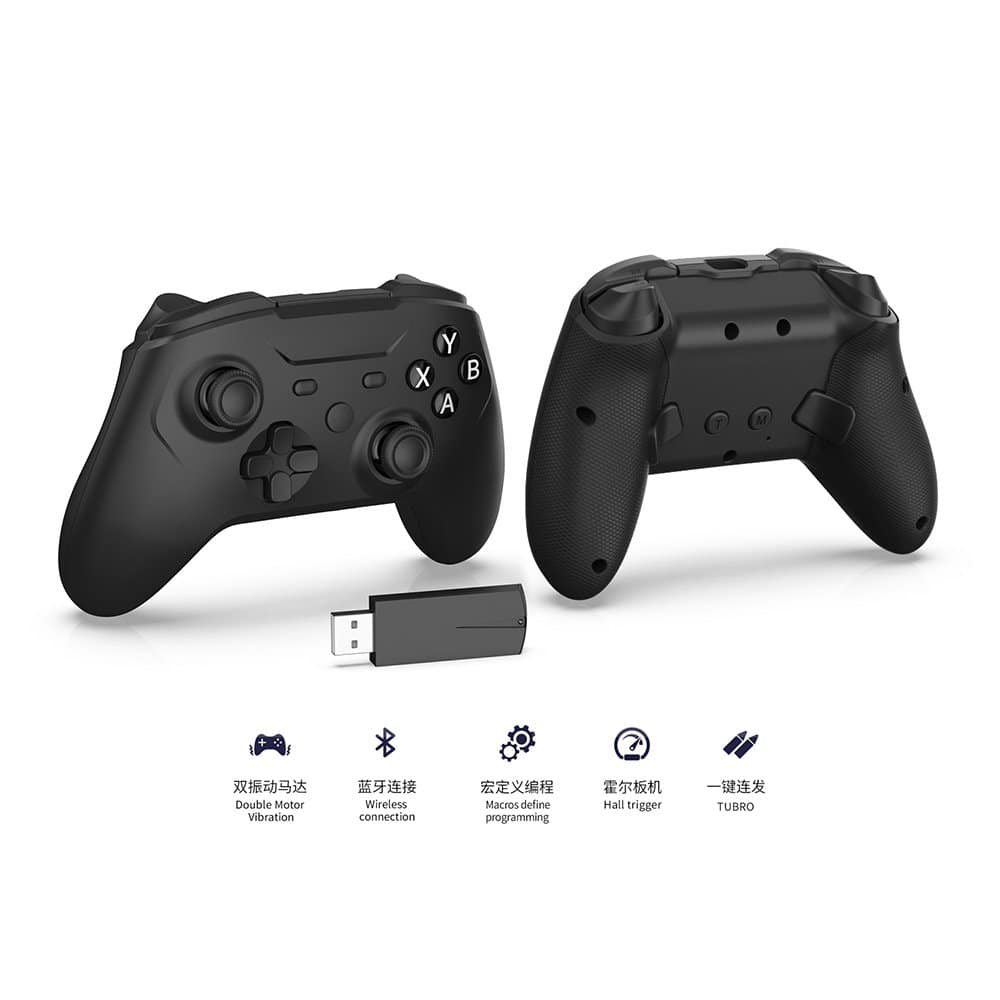
EasySMX - D05 Wireless Game Controller, Bluetooth PC/Steam/Switch/Android Gamepad with Hall Sensor, RGB, Dock, No Drift - Black
SKU: CZTRR2ZVSTSee all Gaming ControllersProduct Description
A black wireless gamepad with Hall Effect joysticks, RGB lighting, Bluetooth, programmable buttons, and magnetic charging dock.Your price for this item is $34.99 -
Dobe - TYX-3618B Steam Controller, Wireless Gaming Controller for Steam/Steam Deck/PC Windows/Laptop/PS3 - Black
SKU: CZTYSJ4992See all PC Gaming ControllersProduct Description
A black wireless gaming controller featuring adjustable dual vibration, Hall joystick, and headphone jack for versatile play.Your price for this item is $42.99 -
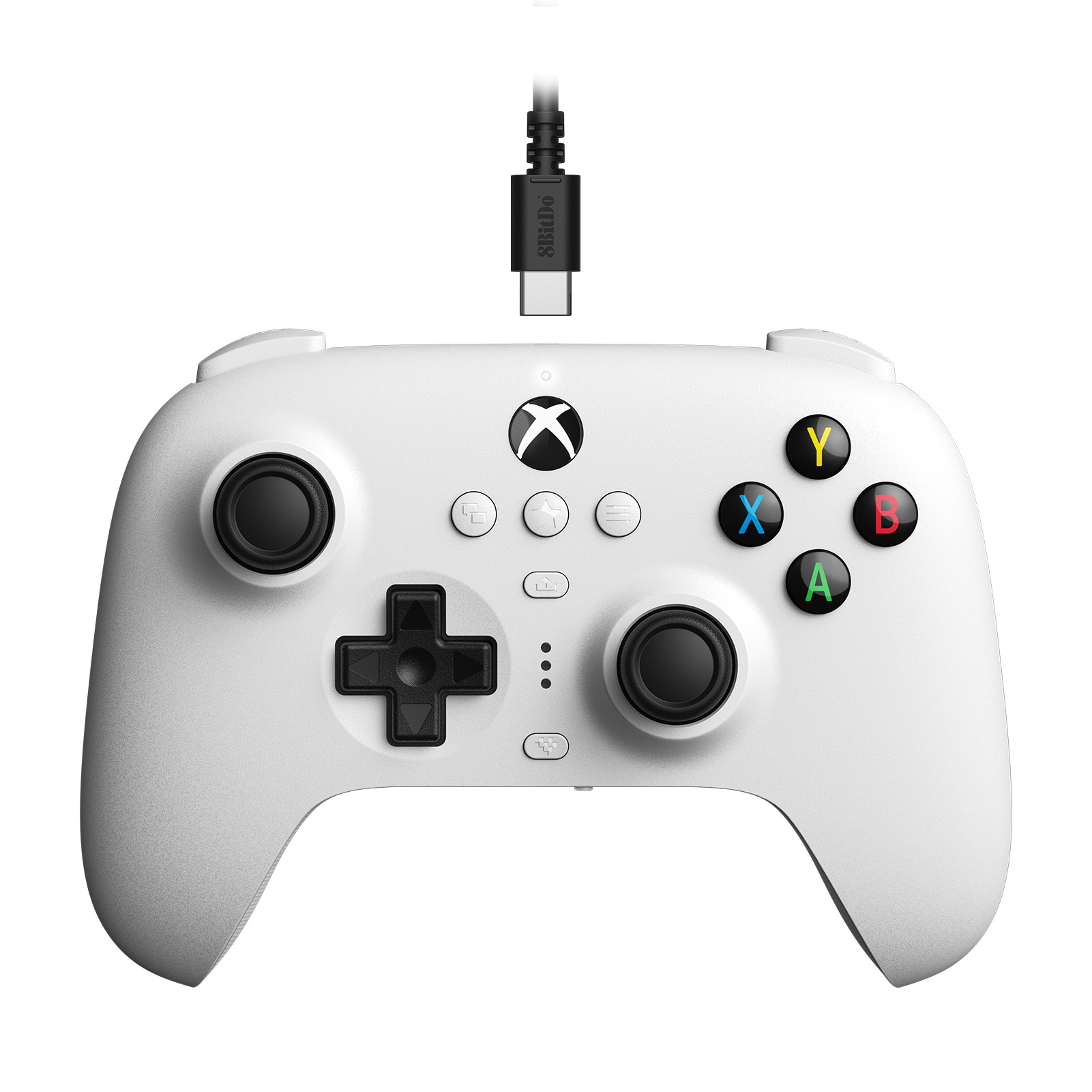
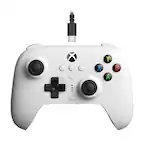
8BitDo - Ultimate Wired Controller for Windows with Hall Effect Joysticks - White
SKU: CZY3JSJL3X[Employee of bestbuy] A great wired controller choice for both the Xbox and my Nintendo switch.
See all Gaming ControllersProduct Description
A white wired controller featuring Hall Effect joysticks, designed for Windows PCs and Xbox consoles.Your price for this item is $39.99Save $5The previous price was $44.99
Best Sellers

Related Pages

FAQ
Most modern controllers, such as Xbox, PlayStation, and certain third-party gamepads, are compatible with Steam games. Steam’s Big Picture Mode and Steam Input feature make it easy to configure and use a wide variety of controllers. However, it’s always best to check each controller’s compatibility with your specific games before purchasing.
When choosing a controller for Steam games, consider features like wireless connectivity, customizable buttons, ergonomic design, built-in vibration feedback, and compatibility with your operating system. Some controllers also offer additional features like programmable paddles or touchpads for enhanced gameplay.
Yes, both PlayStation and Xbox controllers can be used for Steam games on PC. Steam natively supports Xbox controllers, and PlayStation controllers can be connected via USB or Bluetooth. Steam Input allows you to customize button mappings and settings for these controllers.
Most controllers will work with Steam right out of the box, thanks to Steam Input. However, some third-party controllers may require you to install additional drivers or software for full compatibility and customization options.
To set up your controller for Steam games, connect it to your PC via USB or Bluetooth. Open Steam and go to Settings > Controller > General Controller Settings to detect and configure your device. You can then customize button layouts and calibrate your controller for the best gaming experience.