Gaming Chairs With Bluetooth
-
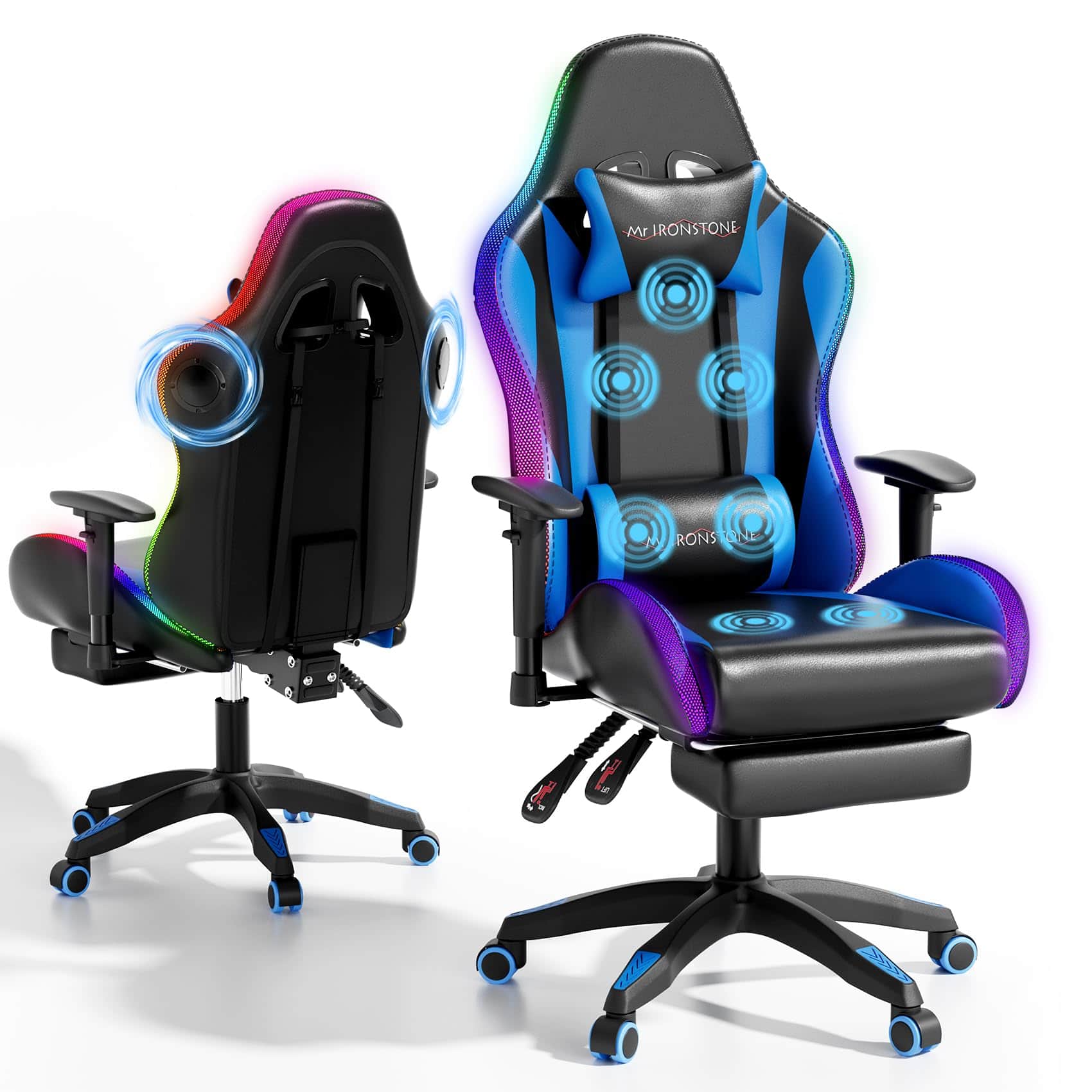
COQOOL - Gaming Chair with Bluetooth Speakers, Multi-Point Vibration Massage Gaming Chair, Ergonomic Back Recliner with Footrest - black-blue
SKU: J37FF8G6L2See all Gaming ChairsProduct Description
An ergonomic blue gaming chair with built-in Bluetooth speakers, LED lights, and a reclining metal frame.Your price for this item is $179.98Save $120The previous price was $299.99 -
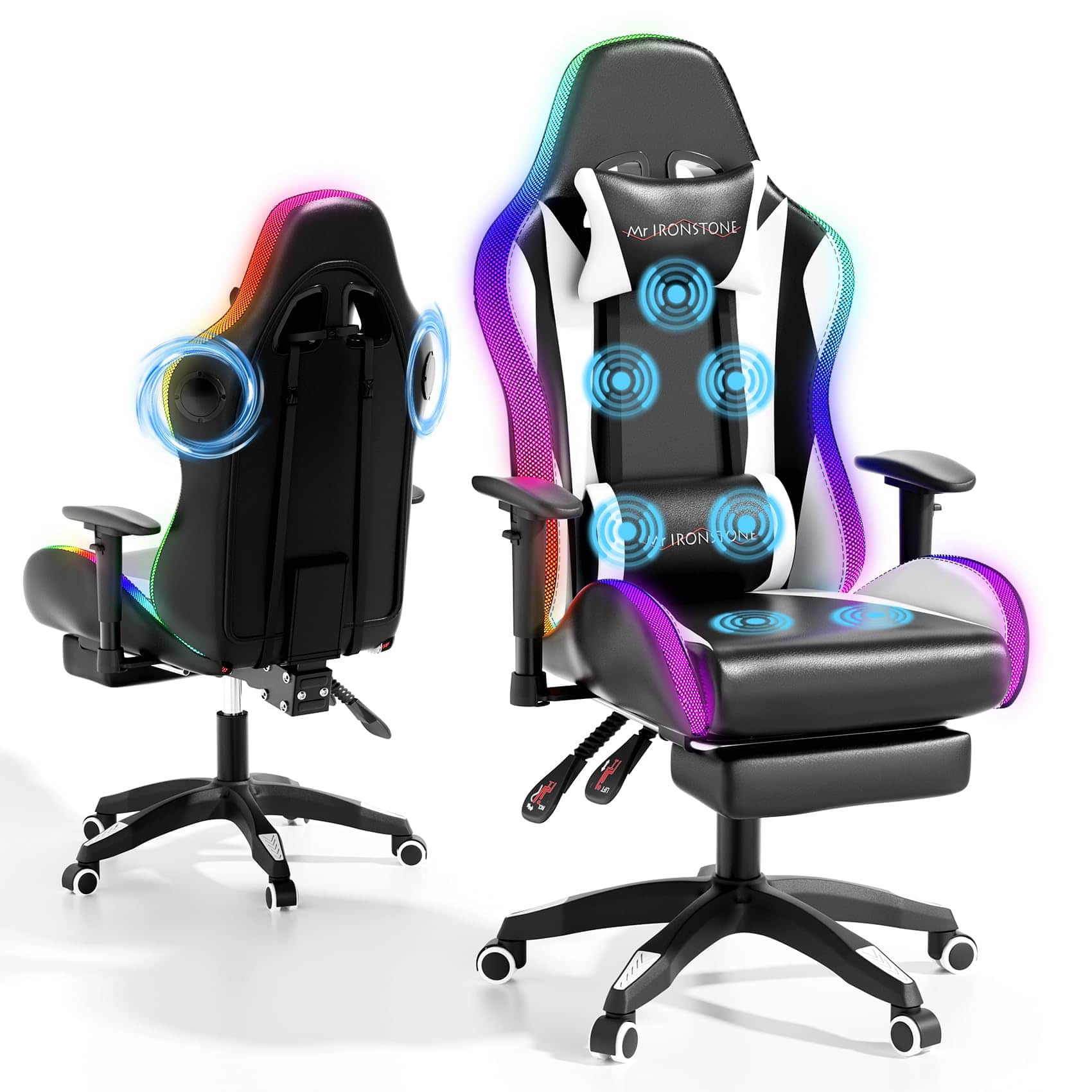
COQOOL - Gaming Chair with Bluetooth Speakers, Multi-Point Vibration Massage Gaming Chair, Ergonomic Back Recliner with Footrest - black-white
SKU: J37FF8G6LPSee all Gaming ChairsProduct Description
An ergonomic black-and-white gaming chair with Bluetooth speakers, LED lights, metal frame, and retractable footrest.Your price for this item is $176.99Save $123The previous price was $299.99 -
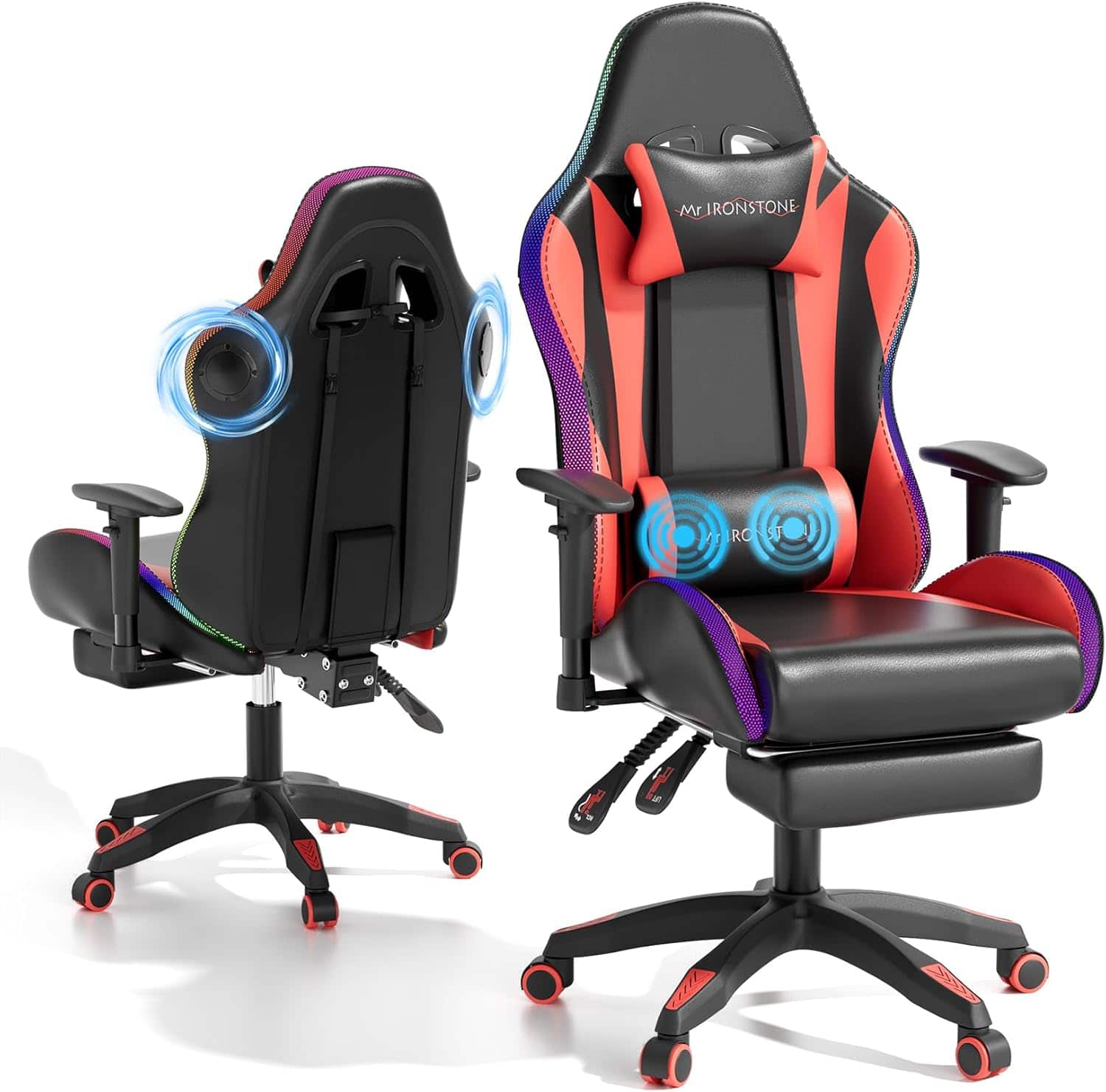
COQOOL - RGB Gaming Chair with Bluetooth Speakers, Ergonomic Gamer Chair with LED Lights, Vibration Lumbar Support - Red
SKU: BS3VZ38449See all Gaming ChairsProduct Description
A red ergonomic gaming chair featuring built-in Bluetooth speakers, customizable RGB LED lights, and vibration lumbar support.Your price for this item is $159.99Save $100The previous price was $259.99 -
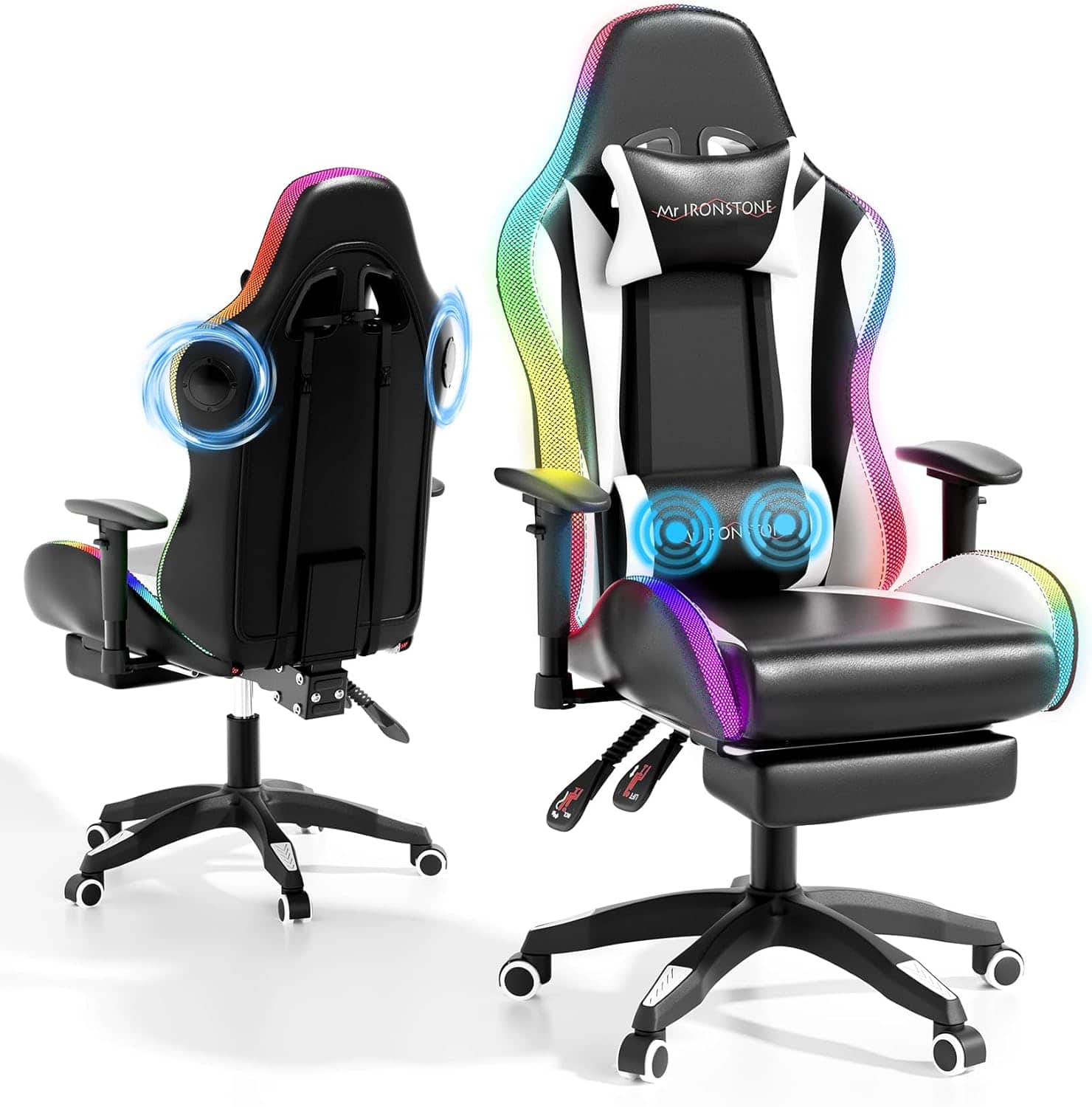
COQOOL - RGB Gaming Chair with Bluetooth Speakers, Ergonomic Gamer Chair with LED Lights, Vibration Lumbar Support - Black
SKU: BS3VZ384Z6Great gaming chair
See all Gaming ChairsProduct Description
An ergonomic black metal gaming chair featuring Bluetooth speakers, customizable RGB LED lights, and vibration lumbar support.Your price for this item is $149.99Save $110The previous price was $259.99 -
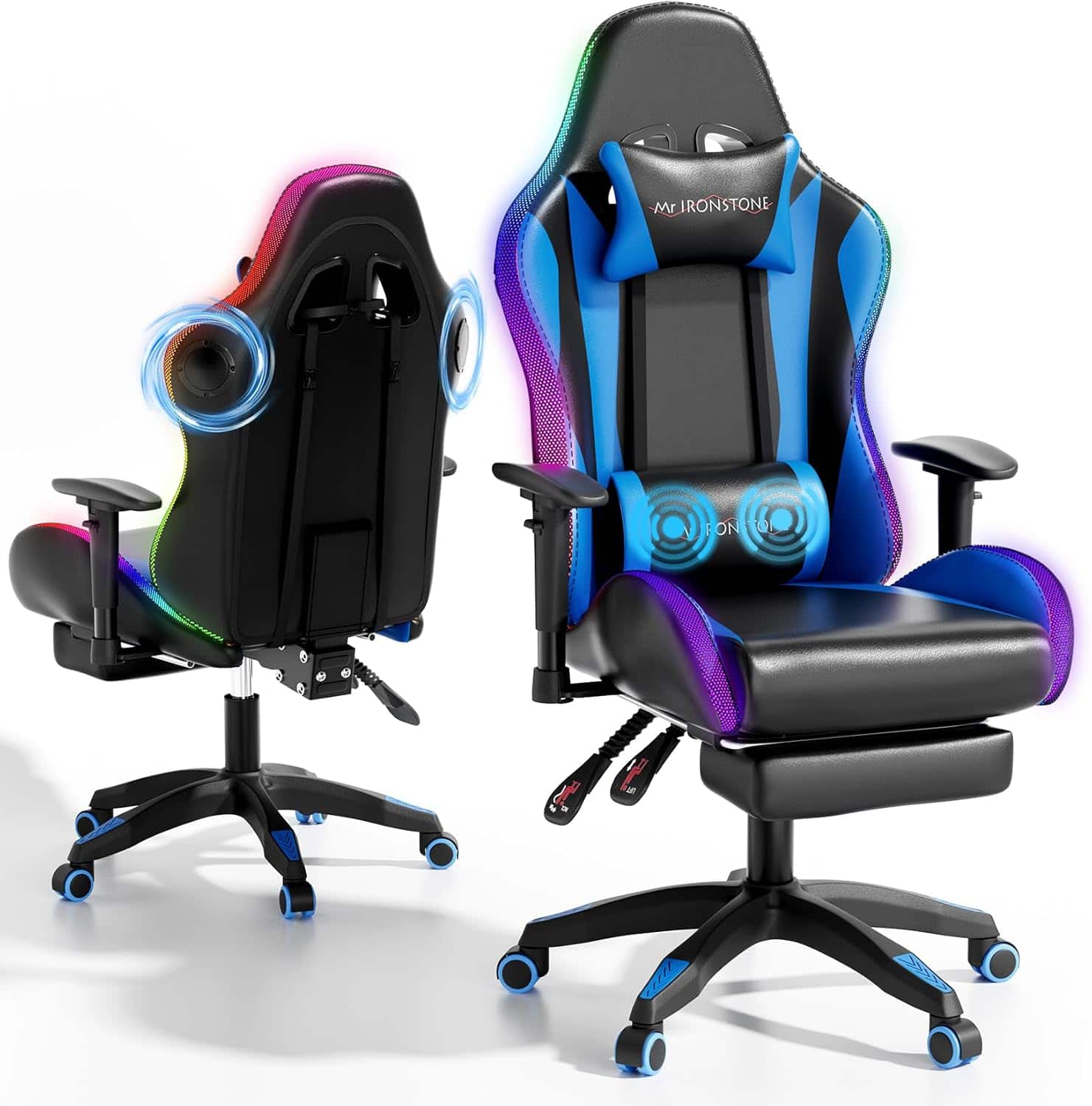
COQOOL - RGB Gaming Chair with Bluetooth Speakers, Ergonomic Gamer Chair with LED Lights, Vibration Lumbar Support - Blue
SKU: BS3VZ384ZZGreat gaming for young boy!!
See all Gaming ChairsProduct Description
An ergonomic blue metal gaming chair featuring built-in Bluetooth speakers, RGB LED lights, and vibration lumbar support.Your price for this item is $159.99
Best Sellers


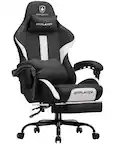

Related Pages

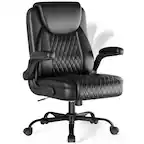
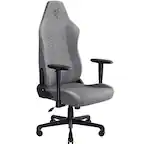

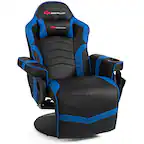

FAQ
Bluetooth-enabled gaming chairs let you wirelessly connect compatible devices, such as smartphones, tablets, and some PCs, to the chair’s built-in speakers. For gaming consoles, Bluetooth audio support varies, so an adapter or auxiliary cable may be required.
Most Bluetooth gaming chairs are designed to connect to one device at a time. However, you can easily switch between devices by disconnecting one and pairing another through the chair’s Bluetooth settings.
Bluetooth gaming chairs may come with built-in stereo speakers, enhanced bass or subwoofers on select models, and integrated control panels to adjust volume and audio settings for a customizable gaming or media experience.
Bluetooth gaming chairs can connect wirelessly to devices that support Bluetooth audio output, such as some PCs, smartphones, and tablets. For certain gaming consoles, you may need to use an audio adapter or connect via auxiliary cable if Bluetooth audio is not supported.
To pair your device, simply activate Bluetooth on your device, put the gaming chair in pairing mode (usually by pressing a dedicated button), and select the chair from your device’s Bluetooth menu. Detailed pairing instructions are typically provided in the chair’s user manual.