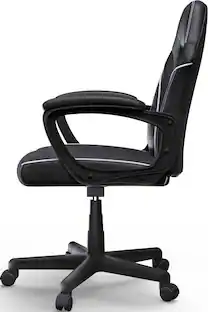
Insignia™ - Essential PC Gaming Chair - Black
Customers are saying
Customers are impressed with the Essential PC Gaming Chair's comfort, quality, and ease of assembly. Many appreciate the back support and fun design. However, some customers have noted issues with the chair's size, inability to recline, and insufficient padding in the seat area.
Adjustable seat height
Fits your body by moving up or down 17.72 – 21.26 inches (45 – 54 cm).
Swivel and tilt mechanism
Lets you customize the chair to your preferred position.
Sturdy, five-pointed star base with wheels
Makes it easy to move around.
275 lb. (124.74 kg) weight capacity
Meets ANSI/BIFMA standards, product safety and performance standards developed by the Business and Institutional Furniture Manufacturers Association.
Black design with white trim
Grants a sleek and modern look.
Made with quality materials
For dependable stability.
Assembly required
Save time by adding a Furniture Assembly service to your order, and a Geek Squad® installer will come to your home and assemble it for you.
- Product Height41.34 inchesProduct Width24.02 inchesProduct Depth26.38 inchesSeat Height (From Floor)17.52 inchesMaximum Weight Capacity275 poundsMaximum Seat Height From Floor21.26 inches
Reviews
Rating 4.5 out of 5 stars with 1274 reviews
- Comfort (746)
- Quality (154)
- Assembly (115)
- Back Support (53)
- Design (26)
- Size (60)
- Recline (51)
- Padding (12)
Customer Images
The vast majority of our reviews come from verified purchases. Reviews from customers may include My Best Buy members, employees, and Tech Insider Network members (as tagged). Select reviewers may receive discounted products, promotional considerations or entries into drawings for honest, helpful reviews.
Compare similar products

Whether you enjoy gaming for the competition or just to relax, you deserve to be comfortable while doing it. With the Insignia NS-PCGV30 PC Gaming Chair, feel free to sit back and game the day away. With an adjustable seat height and a swivel and tilt mechanism, adjust the chair to your liking for optimum comfort and support. It has a 5-pointed star base with wheels and a black and white design, giving it a modern look that will look great with any décor. Choose comfort and support and upgrade your gaming chair to one that offers it all.
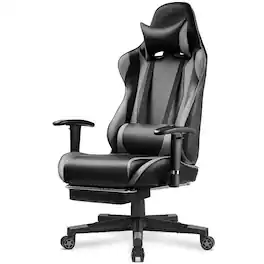
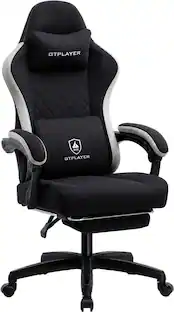
Thicken padded seat cushion is not easy to collapse;built-in metal frame is wider and thicker;heavy-duty base keeps chair stable;smooth nylon casters will not damage your floor;premium PU leather can withstand the sun and rain. With adjustable armrests and seat height, you can customize the chair to find the perfect ergonomic position for your comfort and support. In addition, its large reclining angle allows you to relax while you rest. The chair's 363-degree swivel feature adds further flexibility, enabling you to easily maneuver and access different areas of your workspace or gaming setup without strain.
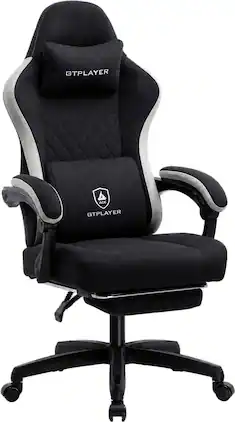
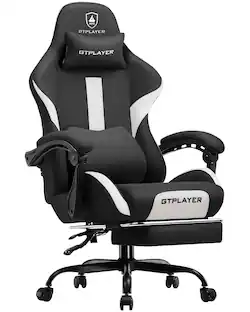
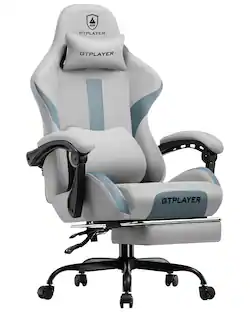
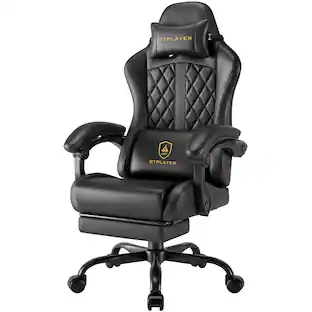
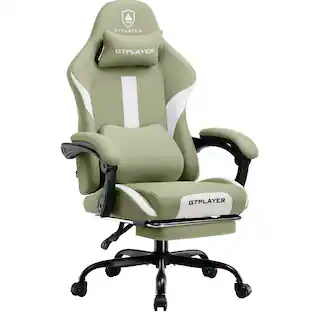
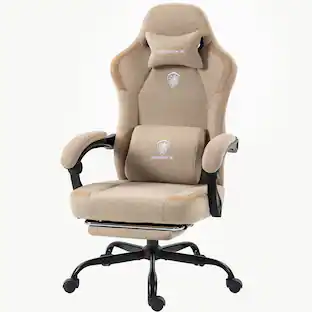
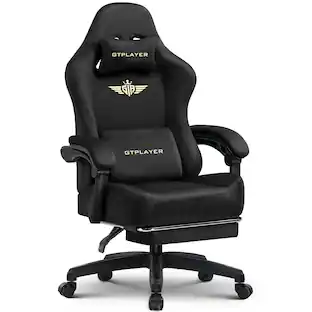
GTPLAYER Gaming Chair, Computer Office Chair with Pocket Spring Cushion, Linkage Armrests and Footrest, High Back Ergonomic Computer Chair with Lumbar Support Task Chair with Footrest(Black)
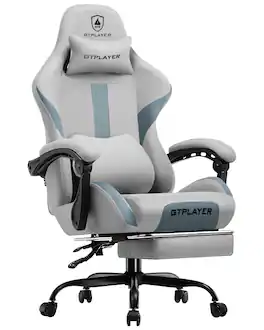
Professionally engineered for all-day comfort. Features adjustable lumbar support, cushion-linked armrests, and a reclining backrest (up to 135°) with retractable footrest. Our exclusive spring cushion technology provides cloud-like, responsive comfort. It conforms to your body, offering superior pressure relief and preventing the "sinking" feeling of traditional foam. Wrapped in high-quality, breathable fabric that promotes air circulation and wicks moisture to keep you cool and dry. Built on a reinforced metal frame and sturdy metal five-star base for maximum stability. Includes 360-degree silent casters for smooth, quiet gliding. Certified to safely support up to 350 lbs, this gaming chair for adult guarantees durable, reliable performance.
| Pros for Insignia™ - Essential PC Gaming Chair - Black | |||
|---|---|---|---|
| Comfort, Assembly, Back Support, Quality, Design | There were no pros for this product— | Comfort, Assembly, Back Support, Build Quality | Comfort |
| Cons for Insignia™ - Essential PC Gaming Chair - Black | |||
| Size, Recline, Padding | There were no cons for this product— | There were no cons for this product— | There were no cons for this product— |
Specs
Can I adjust the back of the chair so it isn't leaning back? Tilt is disabled. Sitting regularly doesn't have my back against the back rest. I am using as office chair. I adjusted tilt tension and it's still back further than I'd like.
Answered by InsigniaCustomerSupportHi there! It sounds like you’re having trouble getting your Insignia™ Essential PC Gaming Chair to provide the support you need. Here are a few steps you can try to adjust the backrest: >Check the Tilt Lock: Ensure that the tilt lock is engaged. Sometimes, even if the tilt tension is adjusted, the chair might still lean back if the tilt lock isn’t properly engaged. >Adjust the Seat Height: Sometimes, adjusting the seat height can help you find a more comfortable position that allows your back to rest against the backrest. >Recheck the Tilt Tension: Make sure the tilt tension knob is turned to the maximum setting to prevent the chair from leaning back too easily. >Manual Adjustment: If the above steps don’t work, you might need to manually adjust the backrest. This could involve loosening the screws that attach the backrest to the seat and repositioning it to a more upright angle before tightening the screws again. If these steps don’t resolve the issue, please don't hesitate to reach us out. |Angelica| Insignia Products| https://www.bestbuy.com/site/best-buy-brands/support/pcmcat1693515381920.c?id=pcmcat1693515381920

Can you lock the wheels so that the chair won’t move if you try to get up?
Answered by InsigniaCustomerSupportThank you for reaching out. Unfortunately, the wheels of your Gaming PC cannot be locked. We appreciate your question as it helps us improve our products. If you have any further questions, feel free to ask! - Carl | Insignia Products
What is the weight capacity of this gaming chair?
This gaming chair has a maximum weight capacity of 275 lbs.
This question and answer was generated by AI based on customer and product data.Does the chair swivel and tilt?
Yes, the chair has a swivel and tilt mechanism that allows for customized positioning.
This question and answer was generated by AI based on customer and product data.How much does the chair weigh?
The chair weighs 27.34 pounds.
This question and answer was generated by AI based on customer and product data.
Customers often buy these together
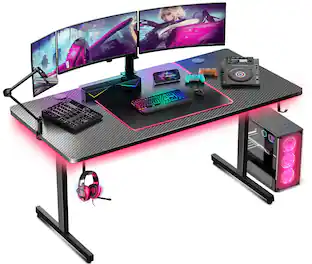 $79.99The price was $139.99
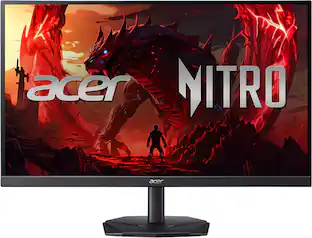 Top Deal$149.99The price was $199.99
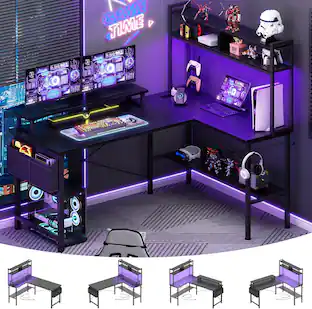 $129.99The price was $179.99
Customers ultimately bought
 $69.99The price was $199.99
 $119.99The price was $129.99
 $114.99The price was $239.98
 $99.99The price was $109.99
 $139.99The price was $149.99
 $99.99The price was $109.99
Discover lifestyle innovations Sponsored

Discover related products
 $169.99The price was $199.99
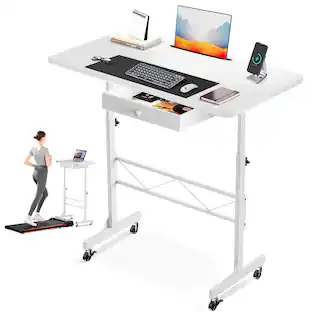 $54.99The price was $89.99
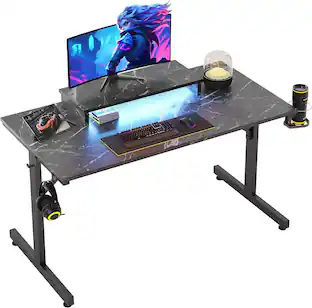 $89.99The price was $99.99
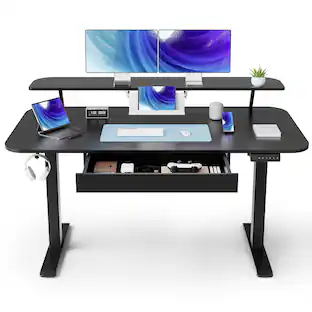 $215.99The price was $239.99
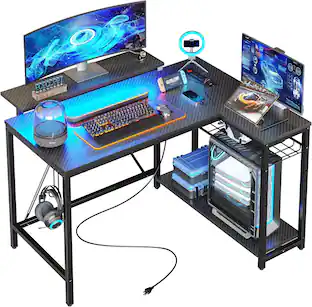

Keep exploring
- $114.99The price was $239.98
 $139.99The price was $219.99
 $74.99The price was $199.98
 $69.99The price was $199.99
- $99.99The price was $109.99