Memory Storage iPhone
-
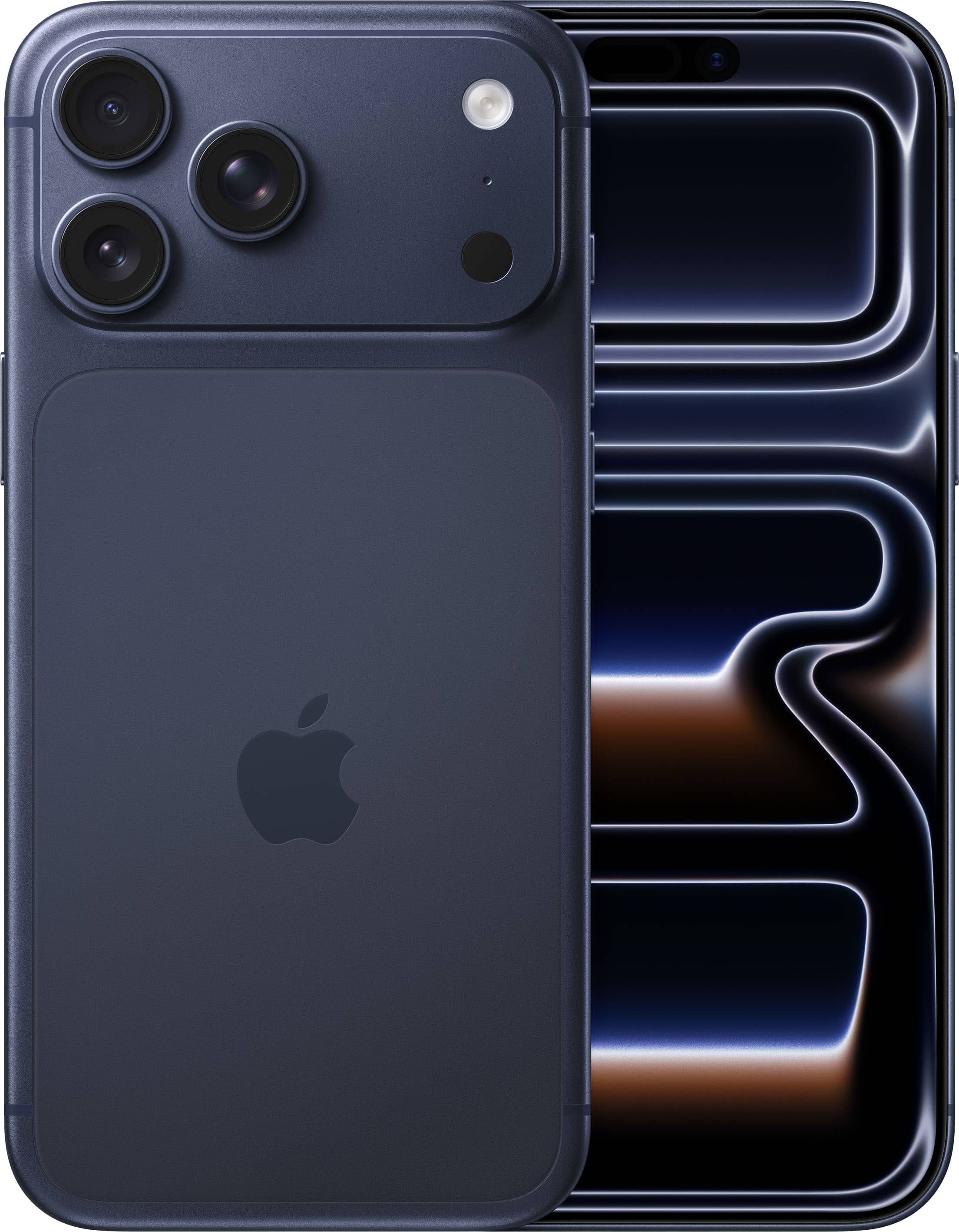
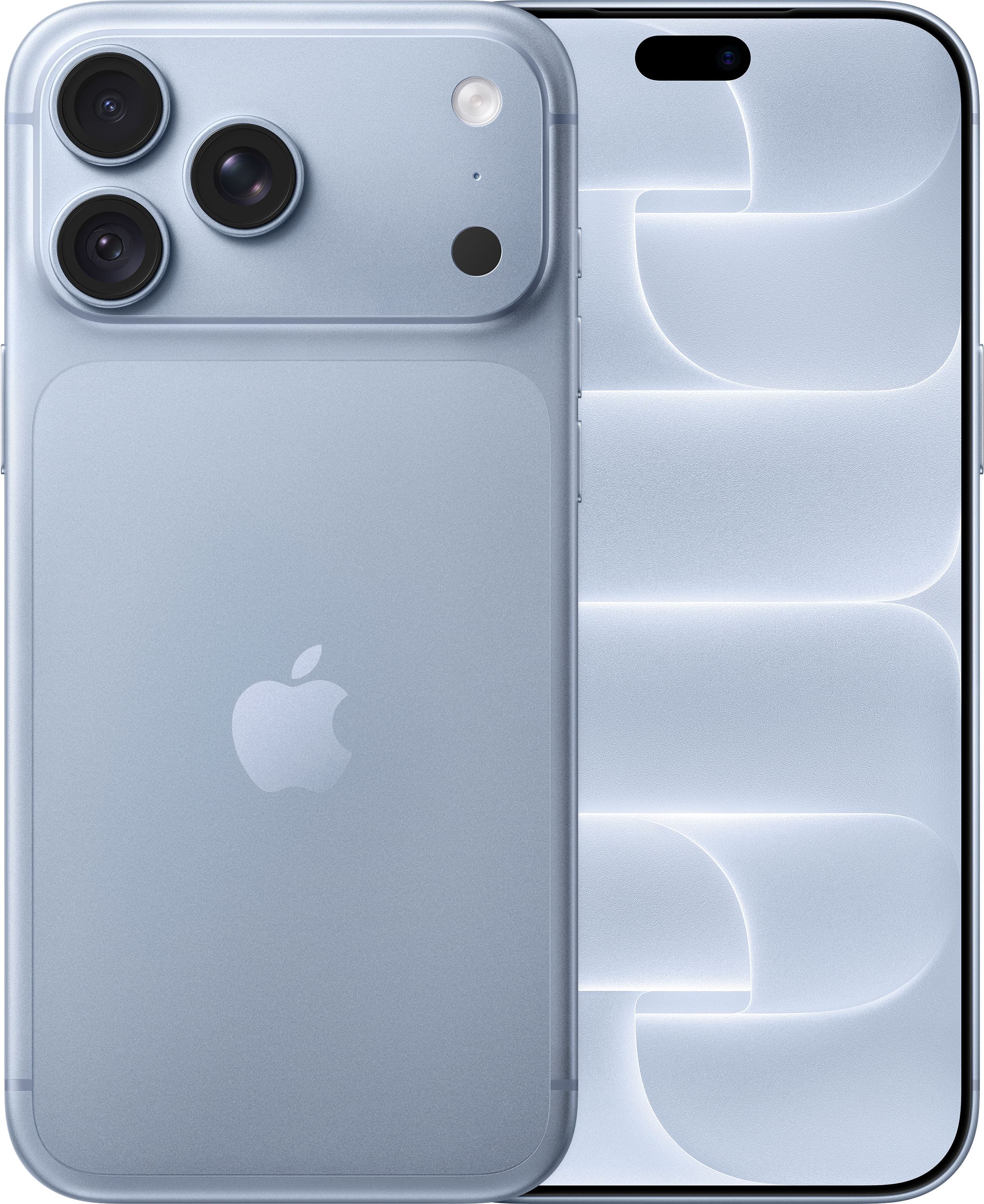
Apple - iPhone 17 Pro Max 1TB - Deep Blue (AT&T)
SKU: JCQ6HQTW63Easy order process & great service & product! I highly recommend Best Buy....Love this phone!!! Best one yet. Holds a charge!
See all All Cell Phones with PlansProduct Description
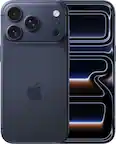
A deep blue aluminum smartphone featuring a 6.9-inch display, A19 Pro chip, and triple 48MP cameras.Your price for this item is $1,599.99 -
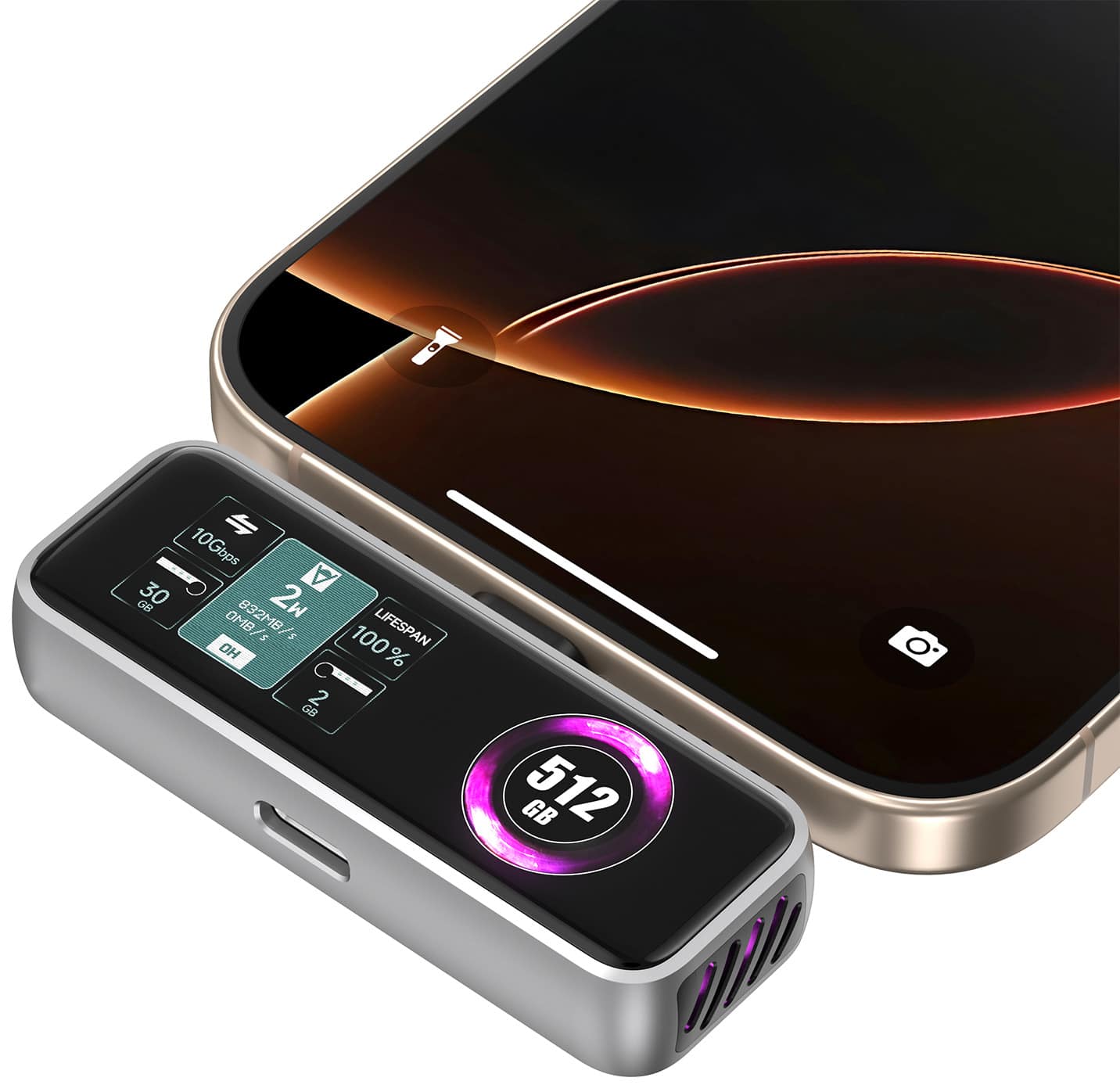
Zike - Z791C 512GB USB-C Expansion Memory Card, PD3.0, 990 MB/s, LCD Display, 4K 120fps Video Recording for iPhone 16/15 Series - Black
SKU: JLJ6C7GF84See all Hard Drive Cables & AccessoriesProduct Description
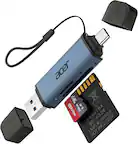
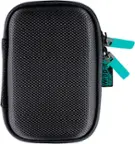
A black magnetic SSD with 512GB, USB-C, LCD display, and 990 MB/s speeds for seamless 4K recording.Your price for this item is $149.99 -
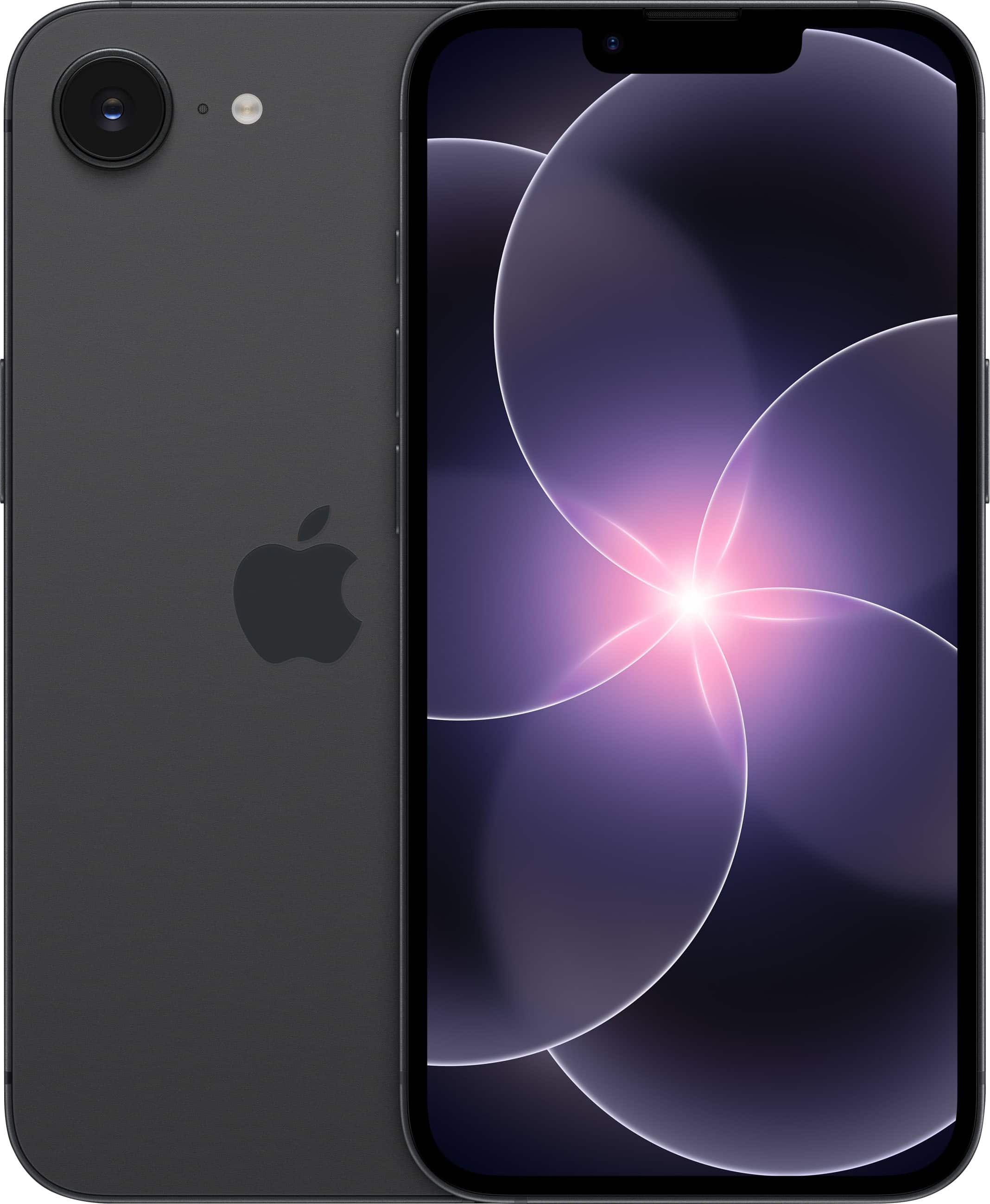
Apple - iPhone 17e 256GB - Black (AT&T)
SKU: JCQ6HQTZZRLove my phone...Love my new phone. Great long lasting battery life which is a plus...I would say it is one of the best deals I had in a long time
See all All Cell Phones with PlansProduct Description
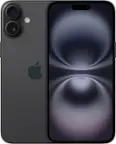
A sleek black smartphone featuring a 6.1-inch Super Retina XDR display, A19 chip, and 256GB storage.Your price for this item is $699.99 -
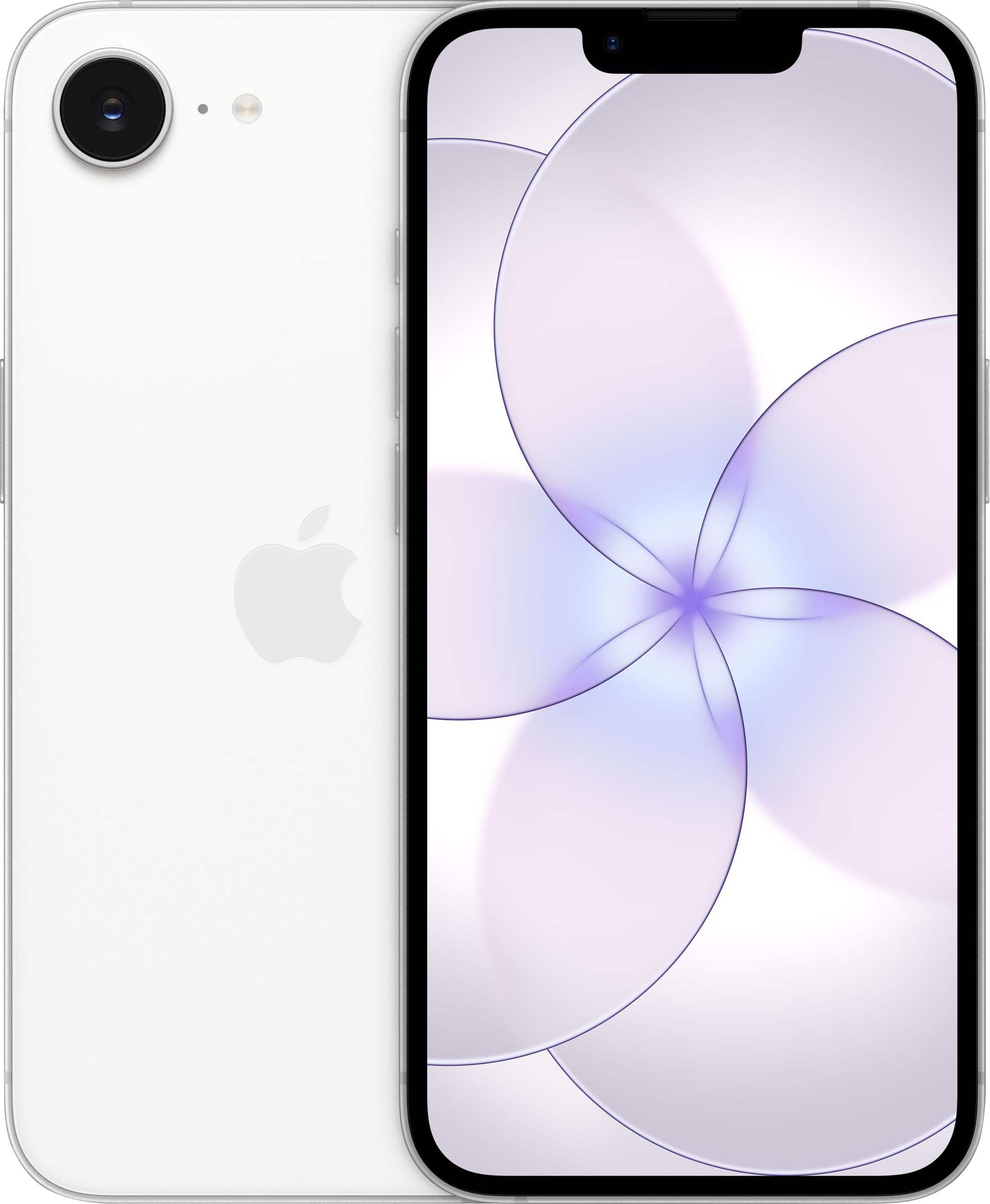
Apple - iPhone 17e 256GB - White (AT&T)
SKU: JCQ6HQTZZ4Great...Great, my girlfriend absolutely loves it after upgrading from an iPhone 11...The phone storage is great!...The phone is smaller than the one I had before but it’s still a great phone!
See all All Cell Phones with PlansProduct Description
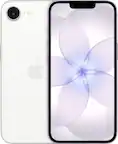
A sleek white smartphone featuring a 6.1-inch Super Retina XDR display, A19 chip, and 256GB storage.Your price for this item is $699.99 -
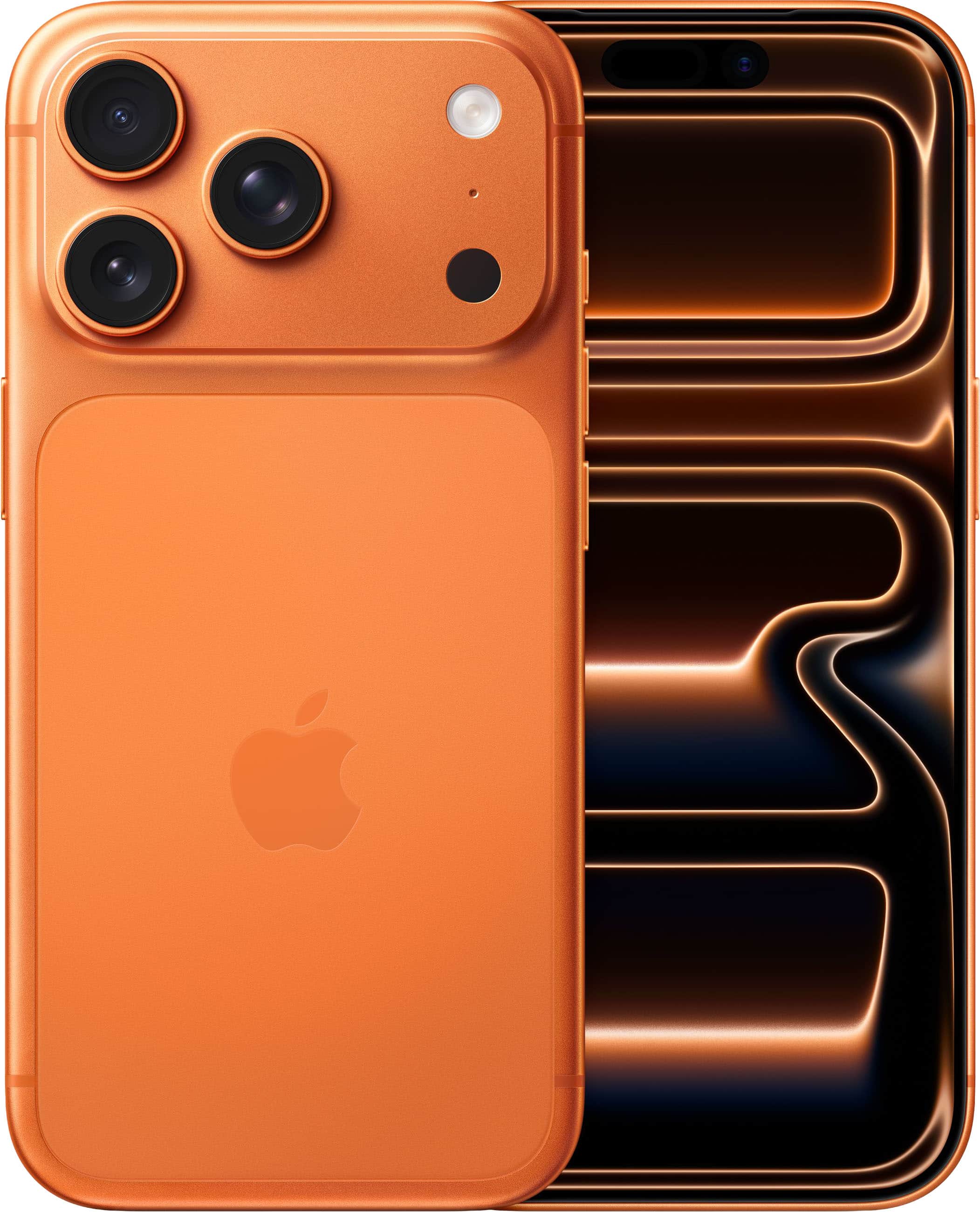
Apple - iPhone 17 Pro 512GB - Cosmic Orange (AT&T)
SKU: JCQ6HRFQ6RBest Buy and Apple products...I love my I phone 17 pro.I began using Apple products as a teacher in the mid 80s....I travel internationally and yearly upgrade my I phone because I want the best technology...
See all All Cell Phones with PlansProduct Description
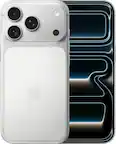
A powerful orange aluminum smartphone featuring a 6.3-inch display, A19 Pro chip, and 48MP cameras.Your price for this item is $1,299.99 -
Apple - iPhone 17e 512GB - Black (AT&T)
SKU: JCQ6HQTZ4ZSee all All Cell Phones with PlansProduct Description
A sleek black smartphone featuring a 6.1-inch Super Retina XDR display, A19 chip, and 512GB storage.Your price for this item is $899.99 -
Apple - iPhone 18 Pro Max 1TB - Glacier (Verizon)
SKU: JCQ6HRFTSCSee all All Cell Phones with PlansProduct Description
A Glacier smartphone with 1TB storage, 48MP variable-aperture camera, A20 Pro chip, and exceptional battery life.Your price for this item is $1,899.99 -
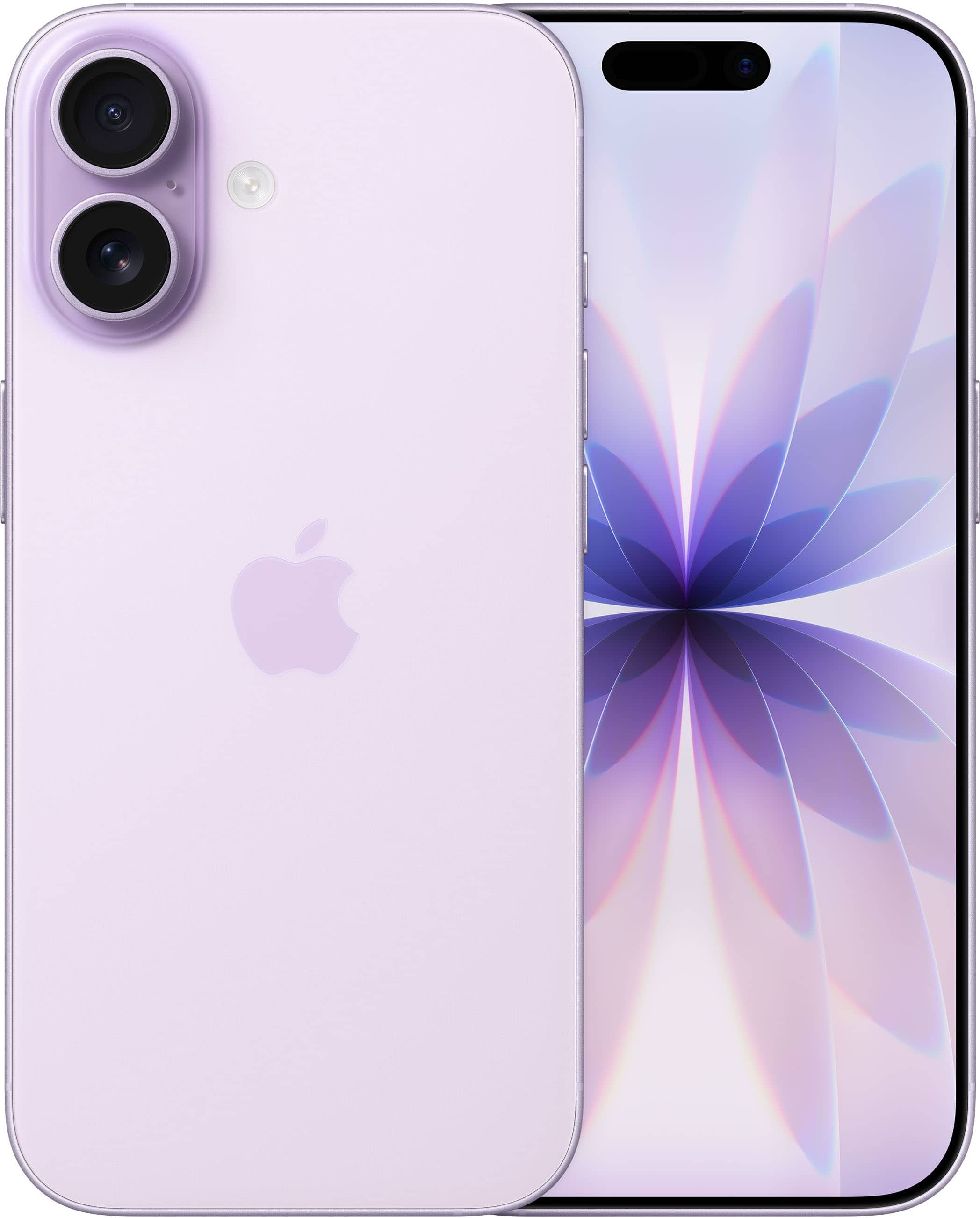
Apple - iPhone 17 256GB - Lavender (Verizon)
SKU: JCQ6HRFQ2SWe have always had good luck with product and service at Best Buy stores, and phones are no exception...Great phone, transfer from old phone was easy. Great quality images....Love the standard phone connection...
See all All Cell Phones with PlansProduct Description
A lavender smartphone featuring a 6.3-inch ProMotion display, 48MP cameras, A19 chip, and 256GB storage.Your price for this item is $929.99 -
Apple - iPhone 18 Pro Max 1TB - Glacier (AT&T)
SKU: JCQ6HRFT33See all All Cell Phones with PlansProduct Description
A Glacier smartphone with 1TB storage, 48MP variable-aperture camera, ProMotion display, A20 Pro chip, and 5G.Your price for this item is $1,899.99 -
Apple - iPhone 18 Pro Max 2TB - Glacier (Verizon)
SKU: JCQ6HRFTYRSee all All Cell Phones with PlansProduct Description
A glacier-colored smartphone with 2TB storage, 48MP camera, variable aperture, A20 Pro chip, and 5G connectivity.Your price for this item is $2,499.99
Best Sellers


Related Pages



FAQ
iPhones support external memory storage options such as Lightning-compatible flash drives, wireless external drives, and cloud-based storage solutions. These options allow you to conveniently transfer, back up, and access your files without relying solely on your device's internal storage.
You can use a Lightning-compatible flash drive or a wireless storage device to transfer photos and videos. Simply connect the device to your iPhone or use the corresponding app, select the files you wish to move, and follow the prompts to complete the transfer.
Yes, many external storage devices and associated apps allow you to back up contacts, documents, and other important files from your iPhone, providing an extra layer of security for your data.
Absolutely! Wireless external drives connect to your iPhone via Wi-Fi, enabling you to store, access, and share files without the need for physical cables. These devices often come with dedicated apps for easy file management.
Cloud storage services like iCloud, Google Drive, and Dropbox allow you to securely store your files online, access them from any device, and easily share content. This helps free up space on your iPhone and ensures your data is backed up and accessible wherever you go.