Customer Ratings & Reviews
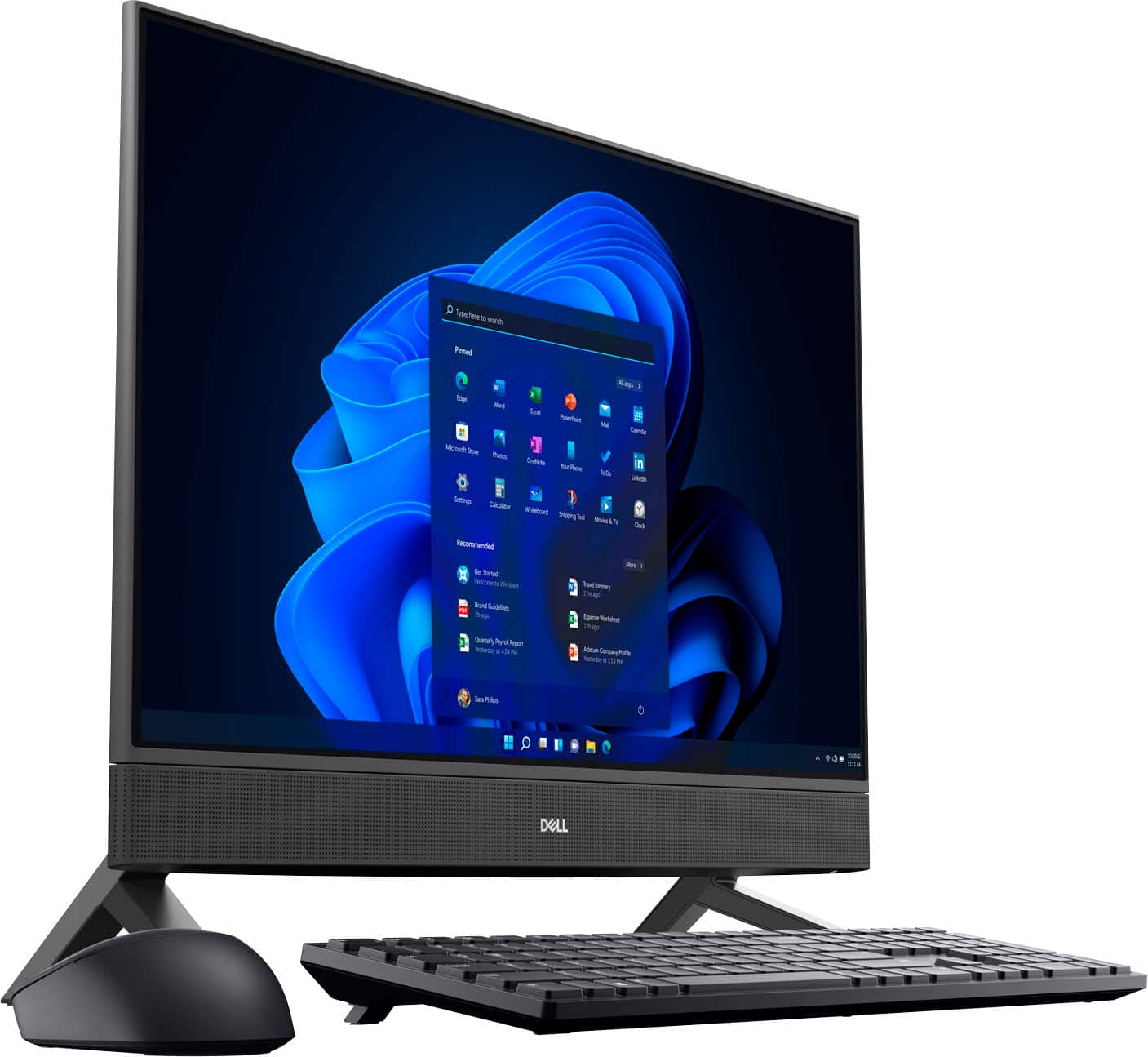



- Model:
- i5415-A315BLK-PUS
- SKU:
- 6537436
Rating by feature
- Value
Rating 4.6 out of 5 stars
- Quality
Rating 4.6 out of 5 stars
- Ease of Use
Rating 4.6 out of 5 stars
Customers are saying
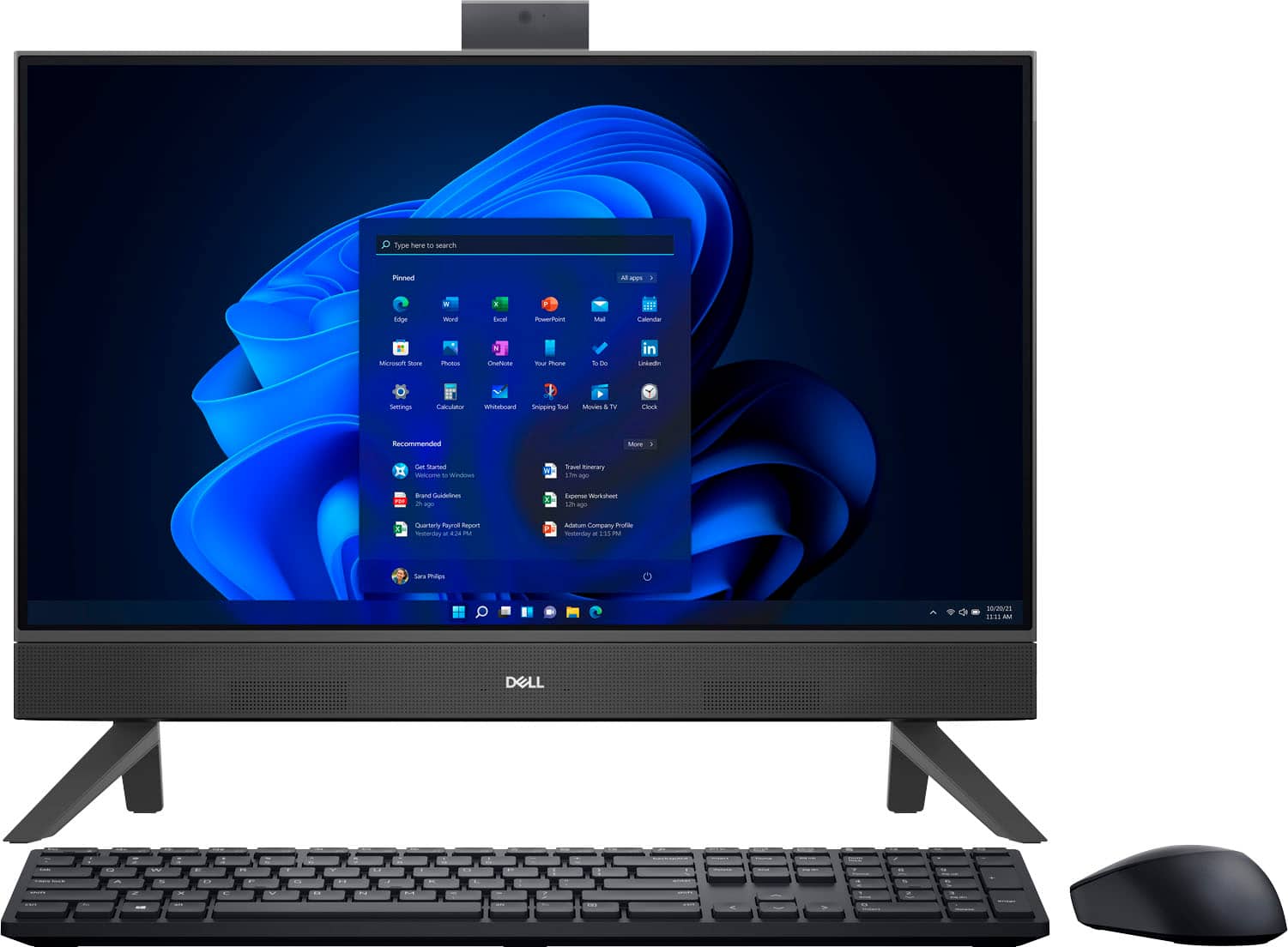
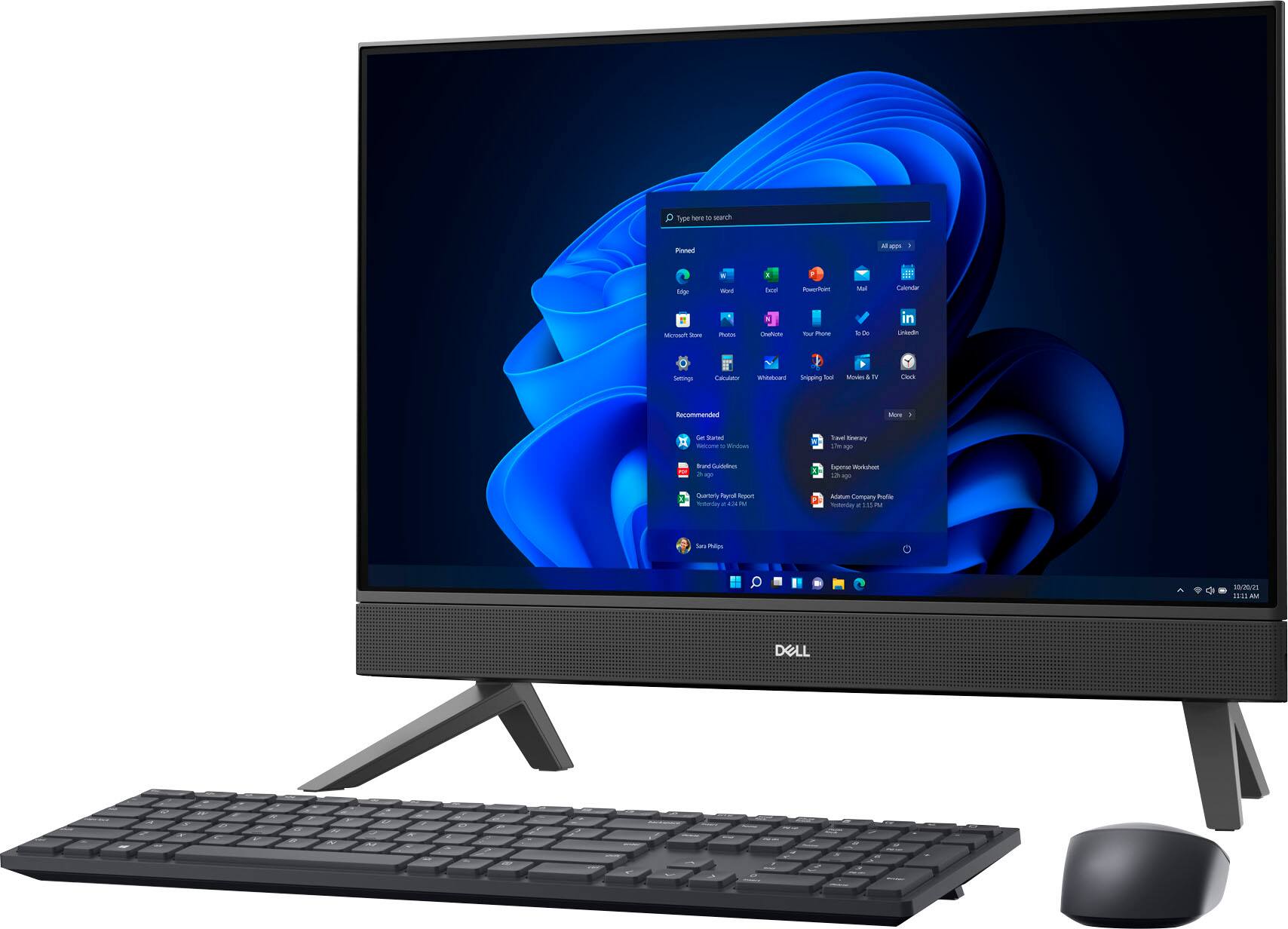
Customers admire the Inspiron 24" All-in-One's ease of use, responsive touch screen, and overall performance. Many appreciate its compact size and sleek design, finding it ideal for various spaces. While some users noted minor issues with the camera quality and number of USB ports, the positive feedback on ease of use and performance outweighs these concerns. The price point also received favorable comments.
This summary was generated by AI based on customer reviews.
- Pros mentioned:PerformanceCons mentioned:Setup
Keep your desk neat with an All-In-One!
||Posted . Owned for 1 week when reviewed.This reviewer received promo considerations or sweepstakes entry for writing a review.Bought 2 of these machines and paired with 2 external monitors for dual display. One of the 1 machines I had to return as after initial setup - it wouldn't power back on. The other machine was fine - although I noticed it skipped a few items during initial setup. That's the reason for 4 of 5 stars - just a couple initial quicks. Since then - they have been rock solid and good performers!
I would recommend this to a friend Not bad.
||Posted .This reviewer received promo considerations or sweepstakes entry for writing a review.This is a return Computer and unfortunately it likes to just randomly shut down and then it says that it didn’t restart correctly and so it goes into recovery mode. It’s very temperamental about being turned back on too but again it does the job. But overall, I’m still happy with it.
I would recommend this to a friend- Pros mentioned:Performance
Mom's Big Screen Computer
||Posted .This reviewer received promo considerations or sweepstakes entry for writing a review.The computer is working well. The 24" screen is the perfect size for my mother to see the information displayed. She love it.
I would recommend this to a friend - Pros mentioned:Ease of use
Dell All-in-one
||Posted . Owned for 1 month when reviewed.This reviewer received promo considerations or sweepstakes entry for writing a review.Very easy set up. Works well for what I purchased for.
I would recommend this to a friend - Pros mentioned:Ease of use
Dell
||Posted . Owned for 2 weeks when reviewed.This reviewer received promo considerations or sweepstakes entry for writing a review.It’s a great computer and easy to use. I will definitely purchase another one
I would recommend this to a friend - Pros mentioned:Processor speed, Touch screen

Great All in One
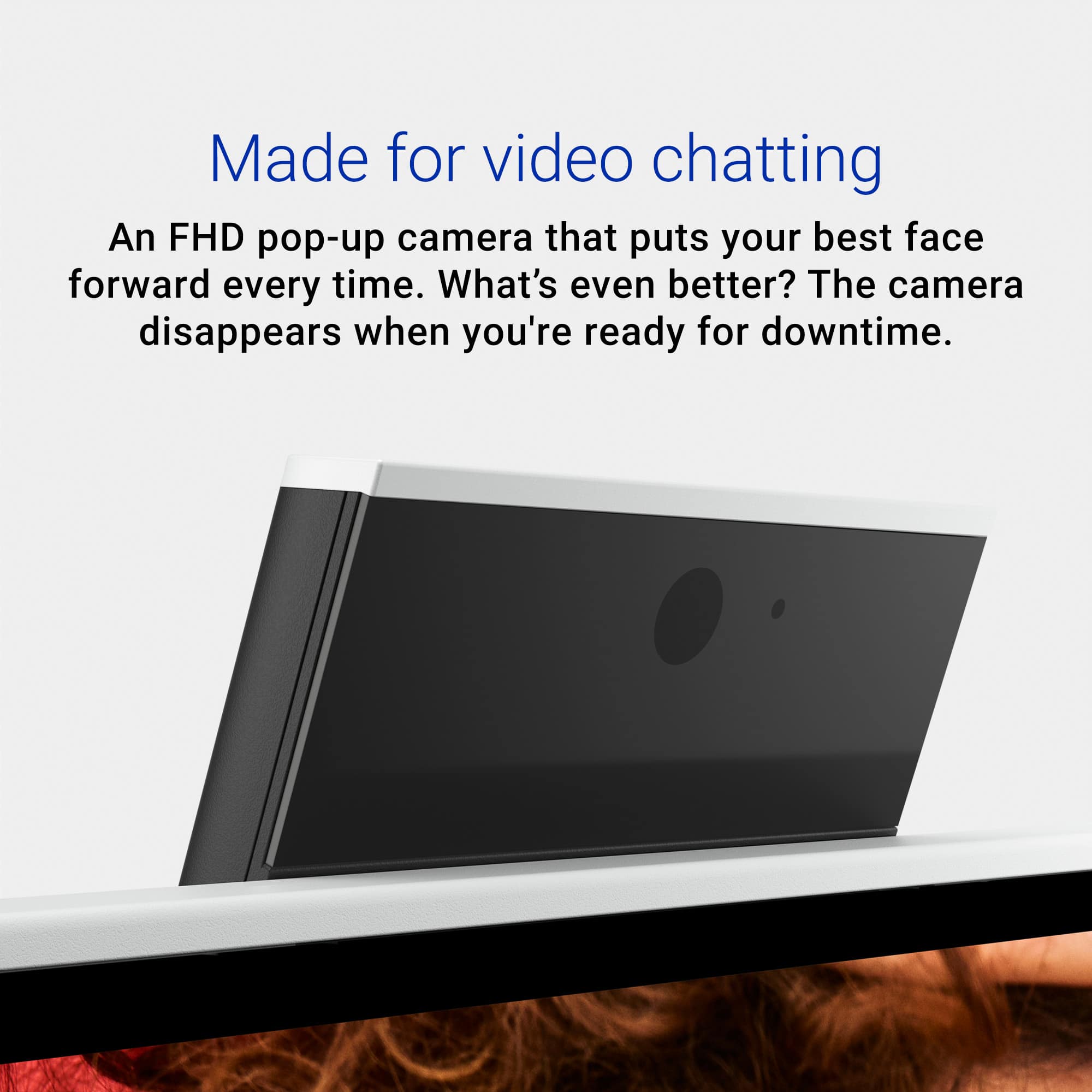
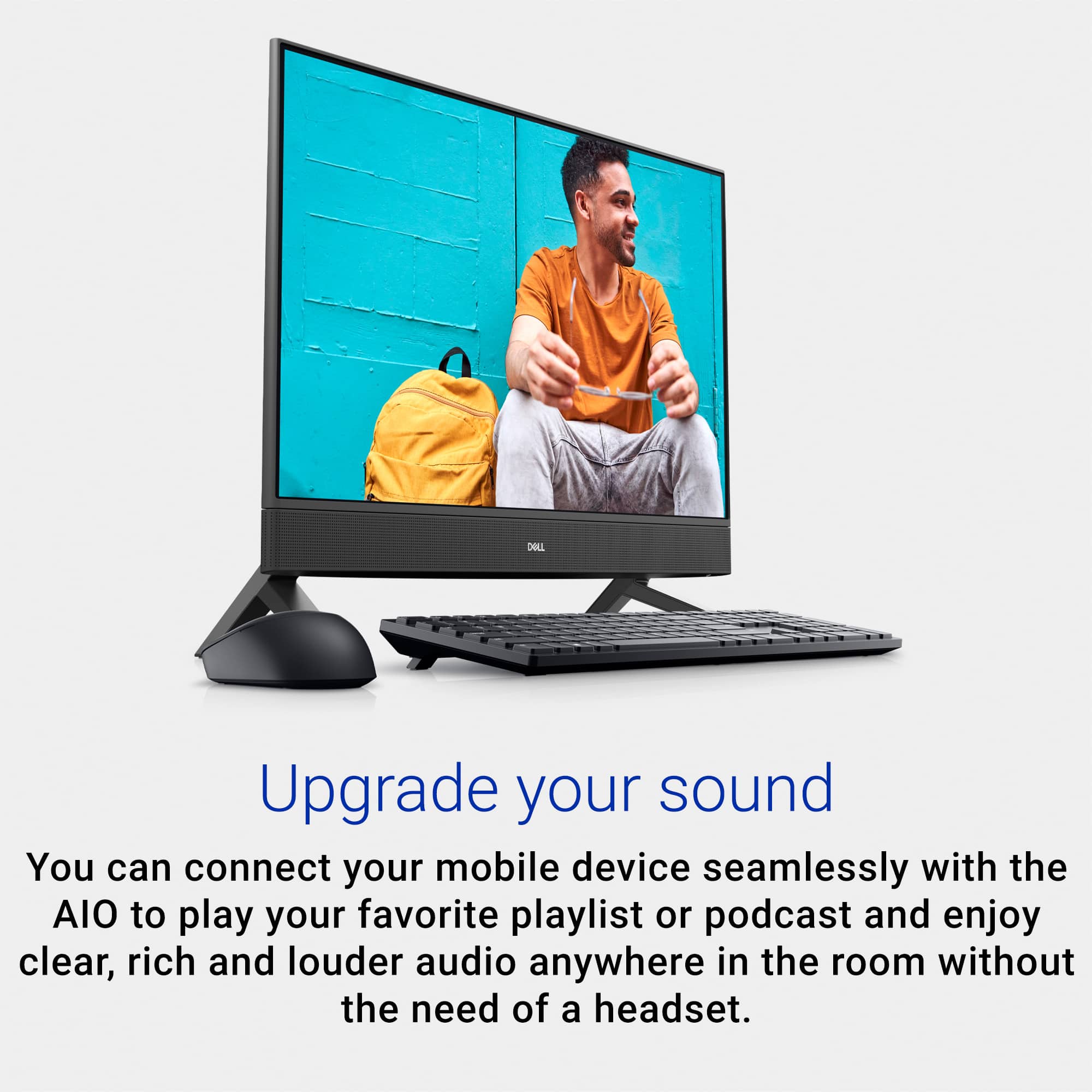
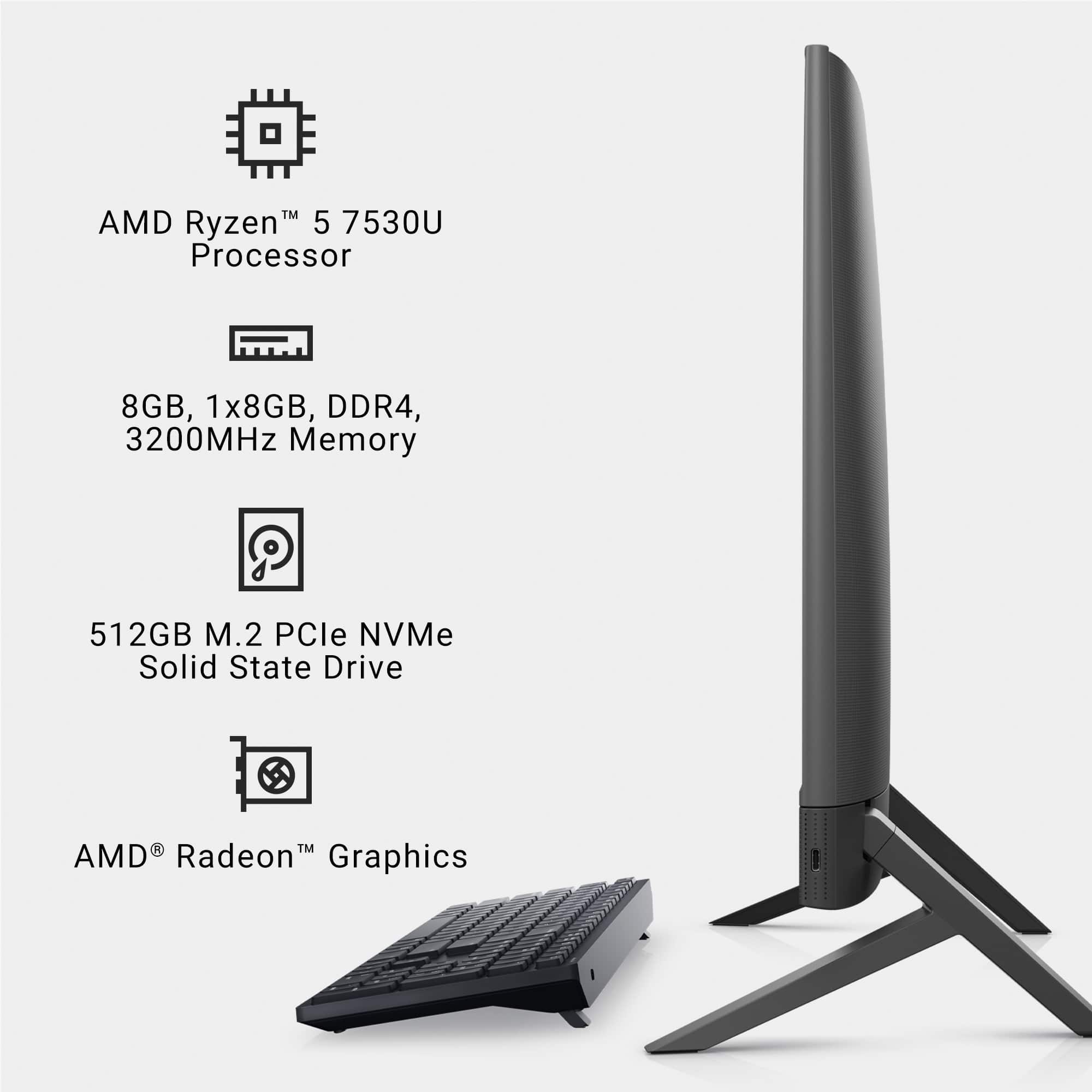
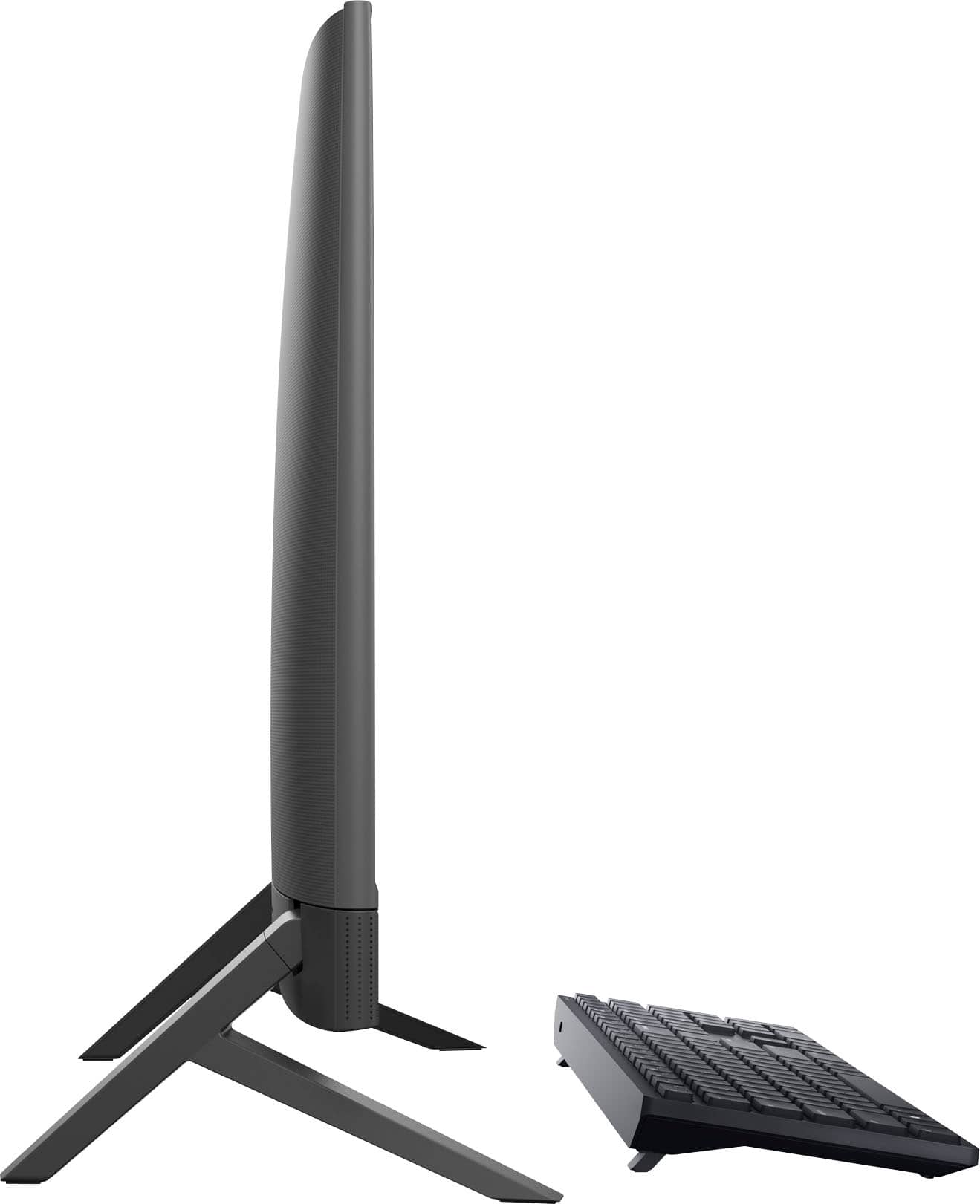
|Posted .This reviewer received promo considerations or sweepstakes entry for writing a review.The Dell Inspiron 24 5415 is a great all in one device that is easy to set up, all that is needed is clipping on the legs and plugging in the power cord, and meets the needs for 70 to 80% of all people. As Dell states this is an all in one and comes with everything you need including keyboard and mouse. Processor- With the AMD Ryzen 5 7530U Dell picked a great processor, it is fast and gets the job done for all browsing task and word processing/excel sheets. The Ryzen can handle just about anything a home user/small business user can throw at it. I had no issues or slows downs with 10 tabs open along with excel and word documents. Also all programs opened within 3-5 seconds of selecting them and the CPU utilization was under 30% and the power consumption got to maximum of 20 watts. I was blow away by how the Dell was handling all these tasks without any slowing down and how little power it was using. The processor even allows for short video edits if needed. Gaming: There is no dedicated GPU so your not going to be able to play triple A gaming titles but the integrated GPU will allow you to play some older games at full 60 FPS (frogger, Angry Birds etc). There is an option to upgrade the RAM which will help give you even better performance and I would highly recommend it. Camera: The pop out Camera is a decent camera which can be used for video calls but the key feature is the facial unlock feature which works great. Screen: The screen is plenty bright and can be used in a well lit room and the colors are nice so you can watch videos and enjoy one of your many streaming services. The touch screen on the Dell is exceptional, every touch is registered with very little latency and the accuracy and response times are really impressive. Sound: The small sound bar in front of the computer has good sound with decent lows/mids/highs and I didn’t really notice any distortion with the sound until I increased the volume past the 94%. The sound seems a bit hollow when it comes to the lows but mids and highs are very nice. Fan speed: I didn’t hear the fan turn on except on 2 occasions and that was when doing some testing on read and write speeds for the SSD and windows major update, otherwise The Dell was whisper quite. Ports: Dell has provided numerous ports to add screen/headphone/multiple USB 3 ports and a ethernet port along with a SD card reader just incase you need it. Software: As with any computer you have to update it as soon as you get it , which can take a decent amount of time with windows. Dell includes its own SupportAssit software which makes sure all your components are up to date so your not solely relying on windows. Wifi: The wifi/bluetooth works really well on the Dell, I was able to get 400 mbps down and 40 mbps up, this did not change even when the bluetooth was connected. To help put that into context my internet speeds are 1 Gig down and 40 upload. Overall the Inspiron is a great desktop PC which provides you everything you need and has decent specs, I can appreciate that dell has left some room for upgrades such as the RAM and hard drive which you can easily add. Dell has a nice service manual online which guides you if you want to do the upgrades your self. This all in one desktop checks a lot of boxes and with the upgradability I would highly recommend it.
I would recommend this to a friend - Pros mentioned:Processor speed, Touch screen
Mid-Tier AIO Home Computer
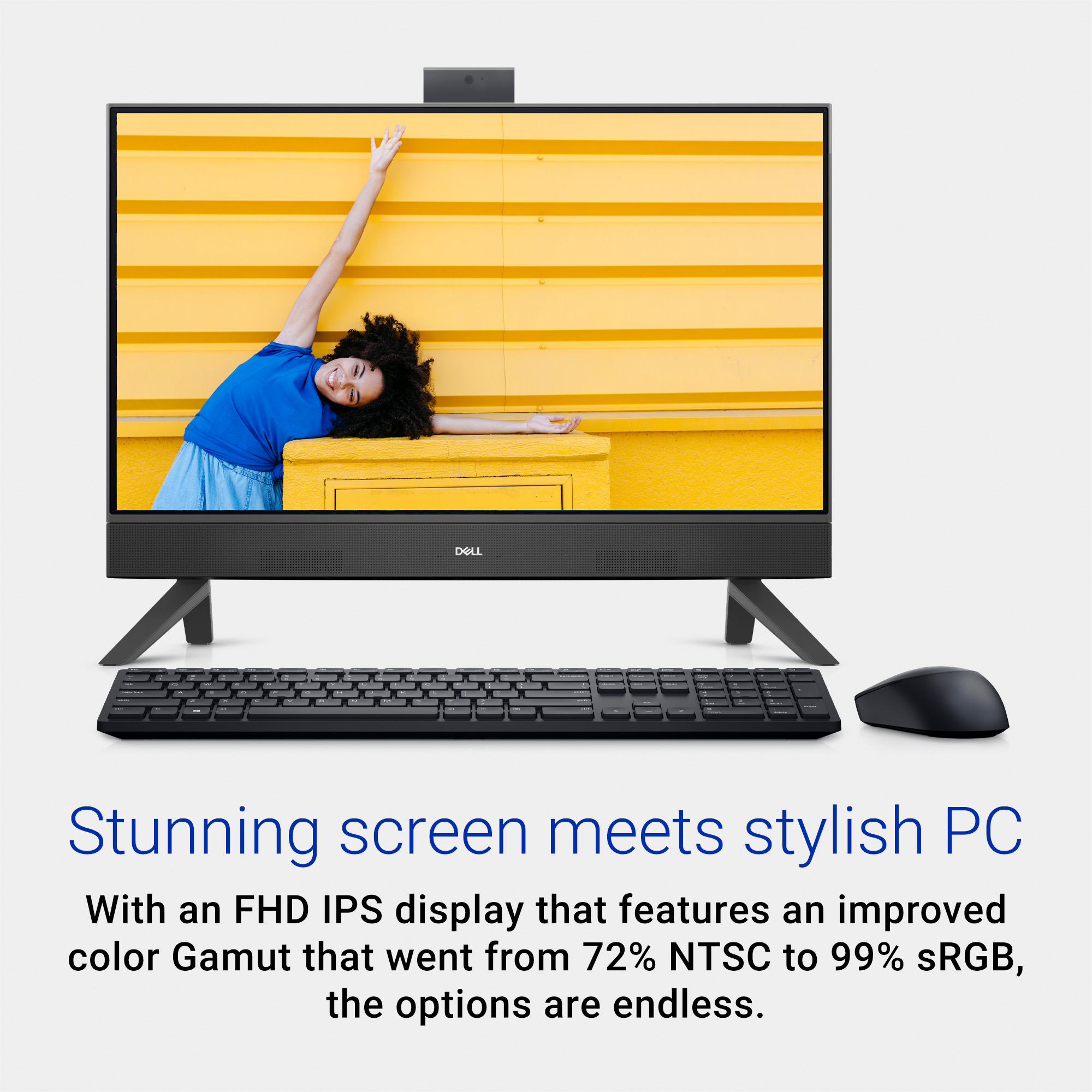
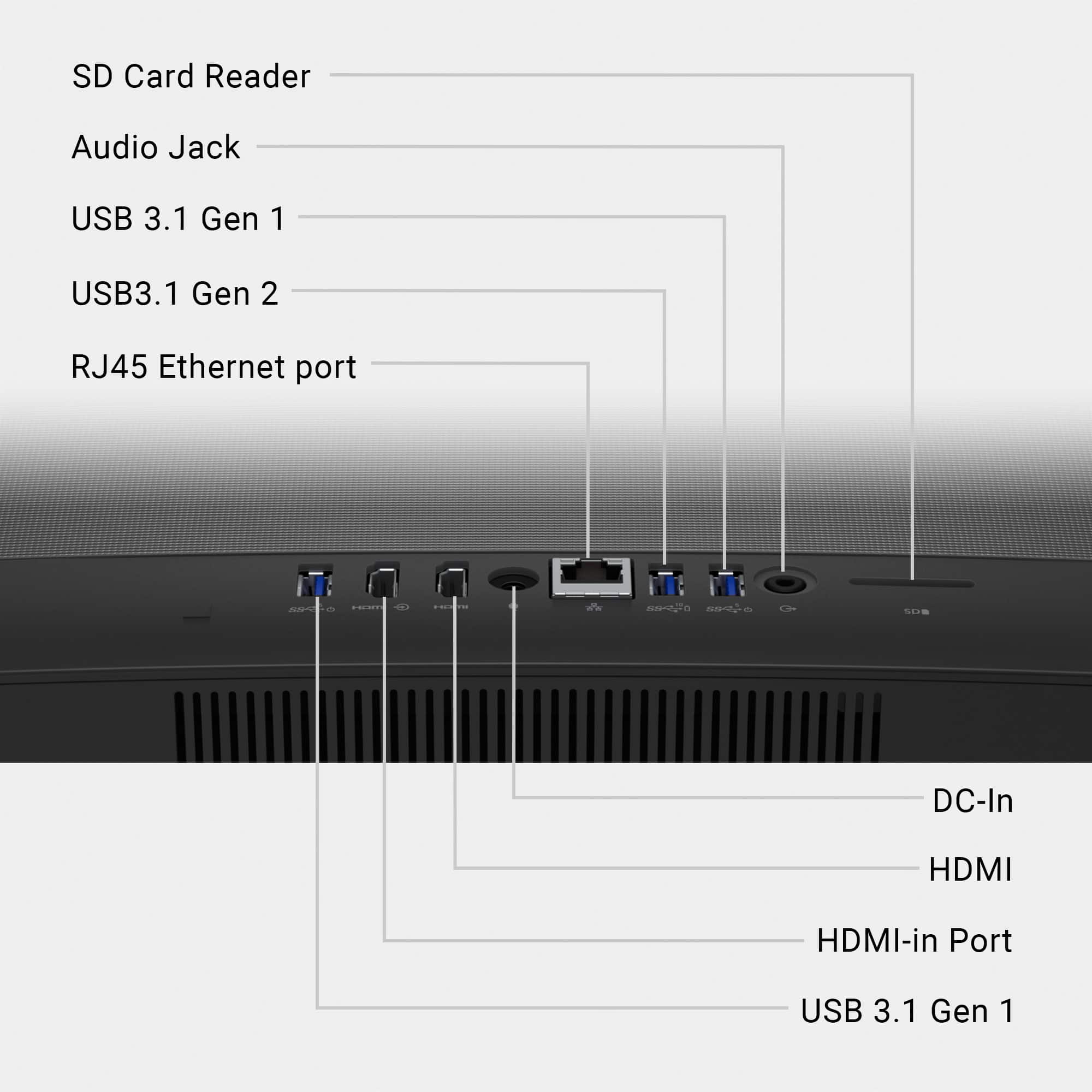
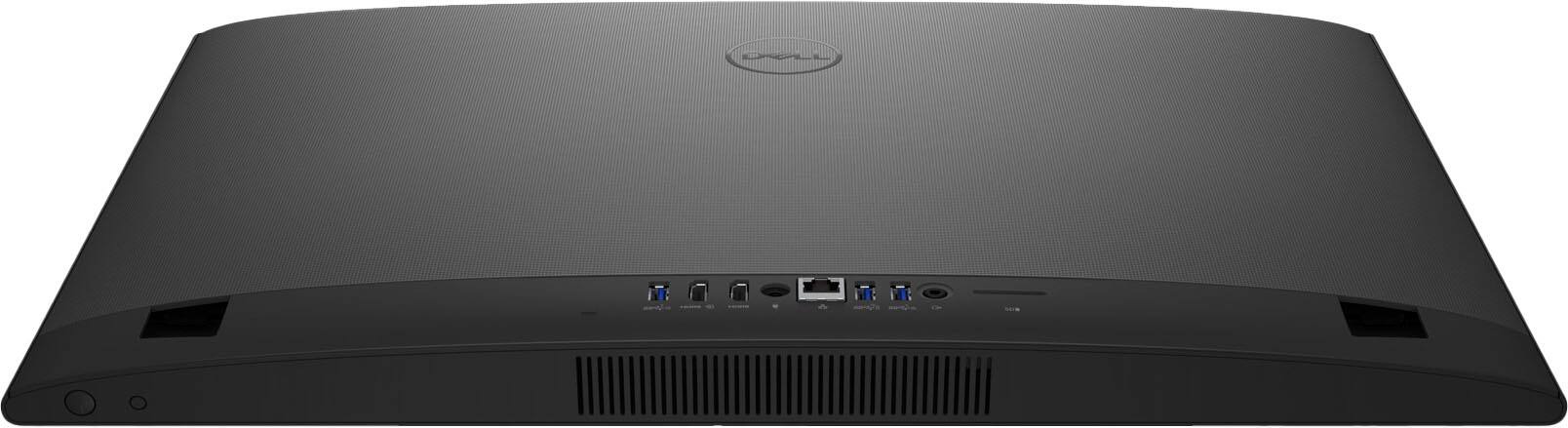
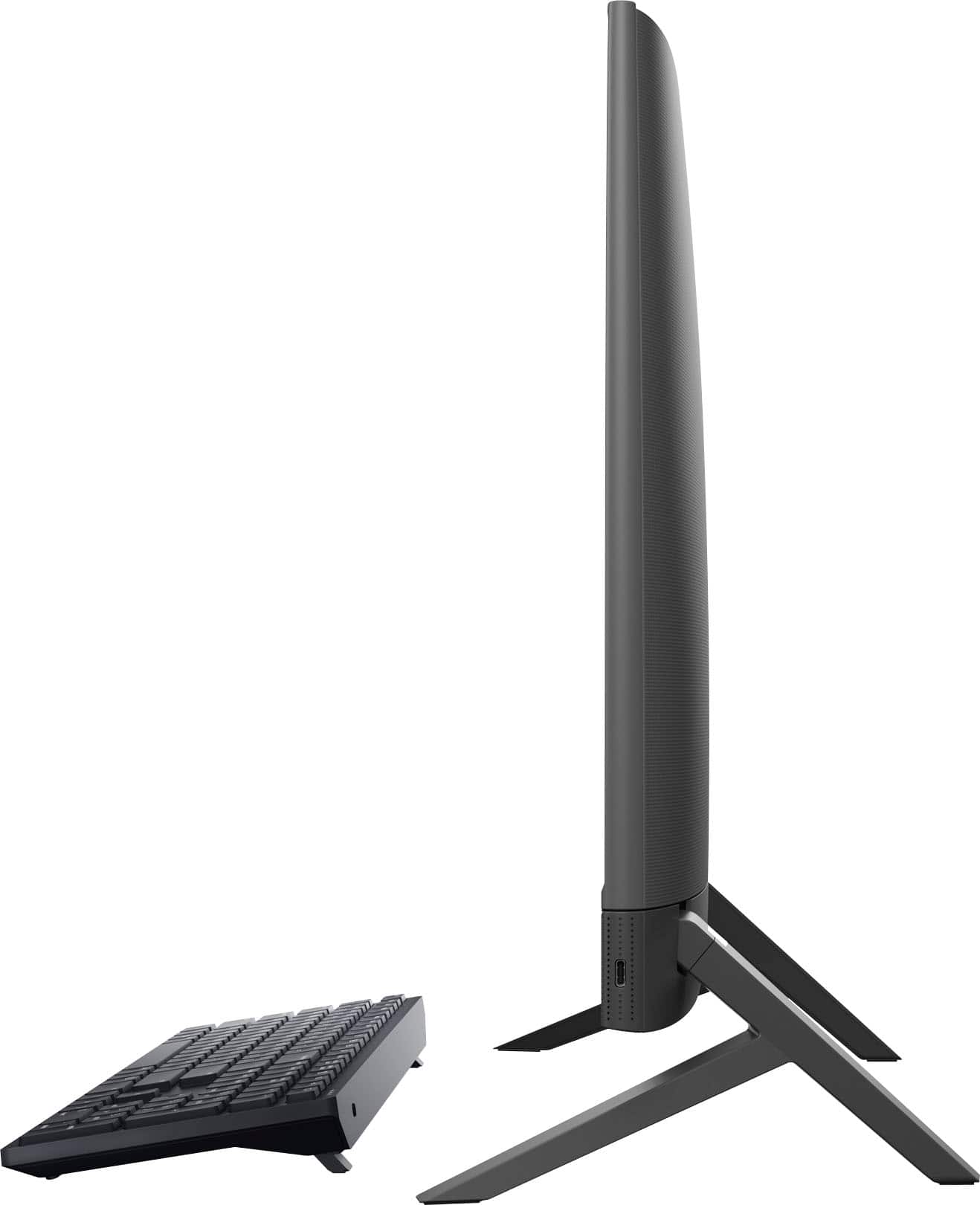
|Posted .This reviewer received promo considerations or sweepstakes entry for writing a review.BACKGROUND: My wife and I normally use laptop computers daily for email, web surfing, word-processing, spreadsheets, photo editing, online games, etc… In general laptops are great, we couldn’t do without them. But there are times a desktop is a preferred option as long as the desktop itself is up to the tasks. Received this Dell Insipron i5415 All In One (AIO) a week ago and we both are very impressed with its numerous features and overall functionality. UNBOXING & SETUP: A simple process, remove two boxes from the main box for the keyboard, mouse, stand legs, and power supply. Pull the monitor (AIO) from the main box, set on a table, mount the legs, insert the mouse/keyboard USB-A adapter and power adapter, put into an AC outlet, and power on. Easy-peasy! UPDATING: Like all new computers, one should/must update the operating system upon the first power up. This was a fairly quick process connected to the internet at 360Mbps. Not only does MS provides their updates, Dell also has their share of updates. The MS updates went without issues. While all but one Dell updates went without issues. I could not get the 64bit MyDell - Dell Core Services to install with a consistent 2762 Error (InstallShield Failure). After numerous attempts and rebooting, I ended up trying the 32bit version, and that installed just fine. DISPLAY: 24 Inch Full HD (1920 x1080) IPS LED - This is the first desktop/AIO I have used with a touch screen. Now my wife can’t function without a touch screen, while I am predominantly a mouse & keyboard user. We both find the display very responsive and easy to use. The two stand legs are mounted to internal spring loaded tilt mechanisms to easily adjust the display, very nice. I did adjust the System - Display Settings for 125% scale and 60Hz refresh rate which works better for our use. Plus, you can use this display as a monitor with a single HDMI input. Connected my AT&T Uverse cable box to this. Use the dedicated smaller button next to the left of the power button to switch between PC and HDMI. How cool is that? Very cool! PROCESSOR: AMD Ryzen 5 7530U with Radeon Graphics. Extremely fast boot up, about 25 seconds from a cold start. Does most everything, except high end gaming, without bogging down. (If you are looking for a gaming AIO, look elsewhere, one with a dedicated GPU.) But for day-to-day computing, and basic old school games, it is fast enough and more than adequate. MEMORY: 8GB is sufficient to operate Windows 11 that requires 4GB minimum, but boots up with 69 percent memory usage. Installed is one stick of SK hynix 8GB 1Rx16 PC4-3200AA-SO0-13 HMAA1GS6CJR6N-XN with one unused memory slot. Appears to run fine for day-to-day tasks hitting 80+ percent with just a few browser tabs opened. But I would prefer 16GB and will add another stick. To access, you un-snap the back cover and then remove nine screws. Five of those screws are to remove the bottom plastic cover, with the other four screws to remove the main board metal shielding cover. See Pictures STORAGE: Micron 2450 NVMe M.2 2230 512GB – I’m impressed with the speed and capacity, no complaints here. Form factor is 22mm x 30mm. There is no additional slot on the main board for a second NVMe drive. But there is a SATA tray slot for a SSD that you do not require to remove the main board metal shielding or the bottom plastic cover. Just snap off the back, remove one tray screw, install your drive in the tray (you supply the 4 drive mounting screws), slide the tray into the SATA slot, screw the one tray screw to the base, then snap the back back-on. NOTE: Highly recommended you download the Dell i5415 Service Manual and read before updating any of the hardware. SPEAKERS: These are great, forward facing, and very rich sounding when streaming movies. No complaints here and much better than any HDTV down firing speakers. But you can easily add whatever standalone speaker system you want by way of the headphone output jack. CAMERA: 1080p Retractable FHD RGB – Very interesting and quite functional “pop up” designed camera. More than sufficient for video conferencing. Camera app will allow you to turn on/off HDR and you can take selfies or videos with adjustable photo quality settings. KEYBOARD & MOUSE: These are very basic entry level devices with limited features; they just feel cheap and don’t seem match up with the overall AIO system. Not the smoothest to use with the keyboard being clunky to type on. (I am already researching replacements.) The good news is, they are both wireless through a USB-A adapter. Both have dedicated on/off switches to save battery power, or you are not going to use them for an extended time frame. Both will get you by until you purchase something else and they are the “Achilles Heel” of this otherwise excellent system. Note: Neither the keyboard nor mouse will wake up the system when sleeping. To get that to function, I had to enable a BIOS advance power on feature for USB wake up. Plus I had to enable every Device Manager device/service for Power Management “Allow this device to wake computer”. I believe this system’s keyboard/mouse should be turned on to wake up the display/computer as the system default. But I assume to save energy, Dell has it turned off. PORTS: There is one USB-C GEN-2 conveniently located on the bottom right-hand side with all other ports in the rear. HDMI output for a second Window’s monitor. HDMI input to use this AIO as a monitor. Single SD slot and a RJ-45 Ethernet connector. Three USB-A 3.1 ports, one is a GEN-2, the other two are GEN-1. BOTTOM LINE: This Dell i5415 AIO is an easy to setup, easy to use computer, and it is somewhat upgradable. Excellent option for family computing or to replace an aging tower system. The positives outweigh the negatives for a solid 4.0 Star Rating.
I would recommend this to a friend - Pros mentioned:Size, Touch screen
An Inspiring PC for Tight Spaces and A Sleek Look
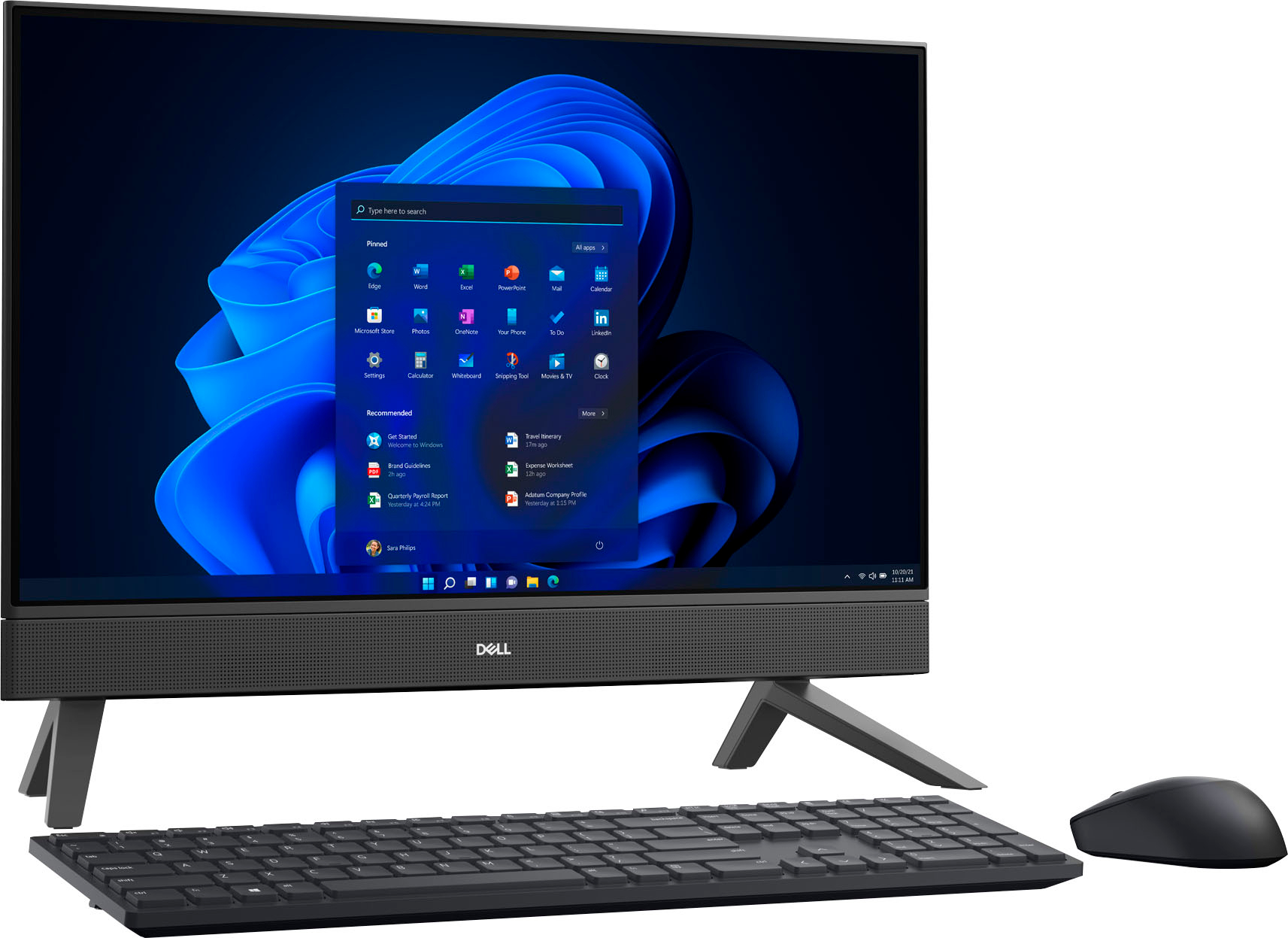
|Posted .This reviewer received promo considerations or sweepstakes entry for writing a review.Dell has historically been a great company for me when I need a computer. Now the Inspiron has some features that will knock your socks off like the hidden camera that will pop up with one small push. The amazing part of this PC is that it is an all in one computer built within the display. Right out of the box it took me about two minutes to set up and get going. You’ll get the display, keyboard, mouse, and power cord. So if you’re looking for simple and a computer that will fit in a tight space this is it. The touch screen is very intuitive and easy to use, and the speaker system was okay. In comparison to other PCs out there this one is ideal for your new student heading to college and doesn’t have much space in their living area. Or perhaps you want something sleek and minimal (which is me). I love that there is not a lot of fuss and wires hanging from the PC. An overall well rounded computer for me, it’s not going to be the PC I use for gaming, but it for sure is the one I’ll use in my office to save space on my already crowded desk. A small side note, I’ll probably upgrade the mouse and keyboard for aesthetics because the ones it comes with are very simple.
I would recommend this to a friend - Pros mentioned:Performance
Great personal computer
|Posted .This reviewer received promo considerations or sweepstakes entry for writing a review.This computer is perfect for anyone who wants to do basic computing - surfing the web, watching YouTube videos, listening to music, running Microsoft office, and playing very basic games. The computer boots up quickly and is relatively lag free when browsing the internet. The monitor has a matte finish, so it’s great at minimizing glare and also helps visibility from all angles. The computer has only one cord, the power cord. The mouse and keyboard are wireless, and connect via the Bluetooth adapter hidden inside the mouse. The mouse keyboard combo is pretty basic, I can see myself wanting to upgrade at some point. I did have a bit of an issue with the computer as soon as I got it up and running. I was browsing basic website, like MSN and Yahoo, and immediately got Malware and had to shut my computer down, and ended up having to restore a fresh copy of windows. I’m pretty skilled with computers, so I was shocked to see this device get malware so easily. I’m not entirely sure why this happened, but either way, I recommend getting some sort of antivirus/malware program. Overall, the computer is nice. I also love that it has an AMD chip, as AMD is really performing well against Intel at the moment in terms of processing power and efficiency. I’m keeping this computer in my den for my family to use as a basic computer, but, if you are looking to game, or run heavy excel spreadsheets, you are going to max this computer out fairly quickly.
I would recommend this to a friend - Pros mentioned:Ease of use, Processor speed
Things Have Changed
||Posted . Owned for 1 month when reviewed.This reviewer received promo considerations or sweepstakes entry for writing a review.Your product is fine. I guess my problems stem from the fact that the Dell computer I was using was almost 20 years old and a whole lot of things have change in those years. The computer did not come with a book. I was totally lost, couldn't even find where to cut it on. I had to contact Google to find out how to operate this computer. Your instructions are tooi involved. And, even to this day, if i need to know something about my new computer, I go to Google. I think a lot of other old timers like myself are doing the same thing. Google have just the right questions and answers to help me use my new computer. I don't want to be a complainer and I don't want to blame Dell for my lack of knowledge. I guess you have to make a book for dummies - old people who haven't had a new computer in 20 years. I am 77 years old and all this new stuff is just too much for my mind to grasp. So far, I can do just the the basics like find my email, pay my bills, see my bank account. I know there is so much more this computer can do, but it is too much to try to figure out. Right now I am trying to figure out how to get my printer to print a copy of my online phone bill. So, your product is fine. Thankful to have it...keeps me kind of connected with the world with the internet. I would recommend Dell anytime. My 20 year old computer was a Dell.
I would recommend this to a friend Good for what it is made for
|Posted .This reviewer received promo considerations or sweepstakes entry for writing a review.The whole package is very good. The all-in-one desktop is very good looking and is offering good connectivity with multiple USBs, Ethernet, HDMI both in and out, Audio Jack, SD card reader... and a hidden USB-C on the right side. Very good in a relatively small package. Adding to that the Wireless Keyboard and mouse combo and here you have a neat looking desktop. I am impressed with AMD performance this Ryzen 5 is offering. My previous experience with AMD (many years ago) was very bad with the CPU lagging and slowing down with the load. This one is doing just fine. It was very easy to set up this Dell. It is not taking too much space on my home work desk. Audio is loud and clear. No complaint about it. Wifi range is also impressive. The Inspiron runs smooth and quite even when tried to do some video tasks on it (testing purposes). I think AMD came a long way... Only time will proof if they are really up to the task. While the RAM is only 8GB and shared with the GPU, I've never seen windows struggling with that (even on other computers) 8GB for win11 seems just fine. I think it has something to do with the SSD and how Win11 manages the paging files. This Inspiron is offering something really amazing: To be used as an external monitor thanks to the HDMI in connection. I was excited to try it and struggled to make it start until I read the manual online (Dell website). There is a small button near the power button that will turn on the HDMI-IN. This feature will allow you to project your phone or another laptop on the screen and then when not connected, you can turn it on as a media player or office use computer (full capacity). The only down side (thus losing a star) about this computer is the display. I am kind of disappointed about the resolution and the finest of the pixels in general. It is more close to a TV screen resolution than a computer screen. Touch screen is accurate and very handy sometimes. It will collect all your fingerprints though... Using a special screen cleaning wipe would reduce that. Even with the average screen resolution (to my taste), this Inspiron allows you to handle most online home tasks (streaming, shopping, surfing, Social Media, Office suit, and light games...). It would run well as a business office computer. HDMI-IN can be used to stream from security cameras DVR. Which is one of the very good potential uses of it. Do I recommend it to a friend? Why not! It is still a high class computer with a very decent webcam and good specifications. Not to forget about the low power consumption. I might have it modified and attach a wall mount on it (from inside) as I've done it once before for another All-In-One but for now it will be helping on my desk in my house office.
I would recommend this to a friend- Cons mentioned:Camera quality
Satisfied
||Posted .This reviewer received promo considerations or sweepstakes entry for writing a review.It's an okay computer. The keyboard and mouse look and feel cheap, the sound is okay, the camera is okay, and it's definitely adequate for a home office. Setup was easy and it does what it should. I would recommend it to someone who wants a computer for browsing the internet, watching some videos, using social media, word processing, and such. I would definitely not recommend this for gamers or people who need to use resource intensive software.
I would recommend this to a friend - Pros mentioned:SizeCons mentioned:Camera quality
Retired for over 20 years and so much has changed.
||Posted . Owned for 1 month when reviewed.This reviewer received promo considerations or sweepstakes entry for writing a review.The monitor is certainly larger and easier to read. I do not like the key board and it takes longer to type a message.
No, I would not recommend this to a friend - Pros mentioned:Ease of use, Processor speed
New Dell AIO
||Posted . Owned for 3 weeks when reviewed.This reviewer received promo considerations or sweepstakes entry for writing a review.The new computer is easy to use and much faster than the one we previously had. I am disappointed that everything from our old one wasn't transferred to the new one.
I would recommend this to a friend - Pros mentioned:Ease of useCons mentioned:Camera quality
Good computer
||Posted . Owned for 3 weeks when reviewed.This reviewer received promo considerations or sweepstakes entry for writing a review.Bought this solely for working from home. Nice computer easy setup. Only thing I don’t like is zoom/camera is not very clear i look pixelated, it’s not too bad but noticeable to me, I have multiple meeting’s a day so it’s a little annoying
I would recommend this to a friend - Pros mentioned:Ease of use
Good quality. A box to carry it in would be nice!!
||Posted . Owned for 1 month when reviewed.This reviewer received promo considerations or sweepstakes entry for writing a review.The computer is in good shape and works well. I'm glad I took the leap and purchased even though it was used/out the box. I do wish they atleast put it into a box so it was easier to travel with. I was handed the desktop computer in no container when I went to pick it up! Couldn't believe they didn't find a box from another item to store it to keep it safe while taking it home.
I would recommend this to a friend - Pros mentioned:Performance
Good basic setup.
||Posted .This reviewer received promo considerations or sweepstakes entry for writing a review.Excellent computer for the price. I use it for basic online and work use. If you plan on gaming, you’ll need something more powerful. But good for everyday use.
I would recommend this to a friend - Pros mentioned:Ease of use
Dr; Colonel, USA;
||Posted . Owned for 1 month when reviewed.This reviewer received promo considerations or sweepstakes entry for writing a review.The computer is working well and satisfies my/our requirements. The purchase was an "Out of Box" purchase. It truly was out off box, making transporting the computer to my home somewhat problematic; there were no indications whether the computer was only a demonstration model or that it had been used previously for ???? days and was returned for ??? reasons
I would recommend this to a friend - Pros mentioned:Size
Dell desktop
||Posted . Owned for 1 month when reviewed.This reviewer received promo considerations or sweepstakes entry for writing a review.I am a computer dinosaur. I really appreciated the help getting it set up and looking just like my old one. I liked the screen size and computer "feet".
I would recommend this to a friend Dell all good
||Posted .This reviewer received promo considerations or sweepstakes entry for writing a review.very good and fast all I need in one computer, best buy
I would recommend this to a friend