3D TV For Games
-
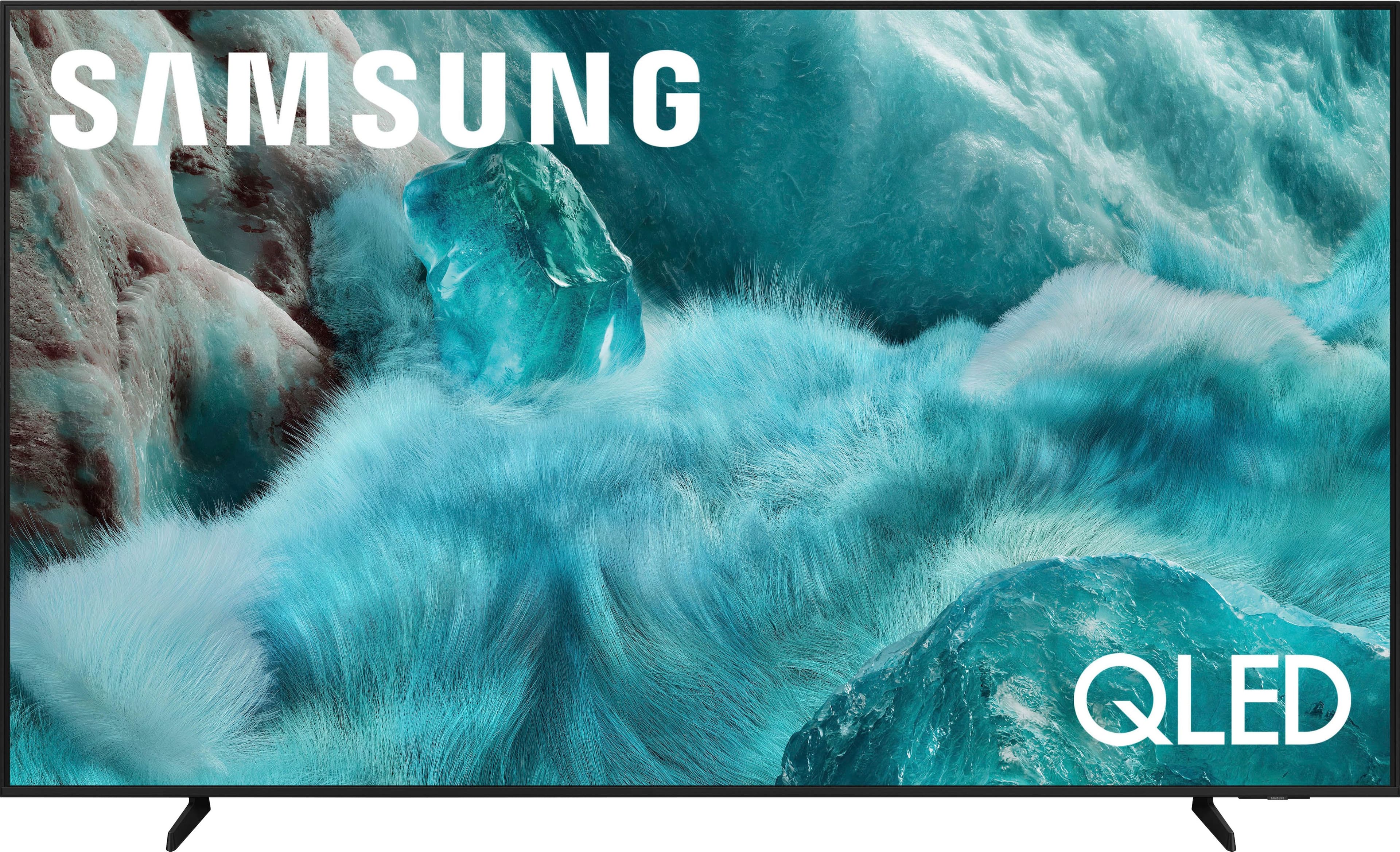
Samsung - 85” Class Q7F Series QLED 4K UHD SamsungVision AI Smart Tizen TV (2025)
SKU: J3ZYGXCLXZBest Buy ever; get it lol....But I love my new TV; it has many great features, a clear picture, and great sound....One of the best TVs out there. Great quality and colors are stunning. Image is crystal...
See all All Flat-Screen TVsProduct Description
A black QLED 4K UHD smart TV featuring Pantone-certified color, Quantum HDR, and advanced 3D audio.Your price for this item is $1,234.99Save $65The previous price was $1,299.99 -
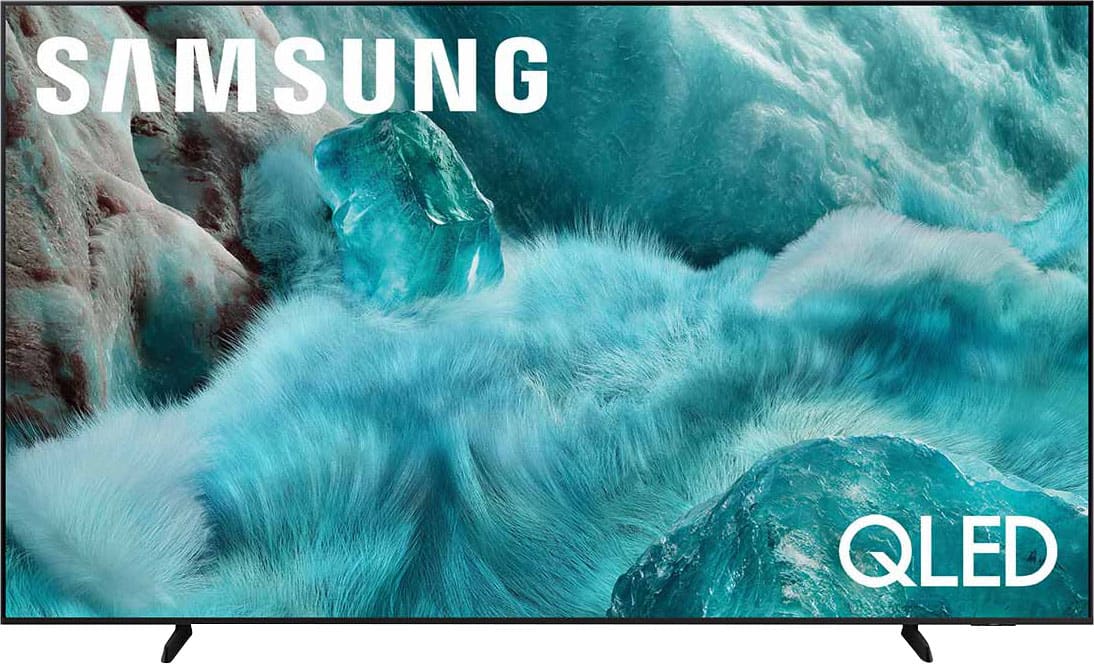
Samsung - 98” Class Q7F Series QLED 4K UHD SamsungVision AI Smart Tizen TV (2025)
SKU: JJGRF397ZCThere always affordable and I truly think they are the best for t.vs this tv is the best I've owned it's...Love the samsung T.V.'s. Always have a samsung best TV...Love my samsung items...Love the opti9ns...
See all All Flat-Screen TVsProduct Description
An ultra-large QLED 4K UHD smart TV with Pantone-certified color, Quantum HDR, 3D audio, and AI-powered features.Your price for this item is $2,197.99Save $300The previous price was $2,497.99 -
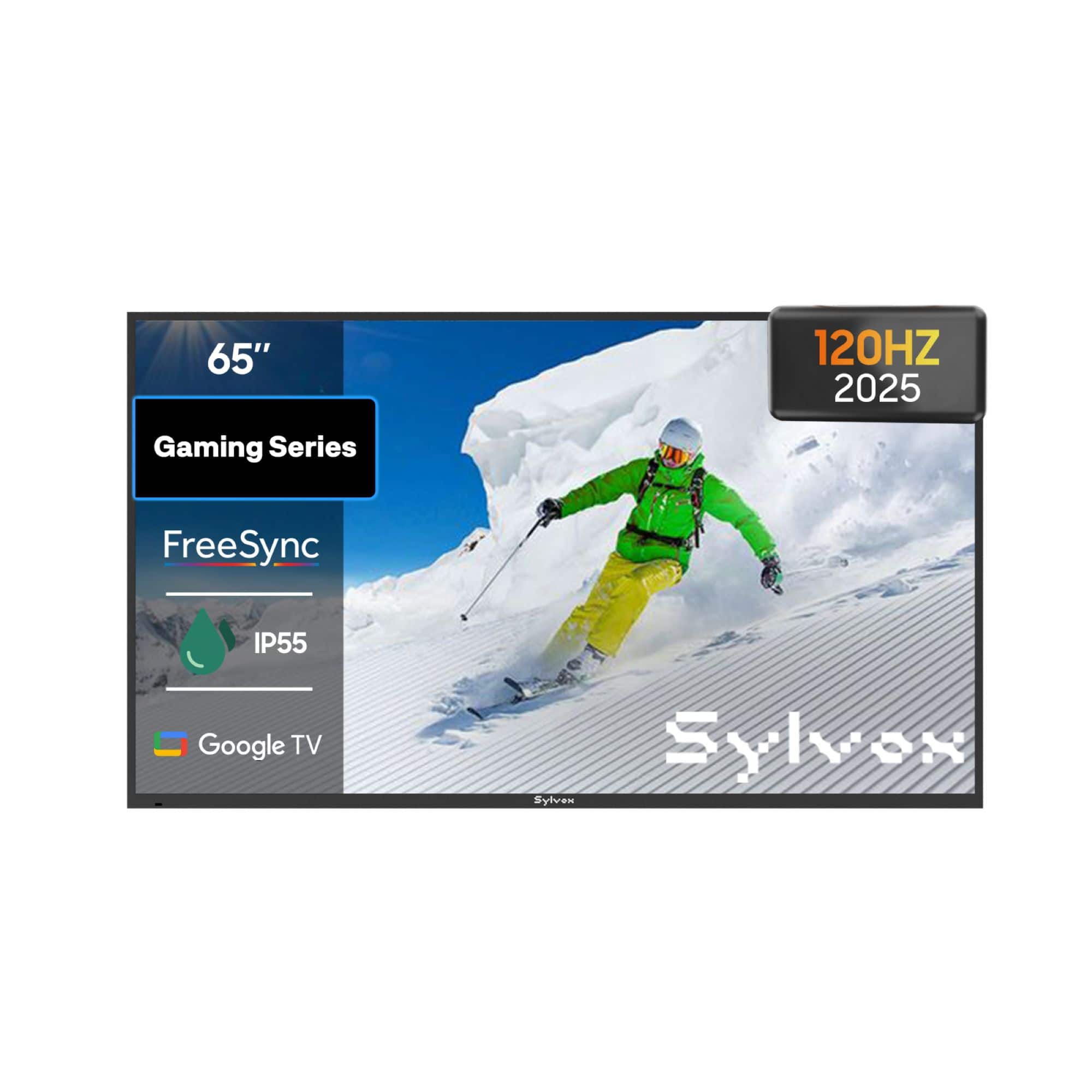
Sylvox - 65" Class Gaming Series Partial Sun Smart Outdoor TV, 120Hz Google TV, 1000 Nit 4K UHD LED, IP55 Waterproof (2025)
SKU: J3GW6H8KCPSee all Outdoor TVsProduct Description
A space gray outdoor smart TV with 120Hz refresh rate, 4K UHD HDR, and IP55 waterproof rating.Your price for this item is $2,699.99
Best Sellers




Related Pages




FAQ
A 3D TV that's great for gaming typically offers a high refresh rate, low input lag, and advanced 3D processing technology. These features help deliver smooth, immersive visuals and responsive gameplay, enhancing your overall gaming experience.
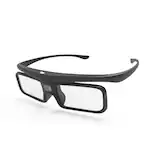
Yes, most 3D TVs require compatible 3D glasses to view content in three dimensions. Some models use active shutter glasses, while others use passive polarized glasses. Check the TV’s specifications to see which type is supported.
Absolutely! 3D TVs are fully compatible with standard 2D content, including games. You can switch between 2D and 3D modes depending on your preference and the game’s compatibility.
Many popular gaming consoles, such as PlayStation and Xbox, support 3D gaming on compatible titles. Make sure your console and game both support 3D output, and connect them to your 3D TV using an HDMI cable.
To optimize your 3D TV for gaming, use the Game Mode setting to reduce input lag, adjust picture settings for clarity and brightness, and ensure your console is set to output in 3D when playing compatible games. Also, make sure to sit at the recommended viewing distance for the best 3D effect.