Streaming 3D TV
-
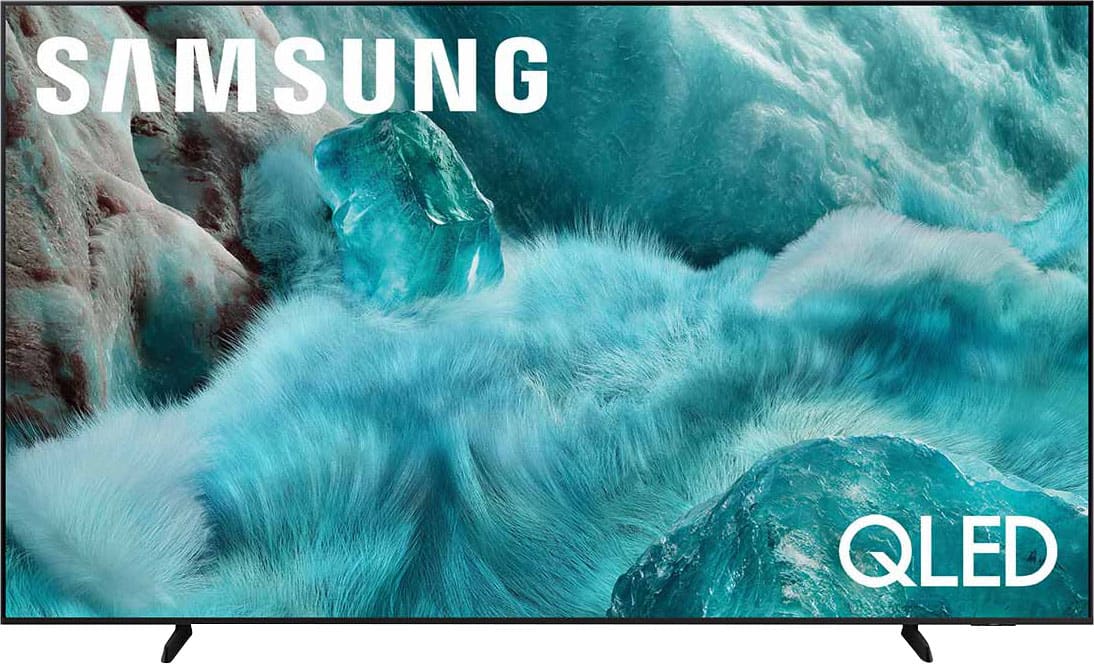
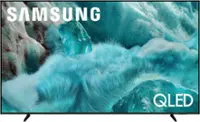
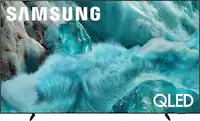
Samsung - 98” Class Q7F Series QLED 4K UHD SamsungVision AI Smart Tizen TV (2025)
SKU: JJGRF397ZCLove the opti9ns...Love the samsung T.V.'s. Always have a samsung best TV...Love my samsung items...There always affordable and I truly think they are the best for t.vs this tv is the best I've owned...
See all All Flat-Screen TVsProduct Description
An ultra-large QLED 4K UHD smart TV with Pantone-certified color, Quantum HDR, 3D audio, and AI-powered features.Your price for this item is $2,197.99Save $300The previous price was $2,497.99 -
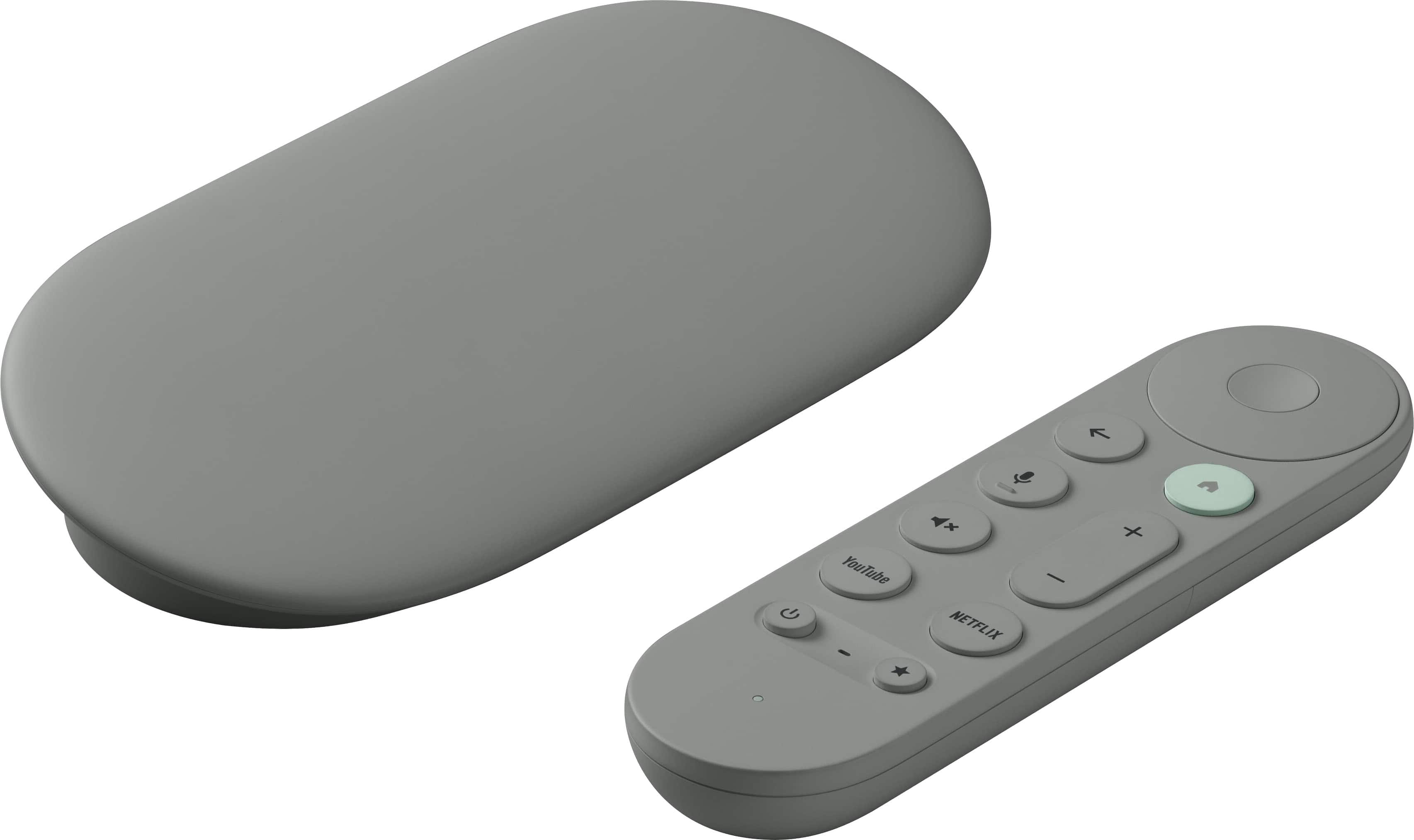
Google - TV Streamer 4K - Fast Streaming Device in 4K HDR - 32 GB of Storage - Hazel
SKU: J3GT5ZSHC5Best android device on the market !! Very fast and very reliable!! Love it !!...Love the clean look and performs well. I use wireless and it's great...Best android device !!...Works great
See all Streaming DevicesProduct Description
A fast 4K HDR streaming device in hazel with 32GB storage, Dolby Atmos, and Google Assistant.Your price for this item is $149.99 -
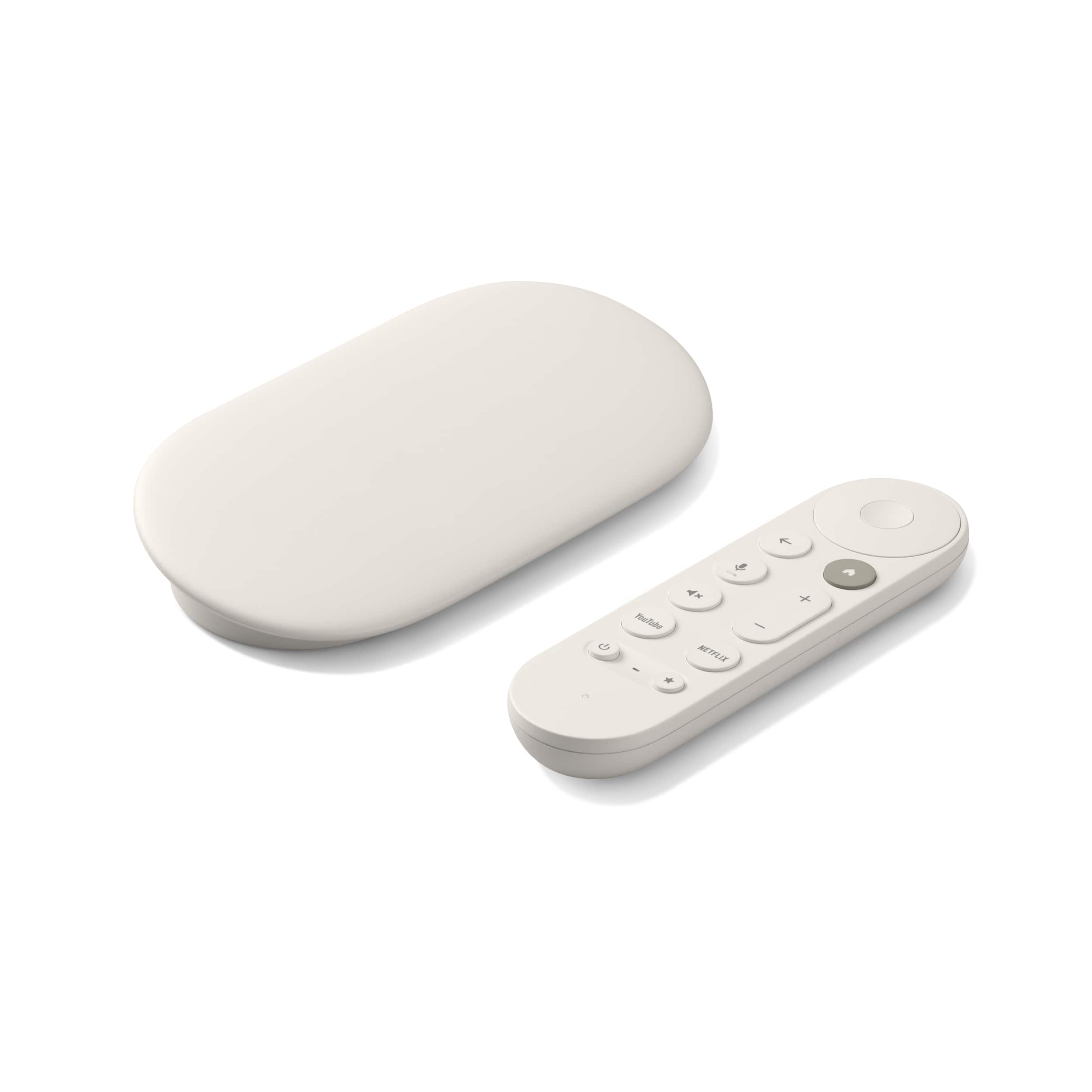
Google - TV Streamer 4K - Fast Streaming Device in 4K HDR - 32 GB of Storage - Porcelain
SKU: J3GT5ZSHCQThe best we love it, easy to connect works great worth the money....Love this...Great product with a great discount from best buy.
See all Streaming DevicesProduct Description
A porcelain-colored 4K streaming device with Dolby Atmos, HDR support, Bluetooth, and a remote control included.Your price for this item is $149.99 -
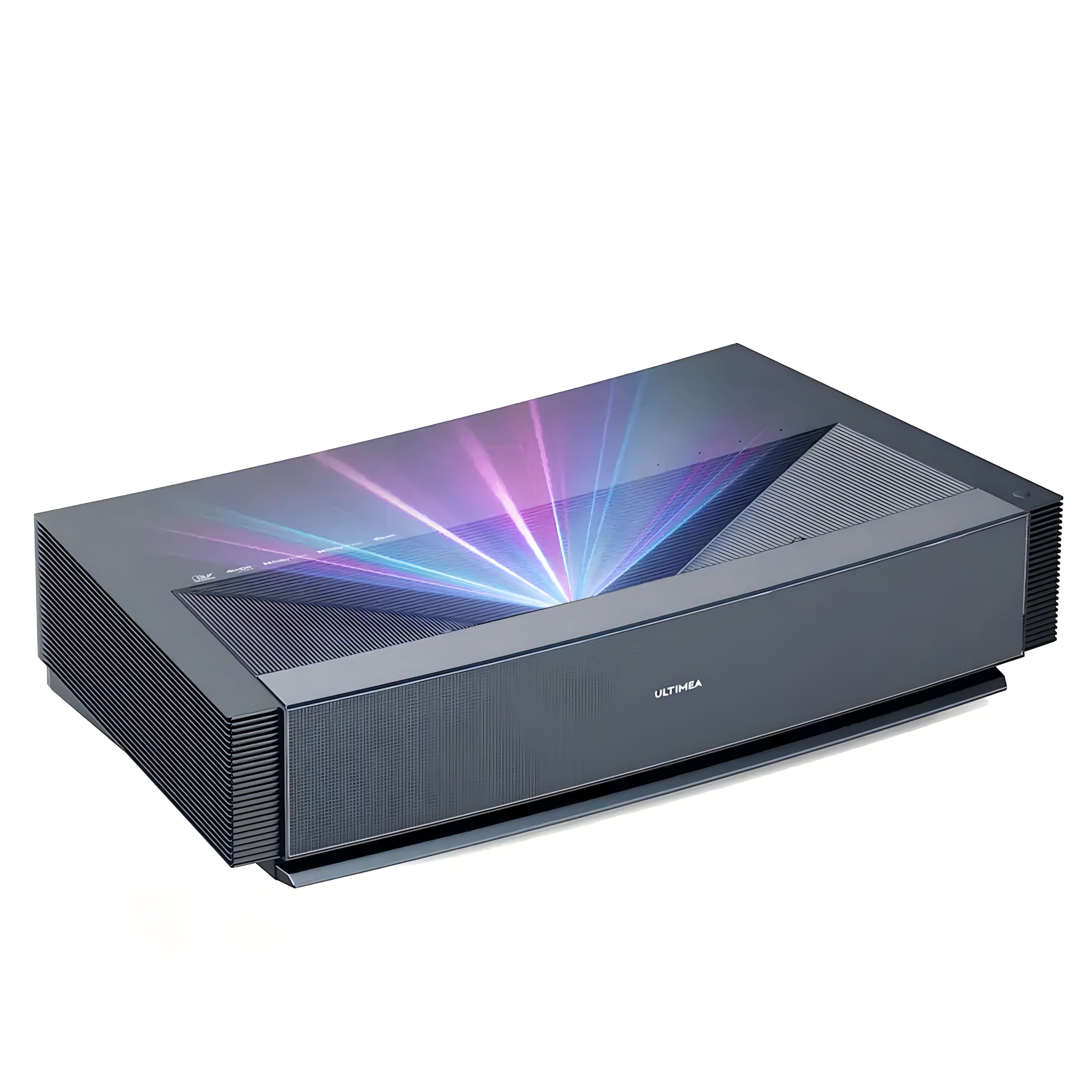
Ultimea - Thor T60 4K UST Laser TV, 4000 ANSI Lumens, Dolby Vision, HDR10, 120%, Android TV, 100” from 7.2”
SKU: CZWPR2R6JGSee all Home Theater ProjectorsProduct Description
An ultra-short throw 4K laser projector with 4000 ANSI lumens, Dolby Vision, HDR10, and Android TV.Your price for this item is $4,999.00Save $1000The previous price was $5,999.00
Best Sellers

Related Pages




FAQ
When choosing a streaming 3D TV, consider features such as built-in streaming apps, 3D display technology (active or passive), compatibility with 3D content, high refresh rates, and connectivity options like HDMI and Wi-Fi. These features enhance your viewing experience and make it easy to access your favorite streaming platforms.
Yes, most 3D TVs require special glasses for viewing 3D content. The type of glasses you need—active or passive—depends on the TV’s 3D technology. Some models may include glasses in the box, while others require you to purchase them separately.
Absolutely! Streaming 3D TVs are fully compatible with standard 2D content. You can watch all your favorite shows, movies, and live streams in 2D, and switch to 3D mode when you want an immersive experience with compatible content.
Most streaming 3D TVs offer popular services like Netflix, Hulu, Amazon Prime Video, Disney+, and YouTube. Availability may vary by model and manufacturer, so check the TV’s specifications for a list of supported apps.
Setting up streaming apps on your 3D TV is usually straightforward. Connect your TV to the internet via Wi-Fi or Ethernet, access the TV’s app store or smart hub, and download the desired streaming apps. Sign in with your account credentials to start watching.