Skip to contentGo to Product Search
Main Content
Skip to contentGo to Product Search
Main Content
Categories & Filters

Affordable Tablets For Kids

Affordable tablets for kids offer a smart solution for families seeking quality tech without breaking the bank. Perfect for learning, entertainment, and creativity, these kid-friendly devices are designed to fit a variety of needs and budgets. Explore a wide selection of affordable tablets for kids to find the perfect match for your child’s interests and your family’s lifestyle, all while enjoying great value and peace of mind.

Read More
Results
Main Results
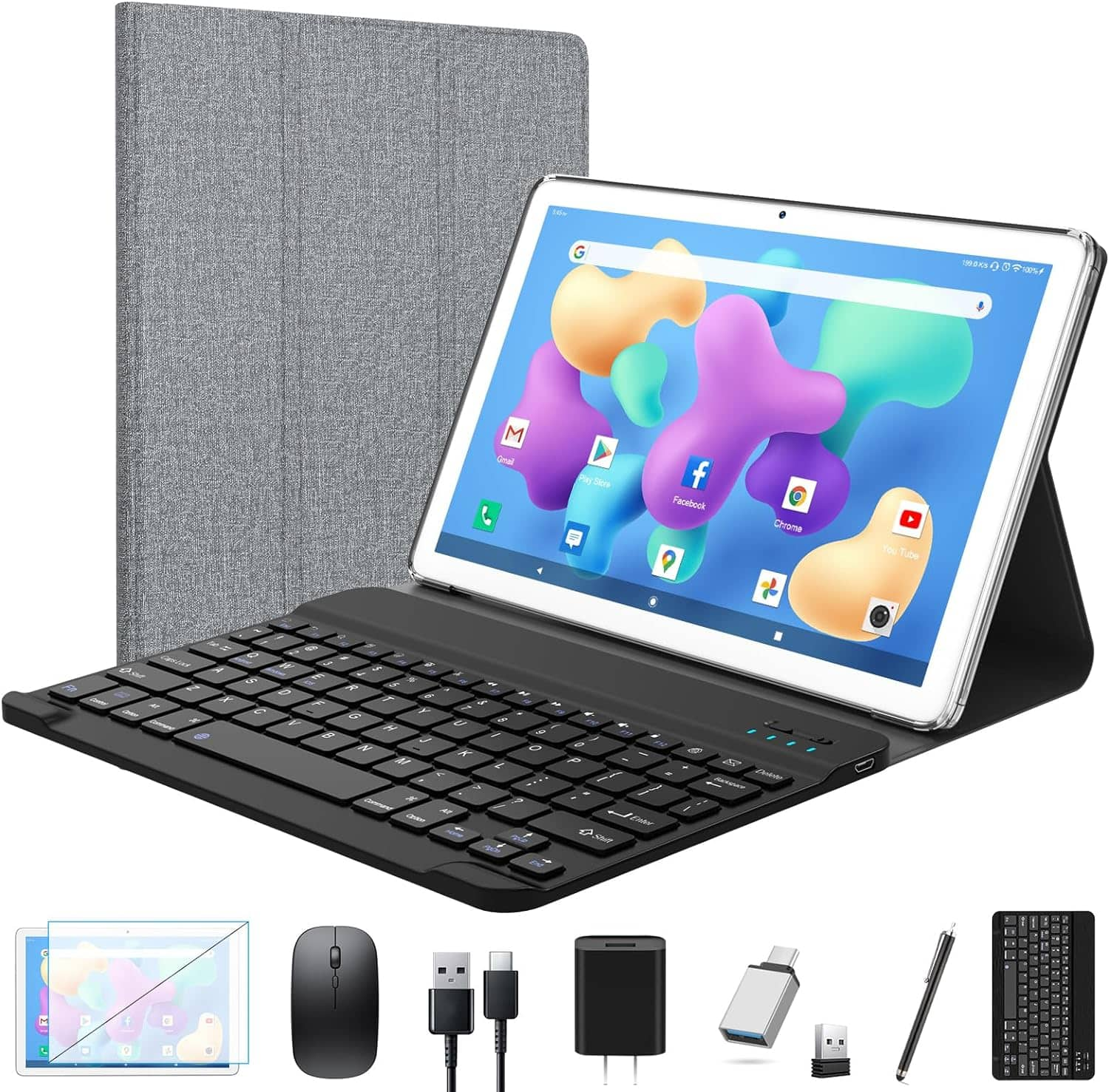
  1. ANTEMPER - Tablet 2026 Newest Android Tablet 10.1 inch, Octa-Core Tablets with Keyboard, 128GB + 16GB + 1TB Expandable Storage - Silver

    SKU: JX343H6V3S

    Best tablet I've ever had im thinking of buying it for my grandkids...Great buy...I love it! I use for my son as tv to watch his favorite shows while on car rides

    Product Description

    A silver 10.1-inch Android tablet with octa-core processor, keyboard, 128GB storage, and 1TB expandability.
    See all All Tablets
    Your price for this item is $115.99
    Save $84
    The previous price was $199.99
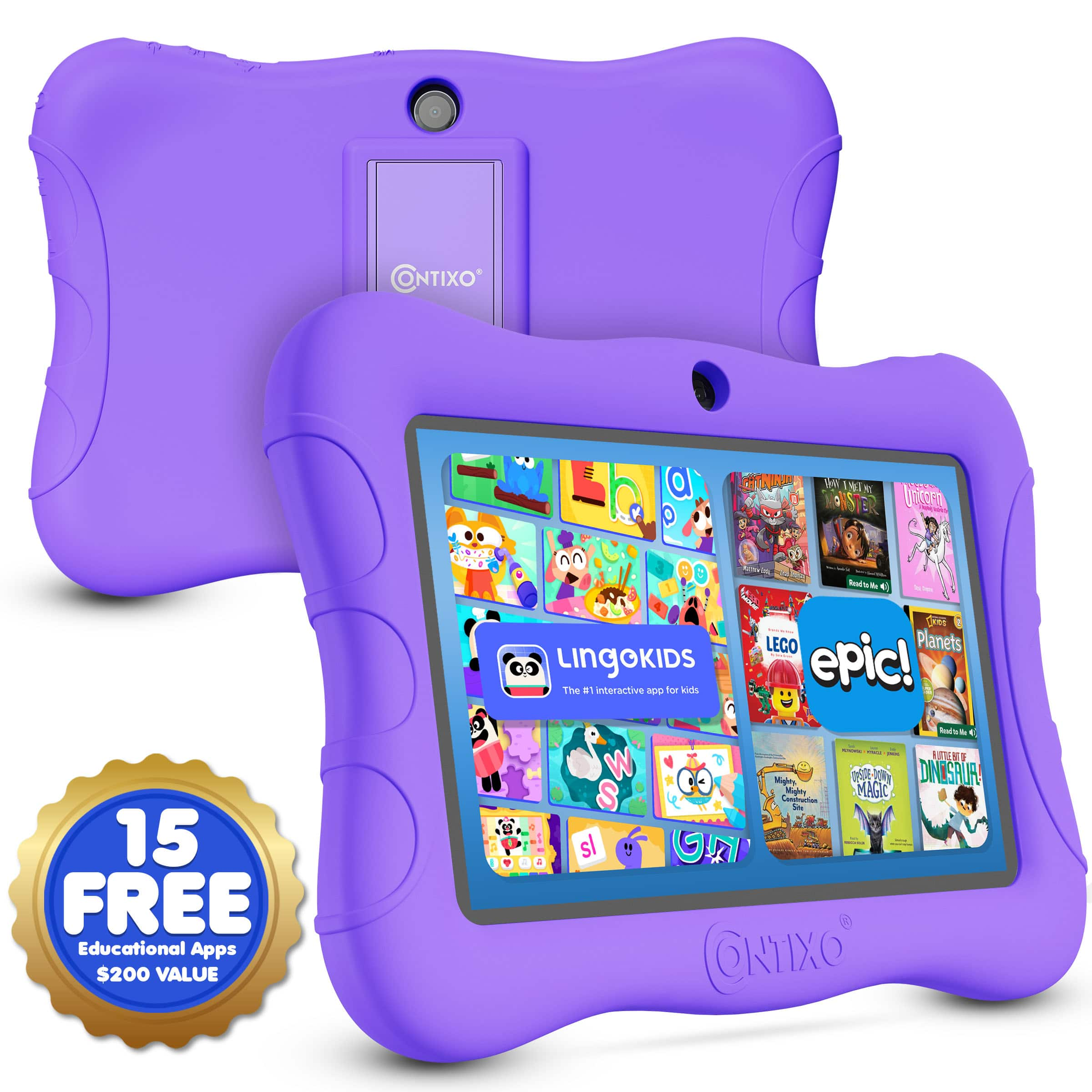
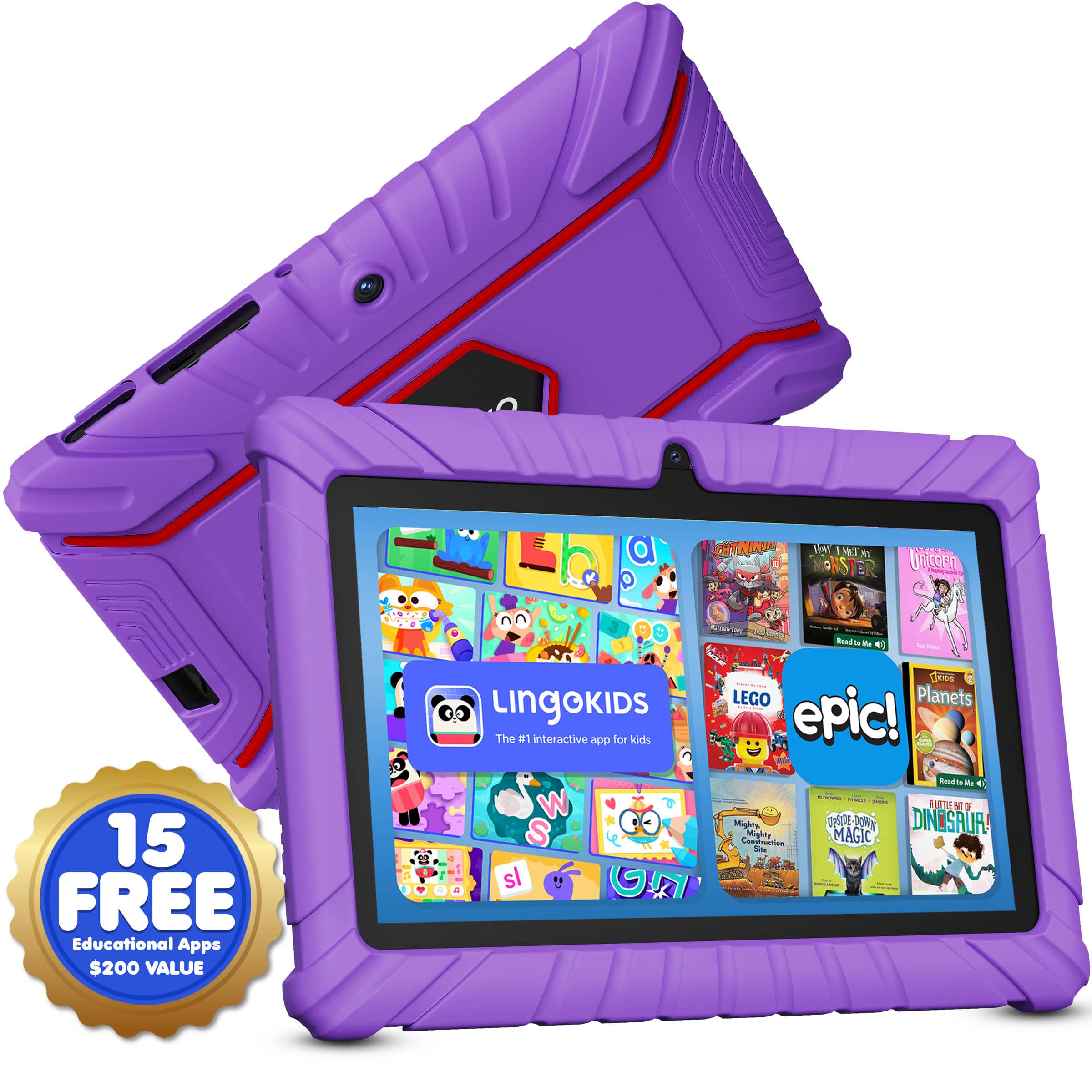
  2. Contixo - V9 Kids Tablet, 7" Android 11 Tablet, 32GB, 2GB RAM, Parental Controls & Shockproof Case - Purple

    SKU: JXK4Z3LV79

    Product Description

    A purple kids’ tablet with parental controls, shockproof case, stylus, and preloaded educational apps.
    See all Kids' Tablets
    Your price for this item is $64.99
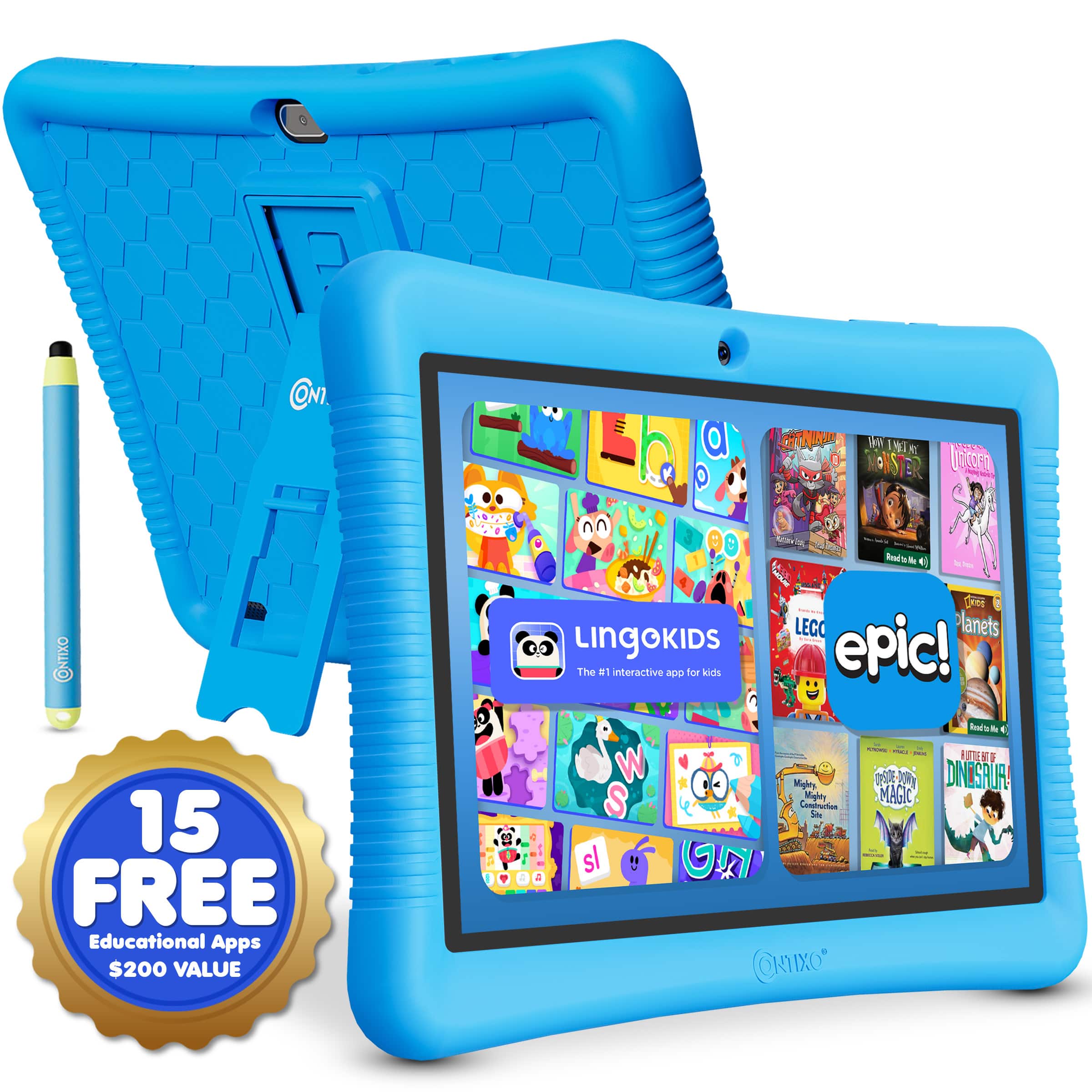
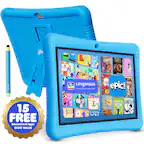
  3. Contixo - 10" Android Kids Tablet 32GB with Stylus, Parental Controls, Learning Apps & Protective Case - Blue

    SKU: JXK4Z3L59P

    Product Description

    A blue Android kids’ tablet with 32GB storage, parental controls, educational apps, and a kid-proof case.
    See all Kids' Tablets
    Your price for this item is $89.99
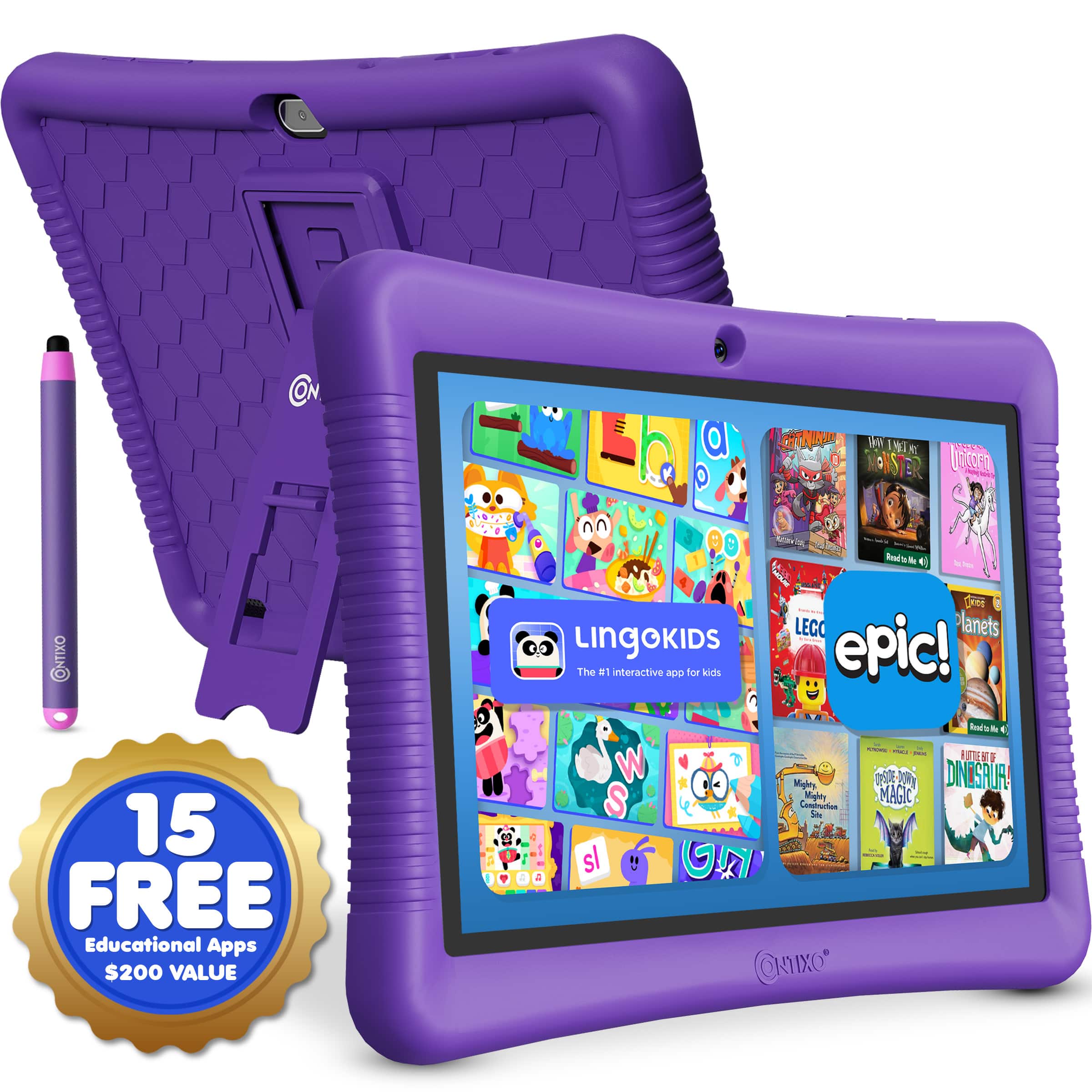
  4. Contixo - 10" Android Kids Tablet 32GB with Stylus, Parental Controls, Learning Apps & Protective Case - Purple

    SKU: JXK4Z3L5SX

    Product Description

    A durable purple Android kids' tablet with 32GB storage, parental controls, educational apps, and a kid-proof case.
    See all Kids' Tablets
    Your price for this item is $89.99
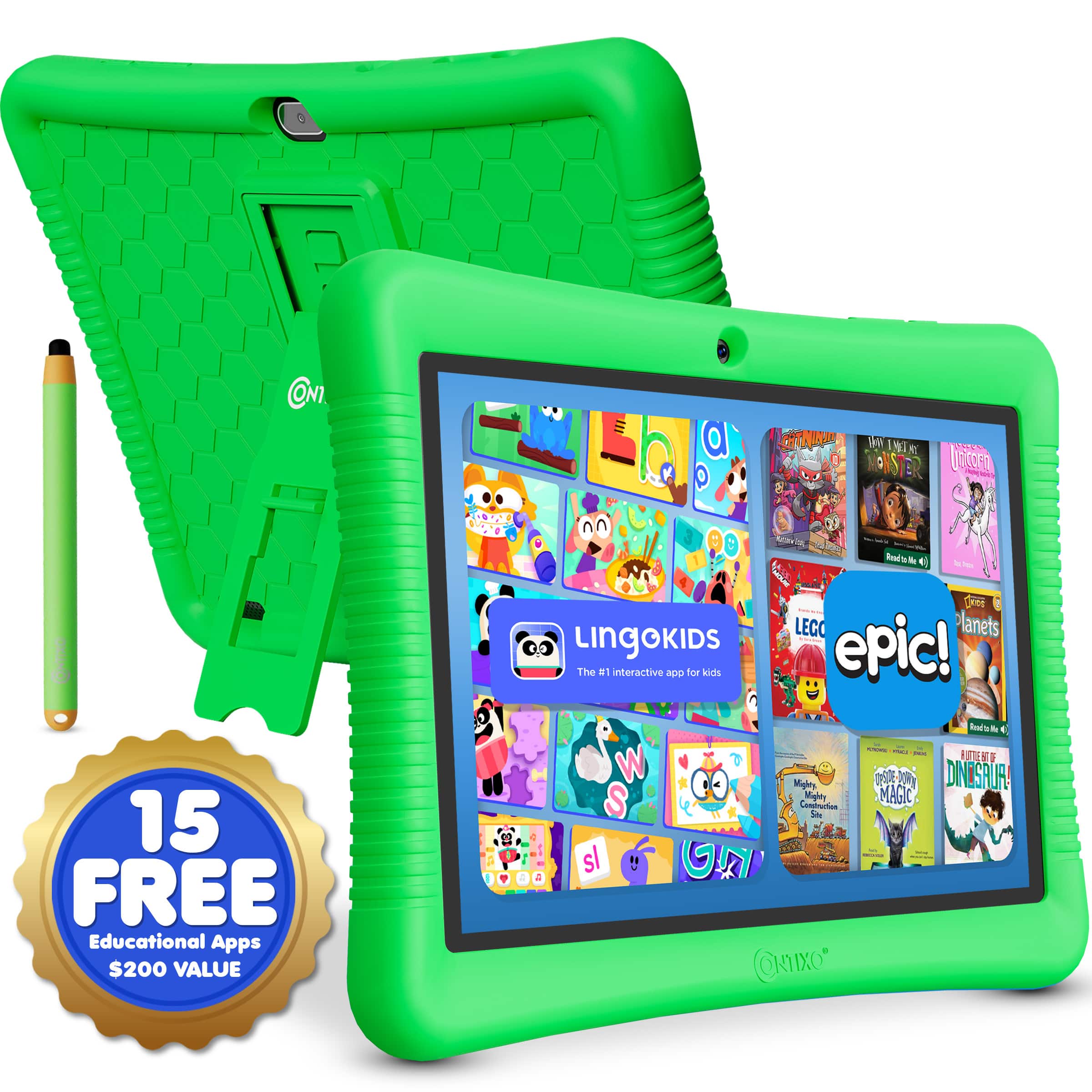
  5. Contixo - 10" Android Kids Tablet 32GB with Stylus, Parental Controls, Learning Apps & Protective Case - Green

    SKU: JXK4Z3L592

    Product Description

    A green Android kids’ tablet with 32GB storage, parental controls, educational apps, and a kid-proof case.
    See all Kids' Tablets
    Your price for this item is $89.99
  6. Contixo - Kids Tablet 2026, 7" Android 13 Tablet, 32GB, Parental Controls, Learning Apps & Shockproof Case - Blue

    SKU: JXK4Z3Y7ZG

    Product Description

    A blue kids’ tablet with parental controls, shockproof case, stylus, and educational apps for safe learning.
    See all Kids' Tablets
    Your price for this item is $59.99
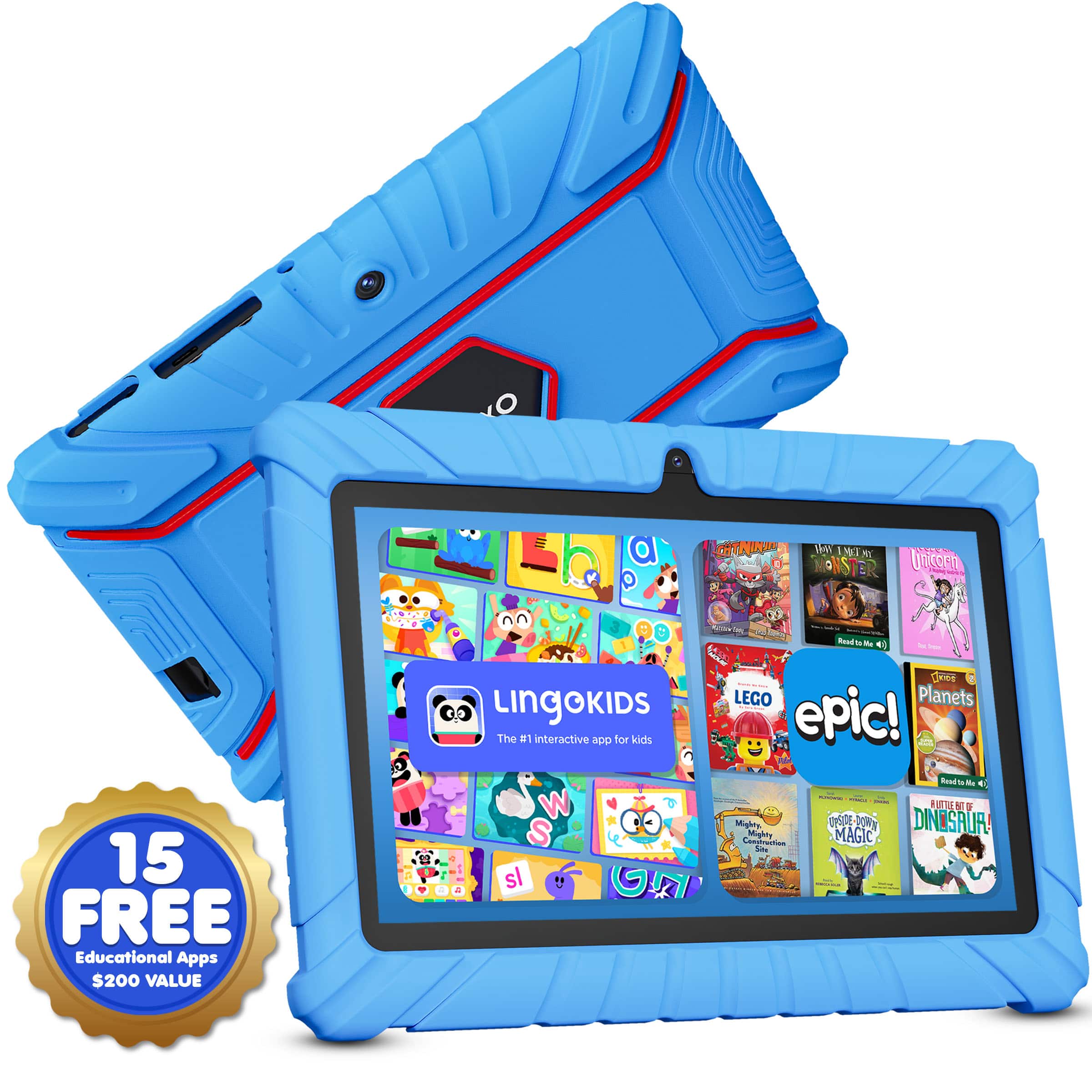
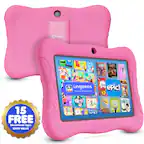
  7. Contixo - Kids Tablet 2026, 7" Android 13 Tablet, 32GB, Parental Controls, Learning Apps & Shockproof Case - Pink

    SKU: JXK4Z3Y7WK

    Great, simple tablet...We really love this tablet for our young daughter.

    Product Description

    A pink kids’ tablet with parental controls, shockproof case, educational apps, and a matching stylus included.
    See all Kids' Tablets
    Your price for this item is $59.99
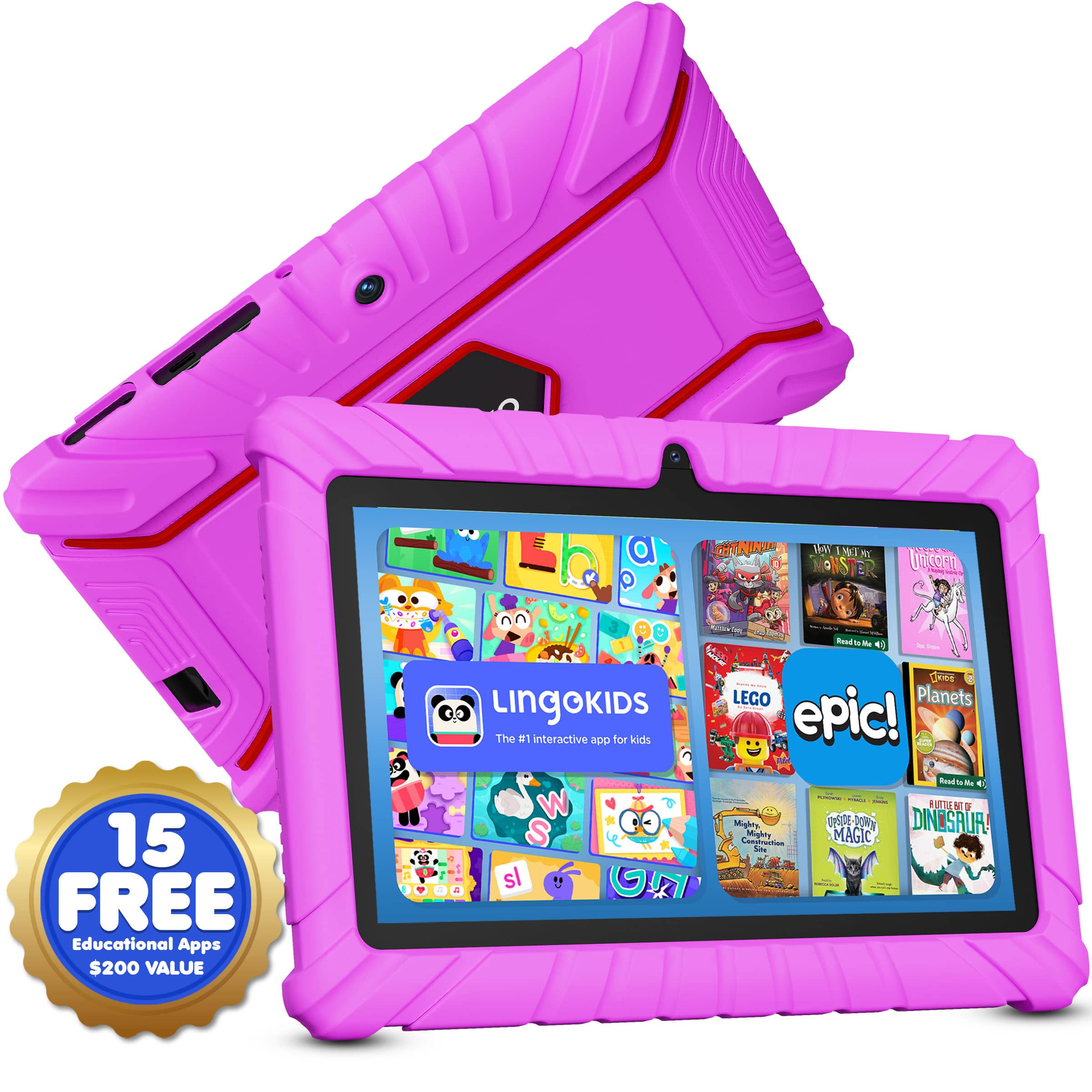
  8. ANTEMPER - 2026 Tablet for Kids Android, 10.1 Inch Kids Tablet 8+64GB, 1280 * 800, Kid Learning Tablets with Parental Control - Pink

    SKU: JX343HRCYH

    Best tablet...It fits well, looks great, and helps protect the tablet from drops. A great choice for everyday use.

    Product Description

    A pink Android kids’ tablet with 8GB RAM, 64GB storage, parental controls, and dual cameras.
    See all All Tablets
    Your price for this item is $79.98
    Save $60
    The previous price was $139.99
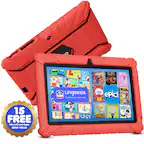
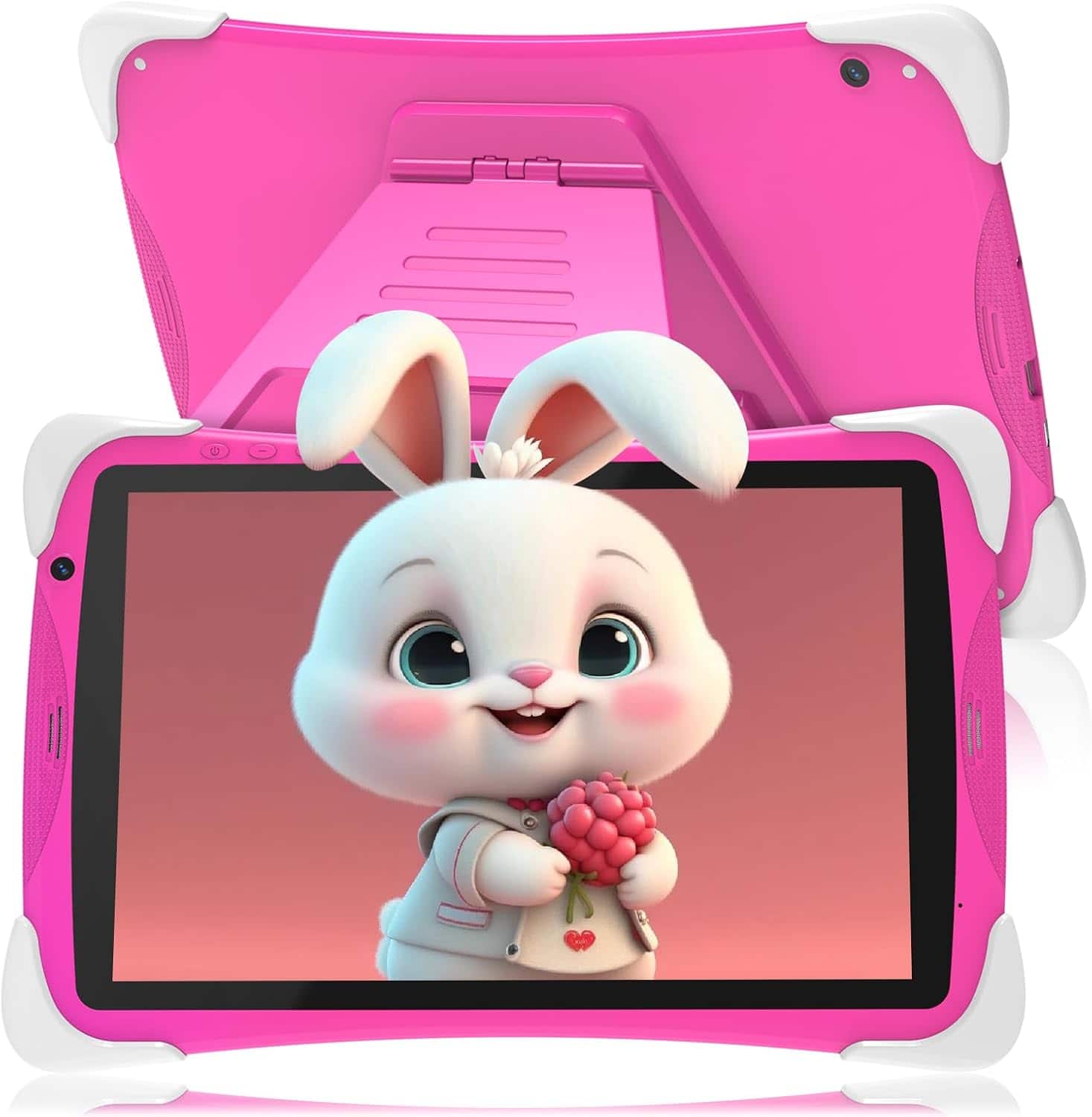
  9. Contixo - Kids Tablet 2026, 7" Android 13 Tablet, 32GB, Parental Controls, Learning Apps & Shockproof Case - Red

    SKU: JXK4Z3Y7T4

    My grandson love this tablet and his mom likes it even more with all the parental controls!...My best purchase

    Product Description

    A red kids’ tablet with parental controls, shockproof case, stylus, and educational apps for safe learning.
    See all Kids' Tablets
    Your price for this item is $59.99
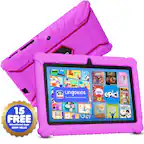
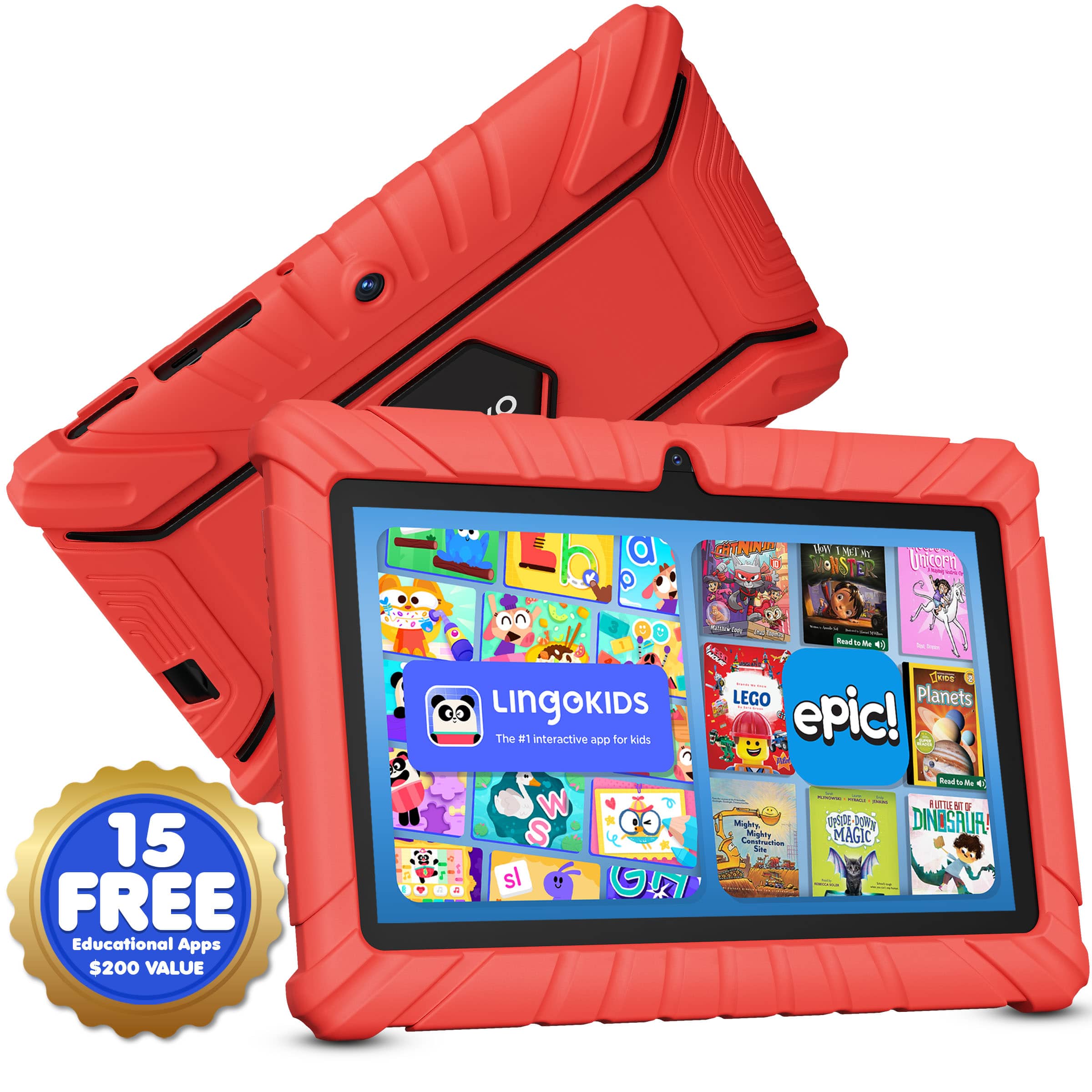
  10. Contixo - Kids Tablet 2026, 7" Android 13 Tablet, 32GB, Parental Controls, Learning Apps & Shockproof Case - Purple

    SKU: JXK4Z3Y7WC

    Product Description

    A purple kids' tablet with parental controls, shockproof case, and educational apps for safe, creative learning.
    See all Kids' Tablets
    Your price for this item is $59.99
Affordable tablets for kids bring reading, creative play, and everyday learning into a portable touchscreen format that can move from the kitchen table to the back seat. A child might trace letters with a fingertip, listen to a narrated story, practice multiplication, or make a stop-motion movie with a collection of toy animals. The most useful features depend on those everyday activities: a comfortable screen size for reading, enough storage for downloaded content, dependable battery life, and parental controls that fit the household’s routines. Younger children often benefit from a simple home screen with large icons and a small selection of familiar apps, while older kids may need access to school websites, digital library books, and tools for writing or drawing. Screen dimensions affect both visibility and handling. A smaller tablet can be easier to carry between rooms, but the weight and width of the device with its case attached matter more than the display measurement alone. A larger screen gives illustrated books, puzzles, and video calls more breathing room, especially when the tablet rests on a stand rather than in a child’s hands. Clear text, responsive touch controls, and adjustable brightness help make everyday use more comfortable; screen resolution is only one part of that experience. For a child who likes sketching, stylus compatibility deserves attention because a basic touchscreen stylus does not provide the same precision or features as an active pen supported by the device. Cameras and microphones can support family calls and classroom activities, though permissions should match how the tablet will be used. During the cooler months, a tablet can also become a shared activity for siblings listening to an audiobook or a parent and child following an indoor craft demonstration. Intended use matters more than an extensive feature list: reading picture books, streaming cartoons, and completing browser-based assignments place different demands on a device.

Kids’ tablets also need to fit the less orderly parts of family life, from a crowded backpack to a couch cushion that becomes an accidental launching pad. Many tablets combine a glass screen with a plastic or metal body, and protective accessories can make those surfaces easier to grip and less exposed to everyday bumps. A snug silicone or rubberized bumper case provides cushioning around the edges, while reinforced corners and a raised rim can help reduce contact between the screen and a flat surface. No case makes a tablet indestructible, and protection claims should be checked against the manufacturer’s stated testing and limitations. Collections such as Durable Tablets for Kids are relevant to households where sturdy construction and protective designs are a priority. Case fit is specific to the device: camera openings, charging ports, speakers, and buttons need to remain accessible, and a loose cover can interfere with handling. A built-in handle may help smaller hands carry a tablet, while a stable kickstand keeps it upright for a video call or hands-free viewing. On a desk, a stand can also keep the screen visible without requiring a child to hold it through an entire activity. A compatible screen protector may help limit scratches, but it is not a guarantee against cracked glass. Daily care is straightforward when it follows the manufacturer’s directions: power down before cleaning, use a soft lint-free cloth, and avoid spraying liquid directly onto the screen or ports. Tablets without a stated water-resistance rating should be kept away from spills, sinks, and damp bags. Charging cables need similar attention, with connectors handled by the plug rather than pulled by the cord. For travel, a separate padded compartment helps prevent keys, pencils, and snack containers from pressing against the display. These details matter for children receiving a first tablet as a birthday or holiday gift, particularly when a parent or caregiver will be responsible for setup, charging, and keeping the device ready for use.

Software and household settings shape the experience just as much as the hardware. Parental controls vary by operating system and device, but useful options may include separate child profiles, app approval, purchase restrictions, content filters, daily time limits, and scheduled downtime. Individual profiles are especially helpful when siblings share a tablet, allowing each child to have different permissions and age-appropriate content where supported. Filters are not a substitute for adult involvement, and a learning app is not automatically free of advertising, chat features, or links that lead elsewhere. App access also differs across tablet platforms, so compatibility with a school’s learning tools, a library’s borrowing app, or an existing family account matters before a device becomes part of the routine. Included content and account requirements vary; a tablet does not necessarily provide unrestricted access to every service shown on its screen. Storage capacity affects how many games, books, photos, and downloaded videos can stay on the device, and the space available for personal content is less than the advertised total because system software uses a portion. Some tablets accept compatible memory cards, although expandable storage does not necessarily support moving every app to the card. Performance depends on the processor, memory, and software together, with more demanding games and multitasking requiring more resources than basic reading. Battery estimates likewise depend on screen brightness, wireless connections, and the activity running, so streaming a movie may use power differently from reading an downloaded book. Offline access can be valuable on road trips or in waiting rooms, provided the content has been downloaded and tested beforehand. Headphone compatibility, speaker placement, and charging connections are practical details that become noticeable during everyday use. For shared spaces, properly configured volume-limiting headphones can help manage listening levels, though supervision and breaks still matter. Ongoing security updates and clear privacy settings support continued use as a child’s interests grow. A well-suited kids’ tablet leaves room for that growth while keeping the basics manageable: content that works, controls adults understand, and a physical design a child can comfortably use.

FAQ

When choosing a tablet for kids, consider features like parental controls, durable design, long battery life, and access to educational apps. Kid-friendly interfaces and content filters are also helpful for a safe and enjoyable experience.

Yes, many tablets designed for kids come with pre-installed educational games, e-books, and learning apps. Some brands also offer curated app stores or subscription services focused on age-appropriate educational content.

Absolutely! Kids' tablets are versatile devices that support both educational activities like reading and math games as well as entertainment options such as streaming videos, playing games, and listening to music.

Many affordable tablets for kids support popular streaming apps like YouTube Kids, Netflix, and Disney+, allowing children to watch their favorite shows under parental supervision.

Most tablets designed for children offer straightforward setup of parental controls. These controls allow parents to manage screen time, restrict app downloads, filter web content, and monitor usage through user-friendly settings.