Earbuds For iPad Air 2
-
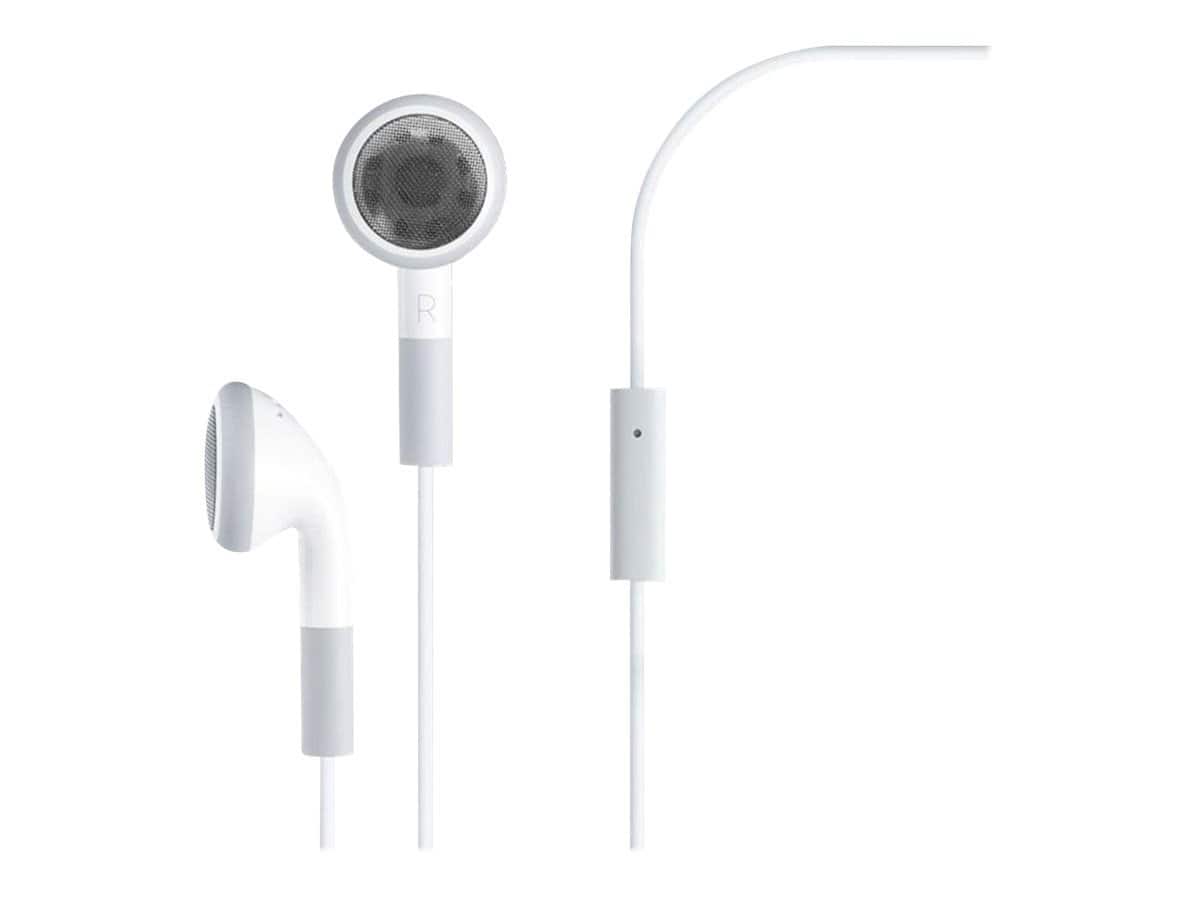
4XEM - Premium Earphones with Mic, Noise-Isolating Design, Compatible with Apple iPad 3rd Gen, iPad 1/2, iPhone, iPod - White
SKU: J3WXJXVSHZSee all Earbud & In-Ear HeadphonesProduct Description
A pair of white, wired in-ear earphones with built-in mic and noise-isolating design for Apple devices.Your price for this item is $22.38 -
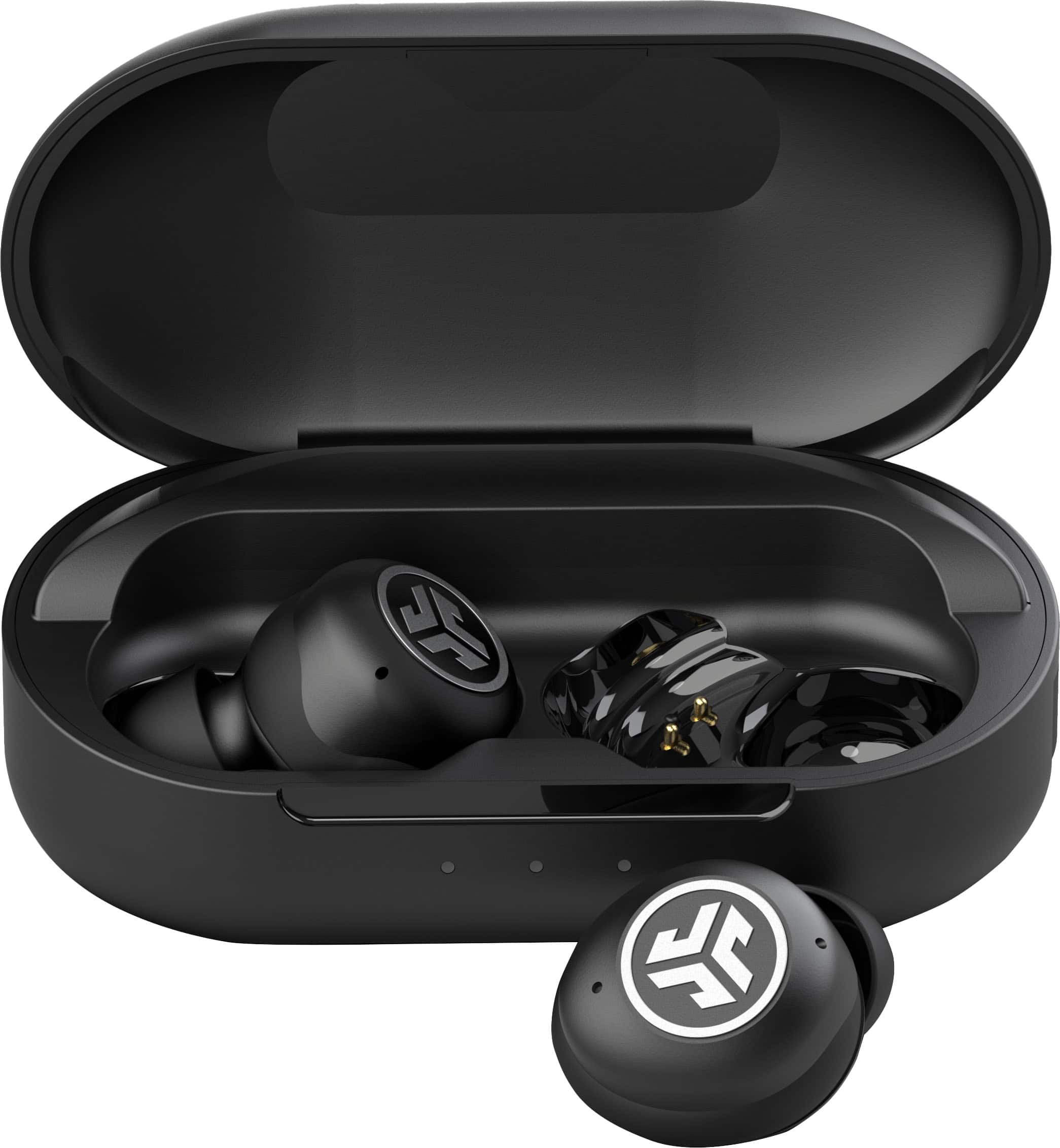
JLab - JBuds Air Pro True Wireless Earbuds - Black
SKU: J3LXRQKC4SBest ever takes a great charge....Best stocking stuffers EVER! Our whole family loves them and uses them daily. Great price
See all Earbud & In-Ear HeadphonesProduct Description
A pair of black true wireless earbuds with Bluetooth connectivity, built-in microphone, and all-day comfort.Your price for this item is $59.99 -
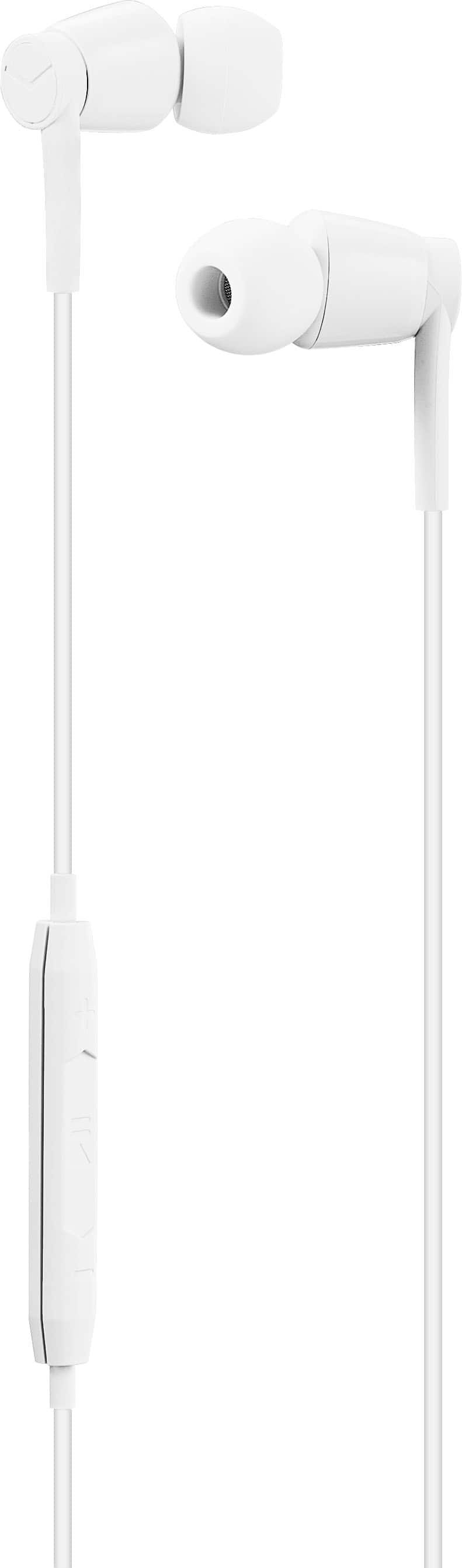
Insignia™ - Lightning Wired Earbud Headphones - White
SKU: J2FPJKPTR8Great...Great work better I got the best help that I need....Another Best Buy from Best Buy!...My earbuds from Best Buy work great! The sound is perfect and the stereo effects are superb!
See all Earbud & In-Ear HeadphonesProduct Description
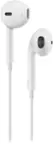
A pair of white in-ear wired earbuds with Lightning connector, water resistance, and built-in microphone.Your price for this item is $12.99Save $5The previous price was $17.99 -
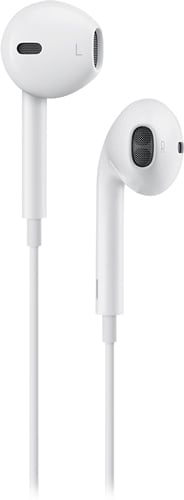
Apple - EarPods with 3.5mm Plug - White
SKU: JJ8XJG2435Works great, sound is fantastic...Love it....Love it
See all Earbud & In-Ear HeadphonesProduct Description
A pair of white wired in-ear headphones with built-in microphone, in-line remote, and water resistance.Your price for this item is $24.97
Best Sellers




Related Pages




FAQ
Most Bluetooth earbuds are compatible with the iPad Air 2, as it supports Bluetooth 4.0 and later. Simply pair your earbuds through the iPad’s Bluetooth settings for wireless audio.
Yes, you can use wired earbuds with the iPad Air 2 by plugging them into the 3.5mm headphone jack located at the top of the device.
Earbuds with built-in microphones are compatible with the iPad Air 2 and can be used for FaceTime, Zoom, and other calling apps.
To connect true wireless earbuds, enable pairing mode on your earbuds, then go to the iPad’s Bluetooth settings and select your earbuds from the list of available devices.
Many modern earbuds with built-in microphones support Siri activation, allowing you to use voice commands with your iPad Air 2 for hands-free control.