Stylus For iPad Air 2
-
Apple - Pencil (USB-C) - White
SKU: JJGCQXK6ZJWorks great love this purchase best pen for drawing /coloring ❤️❤️❤️...the best product, I reallylove it, I love best buy...i love best buy
See all Tablet Stylus PensProduct Description
A white stylus with USB-C charging, magnetic attachment, and broad iPad compatibility for seamless creativity.Your price for this item is $79.00 -
Insignia™ - Active Stylus for iPad, iPad Pro, iPad Air and iPad mini - White
SKU: J2FPJKS5Z3Product was great buy! I love shopping at Best Buy!...Love it...I love it... the best, easy to use. I just in love with my pen
See all Tablet Stylus PensProduct Description
A white active stylus offering precise control, tilt sensitivity, magnetic support, and fast USB-C charging for iPads.Your price for this item is $39.99 -
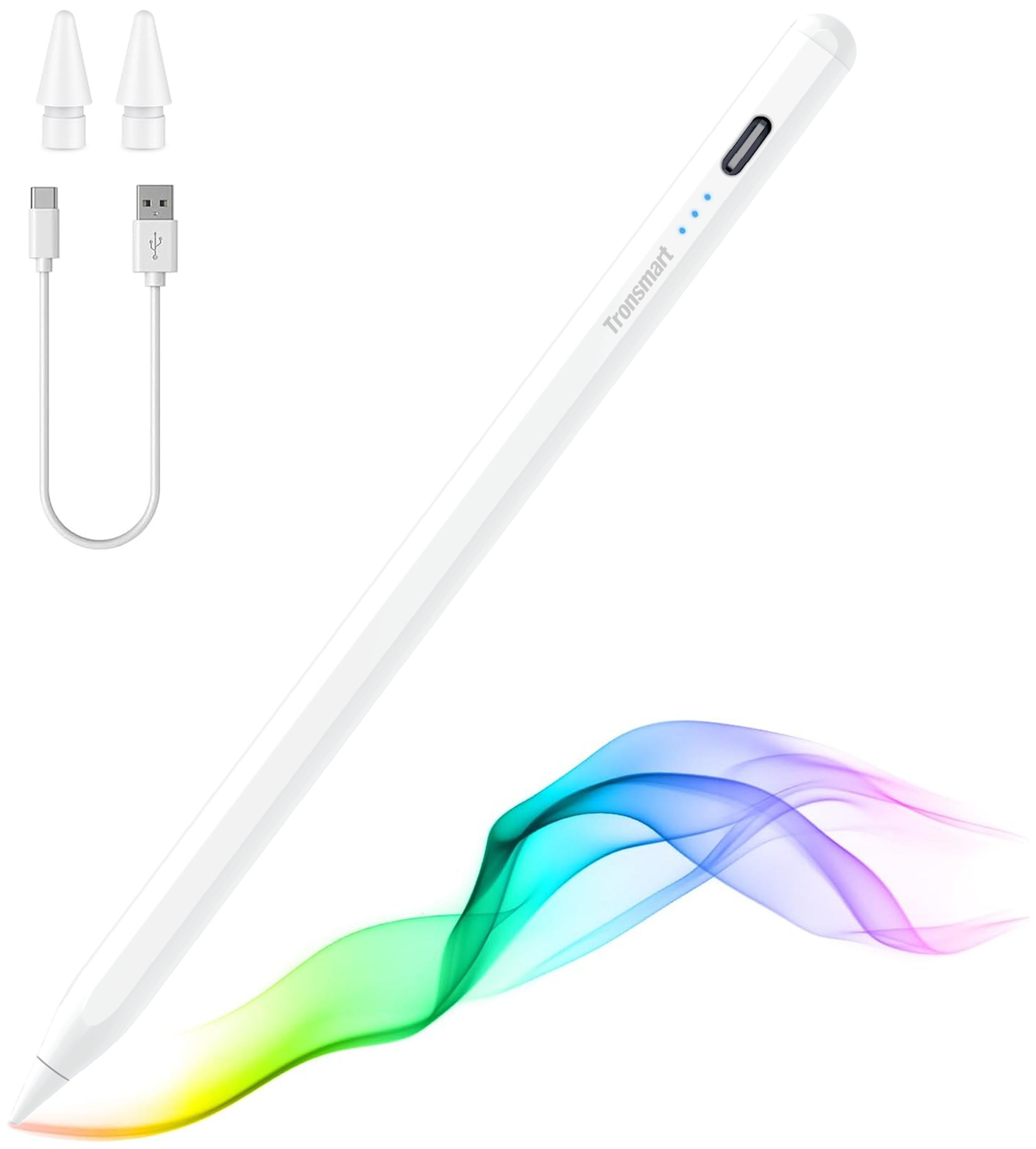
Tronsmart - Kreda 10 Active Stylus Pen, Digital Pencil for Apple iPad 2018-2025, iPad Pro, iPad Air & iPad mini, Tilt Sensitivity - White
SKU: CZT5C2RVZ6Love it...It works great. My daughter love to use it in her tablet...It’s lite and it holds great into my hand. So sheik when I use it. Just love it
See all Tablet Stylus PensProduct Description
A white aluminum alloy stylus with tilt sensitivity, palm rejection, and magnetic support for compatible iPads.Your price for this item is $19.99Save $5The previous price was $24.99 -
ZAGG - Pro Stylus 2 Active, Dual-Tip Pencil Stylus with Wireless Charging - Gray
SKU: J39Q4WZ65VLove this stylus, perfect for CAD and great price!...It a great pencil my grandson love it he have use the same kind before
See all Tablet Stylus PensProduct Description
A gray, dual-tip active stylus with wireless charging, tilt recognition, and palm rejection for iPad.Your price for this item is $59.74Save $20The previous price was $79.99 -
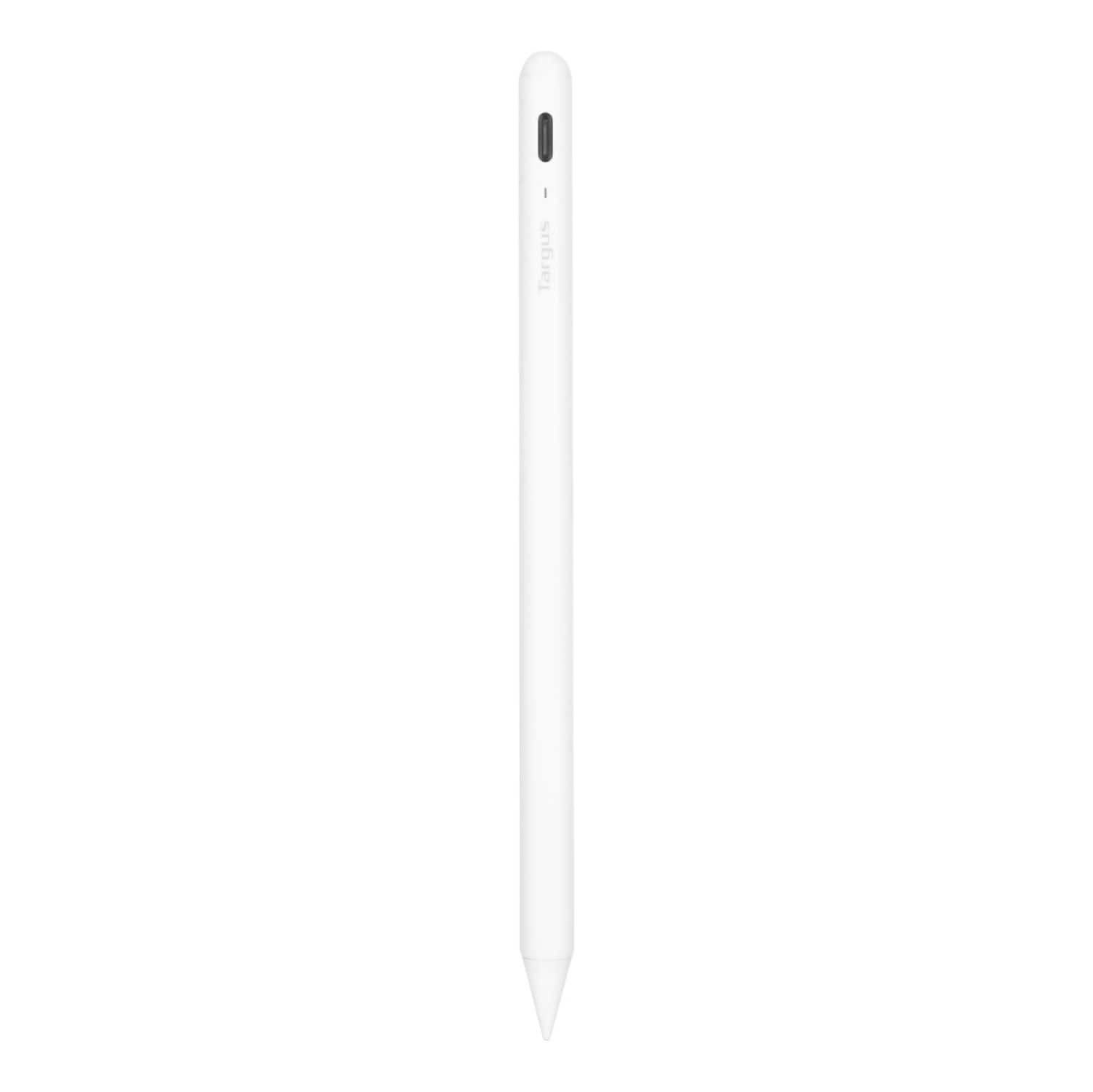
Targus - Antimicrobial Active Stylus for iPad - White
SKU: J7QXPVJWPLAlways Buy Best Buy!!...Great pen! Works great!! Go in the store ask the employees and Bam!!...Great option...Love this pen! Half the cost of Apple Pencil and works great!
See all Tablet Stylus PensProduct Description
A white antimicrobial stylus with palm rejection and a durable POM tip for smooth, accurate iPad use.Your price for this item is $28.99Save $41The previous price was $69.99 -
Apple - Pencil (2nd Generation) - White
SKU: JJ8XJYXX8CSee all Tablet Stylus PensProduct Description
A white wireless stylus that magnetically attaches, charges, and supports double-tap tool switching for iPad.Your price for this item is $134.49 -
ZAGG - Pro Stylus - Black
SKU: J39Q4WT6V5See all Tablet Stylus PensProduct Description
A black stylus with palm-rejection, eight-hour battery life, and Apple Pencil app compatibility for iPads.Your price for this item is $29.99





Best Sellers






Related Pages

FAQ
Many styluses designed for iPad Air 2 are also compatible with other iPad models, but compatibility can vary by brand and model. Always check the product details for specific compatibility information.
Yes, a stylus can be used for drawing, sketching, taking notes, and navigating apps on your iPad Air 2, making it a versatile tool for both creative and productivity tasks.
Some styluses for iPad Air 2 are passive and do not require batteries, while others are active and may need charging or batteries for additional features like palm rejection or pressure sensitivity.
Key features to consider include palm rejection, pressure sensitivity, tilt support, fine tip accuracy, and comfortable grip to enhance your experience while using the stylus with your iPad Air 2.
Most apps that accept touch input will work with a stylus, but some creative or note-taking apps are optimized for advanced stylus features, so check app specifications for best results.