iPad Mini Stylus
-
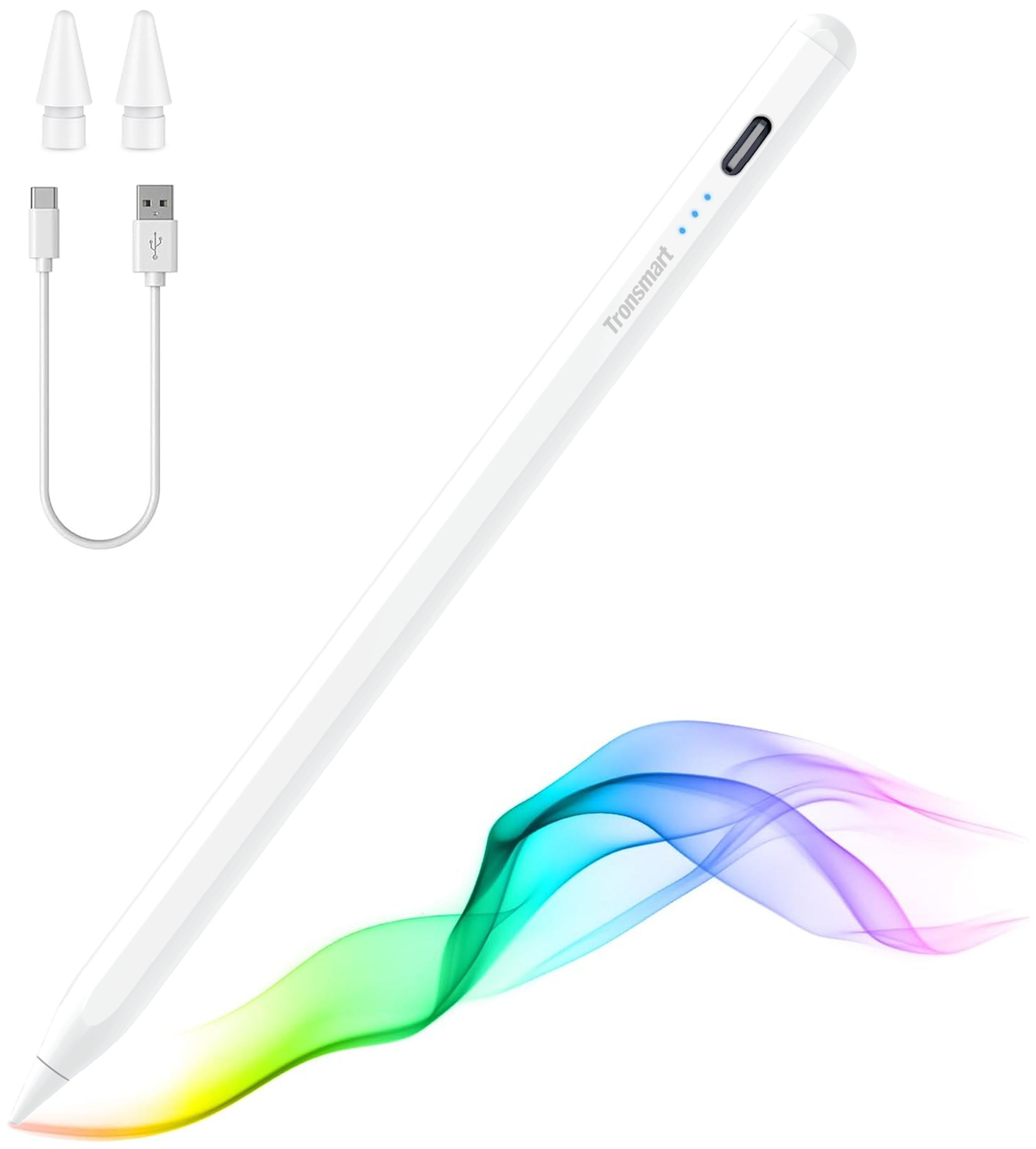
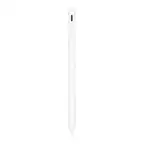
Tronsmart - Kreda 10 Active Stylus Pen, Digital Pencil for Apple iPad 2018-2025, iPad Pro, iPad Air & iPad mini, Tilt Sensitivity - White
SKU: CZT5C2RVZ6Love it...It works great. My daughter love to use it in her tablet...It’s lite and it holds great into my hand. So sheik when I use it. Just love it
See all Tablet Stylus PensProduct Description
A white aluminum alloy stylus with tilt sensitivity, palm rejection, and magnetic support for compatible iPads.Your price for this item is $19.99Save $5The previous price was $24.99 -
Insignia™ - Active Stylus for iPad, iPad Pro, iPad Air and iPad mini - White
SKU: J2FPJKS5Z3Product was great buy! I love shopping at Best Buy!...Love it...I love it... the best, easy to use. I just in love with my pen
See all Tablet Stylus PensProduct Description
A white active stylus offering precise control, tilt sensitivity, magnetic support, and fast USB-C charging for iPads.Your price for this item is $39.99 -
Insignia™ - Slim Stylus for Smartphones, Tablets and More - White
SKU: J2FPJKP5YGThis is the best product ever I really love this t...This is the best product ever I really love this the best product to own...Great Purchase! Needed it for my new Best Buy Samsung Tablet!
See all Tablet Stylus PensProduct Description
A slim white aluminum stylus with a sensitive silicone tip for smooth, smudge-free touchscreen use.Your price for this item is $9.99 -
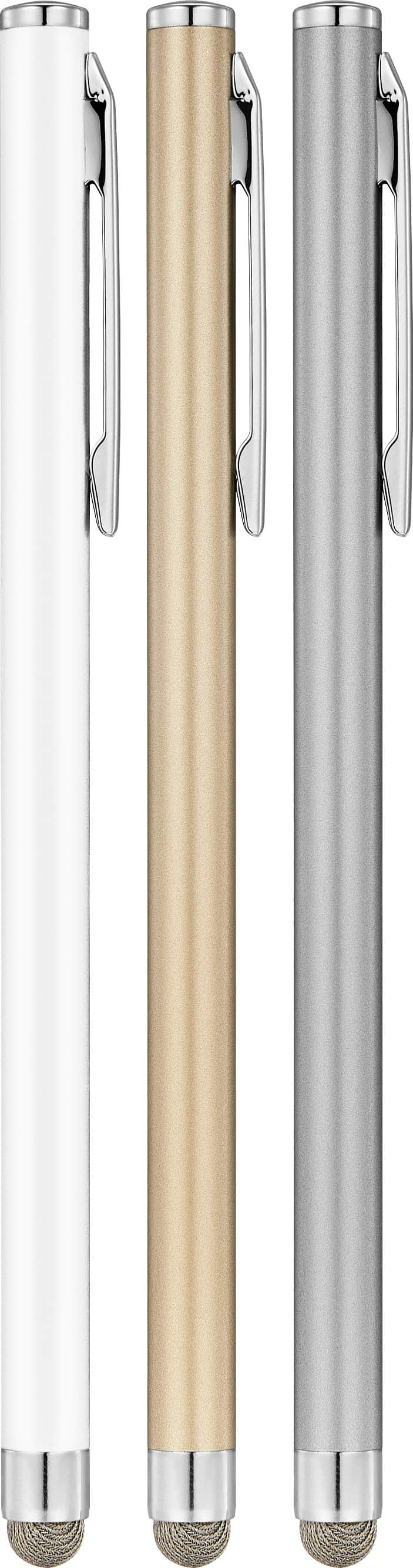
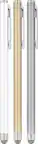
Insignia™ - Slim Stylus for Smartphones, Tablets and More (3-Pack) - Multicolor
SKU: J2FPJKP5P8I love best buy...Best Buy is the best to buy any the thing and I love to buy from there...Love this slim stylus pen. Versital for tablets and cell phones. Best price I have found
See all Tablet Stylus PensProduct Description
A multicolor aluminum stylus 3-pack with silicone tips for smooth, scratch-free use on touchscreens.Your price for this item is $19.99 -
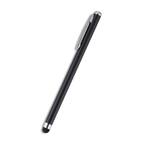
ZAGG - Pro Stylus - Black
SKU: J39Q4WT6V5See all Tablet Stylus PensProduct Description
A black stylus with palm-rejection, eight-hour battery life, and Apple Pencil app compatibility for iPads.Your price for this item is $29.99 -
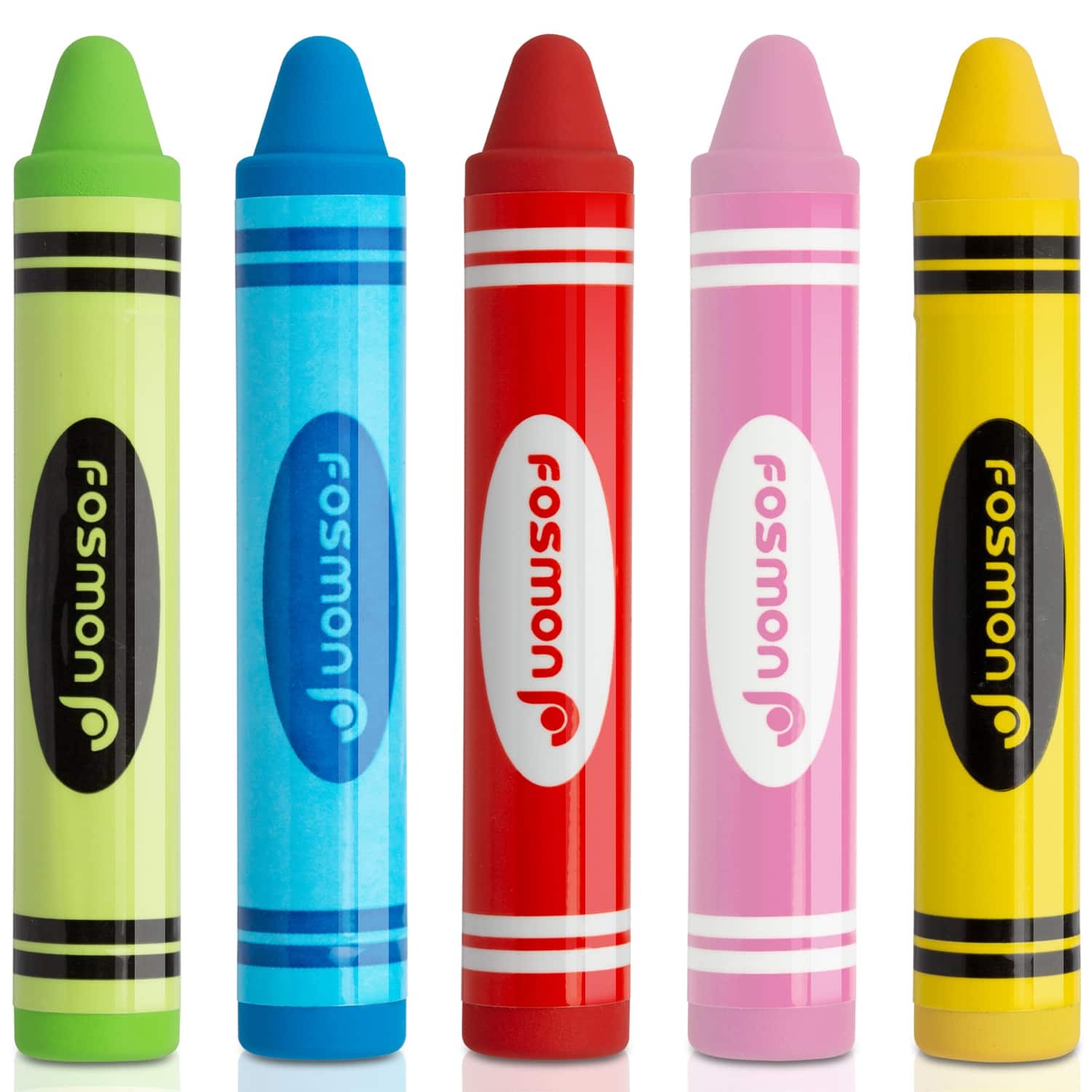
Fosmon - 5x Kids Crayon Stylus Pen for Tablet iPad Kindle, Universal Stylus Pen for Kids, Kid Friendly Stylus Pen for Touchscreen - Multi
SKU: J3KCTSRQ9SThey work super easy I love that they are thick so they are easy for kids even adults to grip onto....Love the colors!!great value also they work on all different devices!!...Love these! My kids are super...
See all Tablet Stylus PensProduct Description
A set of five vibrant, kid-friendly crayon stylus pens with soft rubber tips for universal touchscreen use.Your price for this item is $12.99Save $2The previous price was $14.99 -
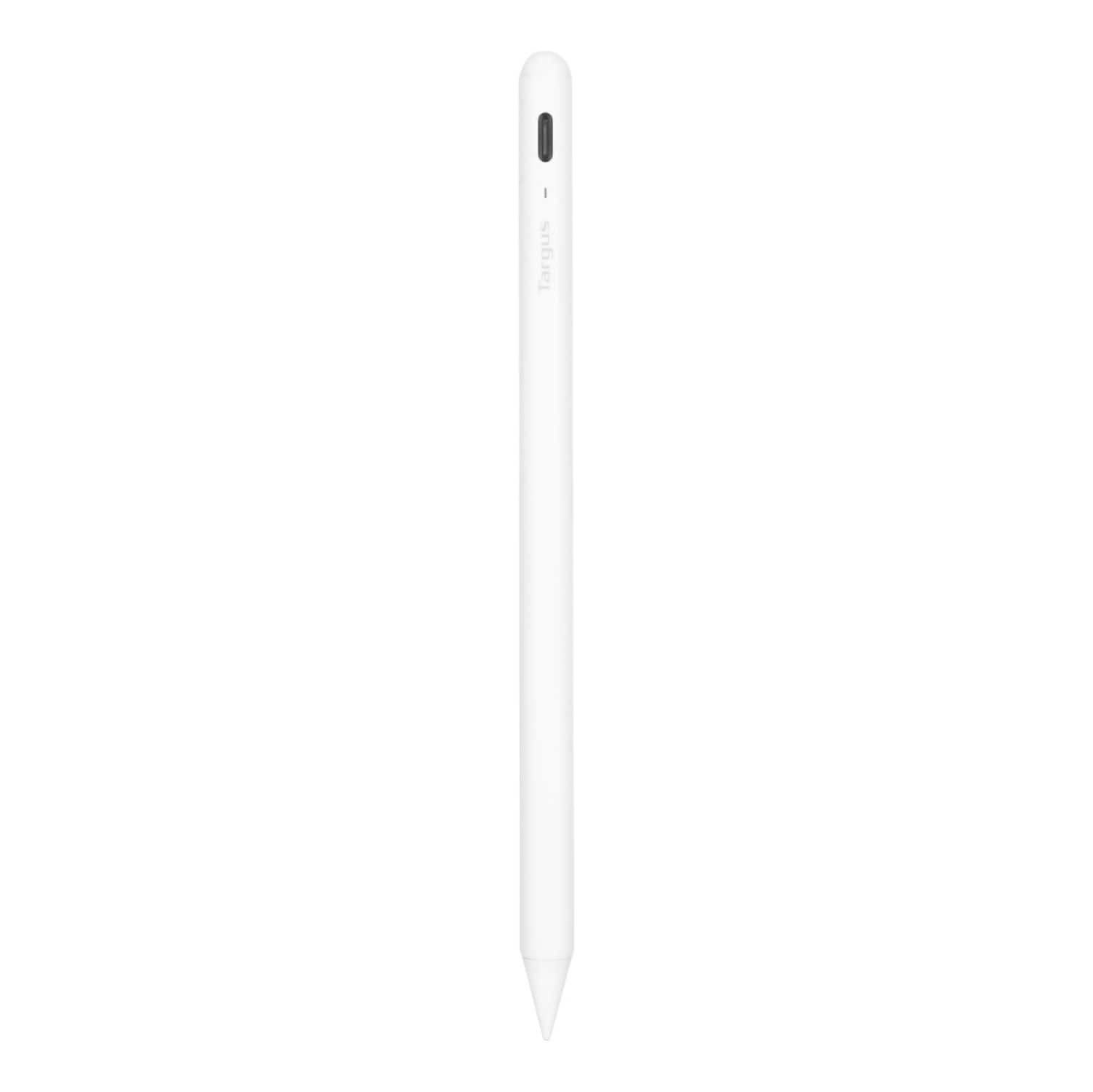
Targus - Antimicrobial Active Stylus for iPad - White
SKU: J7QXPVJWPLAlways Buy Best Buy!!...Great pen! Works great!! Go in the store ask the employees and Bam!!...Great option...Love this pen! Half the cost of Apple Pencil and works great!
See all Tablet Stylus PensProduct Description
A white antimicrobial stylus with palm rejection and a durable POM tip for smooth, accurate iPad use.Your price for this item is $28.99Save $41The previous price was $69.99



Best Sellers






Related Pages


FAQ
Many styluses designed for the iPad Mini are also compatible with other iPad models, especially if they use capacitive touch technology. However, features like pressure sensitivity or palm rejection may vary depending on the stylus and iPad model. Always check the product specifications for compatibility details.
Some styluses are passive and do not require batteries or charging, while others, particularly those with advanced features like Bluetooth connectivity or pressure sensitivity, may need to be charged or use batteries. Product descriptions will specify the power requirements.
Yes, iPad Mini styluses are ideal for both drawing and note-taking apps. Many styluses offer fine tips and palm rejection, making them suitable for creative and productivity tasks on your iPad Mini.
Key features to consider include tip precision, palm rejection, pressure sensitivity, Bluetooth connectivity, and compatibility with your preferred apps. Some styluses also offer shortcut buttons or magnetic attachment.
To connect a Bluetooth stylus, turn on the stylus and enable Bluetooth on your iPad Mini. Then, follow the pairing instructions provided by the stylus manufacturer, usually found in the product manual or app.