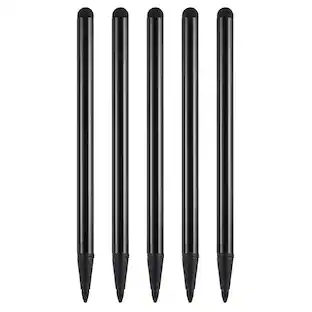
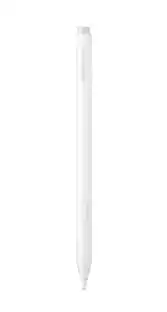
Apple - Pencil (USB-C) - White
Customers are saying
Customers frequently mention that this product delivers exceptional overall performance, ease of use, and impressive battery life. Users also appreciate its sleek, lightweight design and the convenience of quick charging and seamless connectivity. While the device is highly regarded for its responsiveness and compatibility, some users have noted concerns regarding the lack of pressure sensitivity, the durability of the tip, and the overall price point.
Features
EASY AND NATURAL—Write, sketch, and draw with pixel-perfect precision. Apple Pencil (USB-C) does it all with low latency and tilt sensitivity. Apple Pencil pairs and charges via USB-C and features a flat edge that attaches magnetically.
TRANSFORMS IPAD INTO A CANVAS—Draw, sketch, color, take notes, and mark up documents. Use built-in apps like Notes and Freeform, or choose from over a million more apps available on the App Store. And for pros, use Apple Pencil hover on iPad Pro (M4 and M5), iPad Air (M2, M3, and M4), and iPad mini (A17 Pro and A20 Pro) to preview your mark before you make it.*
Specifications
- Model CompatibilityApple iPad Pro (M5) 13" 2025, Apple iPad Pro (M5) 11" 2025, Apple iPad Pro (M4) 13" 2024, Apple iPad Pro (M4) 11" 2024, Apple iPad Pro (6th Generation) 12.9" 2022, Apple iPad Pro (5th Generation) 12.9" 2021, Apple iPad Pro (4th Generation) 12.9" 2020, Apple iPad Pro (3rd Generation) 12.9" 2018, Apple iPad Pro (4th Generation) 11" 2022, Apple iPad Pro (3rd Generation) 11" 2021, Apple iPad Pro (2nd Generation) 11" 2020, Apple iPad Pro (1st Generation) 11" 2018, Apple iPad Air (M4) 13" 2026, Apple iPad Air (M4) 11" 2026, Apple iPad Air (M3) 13" 2025, Apple iPad Air (M3) 11" 2025, Apple iPad Air (M2) 13" 2024, Apple iPad Air (M2) 11" 2024, Apple iPad Air (5th Generation) 10.9" 2022, Apple iPad Air (4th Generation) 10.9" 2020, Apple iPad (A16) 11" 2025, Apple iPad (10th Generation) 10.9" 2022, Apple iPad mini (A20 Pro) 2026, Apple iPad mini (A17 Pro) 2024, Apple iPad mini (6th Generation) 2021, Apple iPhone Duo
Reviews
Rating 4.7 out of 5 stars with 4535 reviews
- Overall Performance (1702)
- Ease of use (895)
- Battery Life (423)
- Connectivity (185)
- Charging Speed (167)
- Pressure Sensitivity (37)
- Tip Durability (20)
- Price (17)
Customer Images
The vast majority of our reviews come from verified purchases. Reviews from customers may include My Best Buy members, employees, and Tech Insider Network members (as tagged). Select reviewers may receive discounted products, promotional considerations or entries into drawings for honest, helpful reviews.

Compare similar products

An affordable Apple Pencil with advanced features. Perfect for note-taking, sketching, annotating, journaling, and more. It magnetically attaches to your iPad for storage and pairs and charges with USB-C. Apple Pencil USB-C works with iPad Pro 13-inch with M5 chip; iPad Pro 13-inch with M4 chip; iPad Pro 12.9-inch (3rd, 4th, 5th, and 6th generation); iPad Pro 11-inch with M5 chip; iPad Pro 11-inch with M4 chip; iPad Pro 11-inch (1st, 2nd, 3rd, and 4th generation); iPad Air 13-inch and iPad Air 11-inch with M4 chip; iPad Air 13-inch and iPad Air 11-inch with M3 chip; iPad Air 13-inch and iPad Air 11-inch with M2 chip; iPad Air (4th and 5th generation); iPad mini (A20 Pro chip); iPad mini (A17 Pro chip); iPad mini (6th generation); iPad (A16 chip); iPad (10th generation); and iPhone Duo.

Apple Pencil Pro adds even more magical capabilities to help bring your ideas to life. New advanced features make marking up, taking notes, and creating a masterpiece more intuitive than ever. Squeeze. Apple Pencil Pro can sense when you squeeze it and brings up a new palette so you can quickly switch tools, line weights, and colors, thanks to a new sensor. Barrel roll. A new gyroscope allows you to rotate the Apple Pencil Pro for precise control of shaped pen and brush tools. Haptic feedback. A custom haptic engine provides feedback that you can feel. When you squeeze or double-tap, a light pulse confirms the action. Apple Pencil hover. Preview exactly where your Apple Pencil will touch down on your display. So you can write, sketch, and illustrate with even greater precision. Double-tap.

Apple Pencil lets you easily take notes, mark up, and draw on iPad with pixel-perfect precision—as naturally as you do on paper. Apple Pencil (1st Generation) works with iPad Pro 12.9-inch (1st and 2nd generation); iPad Pro 10.5-inch; iPad Pro 9.7-inch, iPad Air (3rd generation); iPad (A16 chip); iPad (6th, 7th, 8th, 9th and 10th* generation - *requires USB-C to Apple Pencil Adapter); and iPad mini (5th generation).

The new Apple Pencil makes note-taking, writing, and drawing better than ever. It magnetically attaches to iPad Pro, charges wirelessly, and lets you change tools with a simple double tap. Apple Pencil (2nd generation) works with iPad Pro 12.9-inch (3rd, 4th, 5th, and 6th generation); iPad Pro 11-inch (1st, 2nd, 3rd, and 4th generation); iPad Air (4th and 5th generation); and iPad mini (6th generation).
| Pros for Apple - Pencil (USB-C) - White | |||
|---|---|---|---|
| Overall Performance, Ease of use, Battery Life, Connectivity, Charging Speed | Overall Performance, Battery Life, Connectivity, Ease of Use, Precision | Ease of use, Overall Performance, Battery Life, Compatibility, USB-C | Ease of use, Overall Performance, Compatibility, Battery Life, Charging |
| Cons for Apple - Pencil (USB-C) - White | |||
| Pressure Sensitivity, Price, Tip Durability | Price, Pressure Sensitivity, Weight, Grip, Compatibility | Grip, Weight, Design, Pairing | Price, Tip, Lag, Connection, Size |
Specs
Package deals that include this item
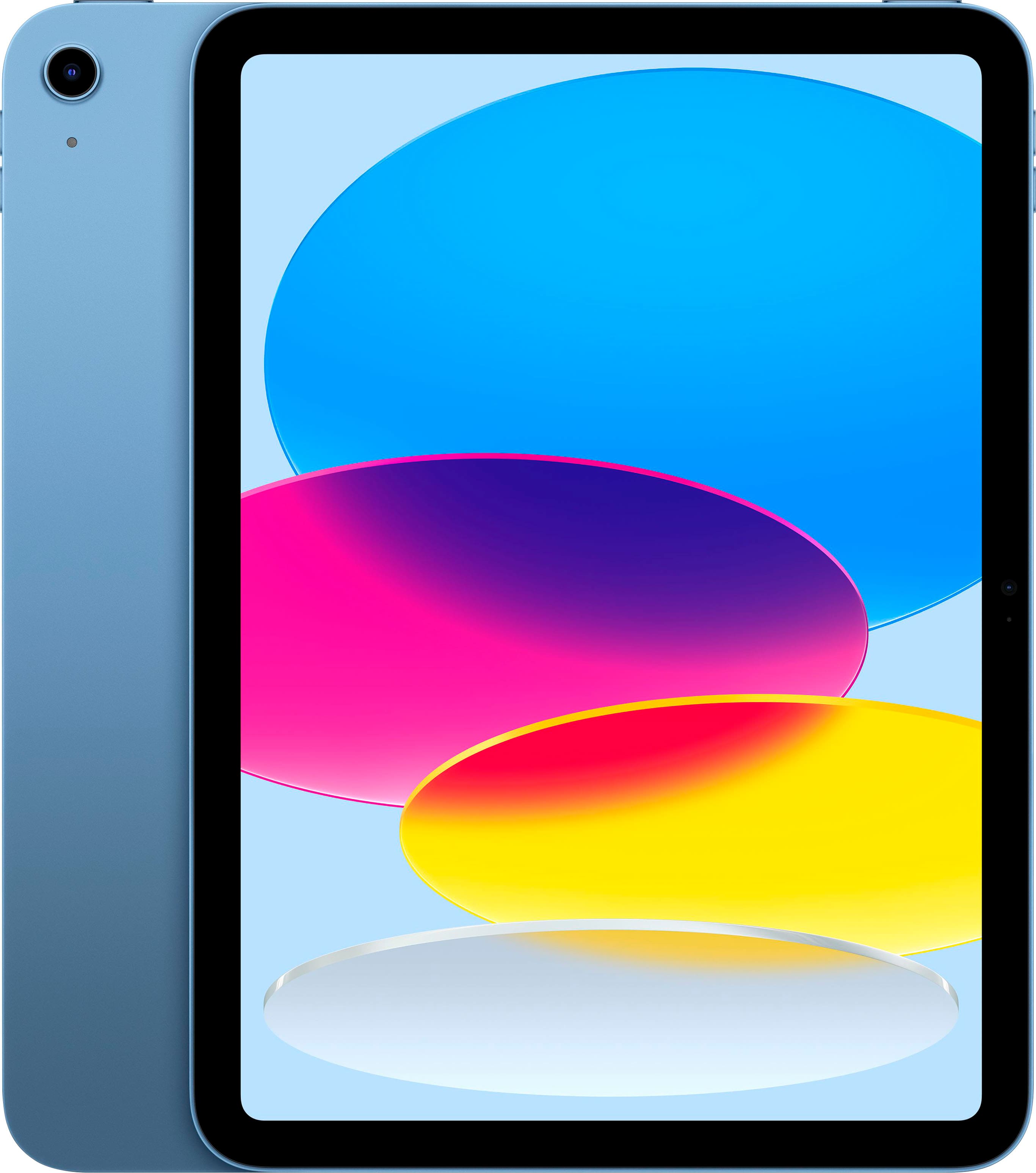

Customers often buy these together
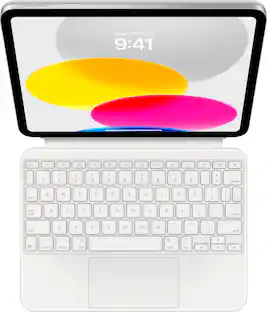
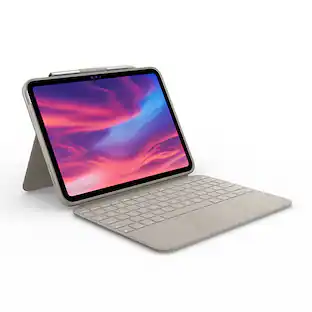
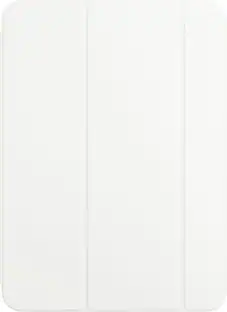
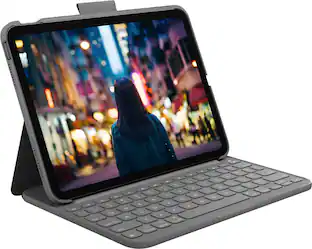
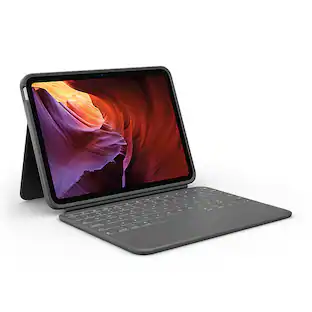
Logitech Combo Touch Keyboard and Trackpad Case for Apple iPad - Latest Model A16 chip and iPad 10th Gen with Detachable Keyboard
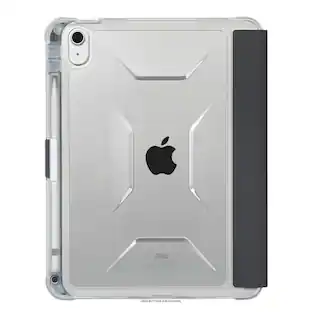
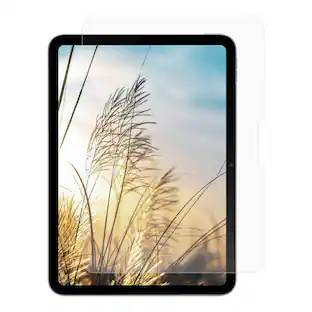
Holiday Deal$99.99The price was $159.99Targus Pro-Tek Clear Case for iPad 11"(A16) and iPad 10.9"(10th gen.)
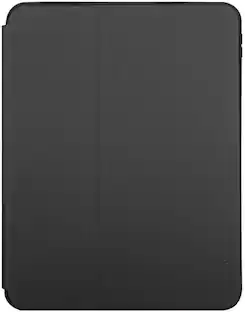
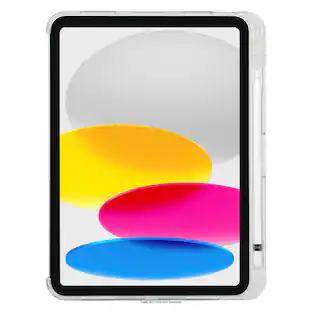
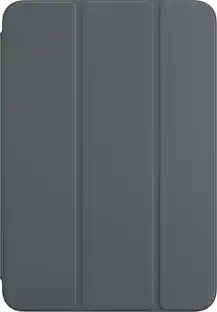
Clearance$34.99The price was $49.99Targus Click-In Case + Kickstand for iPad 11"(A16) and iPad 10.9"(10th gen.)
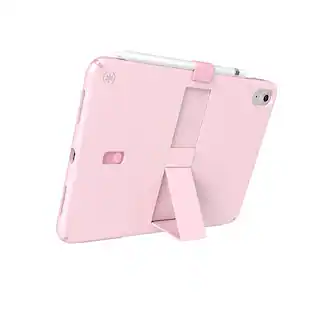
Clearance$31.99The price was $44.99


Customers ultimately bought
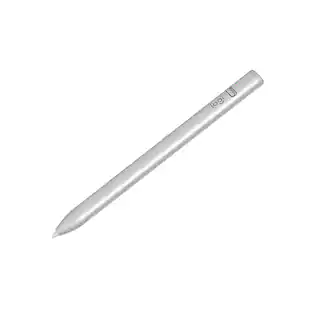
Logitech Crayon Digital Pencil for All Apple iPads (2018 releases and later) with USB-C ports
$29.00The price was $69.99Tronsmart Kreda 10 Active Stylus Pen, Digital Pencil for Apple iPad 2018-2025, iPad Pro, iPad Air & iPad mini, Tilt Sensitivity
Holiday Deal$16.99The price was $24.99









Explore tech essentials Sponsored
Discover related products
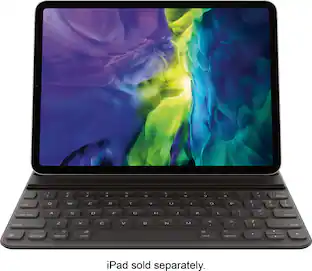
Apple Smart Keyboard Folio for 11-inch iPad Pro (1st Generation) (2nd Generation)
$89.99The price was $179.00GEEKOM Air12 Lite Mini PC, Intel Processor N95 Desktop Computer, 8GB DDR4 RAM & 256GB SSD, Windows 11 Pro Pre-installed
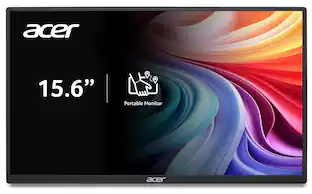
Holiday Deal$269.00The price was $599.00Acer PM161Q 15.6" Portable Monitor Full HD 1920x1080 IPS USB-C HDMI Refurbished
$47.58The price was $48.99





Keep exploring
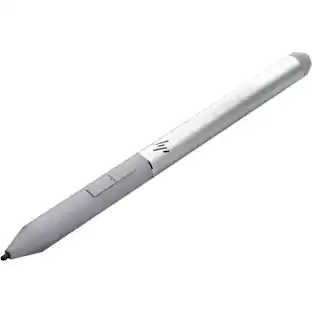
HP Rechargeable Active Pen G3 - Bluetooth - 70.9 mil - Active - Replaceable Stylus Tip - Notebook Device
$68.00The price was $125.51