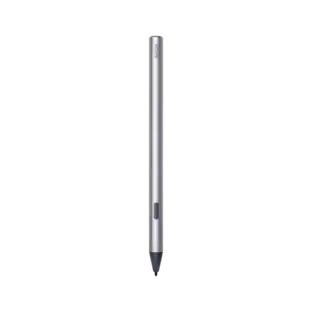
Apple - Pencil (1st Generation) with USB-C to Pencil Adapter - White
Customers are saying
Customers are enthusiastic about the product's ease of use, reliable performance, and impressive battery life, which make it a highly favored tool for drawing and writing. Users frequently highlight its broad compatibility, fast charging capabilities, and accurate pressure sensitivity as standout features. While the device is generally well-regarded, some users have noted minor concerns regarding its physical design, grip, and occasional connectivity or pairing difficulties. Overall, the product is praised for its functionality and value, despite a few reports of it being somewhat heavy or slippery to handle.
Pairing and charging via Lightning
Pixel-perfect precision
Tilt and pressure sensitivity
Imperceptible lag
Compatible With
iPad Pro 12.9-inch (1st and 2nd generation), iPad Pro 10.5-inch, iPad Pro 9.7-inch, iPad (A16 chip), iPad (6th, 7th, 8th, 9th and 10th* generation - *requires USB-C to Apple Pencil Adapter), iPad Air (3rd generation), and iPad mini (5th generation)
- Model CompatibilityApple iPad Pro (2nd Generation) 12.9" 2017, Apple iPad Pro (1st Generation) 12.9" 2015, Apple iPad Pro 10.5", Apple iPad Pro 9.7", Apple iPad Air (3rd Generation) 10.5" 2019, Apple iPad (A16) 11" 2025, Apple iPad (10th Generation) 10.9" 2022, Apple iPad (9th Generation) 10.2" 2021, Apple iPad (8th Generation) 10.2" 2020, Apple iPad (7th Generation) 10.2" 2019, Apple iPad (6th Generation) 9.7" 2018, Apple iPad mini (5th Generation) 2019
Reviews
Rating 4.7 out of 5 stars with 3810 reviews
- Ease of use (1249)
- Overall Performance (696)
- Battery Life (266)
- Compatibility (172)
- USB-C (162)
- Connectivity (43)
- Design (13)
- Grip (12)
- Pairing (12)
- Weight (9)
Customer Images
The vast majority of our reviews come from verified purchases. Reviews from customers may include My Best Buy members, employees, and Tech Insider Network members (as tagged). Select reviewers may receive discounted products, promotional considerations or entries into drawings for honest, helpful reviews.
Compare similar products

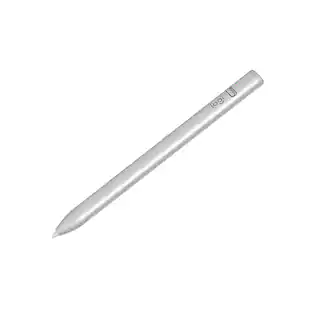
Apple Pencil lets you easily take notes, mark up, and draw on iPad with pixel-perfect precision—as naturally as you do on paper. Apple Pencil (1st Generation) works with iPad Pro 12.9-inch (1st and 2nd generation); iPad Pro 10.5-inch; iPad Pro 9.7-inch, iPad Air (3rd generation); iPad (A16 chip); iPad (6th, 7th, 8th, 9th and 10th* generation - *requires USB-C to Apple Pencil Adapter); and iPad mini (5th generation).

An affordable Apple Pencil with advanced features. Perfect for note-taking, sketching, annotating, journaling, and more. It magnetically attaches to your iPad for storage and pairs and charges with USB-C. Apple Pencil USB-C works with iPad Pro 13-inch with M5 chip; iPad Pro 13-inch with M4 chip; iPad Pro 12.9-inch (3rd, 4th, 5th, and 6th generation); iPad Pro 11-inch with M5 chip; iPad Pro 11-inch with M4 chip; iPad Pro 11-inch (1st, 2nd, 3rd, and 4th generation); iPad Air 13-inch and iPad Air 11-inch with M4 chip; iPad Air 13-inch and iPad Air 11-inch with M3 chip; iPad Air 13-inch and iPad Air 11-inch with M2 chip; iPad Air (4th and 5th generation); iPad mini (A17 Pro chip); iPad mini (6th generation); iPad (A16 chip); iPad (10th generation); and iPhone Duo.

Apple Pencil Pro adds even more magical capabilities to help bring your ideas to life. New advanced features make marking up, taking notes, and creating a masterpiece more intuitive than ever. Squeeze. Apple Pencil Pro can sense when you squeeze it and brings up a new palette so you can quickly switch tools, line weights, and colors, thanks to a new sensor. Barrel roll. A new gyroscope allows you to rotate the Apple Pencil Pro for precise control of shaped pen and brush tools. Haptic feedback. A custom haptic engine provides feedback that you can feel. When you squeeze or double-tap, a light pulse confirms the action. Apple Pencil hover. Preview exactly where your Apple Pencil will touch down on your display. So you can write, sketch, and illustrate with even greater precision. Double-tap.

The new Apple Pencil makes note-taking, writing, and drawing better than ever. It magnetically attaches to iPad Pro, charges wirelessly, and lets you change tools with a simple double tap. Apple Pencil (2nd generation) works with iPad Pro 12.9-inch (3rd, 4th, 5th, and 6th generation); iPad Pro 11-inch (1st, 2nd, 3rd, and 4th generation); iPad Air (4th and 5th generation); and iPad mini (6th generation).
| Pros for Apple - Pencil (1st Generation) with USB-C to Pencil Adapter - White | |||
|---|---|---|---|
| Ease of use, Overall Performance, Battery Life, Compatibility, USB-C | Overall Performance, Ease of use, Battery Life, Connectivity, Charging Speed | Overall Performance, Battery Life, Connectivity, Charging, Ease of Use | Ease of use, Overall Performance, Charging, Compatibility, Battery Life |
| Cons for Apple - Pencil (1st Generation) with USB-C to Pencil Adapter - White | |||
| Weight, Connectivity, Design, Grip, Pairing | Pressure Sensitivity, Tip Durability, Price | Price, Pressure Sensitivity, Tip Durability, Weight, Compatibility | Price, Tip, Lag, Connection, Size |
Specs
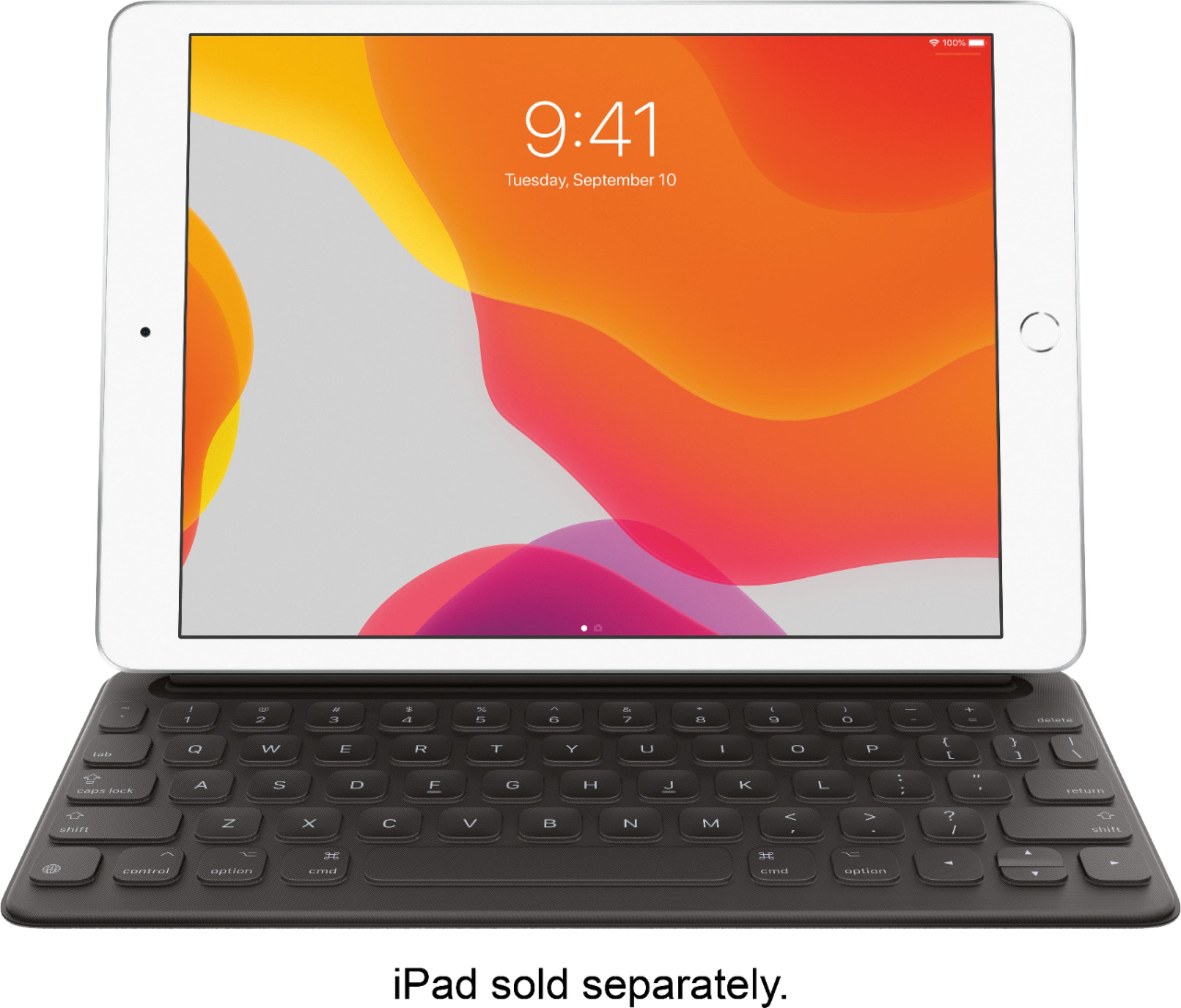

Customers often buy these together
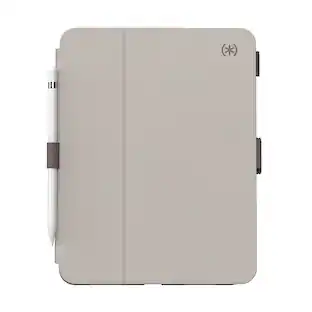 $38.99The price was $44.99

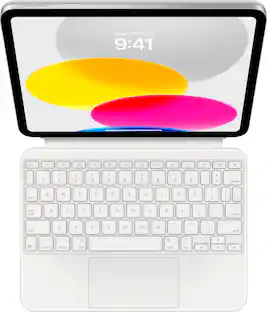
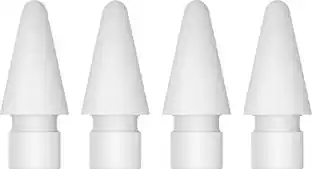
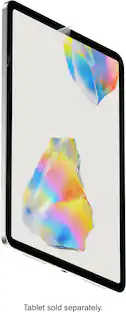

Customers ultimately bought
 Clearance$55.99The price was $69.99






Explore tech essentials Sponsored


Discover related products




Keep exploring
 $114.00The price was $125.51
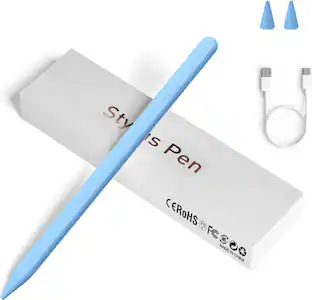 $31.99The price was $41.99
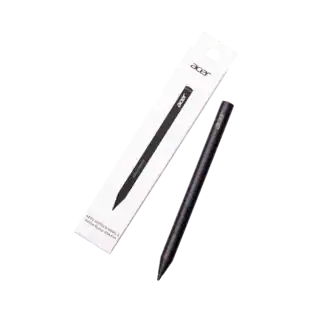 $99.99The price was $104.14