iPad For Drawing
-
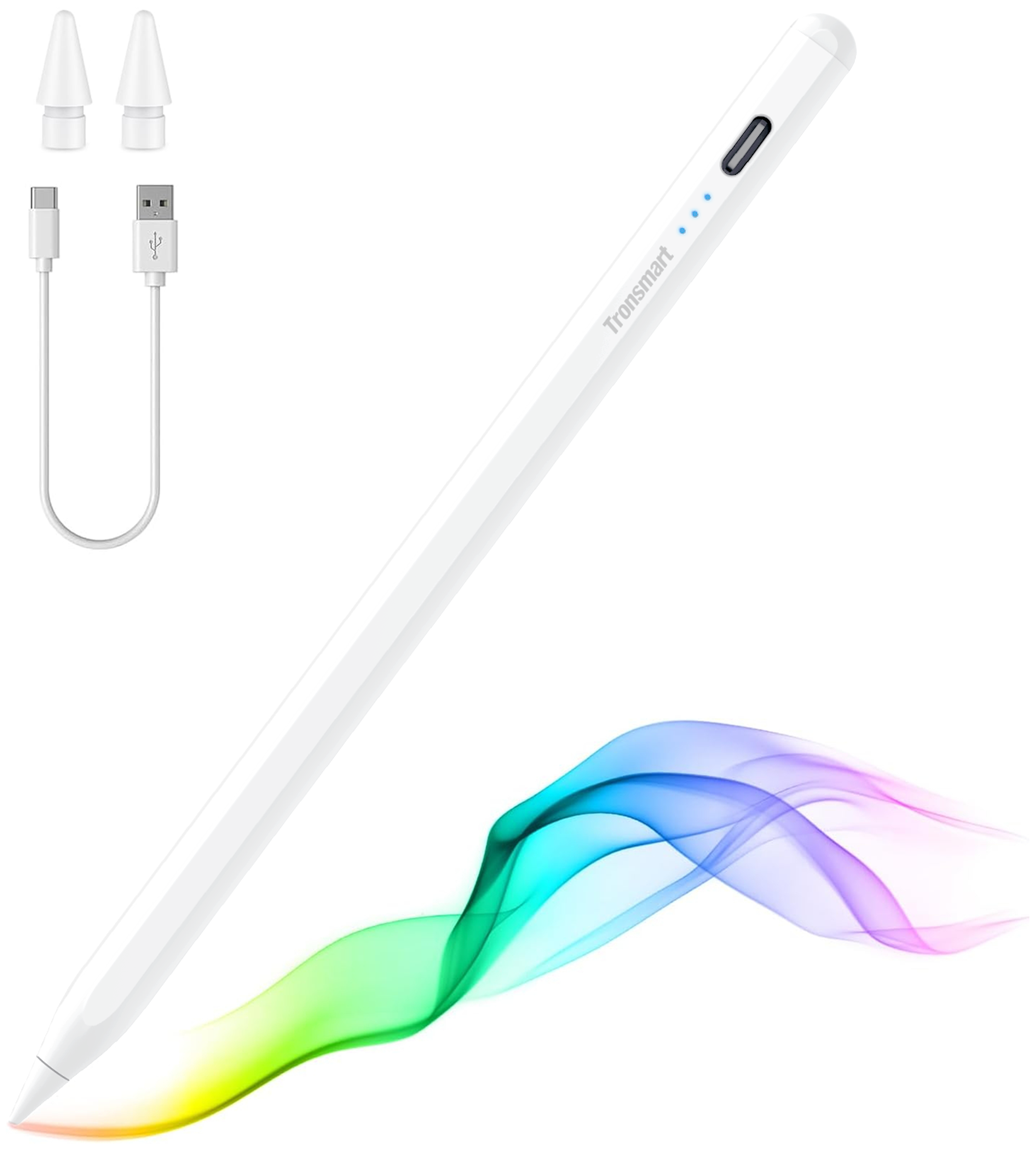
Tronsmart - Kreda 10 Active Stylus Pen, Digital Pencil for Apple iPad 2018-2025, iPad Pro, iPad Air & iPad mini, Tilt Sensitivity - White
SKU: CZT5C2RVZ6Love it...It works great. My daughter love to use it in her tablet...It’s lite and it holds great into my hand. So sheik when I use it. Just love it
See all Tablet Stylus PensProduct Description
A white aluminum alloy stylus with tilt sensitivity, palm rejection, and magnetic support for compatible iPads.Your price for this item is $19.99Save $5The previous price was $24.99 -
Wacom - MovinkPad 11, Android Mobile Drawing Tablet, 11.45" with Battery-Free Slim Pro Pen 3, 8GB RAM/128 GB Storage - Silver
SKU: JXFPXQRV78Best Art Tablet I’ve Ever Bought...I’m in love - The size and weight are perfect! It feels like you’re writing on paper....I love the Wacom-Moveink Pad 11/ It was a perfect gift for my niece who loves...
See all Drawing TabletsProduct Description
A lightweight silver Android tablet with 8GB RAM, 128GB storage, and a battery-free pen for effortless drawing.Your price for this item is $499.95 -
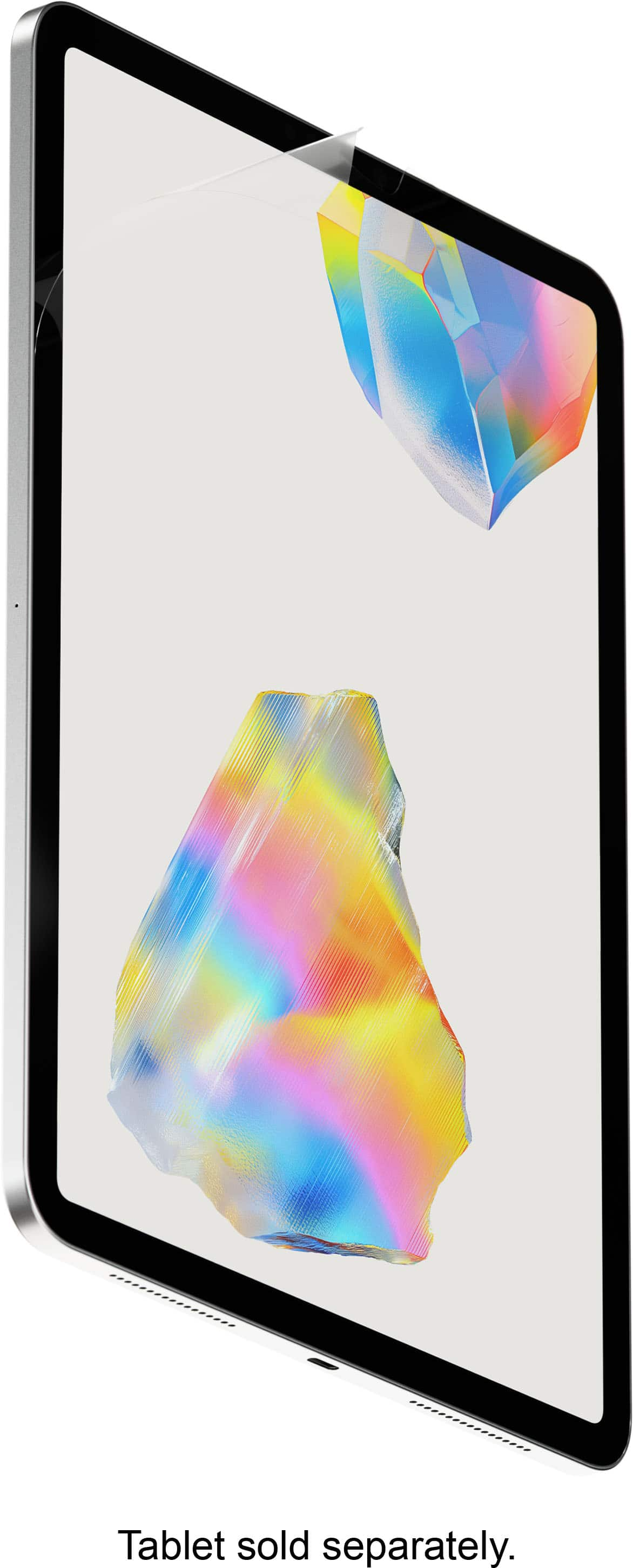
Paperlike - 3 Screen Protector 2-Pack - iPad 10.9" (10th Gen) & iPad 11" (A16) - Clear
SKU: J3R8KKHJYQDaughters love this for drawing on iPad, greatly appreciated...Great product...Best product
See all Tablet Screen ProtectorsProduct Description
A clear screen protector with Nanodots for enhanced tactile feedback and clarity when writing or drawing.Your price for this item is $49.99 -
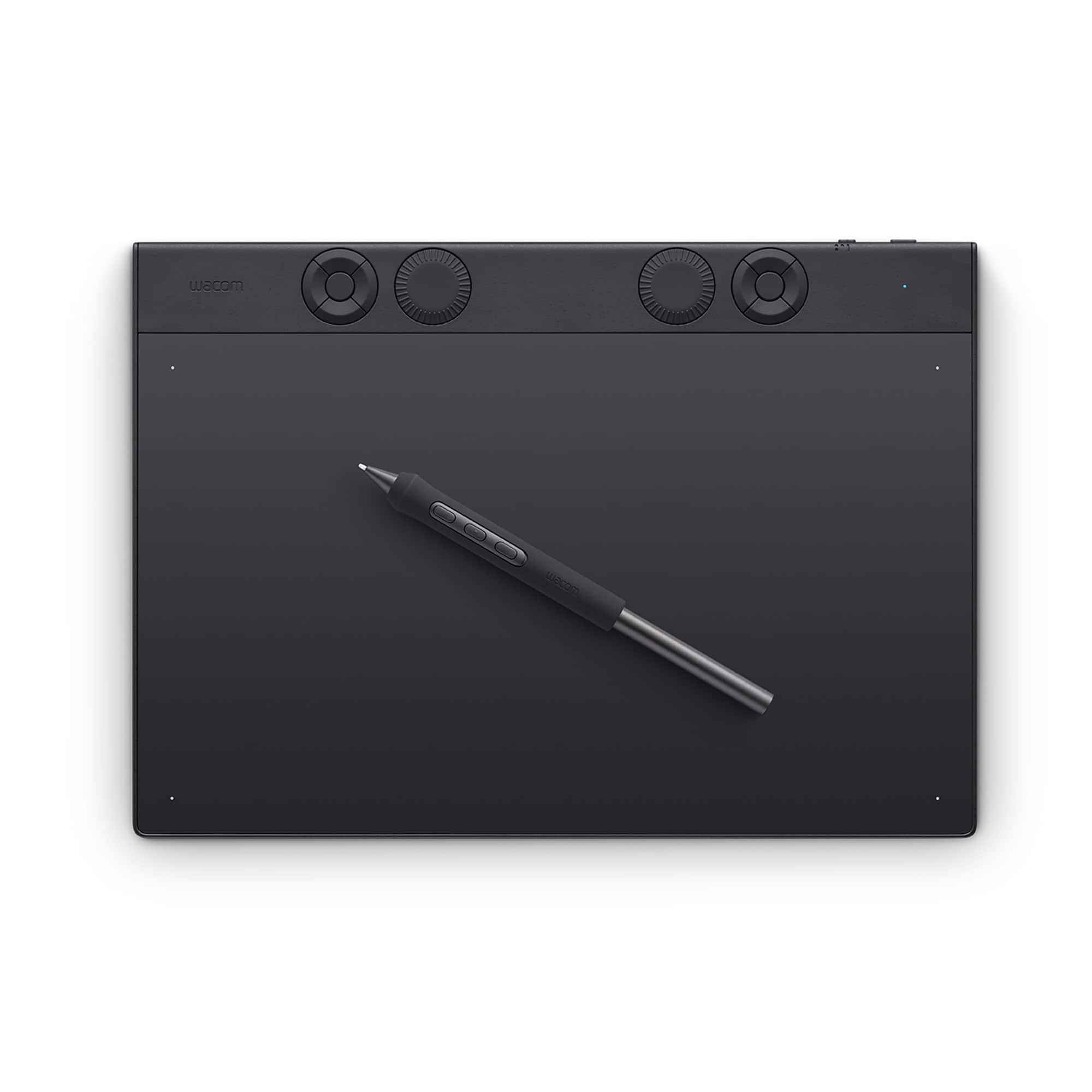
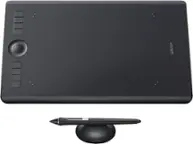
Wacom - Intuos Pro Medium Bluetooth Professional Graphic Drawing Tablet (2025) - Black
SKU: JXFPXQRV97I love it, great tablet, I use it for my class and other things....Love this wacom tablet....Great for 3d modeling....The tablet works well and I have great control over the pen tilt.
See all Drawing TabletsProduct Description
A professional black graphic drawing tablet featuring Bluetooth, customizable Pro Pen 3, and durable magnesium construction.Your price for this item is $379.95 -
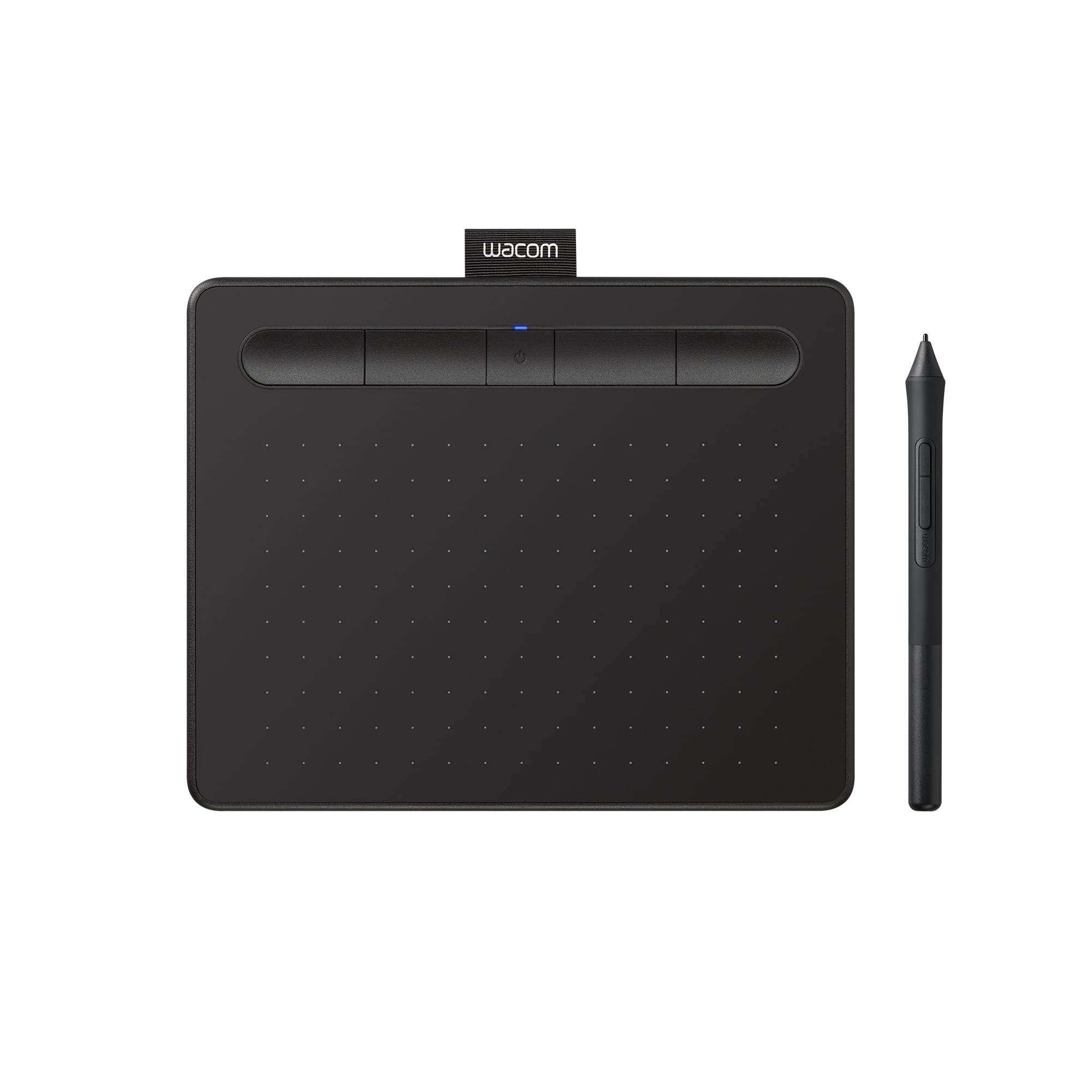
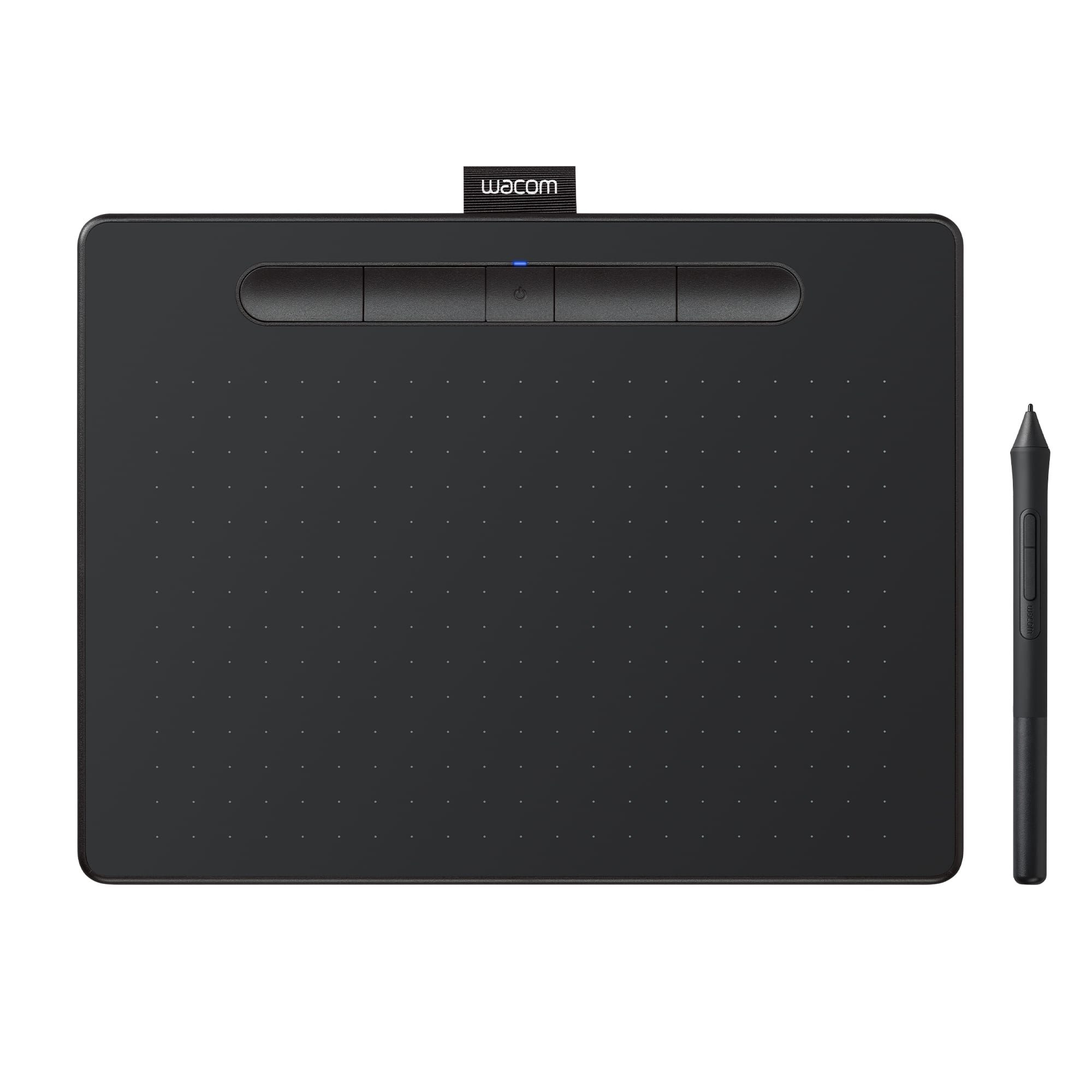
Wacom - Intuos Small Bluetooth Graphics Drawing Tablet, Includes Training & Software; Works w/ Chromebook Mac Android & Windows - Black
SKU: JXFPXQQ2VZGreat...Kids love. Great purchase. Checked out various products and concluded this was our best fit....Great Product...I love it. it is the best product to use when your editing your photos
See all Drawing TabletsProduct Description
A wireless black drawing tablet with pressure-sensitive pen, Bluetooth connectivity, and software for digital creativity.Your price for this item is $79.95 -
Insignia™ - Active Stylus for iPad, iPad Pro, iPad Air and iPad mini - White
SKU: J2FPJKS5Z3Product was great buy! I love shopping at Best Buy!...Love it...I love it... the best, easy to use. I just in love with my pen
See all Tablet Stylus PensProduct Description
A white active stylus offering precise control, tilt sensitivity, magnetic support, and fast USB-C charging for iPads.Your price for this item is $39.99 -
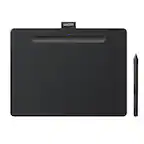
Wacom - Intuos Medium Bluetooth Graphics Drawing Tablet, Includes Training & Software; Works w/ Chromebook Mac Android & Windows - Black
SKU: JXFPXQQ2FGI love everything about my experience every time I go to Best Buy they directly to exactly what I need...This editing pad is the best of the best....Best Purchase...Love the Wacom tablet. I am glad my...
See all Drawing TabletsProduct Description
A wireless black graphic drawing tablet with pressure-sensitive pen, software included, and multi-device compatibility.Your price for this item is $129.95 -
Paperlike - 3 Screen Protector 2-Pack - iPad Pro 13" (M4/M5) & iPad Air 13" (M2/M3/M4) - Clear
SKU: J3R8KKHJYLBut after it was installed it is probably the very best screen protector I’ve ever used....Absolutely love it....Best paper type screen protector
See all Tablet Screen ProtectorsProduct Description
A clear screen protector with Nanodots for enhanced Apple Pencil control and a paper-like writing feel.Your price for this item is $49.99 -
Paperlike - 3 Screen Protector 2-Pack - iPad Air 11" (M2/M3/M4) - Clear
SKU: J3R8KKHJLCBest Screen Protector...Really surprised at how much I love this screen protector....I love the feel of it especially paired with my apple pencil and then it also functions as a glare protector...Best...
See all Tablet Screen ProtectorsProduct Description
A clear screen protector with Nanodots for enhanced tactile feedback and improved clarity when writing or drawing.Your price for this item is $49.99 -
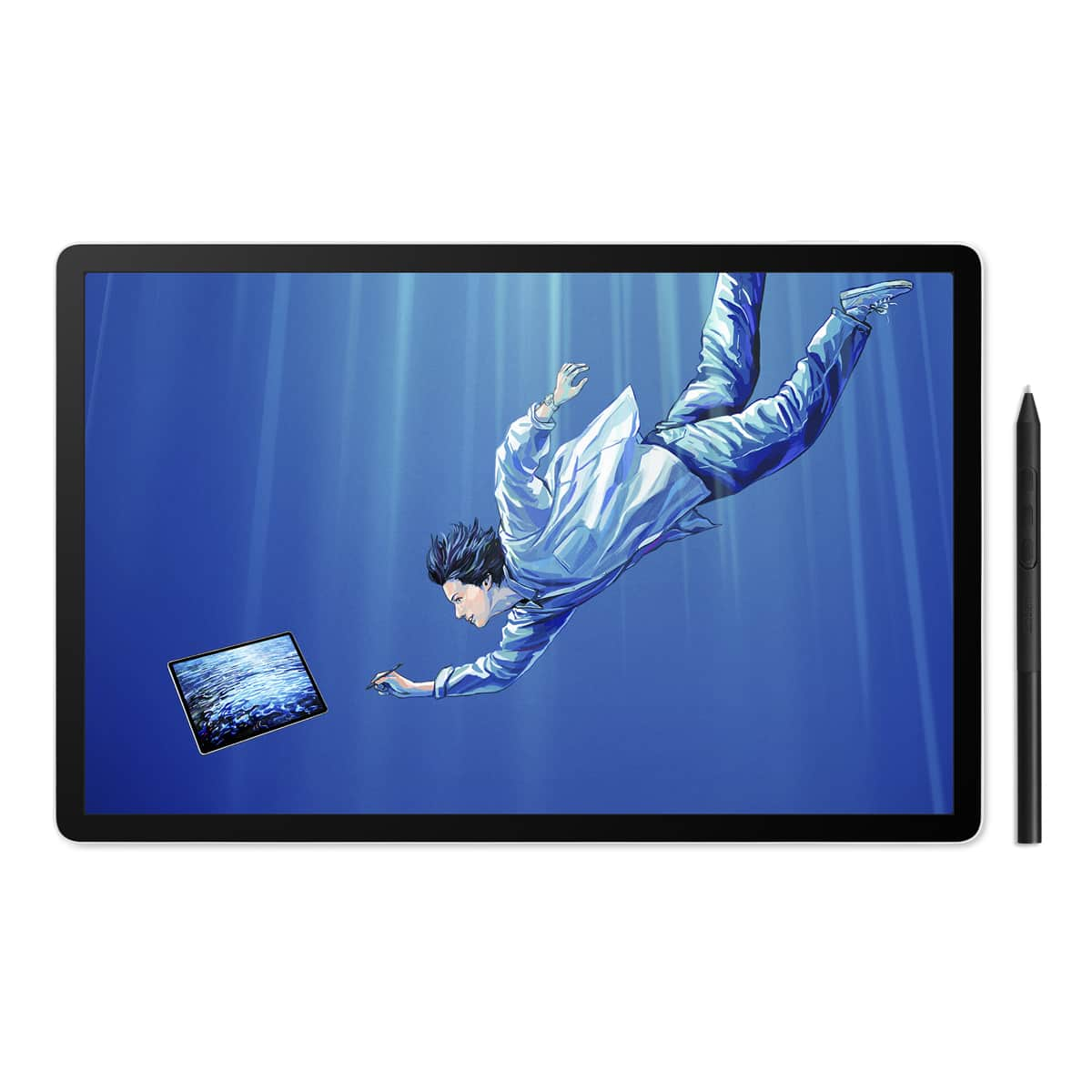
Wacom - MovinkPad Pro 14 14" OLED All-in-One Mobile Drawing Tablet - Light Gray
SKU: JXFPXQRFVVWacom the best...Love wacom. Been using similar product for decades. This one is great portable drawing pad....Quality and pressure sensitivity is great. Love the mobility.
See all Drawing TabletsProduct Description
A light gray portable all-in-one drawing tablet with 2.8K OLED display, Android 15, and pressure-sensitive pen.Your price for this item is $1,099.95


Best Sellers



Related Pages



FAQ
When choosing an iPad for drawing, consider features like Apple Pencil compatibility, display quality (such as Liquid Retina or ProMotion technology), processing power, and storage capacity to ensure smooth performance and ample space for your artwork.
Most recent iPad models, including the iPad Pro, iPad Air (3rd generation and later), iPad mini (5th generation and later), and standard iPad (6th generation and later), support either the 1st or 2nd generation Apple Pencil. Check the product details to confirm compatibility.
Yes, iPads support a wide range of professional drawing apps such as Procreate, Adobe Fresco, and Autodesk SketchBook, making them suitable for both hobbyists and professional artists.
iPads paired with Apple Pencil offer advanced palm rejection technology, allowing you to rest your hand on the screen while drawing without affecting your artwork.
Accessories like the Apple Pencil, screen protectors with a paper-like texture, adjustable stands, and keyboard cases can enhance your drawing experience by providing comfort, precision, and convenience.