iPad Accessories For Artists
-
Apple - Pencil (1st Generation) with USB-C to Pencil Adapter - White
SKU: JJGCQ8PHWJIt was great service and i love to shop in best buy...Best buy...It’s great never had one before but I love it it’s the best
See all Tablet Stylus PensProduct Description
A white stylus offering pixel-perfect precision for note-taking, drawing, and marking up on compatible iPad models.Your price for this item is $99.00 -
Insignia™ - Active Stylus for iPad, iPad Pro, iPad Air and iPad mini - White
SKU: J2FPJKS5Z3I love it... the best, easy to use. I just in love with my pen...Product was great buy! I love shopping at Best Buy!...Love it
See all Tablet Stylus PensProduct Description
A white active stylus offering precise control, tilt sensitivity, magnetic support, and fast USB-C charging for iPads.Your price for this item is $39.99 -
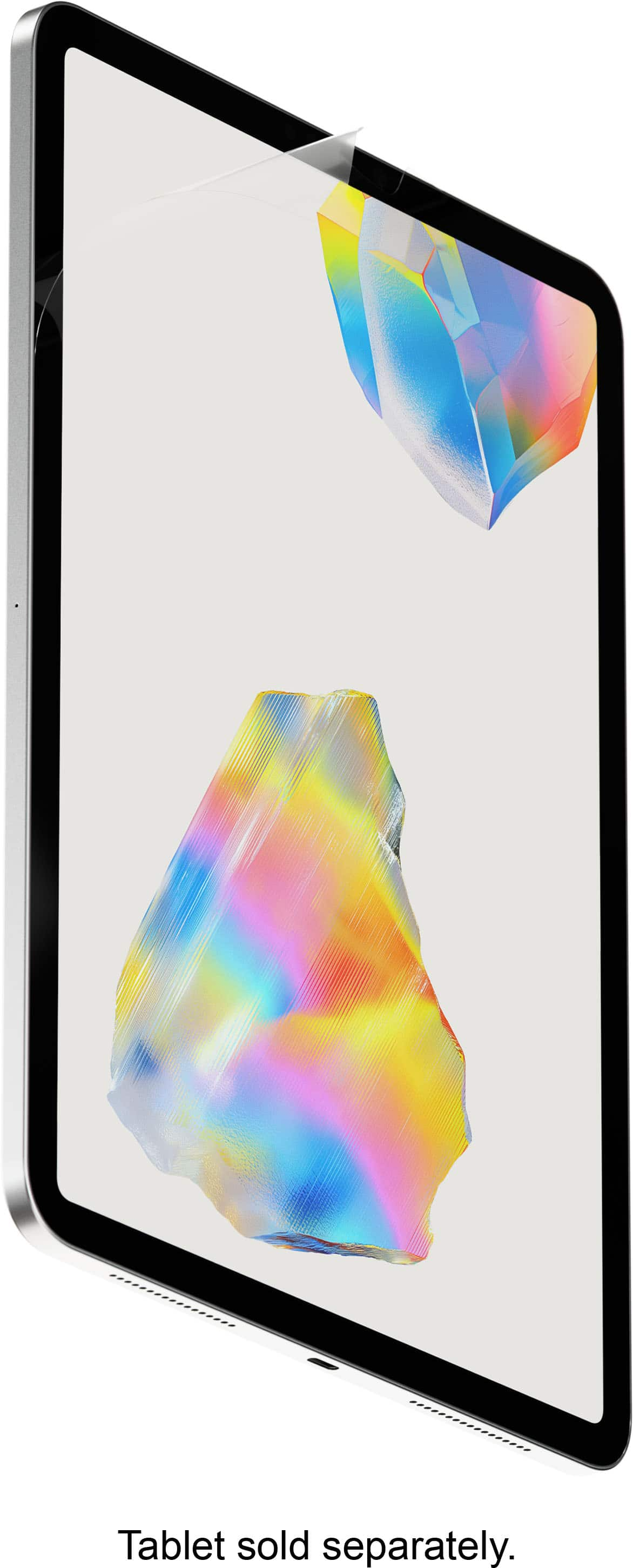
Paperlike - 3 Screen Protector 2-Pack - iPad Air 11" (M2/M3/M4) - Clear
SKU: J3R8KKHJLCBest Screen Protector...Really surprised at how much I love this screen protector....I love the feel of it especially paired with my apple pencil and then it also functions as a glare protector...Best...
See all Tablet Screen ProtectorsProduct Description
A clear screen protector with Nanodots for enhanced tactile feedback and improved clarity when writing or drawing.Your price for this item is $39.99Save $10The previous price was $49.99 -
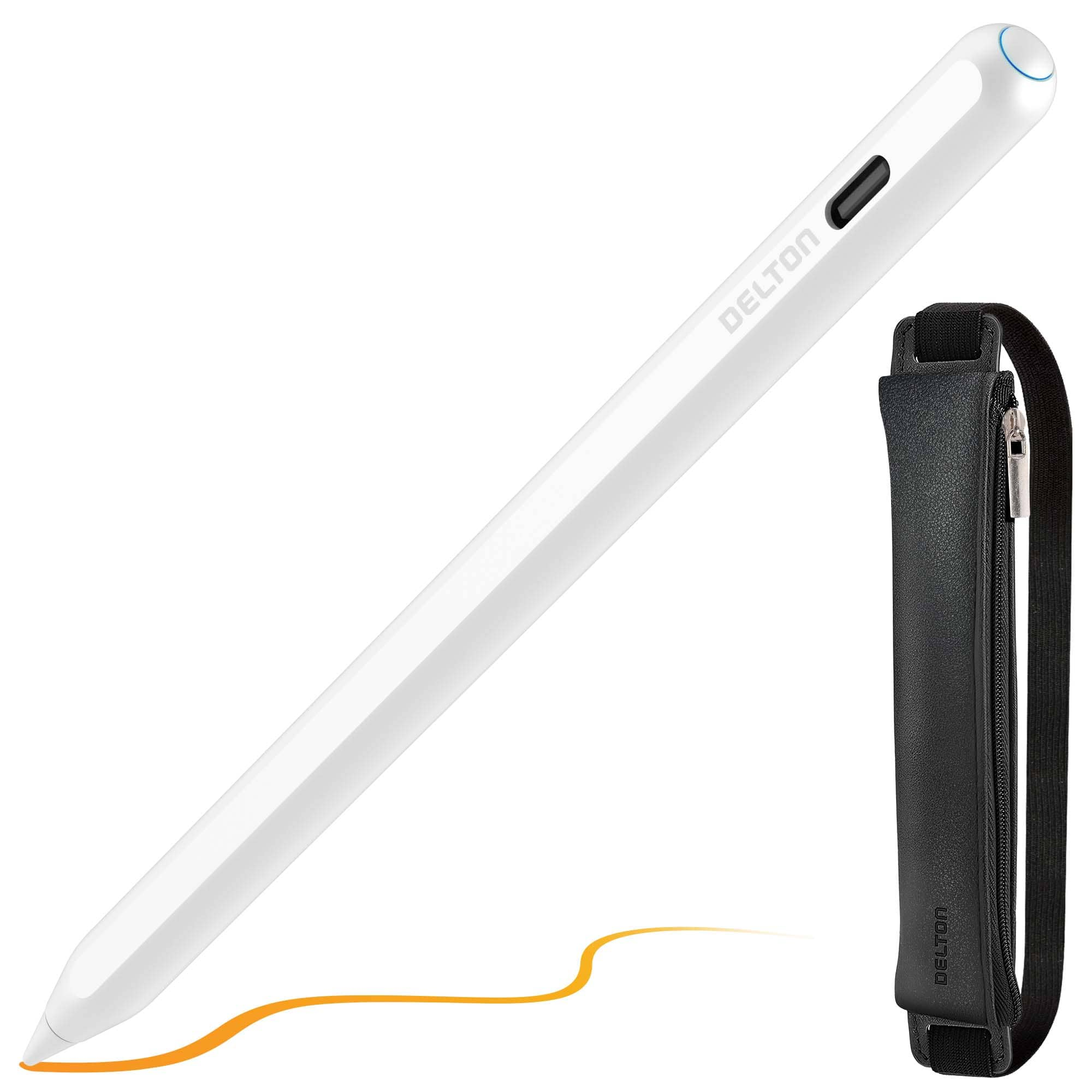
Delton - AP7 Stylus Pen for iPad 2018-2023, Palm Rejection (DAP7) - Black
SKU: J38PCKS9XXSee all Tablet Stylus PensProduct Description
A black ABS stylus pen with Bluetooth, palm rejection, tilt sensitivity, USB-C charging, and replaceable nibs.Your price for this item is $59.99 -
Apple - Pencil (2nd Generation) - White
SKU: JJGCQ83X6HBest store ever...I love Best Buy, best store ever, deals are amazing and the products are great, best warranty!...My daughter in low will love it.The brand is great and Best Buy is best store! I love...
See all Tablet Stylus PensProduct Description
A white wireless stylus with magnetic attachment and double-tap tool switching, designed for compatible iPad models.Your price for this item is $129.00 -
Apple - Pencil Pro - White
SKU: JJGCQ35H4QI love best buy great service and great prices, perfect !!...Great pen great store i love best buy inhope i win this gift card
See all Tablet Stylus PensProduct Description
A white stylus featuring haptic feedback, squeeze controls, and precise gyroscope support for creative tasks.Your price for this item is $99.00Save $30The previous price was $129.00 -
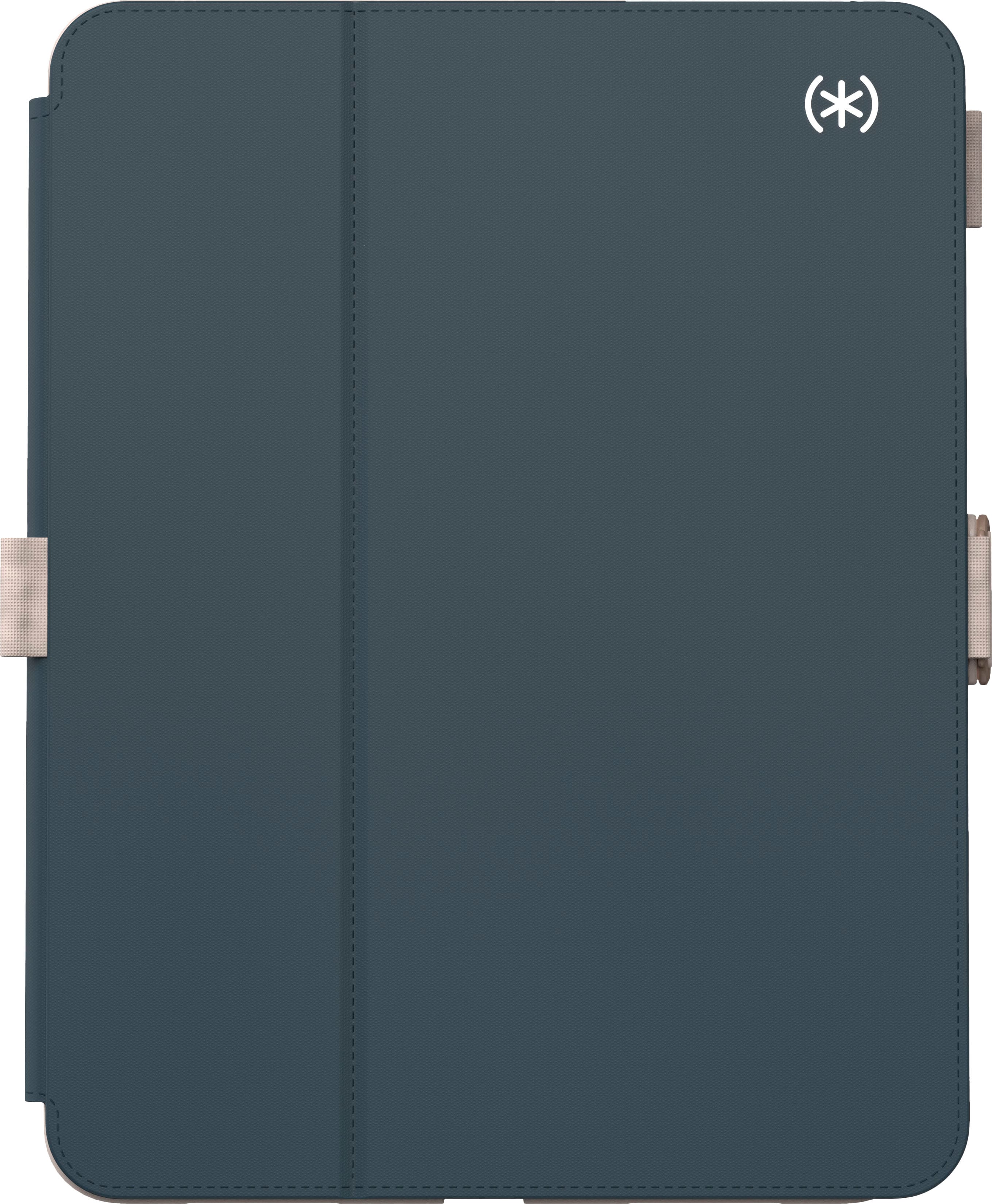
Speck - Balance Folio Case for Apple iPad 11"(A16 chip 2025) and iPad 10.9" (10th Generation) - Charcoal
SKU: J39HL8PZJ5Best iPad I ever bought love it super cool very fast down loading what I need...Great fit...great fit, excellent quality, providing the best protection for the device.
See all Tablet Cases, Covers & Keyboard FoliosProduct Description
A slim charcoal folio case with impact protection, integrated stand, auto sleep/wake, and antimicrobial coating.Your price for this item is $22.50Save $22The previous price was $44.99 -
Apple - Pencil (USB-C) - White
SKU: JJGCQXK6ZJWorks great love this purchase best pen for drawing /coloring ❤️❤️❤️...i love best buy...the best product, I reallylove it, I love best buy
See all Tablet Stylus PensProduct Description
A white tablet stylus with magnetic attachment, USB-C charging, and a replaceable tip for precise writing.Your price for this item is $69.00Save $10The previous price was $79.00 -
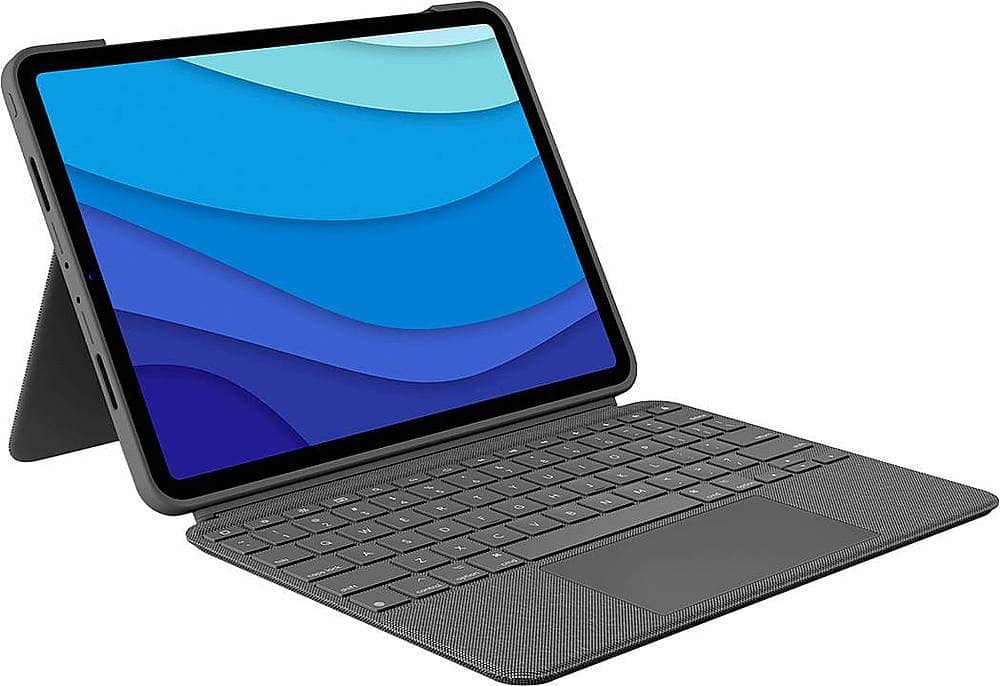
Logitech - Combo Touch iPad Pro Keyboard Folio for Apple iPad Pro 11" (1st, 2nd, 3rd & 4th Gen) with Detachable Backlit Keyboard - Oxford Gray
SKU: J7H7ZY3Q53Best keyboard...The best keyboard for an iPad. Tried so many, love the functionality....Love the case best protection. The detachable keyboard makes all the difference.
See all Tablet KeyboardsProduct Description
A versatile Oxford Gray folio with detachable backlit keyboard, trackpad, and protective textile exterior for iPad Pro.Your price for this item is $229.99 -
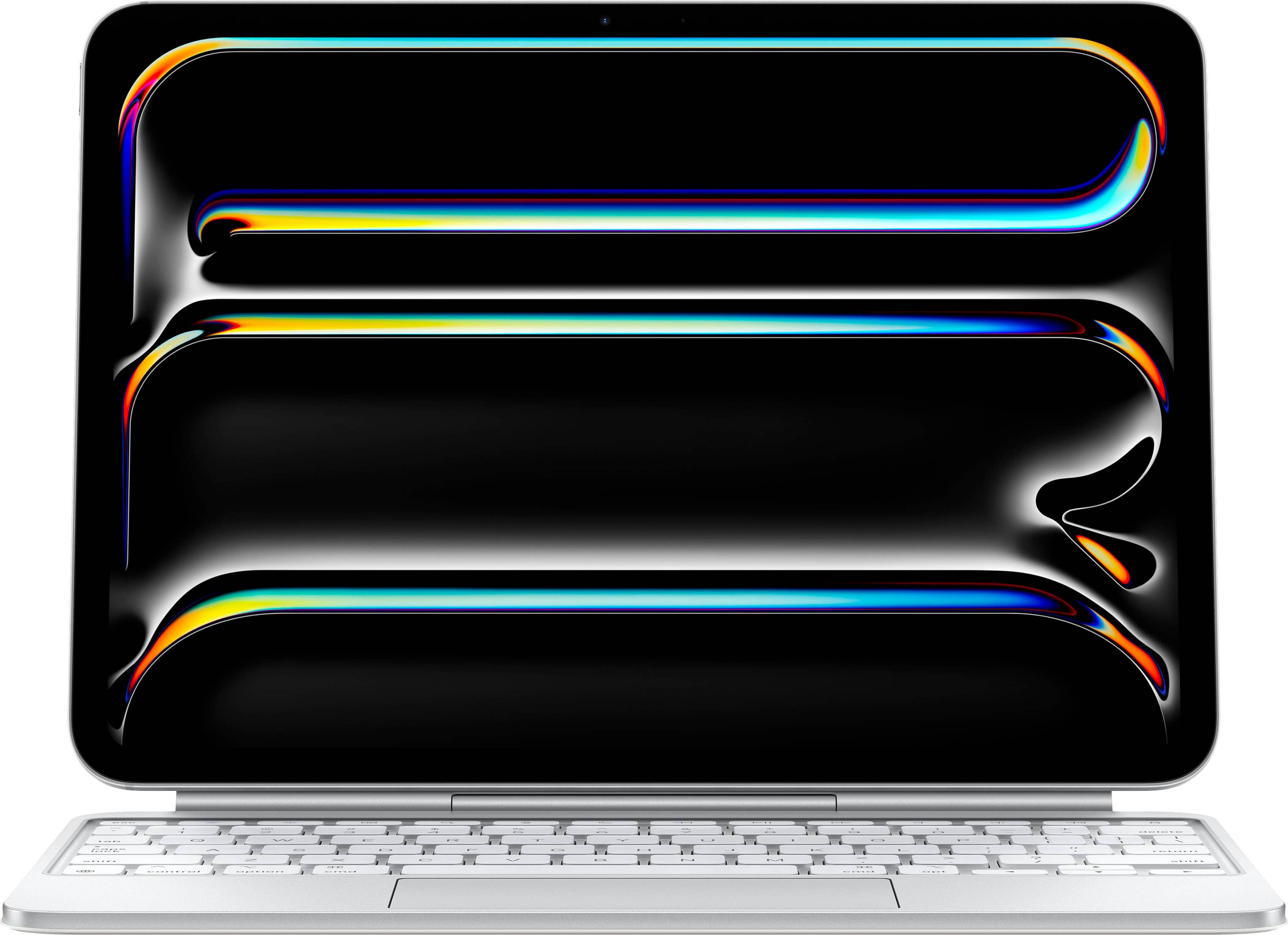
Apple - Magic Keyboard for iPad Pro 11‑inch (M5) - White
SKU: JJGCQ3H5JQLove it. Best that i have had in terms of easy usage....Works great like it should!! Best buy made it simple!!
See all Tablet Cases, Covers & Keyboard FoliosProduct Description
A sleek white keyboard with aluminum palm rest, haptic trackpad, function row, and protective cover for iPad Pro.Your price for this item is $299.00 -
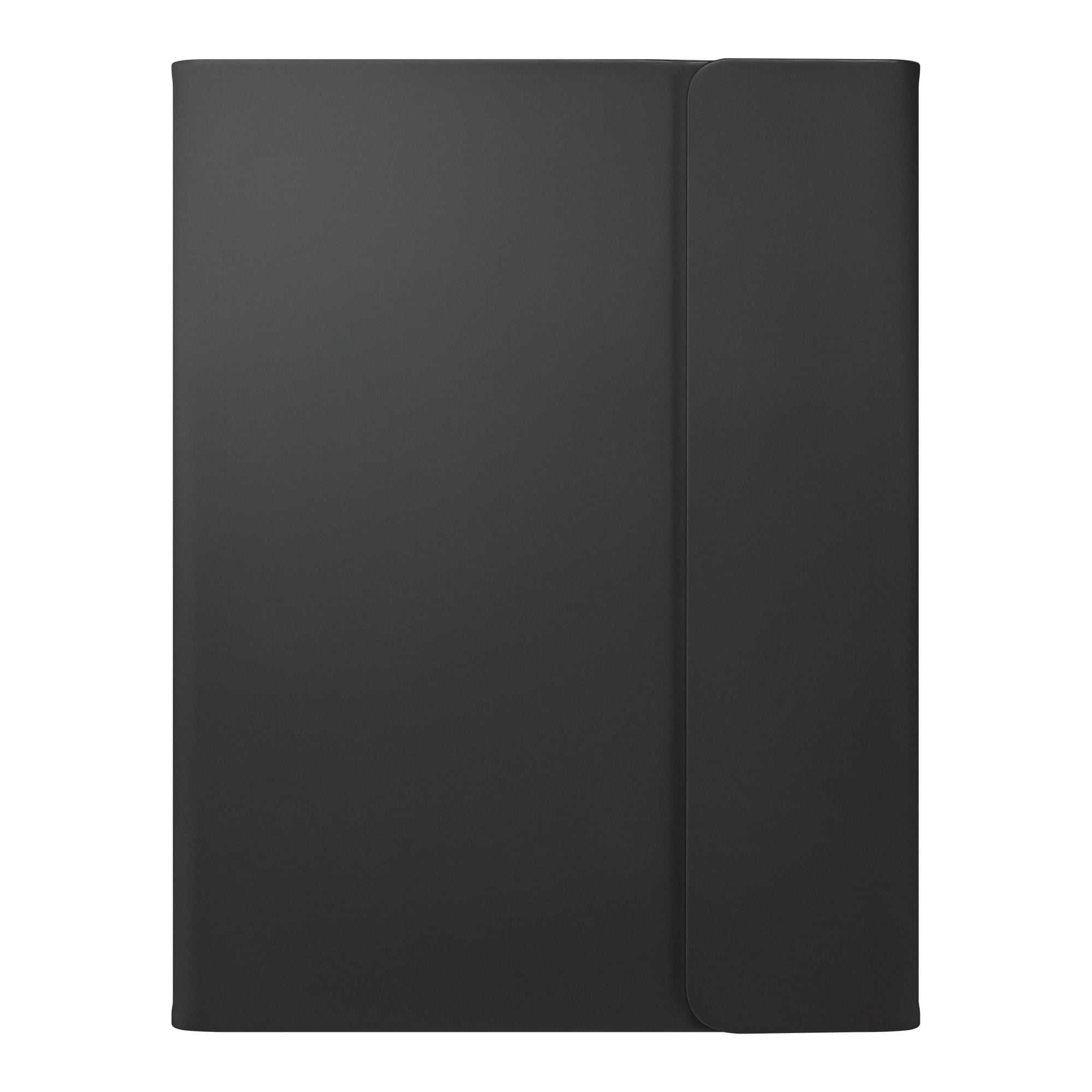
Insignia™ - Folio Case for Most 10.2" to 11" Apple iPad, iPad Air and iPad Pro Tablets - Black
SKU: J2FPJKSKFPthe best choice i maded when i purchase this. love the way it cover my Ipad....Great computer! Good buy fir the money and cheaper at Best Buy than anywhere else.
See all Tablet Cases, Covers & Keyboard FoliosProduct Description
A black folio case with stand, stylus holder, and auto sleep/wake for select Apple iPad models.Your price for this item is $29.99 -
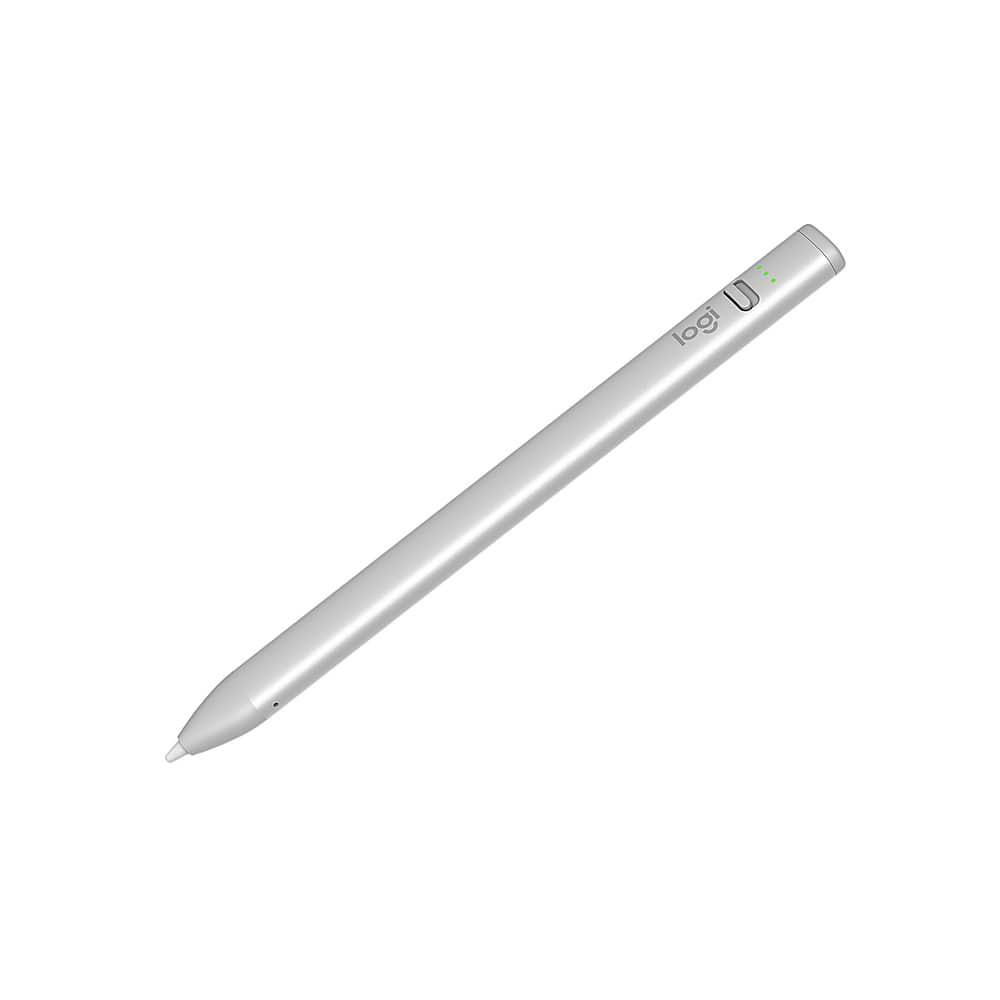
Logitech - Crayon Digital Pencil for All Apple iPads (2018 releases and later) with USB-C ports - Silver
SKU: J7H7ZY8RXTThe best, I really love it. And I know my niece will love it too. Thank you all very much....Works great love the design, battery is long lasting
See all Tablet Stylus PensProduct Description
A versatile silver stylus with USB-C charging, tilt sensitivity, and drop protection for compatible Apple iPads.Your price for this item is $55.99Save $14The previous price was $69.99 -
Paperlike - 3 Screen Protector 2-Pack - iPad Pro 11" (M4/M5) - Clear
SKU: J3R8KKHJLKGreat product...The protection is great and easy to clean off if needed
See all Tablet Screen ProtectorsProduct Description
A clear screen protector pack that delivers a papery feel and enhanced tactile feedback for iPad Pro 11".Your price for this item is $39.99Save $10The previous price was $49.99 -
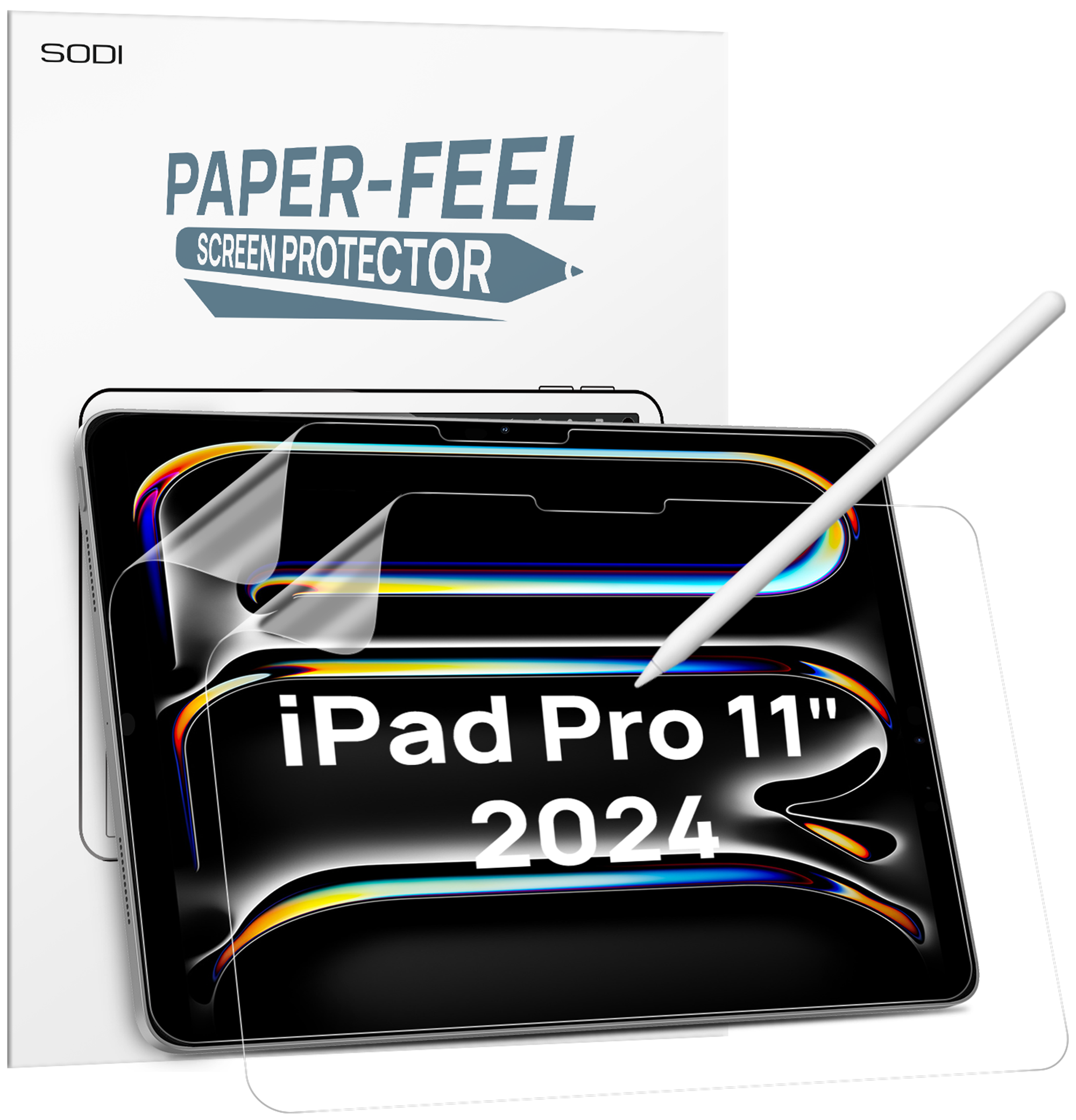
Sodi - Paper Feel Screen Protector for iPad Pro 11 Inch M4 2024, Draw Like on Paper, Scratch Resistant & Sensitive, Anti-Glare - Clear
SKU: CZTFR8CRGTSee all Tablet Screen ProtectorsProduct Description
A clear, anti-glare screen protector that mimics paper texture for scratch-resistant, sensitive Apple Pencil use.Your price for this item is $9.99 -
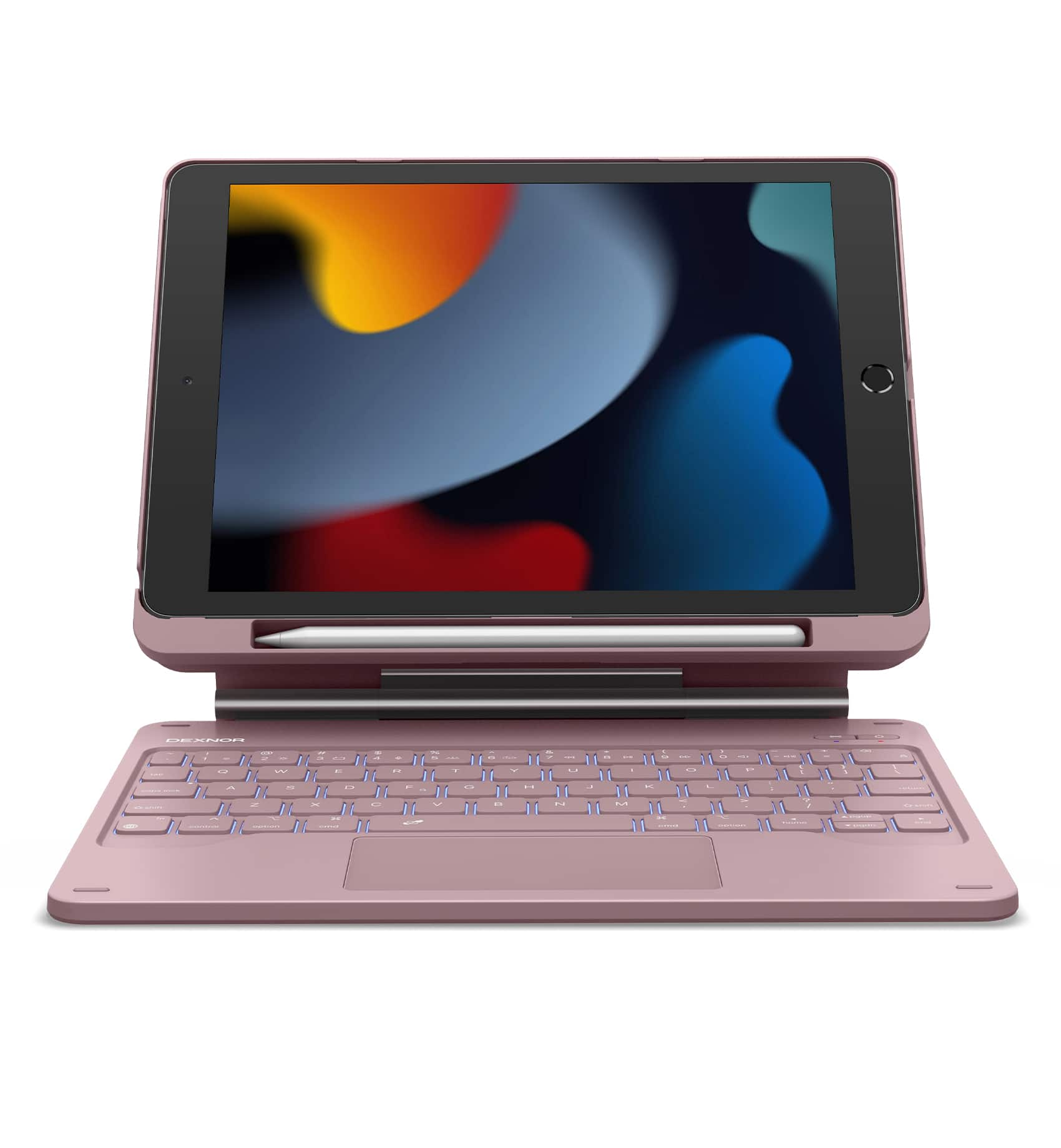
Dexnor - Keyboard Case for iPad 9th/8th/7th Gen with Cantilever Magnetic Stand,Trackpad,Pencil Holder, Backlit Keyboard - Peony Pink
SKU: CZW2YXJ9CXSee all Tablet KeyboardsProduct Description
A pink keyboard case with magnetic stand, trackpad, backlit keys, and pencil holder for select iPads.Your price for this item is $89.99 -
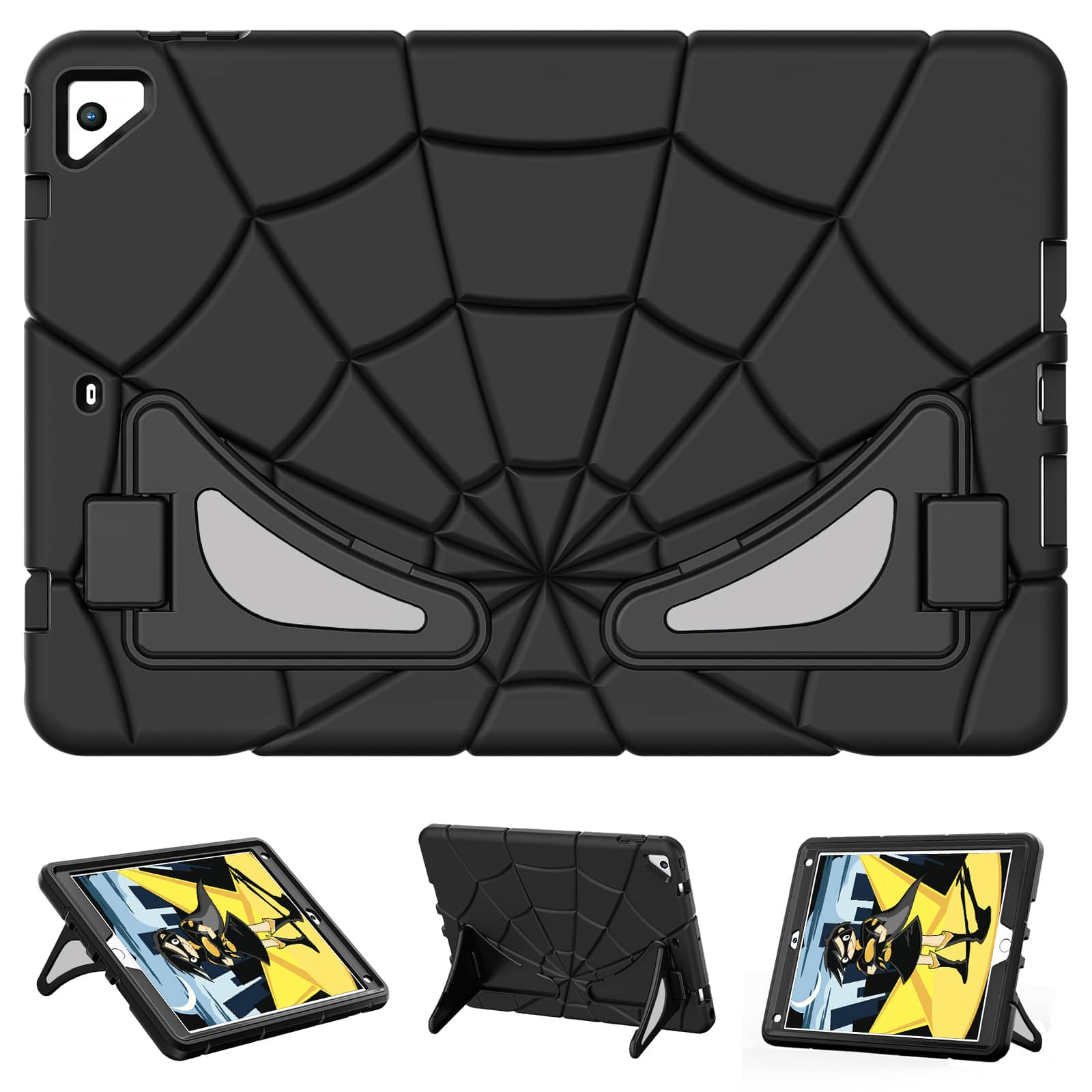
Dteck - Rugged Case for Apple iPad (6th Generation) 9.7" 2018, Shockproof Dual-Layer Cover Built-In Kickstand and Pencil Holder - Black
SKU: JXFQS6GJZLSee all Tablet Cases, Covers & Keyboard FoliosProduct Description
A black dual-layer case with shockproof protection, built-in kickstand, and pencil holder for your tablet.Your price for this item is $27.99 -
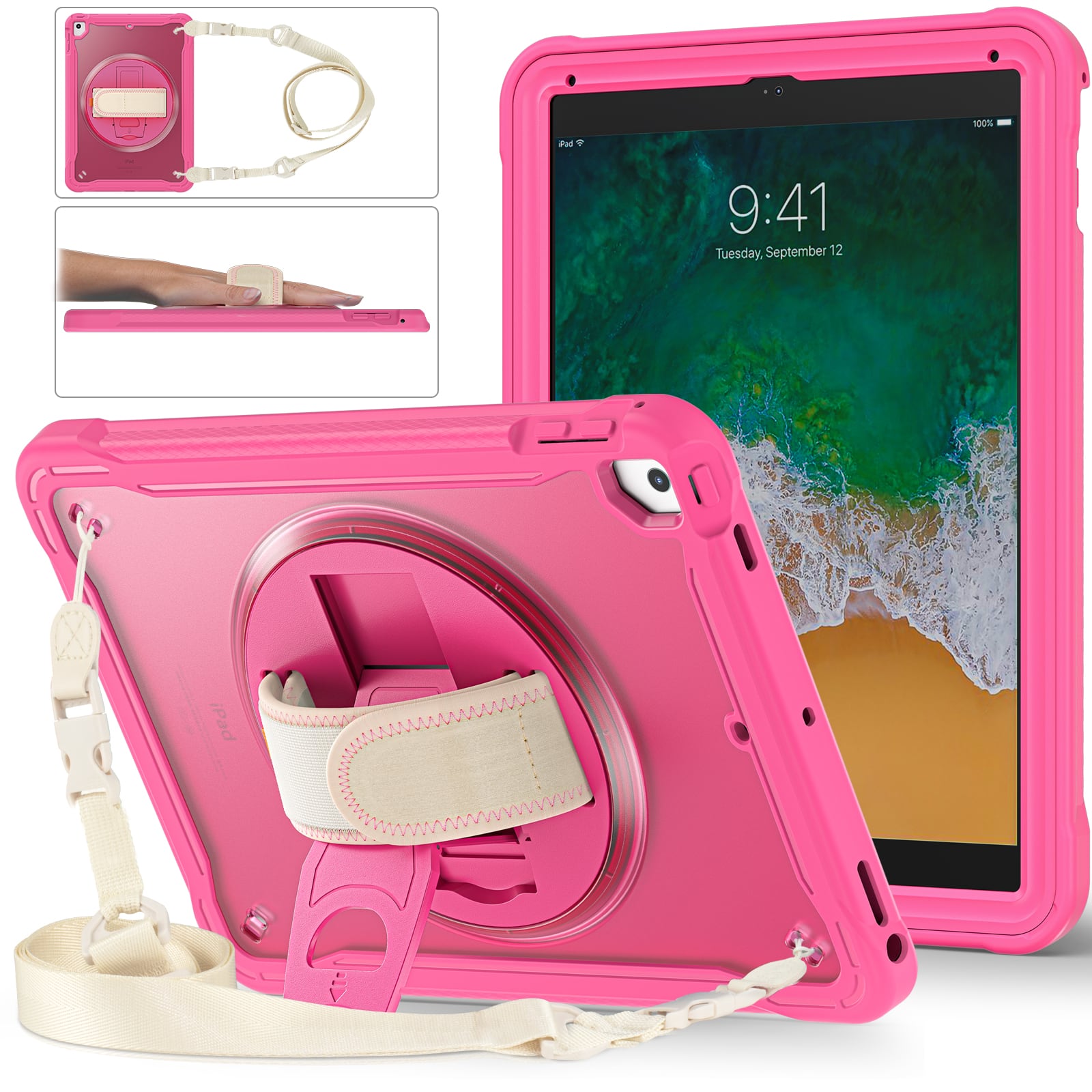
Dteck - Rugged Case for Apple iPad (6th Generation) 9.7" 2018 Built-in Screen Protector, Shockproof Kickstand Cover with Strap - Rose
SKU: JXFQSQCQYSSee all Tablet Cases, Covers & Keyboard FoliosProduct Description
A rugged rose-colored case with built-in screen protector, kickstand, hand grip, and shoulder strap for iPad.Your price for this item is $31.99Save $5The previous price was $36.99 -
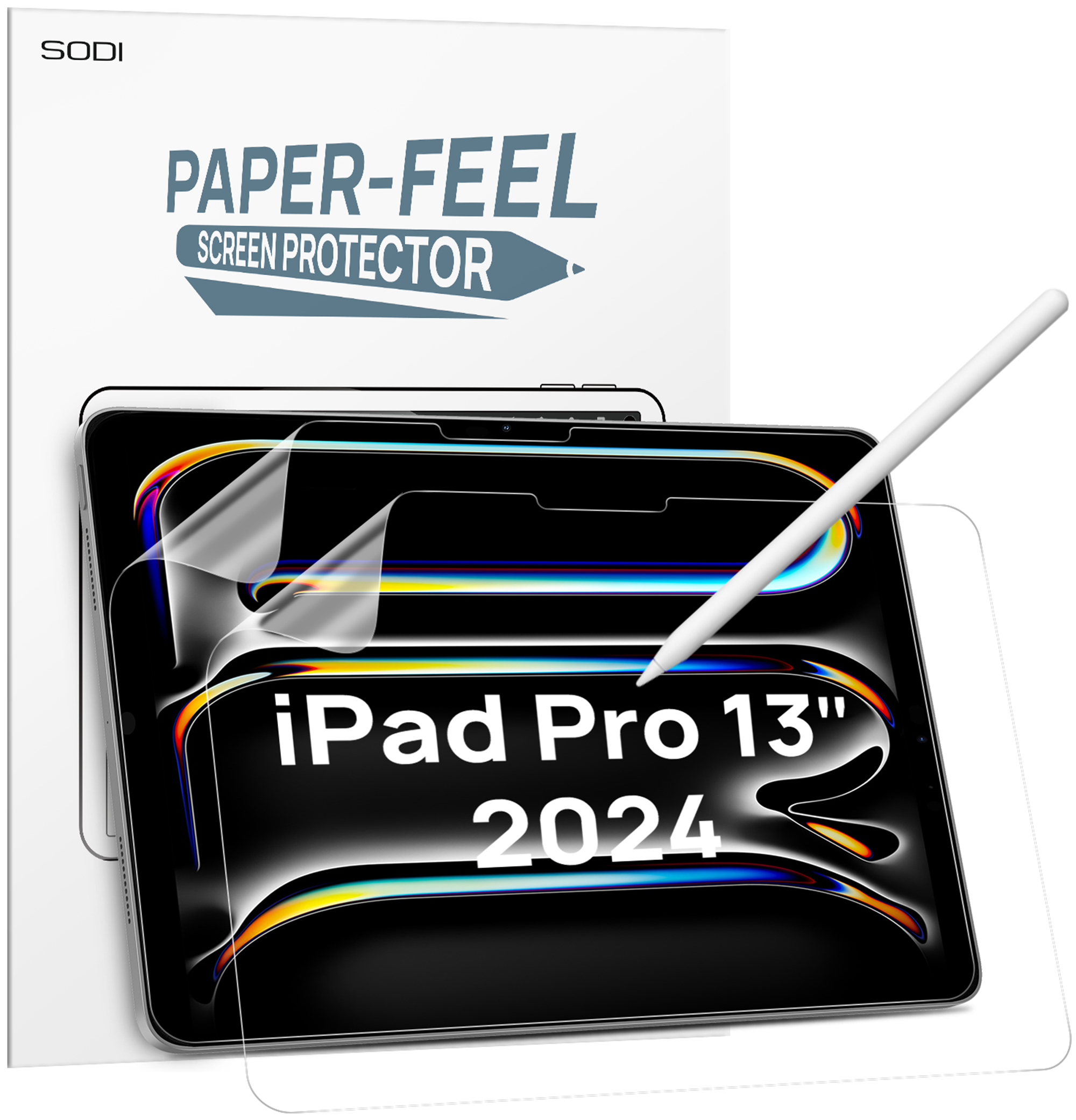
Sodi - Paper Feel Screen Protector for iPad Pro 13 Inch M4 2024, Draw Like on Paper, Scratch Resistant & Sensitive, Anti-Glare - Clear
SKU: CZTFR8CRG7See all Tablet Screen ProtectorsProduct Description
A clear, anti-glare screen protector that mimics paper texture for scratch-resistant, sensitive Apple Pencil use.Your price for this item is $10.99 -
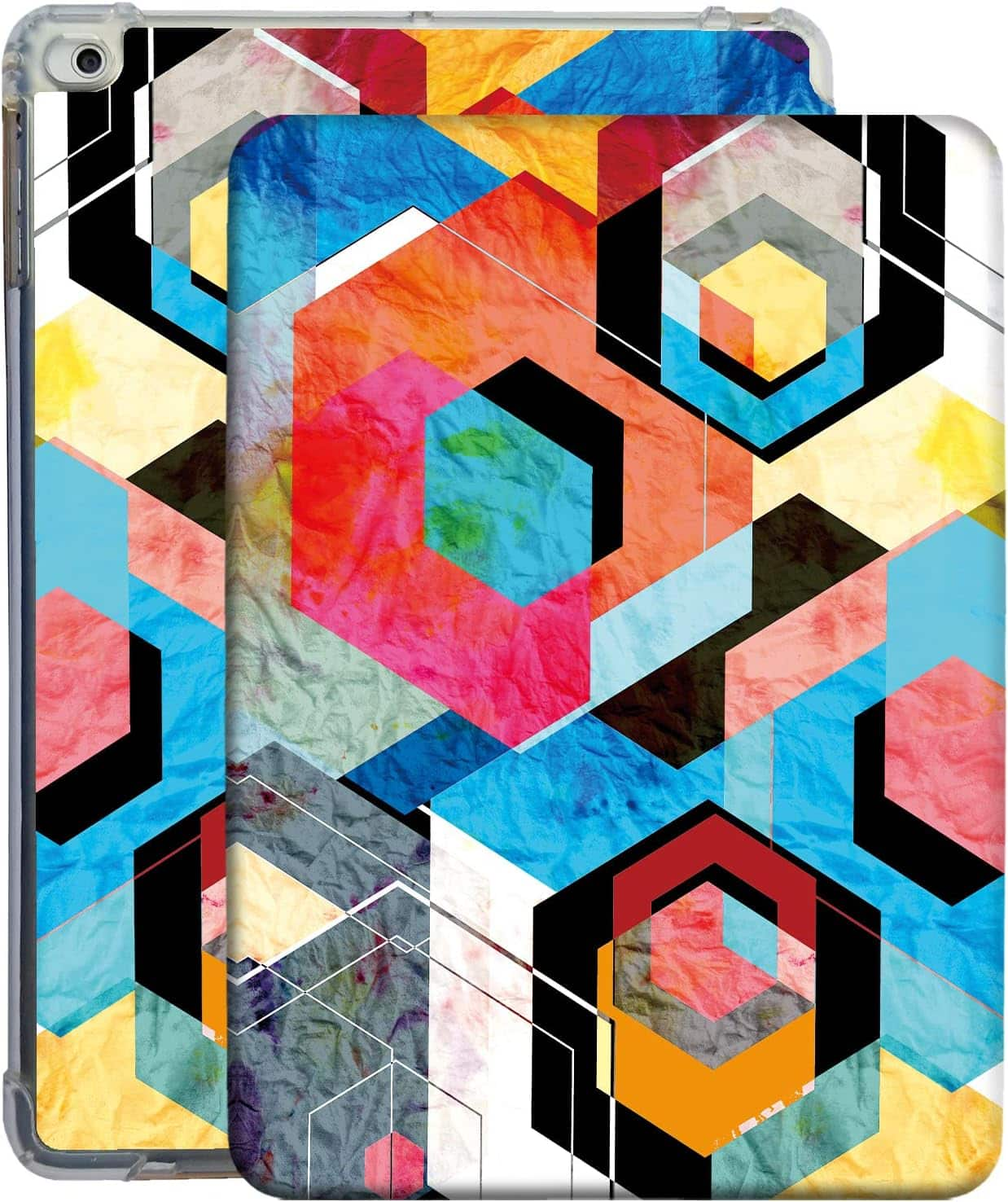
DuraSafe Cases - iPad Air 3 10.5" 2019 & iPad Pro 10.5" 2017 Printed Smart Cover with Translucent Back A1701 A1709 A1852 A2152 A2123 - Modern Art
SKU: JX99HW6882See all Tablet Cases, Covers & Keyboard FoliosProduct Description
A modern-art folio case with PU leather, microfiber lining, auto sleep/wake, and dual-angle stand.Your price for this item is $39.99Save $10The previous price was $49.99 -
ZAGG - Oxford Stylus for Apple iPad & iPad Pro (2018 and newer) - Yellow
SKU: J39T3VY5X5See all Tablet Stylus PensProduct Description
A yellow tablet stylus with tilt recognition, palm rejection, rubber eraser tip, and 10-hour battery.Your price for this item is $34.99Save $15The previous price was $49.99 -
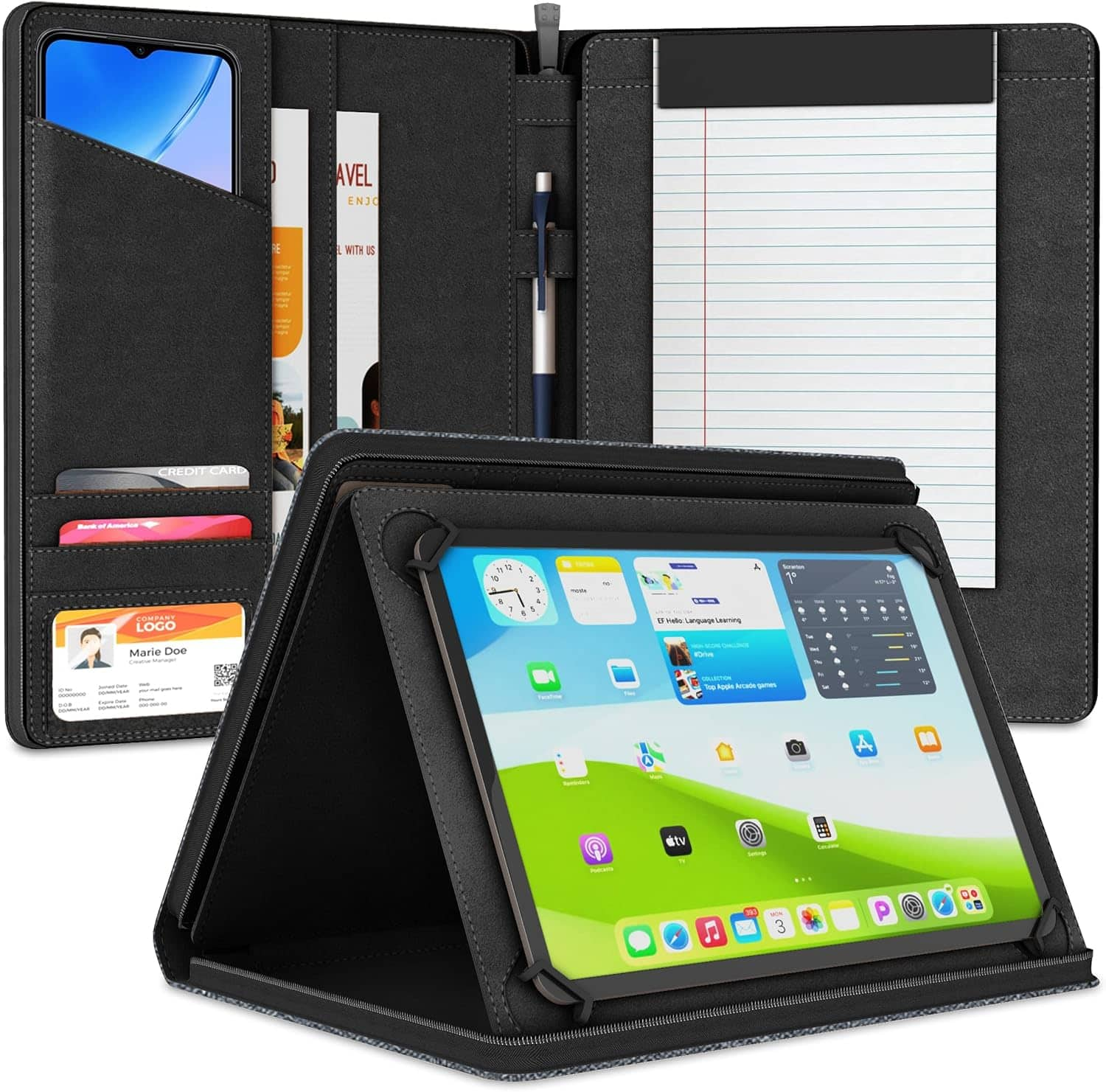
KHOMO ACCESSORIES - Universal Padfolio Case – Tablet Organizer with Notepad Holder for iPad 10th/11th Gen, iPad Pro 11, iPad 7-10.9" - Gray
SKU: J3LCQJKXP4See all Tablet Cases, Covers & Keyboard FoliosProduct Description
A gray PU leather portfolio case with notepad holder, card slots, and adjustable stand for iPad models.Your price for this item is $39.95 -
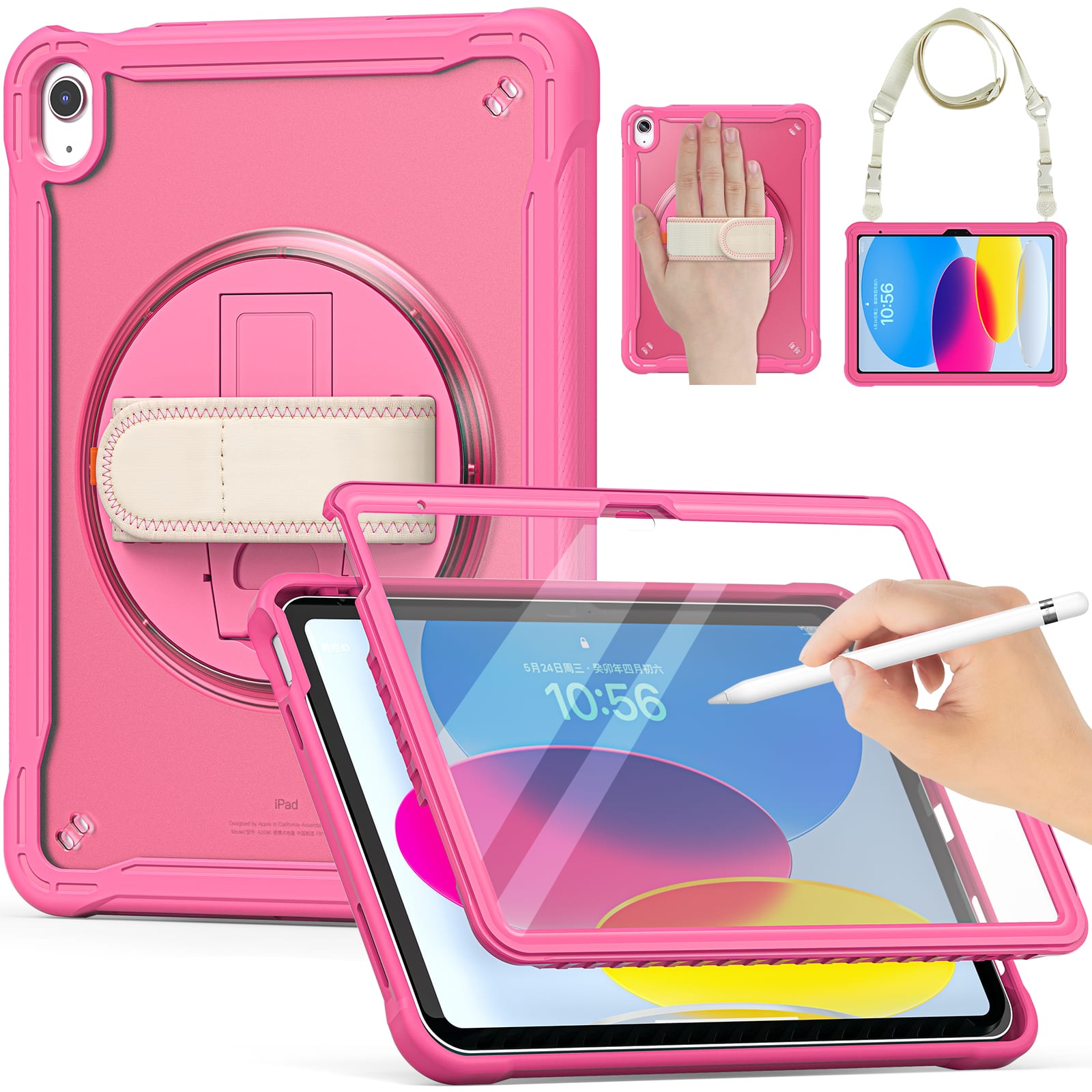
Dteck - Rugged Case for Apple iPad (10th Generation) 10.9" 2022 Built-in Screen Protector, Shockproof Kickstand Cover with Strap - Rose
SKU: JXFQSRZKRJSee all Tablet Cases, Covers & Keyboard FoliosProduct Description
A rugged rose-colored case with built-in screen protector, kickstand, hand grip, and shoulder strap for iPad.Your price for this item is $29.99Save $5The previous price was $34.99 -
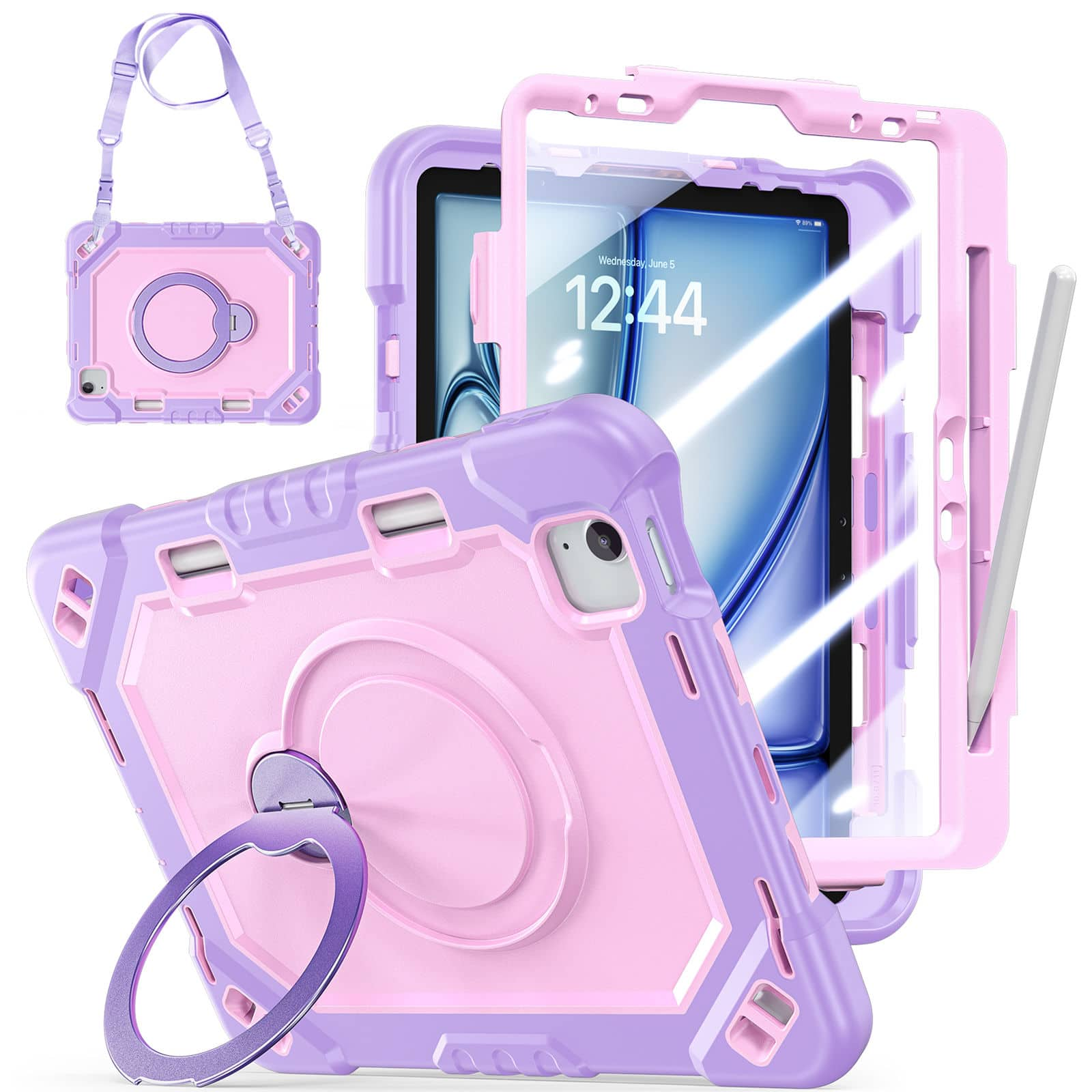
Dteck - Case Built-in Screen Protector for iPad Air 11'' 2026/iPad Pro 11'' 2022 Pencil Holder Ring Stand Cover+Crossbody Strap - Purple+Rosegold
SKU: JXFQSQ75K5See all Tablet Cases, Covers & Keyboard FoliosProduct Description
A purple and rosegold case with built-in screen protector, pencil holder, ring stand, and crossbody strap.Your price for this item is $41.89Save $7The previous price was $48.99 -
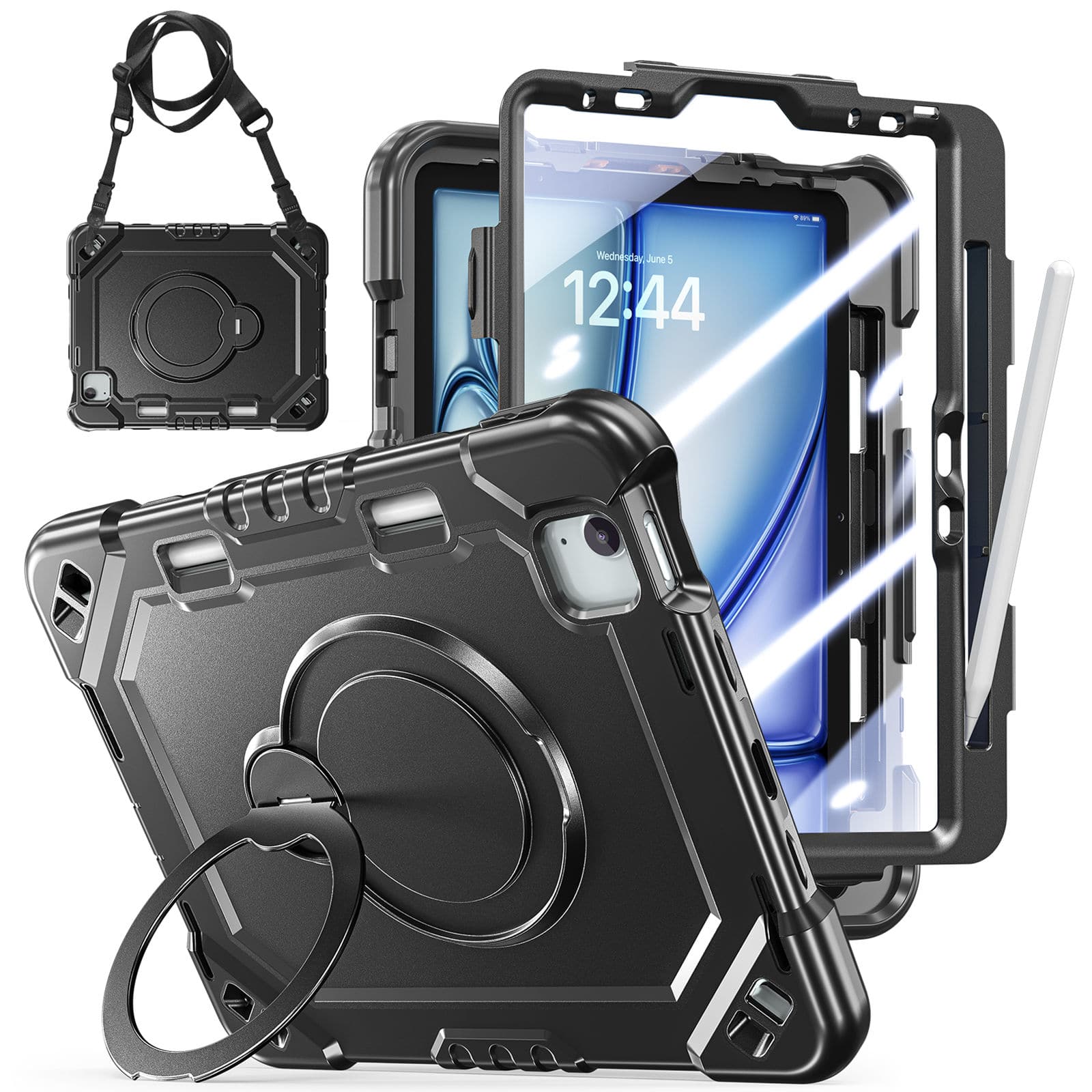
Dteck - Case Built-in Screen Protector for iPad Air 11'' 2026/iPad Pro 11'' 2022 Pencil Holder Ring Stand Cover+Crossbody Strap - Black
SKU: JXFQSQ755QSee all Tablet Cases, Covers & Keyboard FoliosProduct Description
A black protective case with built-in screen protector, pencil holder, ring stand, and crossbody strap for iPad.Your price for this item is $41.89Save $7The previous price was $48.99






Best Sellers

Related Pages




FAQ
Common iPad accessories for artists include a compatible Apple Pencil or third-party stylus, a drawing stand, a screen protector, a protective case with stylus storage, and an external drive. Some artists also use a Bluetooth keyboard or shortcut controller for commands supported by their drawing apps.
Check compatibility with your exact iPad model and preferred drawing apps. Stylus features vary and may include pressure sensitivity, tilt recognition, palm rejection, and customizable controls. Apple Pencil models have different compatibility, pairing, and charging requirements, while third-party styluses may offer a different set of features.
Matte screen protectors have a textured surface that changes how a stylus feels against the display and can give the screen a grainier appearance. Clear screen protectors generally have a smoother surface and preserve more of the display's original appearance. The choice depends on your preferred drawing feel and screen finish.
iPad drawing stands may offer adjustable angles, rotating holders, folding designs, and cable-routing openings. Some rest on a desk, while others attach with a clamp or use an articulated arm. Check whether the stand accommodates your iPad model and whether it can be used with your case attached.
Compatible external drives and memory card readers can connect through an iPad's USB-C or Lightning port, sometimes using an adapter or hub. Supported storage devices appear in the Files app, where artists can organize and transfer artwork files. Connection requirements depend on the iPad model, the drive's format, and its power requirements.