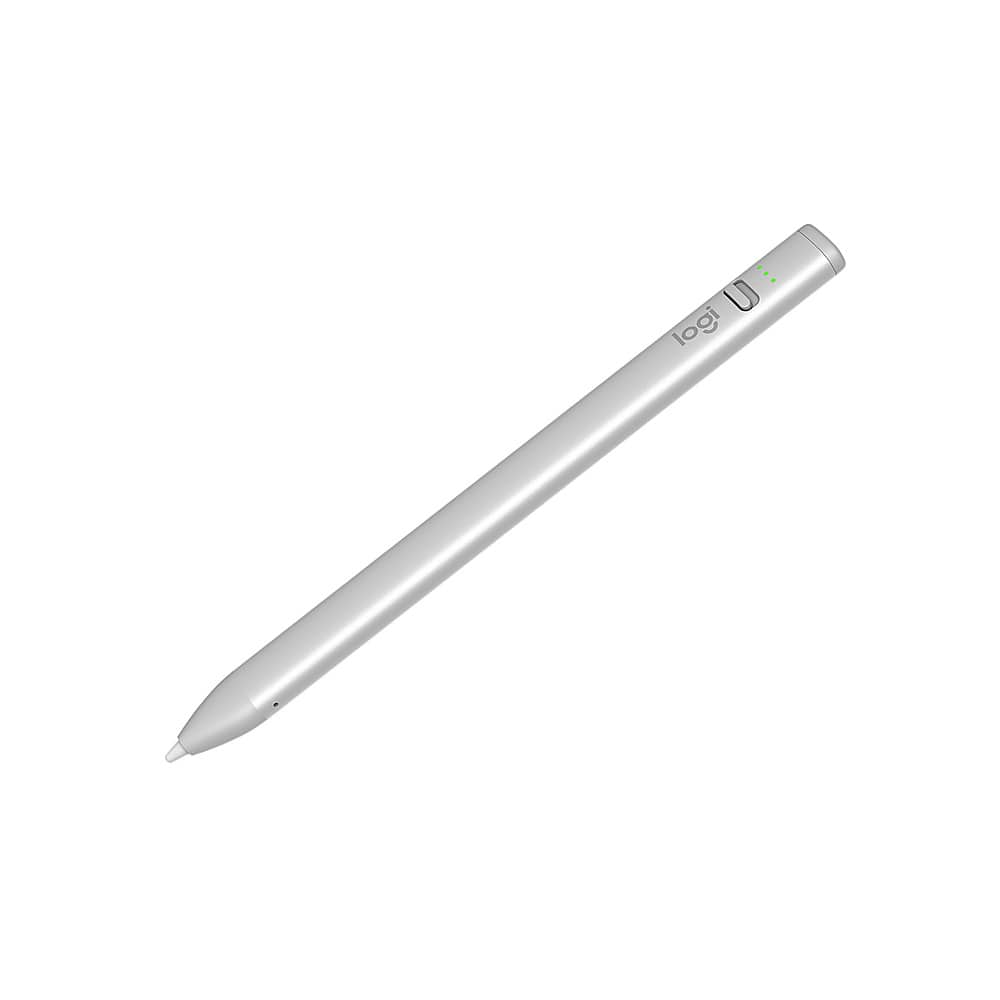
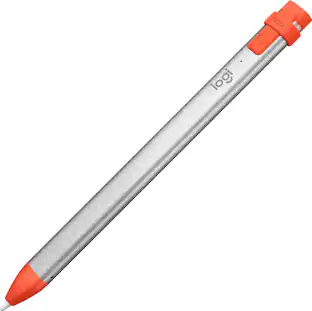
Logitech - Crayon Digital Pencil for All Apple iPads (2018 releases and later) with USB-C ports - Silver
Customers are saying
Customers are pleased with the overall performance, ease of use, and impressive battery life of this device. Users frequently highlight its seamless connectivity and broad compatibility with Apple hardware, noting that the comfortable design and fast charging capabilities add significant value. While the product is highly regarded for its functionality and price, some users have noted a lack of pressure sensitivity and limitations regarding magnetic attachment to their tablets.
Compatibility
For all iPads 2018 and later.
Digital stylus pen
Logitech Crayon uses Apple Pencil technology so you can write and draw naturally in pixel-perfect precision without missing a single line or detail.
Thick or thinner lines
Just tilt and the smart tip will adjust line weight automatically to the needed size.
Instant connetion
Logitech Crayon connects to iPad instantly—just slide down the off/on switch and start writing. No device pairing or other delays required.
Fast input
Logitech Crayon stylus for iPad delivers precise and fast input with hundreds of indispensable Apple Pencil supported apps and the list is growing bigger every day.
No rolling
Logitech Crayon has a flat shape and doesn’t roll away when you put it down; throw it in a bag or stick it in your pocket assured that Logitech Crayon is tough enough to go anywhere you do.
USB-C charging
Logitech Crayon charges via USB-C and gets up to 6.5 hrs of writing time from a single charge. The power level indicator lights lets you know how much charge remains.
Hand placement
Go right ahead and rest your palm on the screen while you write. Palm Rejection Technology lets you enjoy natural hand placement while using Logitech Crayon.
- Model CompatibilityApple iPad Air (M4) 11" 2026, Apple iPad Air (M4) 13" 2026, Apple iPad Pro (M5) 11" 2025, Apple iPad Pro (M5) 13" 2025, Apple iPad (A16) 11" 2025, Apple iPad Air (M3) 13" 2025, Apple iPad Air (M3) 11" 2025, Apple iPad Air (M2) 11" 2024, Apple iPad Air (M2) 13" 2024, Apple iPad Pro (M4) 11" 2024, Apple iPad Pro (M4) 13" 2024, Apple iPad mini (A17 Pro) 2024, Apple iPad (10th Generation) 10.9" 2022, Apple iPad Air (5th Generation) 10.9" 2022, Apple iPad Pro (6th Generation) 12.9" 2022, Apple iPad (9th Generation) 10.2" 2021, Apple iPad mini (6th Generation) 2021, Apple iPad (8th Generation) 10.2" 2020, Apple iPad (7th Generation) 10.2" 2019, Apple iPad (6th Generation) 9.7" 2018, Apple iPad Air (4th Generation) 10.9" 2020, Apple iPad Air (3rd Generation) 10.5" 2019, Apple iPad mini (5th Generation) 2019Screen CompatibilityActiveOperating System CompatibilityApple iPadOS
Reviews
Rating 4.7 out of 5 stars with 327 reviews
- Overall Performance (131)
- Ease of Use (40)
- Battery Life (36)
- Connectivity (21)
- Compatibility (20)
- Pressure Sensitivity (8)
- Magnetic Attachment (5)
Customer Images
The vast majority of our reviews come from verified purchases. Reviews from customers may include My Best Buy members, employees, and Tech Insider Network members (as tagged). Select reviewers may receive discounted products, promotional considerations or entries into drawings for honest, helpful reviews.
Compare similar products

Add flair to your flow with Logitech Crayon, a a pixel-precise digital pencil for iPad (iPads with USB-C ports) that features Apple Pencil technology and works with hundreds of supported apps. Unleash your creativity and productivity with a seamless writing experience that’s as natural as pencil and paper.

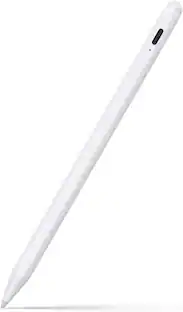
Maintain precise control over your iPad with the Insignia Active Stylus for iPad, iPad Pro, iPad Air and iPad mini. This stylus functions just like your Apple Pencil, using its precise tip to target individual pixels. Tilt to adjust your line thickness when drawing, just like an actual pencil. It also features magnetic support with compatible models, letting you easily locate your stylus each time. Double tap the tail end of the stylus to turn it on or off, helping you to conserve battery life. An included USB-C cable charges your stylus in as little as 30 minutes.

An affordable Apple Pencil with advanced features. Perfect for note-taking, sketching, annotating, journaling, and more. It magnetically attaches to your iPad for storage and pairs and charges with USB-C. Apple Pencil USB-C works with iPad Pro 13-inch with M5 chip; iPad Pro 13-inch with M4 chip; iPad Pro 12.9-inch (3rd, 4th, 5th, and 6th generation); iPad Pro 11-inch with M5 chip; iPad Pro 11-inch with M4 chip; iPad Pro 11-inch (1st, 2nd, 3rd, and 4th generation); iPad Air 13-inch and iPad Air 11-inch with M4 chip; iPad Air 13-inch and iPad Air 11-inch with M3 chip; iPad Air 13-inch and iPad Air 11-inch with M2 chip; iPad Air (4th and 5th generation); iPad mini (A17 Pro chip); iPad mini (6th generation); iPad (A16 chip); iPad (10th generation); and iPhone Duo.

Grab a Crayon and make your mark! Logitech Crayon is a pixel-precise digital pencil for all iPads (2018 releases and later) that helps unleash your creativity and productivity in hundreds of Apple Pencil supported apps. Crayon uses Apple Pencil technology including Scribble for a seamless writing experience that's as natural as pencil and paper. Need a thicker or thinner line? Just tilt. Logitech Crayon is built tough with 4 ft drop protection, a unique roll-proof shape, and up to 7.5 hours of active writing time. Palm rejection technology allows you to rest your hand right on the screen while you write.
| Pros for Logitech - Crayon Digital Pencil for All Apple iPads (2018 releases and later) with USB-C ports - Silver | |||
|---|---|---|---|
| Overall Performance, Battery Life, Connectivity, Ease of Use, Compatibility | Overall Performance, Ease of use, Battery Life, Connectivity, Price | Overall Performance, Ease of use, Battery Life, Connectivity, Charging Speed | There were no pros for this product— |
| Cons for Logitech - Crayon Digital Pencil for All Apple iPads (2018 releases and later) with USB-C ports - Silver | |||
| Pressure Sensitivity, Magnetic Attachment | Pressure Sensitivity, Lag | Pressure Sensitivity, Tip Durability, Price | There were no cons for this product— |
Specs
Package deals that include this item
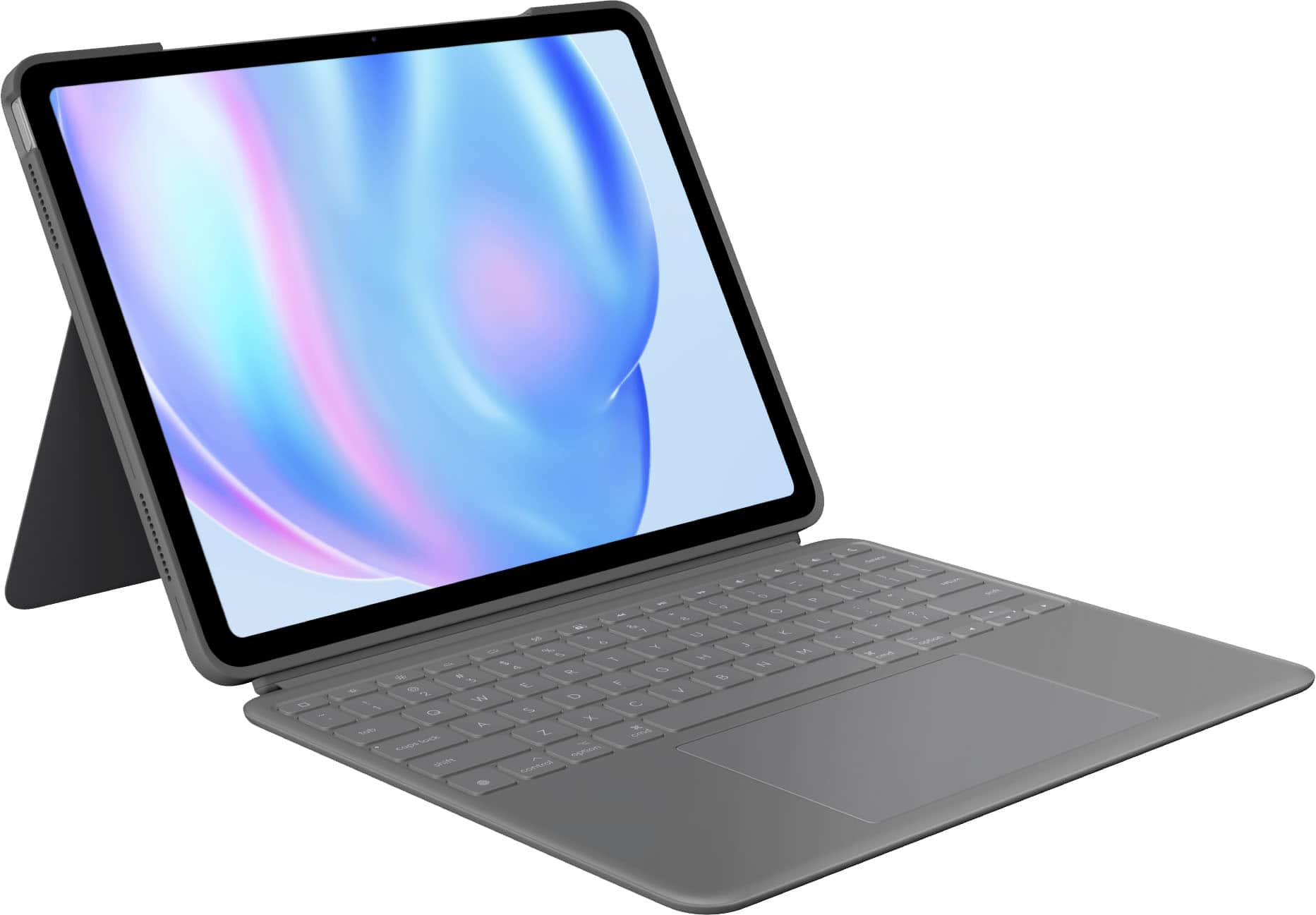
Customers often buy these together
 Top Deal$169.99The price was $199.99
 Top Deal$199.99The price was $229.99
More to consider
 $62.24The price was $82.99










Explore tech essentials Sponsored

Discover related products
 $49.99The price was $159.00
 $12.99The price was $13.99







Keep exploring
- $62.24The price was $82.99
 $32.78The price was $44.78
 $52.99The price was $104.14