Rotating Screens
-
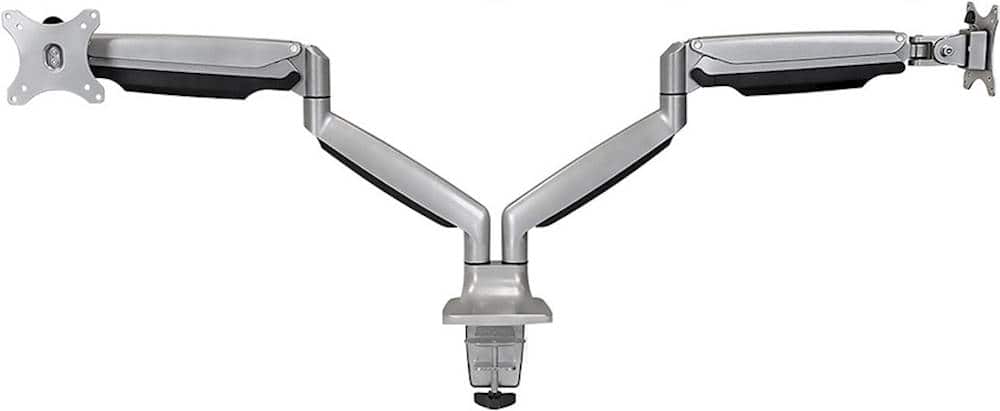
Mount-It! - Dual Monitor Desk Mount With Gas Spring Arms Up to 32" - Silver
SKU: J3Y7FWWLKJGreat product!...Relatively easy setup / great price / works as advertised!...Great for the price point
See all Monitor Mounts, Stands & RisersProduct Description
A silver dual monitor desk mount with gas spring arms for flexible positioning and integrated cable management.Your price for this item is $159.99 -
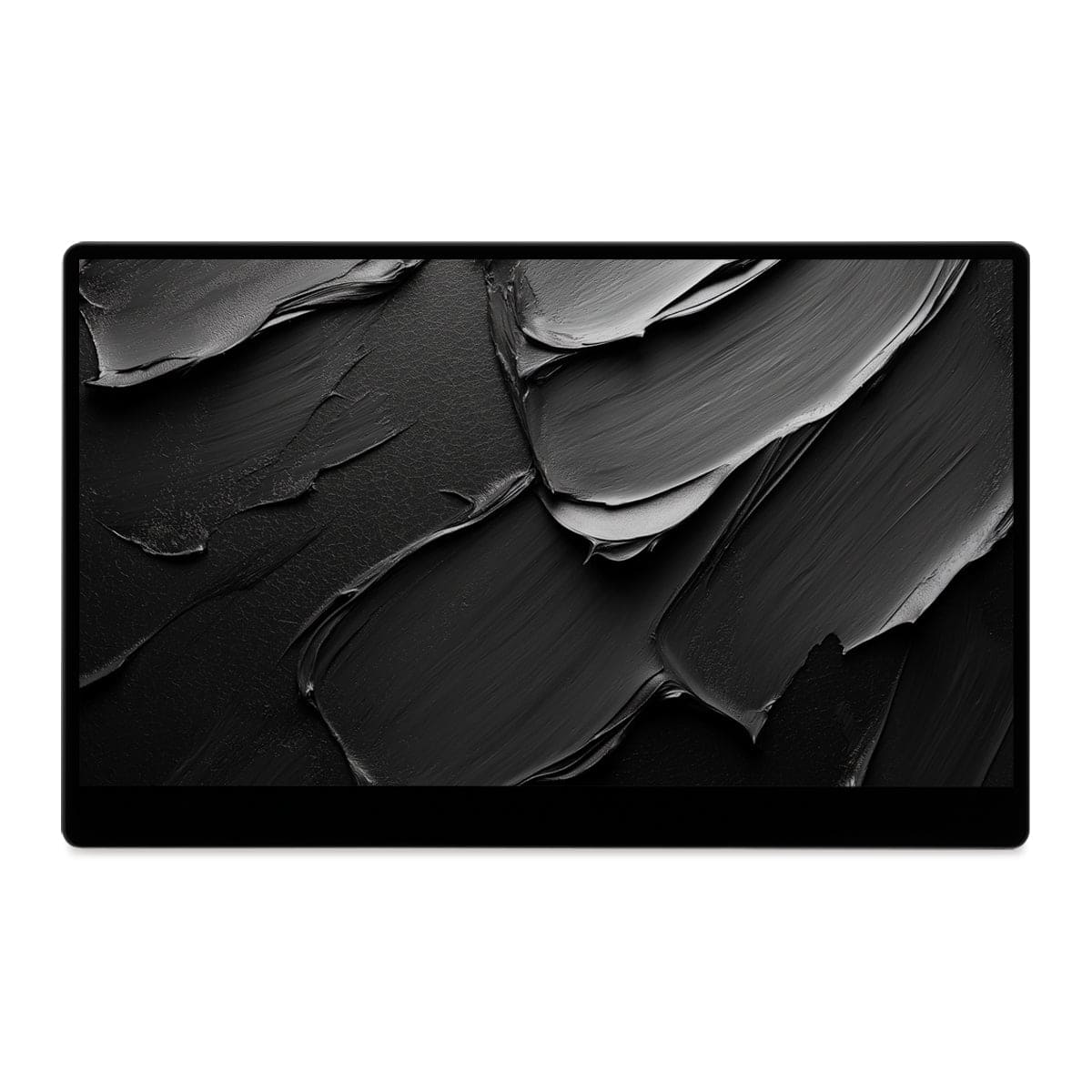
SOTSU - FlipAction Go 14" Portable Monitor, Robust, Lightweight, Tempered Glass, 1080p, USB-C or Mini-HDMI - Metallic Gray
SKU: J3R8Z4J6X5See all Portable MonitorsProduct Description
A robust metallic gray portable monitor with 1080p LCD display, tempered glass, and versatile rotation options.Your price for this item is $269.00 -
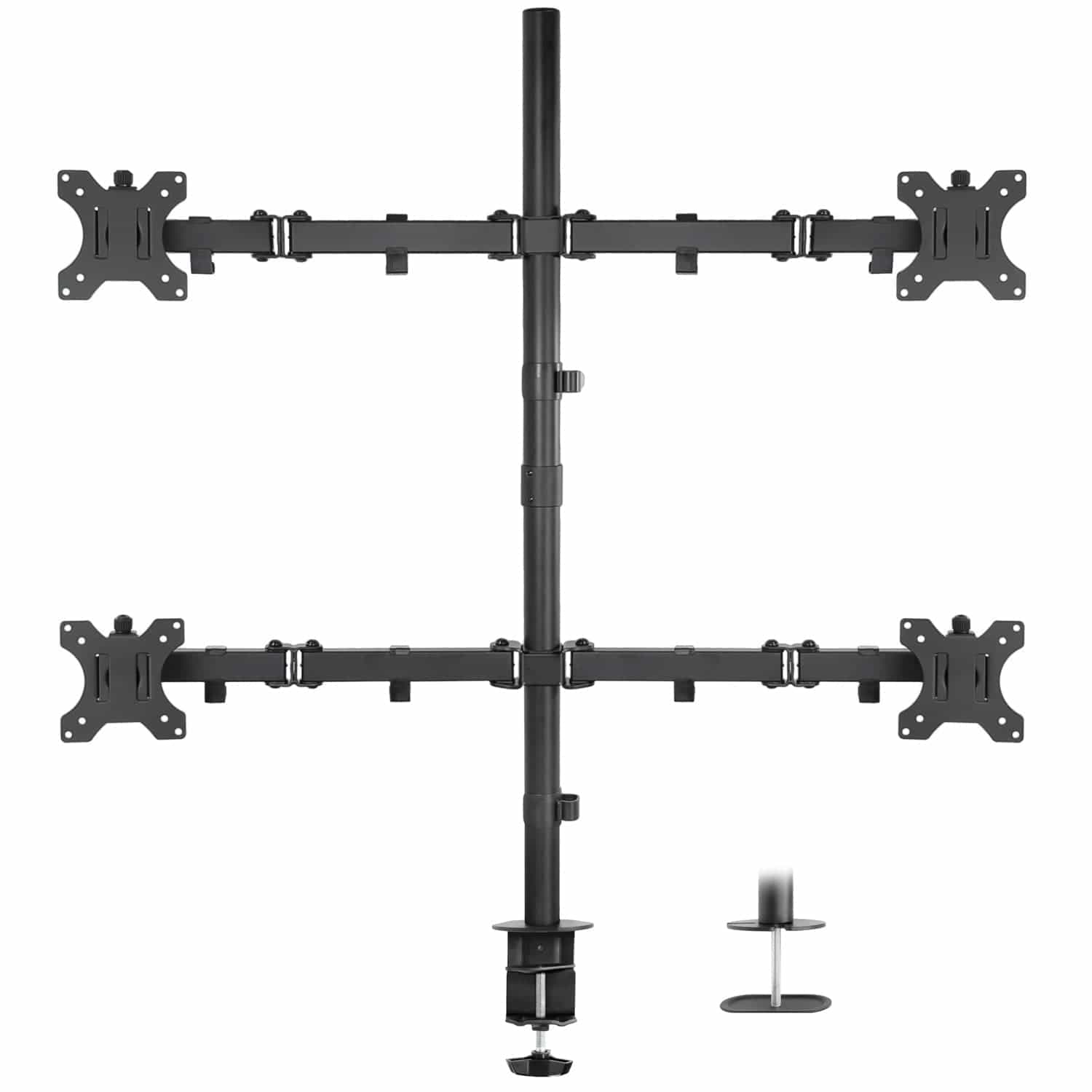
Mount-It! - Quad Monitor Desk Mount — Full Motion Arms, Height Adjustable, Fits Four 17"–32" Screens - Black
SKU: J3Y7FWWRHGThis is a great product. I love my monitor stack. I wish I had bought this years ago....Easy setup Doing great wit it! thanks...Great product.
See all Monitor Mounts, Stands & RisersProduct Description
A black heavy-duty steel desk mount with full-motion arms for four 17"–32" monitors and ergonomic adjustment.Your price for this item is $90.99 -
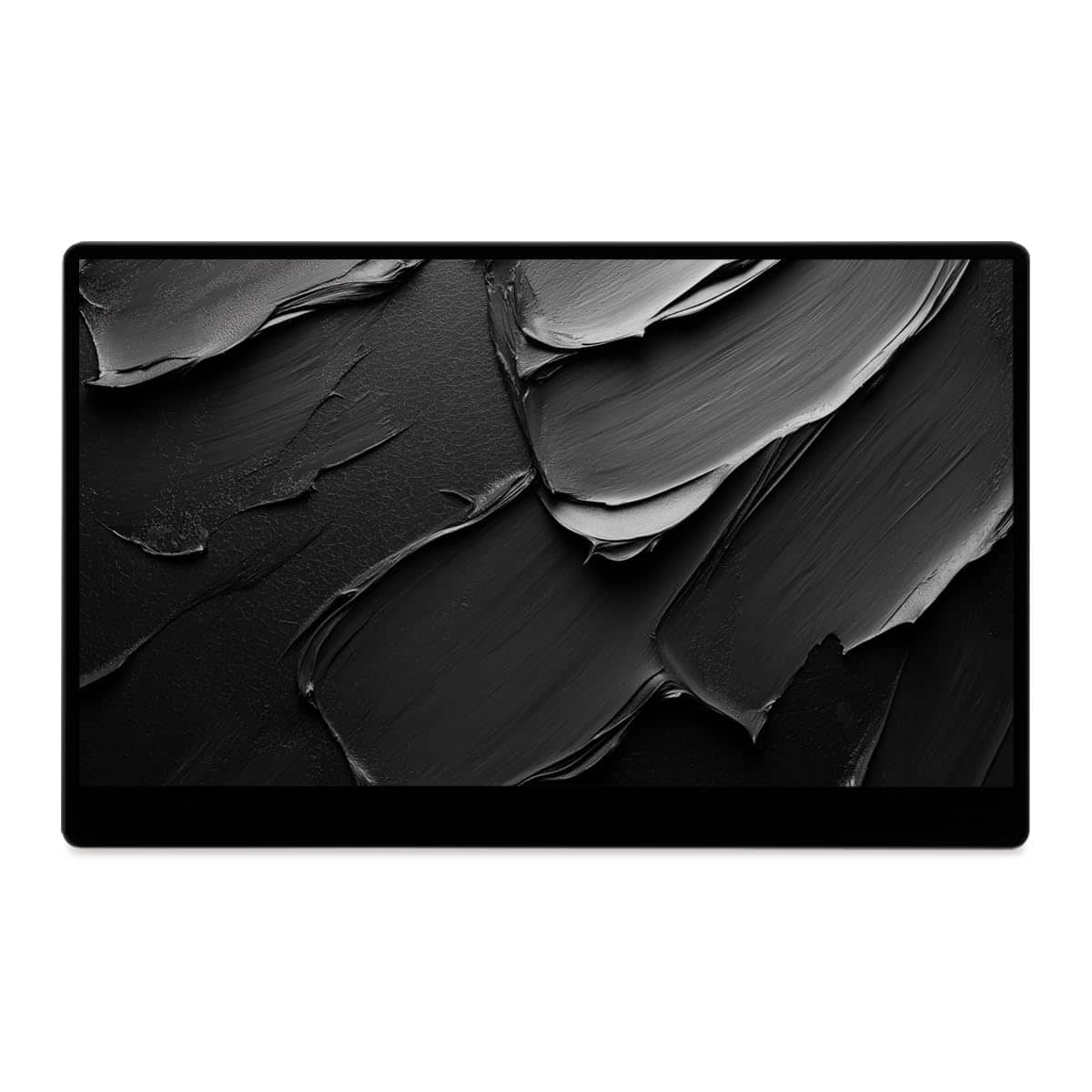
SOTSU - FlipAction Go 14" Portable Monitor, Robust, Lightweight, Tempered Glass, 1080p, USB-C or Mini-HDMI - Stealth - Black
SKU: J3R8Z4J698See all Portable MonitorsProduct Description
A robust, lightweight black portable monitor with 1080p LCD display, tempered glass, and versatile connectivity options.Your price for this item is $269.00 -
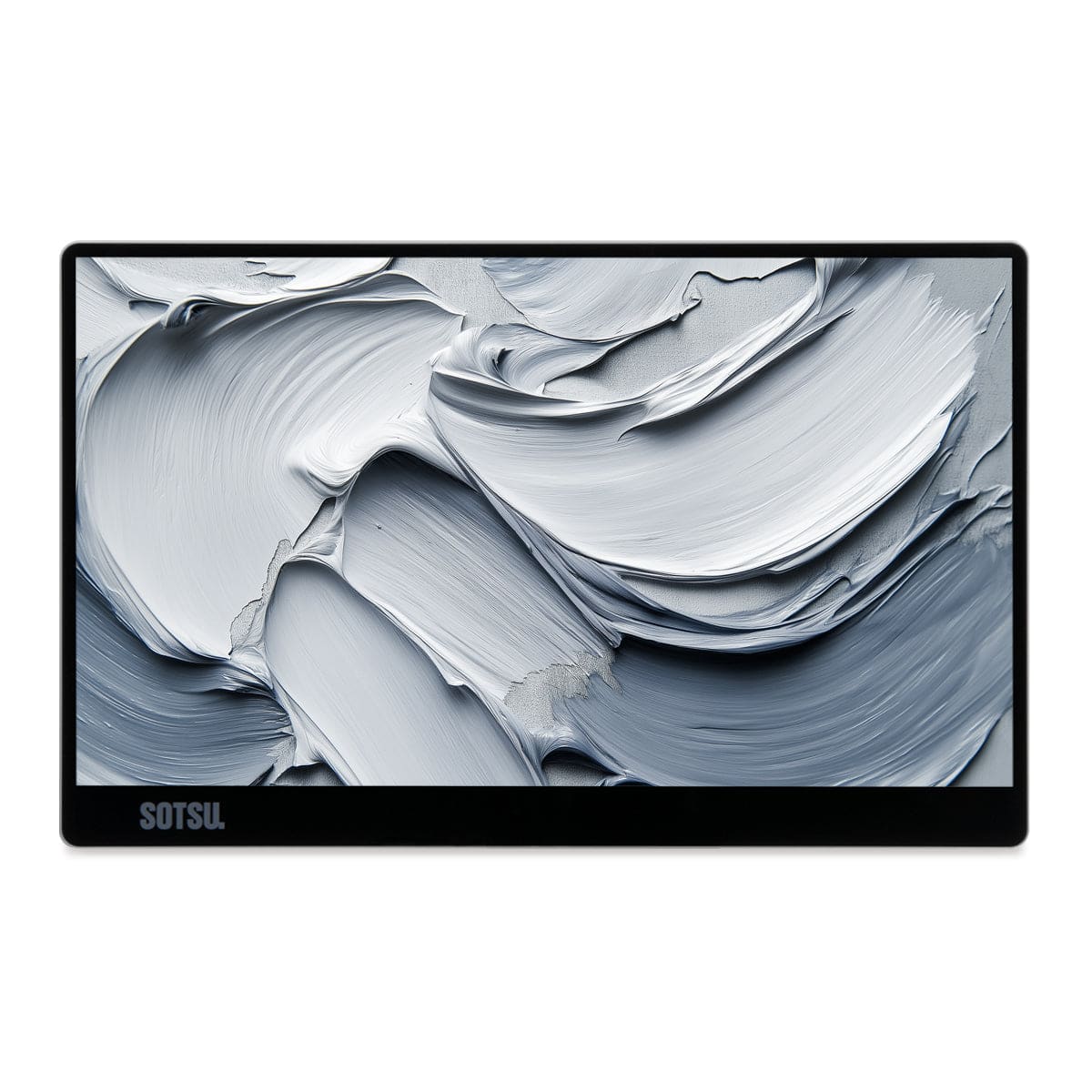
SOTSU - FlipAction Go 14" Portable Monitor, Robust, Lightweight, Tempered Glass, 1080p, USB-C or Mini-HDMI - Silver
SKU: J3R8Z4J634See all Portable MonitorsProduct Description
A robust, lightweight silver portable monitor with 1080p LCD display, tempered glass, and versatile connectivity options.Your price for this item is $269.00 -
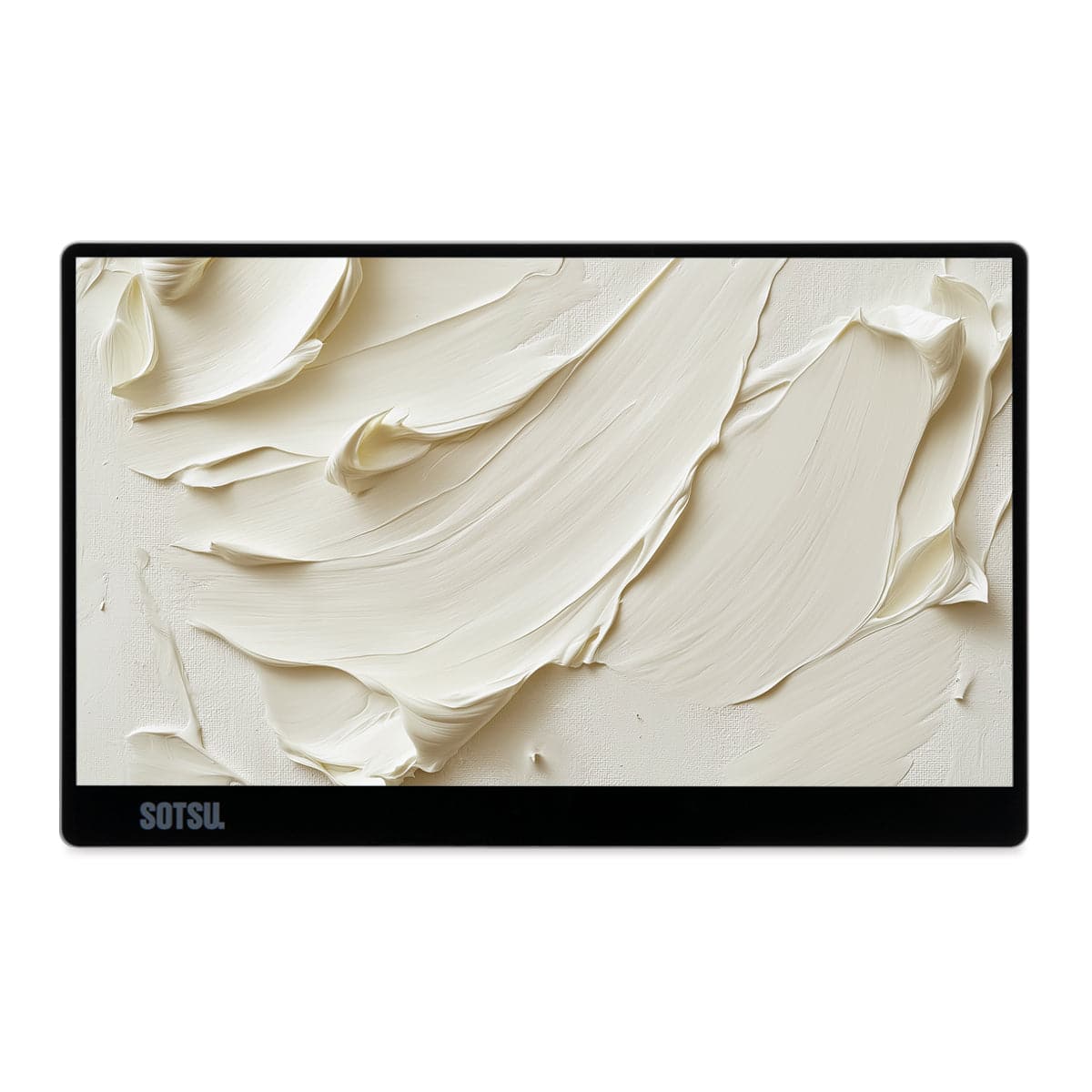
SOTSU - FlipAction Go 14" Portable Monitor, Robust, Lightweight, Tempered Glass, 1080p, USB-C or Mini-HDMI - Moonlight
SKU: J3R8Z4J6GYSee all Portable MonitorsProduct Description
A robust, lightweight moonlight-colored portable monitor with 1080p LCD display, tempered glass, and versatile connectivity.Your price for this item is $269.00 -
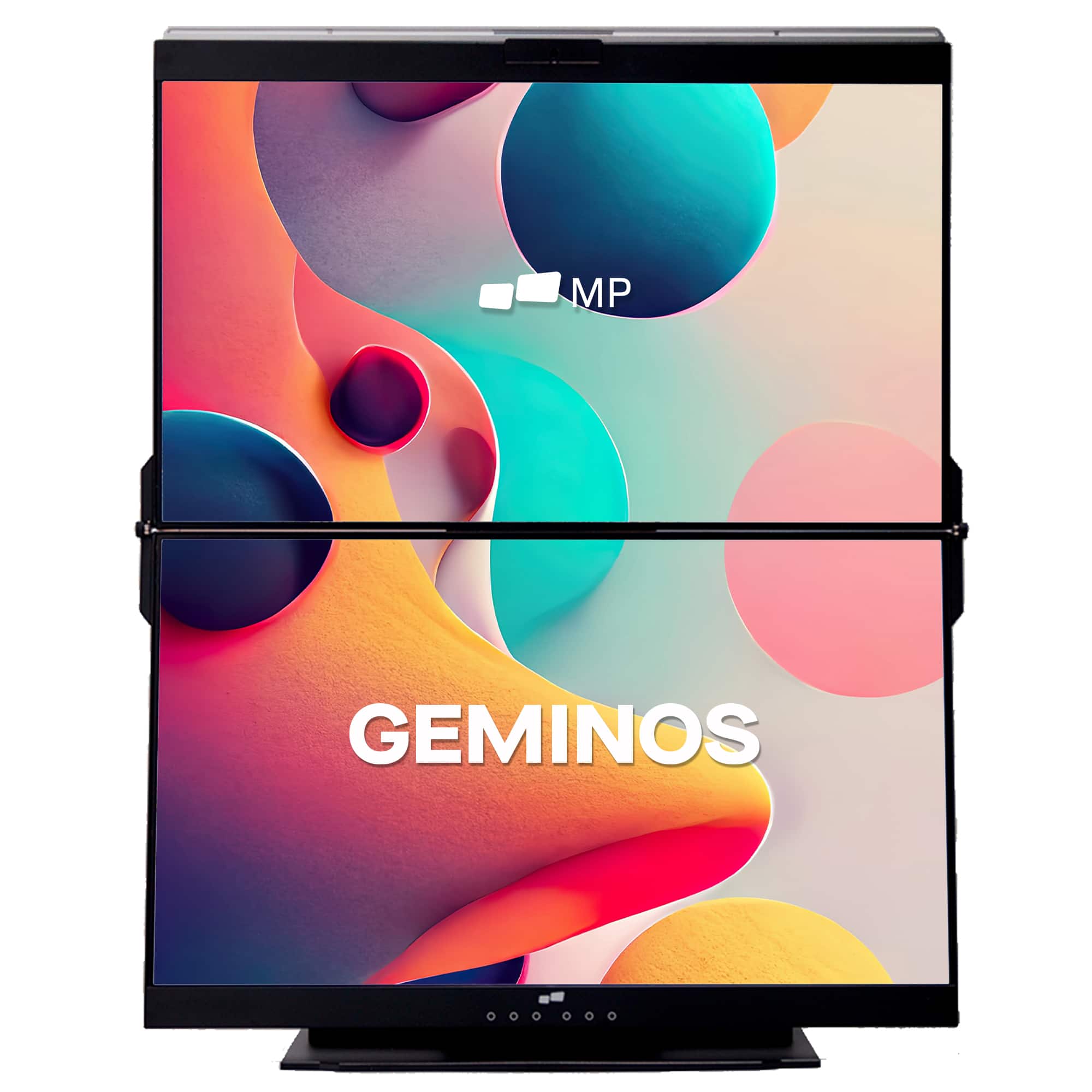
Mobile Pixels - Geminos X 1440p 24-In. Dual-Screen Desktop Monitor - Black
SKU: J3R8Q2TQ7HGreat product....Great monitor , poor cables...I really like the monitor itself and how great the screen looks.
See all Portable MonitorsProduct Description
A black dual-screen desktop monitor with 24-inch 1440p IPS displays, touch-enabled bottom screen, and built-in webcam.Your price for this item is $769.99Save $130The previous price was $899.99
Best Sellers
Related Pages




FAQ
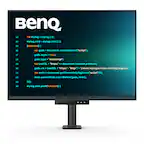
Rotating screens, also known as pivot monitors, allow you to switch between landscape and portrait orientations. This flexibility is ideal for tasks like coding, reading long documents, or viewing vertical content, helping to boost productivity and comfort in your workspace.
Most rotating screens are compatible with standard computers and operating systems. Simply connect the monitor via HDMI, DisplayPort, or USB-C, and adjust the display settings on your computer to accommodate the new orientation.
Yes, rotating screens can enhance both gaming and creative workflows. For gaming, portrait mode can provide an immersive experience in certain titles, while graphic designers and photographers benefit from viewing vertical images and layouts more naturally.
Many rotating screens come with built-in stands that support pivot functionality. Some models are also VESA-compatible, allowing you to use third-party mounts or arms for even greater flexibility in positioning.
Most modern rotating screens are designed to be adjusted while powered on. The display automatically adapts to the new orientation, making it easy to switch between landscape and portrait modes without interrupting your workflow.