Best Apple Computer For Video Editing
-
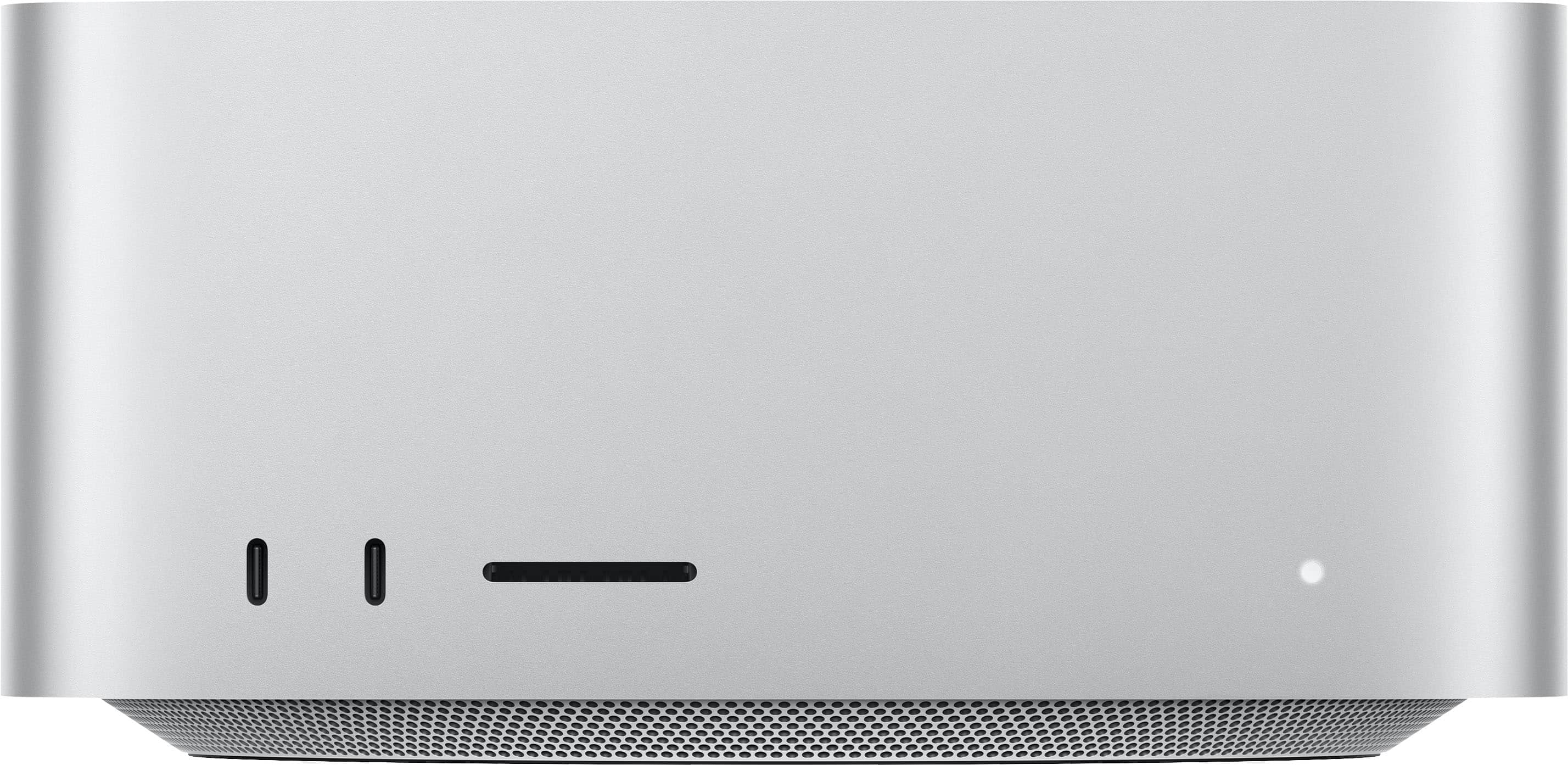
Mac Studio Apple M5 Max chip with 36GB Memory and 512GB SSD - Silver
SKU: JJGCQYK7TREven happier that Best Buy matched the price. Great little machine, just a little stingy on storage.
See all Mini PCsProduct Description
A silver professional desktop with M5 Max chip, 36GB memory, 512GB SSD, Wi-Fi 7, and macOS.Your price for this item is $2,499.00 -
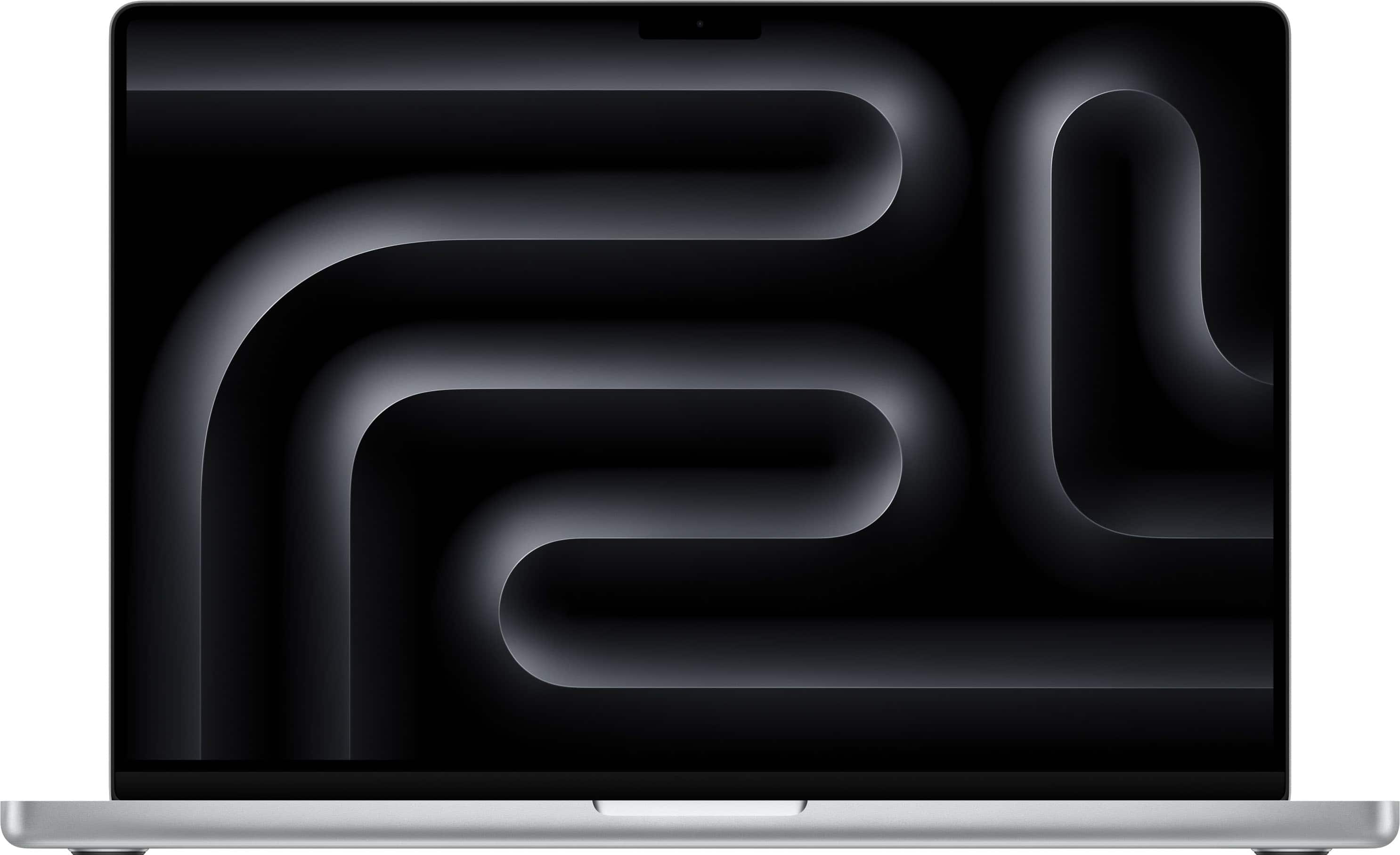
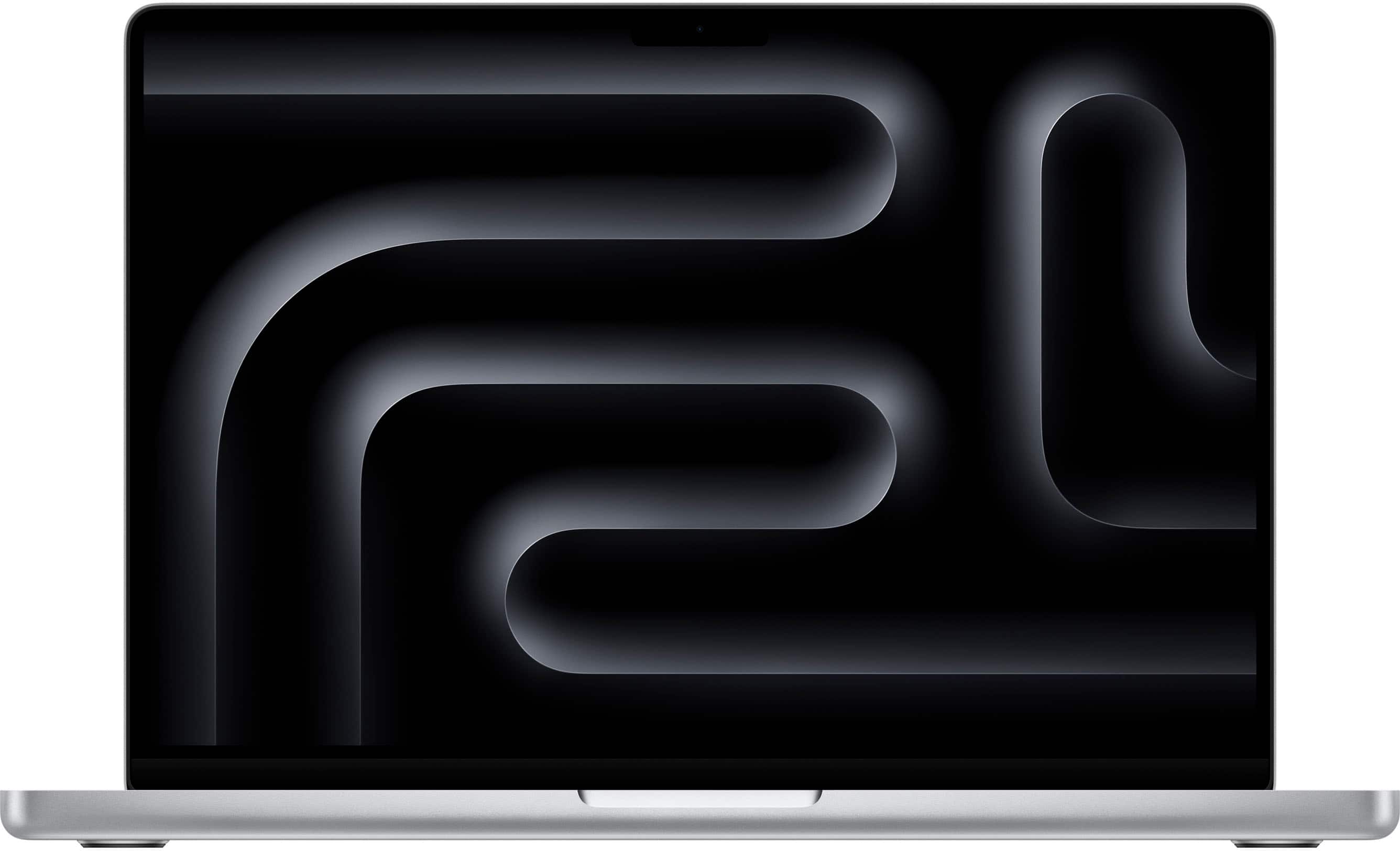
Apple - MacBook Pro 16-inch Laptop - M5 Pro chip with 18-core CPU and 20-core GPU - 48GB Memory - 1TB SSD - Silver
SKU: JJGCQLZHLSBest performance...Best performance, better battery performance, best display, nothing to complain...Great deal!...I believe Best Buy has the best deal at this moment with their 18 months financing....So...
See all MacBooksProduct Description
A powerful silver laptop featuring an 18-core CPU, 20-core GPU, 48GB memory, and 1TB SSD.Your price for this item is $3,599.00 -
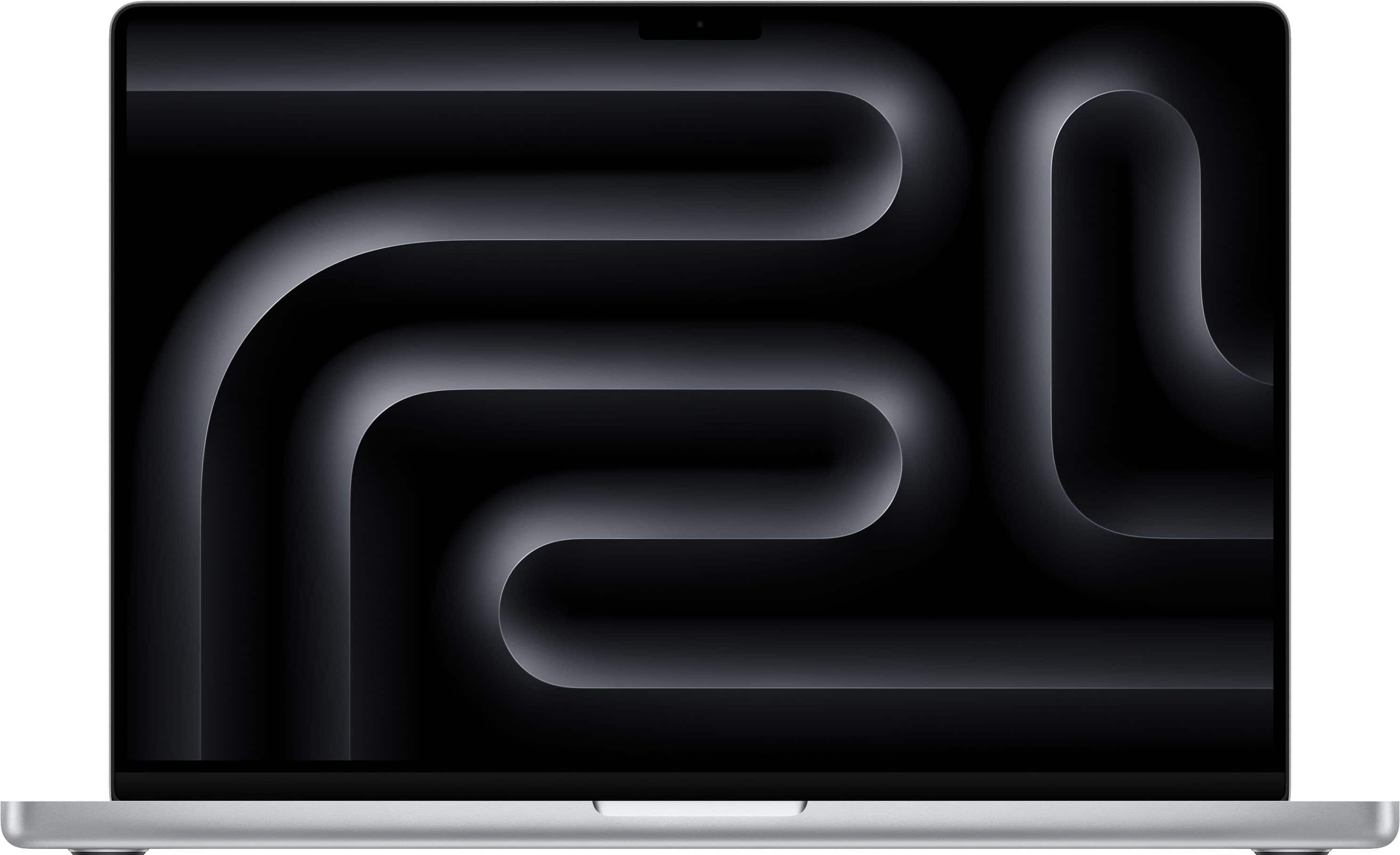
Apple - MacBook Pro 16-inch Laptop - M5 Max chip with 18-core CPU and 32-core GPU - 36GB Memory - 2TB SSD - Silver
SKU: JJGCQLZTC7I also want to highlight the excellent shopping experience at Best Buy—the process was fast, easy, and
See all MacBooksProduct Description
A powerful silver laptop featuring an M5 Max chip, 36GB memory, 32-core GPU, and 2TB SSD.Your price for this item is $4,399.00 -
Apple - MacBook Pro 16-inch Laptop - M5 Pro chip with 18-core CPU and 20-core GPU - 24GB Memory - 1TB SSD - Silver
SKU: JJGCQLZQRQBest Buy sent my computer so fast! I am in love with my computer!...It was the best gift we could give my daughter since she goes to college and works, with the speed she...has is the best purchase we...
See all MacBooksProduct Description
A powerful silver laptop featuring an 18-core CPU, 20-core GPU, 24GB memory, and 1TB SSD.Your price for this item is $2,999.00 -
Apple - MacBook Pro 16-inch Laptop - M5 Max chip with 18-core CPU and 40-core GPU - 48GB Memory - 2TB SSD - Silver
SKU: JJGCQLZTZ5Great MacBook...Great MacBook PurchaseI recently purchased a MacBook from Best Buy, and I’m really happy with it....The whole experience at Best Buy was easy and hassle-free. Definitely happy with my...
See all MacBooksProduct Description
A powerful silver laptop featuring an M5 Max chip, 48GB memory, 2TB SSD, and stunning XDR display.Your price for this item is $4,999.00 -
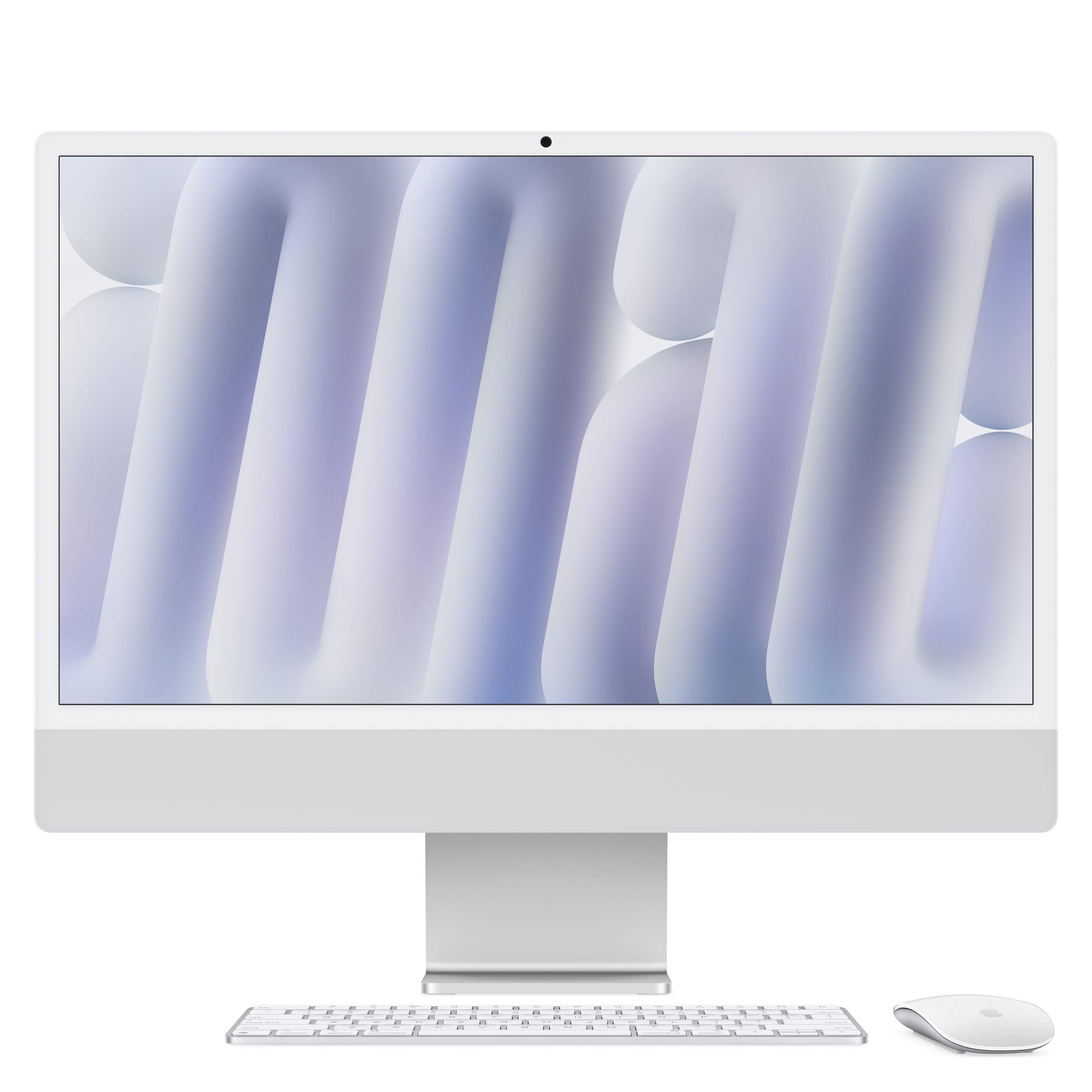
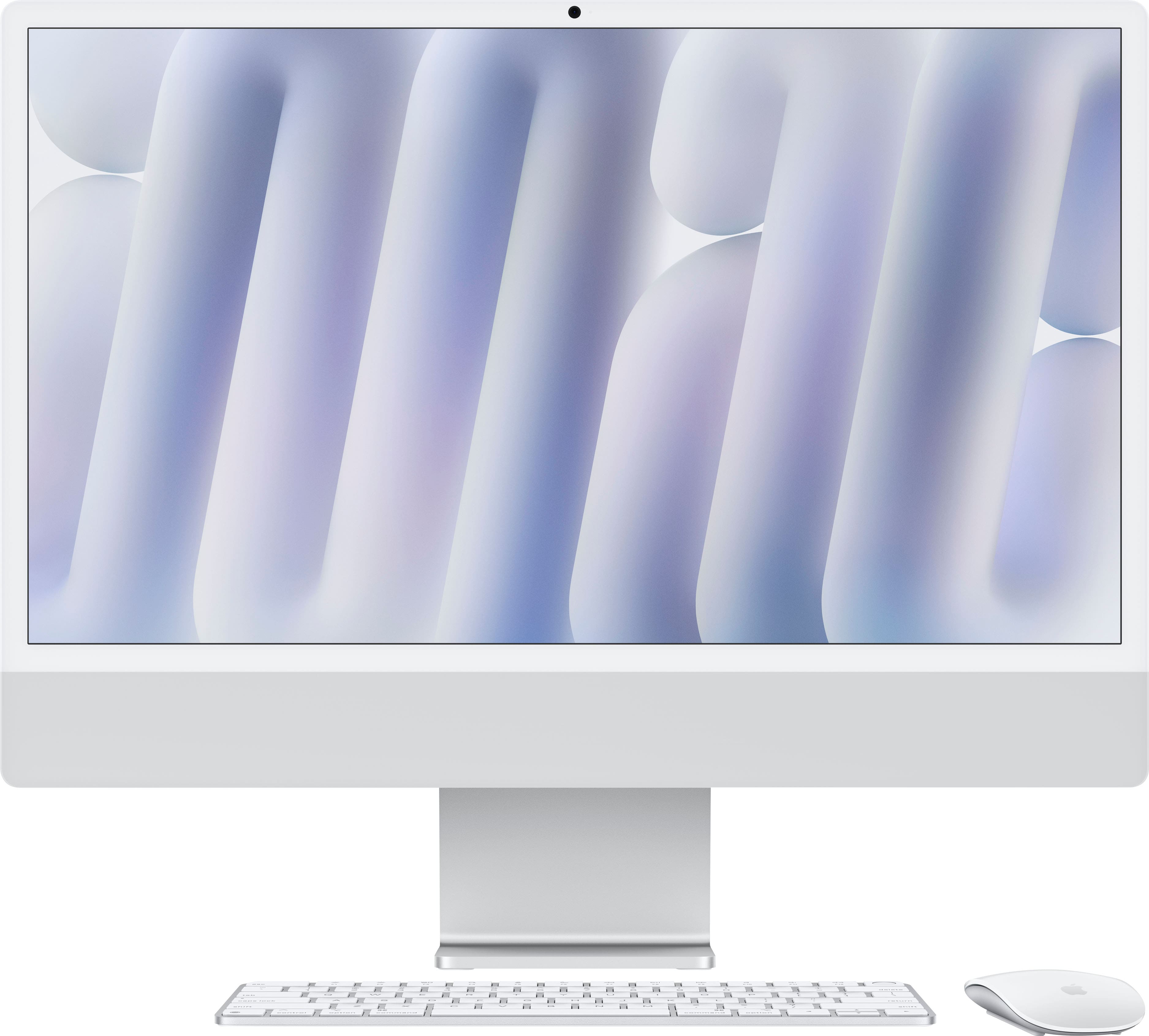
Apple - iMac 24-inch All-in-One - M4 chip - Built for Apple Intelligence - 8 Core CPU - 8 Core GPU - 16GB Memory - 256GB SSD - Silver
SKU: JJGCQ3F4SGBest Buy new computer...I love my Apple - Mac computer its great and best buy gave me the best service the employee help me find...the best....Apple is the best...We love Apple Computers! Great for our...
See all All DesktopsProduct Description
A sleek silver all-in-one desktop featuring an M4 chip, 16GB memory, 256GB SSD, and 4.5K Retina display.Your price for this item is $1,499.00 -
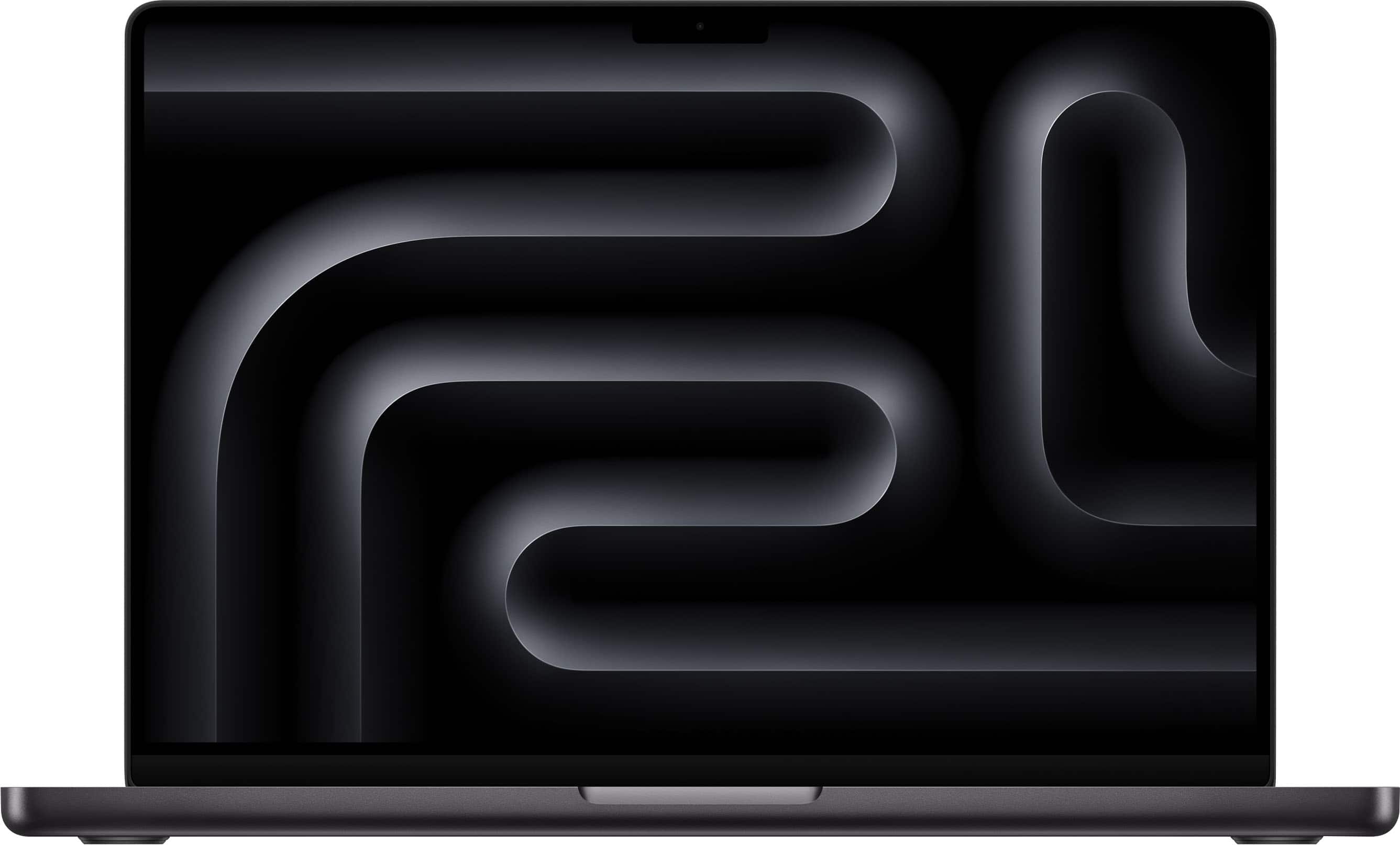
Apple - MacBook Pro 14-inch Laptop - M5 chip with 10-core CPU and 10-core GPU - 24GB Memory - 1TB SSD - Space Black
SKU: JJGCQL8L5YI love this macbook pro...Very fast, good price, best for editing audio/video, best os ever, battery life is great, awesome performance...BEST COMPUTER...Best computer ever - I’m a photographer and i...
See all MacBooksProduct Description
A high-performance Space Black laptop with Apple M5 chip, 24GB memory, 1TB SSD, and Liquid Retina XDR display.Your price for this item is $2,199.00 -
Apple - iMac 24-inch All-in-One - M4 chip - Built for Apple Intelligence - 10 Core CPU - 10 Core GPU - 16GB Memory - 256GB SSD - Yellow
SKU: JJGCQ3VC5SSee all All DesktopsProduct Description
A vibrant yellow all-in-one desktop featuring an M4 chip, 16GB memory, and a 24-inch 4.5K Retina display.Your price for this item is $1,699.00 -
Apple - iMac 24-inch All-in-One - M4 chip - Built for Apple Intelligence - 10 Core CPU - 10 Core GPU - 16GB Memory - 512GB SSD - Silver
SKU: JJGCQ3VC3CThe service I received at Best Buy was great, she made sure I was getting the Mac that was best for me...Love my new computer! Easy to set up and love the large screen and the easy of everything....Love...
See all All DesktopsProduct Description
A sleek silver all-in-one desktop featuring an M4 chip, 16GB memory, 512GB SSD, and 4.5K Retina display.Your price for this item is $1,899.00 -
Apple - MacBook Pro 14-inch Laptop - Apple M4 Pro chip Built for Apple Intelligence - 24GB Memory - 1TB SSD - Silver
SKU: JJGCQ8HFGPI also love that I don’t have to constantly close programs to keep things running smoothly.
See all MacBooksProduct Description
A high-performance silver laptop with Apple M4 Pro chip, 24GB memory, 1TB SSD, and Liquid Retina XDR display.Your price for this item is $2,299.00

Best Sellers





Related Pages







FAQ
When choosing an Apple computer for video editing, look for a powerful processor (such as Apple M1 Pro, M2, or M3 chips), at least 16GB of RAM, a high-resolution Retina display, a dedicated or integrated GPU with strong performance, and ample storage—preferably SSD for faster read/write speeds.
Both the MacBook Pro and iMac are excellent for video editing. The MacBook Pro offers portability and powerful performance, especially with the latest Apple silicon chips. The iMac provides a larger built-in display and can be configured with high-performance components, making it ideal for a dedicated editing workspace.
For most video editing tasks, 16GB of RAM is recommended as a minimum. If you work with 4K or higher resolution footage, complex effects, or multiple layers, consider upgrading to 32GB or more for optimal performance.
Yes, Apple computers are compatible with both Final Cut Pro and Adobe Premiere Pro. Final Cut Pro is optimized for macOS and Apple silicon, offering excellent performance. Adobe Premiere Pro also runs smoothly on Mac, especially on models with the latest processors and plenty of RAM.
Yes, most Apple computers support one or more external monitors, allowing you to expand your workspace. This is especially useful for video editing, as you can view timelines, previews, and tools on separate screens for improved workflow efficiency.