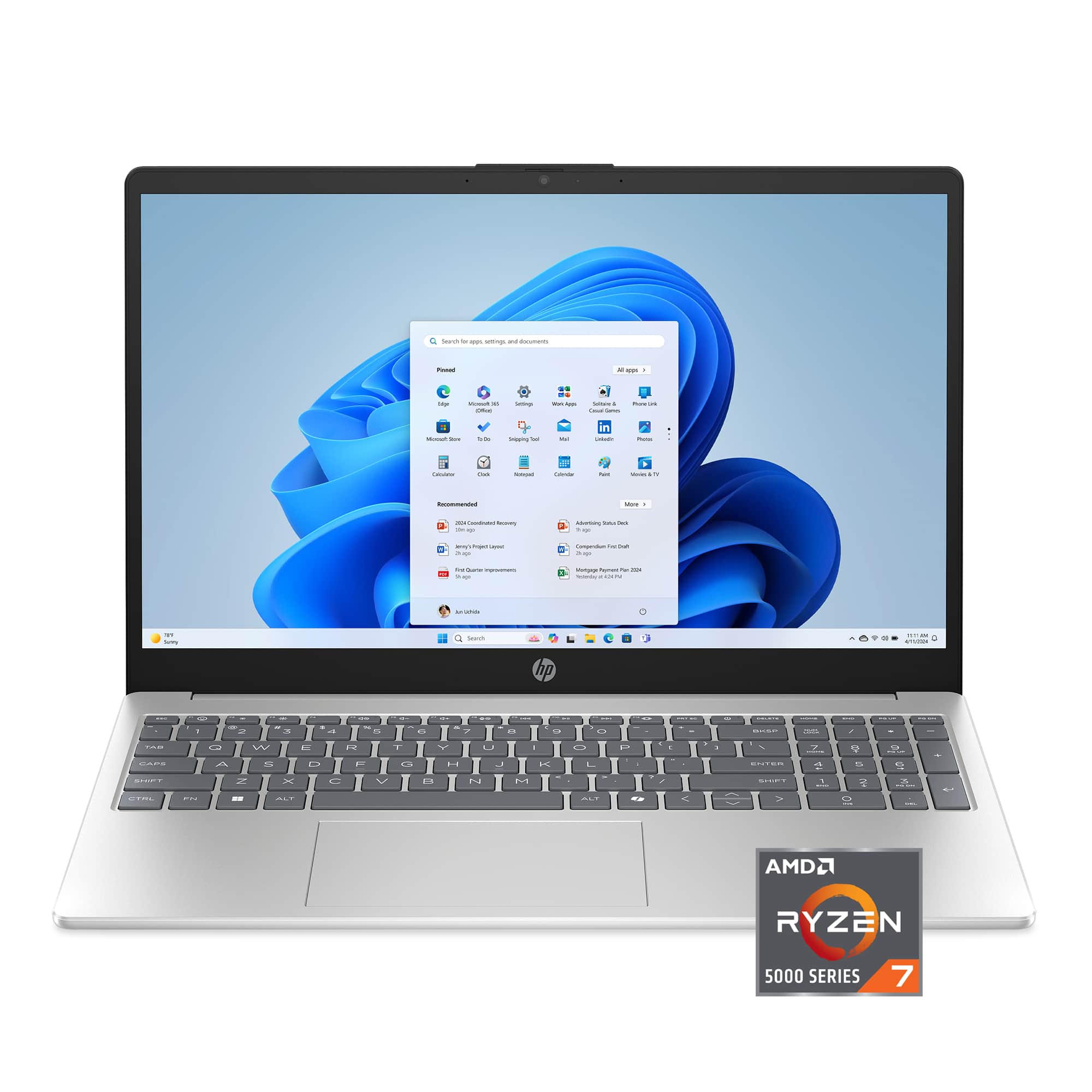
Best iMac For Video Editing
Find the best iMac for video editing by comparing available models based on processing performance, memory, storage capacity, display size and resolution, and connectivity for your editing setup. Whether you’re working with high-resolution footage, creating content for social media, or building a professional video workflow, this selection makes it easier to choose an iMac that fits your software, projects, and budget.
What to look for in an iMac for video editing
Choosing the right iMac for video editing can help you work more efficiently, manage large media files and create high-quality projects.
1. Processor And Graphics Performance
2. Memory Capacity
3. Storage Space
4. Display And Connectivity
-
1

Apple - iMac 24-inch All-in-One - M4 chip - Built for Apple Intelligence - 10 Core CPU - 10 Core GPU - 24GB Memory - 512GB SSD - Blue
About this product
A sleek blue all-in-one desktop featuring an M4 chip, 24GB memory, 512GB SSD, and 4.5K Retina display.
What customers like
(219)$2,099.00 Your price for this item is $2,099.00 -
2
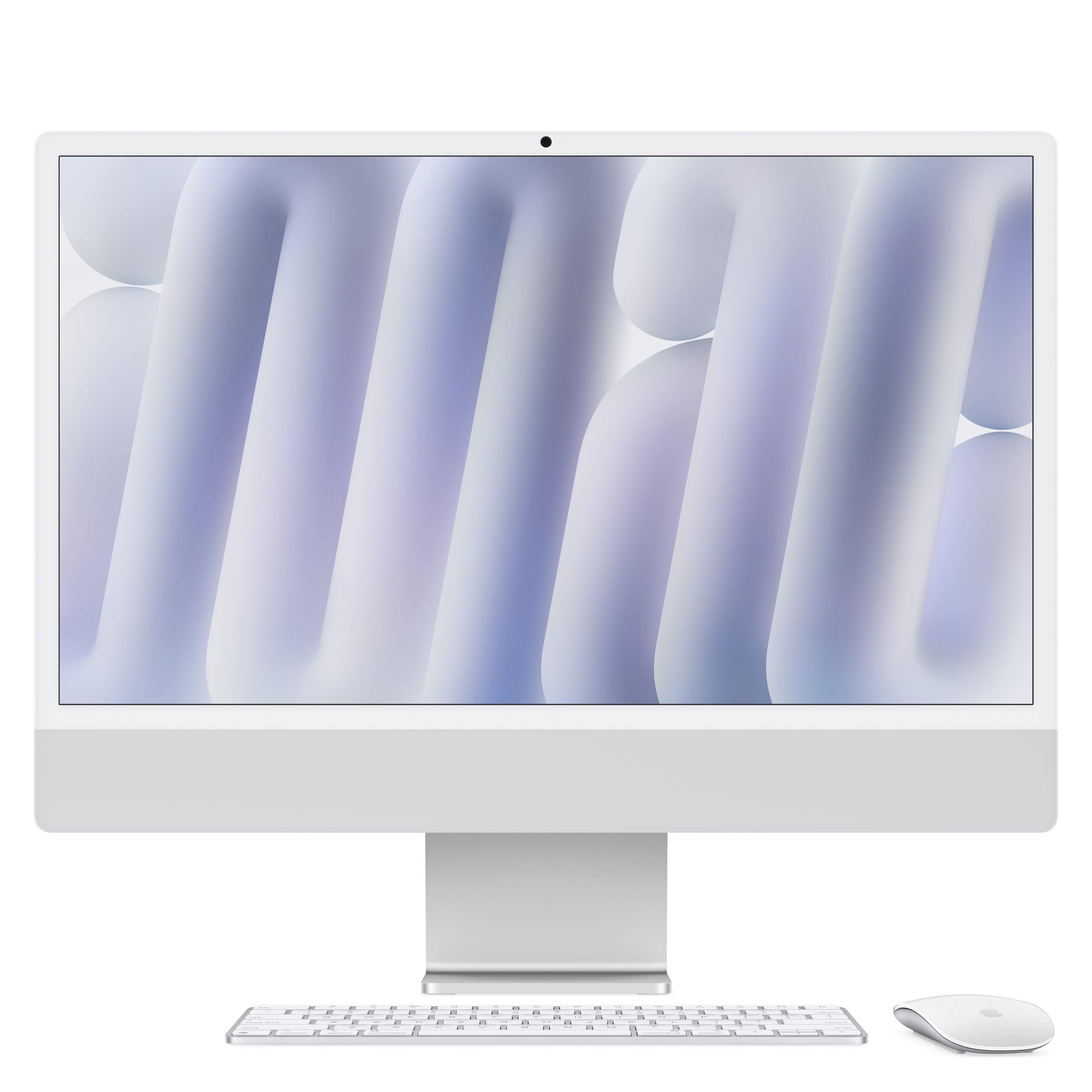
Apple - iMac 24-inch All-in-One - M4 chip - Built for Apple Intelligence - 8 Core CPU - 8 Core GPU - 16GB Memory - 256GB SSD - Silver
About this product
A sleek silver all-in-one desktop featuring an M4 chip, 16GB memory, 256GB SSD, and 4.5K Retina display.
What customers like
(1,254)$1,499.00 Your price for this item is $1,499.00 -
3
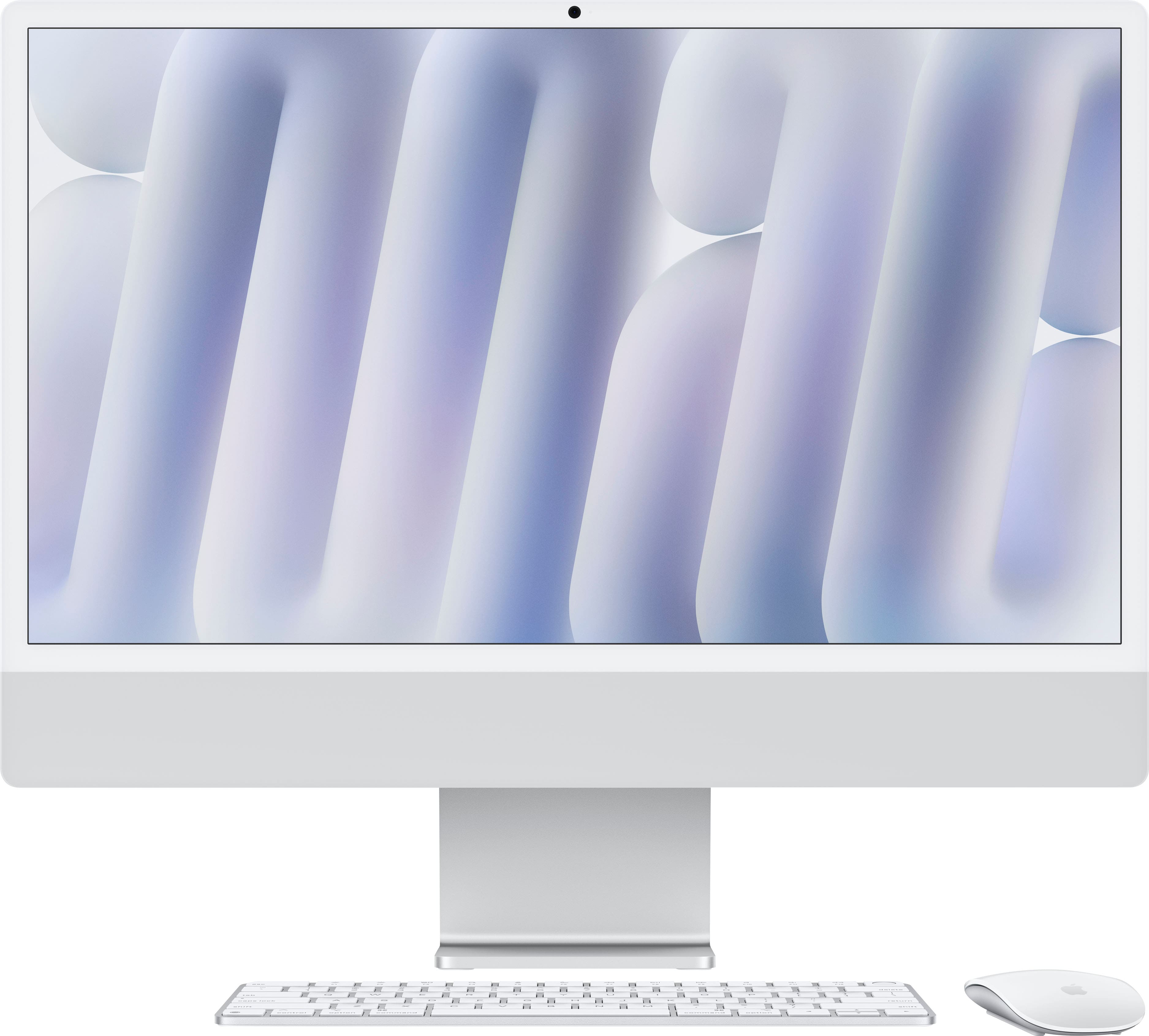
Apple - iMac 24-inch All-in-One - M4 chip - Built for Apple Intelligence - 10 Core CPU - 10 Core GPU - 16GB Memory - 256GB SSD - Silver
About this product
A sleek silver all-in-one desktop featuring an M4 chip, 16GB memory, 256GB SSD, and 4.5K Retina display.
What customers like
(299)$1,699.00 Your price for this item is $1,699.00 -
4
Apple - iMac 24-inch All-in-One - M4 chip - Built for Apple Intelligence - 10 Core CPU - 10 Core GPU - 16GB Memory - 256GB SSD - Blue
About this product
A sleek blue all-in-one desktop featuring an M4 chip, 16GB memory, 256GB SSD, and 4.5K Retina display.
What customers like
(299)$1,699.00 Your price for this item is $1,699.00 -
5
Apple - iMac 24-inch All-in-One - M4 chip - Built for Apple Intelligence - 10 Core CPU - 10 Core GPU - 16GB Memory - 512GB SSD - Silver
About this product
A sleek silver all-in-one desktop featuring an M4 chip, 16GB memory, 512GB SSD, and 4.5K Retina display.
What customers like
(275)$1,899.00 Your price for this item is $1,899.00 -
6

Apple - iMac 24-inch All-in-One - M4 chip - Built for Apple Intelligence - 10 Core CPU - 10 Core GPU - 16GB Memory - 512GB SSD - Pink
About this product
A sleek pink all-in-one desktop featuring an M4 chip, 16GB memory, 512GB SSD, and 4.5K Retina display.
What customers like
(275)$1,899.00 Your price for this item is $1,899.00 -
7
Apple - iMac 24-inch All-in-One - M4 chip - Built for Apple Intelligence - 10 Core CPU - 10 Core GPU - 24GB Memory - 512GB SSD - Silver
About this product
A sleek silver all-in-one desktop featuring an M4 chip, 24GB memory, 512GB SSD, and 4.5K Retina display.
What customers like
(219)$2,099.00 Your price for this item is $2,099.00 -
8
Apple - iMac 24-inch All-in-One - M4 chip - Built for Apple Intelligence - 16GB Memory - 256GB SSD - Nano-texture glass - Silver
About this product
A sleek silver all-in-one desktop featuring an M4 chip, 16GB memory, 256GB SSD, and 4.5K Retina display.
(11)$1,899.00 Your price for this item is $1,899.00
Best iMac For Video Editing
FAQs
Look for a current-generation Apple silicon chip, sufficient unified memory, fast solid-state storage, a high-resolution display, and compatibility with your preferred editing software. Hardware-accelerated video formats and a wide-gamut display can also be useful for modern editing workflows.
For basic 1080p projects, a lower memory configuration may be suitable. Editors working with 4K footage, multiple video layers, motion graphics, or color-grading applications should consider a higher unified memory configuration to support larger and more complex projects.
An iMac can support 4K video editing when configured with an appropriate Apple silicon processor, enough unified memory, and adequate storage for media and project files. Using optimized media or proxy files can help manage demanding footage formats.
Popular options include Final Cut Pro, Adobe Premiere Pro, DaVinci Resolve, and iMovie. Before choosing an iMac, check that the model and macOS version meet the recommended requirements for the applications and video formats you plan to use.
Video projects can require substantial storage, especially when working with high-resolution footage, audio files, previews, and exported versions. Choose internal storage based on your typical projects and consider a compatible external SSD for media libraries, backups, and archived work.