Main Content

Best iMac

Find the best iMac for your setup by comparing available Apple all-in-one desktop computers by model, performance, display, storage, price and availability. Review key specifications to choose an iMac that fits your work, creative projects, everyday browsing or home office needs.

Read More

What to look for in an iMac

Choosing the right iMac comes down to matching its performance, display and features with the way you work, create and stay connected.

1. Performance

Consider the processor, memory and graphics capabilities you need for everyday tasks, photo editing, video production or other demanding applications. More memory and processing power can help support smoother multitasking and longer-term use.

2. Display Size And Quality

An iMac’s built-in display provides a spacious workspace for apps, documents and creative projects. Look for a size, resolution, brightness and colour accuracy that suit your entertainment or professional needs.

3. Storage Capacity

Choose enough solid-state storage for your apps, photos, videos and other files. If you work with large media libraries, a higher-capacity model or external storage can provide additional flexibility.

4. Connectivity And Accessories

Check the available ports and wireless connectivity for your peripherals, displays and storage devices. Also consider included accessories, such as a keyboard and mouse, along with compatibility with other Apple devices and services.

  1. 1

    About this product

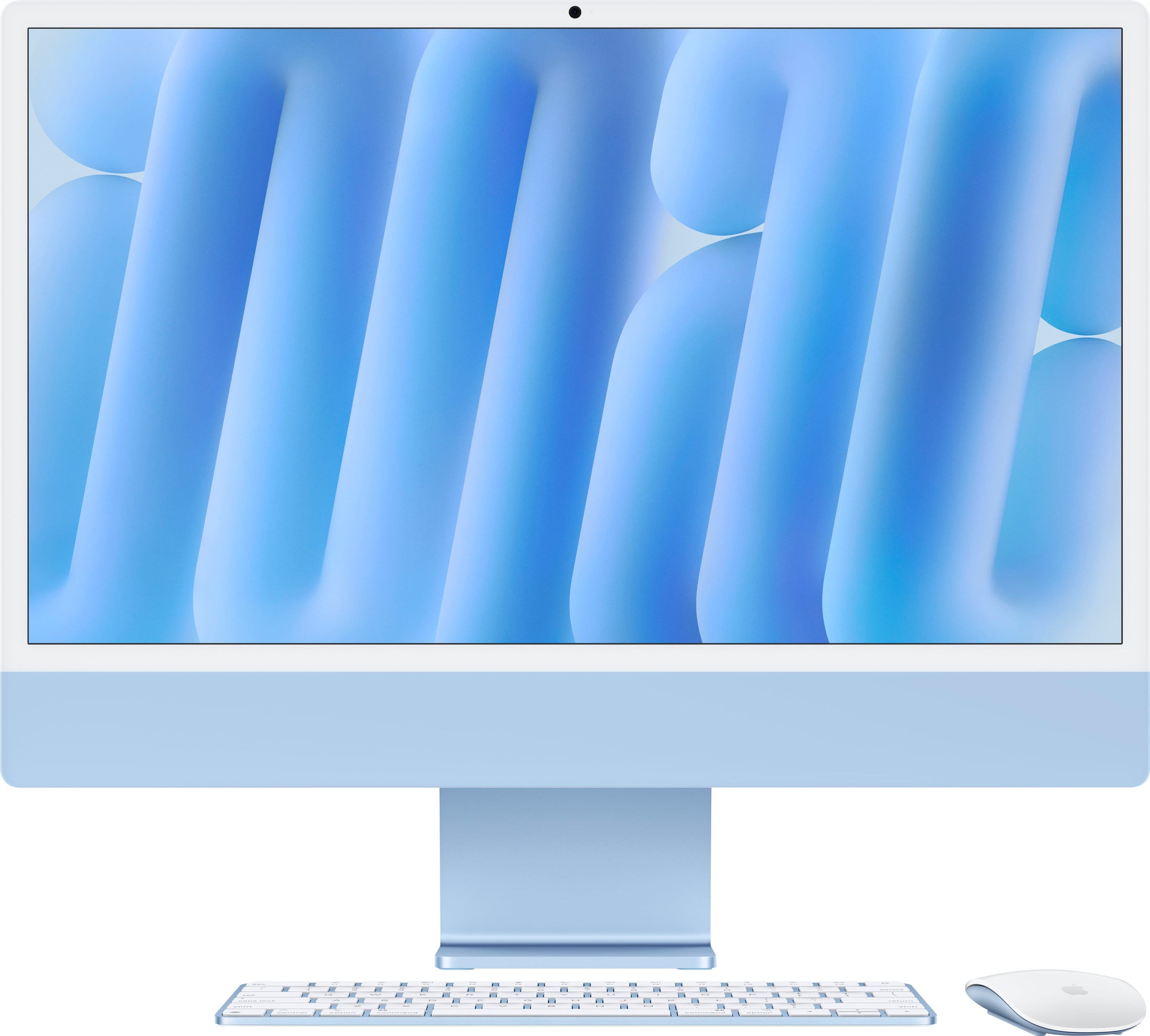
    A sleek blue all-in-one desktop featuring an M4 chip, 16GB memory, and a vibrant 4.5K Retina display.

    A sleek blue all-in-one desktop featuring an M4 chip, 16GB memory, and a vibrant 4.5K Retina display.

    What customers like

    • Fast and smooth performance with M4 chip
    • Vibrant and crisp 4.5K Retina display
    • Seamless integration with Apple ecosystem
    • Easy and user-friendly setup and interface
    • Sleek and elegant all-in-one design
    (1,238)
    $1,499.00 Your price for this item is $1,499.00
  2. 2

    About this product

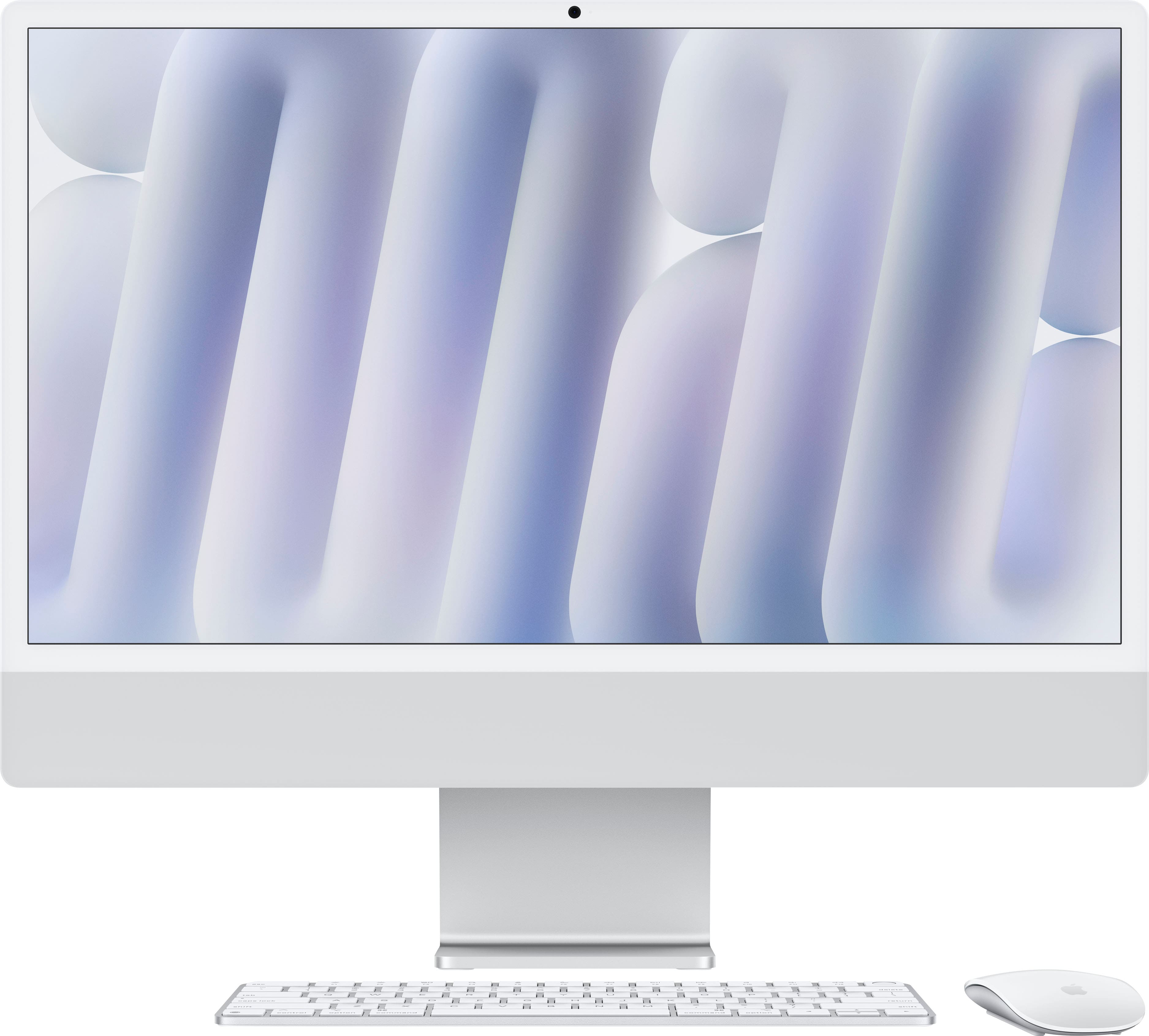
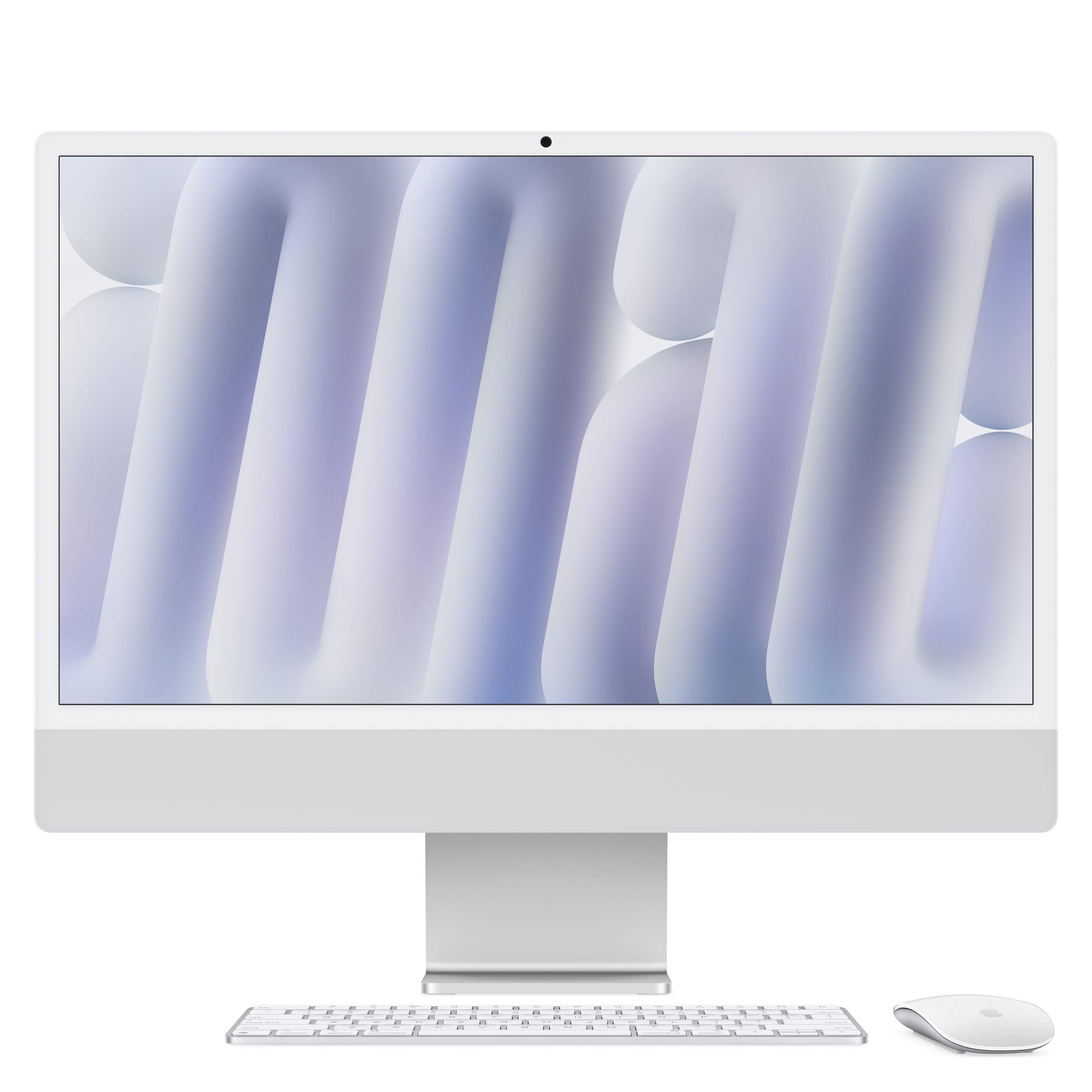
    A sleek silver all-in-one desktop featuring an M4 chip, 24GB memory, 512GB SSD, and 4.5K Retina display.

    A sleek silver all-in-one desktop featuring an M4 chip, 24GB memory, 512GB SSD, and 4.5K Retina display.

    What customers like

    • Sleek and attractive design
    • Excellent compatibility with Apple devices
    • Easy setup and onboarding
    • High quality display and sound
    • Fast and smooth performance
    (213)
    $2,099.00 Your price for this item is $2,099.00
  3. 3

    About this product

    A sleek silver all-in-one desktop featuring an M4 chip, 16GB memory, 256GB SSD, and 4.5K Retina display.

    A sleek silver all-in-one desktop featuring an M4 chip, 16GB memory, 256GB SSD, and 4.5K Retina display.

    What customers like

    • Stunning and sharp 4.5K Retina display
    • Easy setup and user-friendly experience
    • Sleek all-in-one design saves space
    • Excellent build quality and Apple ecosystem integration
    • Fast and reliable performance
    (295)
    $1,699.00 Your price for this item is $1,699.00
  4. 4

    About this product

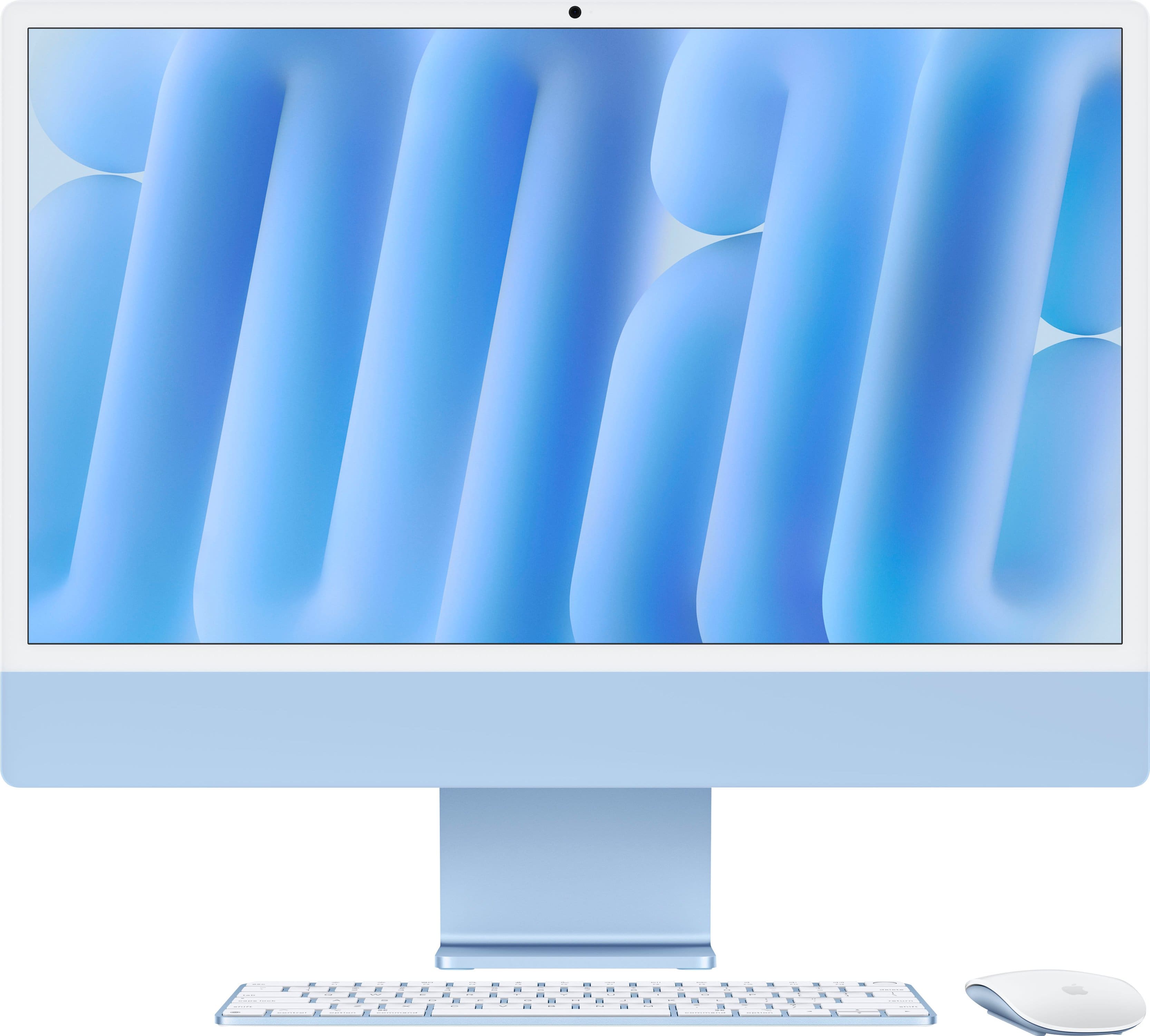
    A sleek blue all-in-one desktop featuring an M4 chip, 16GB memory, 256GB SSD, and 4.5K Retina display.

    A sleek blue all-in-one desktop featuring an M4 chip, 16GB memory, 256GB SSD, and 4.5K Retina display.

    What customers like

    • Easy and quick setup
    • Sleek and stylish design
    • Powerful and seamless performance
    • Vibrant 4.5K Retina display
    • Excellent integration with Apple ecosystem
    (295)
    $1,699.00 Your price for this item is $1,699.00
  5. 5

    About this product

    A sleek silver all-in-one desktop featuring an M4 chip, 16GB memory, 256GB SSD, and 4.5K Retina display.

    A sleek silver all-in-one desktop featuring an M4 chip, 16GB memory, 256GB SSD, and 4.5K Retina display.

    (11)
    $1,899.00 Your price for this item is $1,899.00
  6. 6

    About this product

    A sleek silver all-in-one desktop featuring an M4 chip, 16GB memory, 512GB SSD, and 4.5K Retina display.

    A sleek silver all-in-one desktop featuring an M4 chip, 16GB memory, 512GB SSD, and 4.5K Retina display.

    What customers like

    • Sleek and space-saving design
    • Fast and powerful performance
    • Easy setup and user-friendly
    • Ample memory and storage capacity
    • Beautiful and large 4.5K Retina display
    (275)
    $1,899.00 Your price for this item is $1,899.00
  7. 7

    About this product

    A sleek blue all-in-one desktop featuring an M4 chip, 24GB memory, 512GB SSD, and 4.5K Retina display.

    A sleek blue all-in-one desktop featuring an M4 chip, 24GB memory, 512GB SSD, and 4.5K Retina display.

    What customers like

    • Stunning 4.5K Retina display
    • Excellent for multitasking and creative work
    • Effortless and seamless setup
    • Beautiful blue color and sleek design
    • Blazing fast performance
    (213)
    $2,099.00 Your price for this item is $2,099.00

Best iMac

Finding the best iMac-style all-in-one desktop starts with matching the computer to the way it will be used. These streamlined systems combine the display, processor and speakers in one enclosure, making them a natural fit for home offices, creative workspaces, family rooms and student desks where a clean footprint matters. A bright, high-resolution screen can make everyday tasks more comfortable, from sorting a crowded inbox and reviewing spreadsheets to editing vacation photos or streaming a movie after work. For many shoppers, the right starting point is the processor. A modern multi-core chip should feel responsive when several browser tabs, productivity apps, video calls and music are open together, while additional graphics capability is helpful for photo adjustments, casual gaming, design software and light video production. Memory deserves equal attention because it affects how smoothly a desktop handles multiple demanding applications at once. A configuration with 16GB of unified memory provides a more comfortable foundation for multitasking than an entry-level amount, particularly for creative professionals, students working across research and presentation tools, or households that expect a computer to remain useful for several years. Storage is another decision to make before checkout. A smaller solid-state drive can be suitable for web browsing, documents and cloud-based files, but a larger capacity gives photo libraries, downloaded media, creative projects and installed applications more room to grow. Since all-in-one desktops typically offer limited opportunities for internal upgrades after purchase, it is wise to consider the files and programs that will live on the computer rather than choosing solely by the lowest starting price.

Display quality can shape the experience every time the computer is used. A 4.5K-class Retina display with a dense pixel count can show small text, fine lines and detailed images with impressive clarity, which benefits spreadsheet work as much as it does illustration, photography and layout. Strong brightness and accurate color are valuable near a sunny window or beneath softer evening lighting, while a generous screen size can reduce the need to constantly rearrange windows. People shopping for creative work may want to review the available memory, storage and graphics options carefully, then compare those specifications with the requirements of their preferred design, illustration, photography or editing applications. The iMac For Graphic Design selection can help shoppers explore configurations suited to visual projects without giving up the convenience of an uncluttered desk. A capable built-in camera also matters more than it once did. A high-resolution webcam with automatic framing can keep a speaker centered during a video meeting, whether the call takes place at a dedicated desk or at the kitchen table between other responsibilities. Clear microphones and integrated speakers reduce the number of accessories needed for routine calls, online classes and remote collaboration. Extra ports are worth noting as well. Someone connecting an external drive, camera, card reader, wired network adapter or second display may appreciate a configuration with more connection options, while a user who relies mostly on wireless accessories may prefer a simpler setup. Color can be a practical and personal choice, too: a neutral finish may blend quietly into a professional office, while a brighter shade can give a dorm room, creative studio or shared family workspace a little more character.

An all-in-one desktop can make a thoughtful gift for a student preparing for a new term, a family member setting up a home office, a photographer organizing years of memories or a first-time computer owner who wants a straightforward setup without assembling separate components. It can also be a welcome upgrade for someone whose current computer has become slow, cramped or difficult to use with modern applications. Before purchasing for another person, consider the tasks they mention most often, the size of their current workspace and the services they use to store files. A student who keeps assignments in the cloud may need less local storage than a video creator who maintains large project libraries, while a hobby photographer may value a sharp, color-rich display and room for external backups. For a shared household, memory and storage headroom can help the computer accommodate schoolwork, budgeting, streaming, photo organization and video calls without feeling tailored to just one user. Accessories can complete the experience: a comfortable keyboard and mouse, a desk lamp that reduces screen glare, a surge protector and a reliable backup drive are practical additions for a new workstation. During the cooler months, when more work, school and entertainment may move indoors, a well-chosen all-in-one desktop can serve as a quiet command center for everything from remote meetings and recipe searches to creative projects and family movie nights. Measure the available desk area, check the viewing distance, confirm that the included peripherals suit the user and select memory and storage with future needs in mind. Those details help turn a visually appealing desktop into a dependable everyday computer that feels comfortable from the first login and remains useful as routines, projects and priorities change.
Read More

FAQs