Good Laptop For Video Editing
-
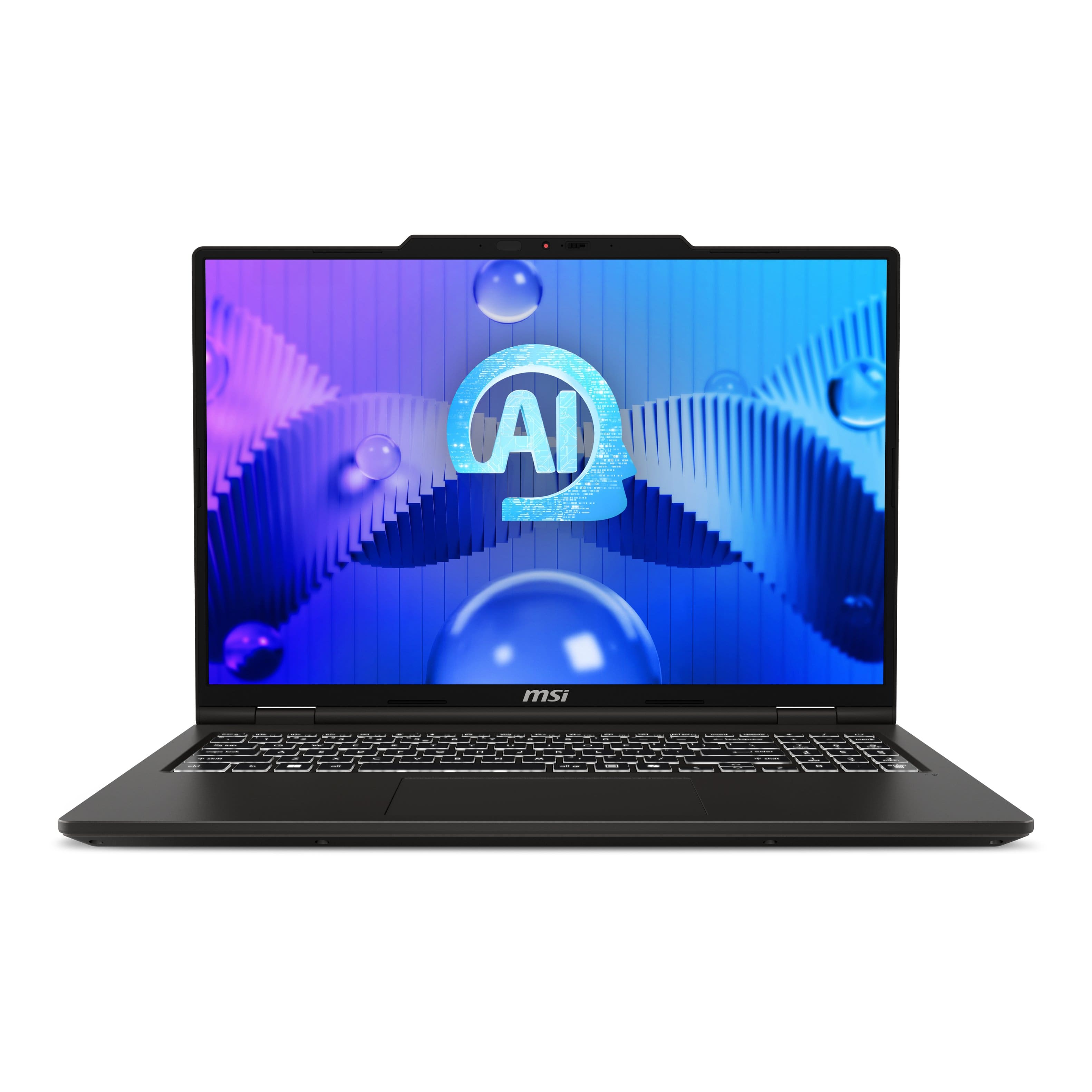
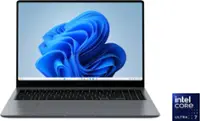
MSI - VenturePro 16 16” FHD+ Touchscreen Laptop - Intel Core 7 240H 2024 - RTX 5050 - 32GB RAM - 1TB Storage - Solid Gray
SKU: J3P7TXHSRQSee all Windows LaptopsProduct Description
A powerful solid gray touchscreen laptop featuring Intel Core 7, RTX 5050, 32GB RAM, and 1TB storage.Your price for this item is $1,399.99Save $4The previous price was $1,403.99 -
HP - 17.3" Full HD Laptop - Intel Core i7 1355U 2023 - 16GB Memory - 1TB SSD - Natural Silver
SKU: JJGH2YK4ZPLove my new laptop !...Love my new laptop ! Best Buy made the purchase easy and I got a great deal on it !...Great decision...glad i puchased this at best buy amherst...great service..
See all Windows LaptopsProduct Description
A powerful silver laptop featuring Intel Core i7, 16GB memory, 1TB SSD, and Full HD display.Your price for this item is $854.99Save $55The previous price was $909.99 -
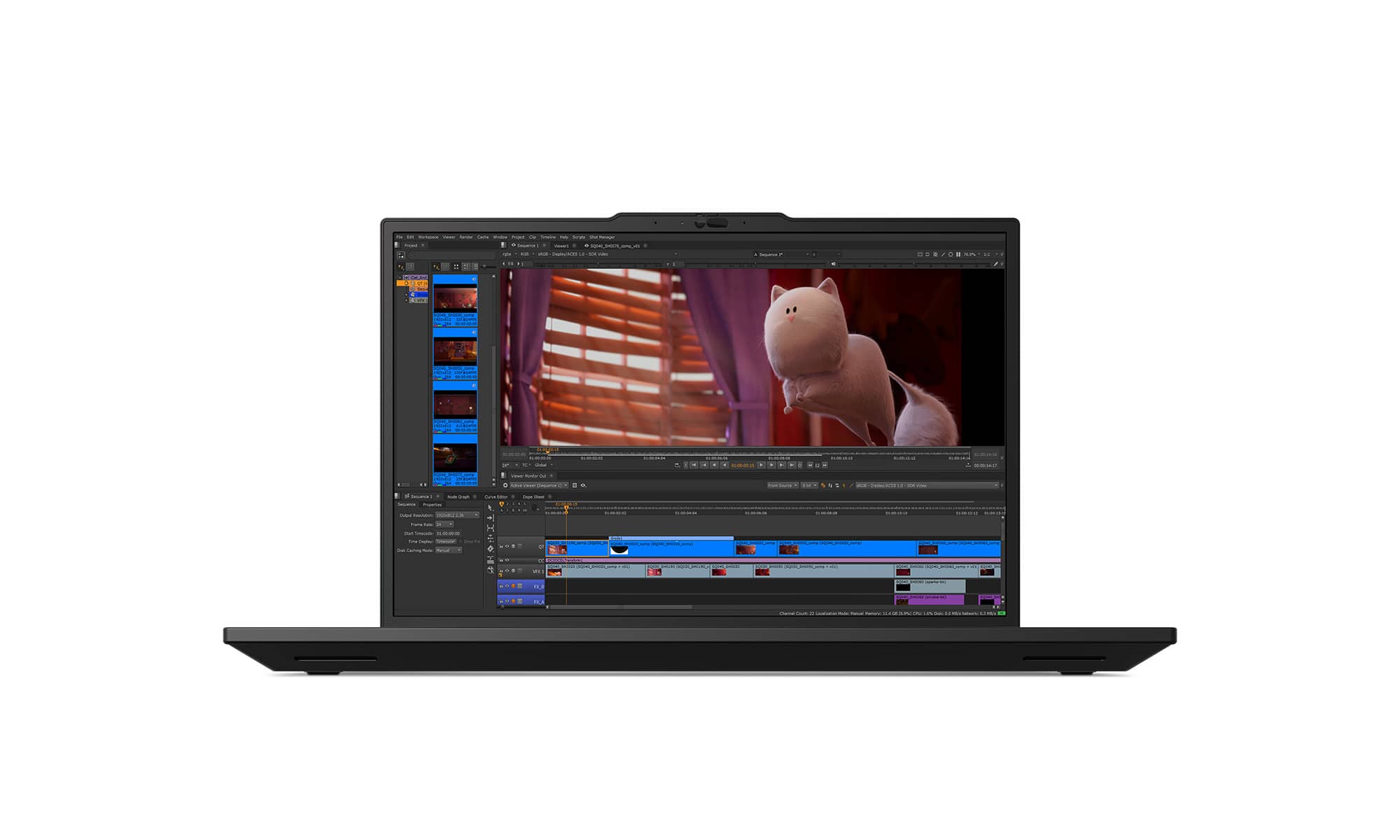
Lenovo - ThinkPad P16s Gen 4 AI PC 16" Laptop - Latest Model - Intel Ultra 7 - NVIDIA RTX PRO500 - 32GB Memory - 1TB SSD - Black
SKU: JJGH398646See all Windows LaptopsProduct Description
A durable black workstation laptop with Intel Ultra 7, NVIDIA RTX PRO500, 32GB RAM, and advanced security features.Your price for this item is $3,229.99 -
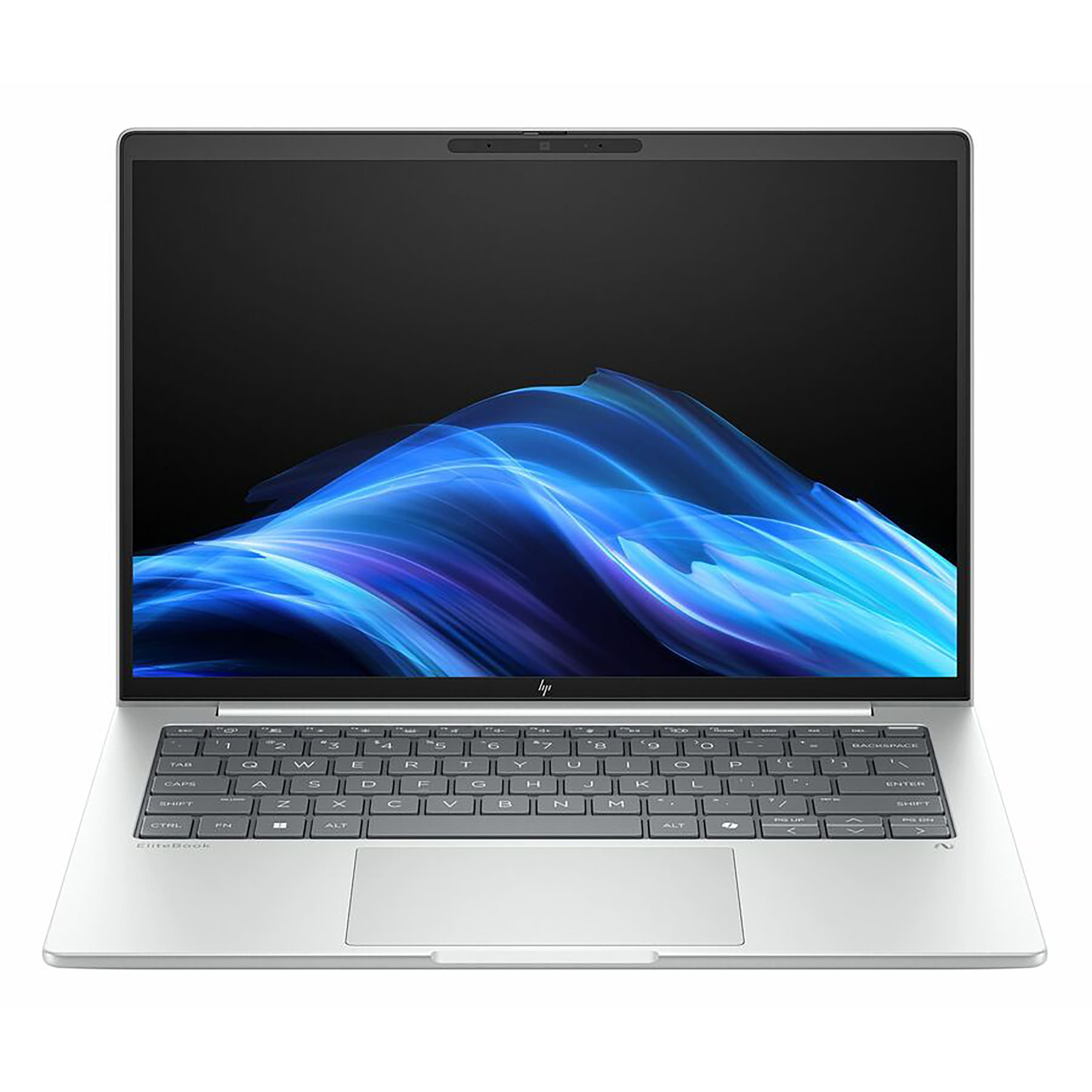
HP - EliteBook 16" Touchscreen Laptop - Intel Core Ultra 7 268V with 32GB Memory - 1TB SSD - Glacier Silver
SKU: JJGH2GZ4JPSee all Windows LaptopsProduct Description
A silver touchscreen laptop featuring Intel Core Ultra 7, 32GB memory, 1TB SSD, and AI-powered productivity.Your price for this item is $1,999.00Save $100The previous price was $2,099.99 -
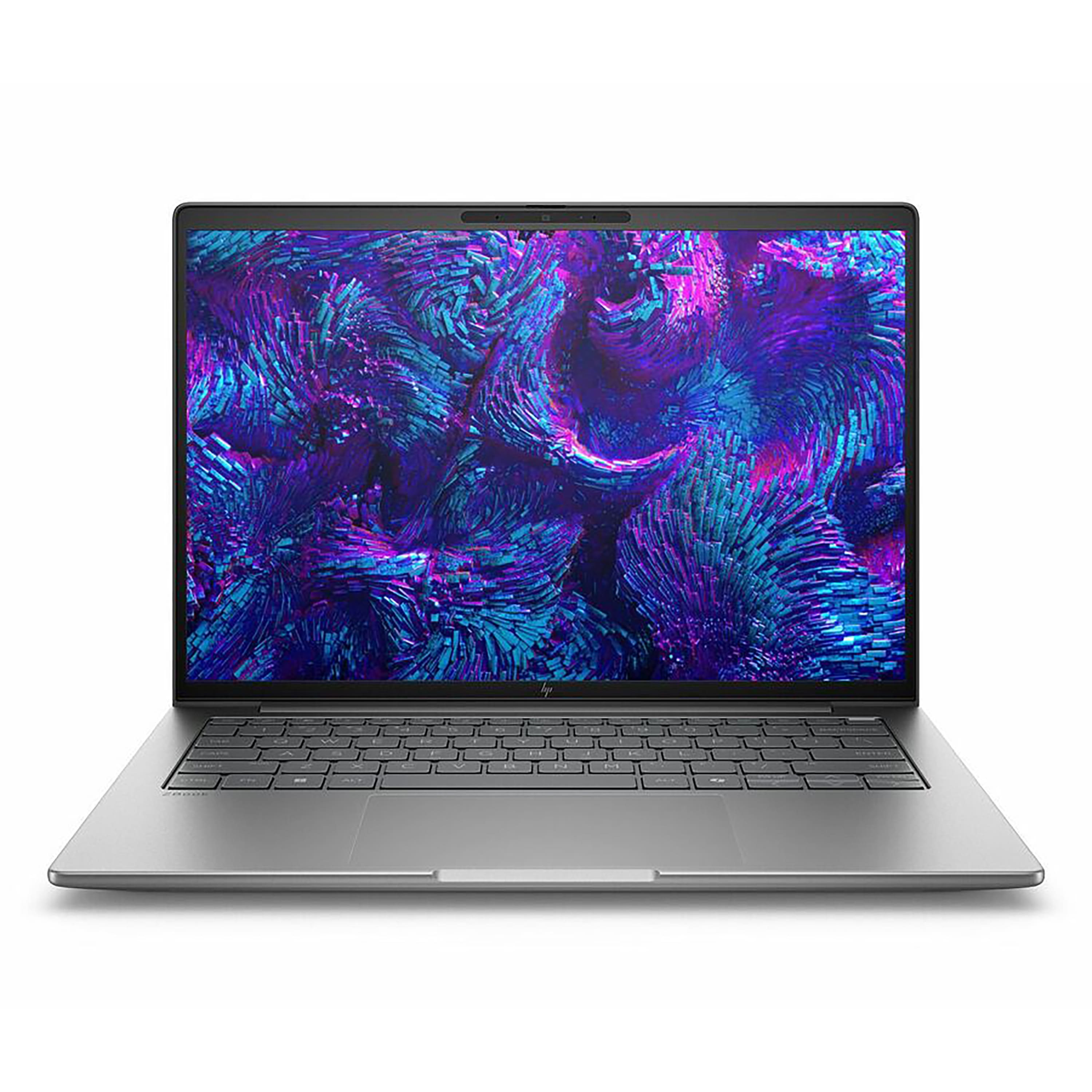
HP - ZBook 14" Laptop - Intel Core Ultra 7 255H with 16GB Memory - 512GB SSD - Meteor Silver
SKU: JJGH2LRQKLSee all Windows LaptopsProduct Description
A sleek Meteor Silver laptop featuring Intel Core Ultra 7, 16GB memory, 512GB SSD, and Windows 11 Pro.Your price for this item is $2,339.99 -
HP - ZBook 16" Laptop - Intel Core Ultra 9 285H with 64GB Memory - 1TB SSD - Meteor Silver
SKU: JJGH2LRZ8XSee all Windows LaptopsProduct Description
A sleek silver laptop featuring Intel Core Ultra 9, 64GB memory, and 1TB SSD for pro-level multitasking.Your price for this item is $5,261.95 -
HP - ZBook 16" Laptop - Intel Core Ultra 7 255H with 16GB Memory - 512GB SSD - Meteor Silver
SKU: JJGH2LRZJZSee all Windows LaptopsProduct Description
A sleek silver laptop featuring an Intel Core Ultra 7 processor, 16GB memory, and a 512GB SSD.Your price for this item is $2,571.49Save $38The previous price was $2,609.49 -
HP - ZBook 16" Laptop - Intel Core Ultra 5 235U with 16GB Memory - 512GB SSD - Meteor Silver
SKU: JJGH2LRZ6PSee all Windows LaptopsProduct Description
A sleek silver laptop offering pro-level performance, 16GB memory, and 512GB SSD for seamless multitasking.Your price for this item is $2,419.99 -
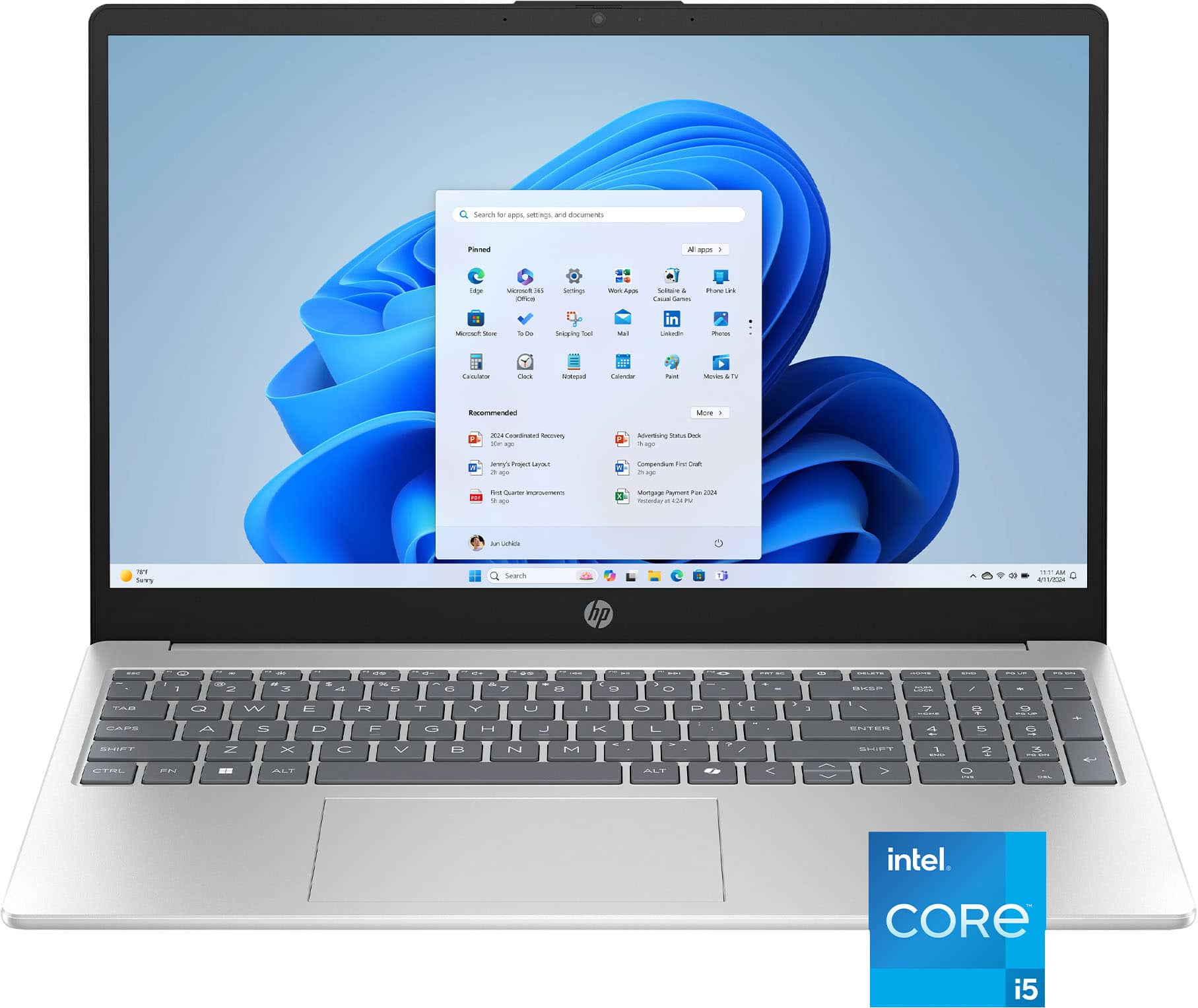
HP - 15.6" Full HD Touch-Screen Laptop - Intel Core i5 1334U 2023 - 16GB Memory - 512GB SSD - Natural Silver
SKU: JJGH2YK5Q5awesome product unbeliviable price Best buy always have great deals...My husband and I both always buy our computers at Best buy!...I love this computer and the price was great!...Best buy awesome...Great...
See all Windows LaptopsProduct Description
A natural silver touch-screen laptop with Intel Core i5, 16GB memory, and 512GB SSD storage.Your price for this item is $659.00Save $55The previous price was $714.00

Best Sellers




Related Pages






FAQ
When choosing a laptop for video editing, look for a powerful multi-core processor (such as Intel Core i7 or AMD Ryzen 7 and above), at least 16GB of RAM, a dedicated graphics card (like NVIDIA GeForce RTX or AMD Radeon), fast SSD storage, and a high-resolution display with accurate color reproduction.
Yes, a dedicated graphics card can significantly improve video rendering and playback performance. It accelerates tasks like encoding, decoding, and applying effects, which is especially important when editing high-resolution videos or working with complex projects.
For smooth video editing, it is recommended to have at least 16GB of RAM. If you work with 4K or higher resolution footage, larger projects, or use advanced effects, 32GB or more may offer better performance and multitasking capabilities.
A 4K display is not strictly necessary, but it can be beneficial if you frequently edit 4K footage or require precise color accuracy. Many editors find that a high-quality Full HD (1080p) display with good color calibration is sufficient for most editing tasks.
Solid State Drives (SSDs) are highly recommended for video editing laptops due to their fast read/write speeds, which help with loading large video files and running editing software smoothly. For optimal performance, consider laptops with at least 512GB SSD storage, and external drives for additional capacity.