Laptops For Video Editing
-
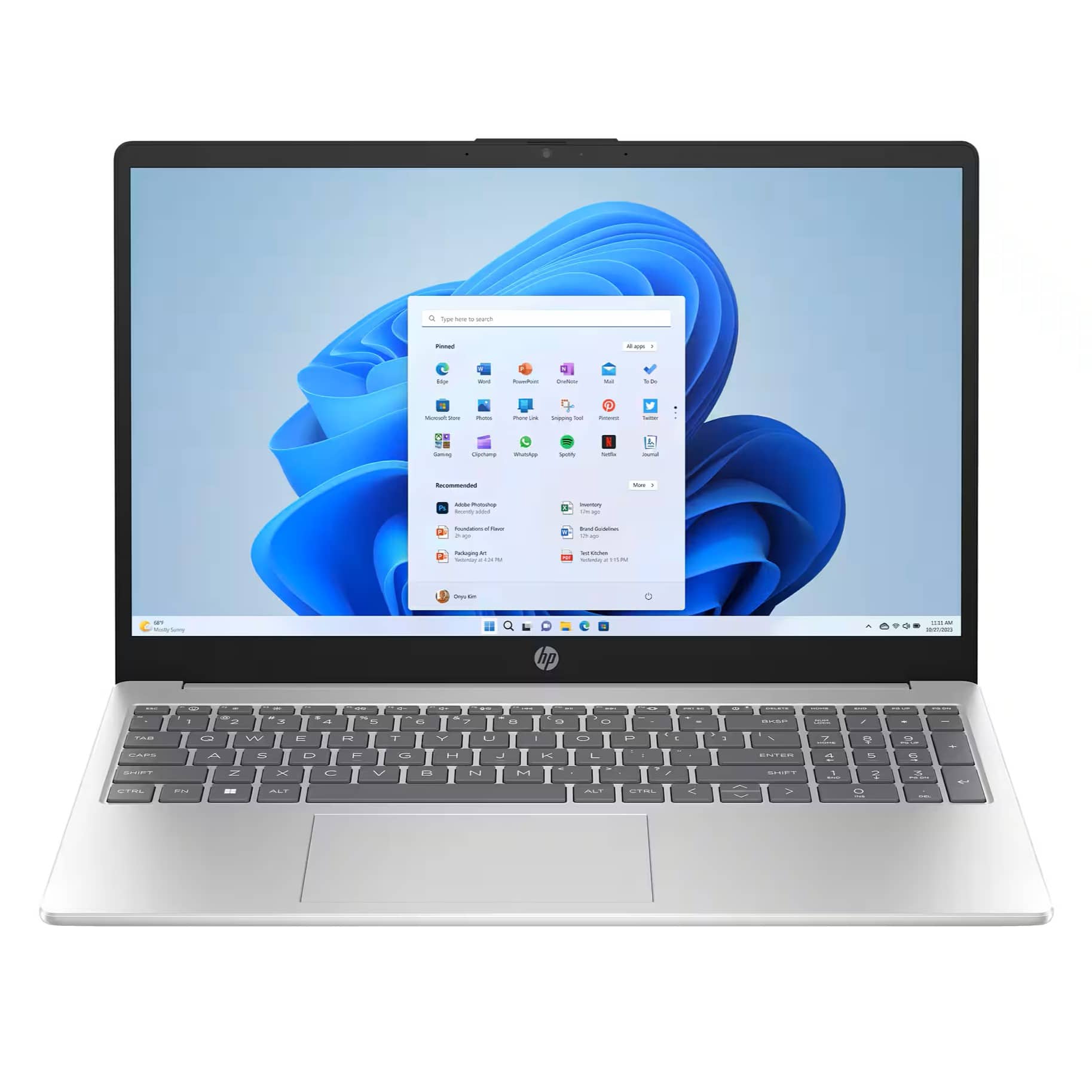
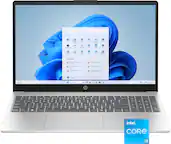
HP - 15.6" Touch-Screen Laptop - Intel Core i5 1235U 2022 - 8GB Memory - 512GB SSD - Natural Silver
SKU: JJG9TK5PFCI love the beautiful color, as well as how user-friendly it is. I am very happy with my purchase!...I love this laptop! It’s sleek, lightweight, and fast!...Love it!
See all Windows LaptopsProduct Description
A sleek natural silver laptop featuring a 15.6" touch screen, Intel Core i5, 8GB RAM, and 512GB SSD.Your price for this item is $527.16Save $121The previous price was $649.00 -
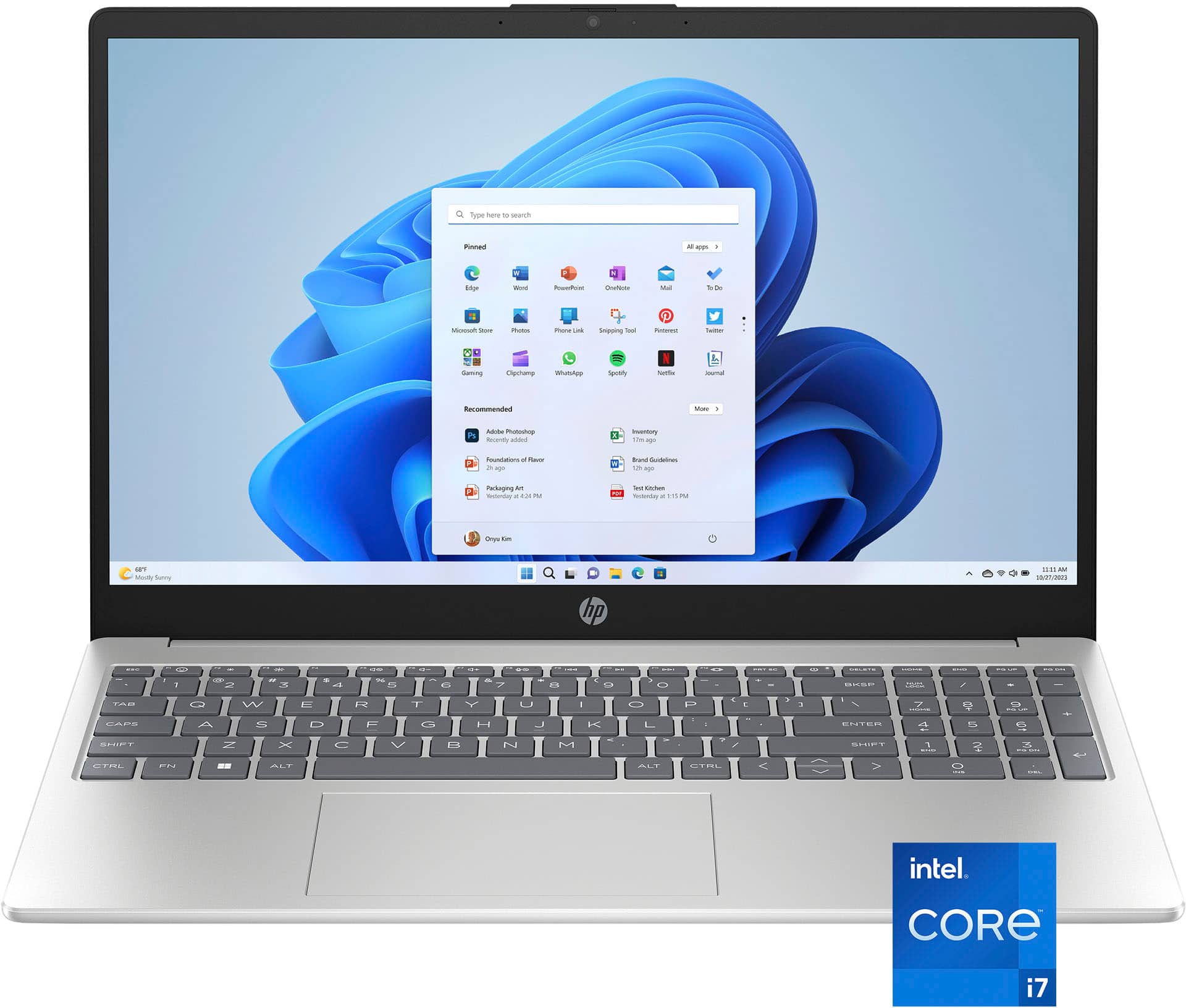
HP - 15.6" Full HD Touch-Screen Laptop - Intel Core i7 1255U 2022 - 16GB Memory - 512GB SSD - Natural Silver
SKU: JJG9TK5PFYGreat lap top!...Love this computer!...I love the keyboard set up.
See all Windows LaptopsProduct Description
A sleek natural silver laptop featuring a 15.6" Full HD touchscreen, Intel Core i7, and 16GB memory.Your price for this item is $819.99 -
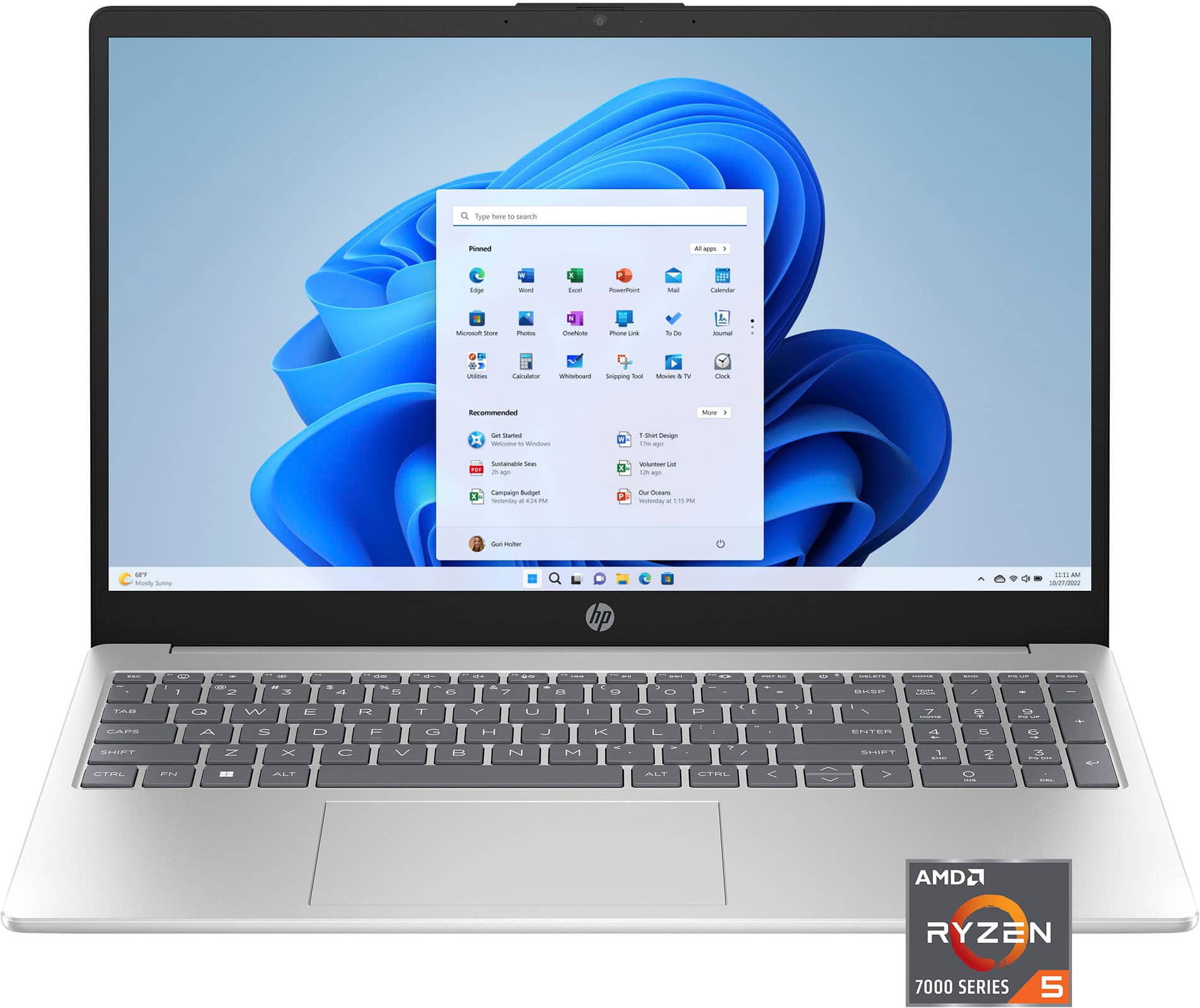
HP - 15.6" Touch-Screen Laptop - AMD Ryzen 5 - 8GB Memory - 512GB SSD - Natural Silver
SKU: JJGP4GGJSKSee all Windows LaptopsProduct Description
A sleek natural silver laptop featuring an AMD Ryzen 5 processor, 8GB RAM, 512GB SSD, and touch screen.Your price for this item is $522.99Save $42The previous price was $565.00 -
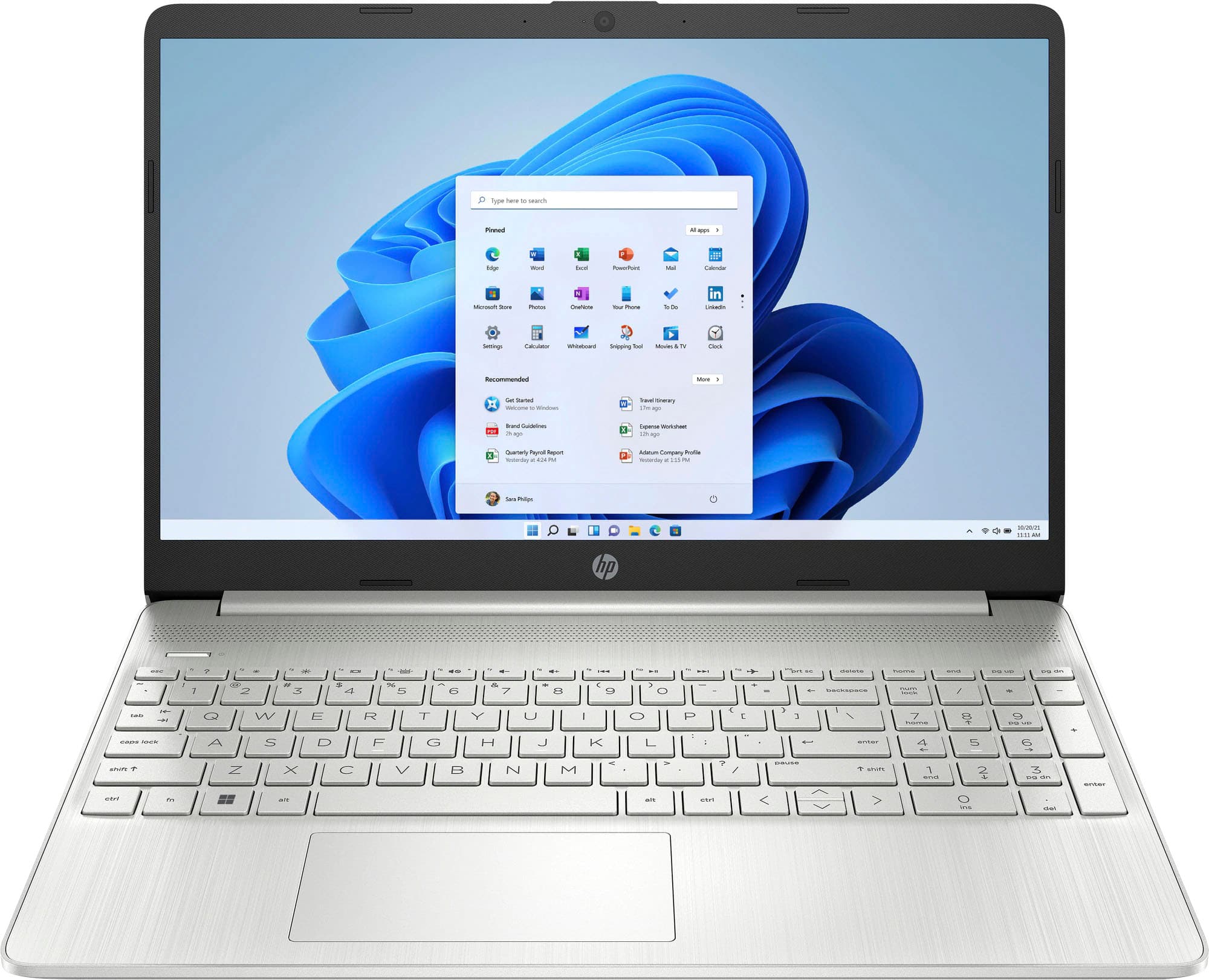
HP - 15.6" Touch-Screen Laptop - Intel Core i5 - 8GB Memory - 512GB SSD - Natural Silver
SKU: JJG87F2WC9See all Windows LaptopsProduct Description
A sleek natural silver laptop with Intel Core i5, 8GB RAM, 512GB SSD, and touch screen.Your price for this item is $507.99Save $31The previous price was $539.00 -
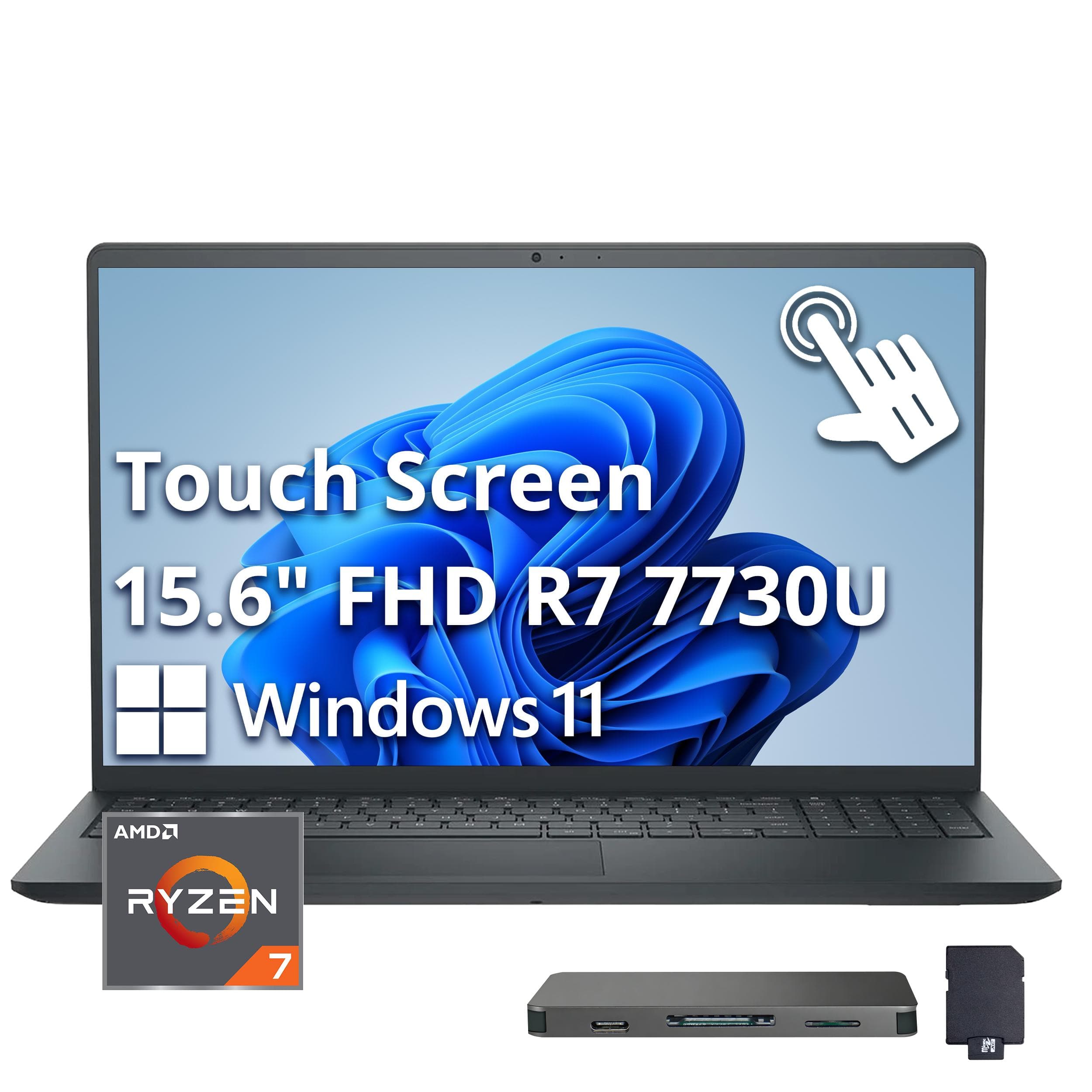
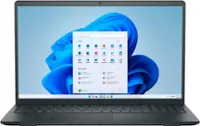
Dell - 15.6" FHD Laptop - AMD Ryzen 7 7730U 2023 - 16GB Memory - 1TB Storage - Black
SKU: J3K4L9ZLXCSee all Windows LaptopsProduct Description
A sleek carbon black laptop featuring AMD Ryzen 7, 16GB RAM, 1TB SSD, and FHD touchscreen.Your price for this item is $879.00 -
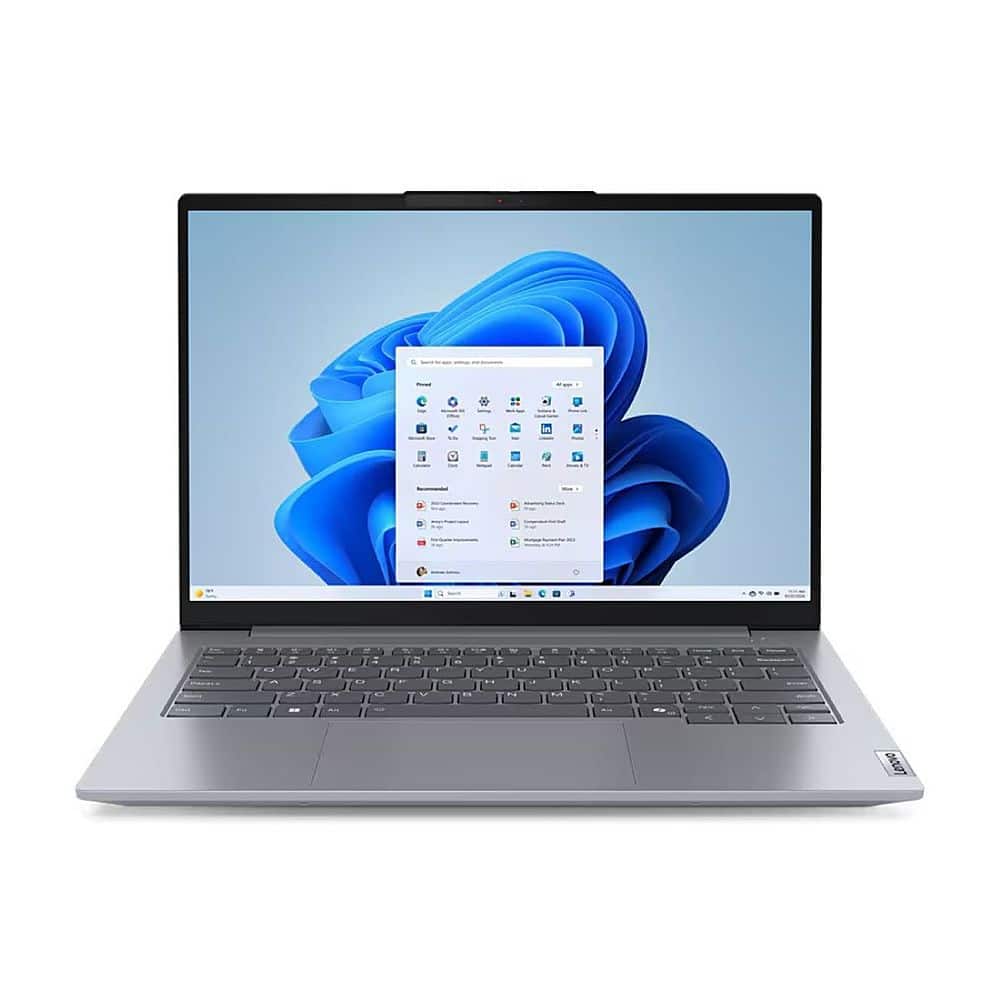
Lenovo - ThinkBook 14 G7 14" Touch-Screen Laptop - AMD Ryzen 5 7535HS with 16GB Memory - 512GB SSD - Arctic Gray
SKU: JJGYCCSH89See all Windows LaptopsProduct Description
A sleek Arctic Gray touch-screen laptop with AMD Ryzen 5, 16GB memory, and 512GB SSD storage.Your price for this item is $1,159.99 -
Lenovo - ThinkPad E16 Gen 2 16" Laptop - AMD Ryzen 5 7535U with 8GB Memory - 256GB SSD - Black
SKU: JJGYCC5KZFSee all Windows LaptopsProduct Description
A black laptop featuring an AMD Ryzen 5 processor, 8GB memory, 256GB SSD, and advanced security features.Your price for this item is $899.99Save $60The previous price was $959.99 -
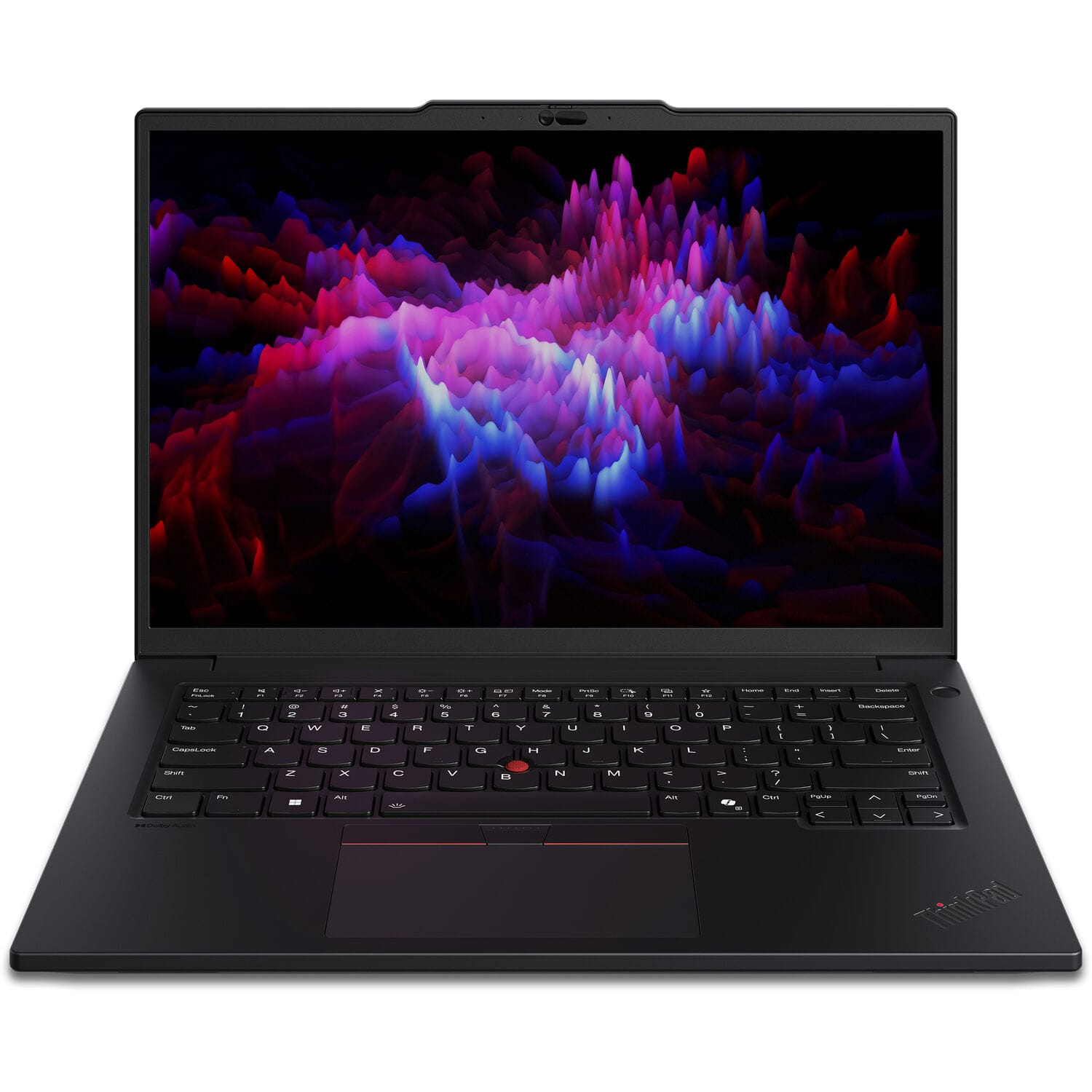
Lenovo - ThinkPad P14s Gen 5 14" Laptop - Intel Ultra 5 with 16GB Memory - 512GB SSD - Black
SKU: JJGSQ5586LSee all Windows LaptopsProduct Description
A high-performance black laptop with Intel Ultra 5, 16GB memory, 512GB SSD, and Windows 11 Pro.Your price for this item is $1,399.99 -
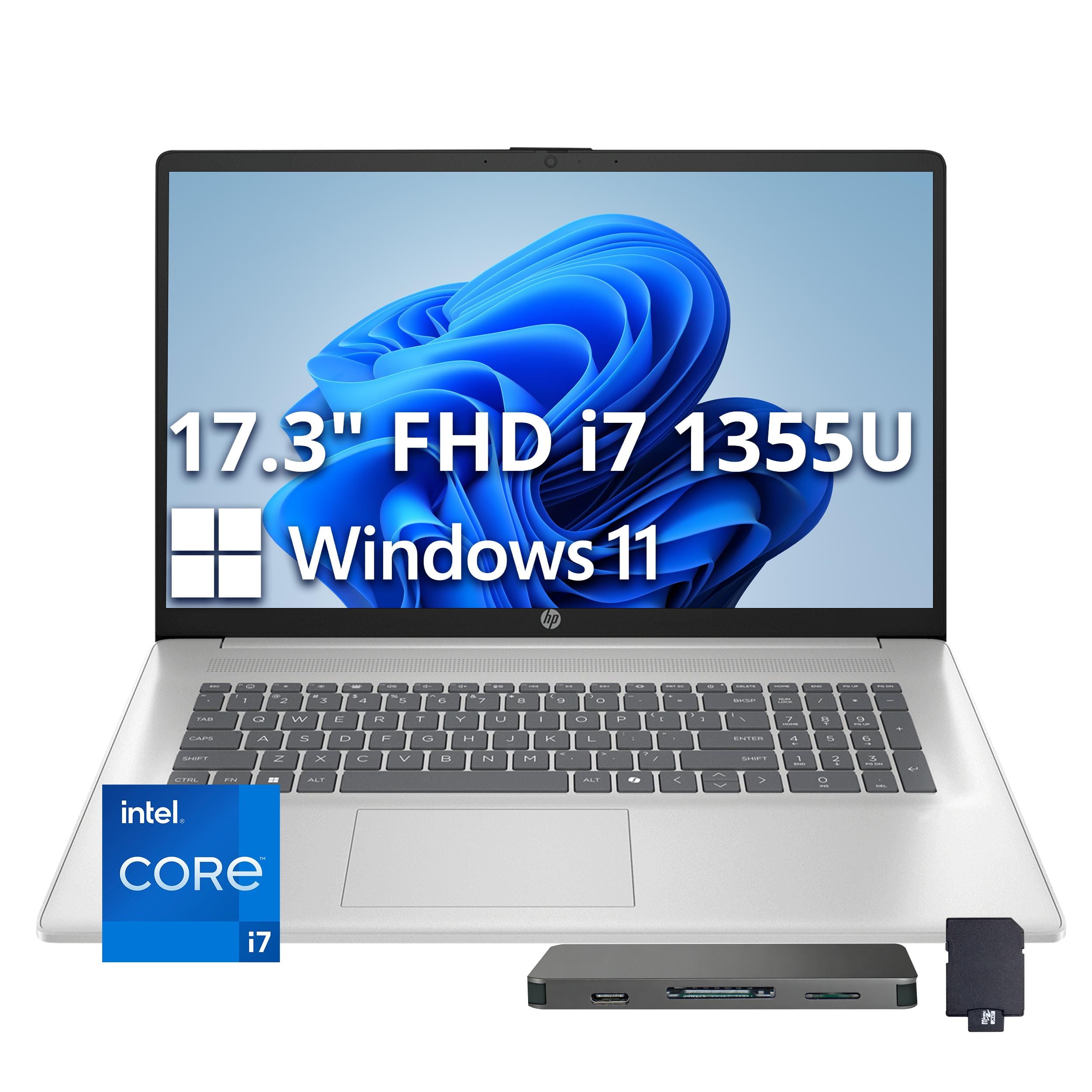
HP - 17.3" Full HD Laptop - Intel Core i7 1355U 2023 - 16GB Memory - 1TB SSD - Natural Silver
SKU: JJG2RT3L7JSee all Windows LaptopsProduct Description
A powerful silver laptop featuring an Intel Core i7, 16GB memory, 1TB SSD, and Full HD display.Your price for this item is $1,089.00Save $470The previous price was $1,559.00 -
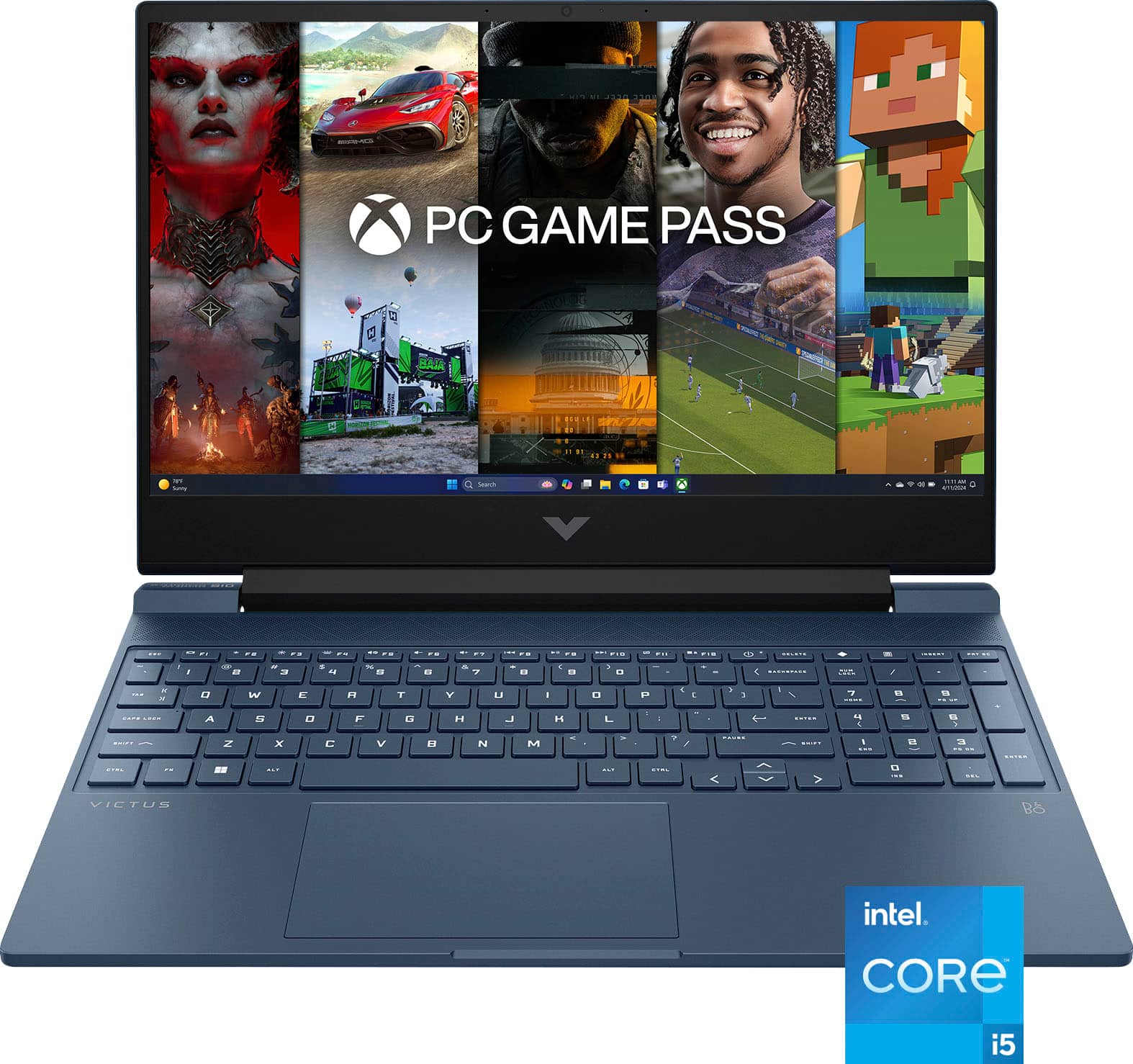
HP - Victus 15.6" Full HD 144Hz Gaming Laptop - Intel Core i5 12450H (2022) - 8GB RAM - NVIDIA GeForce RTX 3050 - 512GB SSD - Performance Blue
SKU: JJGS9TW3V9See all Gaming LaptopsProduct Description
A performance blue gaming laptop with Intel Core i5, RTX 3050, 8GB RAM, and 512GB SSD.Your price for this item is $946.74Save $0The previous price was $947.13

Best Sellers




Related Pages






FAQ
When choosing a laptop for video editing, prioritize a powerful multi-core processor (such as Intel Core i7/i9 or AMD Ryzen 7/9), at least 16GB of RAM, a dedicated graphics card (like NVIDIA GeForce or AMD Radeon), fast SSD storage, and a high-resolution display with accurate color reproduction.
Yes, a dedicated graphics card significantly improves rendering speeds and playback performance when editing videos, especially with high-resolution footage or complex effects. Laptops with NVIDIA GeForce RTX or AMD Radeon graphics are recommended for smooth video editing workflows.
Absolutely. An SSD (Solid State Drive) provides much faster data access and transfer speeds compared to traditional hard drives, which is essential for handling large video files and speeding up project load times and exports.
For most video editing tasks, 16GB of RAM is the recommended minimum. If you work with 4K footage, multiple layers, or complex effects, 32GB or more can provide even better performance and smoother multitasking.
A laptop with an IPS or OLED display that offers high resolution (at least Full HD, preferably 4K) and wide color gamut coverage (such as 100% sRGB or Adobe RGB) is ideal. This ensures accurate color grading and a better overall editing experience.