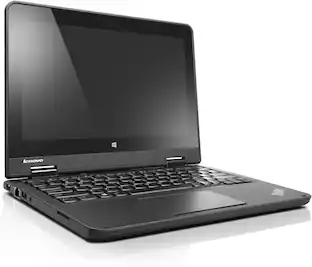
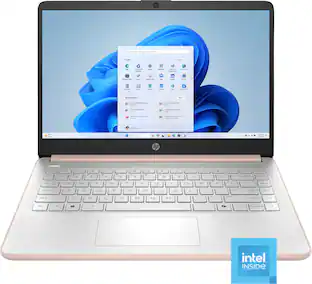
HP - 14" Laptop - Intel Celeron N4120 2019 - 4GB Memory - 64GB eMMC - Snowflake White
Customers are saying
Customers commend the overall performance, portability, and lightweight design of this computer, which many find perfect for everyday use. Users also appreciate the long-lasting battery life and the appealing aesthetic choices. However, some customers have expressed concerns regarding the processor speed, limited storage capacity, and occasional screen issues. Additionally, a few users noted that the device can become warm during operation and that the RAM may be insufficient for certain tasks.
Highlights
Features
Operating system: Windows 11 Home in S mode
Experience the most secure Windows ever built with fast boot times, increased responsiveness, and added protection against phishing and malware.
Display: 14.0-inch diagonal, HD (1366 x 768), micro-edge, BrightView
With virtually no bezel encircling the display, an ultra-wide viewing experience provides for seamless multi-monitor set-ups.
Processor: Intel Celeron N4120
Handle multitasking reliably with the perfect combination of performance, power consumption, and value.
Memory: 4 GB DDR4-2400 MHz RAM (1 x 4 GB)
Adequate high-bandwidth RAM to smoothly run multiple applications and browser tabs all at once.
Internal storage: 64 GB eMMC
An embedded multimedia card provides reliable flash-based storage.
Graphics: Intel UHD Graphics 600
Smoothly stream content and play your favorite games.
Battery life:
Up to 11 hours and 30 minutes (video playback); Up to 9 hours (wireless streaming)
Wireless: 802.11a/b/g/n/ac (2x2)(19a) Wi-Fi and Bluetooth combo
Stay connected to Wi-Fi and to Bluetooth accessories with wireless technology.
Camera: HP True Vision 720p HD camera with integrated dual array digital microphones
Video chat with vibrant clarity, even in low light.
Screen to body ratio
Revolutionize your display and see more of what you love with this slim bezel design. Enjoy an immersive multimedia experience with a maximized viewing area.
Sleek design
Easily take this thin and light PC from room to room or on the road.
HP Fast Charge
Go from 0 to 50% charge in approximately 45 minutes.
Dual array microphones
With two microphones and advanced noise reduction software, you'll always sound crystal clear when you video chat or record.
Energy efficiency your way
Do the environment—and your wallet—a favor when you use the HP Stream Laptop that meets strict energy-efficiency and helps reduce your carbon footprint.
Microsoft 365 - One Year Subscription Included
Make the most out of your 365: Bring your ideas to life. Your creativity now gets a boost with Microsoft 365. Office - Word, Excel, and Power Point - now includes smart assistance features that help make your writing more readable, your data clearer and your presentations more visually powerful. One year subscription included.
Specifications
- Screen Size14 inchesScreen Resolution1366 x 768 (HD)Touch ScreenNoProcessor ModelIntel CeleronCPU Base Clock Frequency1.1 gigahertz
Reviews
Rating 4.1 out of 5 stars with 2921 reviews
- Overall Performance (2051)
- Ease of use (716)
- Weight (284)
- Battery Life (246)
- Size (241)
- Processor Speed (829)
- Storage (128)
- Screen Quality (99)
- RAM (78)
- Memory (43)
Customer Images
The vast majority of our reviews come from verified purchases. Reviews from customers may include My Best Buy members, employees, and Tech Insider Network members (as tagged). Select reviewers may receive discounted products, promotional considerations or entries into drawings for honest, helpful reviews.
Compare similar products
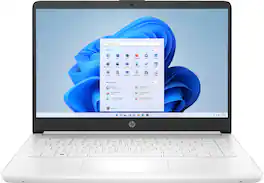
Take it anywhere. See more. With its thin and light design, 6.5 mm micro-edge bezel display, and 79% screen to body ratio – take this PC anywhere and see and do more. Reliable performance for every day: Powerful enough for your busiest days, this PC features an Intel processor and reliable flash-based storage at a great value. Powered up and productive. All day long. With a long battery life and fast-charge technology, this laptop lets you work, watch, and stay connected all day. Integrated precision touchpad with multi-touch support speeds up both navigation and productivity. Make the most out of your 365: Bring your ideas to life. Your creativity now gets a boost with Microsoft 365. Office - Word, Excel, and Power Point - now includes smart assistance features that help make your writing more readable, your data clearer and your presentations more visually powerful. One year subscription included.

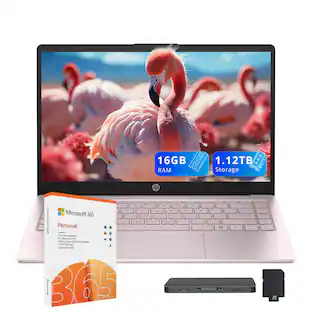
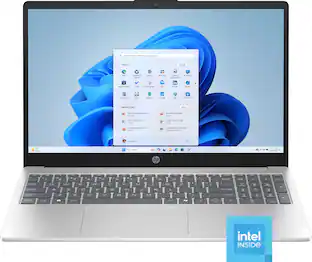
Performance to do more. All-day long. Designed to keep you productive and entertained, this HP 14-inch laptop PC features Copilot key for AI assistance, long battery life and a thin and portable design.
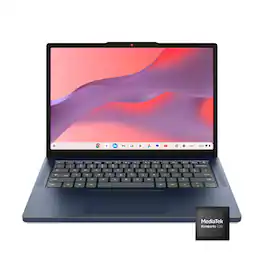
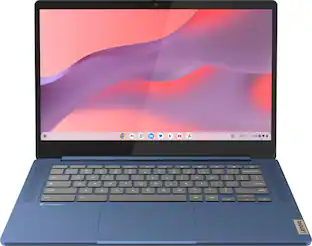
Live animated, live lively, live balanced. When you’re packing the thin and light IdeaPad Slim 3 Chromebook laptop, featuring WiFi 6E and 18 hours of battery life, balancing work and play all day becomes effortless. The 14" 2K IPS touchscreen display and MediaTek Kompanio 500 Series processors are a significant upgrade to your work and entertainment, with front-facing Waves-tuned speakers.
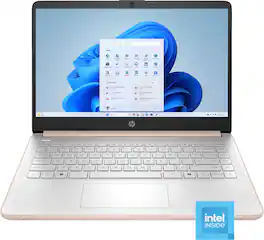
This laptop is designed to keep you productive and entertained, featuring a long battery life and a thin and portable design. Microsoft Copilot AI assistance helps you work smarter and find answers faster. Give work presentations a boost with the included one-year subscription to Microsoft 365 applications. Enjoy high-quality, clear video calls with the HD camera.
| Pros for HP - 14" Laptop - Intel Celeron N4120 2019 - 4GB Memory - 64GB eMMC - Snowflake White | |||
|---|---|---|---|
| Overall Performance, Battery Life, Size, Ease of use, Weight | Overall Performance, Portability, Battery Life, Size, Color | Overall Performance, Portability, Battery Life, Design, Touchscreen Responsiveness | Overall Performance, Portability, Battery Life, Design, Color |
| Cons for HP - 14" Laptop - Intel Celeron N4120 2019 - 4GB Memory - 64GB eMMC - Snowflake White | |||
| Processor Speed, RAM, Storage, Screen Quality, Memory | Heat Dissipation, RAM, Speed, Storage Capacity | There were no cons for this product— | Processor Speed, Heat Dissipation, Noise Level |
Specs
Questions & Answers
Will this computer run the Cricut Design Space app?
Answered by HP TeamThis laptop is loaded with Windows 11 S Mode.The only version of Cricut Design Space on the Microsoft Store is the beginner edition, if that suits your needs, you can install that in Windows 11 S Mode, if you need another version of that software, you would need to switch Windows 11 out of S Mode, it is free to do so.

Can this be taken out of S mode?
Answered by HP TeamYes, by following these steps: On your PC running Windows 11 in S mode, open Settings > System > Activation. In the Switch to Windows 11 Home section, select Go to the Store. On the Switch out of S mode (or similar) page that appears in the Microsoft Store, select the Get button.
If I switch this laptop out of S mode will it still have windows11?
Answered by HP TeamYes, it will. S Mode is basically a group of setting that operate within Windows 11. If you take it out of S mode, those settings are permanently disabled, but Windows 11 Home will continue to operate normally.
Hey. My question is I have a 13 year old son, would this a good first laptop for him?
Answered by HP TeamThis laptop is considered an entry-level computer. It is great for basic tasks like email, surfing the web and basic streaming.
Is there a docking station comparable with this laptop that allows for dual monitors ? ( not a mirror, but two unique displays )
Answered by HP TeamUnfortuantely, no. The USB-C port does not support the DisplayPort standard for outputting video so any docking station won't pass on a video signal to the monitors. Also, please note that the video system in this computer would not be able to drive two monitors plus the one in the computer.
Customers often buy these together
Office Software





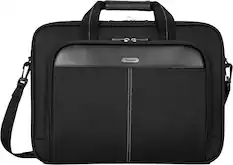
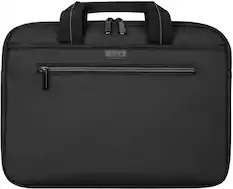
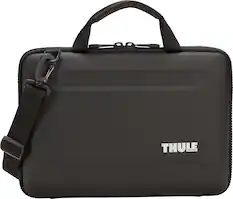
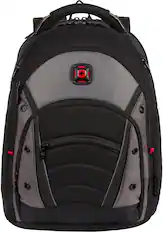
Laptop Bags and Cases


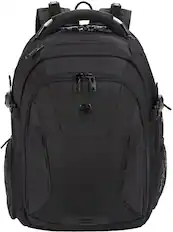
More recommended items
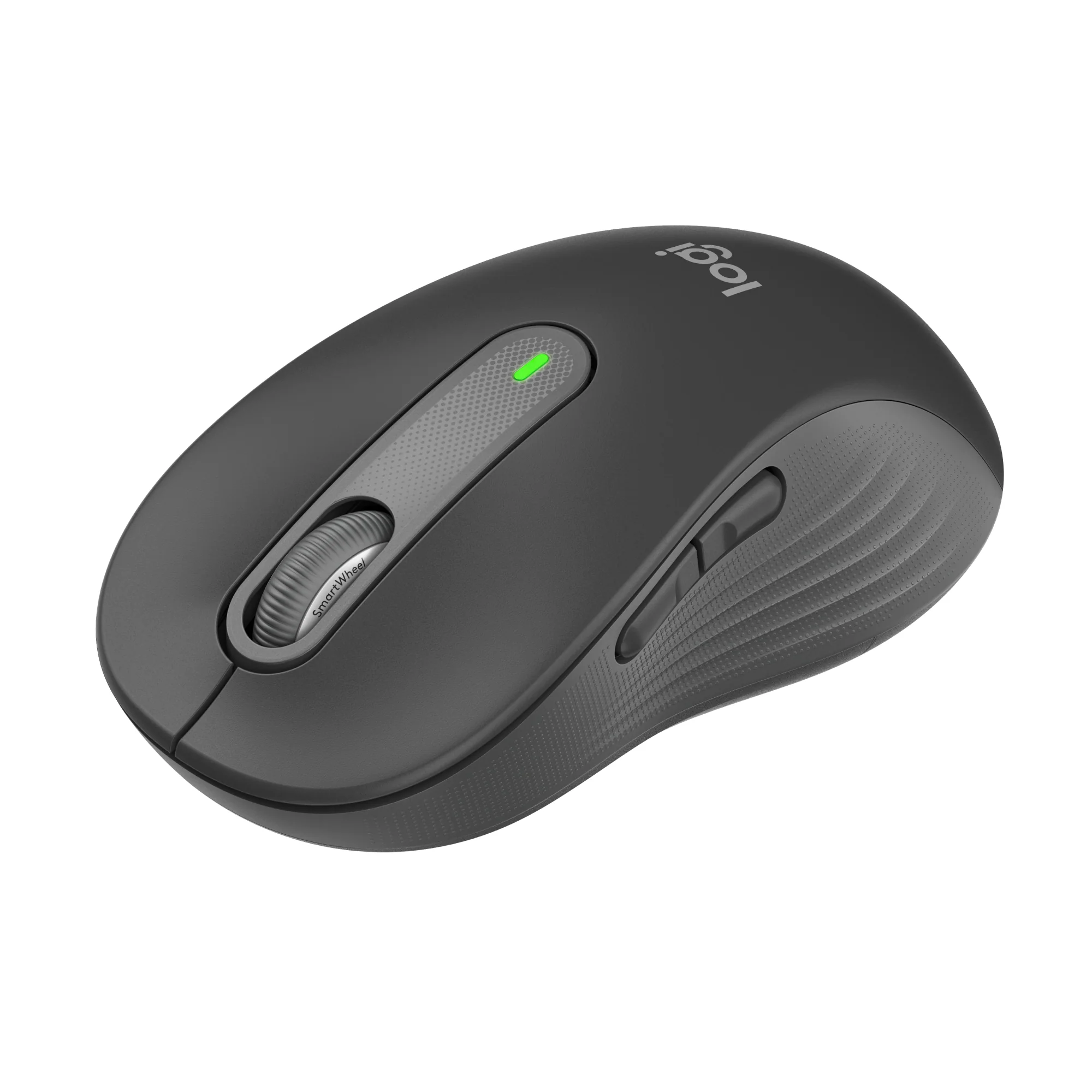 Mice
Mice Antivirus and Internet Security Software
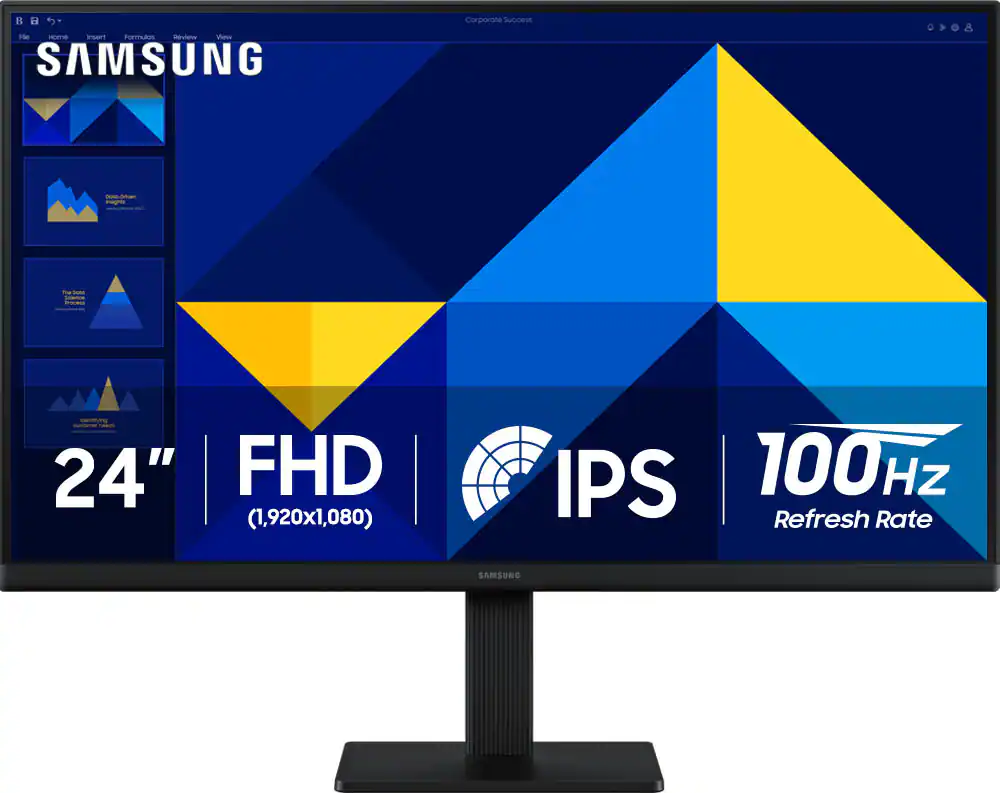 Monitors
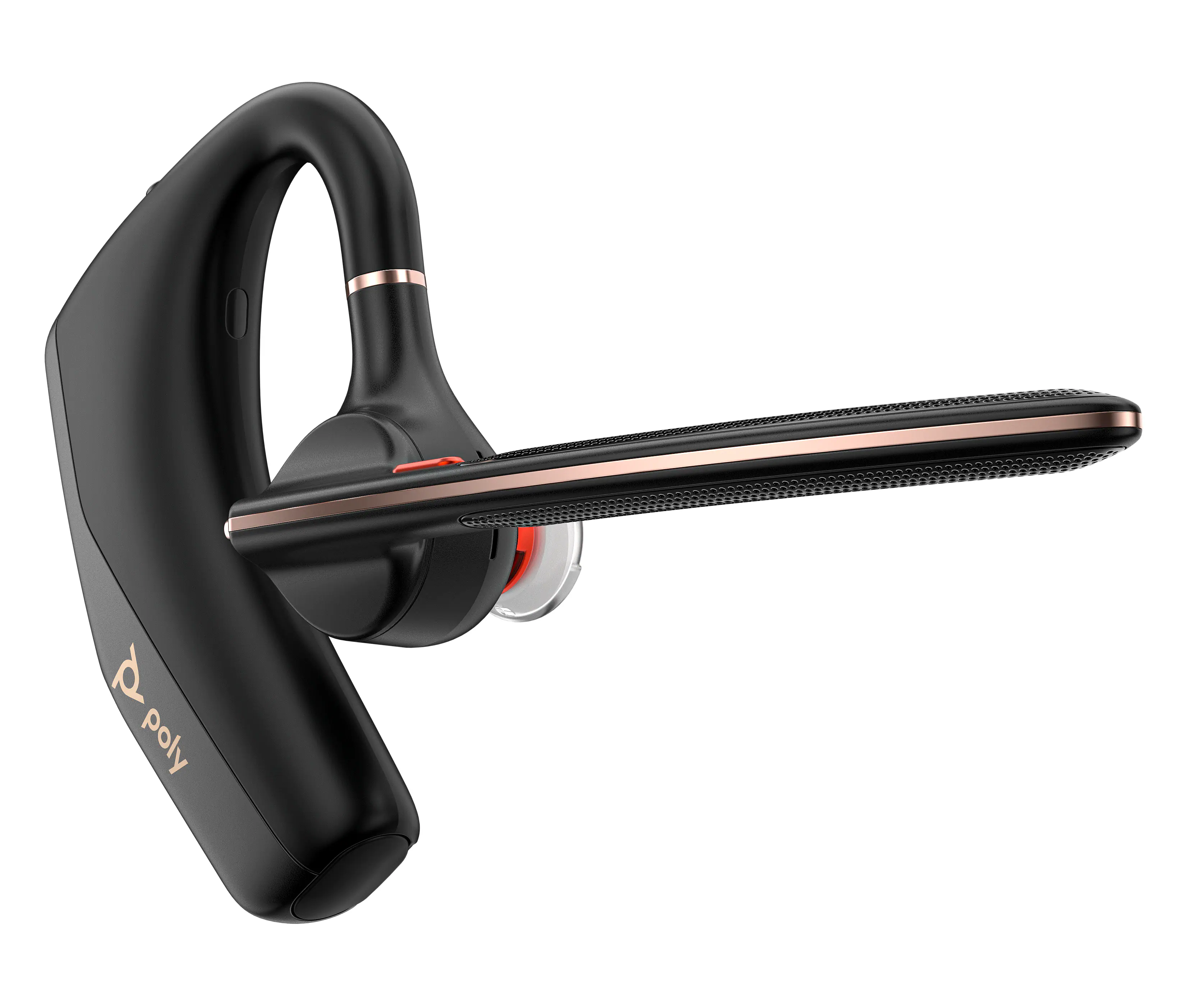 Headphones
Customers ultimately bought
 Top Deal$269.99The price was $399.99
 $379.00The price was $499.99
 $249.00The price was $274.26
 $539.00The price was $849.99
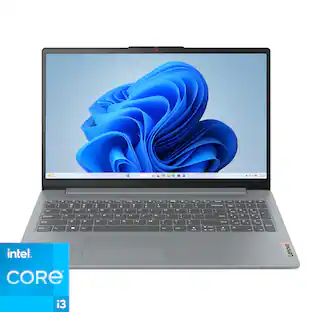 $374.00The price was $394.96
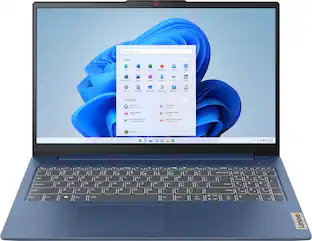 $379.99The price was $629.99
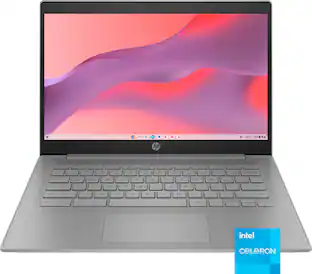

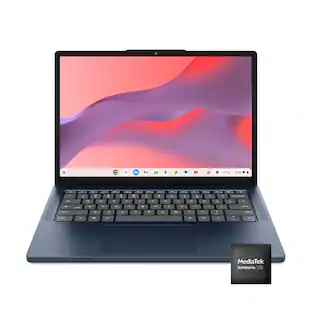


Explore tech essentials Sponsored
 $199.00The price was $379.00
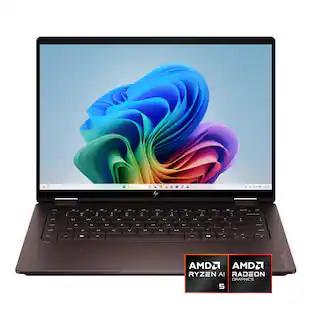 Top Deal$699.99The price was $1,249.99
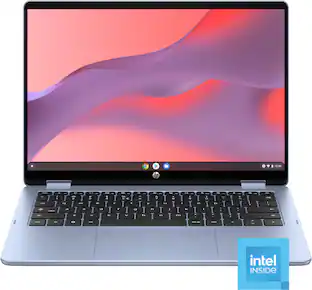 $399.00The price was $549.00
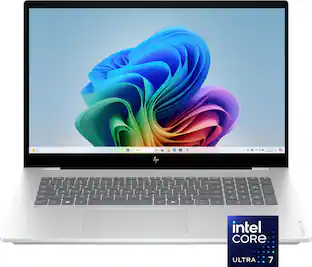 Top Deal$899.99The price was $1,499.99
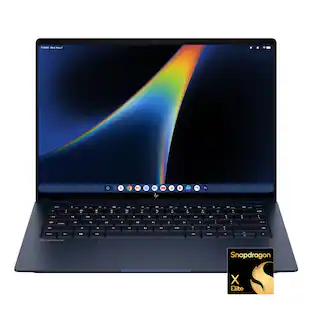

Discover related products
 $247.00The price was $275.00
 $12.99The price was $13.99
 $149.99The price was $169.99










Keep exploring
 $1,249.00The price was $1,749.00
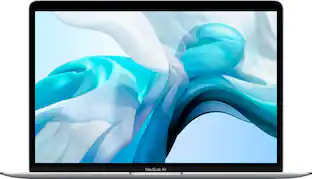 $499.99The price was $949.99
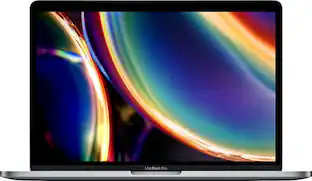 $569.99The price was $1,249.99
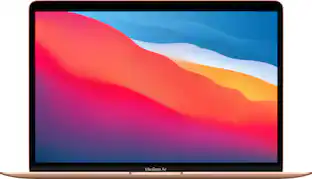 $549.99The price was $699.00
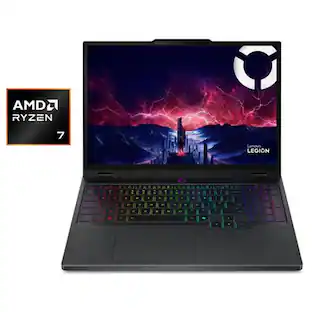 $1,499.99The price was $1,799.99