Adobe - Acrobat Standard PDF Software - Mac OS, Windows [Digital]
Customers are saying
Customers appreciate that Acrobat Standard PDF Software generally works fine and meets their needs. However, some customers feel that the functionality of this version does not offer as much as they would like.
Create
Turn any document into a PDF that’s easy to send and view.
Export
Convert PDFs to Microsoft Word, Excel, or Powerpoint while preserving fonts, formatting, and layouts.
Edit
Easily fix a typo, change a font, or add a photo right in your PDF.
Convert
Turn scans or photos of paper documents into smart, searchable PDFs.
Combine
Merge and arrange documents, spreadsheets, and more in one PDF.
Protect
Keep others from copying or editing the information in your PDFs.
E-Signatures
Send PDFs for e-signature without downloads or account setups.
AI Assistant (beta)
Have a conversation with your documents to understand the information, get insights quickly, and produce high-quality content quickly— ultimately saving valuable time for more essential tasks and priorities.
- Operating System CompatibilityMac OS, WindowsSoftware FormatDigitalSubscription Period1 Year
Reviews
Rating 4.4 out of 5 stars with 41 reviews
- Overall Performance (14)
- Functionality (3)
Customer Images
The vast majority of our reviews come from verified purchases. Reviews from customers may include My Best Buy members, employees, and Tech Insider Network members (as tagged). Select reviewers may receive discounted products, promotional considerations or entries into drawings for honest, helpful reviews.
Compare similar products
![Adobe - Acrobat Standard PDF Software - Mac OS, Windows [Digital]](https://pisces.bbystatic.com/image2/BestBuy_US/images/products/6433/6433436_sd.jpg;maxHeight=422;maxWidth=264?format=webp)
Adobe Acrobat Standard lets you simplify everyday tasks with the trusted PDF writer solution. Use Acrobat Standard to create, edit, sign, and track your PDF.
![Adobe - Acrobat Pro PDF Software - Mac OS, Windows [Digital]](https://pisces.bbystatic.com/image2/BestBuy_US/images/products/e3450e91-6882-4ba6-87f5-e292a962354e.jpg;maxHeight=422;maxWidth=264?format=webp)
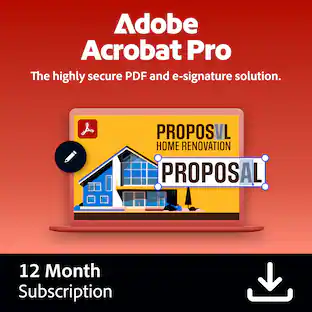
Adobe Acrobat Pro is a complete collection of PDF and e-signature tools. Convert PDFs, manage agreements, protect your documents, redact sensitive information, and access advanced editing tools. With a one-year subscription, you get access to the latest features, security updates, and upgrades to accomplish more wherever you are.
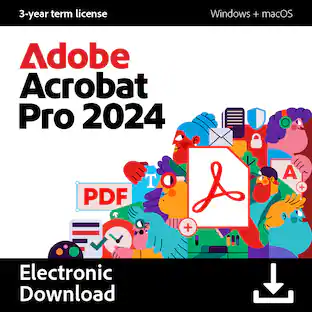
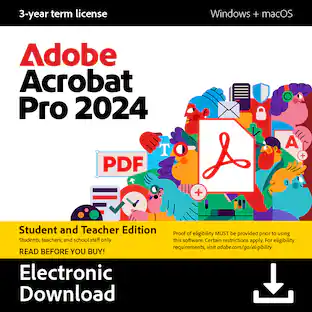
![Adobe - Acrobat Pro 2024 PDF Software Student & Teacher Edition (3-Year License) - Mac OS, Windows [Digital]](https://pisces.bbystatic.com/image2/BestBuy_US/images/products/b3717816-d38e-41ff-91d9-70b85bd330d4.jpg;maxHeight=422;maxWidth=264?format=webp)
Boost your productivity with the essential offline solution for all your PDF needs. With Adobe Acrobat Pro 2024, you can easily create, edit, convert, and protect your documents on Windows and Mac without connecting to the cloud. Manage your documents efficiently with new features including enhanced accessibility tools, star a document, and create a new form from scratch. The updated Acrobat interface also means that you’ll be able to easily find the tools you need to complete PDF tasks faster than ever. You can own this software for a full three years, no subscription required. The 3‐year term license begins once you redeem the code. Note that only one redemption code can be redeemed per Adobe account. If you are looking to redeem another redemption code, click on "Use a different Adobe ID email" on the redemption page and log into a different account. If you have accidentally redeemed multiple codes using the same Adobe account, please contact Adobe Support to receive a replacement code.
![SoftMaker - FlexiPDF 2025 (3-Devices) - Windows [Digital]](https://pisces.bbystatic.com/image2/BestBuy_US/images/products/f57d4f12-79a1-4f36-9c64-93adf6681984.jpg;maxHeight=422;maxWidth=264?format=webp)
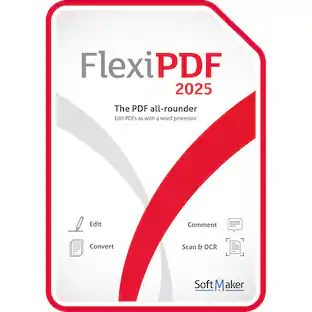
Edit PDF files as easily as with a word processor. With FlexiPDF, creating, editing and commenting PDF files is just as easy as exporting them for further processing in Microsoft Word or TextMaker. Scan pages and convert them into editable PDF, create PDF directly from any application that can print. There are no recurring fees or hidden costs—your license lasts forever, giving you unlimited access to all features for 3 devices.
| Pros for Adobe - Acrobat Standard PDF Software - Mac OS, Windows [Digital] | |||
|---|---|---|---|
| Overall Performance | Overall Performance, Functionality | Functionality | There were no pros for this product— |
| Cons for Adobe - Acrobat Standard PDF Software - Mac OS, Windows [Digital] | |||
| Functionality | There were no cons for this product— | There were no cons for this product— | There were no cons for this product— |
Specs
Customers often buy these together
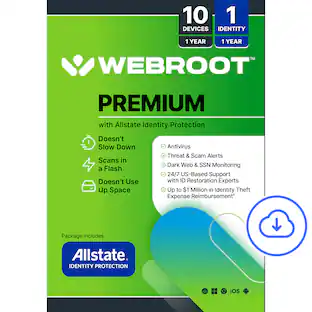 $29.99The price was $129.99
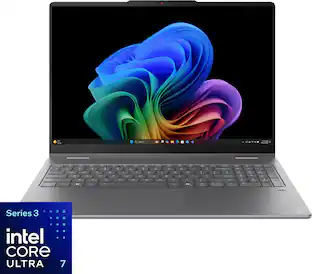 $1,295.00The price was $1,649.99

Customers ultimately bought
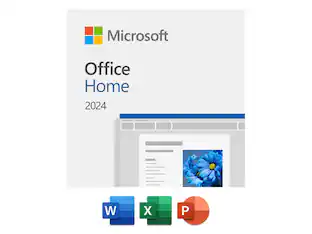 $179.99The price was $184.99
Explore tech essentials Sponsored



Discover related products
 $12.99The price was $13.99