Skip to contentGo to Product Search
Main Content

Powerful Laptops For Video Editing

Powerful laptops for video editing deliver the performance and reliability needed to bring creative projects to life. Whether you’re producing high-resolution videos, working with complex timelines, or multitasking between editing software, choosing the right laptop can make all the difference. Explore a wide selection of models designed to help streamline your workflow and support your creative ambitions, so you can focus on achieving professional results every time.

Read More
Results
Main Results
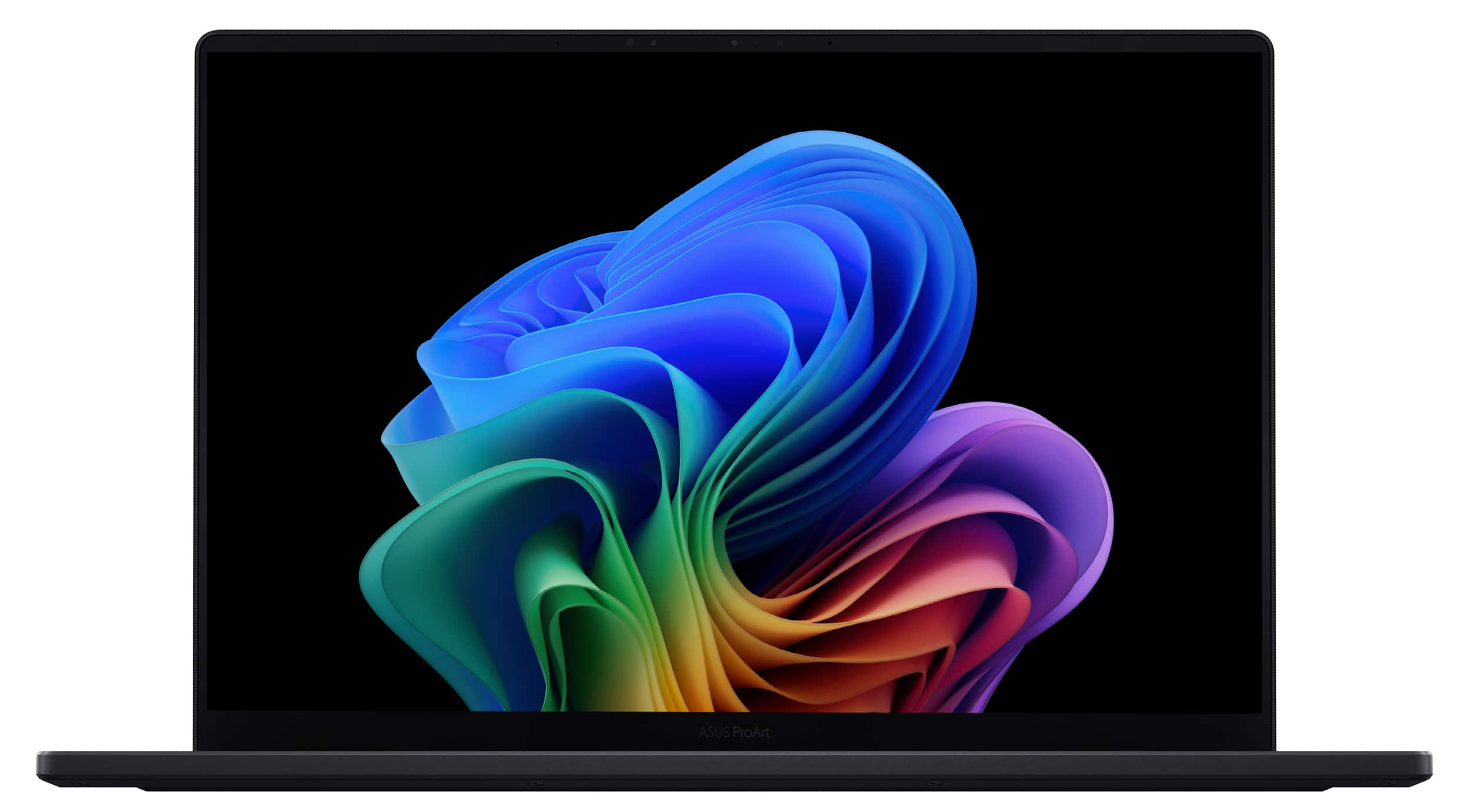
  1. ASUS - ProArt P16 16" 4K Touch Screen Laptop - Copilot+ PC - AMD Ryzen AI 9 HX 370 - 64GB Memory - RTX 5070 - 2TB SSD - Nano Black

    SKU: JJGGLHCJJ4

    disappointed. the reason I'm not angry is that the laptop is generally fantastic... but it would be the best...would be the greatest laptop of all time is the following two things were true: Asus included...

    Product Description

    A powerful black laptop featuring a 16" 4K OLED touchscreen, AMD Ryzen AI 9, RTX 5070, and 64GB memory.
    See all Windows Laptops
    Your price for this item is $3,999.99
  2. Your price for this item is $2,999.99
    Save $300
    The previous price was $3,299.99
  3. Your price for this item is $3,699.99
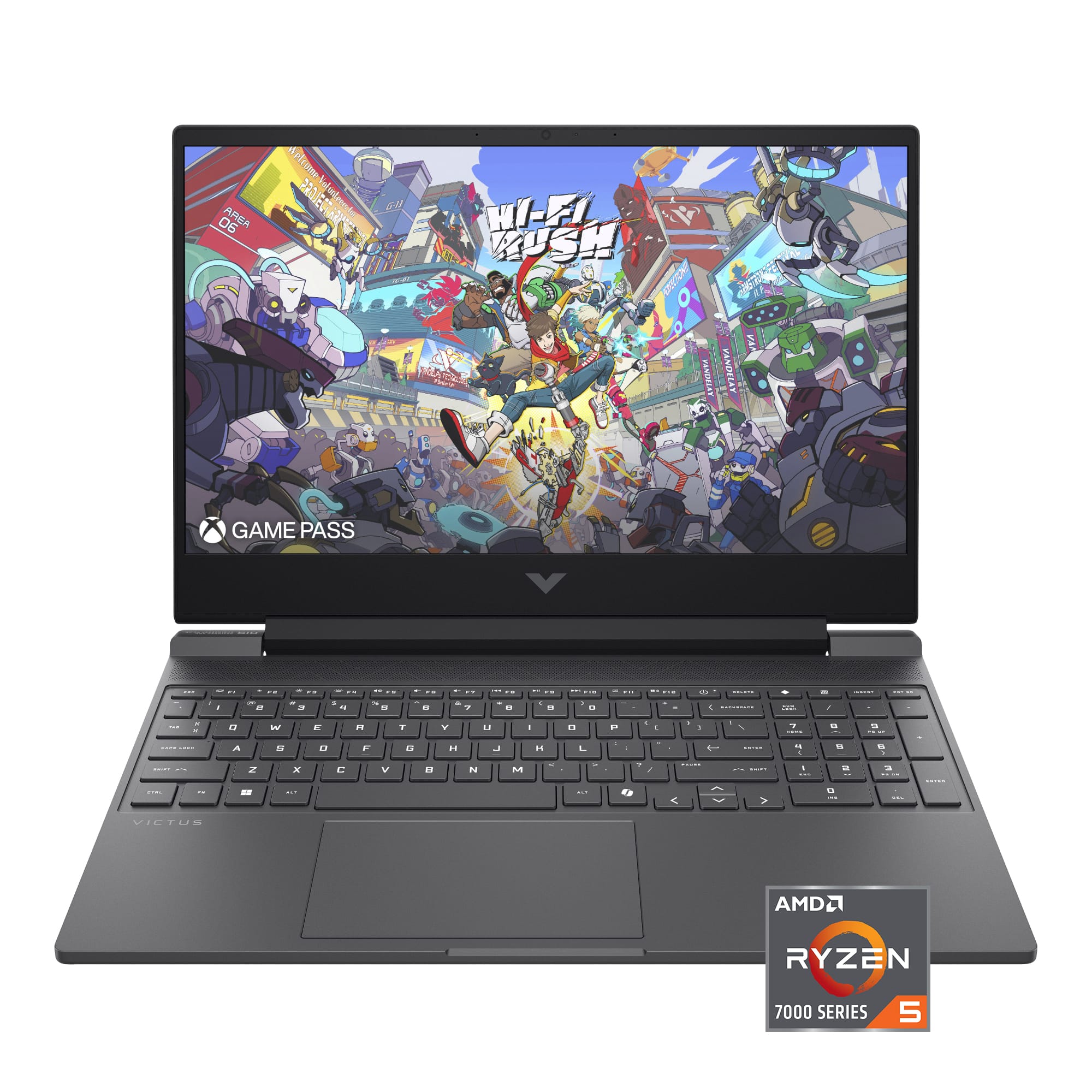
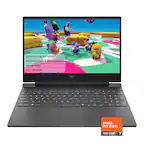
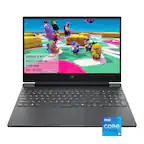
  4. HP - Victus 15.6" Full HD Gaming Laptop - AMD Ryzen 5 7535HS (2023) - 8GB DDR5 Memory - NVIDIA GeForce RTX 3050 - 512GB SSD - Mica Silver

    SKU: J3YH84TCPC

    Works great, absolutely not one issue so far. best laptop I have owned...I love my new VICTUS HP laptop...This is a great laptop. I was looking for all said features for audio recording.

    Product Description

    A mica silver gaming laptop featuring AMD Ryzen 5, RTX 3050, 8GB DDR5 RAM, and 512GB SSD.
    See all Gaming Laptops
    Your price for this item is $1,249.99
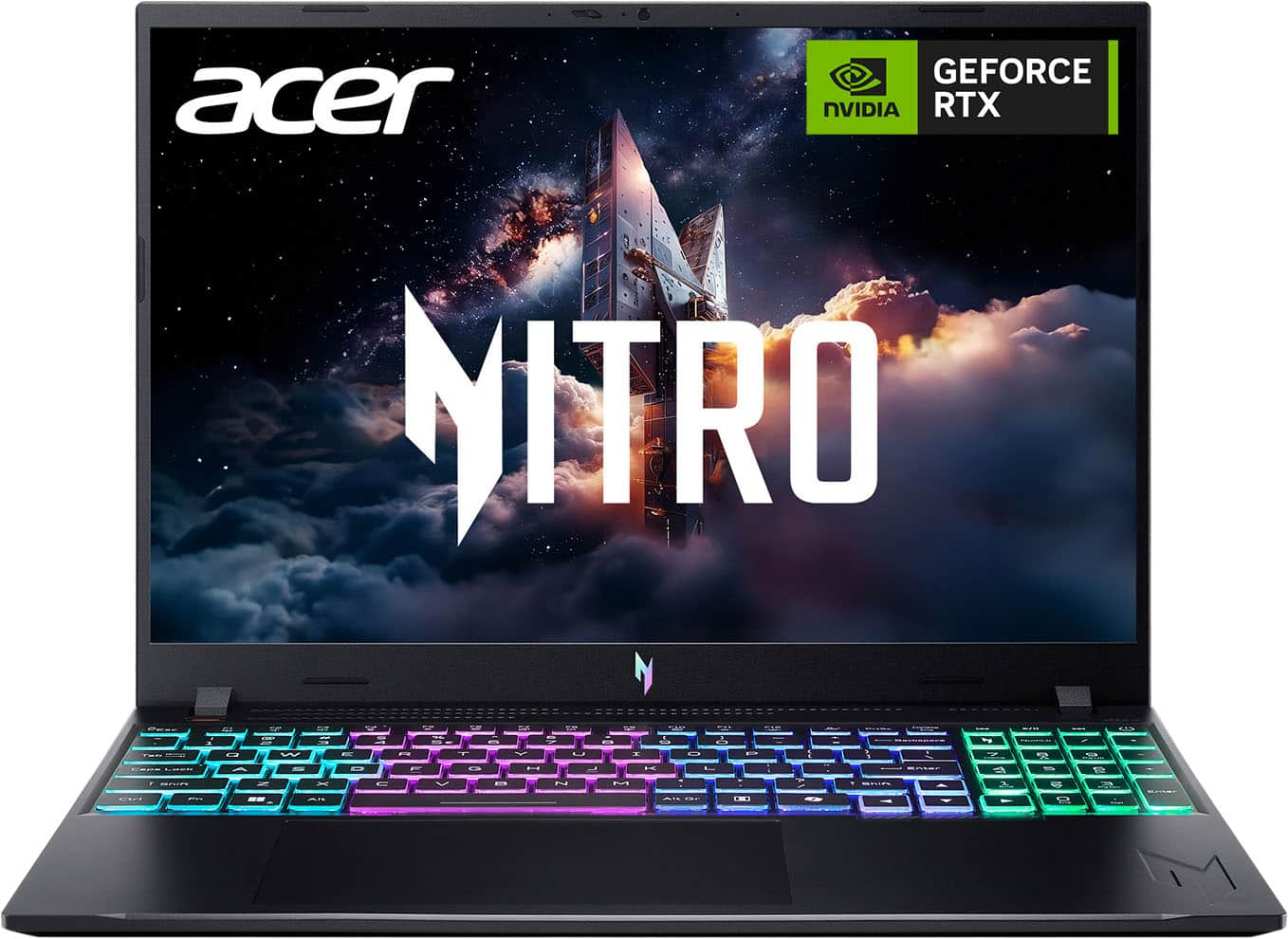
  5. Acer - Nitro V – 16" WUXGA 165Hz Gaming Laptop - Intel Core 7 240H 2024 - NVIDIA GeForce RTX 5060 – 16GB Memory – 512GB Storage - Obsidian Black

    SKU: JJ8V8QFPT8

    I love it...This is the most advanced laptop I have ever had and it is great...Great Graphics; Keyboard Lights Up; Works Well...The graphics are great, and I love that the keyboard lights up. (I just...

    Product Description

    A powerful black gaming laptop featuring Intel Core 7 240H, RTX 5060, 16GB memory, and 512GB storage.
    See all Gaming Laptops
    Your price for this item is $1,329.99
    Save $300
    The previous price was $1,629.99
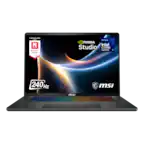
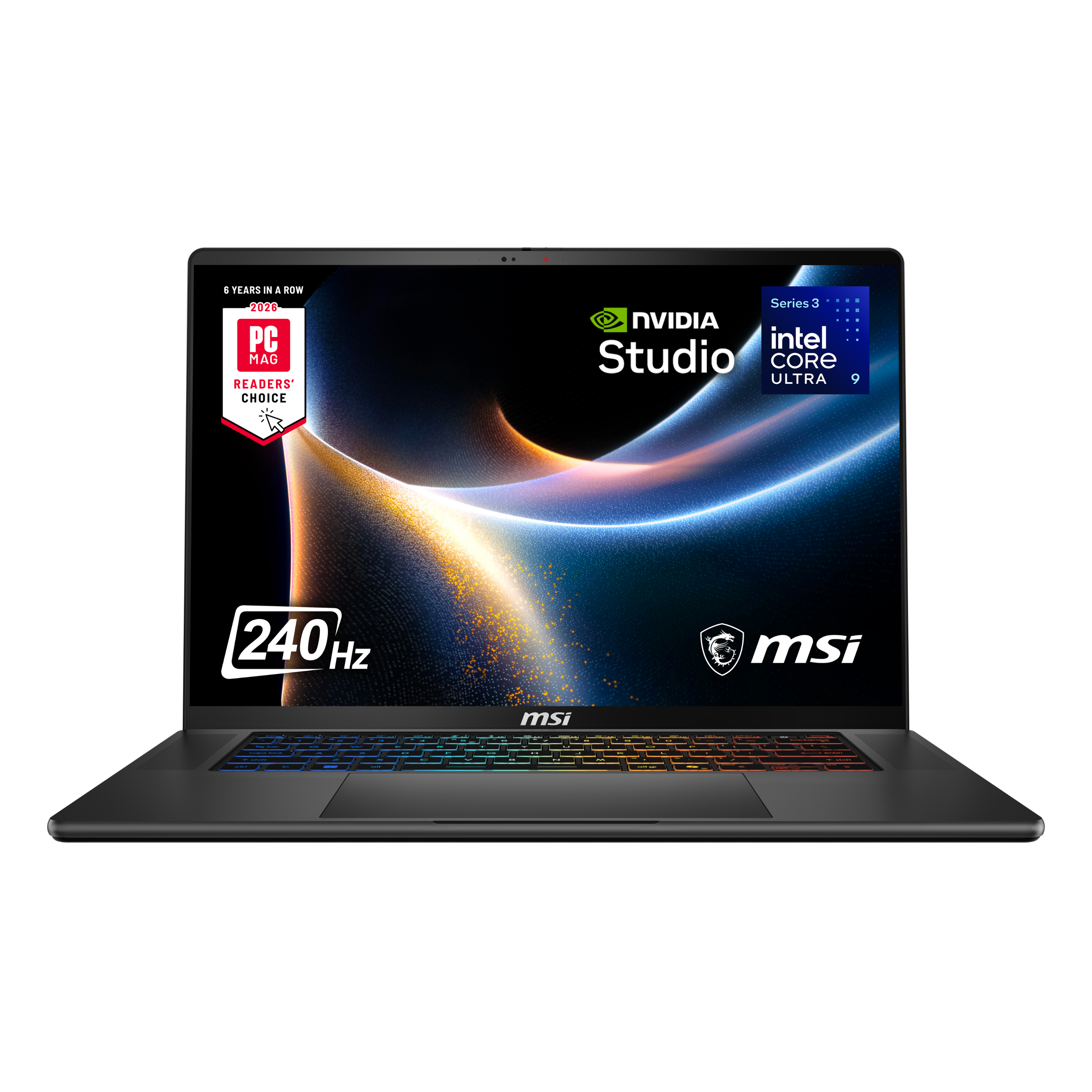
  6. MSI - Stealth 16 AI+ 16" 2.5K 240Hz OLED Gaming Laptop Intel Core U9-386H - NVIDIA GeForce RTX 5080 - 32GB Memory -2TB Storage - Charcoal Black

    SKU: J3P7TXTXQC

    I love this laptop. I’m using it as a desktop replacement, for gaming and general computer stuff....All in all, this laptop is one of the best I’ve ever owned...Has single 2 TB drive, despite the current...

    Product Description

    A sleek charcoal black gaming laptop featuring a 16" 2.5K 240Hz OLED display and RTX 5080 graphics.
    See all Gaming Laptops
    Your price for this item is $3,649.99
    Save $350
    The previous price was $3,999.99
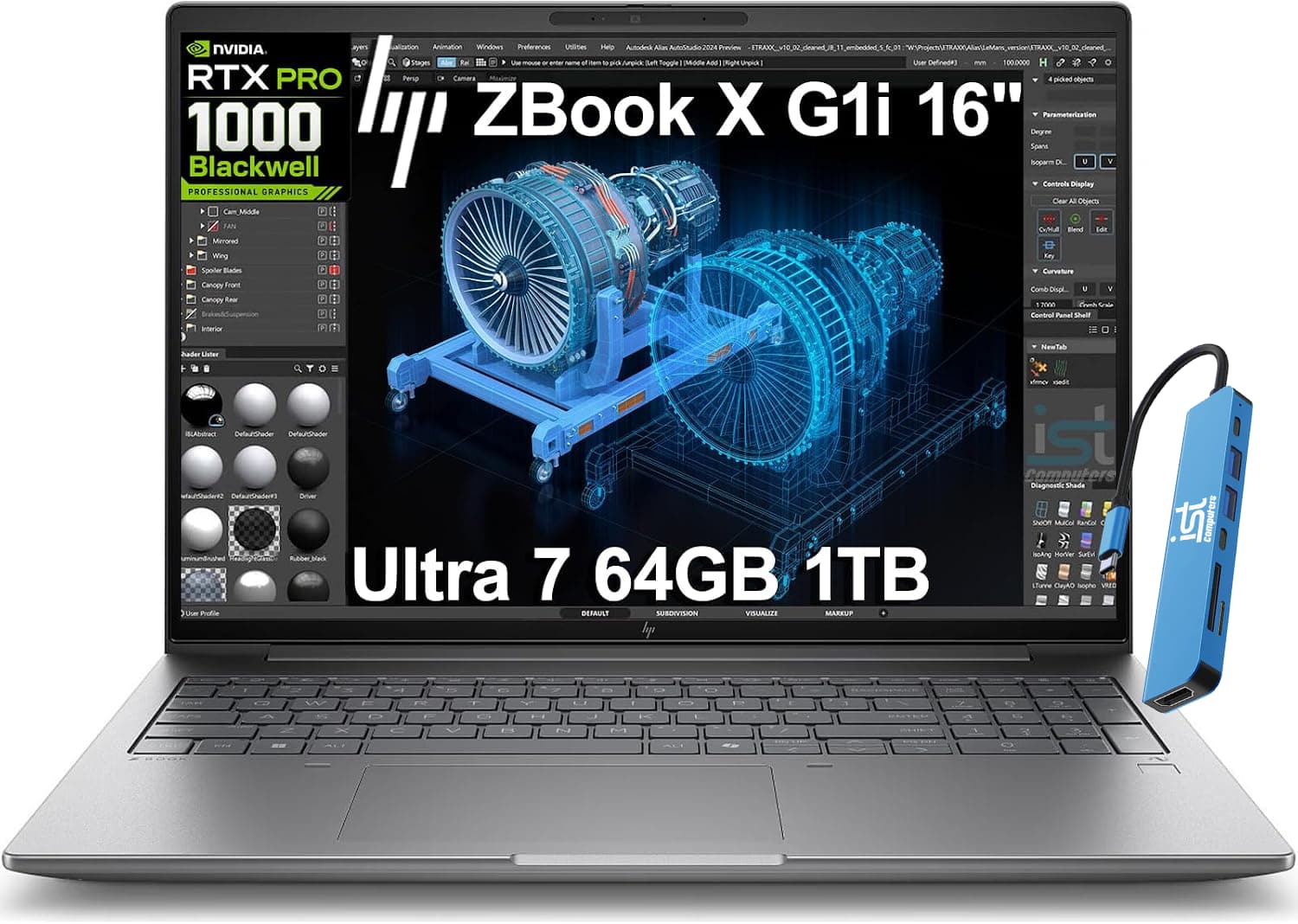
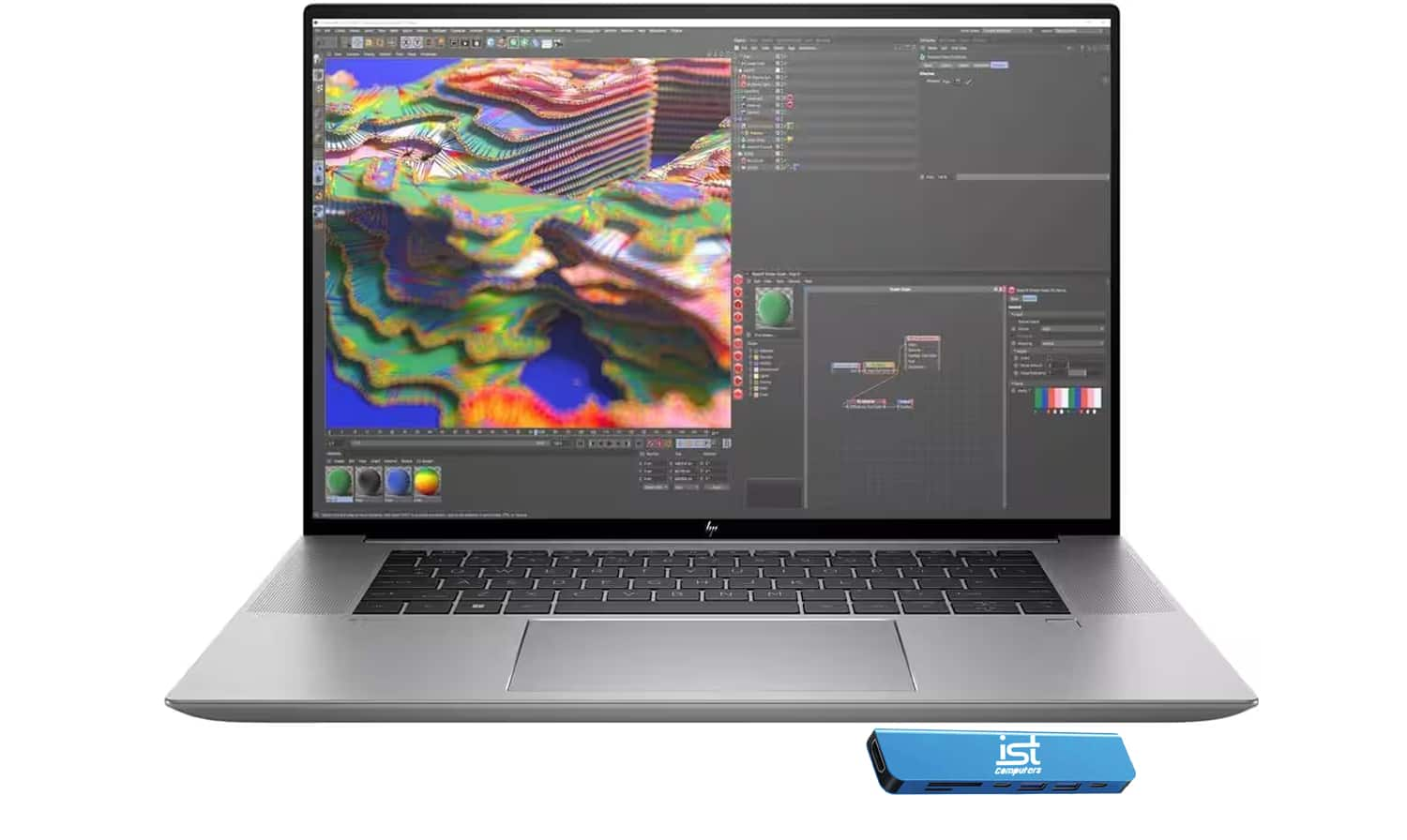
  7. HP - Upgraded - ZBook Studio G9 16" FHD+ Workstation Laptop - Intel Core i7 - NVIDIA RTX A1000 - 32GB DDR5 - 1TB SSD - Win 11 Pro - Silver

    SKU: J3GWQRFPQH

    Product Description

    A powerful silver workstation laptop featuring Intel Core i7, NVIDIA RTX A1000, 32GB RAM, and 1TB SSD.
    See all All Laptops
    Your price for this item is $1,999.99
  8. NIMO - 17.3" IPS FHD-Gaming-Laptop, AMD Ryzen 5 6600H 16GB DDR5 RAM 1TB SSD (Beat i7-1165G7 Up to 4.5GHz) Radeon 660M - Blue

    SKU: JJGHQYTLCR

    Product Description

    A powerful blue gaming laptop featuring AMD Ryzen 5, 16GB DDR5 RAM, 1TB SSD, and Radeon 660M.
    See all Gaming Laptops
    Your price for this item is $699.99
  9. Your price for this item is $699.99
Powerful laptops for video editing bring the performance needed to turn camera footage into finished stories, whether that means a documentary, a wedding film, a short-form campaign, or a family video worth keeping. Their value comes from how the processor, graphics, memory, and storage work together, not from a single impressive specification. A responsive editing laptop can make scrubbing through clips, adjusting transitions, layering audio, and reviewing effects feel more fluid, while sufficient sustained performance helps with longer exports. Among Laptops for Video Editing, configurations suited to demanding projects typically combine a capable multicore processor, ample memory, fast solid-state storage, and graphics acceleration supported by the editing software. An eight-core or twelve-core processor can be a useful starting point for heavier work, although processor architecture, power limits, and the mix of core types matter as much as the advertised count. For many 4K workflows, 32GB of memory provides practical headroom for editing alongside audio tools, a browser, and other creative applications. Complex compositions, long multicamera sequences, and demanding 8K projects can benefit from 64GB or more, depending on the software and source footage. Dedicated graphics can accelerate supported effects, color adjustments, and rendering, while some integrated graphics platforms pair shared memory with specialized media engines that handle supported video formats efficiently. Hardware decoding and encoding support deserve particular attention: two clips with the same resolution can place very different demands on a laptop because of their codec, bit depth, frame rate, and compression. A creator assembling straightforward interviews has different needs from an editor combining noise reduction, animated titles, and several camera angles. Software compatibility and recommended system requirements help give those specifications context. The most suitable configuration supports the actual projects being made, with enough room for more ambitious work, rather than relying on a performance label alone. That balance matters for film students learning their craft, independent creators working on deadlines, and professionals who need a portable companion to a studio setup.

Storage and display quality shape the everyday editing experience just as directly as processing power. A fast internal NVMe solid-state drive helps with loading applications, accessing media, and managing cache files. A capacity of 1TB to 2TB is a practical starting point for many video editors, though high-bitrate footage, optimized media, and multiple active projects can require considerably more space. The usable capacity also has to accommodate the operating system, applications, previews, and exports, so the size of the original camera files is only part of the storage picture. Fast external drives can extend a workspace when the laptop’s connections support their transfer speeds, while a separate backup protects against losing an entire project with a single drive failure. For the screen, a high-resolution panel makes fine details easier to inspect and gives text, controls, and thumbnails greater clarity. Larger displays can make a crowded timeline more comfortable to navigate, while smaller designs are easier to carry between a classroom, a shoot, and a shared workspace. Color accuracy depends on more than vivid-looking images. Wide color-gamut coverage, dependable calibration, appropriate color profiles, and application color management all contribute to judging skin tones, product colors, and subtle shadow detail. Full sRGB coverage can be relevant to web-focused work, while strong DCI-P3 coverage may suit workflows that use that wider color space; gamut coverage alone does not guarantee accuracy. OLED and mini-LED displays can offer strong contrast, but brightness behavior, reflections, and calibration still matter for critical decisions. High dynamic range work also calls for checking the panel’s actual HDR capabilities rather than assuming a high-resolution screen is sufficient. For an editor matching shots from two cameras, consistent color reproduction is more useful than an exaggerated picture that merely looks dramatic. An external reference display can remain important for color-critical delivery, even when a laptop has an excellent built-in screen. Comfortable scaling, readable interface text, and enough space for scopes and audio meters help make long sessions more manageable.

The physical design of a video editing laptop determines how comfortably that performance fits into daily work. Aluminum or magnesium chassis can provide rigidity without excessive bulk, while well-built reinforced-plastic designs can also hold up to regular use; material alone is not a guarantee of durability. A firm hinge, a stable keyboard deck, and a screen that stays in position matter when reviewing a cut with a collaborator or typing detailed revision notes. Slim laptops are convenient to carry, but larger enclosures may provide more space for cooling and sustained workloads. Fan noise is another consideration for anyone editing dialogue in a quiet room or recording a voice-over near the computer. Performance during a lengthy export may differ from a brief burst of speed, and many high-performance laptops reach their full capability when connected to power. Battery life varies with screen brightness, effects, footage, and workload, so light-use estimates should not be treated as promises for intensive editing. Connections can make an equally noticeable difference: a compatible card reader simplifies ingesting footage, a suitable display output supports an external monitor, and high-speed ports accommodate media drives and other peripherals. The connector shape alone does not establish transfer speed, charging support, or display capability. Memory and storage upgrade options also vary, with some designs using soldered memory or limiting access to internal components. For everyday care, clear ventilation openings, a firm work surface, and cleaning methods recommended by the manufacturer help protect the laptop during frequent use. A padded sleeve or well-fitted bag reduces scratches and bumps in transit, while careful handling of plugged-in cables helps avoid strain on ports. These details are especially relevant for creators moving between locations with footage, headphones, drives, and a power adapter in the same bag. As a gift for a film student or an enthusiastic video creator, an editing laptop is most useful when it matches the recipient’s software, portability needs, and typical projects. Thoughtful hardware choices support the whole creative routine, from organizing the first memory card to checking the final export.

FAQ

When choosing a laptop for video editing, prioritize a powerful multi-core processor (such as Intel Core i7/i9 or AMD Ryzen 7/9), at least 16GB of RAM, a dedicated graphics card (like NVIDIA GeForce RTX or AMD Radeon), fast SSD storage, and a high-resolution display with accurate color reproduction.

A dedicated graphics card accelerates rendering and playback of high-resolution videos, enabling smoother editing and faster export times. It also supports advanced effects and transitions in professional editing software.

For most video editing tasks, at least 16GB of RAM is recommended. If you work with 4K footage or complex projects with multiple layers and effects, consider laptops with 32GB or more RAM for optimal performance.

Yes, SSD storage is significantly faster than traditional HDDs. It reduces file loading times, speeds up software launches, and improves overall system responsiveness—crucial benefits when working with large video files.

A high-resolution display (such as Full HD or 4K) provides greater detail and more workspace for timelines and toolbars. Additionally, displays with wide color gamuts and good color accuracy are essential for precise color grading and professional results.