Best Laptop For Photo And Video Editing
Finding the best laptop for photo and video editing starts with your software requirements and creative workflow. Compare laptops by processor performance, RAM, graphics capabilities and display color accuracy, then weigh screen size against portability. If you work with RAW photos or 4K footage, consider storage capacity for large files and check your software’s recommended specifications before choosing.
What to look for in a laptop for photo and video editing
Finding the best laptop for photo and video editing means balancing performance, display quality, memory, and storage for your creative workflow.
1. Processor and Graphics
2. Display Quality
3. Memory and Storage
4. Portability and Connectivity
-
1
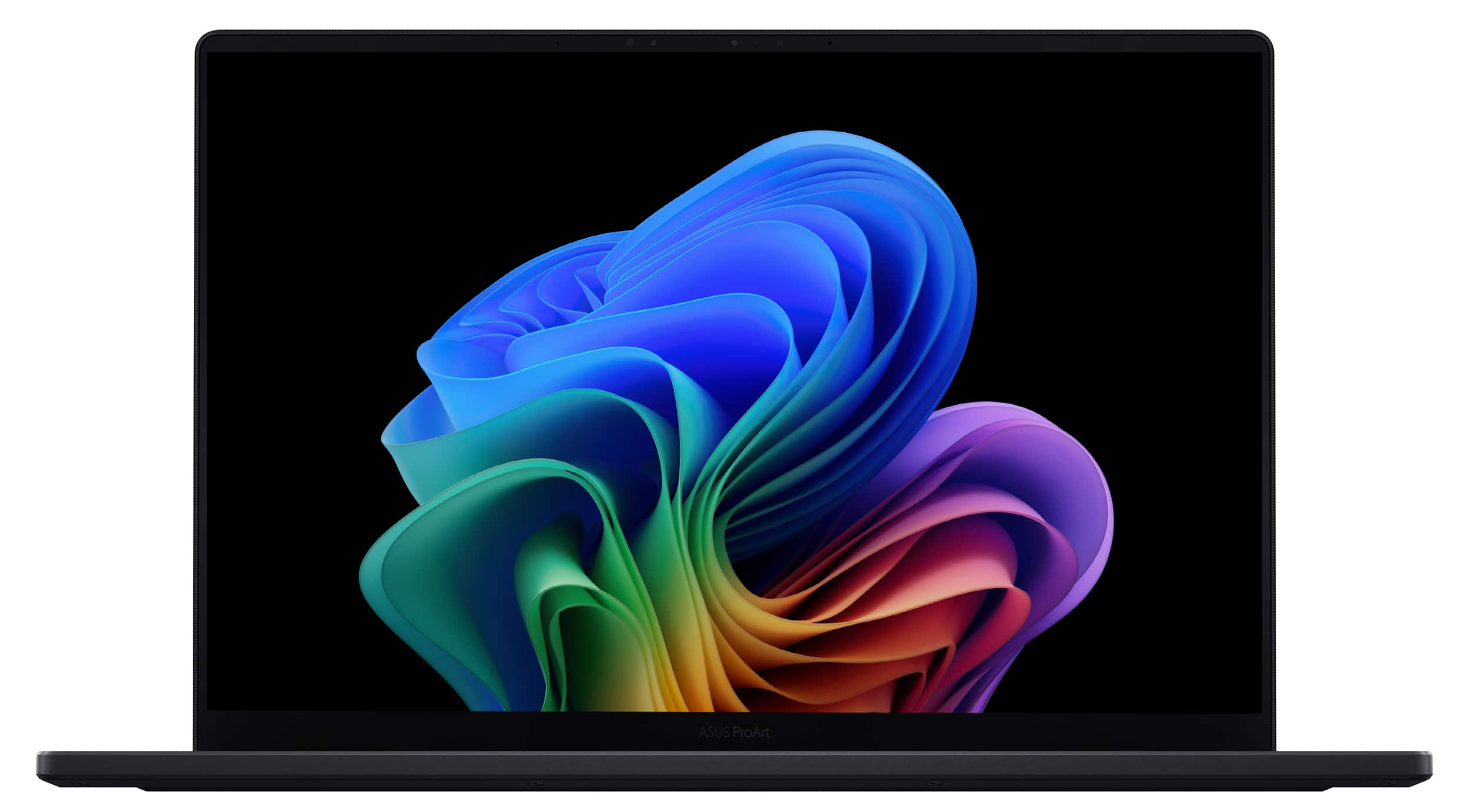
ASUS - ProArt P16 16" 4K Touch Screen Laptop - Copilot+ PC - AMD Ryzen AI 9 HX 370 - 64GB Memory - RTX 5070 - 2TB SSD - Nano Black
About this product
A powerful black laptop featuring a 16" 4K OLED touchscreen, AMD Ryzen AI 9, RTX 5070, and 64GB memory.
(12)$3,999.99 Your price for this item is $3,999.99 -
2

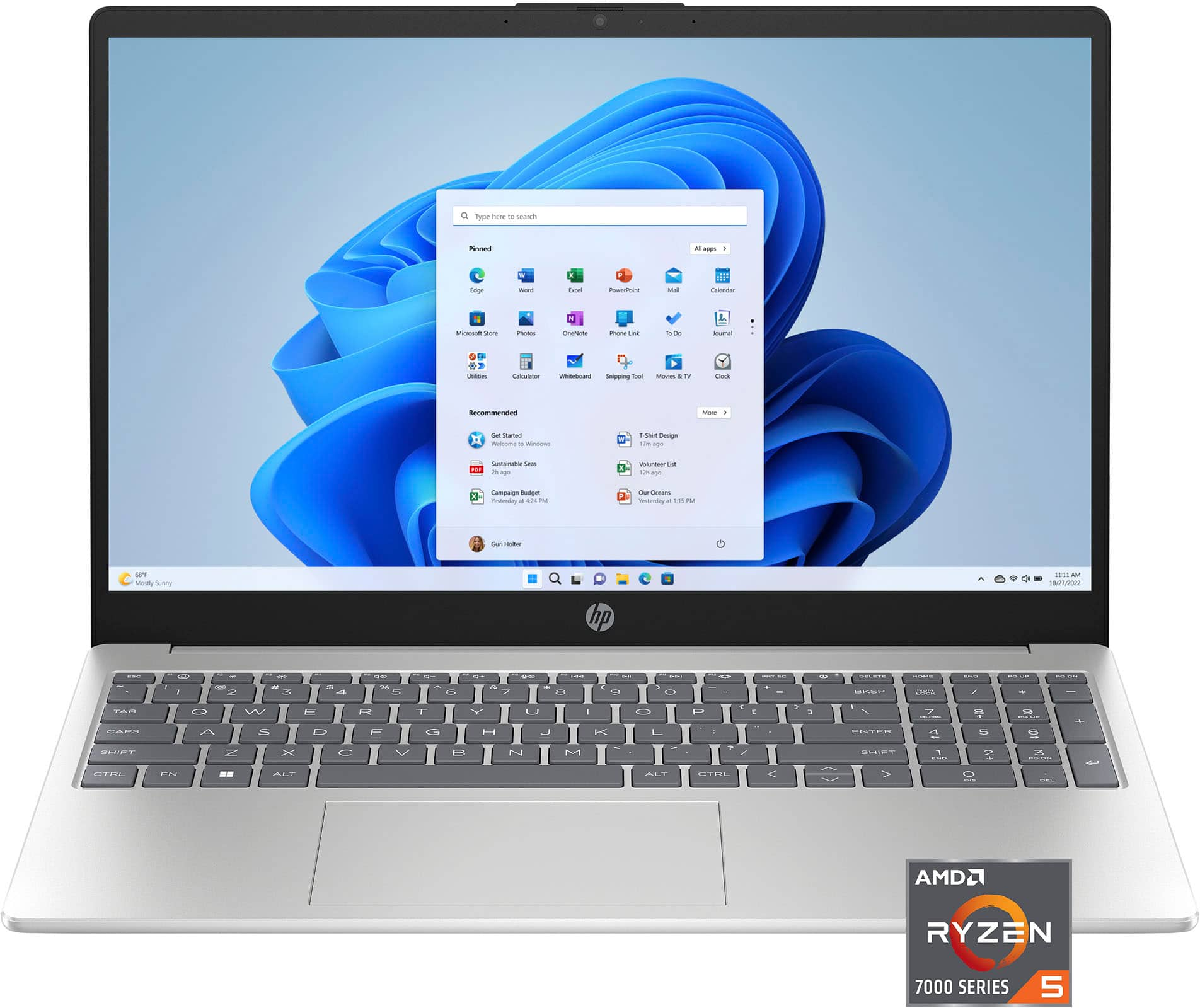
ASUS - ProArt P16 16" 4K OLED Touchscreen Laptop - Copilot+ PC - AMD Ryzen AI 9 HX 370 - 64GB Memory - RTX 5090 - 4TB SSD - Nano Black
About this product
A powerful black touchscreen laptop featuring 4K OLED display, AMD Ryzen AI 9, RTX 5090, and 64GB memory.
What customers like
(21)$5,499.99 Your price for this item is $5,499.99 -
3
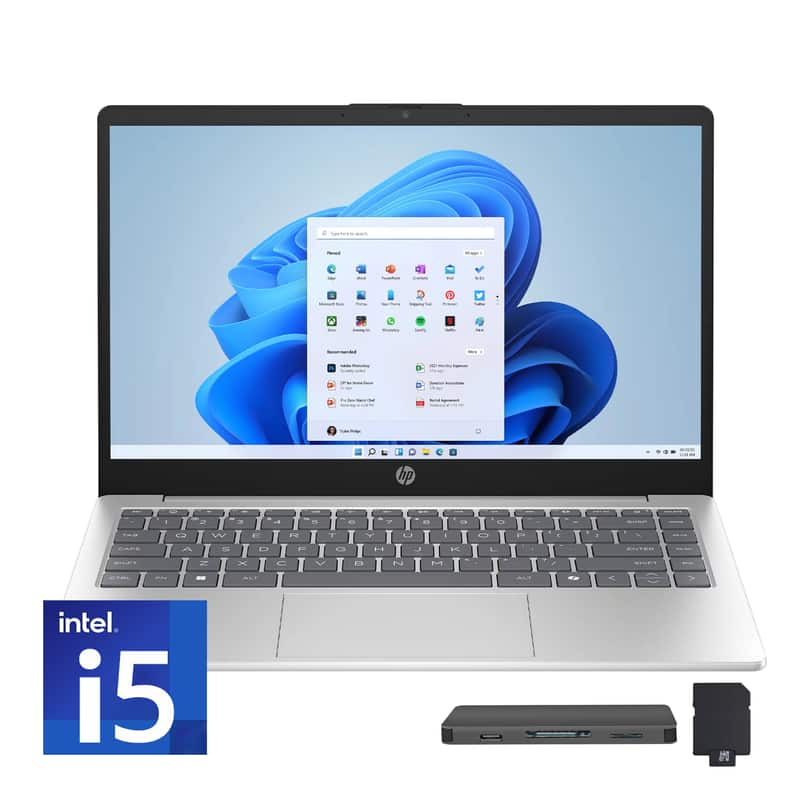
HP - Upgraded - 15.6" Full HD Touch-Screen Laptop - Intel Core i5 1334U 2023 - 32GB Memory - 2TB SSD - Natural Silver
About this product
A natural silver laptop with a 15.6" Full HD touchscreen, Intel Core i5, 32GB RAM, and 2TB SSD.
(0)$1,279.00Your price for this item is $1,279.00SAVE $383.70 -
4
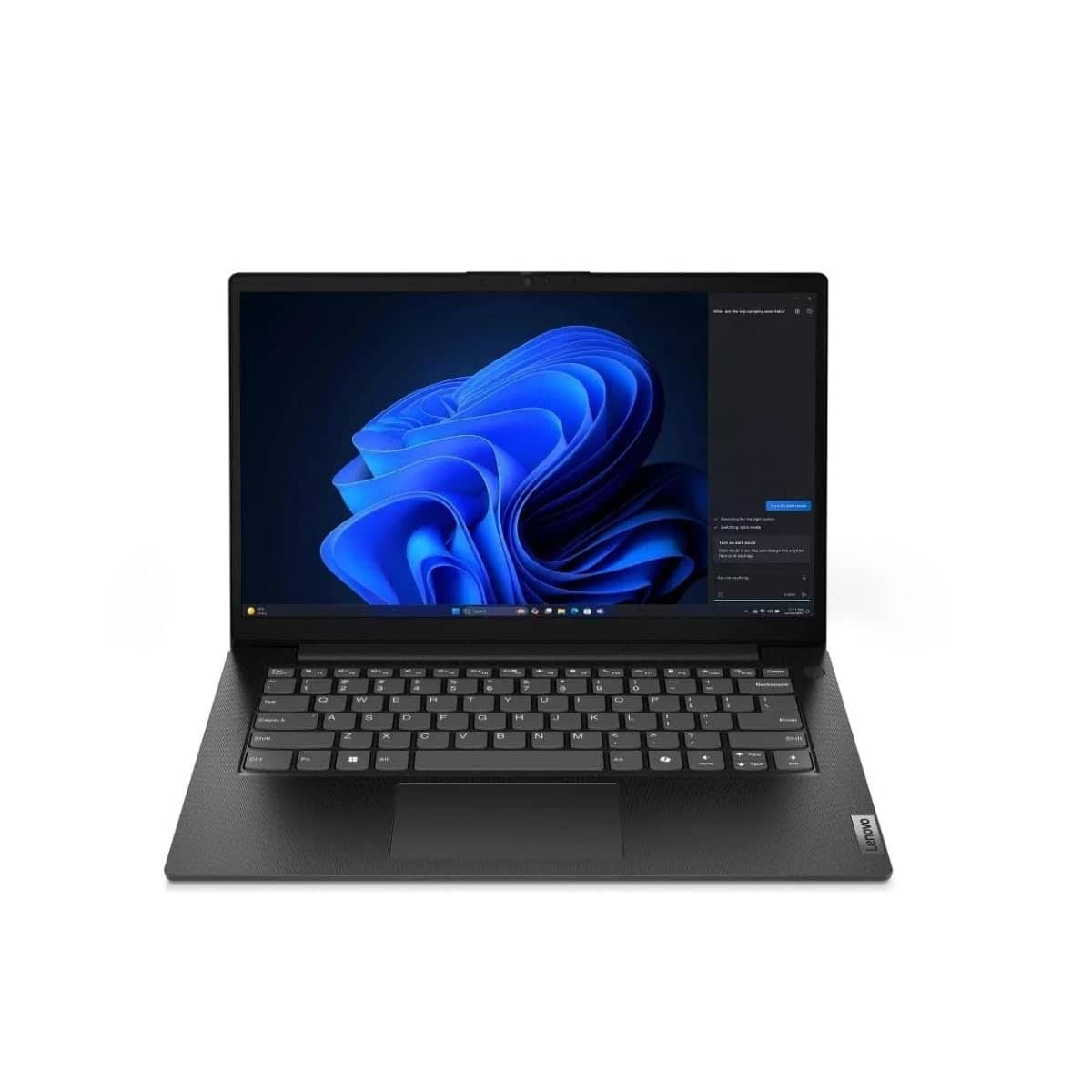
Lenovo - V14 G5 IRL 14" FHD Laptop - Intel Core i7-13620H - 16GB RAM - 512GB SSD - Integrated GPU - Gray
About this product
A gray laptop featuring Intel Core i7, 16GB RAM, 512GB SSD, FHD display, and Windows 11.
(0)$743.90Your price for this item is $743.90SAVE $56.09 -
5
HP - 15.6" Full HD Touch-Screen Laptop - Intel Core i5 1334U 2023 - 16GB Memory - 512GB SSD - Natural Silver
About this product
A sleek natural silver laptop with a 15.6" Full HD touchscreen, Intel Core i5, and 16GB memory.
(0)$869.00 Your price for this item is $869.00 -
6
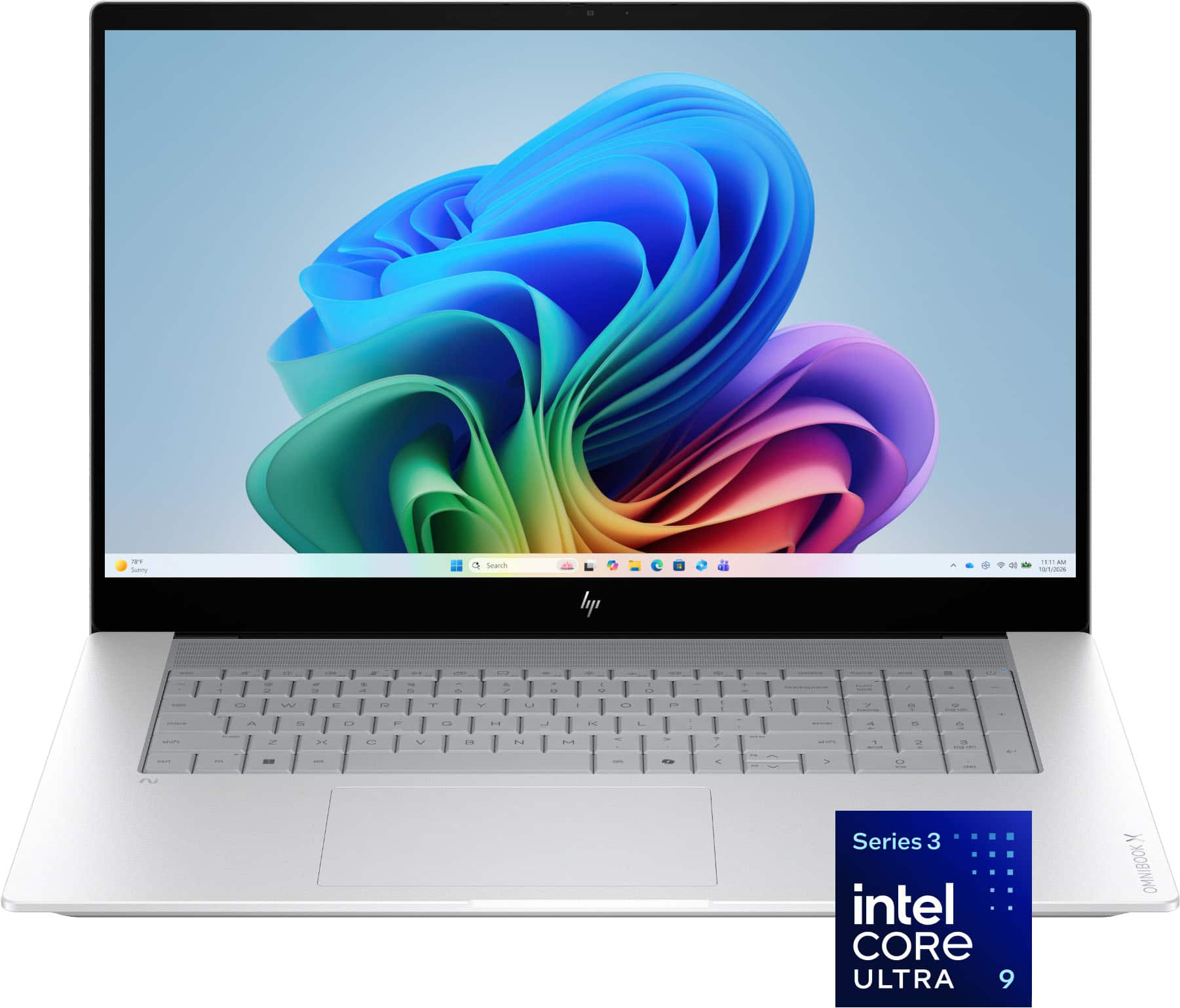
HP - OmniBook X - 17.3" Full HD Touchscreen Laptop - Intel Core Ultra 9 (2026) - 32GB Memory - 1TB SSD - Copilot+ PC - Glacier Silver
About this product
A premium silver touchscreen laptop featuring Intel Core Ultra 9, 32GB memory, 1TB SSD, and AI-powered performance.
(15)$2,299.99 Your price for this item is $2,299.99 -
7

HP - 17.3" Full HD Laptop - Intel Core i7 1355U 2023 - 16GB Memory - 1TB SSD - Natural Silver
About this product
A powerful silver laptop featuring Intel Core i7, 16GB memory, 1TB SSD, and Full HD display.
What customers like
(576)$846.98Your price for this item is $846.98SAVE $63.01 -
8
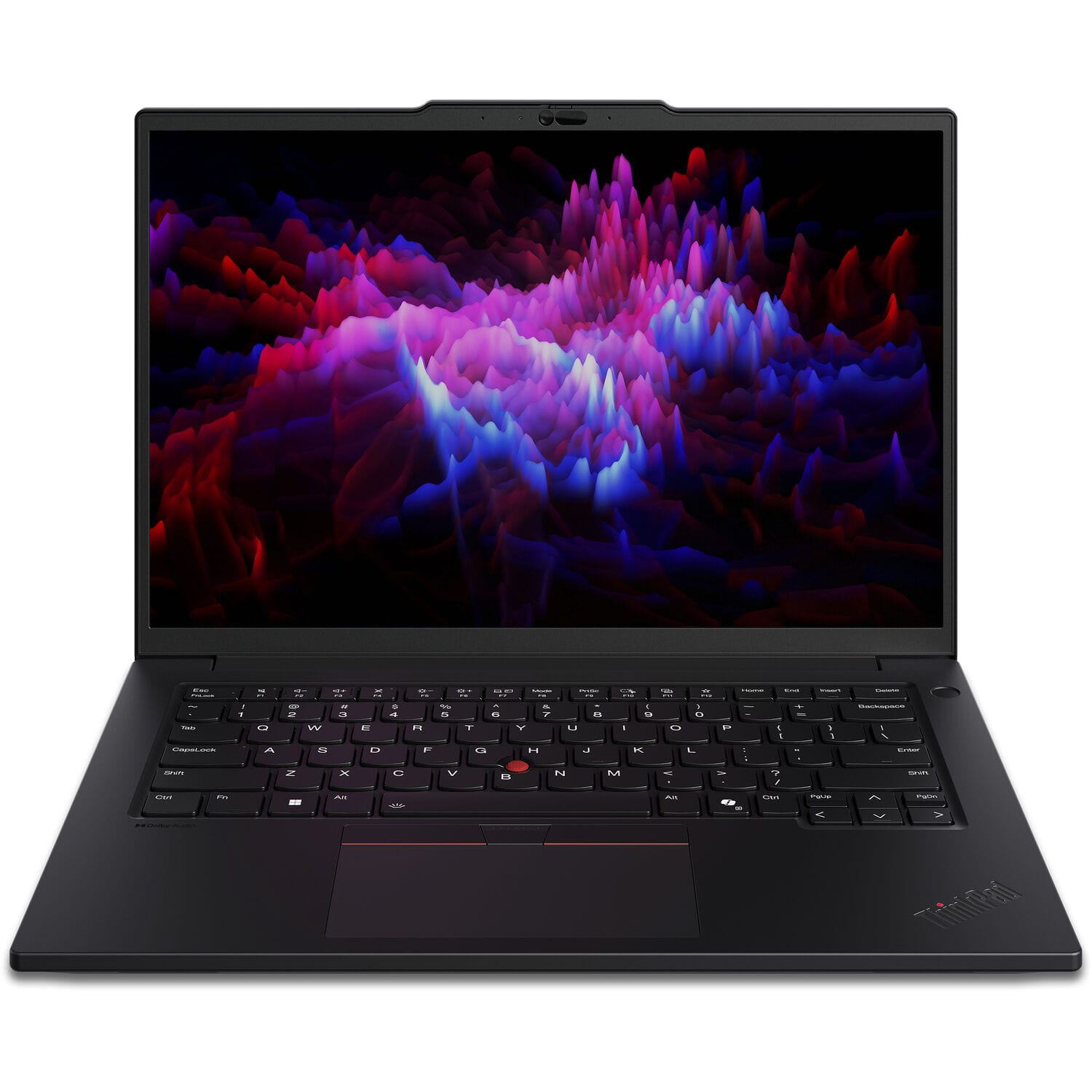
Lenovo - ThinkPad P14s Gen 5 14" Laptop - Intel Ultra 5 with 16GB Memory - 512GB SSD - Black
About this product
A high-performance black laptop with Intel Ultra 5, 16GB memory, 512GB SSD, and Windows 11 Pro.
(1)$1,299.99Your price for this item is $1,299.99SAVE $100.00 -
9
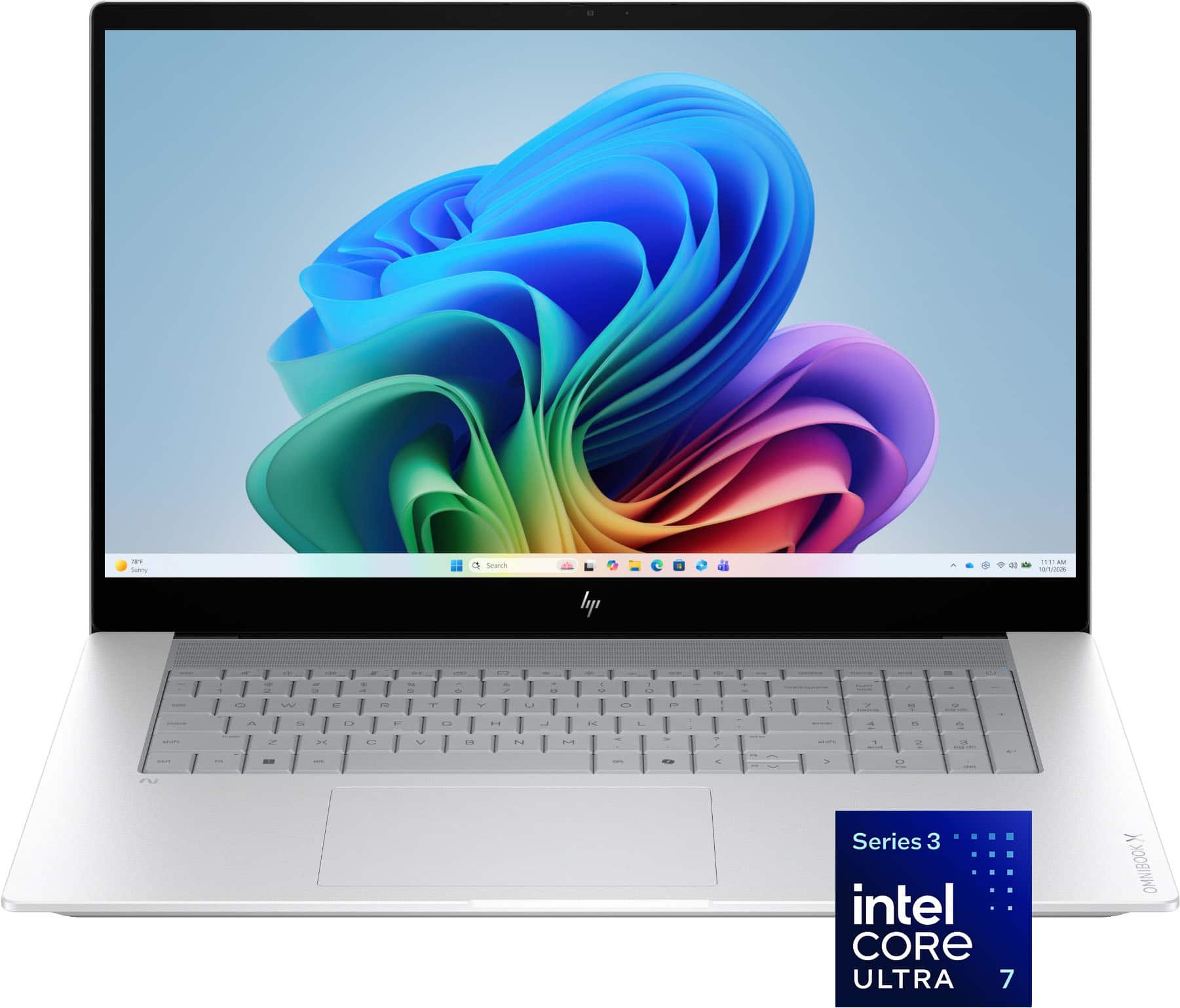
HP - OmniBook X - 17.3" Full HD Touchscreen Laptop - Intel Core Ultra 7 (2026) - 16GB Memory - 1TB SSD - Copilot+ PC - Glacier Silver
About this product
A silver touchscreen laptop featuring Intel Core Ultra 7, 16GB memory, 1TB SSD, and AI-powered performance.
(9)$1,899.99 Your price for this item is $1,899.99 -
10

Bundle - IST Computers - IdeaPad Slim 3 15.6" Full HD Touchscreen Laptop - AMD Ryzen 7 5825U 2022 - 16GB Memory - 512GB SSD - 15.6" - Luna Grey
About this product
A grey touchscreen laptop with an eight-core processor, 16GB memory, 512GB SSD, and durable construction.
(2,617)$664.00Your price for this item is $664.00SAVE $35.99
Best Laptop For Photo And Video Editing
FAQs
Start by checking which operating systems support your preferred editing applications, plug-ins, and accessories. Some creative software is available for both Windows and macOS, while other applications are exclusive to one platform. If you collaborate with others, also check compatibility for shared project files, fonts, and media formats.
Color gamut describes the range of colors a display can reproduce. Common color spaces include sRGB, Adobe RGB, and DCI-P3. Color calibration adjusts how a display represents colors against a reference standard. For photo and video editing, look for display specifications that align with your intended workflow, such as web publishing, printing, or video production.
Integrated graphics are built into the laptop's main processor and typically share system memory. Dedicated graphics use a separate graphics processor with its own graphics memory. Photo and video editing applications vary in their graphics requirements and supported features, so review your software's compatibility documentation when comparing laptops.
Check the connections used by your camera, external drives, monitors, and other accessories. These may include USB-A, USB-C, Thunderbolt, HDMI, and an SD card reader. USB-C ports do not all support the same functions, so confirm whether a particular port supports video output, data transfer, or charging before choosing adapters or a dock.
Common accessories include a mouse, pen tablet, external monitor, card reader, and external storage drive. Headphones are also useful for working with video audio. Choose accessories based on your editing workflow, and check their connection types, operating system support, and software compatibility with your laptop.