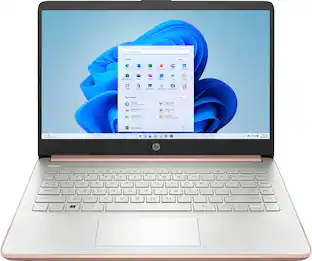
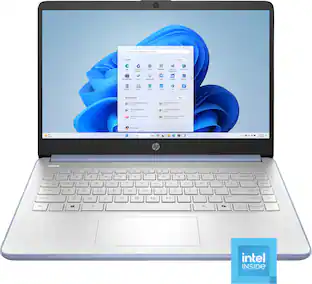
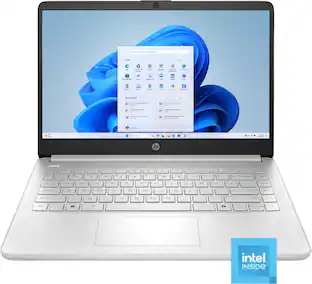
HP - 14" Laptop - Intel Celeron - 4GB Memory - 64GB eMMC - Rose Gold
Customers are saying
Customers frequently mention that the product excels in overall performance, ease of use, and portability due to its lightweight design. While users appreciate the long battery life and attractive color options, some have expressed concerns regarding the processor speed and occasional issues with storage reliability. Additionally, a few users noted that the screen quality and memory capacity could be improved for a better experience.
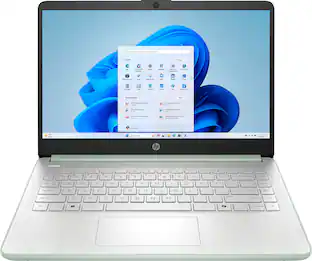
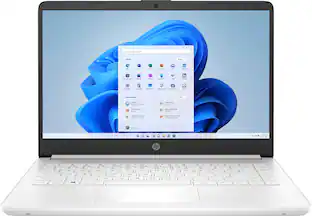
Color
Rose GoldHighlights
Operating system: Windows 11 Home in S mode
Experience the most secure Windows ever built with fast boot times, increased responsiveness, and added protection against phishing and malware.
Display: 14.0-inch diagonal, HD (1366 x 768), micro-edge, BrightView
With virtually no bezel encircling the display, an ultra-wide viewing experience provides for seamless multi-monitor set-ups.
Processor: Intel Celeron N4120
Handle multitasking reliably with the perfect combination of performance, power consumption, and value.
Memory: 4 GB DDR4-2400 MHz RAM (1 x 4 GB)
Adequate high-bandwidth RAM to smoothly run multiple applications and browser tabs all at once.
Internal storage: 64 GB eMMC
An embedded multimedia card provides reliable flash-based storage.
Graphics: Intel UHD Graphics 600
Smoothly stream content and play your favorite games.
Battery life:
Up to 11 hours and 30 minutes (video playback); Up to 9 hours (wireless streaming)
Wireless: 802.11a/b/g/n/ac (2x2)(19a) Wi-Fi and Bluetooth combo
Stay connected to Wi-Fi and to Bluetooth accessories with wireless technology.
Camera: HP True Vision 720p HD camera with integrated dual array digital microphones
Video chat with vibrant clarity, even in low light.
Screen to body ratio
Revolutionize your display and see more of what you love with this slim bezel design. Enjoy an immersive multimedia experience with a maximized viewing area.
Sleek design
Easily take this thin and light PC from room to room or on the road.
HP Fast Charge
Go from 0 to 50% charge in approximately 45 minutes.
Dual array microphones
With two microphones and advanced noise reduction software, you'll always sound crystal clear when you video chat or record.
Energy efficiency your way
Do the environment—and your wallet—a favor when you use the HP Stream Laptop that meets strict energy-efficiency and helps reduce your carbon footprint.
Microsoft 365 - One Year Subscription Included
Make the most out of your 365: Bring your ideas to life. Your creativity now gets a boost with Microsoft 365. Office - Word, Excel, and Power Point - now includes smart assistance features that help make your writing more readable, your data clearer and your presentations more visually powerful. One year subscription included.
- Screen TypeTNScreen Size14 inchesScreen Resolution1366 x 768 (HD)Touch ScreenNoRefresh Rate60Hz
Reviews
Rating 4.1 out of 5 stars with 2477 reviews
- Overall Performance (1997)
- Ease of use (728)
- Weight (284)
- Battery Life (246)
- Size (242)
- Processor Speed (835)
- Screen Quality (130)
- Storage (106)
- RAM (78)
- Memory (44)
Customer Images
The vast majority of our reviews come from verified purchases. Reviews from customers may include My Best Buy members, employees, and Tech Insider Network members (as tagged). Select reviewers may receive discounted products, promotional considerations or entries into drawings for honest, helpful reviews.

Compare similar products

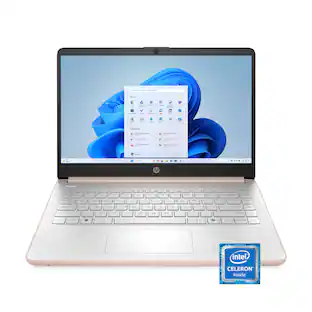
Take it anywhere. See more. With its thin and light design, 6.5 mm micro-edge bezel display, and 79% screen to body ratio – take this PC anywhere and see and do more. Reliable performance for every day: Powerful enough for your busiest days, this PC features an Intel processor and reliable flash-based storage at a great value. Powered up and productive. All day long. With a long battery life and fast-charge technology, this laptop lets you work, watch, and stay connected all day. Integrated precision touchpad with multi-touch support speeds up both navigation and productivity. Make the most out of your 365: Bring your ideas to life. Your creativity now gets a boost with Microsoft 365. Office - Word, Excel, and Power Point - now includes smart assistance features that help make your writing more readable, your data clearer and your presentations more visually powerful. One year subscription included.

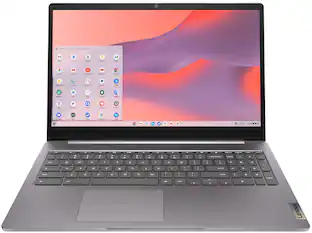
The IdeaPad 1i raises the bar on every affordable laptop with a super-efficient up-to-12th Generation Intel processor in a thin and compact 17.9 mm chassis that makes multitasking a breeze while boosting energy efficiency with up-to-11 hours of battery life and rapid charge. Get more value with four-sided narrow bezels for maximum screen, Dolby Audio speakers and Flip to Start for instant bootup. Optimize your video call experience with a 1MP camera that comes with a privacy shutter to keep out prying eyes and Smart Noise Cancelling to cut out background noise.
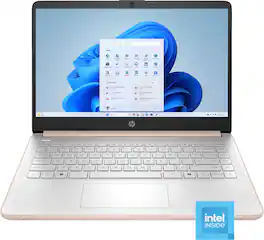
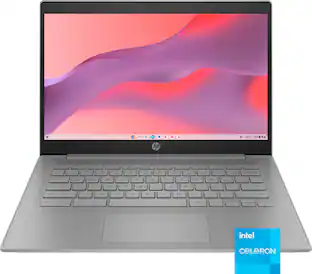
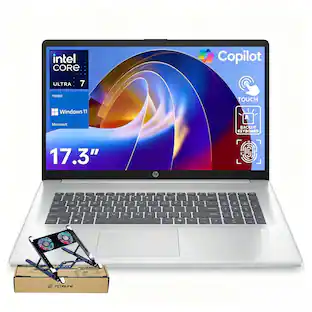
This laptop is designed to keep you productive and entertained, featuring a long battery life and a thin and portable design. Microsoft Copilot AI assistance helps you work smarter and find answers faster. Give work presentations a boost with the included one-year subscription to Microsoft 365 applications. Enjoy high-quality, clear video calls with the HD camera.
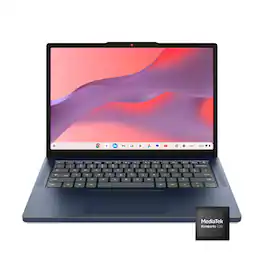
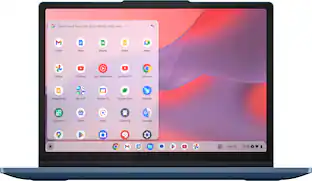
Live animated, live lively, live balanced. When you’re packing the thin and light IdeaPad Slim 3 Chromebook laptop, featuring WiFi 6E and 18 hours of battery life, balancing work and play all day becomes effortless. The 14" 2K IPS touchscreen display and MediaTek Kompanio 500 Series processors are a significant upgrade to your work and entertainment, with front-facing Waves-tuned speakers.
| Pros for HP - 14" Laptop - Intel Celeron - 4GB Memory - 64GB eMMC - Rose Gold | |||
|---|---|---|---|
| Overall Performance, Ease of use, Battery Life, Weight, Size | Overall Performance, Ease of use, Battery Life, Processor Speed, Touchscreen | Overall Performance, Portability, Battery Life, Design, Color | Overall Performance, Portability, Battery Life, Design, Touchscreen Responsiveness |
| Cons for HP - 14" Laptop - Intel Celeron - 4GB Memory - 64GB eMMC - Rose Gold | |||
| Processor Speed, Memory, Screen Quality, Storage, RAM | Memory | Processor Speed, Storage Capacity, Heat Dissipation | There were no cons for this product— |
Specs
Is Microsoft word included?
Answered by HP TeamIt comes with a one month trial of Microsoft 365, which includes Word. When the trial period is over, you'll need to purchase it to continue using it.

Can you do zoom meetings on this laptop
Answered by HP TeamBecause this computer is running Windows in "S Mode" it can only download and run apps that are in the Windows Store. Fortunately, the Zoom app is available in the store. You can also do meetings with the web-based version of the Zoom app.
This is a dumb question but can you plug a monitor into the laptop
Answered by HP TeamIt's not a dumb question at all. You certainly can plug in a monitor. On the right side of the computer is an HDMI port for adding a monitor.
Do only wireless mouses/keyboards work with this one or can you have non wireless keyboard/mouse
Answered by HP TeamYou can connect a USB wired mouse/keyboard to this laptop.
Can you play Roblox on the computer
Answered by HP TeamYes, this laptop does meet the minimum requirements to play Roblox.


Customers often buy these together
Office Software




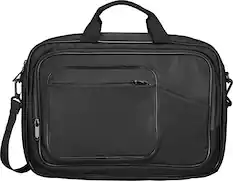
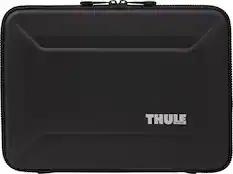
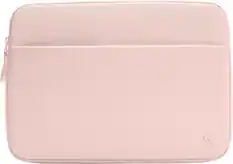
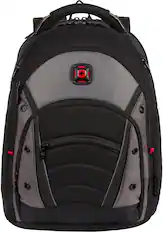
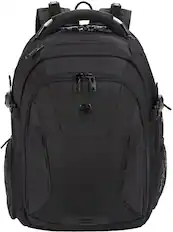
Laptop Bags and Cases
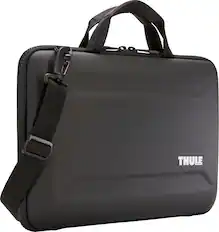
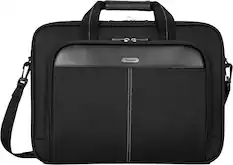
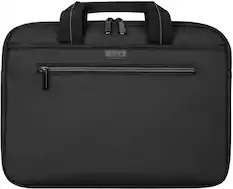
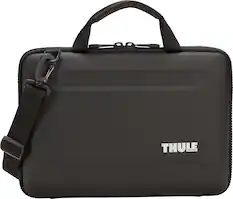
More recommended items
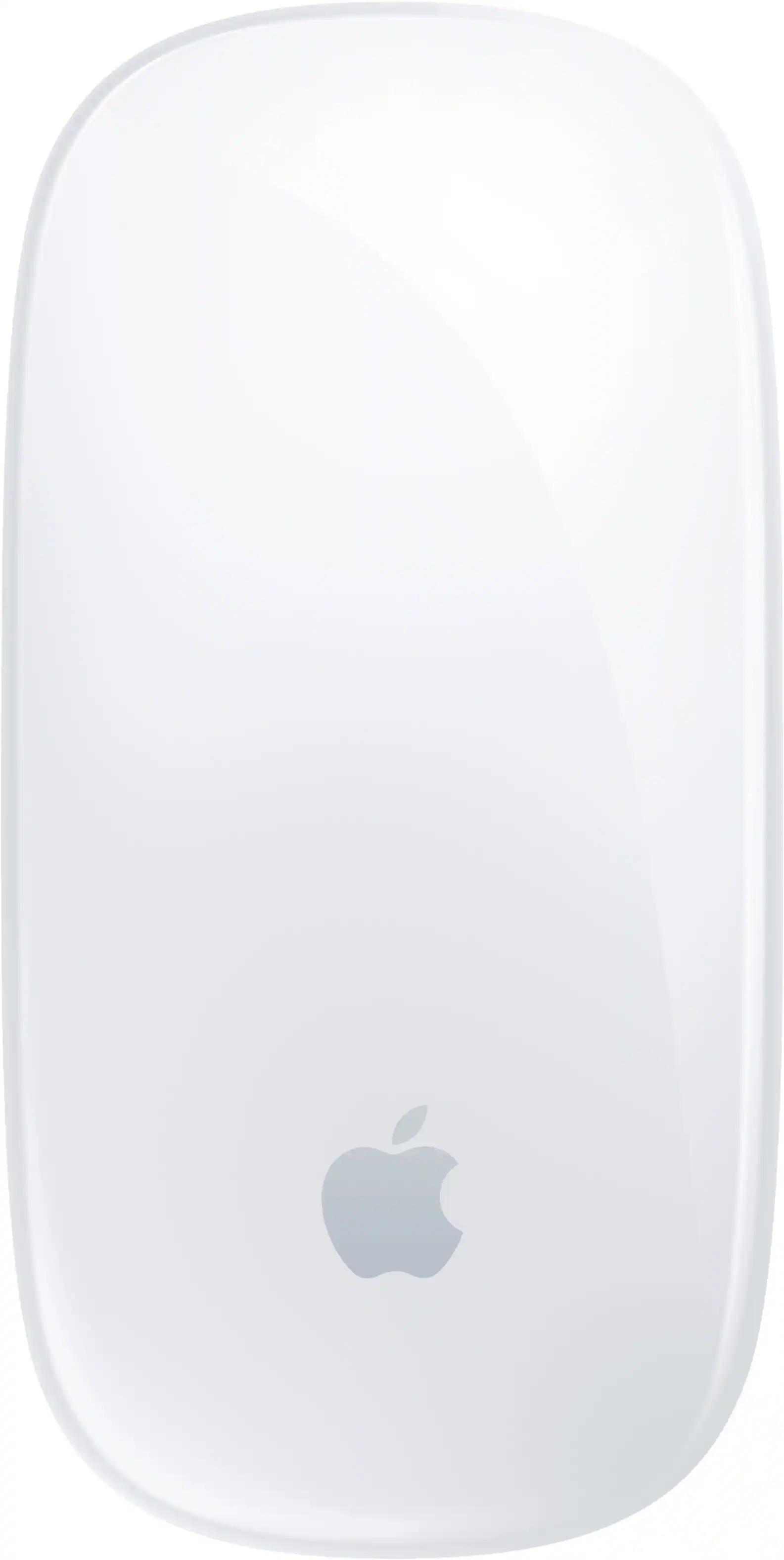 Mice
Mice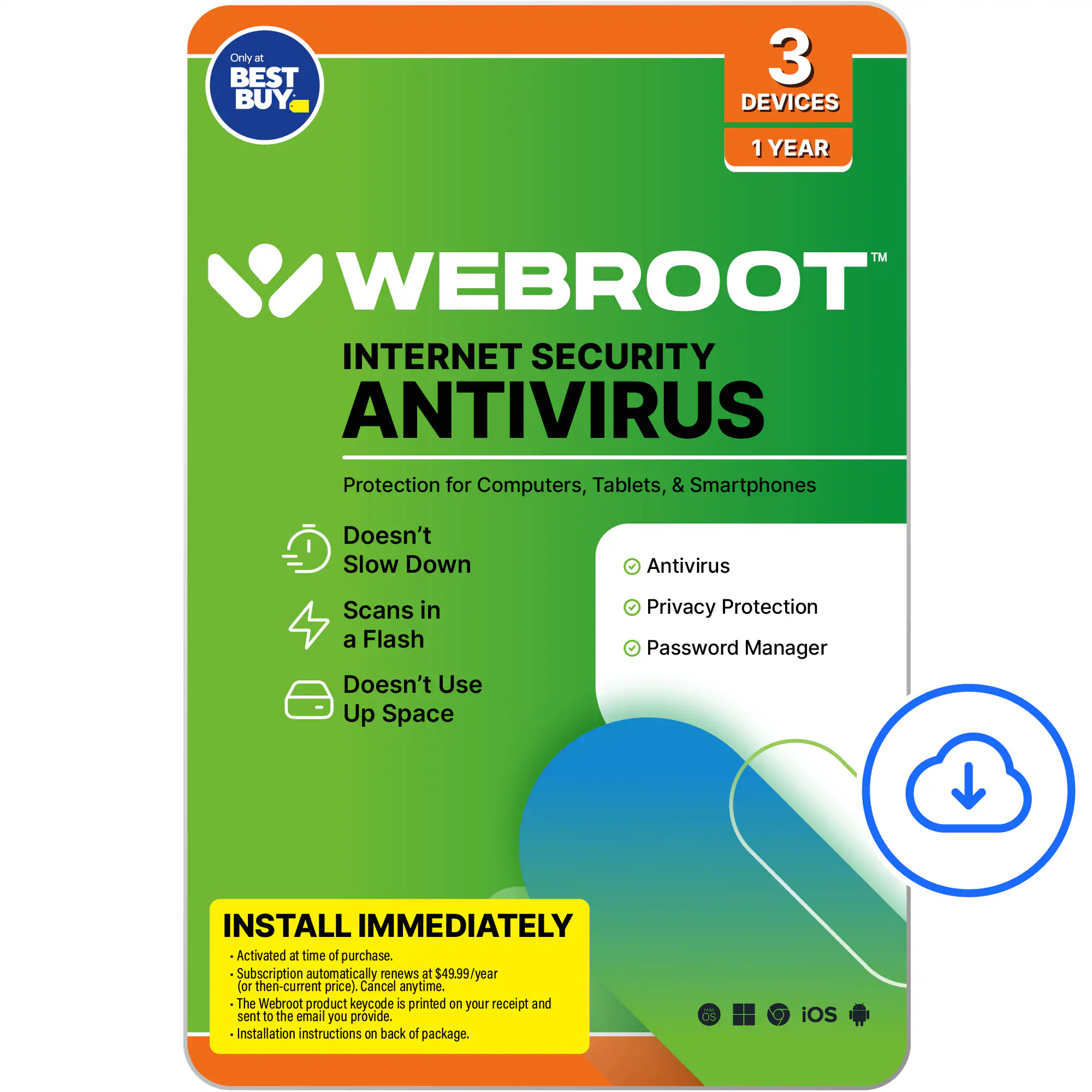 Antivirus and Internet Security Software
 Monitors
 Headphones
More to consider
 Flash Deal$229.99The price was $349.99
 Top Deal$179.00The price was $349.00
 Top Deal$199.00The price was $419.00
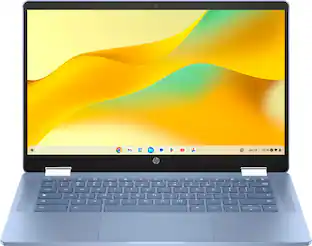 $349.00The price was $399.00
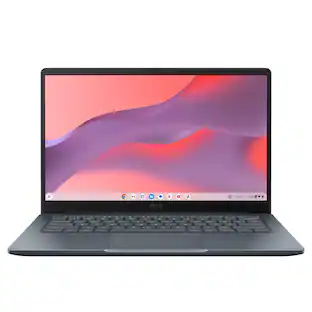 $199.00The price was $379.00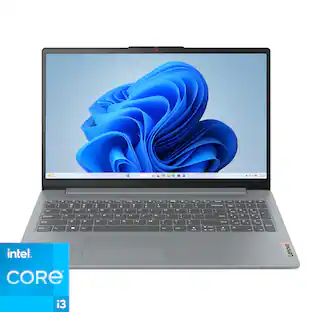
Lenovo - IdeaPad Slim 3i 15.6" Full HD Laptop - Intel Core i3-N305 2023 - 8GB Memory - 128GB Storage
$379.00The price was $499.99
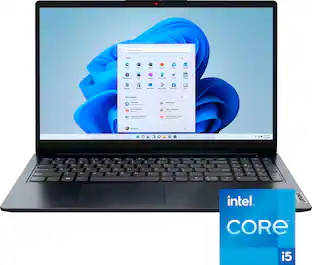

Explore tech essentials Sponsored
- Flash Deal$229.99The price was $349.99
 $1,399.00The price was $1,959.00
 Flash Deal$229.99The price was $349.99
 Flash Deal$229.99The price was $349.99
Discover related products
 $459.99The price was $599.00
 $319.99The price was $399.00





Keep exploring
 $1,099.99The price was $1,299.99
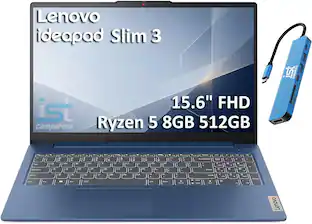 $549.99The price was $899.99
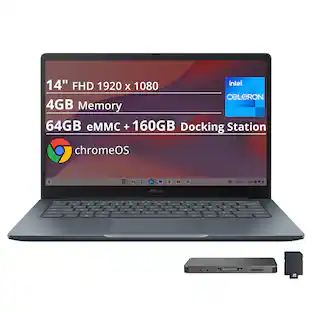 $259.00The price was $269.00
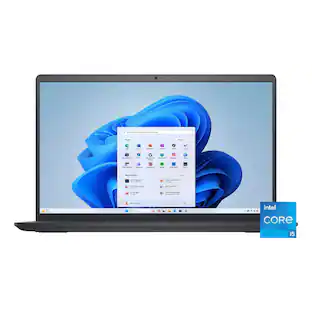 $550.00The price was $559.00
 $1,599.99The price was $1,799.99
 $1,099.99The price was $1,399.99
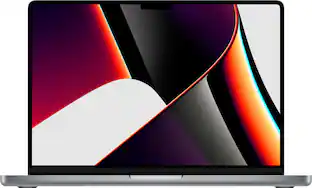 $1,099.99The price was $1,999.00