Apple Laptop For Video Editing
-
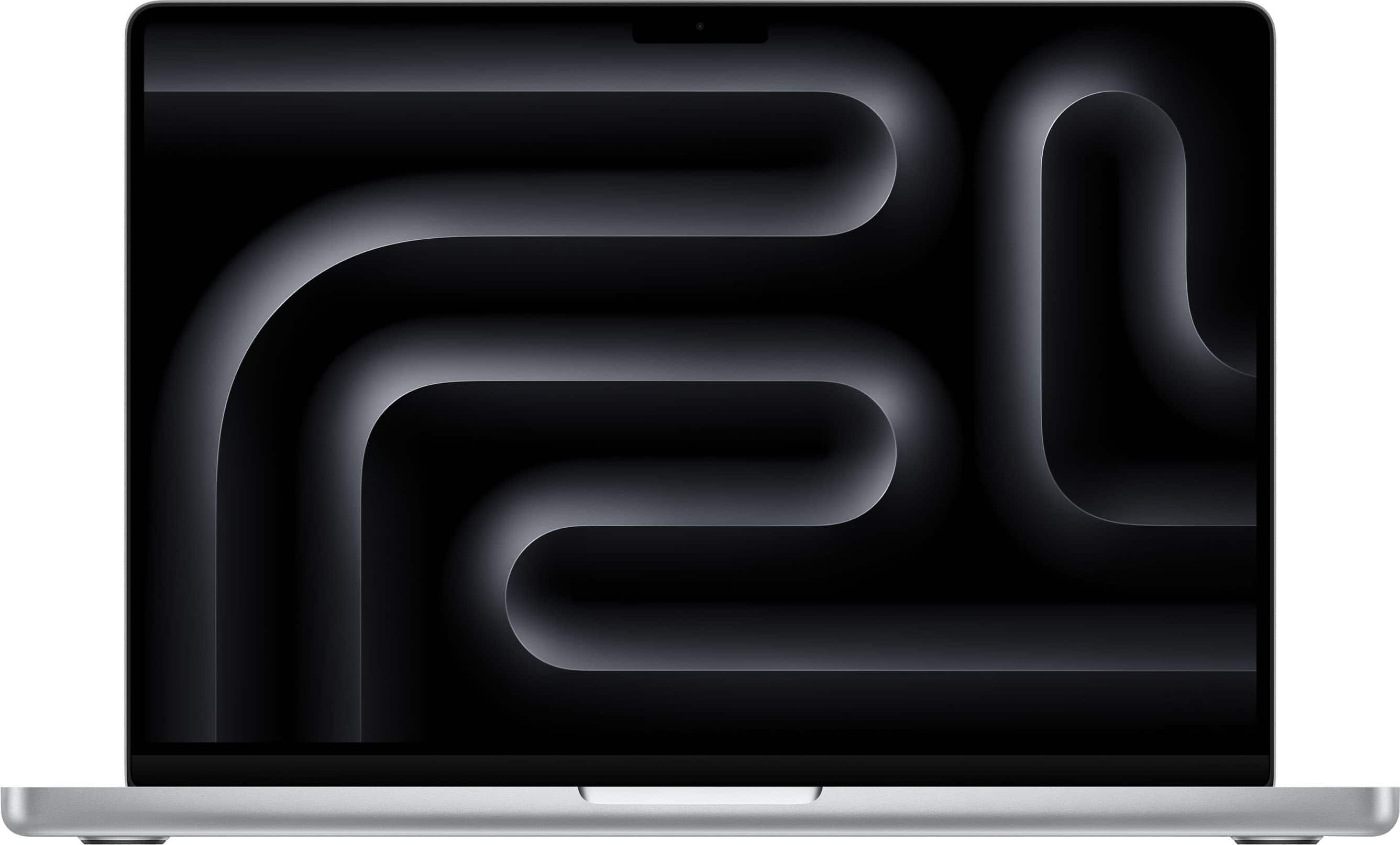
Apple - MacBook Pro 14-inch Laptop - M5 chip with 10-core CPU and 10-core GPU - 16GB Memory - 1TB SSD - Silver
SKU: JJGCQL8PPXfast delivery, love it, great for my small business ....Best Buy clerks were great in helping me pick.
See all MacBooksProduct Description
A silver laptop featuring an M5 chip, 16GB memory, 1TB SSD, and Liquid Retina XDR display.Your price for this item is $1,999.00 -
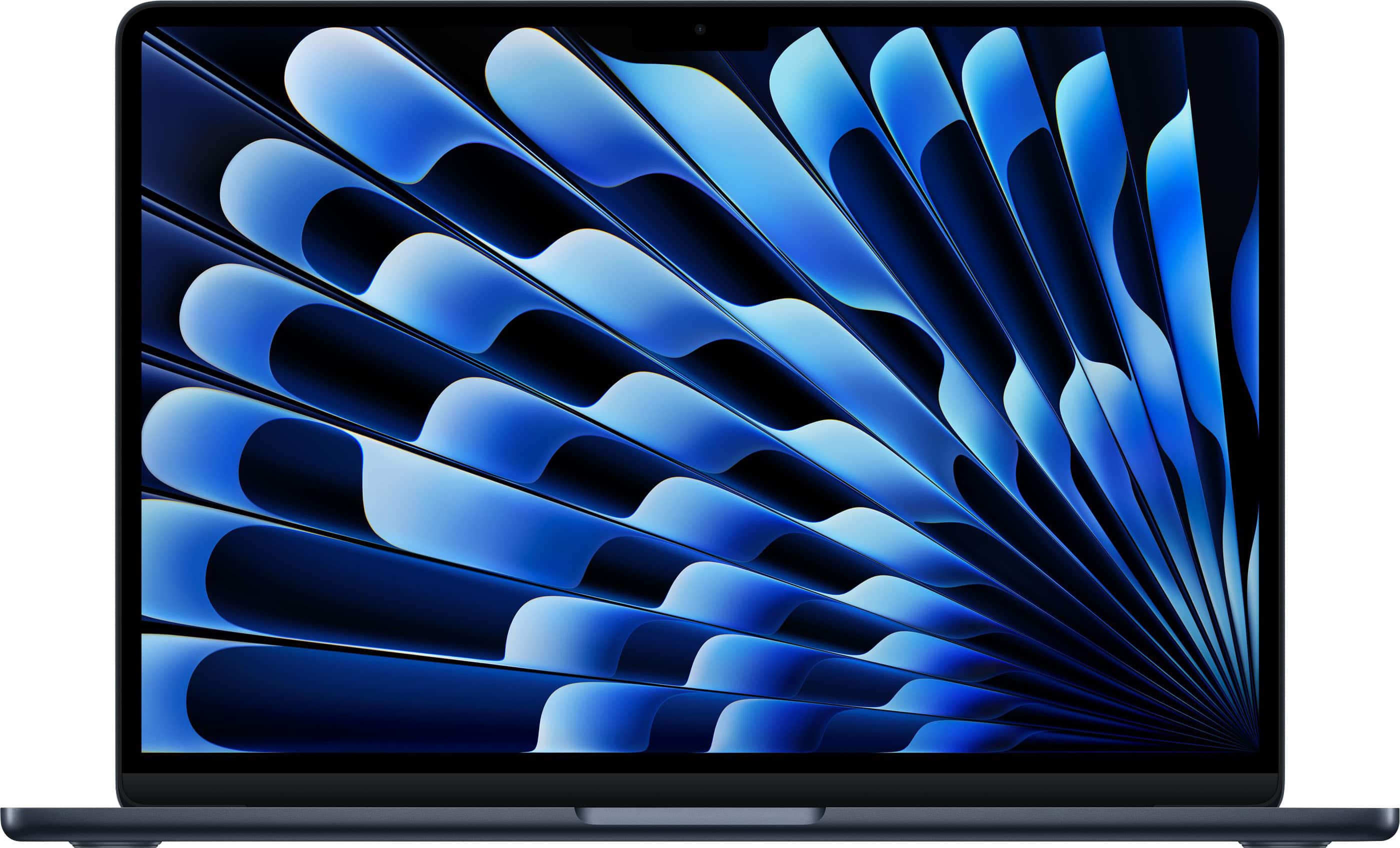
Apple - MacBook Air 13-inch Laptop - M5 chip with 10-core CPU and 10-core GPU - 24GB Memory - 1TB SSD - Midnight
SKU: JJGCQLK3Z4It is a really great product. I love that I bought it from Best Buy....It gave me the best price and payment options...Great customer service!...Apple store was packed so went to Best Buy--the process...
See all MacBooksProduct Description
A lightweight midnight laptop featuring an M5 chip, 24GB memory, 1TB SSD, and integrated graphics.Your price for this item is $1,649.00Save $150The previous price was $1,799.00 -
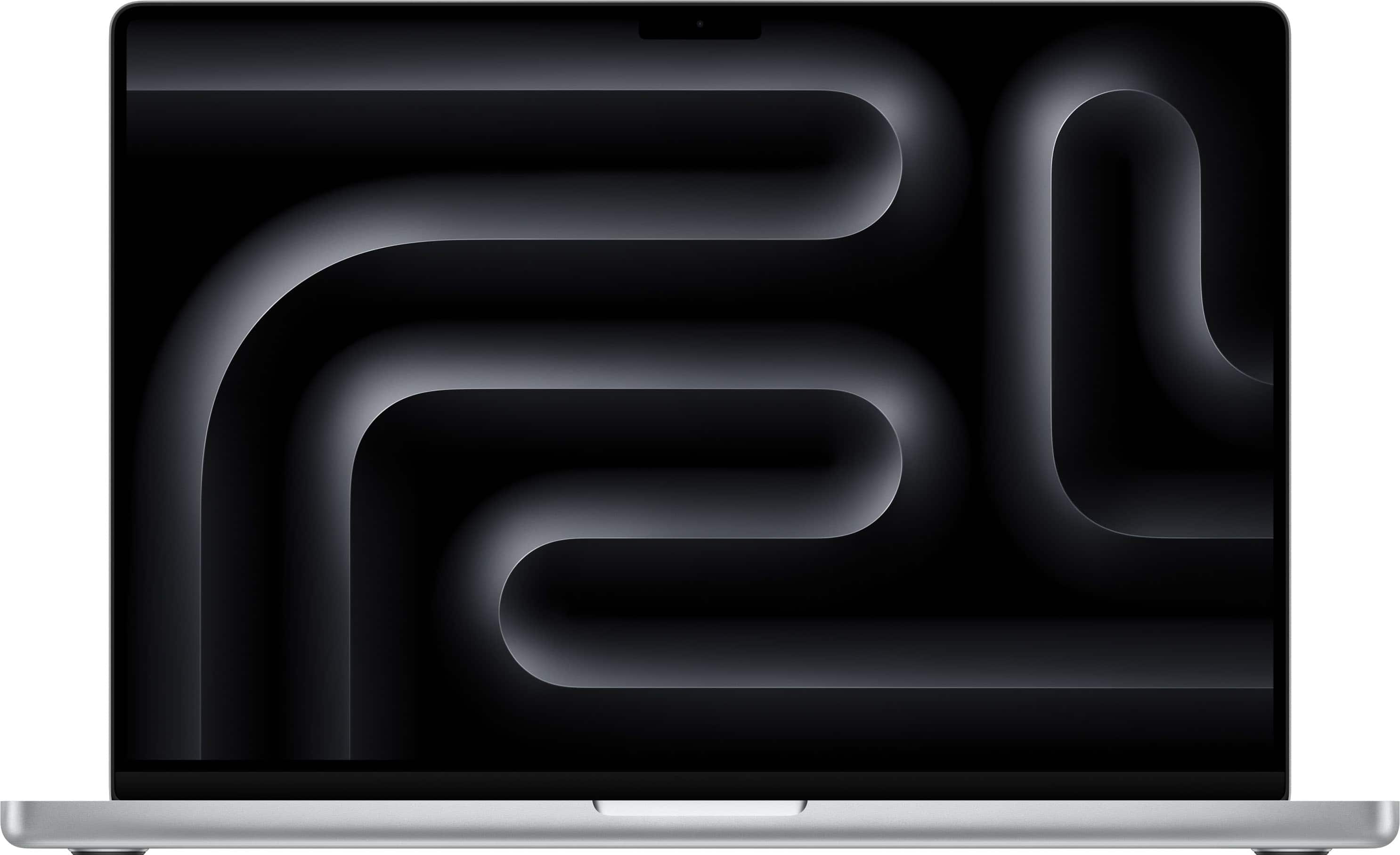
Apple - MacBook Pro 16-inch Laptop - M5 Pro chip with 18-core CPU and 20-core GPU - 24GB Memory - 1TB SSD - Silver
SKU: JJGCQLZQRQBest Buy sent my computer so fast! I am in love with my computer!...It was the best gift we could give my daughter since she goes to college and works, with the speed she...has is the best purchase we...
See all MacBooksProduct Description
A powerful silver laptop featuring an 18-core CPU, 20-core GPU, 24GB memory, and 1TB SSD.Your price for this item is $2,999.00 -
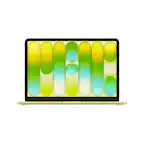
Apple - MacBook Neo 13-inch Laptop - A18 Pro chip with 6‑core CPU and 5‑core GPU - 8GB Memory - 256GB SSD - Citrus
SKU: JJGCQYX95YBest affordable computer...Great computer for the price does everything I need it to do plus I love the color!...The best product...Very fast, very nice I love mi Mack book I love the color
See all MacBooksProduct Description
A lightweight citrus-colored laptop with an A18 Pro chip, 8GB memory, 256GB SSD, and Liquid Retina display.Your price for this item is $699.00 -
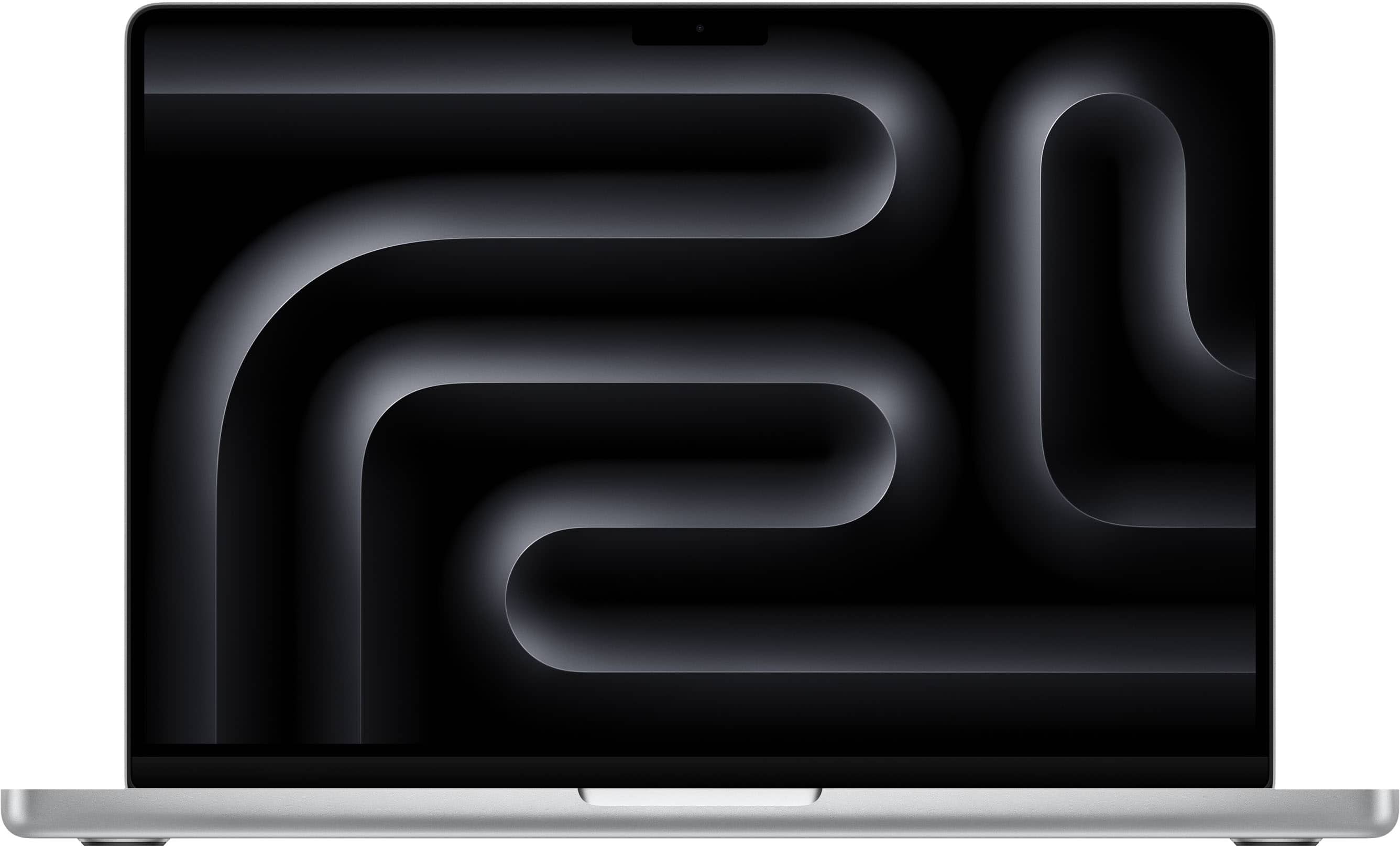
Apple - MacBook Pro 14-inch Laptop - M5 Max chip with 18-core CPU and 32-core GPU - 36GB Memory - 2TB SSD - Silver
SKU: JJGCQLZV2JLove my new MacBook Pro w/M5 Max chip!...I'm an architect and I love the graphic capabilities of my new mac!...I haven’t had it very long, only a few weeks, but I love it so far.
See all MacBooksProduct Description
A high-performance silver laptop featuring an M5 Max chip, 36GB memory, 2TB SSD, and Liquid Retina XDR display.Your price for this item is $3,499.00Save $600The previous price was $4,099.00 -
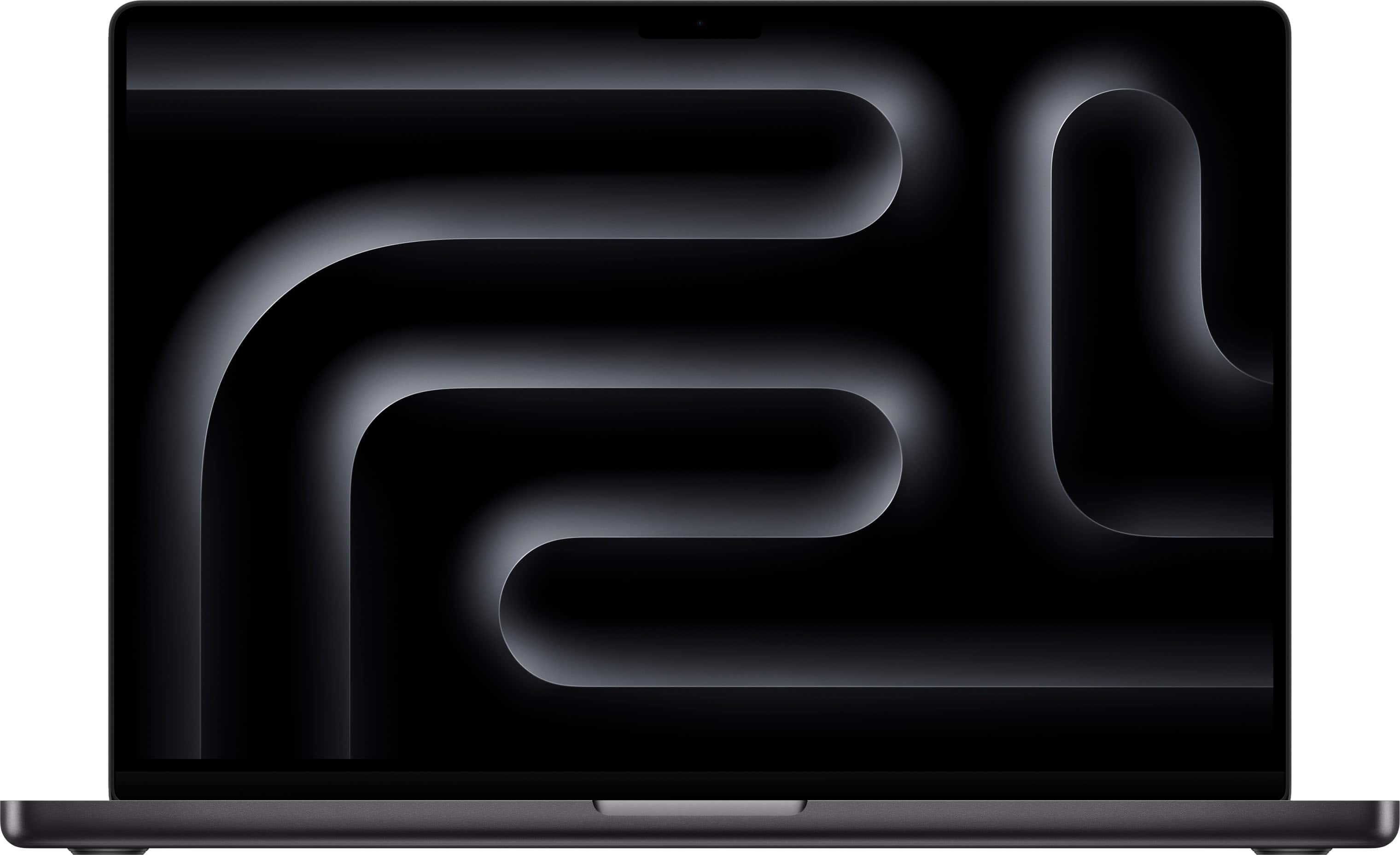
Apple - MacBook Pro 16-inch Laptop - Apple M4 Pro chip Built for Apple Intelligence - 48GB Memory - 512GB SSD - Space Black
SKU: JJGCQ8HTCGBEST LAPTOP FOR VIDEO EDITING...Best laptop I use for video editing and much more.
See all MacBooksProduct Description
A powerhouse laptop in space black featuring the M4 Pro chip, 48GB memory, and 512GB SSD.Your price for this item is $2,899.00 -
Apple - MacBook Pro 16-inch Laptop - M5 Pro chip with 18-core CPU and 20-core GPU - 48GB Memory - 1TB SSD - Silver
SKU: JJGCQLZHLSGreat deal!...I believe Best Buy has the best deal at this moment with their 18 months financing....So far having the best experience....Best performance...Best performance, better battery performance,...
See all MacBooksProduct Description
A powerful silver laptop featuring an 18-core CPU, 20-core GPU, 48GB memory, and 1TB SSD.Your price for this item is $3,599.00 -
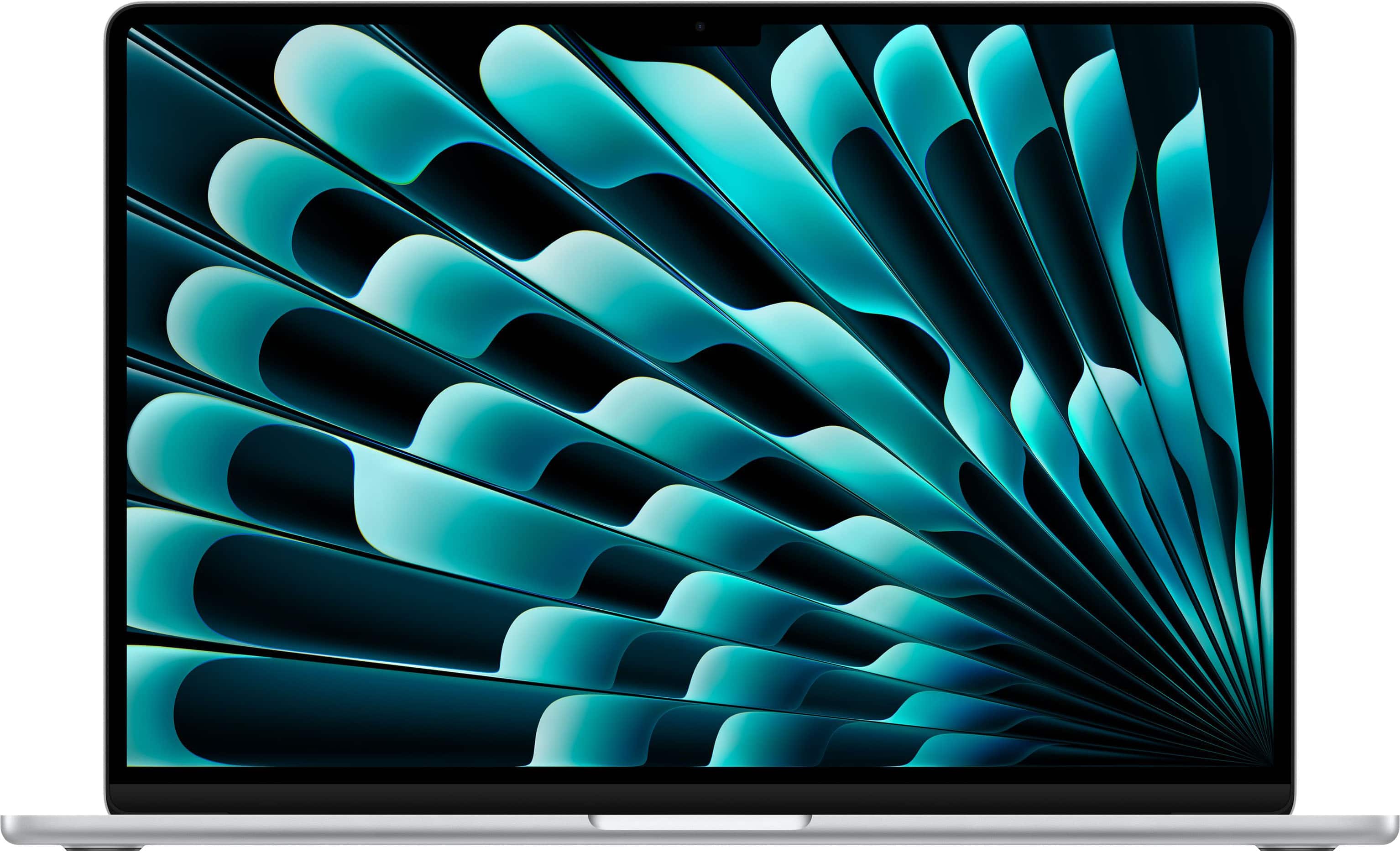
Apple - MacBook Air 15-inch Laptop - M5 chip with 10-core CPU and 10-core GPU - 24GB Memory - 1TB SSD - Silver
SKU: JJGCQLK9L3Has been great. Love the larger hard drive. Quick and responsive computer. Very light....best buy this year...It's a great purchase, I highly recommend it. The color and the capacity are amazing!
See all MacBooksProduct Description
A sleek silver laptop featuring an M5 chip, 24GB memory, 1TB SSD, and Retina display.Your price for this item is $1,999.00 -
Apple - MacBook Air 15-inch Laptop - M5 chip with 10-core CPU and 10-core GPU - 16GB Memory - 1TB SSD - Silver
SKU: JJGCQLKSRYThe entire process of purchasing the laptop was easy through BB was easy and the communication was great
See all MacBooksProduct Description
A sleek silver laptop featuring an M5 chip, 16GB memory, 1TB SSD, and Retina display.Your price for this item is $1,799.00 -
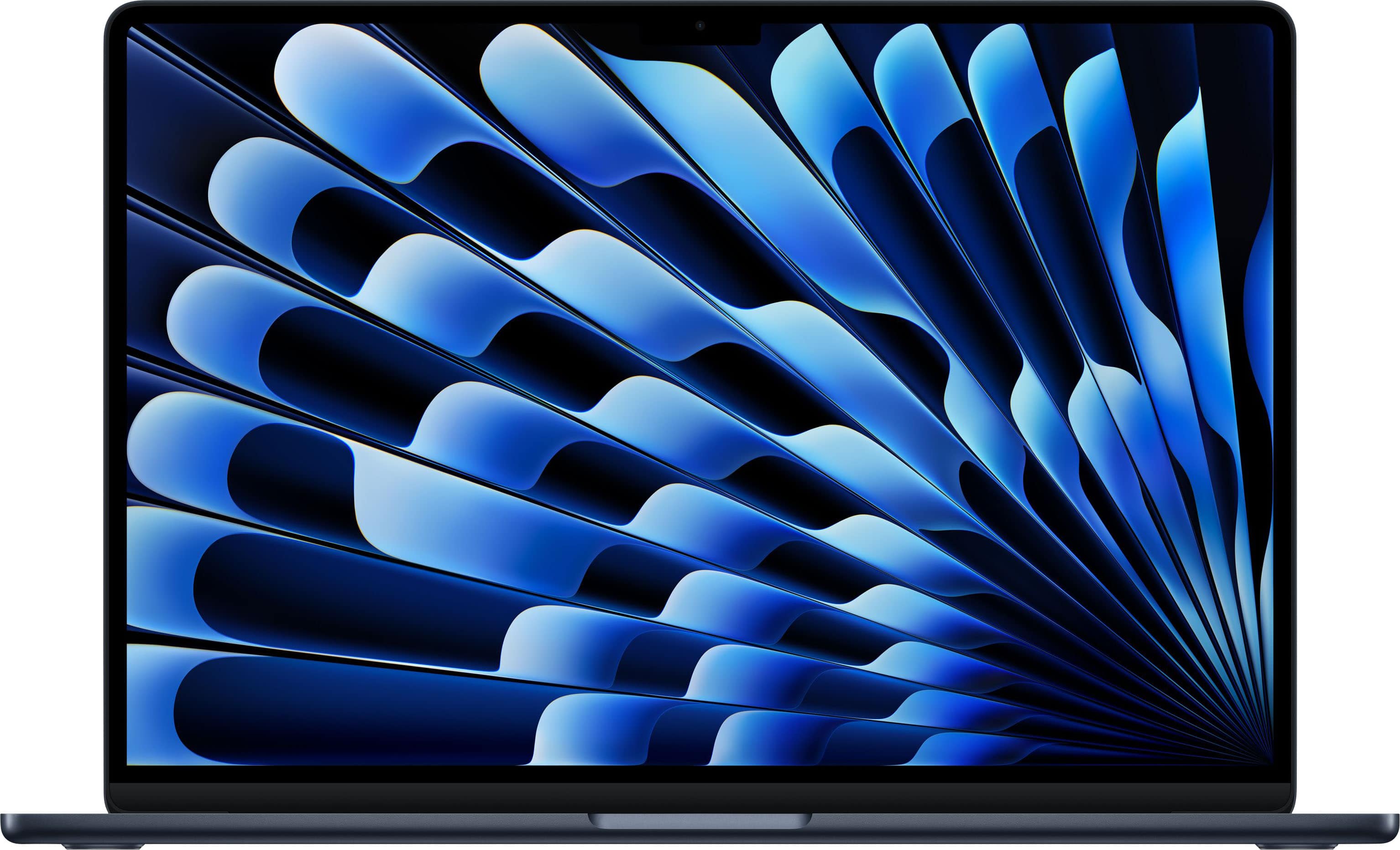
Apple - MacBook Air 15-inch Laptop - M5 chip with 10-core CPU and 10-core GPU - 16GB Memory - 1TB SSD - Midnight
SKU: JJGCQLKHCJLove It!...My wife is love with this laptop. Best investment ever....Love it...Great quality, picture and size.
See all MacBooksProduct Description
A sleek midnight laptop featuring the Apple M5 chip, 16GB memory, 1TB SSD, and Retina display.Your price for this item is $1,799.00

Best Sellers





Related Pages







FAQ
Apple laptops are known for their high-performance processors, advanced graphics capabilities, Retina displays with accurate color reproduction, and optimized software like Final Cut Pro. These features provide smooth editing, rendering, and playback for professional video projects.
The MacBook Pro series, especially models with Apple M1 Pro, M1 Max, M2 Pro, or M2 Max chips, are highly recommended for video editing due to their powerful CPUs, GPUs, and ample memory options. The MacBook Air with M2 can handle basic video editing tasks as well.
Yes, Apple laptops are compatible with industry-standard video editing software such as Final Cut Pro, Adobe Premiere Pro, DaVinci Resolve, and iMovie. The macOS platform is optimized for smooth performance with these applications.
For most video editing tasks, 16GB of RAM is recommended to ensure smooth multitasking and editing. For working with 4K footage or complex projects, 32GB or more is ideal for optimal performance.
Yes, Apple laptops support multiple external displays with high resolutions, such as 4K and 6K monitors. This is useful for expanding your workspace and improving your video editing workflow.