Skip to contentGo to Product Search
Main Content
Skip to contentGo to Product Search
Main Content

Best Affordable Graphics Card

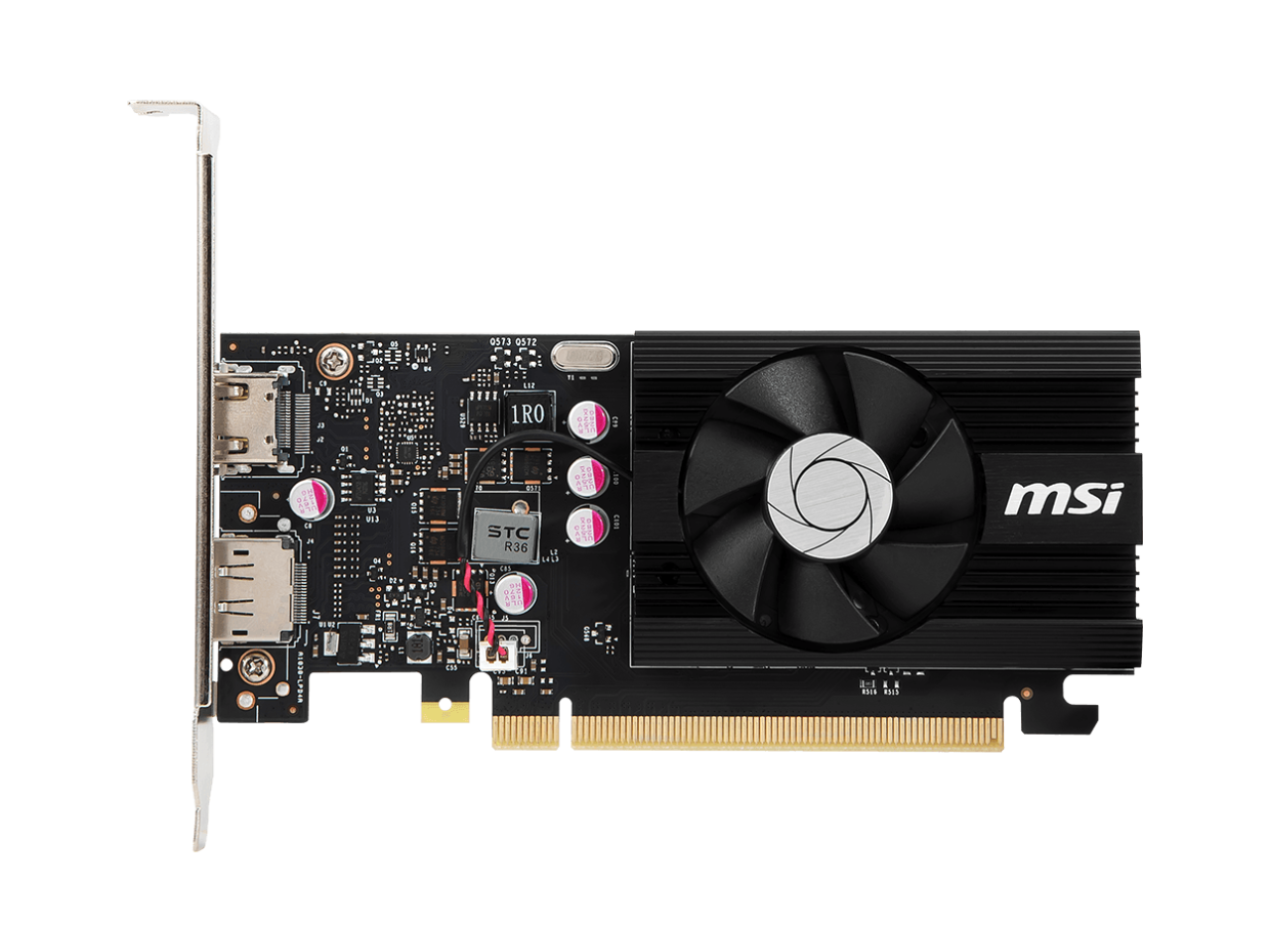
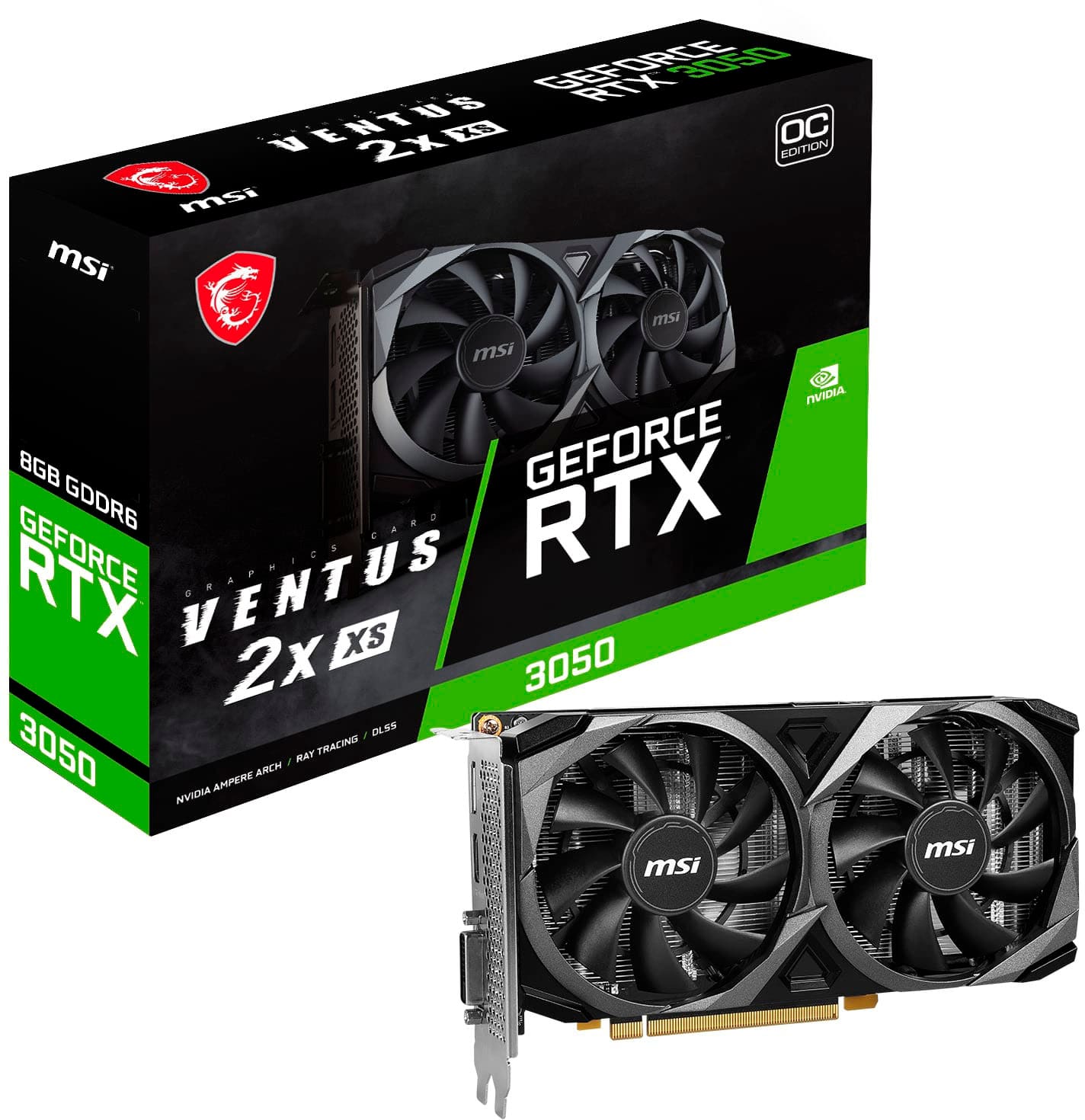
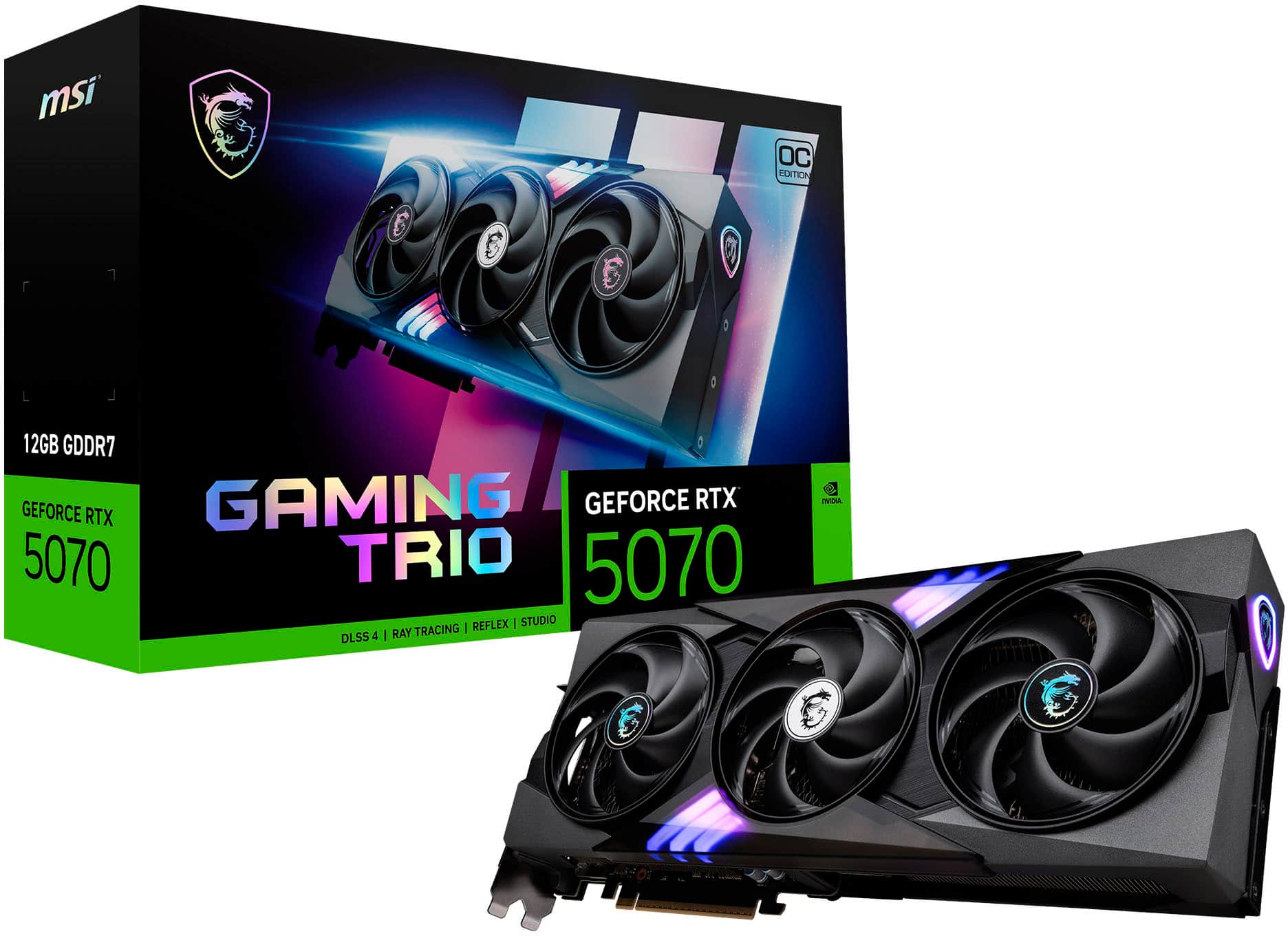
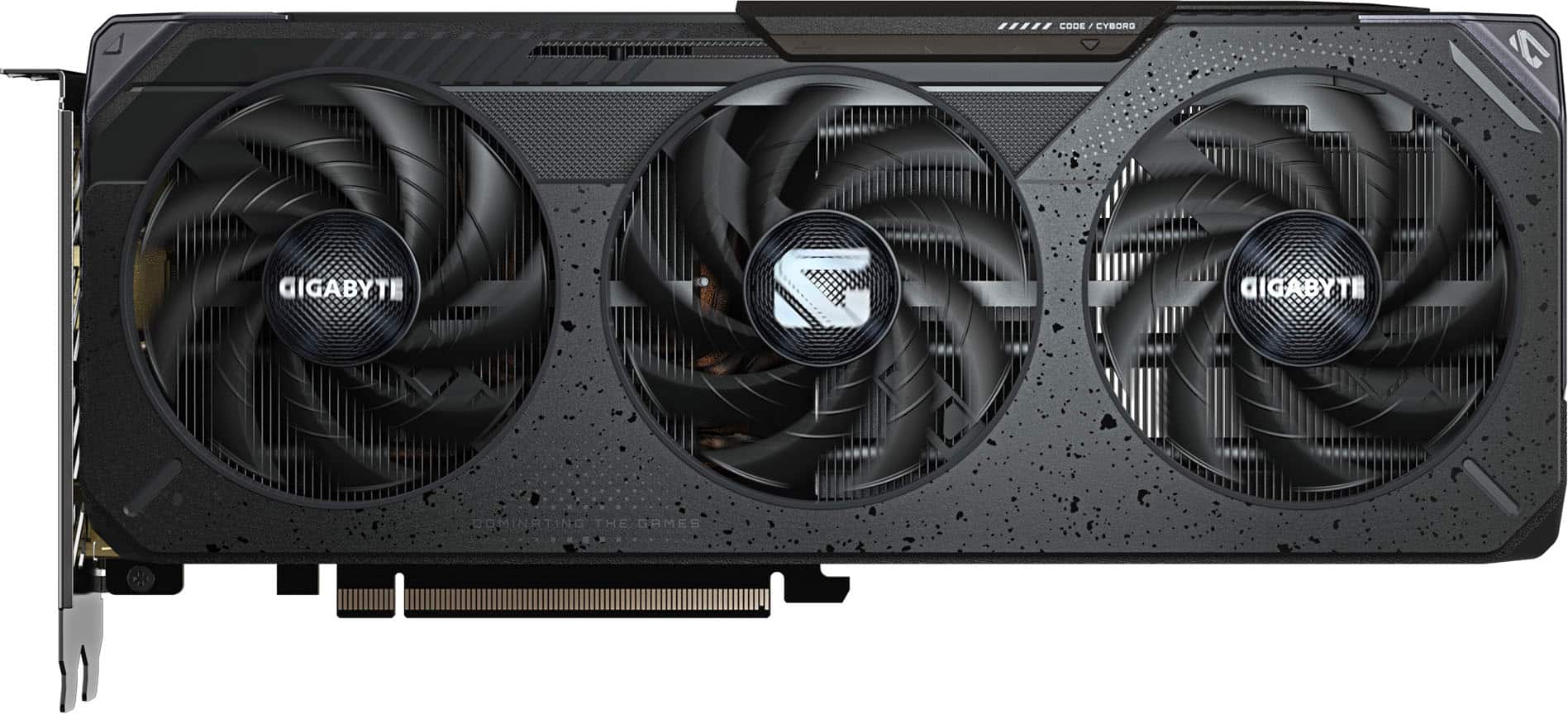
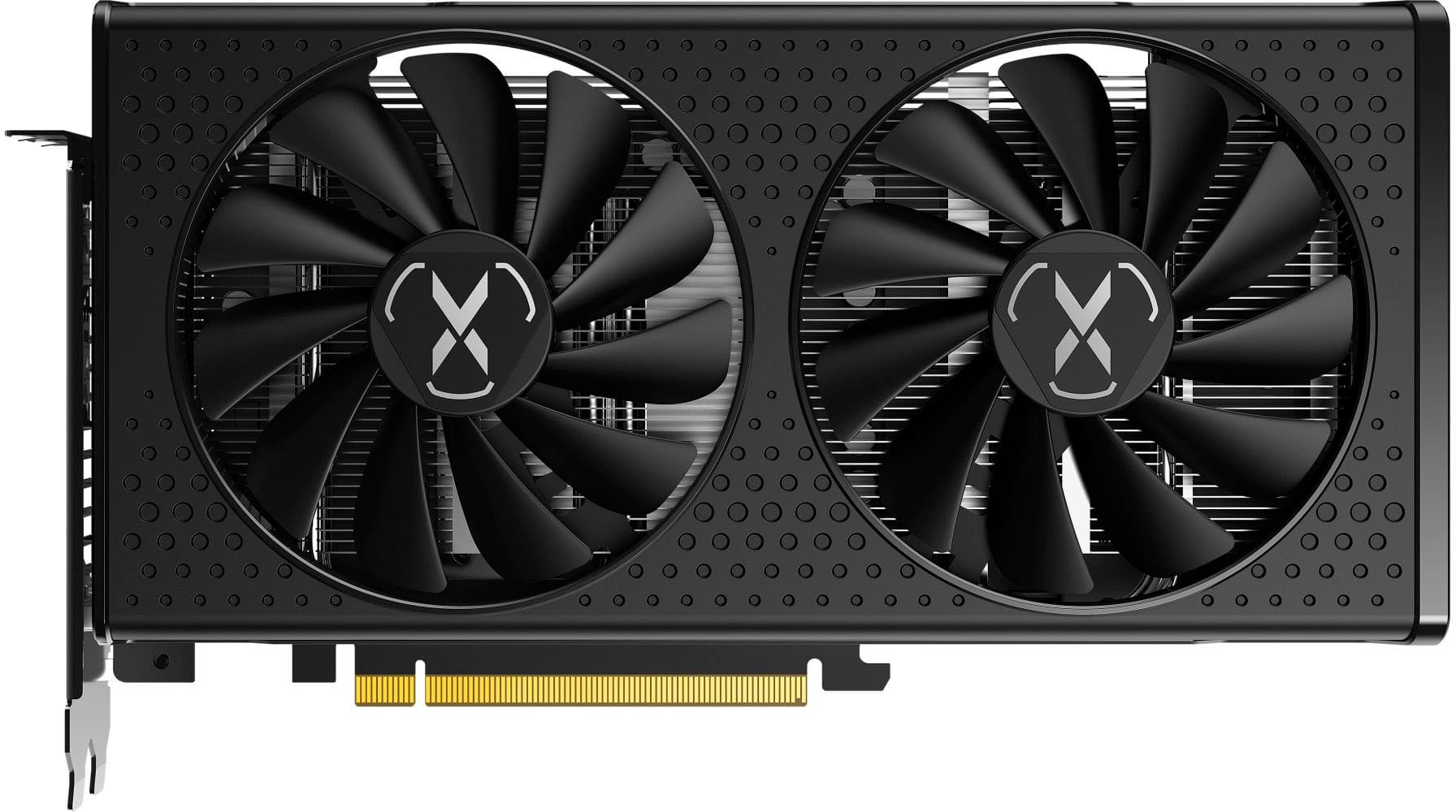
Finding the best affordable graphics card starts with balancing your budget, gaming goals, and PC compatibility. Compare budget-friendly GPUs by video memory, power requirements, and card dimensions to narrow down your options, then check performance in the games or applications you use before choosing an upgrade.

Read More
Best Affordable Graphics Card

Finding the right balance between price and performance can make a desktop upgrade feel especially worthwhile. The Best Affordable Graphics Card selection brings together recommended options for shoppers who want smoother gameplay, more capable creative tools, or a practical replacement for aging hardware without stretching their budget. For many players, a well-chosen budget graphics card can make 1080p gaming a satisfying experience, whether that means keeping fast-moving competitive matches responsive or enjoying the lighting and scenery in a sprawling adventure. The key is matching your expectations to the games and applications you actually use. Less demanding titles may run comfortably on modest hardware, while newer, visually intensive games can require lower settings to maintain steady frame rates. Rather than paying for performance you may rarely use, focus on the resolution of your monitor, the visual settings that matter most to you, and how consistently a card can deliver the experience you want.

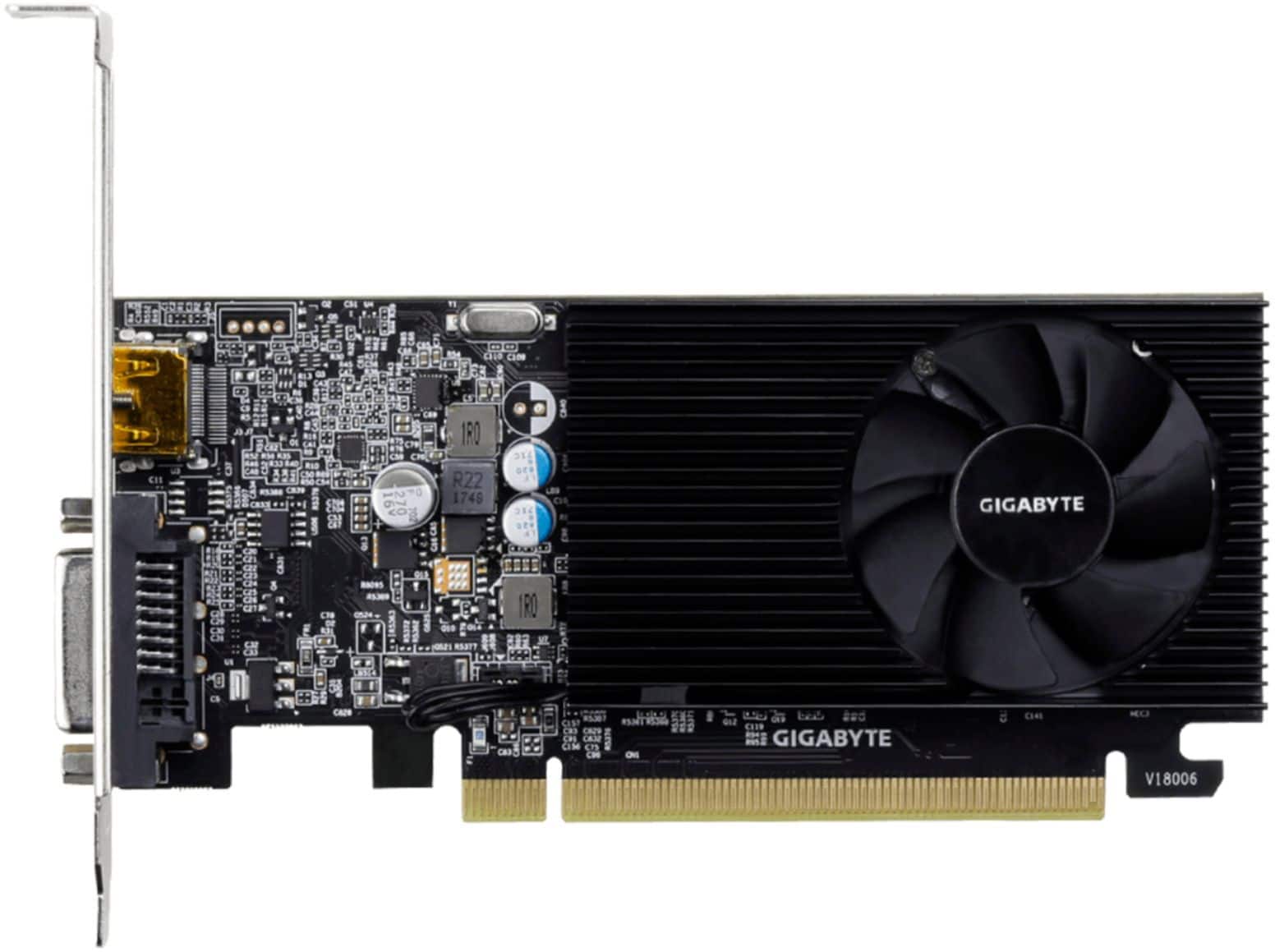
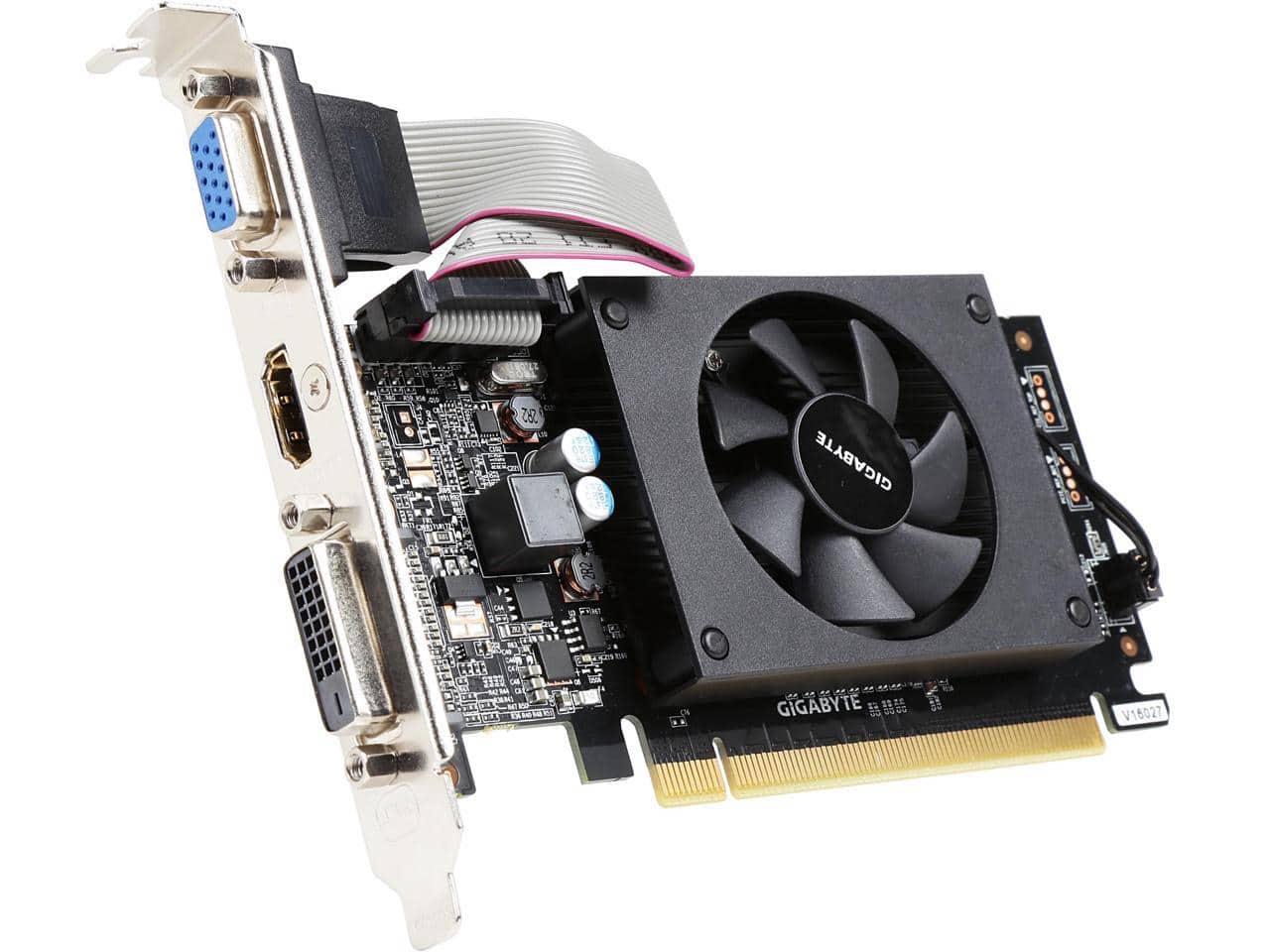
A little attention to compatibility goes a long way when shopping for an affordable graphics card. Check the available space inside your computer case, including card length, thickness, and clearance around nearby components. A compact desktop that fits neatly under a desk may have far less room for an upgrade than a full-size tower. Your power supply also needs enough capacity and the correct power connectors for the card you choose; some lower-power cards draw all their power from the motherboard slot, while others require a separate connection. Confirm that the card’s display outputs work with your monitor, especially if you plan to use multiple screens or a high refresh rate. Video memory is another useful consideration, particularly for detailed textures, higher resolutions, and certain creative workloads, but a larger memory number alone does not guarantee better performance. The graphics processor, memory bandwidth, cooling design, and software support all contribute to real-world results. Independent benchmarks for the games or programs you use can help put those specifications in perspective, and your existing processor may also limit how much additional gaming performance an upgrade delivers.

The best value often comes from choosing features you will notice every day rather than chasing the longest specification list. Efficient cooling and reasonable fan noise can matter just as much as a few extra frames per second when your computer sits beside you through an evening gaming session or a long afternoon of editing. Upscaling features can improve performance in supported games, although image quality and availability vary, and effects such as ray tracing can place a heavier load on budget hardware. For creative work, a compatible dedicated graphics card may speed up tasks such as video playback, exporting, photo effects, or 3D rendering, depending on the application and the workload. Students building their first desktop, casual gamers refreshing a reliable system, and hobbyists working through a folder of vacation footage may all find an affordable upgrade useful. Everyday web browsing and basic office work, on the other hand, often run well on integrated graphics, so it is worth identifying a specific need before adding a separate card.

An affordable graphics card can also be a thoughtful gift for someone who enjoys building, upgrading, or personalizing a PC. It is the kind of gift that can turn a familiar setup into a fresh experience: a favorite game feels smoother during a busy scene, or a creative project becomes more comfortable to preview and refine. Compatibility is essential, though, so checking the recipient’s computer specifications and preferred activities beforehand is more helpful than guessing based on price alone. If you are buying for yourself, consider the total cost of the upgrade, including any necessary power supply changes or display adapters, rather than judging value by the card’s price in isolation. Compare the recommended options with your current setup and your next few years of likely use in mind. A sensible choice is one that fits your computer, supports the software you rely on, and delivers a noticeable improvement at a price you feel comfortable paying.

Read More