Budget Graphics Card
-
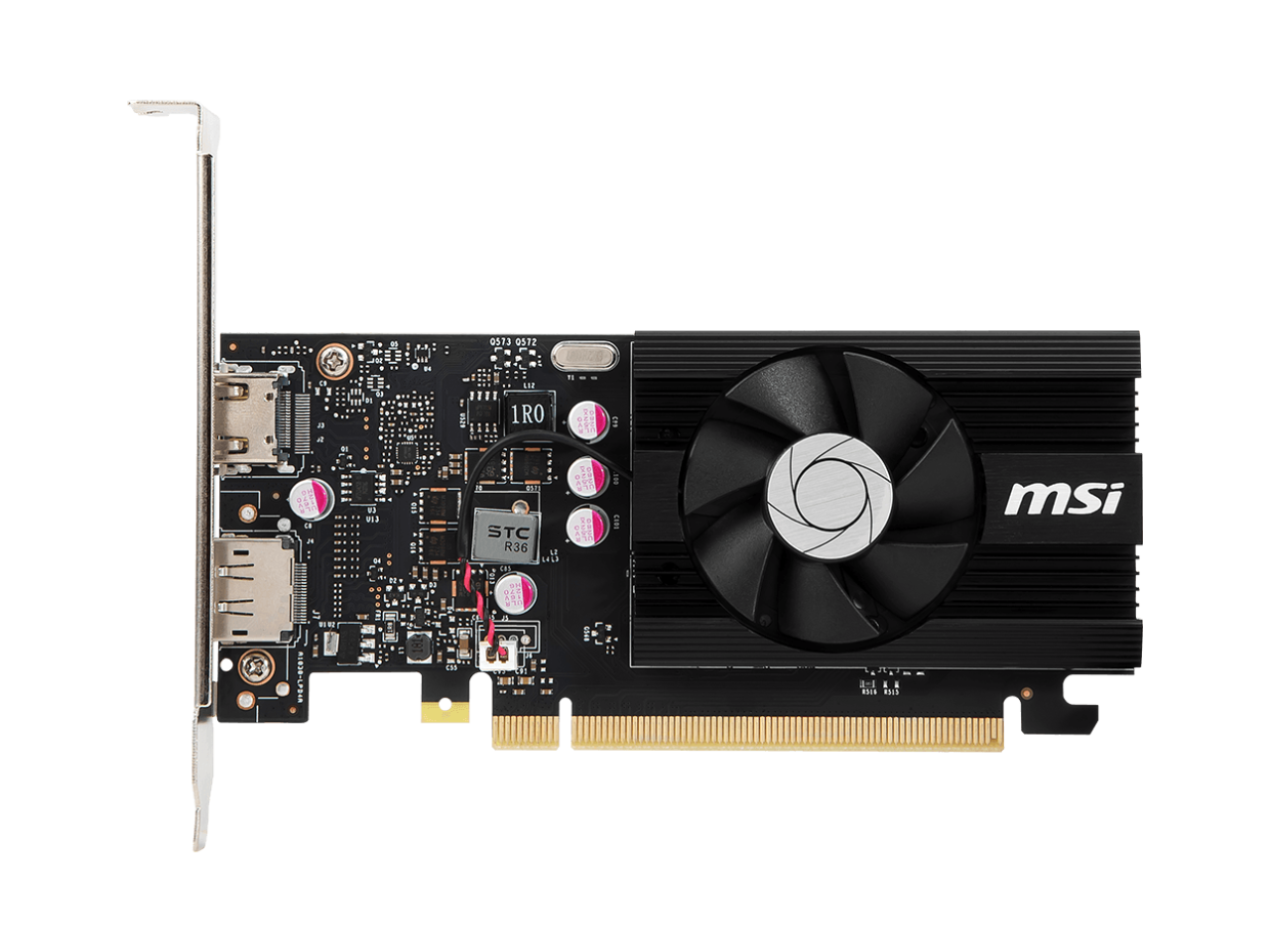
MSI - GeForce GT 1030 4GB GDDR4 PCI Express 3.0 x16 (uses x4) ATX Graphics Card GT 1030 4GD4 LP OC
SKU: J3P7TXLV8XSee all GPUs / Video Graphics CardsProduct Description
A single-slot graphics card with 4GB GDDR4 memory, HDMI 2.0, DisplayPort 1.4, and PCI Express 3.0.Your price for this item is $135.53 -
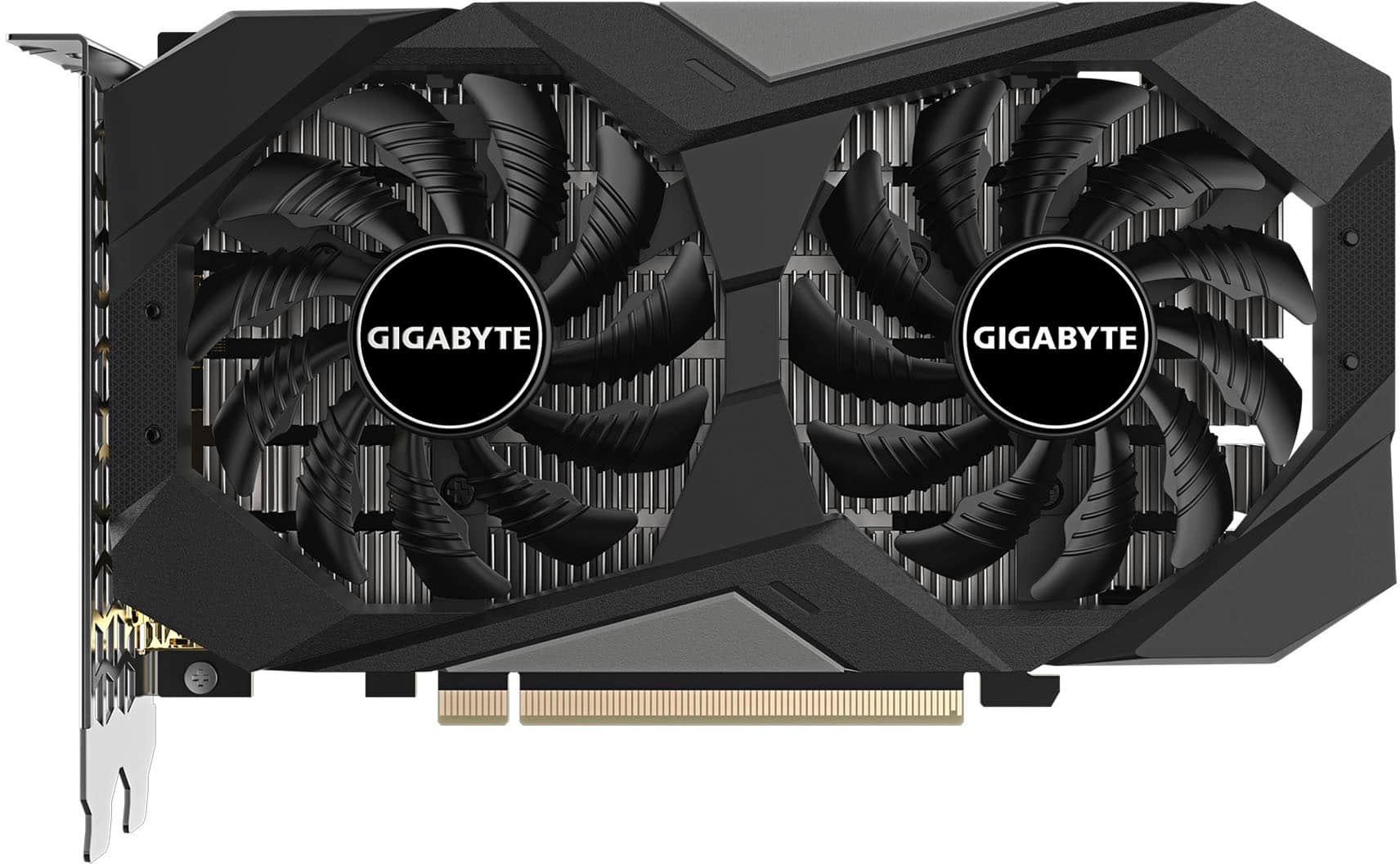
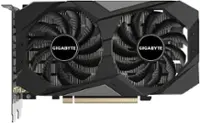
GIGABYTE - NVIDIA GeForce RTX 3050 WINDFORCE OC V2 6GB GDDR6 PCI Express 4.0 Graphics Card - Black
SKU: J3ZW92VFPXGreat card!
See all GPUs / Video Graphics CardsProduct Description
A black PCIe 4.0 graphics card with 6GB GDDR6, WINDFORCE cooling, and 8K display support.Your price for this item is $249.99 -
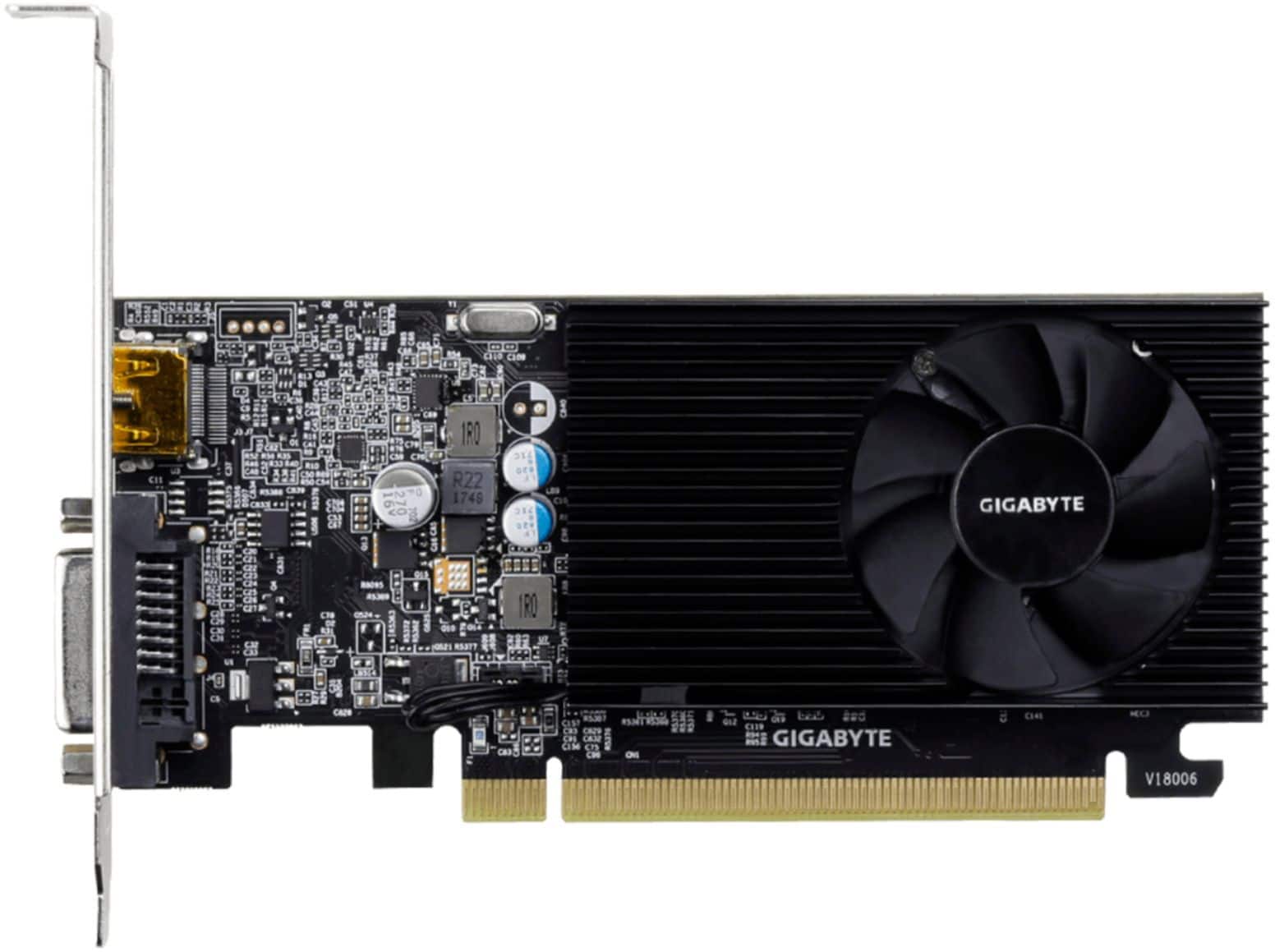
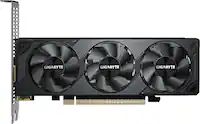
GIGABYTE - NVIDIA GeForce GT 1030 2GB GDDR4 PCI Express 3.0 Graphics Card - Black
SKU: J3ZW9254YHSee all GPUs / Video Graphics CardsProduct Description
A low-profile black graphics card with 2GB GDDR4 memory, HDMI and DVI-D ports, supporting 4K resolution.Your price for this item is $138.67Save $6The previous price was $145.07 -
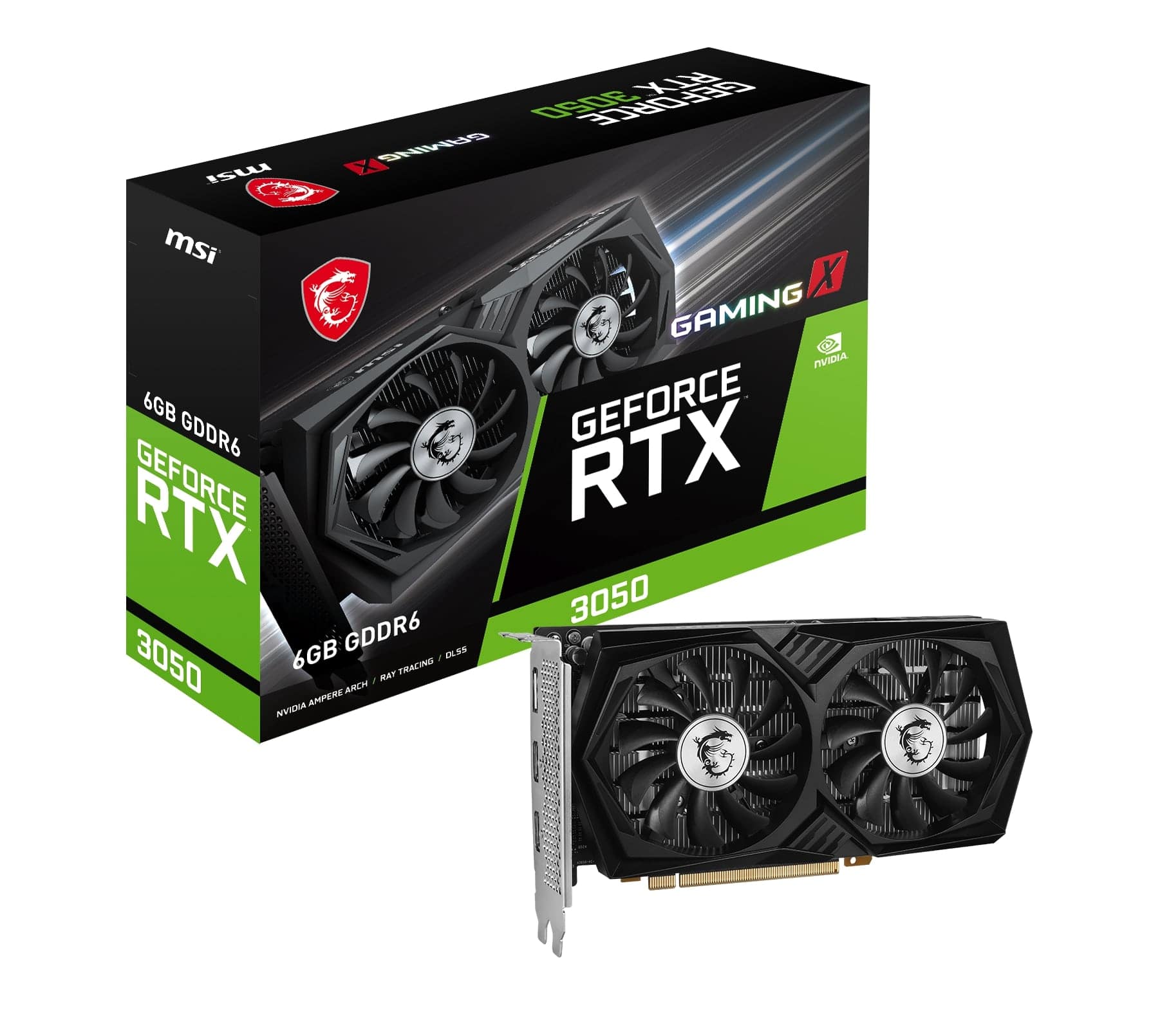
MSI - NVIDIA RTX 3050 GAMING X 6G - 6GB GDDR6 - PCI Express 4.0 - Graphics Card - Black
SKU: J3P7TXPGVCGreat product at great price in the best electronic store in the US...Great product...Great product. Delivered quickly. Always loke buying frim Best Buy.
See all GPUs / Video Graphics CardsProduct Description
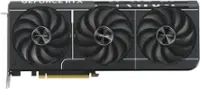
A high-performance black graphics card with 6GB GDDR6, triple-fan cooling, and PCI Express 4.0 support.Your price for this item is $279.99 -
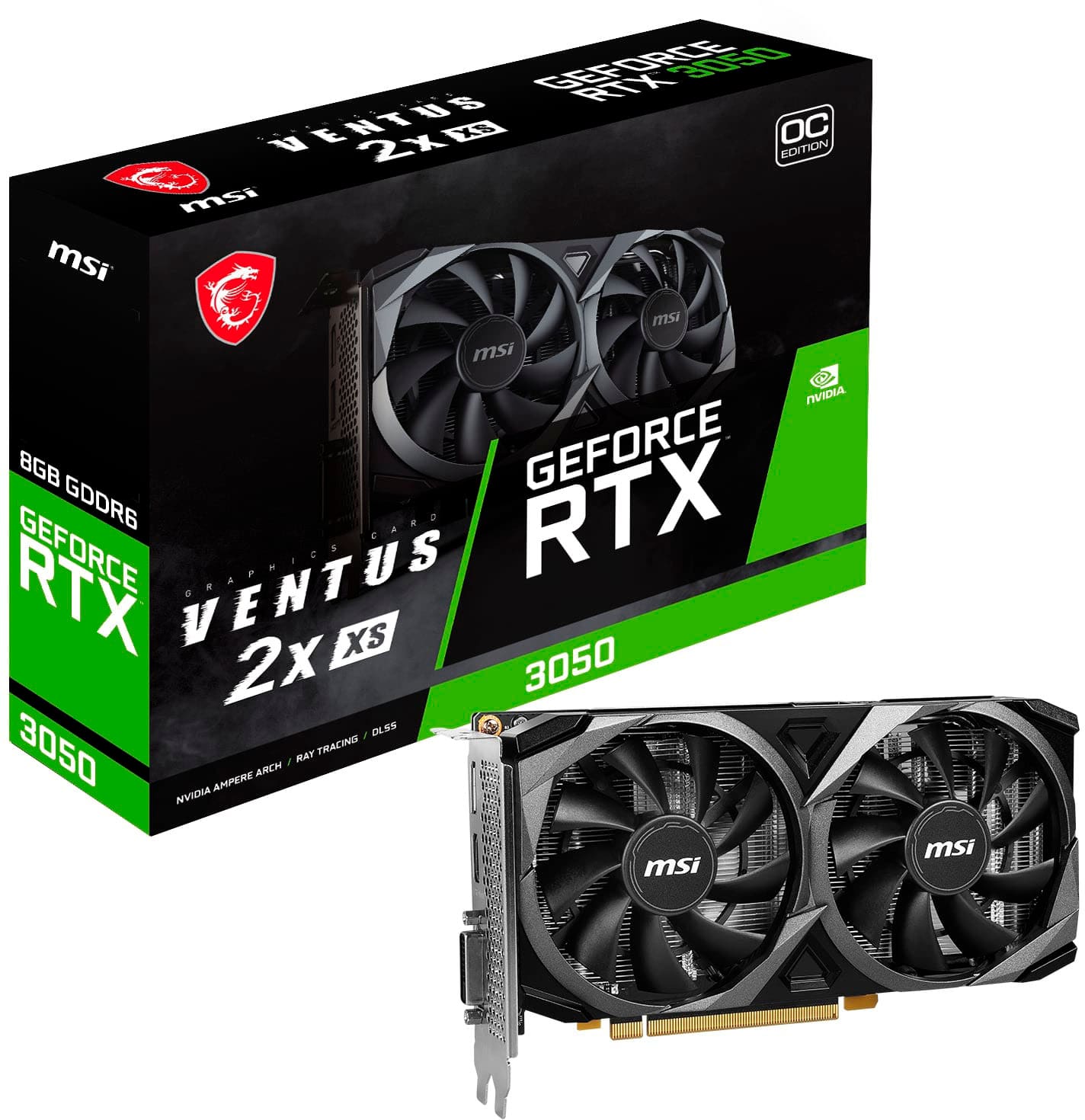
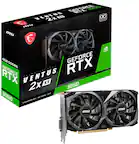
MSI - NVIDIA RTX 3050 VENTUS 2X XS 8G OC - 8GB GDDR6 - PCI Express 4.0 - Graphics Card - Black
SKU: J3P7TXLPTTBest buy's excellent work...Was there when i was broke have's work ever since love bestbuy...Great Beginner Haming GPU...It has been working great as a starter gaming experience. Best GPU for running...
See all GPUs / Video Graphics CardsProduct Description
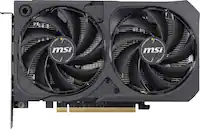
A black PCIe 4.0 graphics card with 8GB GDDR6, triple fans, and 8K gaming support.Your price for this item is $275.99Save $84The previous price was $359.99
Best Sellers
Related Pages

FAQ
When choosing a budget graphics card, consider factors like VRAM size, clock speed, supported display outputs, and compatibility with your system. Also, check for features such as DirectX support and energy efficiency to ensure smooth performance for your needs.
Many budget graphics cards are capable of running popular games at lower to medium settings and can support creative tasks like photo editing and basic video editing. For more demanding applications, you may need to adjust settings for optimal performance.
Most budget graphics cards are designed to be compatible with a wide range of systems, including older computers. Be sure to check your motherboard's available PCIe slots and your power supply's wattage before purchasing.
Yes, many budget graphics cards come equipped with multiple display outputs such as HDMI, DisplayPort, or DVI, allowing you to connect and use more than one monitor for increased productivity or gaming immersion.
To install a budget graphics card, power off your PC, open the case, and insert the card into an available PCIe slot. Secure it with screws, connect any necessary power cables, and install the latest drivers from the manufacturer’s website for optimal performance.