Best Graphics Card Under 300
-
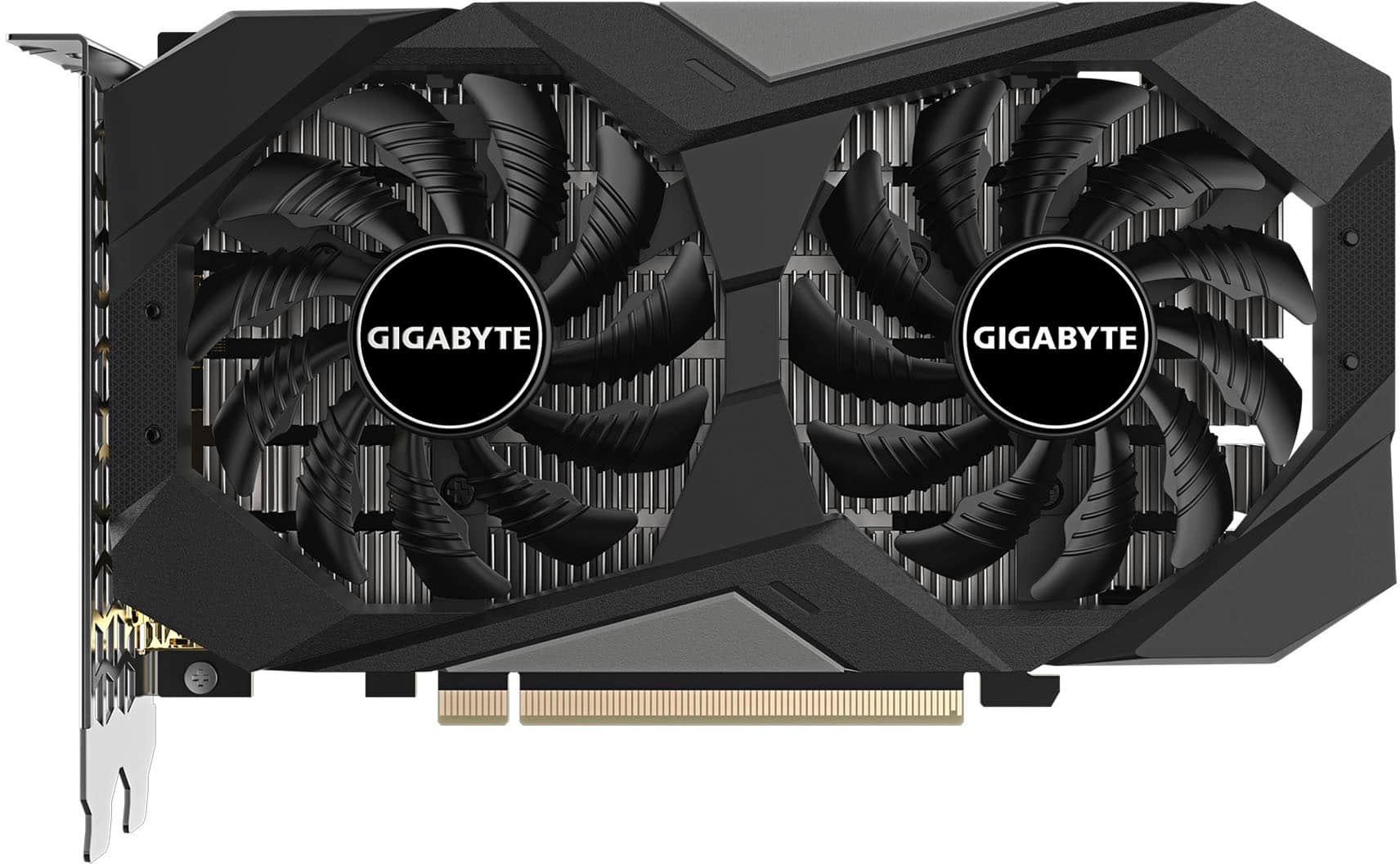
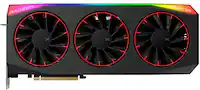
GIGABYTE - NVIDIA GeForce RTX 3050 WINDFORCE OC V2 6GB GDDR6 PCI Express 4.0 Graphics Card - Black
SKU: J3ZW92VFPXGreat card!
See all GPUs / Video Graphics CardsProduct Description
A black PCIe 4.0 graphics card with 6GB GDDR6, WINDFORCE cooling, and 8K display support.Your price for this item is $249.99 -
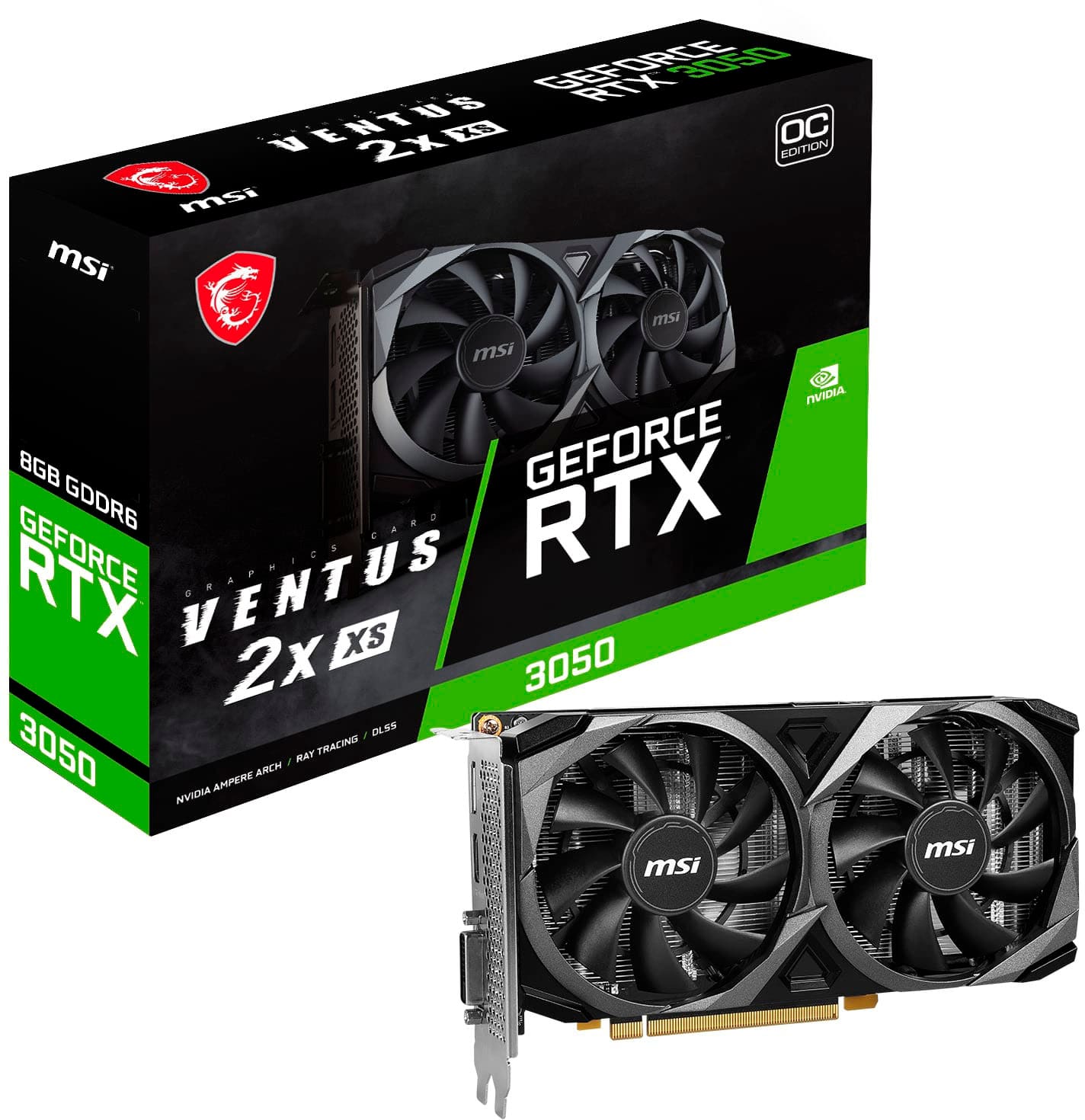
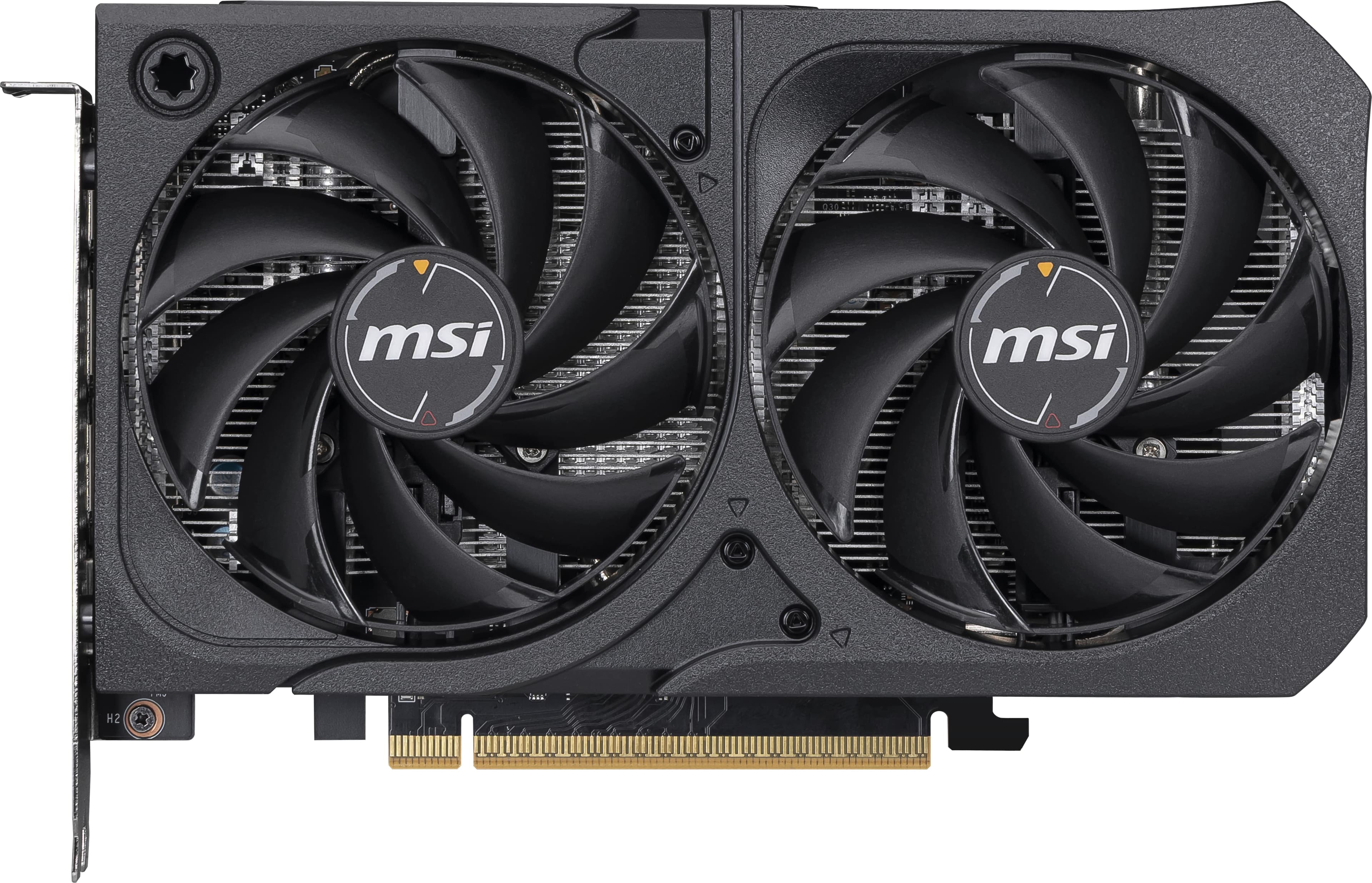
MSI - NVIDIA RTX 3050 VENTUS 2X XS 8G OC - 8GB GDDR6 - PCI Express 4.0 - Graphics Card - Black
SKU: J3P7TXLPTTBest buy's excellent work...Was there when i was broke have's work ever since love bestbuy...Great Beginner Haming GPU...It has been working great as a starter gaming experience. Best GPU for running...
See all GPUs / Video Graphics CardsProduct Description
A black PCIe 4.0 graphics card with 8GB GDDR6, triple fans, and 8K gaming support.Your price for this item is $275.99Save $84The previous price was $359.99 -
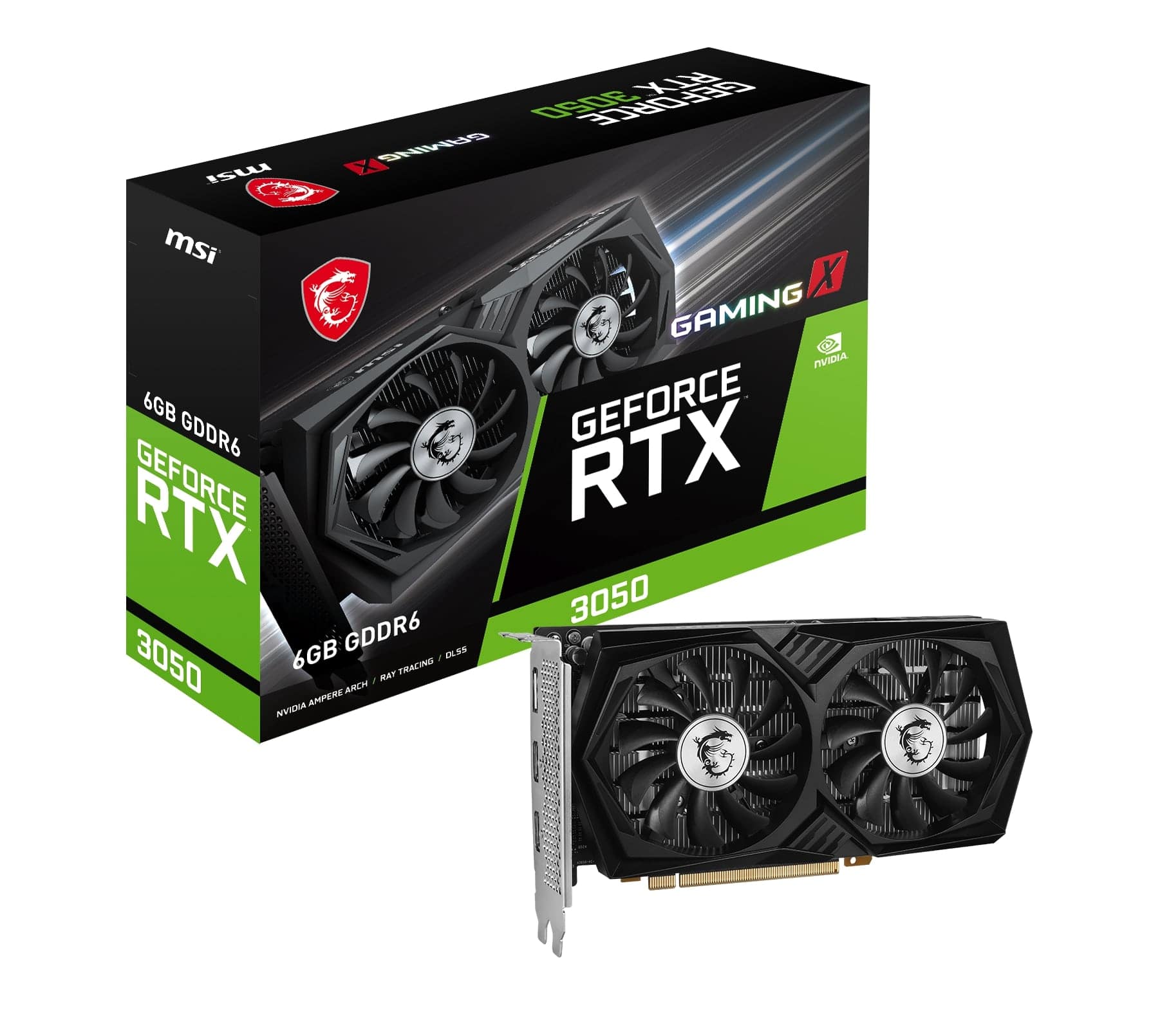
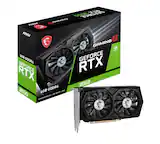
MSI - NVIDIA RTX 3050 GAMING X 6G - 6GB GDDR6 - PCI Express 4.0 - Graphics Card - Black
SKU: J3P7TXPGVCGreat product at great price in the best electronic store in the US...Great product. Delivered quickly. Always loke buying frim Best Buy....Great product
See all GPUs / Video Graphics CardsProduct Description
A high-performance black graphics card with 6GB GDDR6, triple-fan cooling, and PCI Express 4.0 support.Your price for this item is $279.99 -
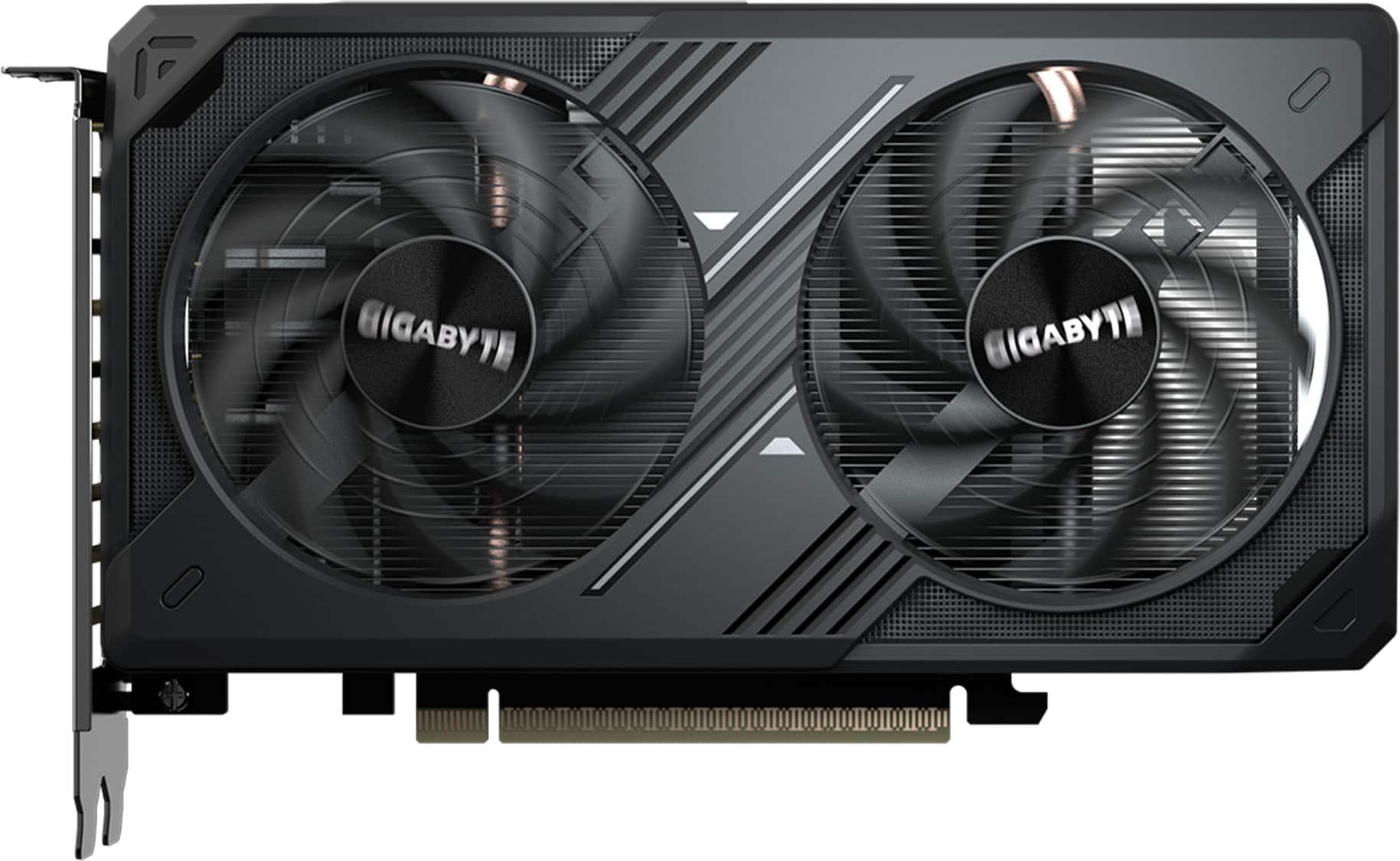
GIGABYTE - GeForce RTX 5050 WINDFORCE OC 8GB GDDR6 PCI Express 5.0 Graphics Card - Black
SKU: J3ZW9X7YLYGreat from Best Buy in good condition and arrived in quite a fast time....Will be purchasing more from Best Buy....Best budget GPU of the modern era...Great for playing games like kerbal space program...
See all GPUs / Video Graphics CardsProduct Description
A powerful black graphics card with 8GB GDDR6 memory, PCIe 5.0, and support for 8K resolution.Your price for this item is $399.99 -
MSI - NVIDIA GeForce RTX 5050 8G SHADOW 2X OC 8GB GDDR6 PCI Express Gen 5 Graphics Card - Black
SKU: J3P7TXHJLSAlways appreciate Best Buy.
See all GPUs / Video Graphics CardsProduct Description
A black PCIe Gen 5 graphics card with 8GB GDDR6, 8K support, and stealth-inspired design.Your price for this item is $329.99Save $115The previous price was $445.49 -
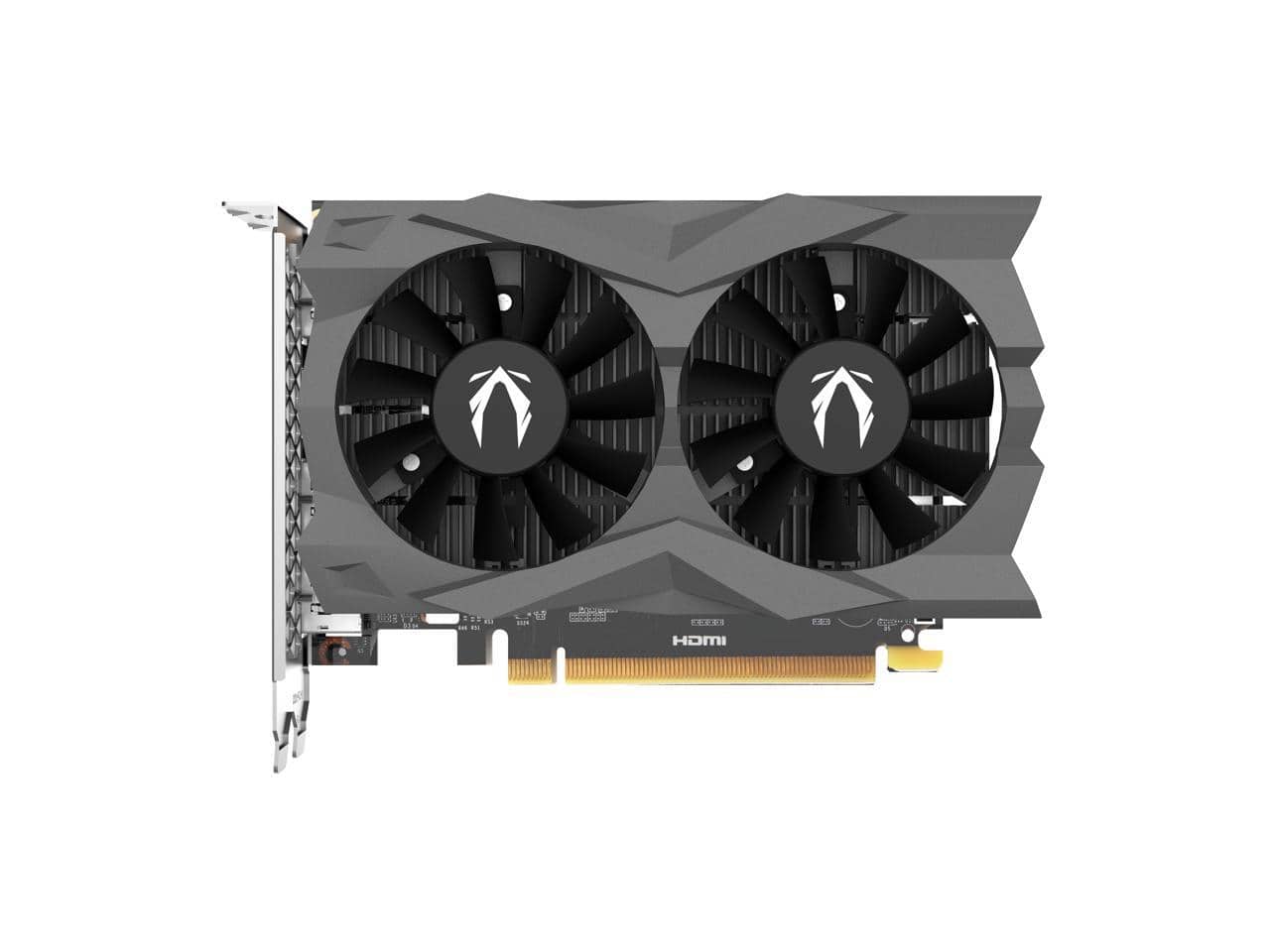
ZOTAC - Twin Edge OC GeForce RTX 3050 6GB GDDR6 PCI Express 4.0 x8 ATX Video Card ZT-A30510H-10A
SKU: J3GTZ3F6Q4See all GPUs / Video Graphics CardsProduct Description
A powerful PCIe 4.0 graphics card with 6GB GDDR6 memory, 8K support, and multiple DisplayPort outputs.Your price for this item is $317.13
Best Sellers
Related Pages

FAQ
When shopping for a graphics card under $300, focus on GPU architecture, VRAM size (ideally 6GB or more for modern games), core clock speeds, and compatibility with your PC’s power supply and case. Also consider features like ray tracing support and connectivity options such as HDMI and DisplayPort.
Yes, many graphics cards in this price range can handle popular esports and AAA games at 1080p resolution with medium to high settings, delivering smooth frame rates. For more demanding titles or higher resolutions, you may need to adjust the graphics settings for optimal performance.
Absolutely! Graphics cards under $300 often provide enough power for light to moderate video editing, photo editing, and graphic design tasks. Look for cards with good CUDA core counts or OpenCL support for better performance in creative software.
Most modern graphics cards in this price range offer multiple display outputs, such as HDMI, DisplayPort, and sometimes DVI, allowing you to connect two or more monitors for enhanced productivity or immersive gaming setups.
Check your PC’s available PCIe slot (usually PCIe x16), power supply wattage and available connectors, and the physical space in your case. Also, ensure your motherboard supports the chosen card. Refer to the graphics card’s specifications and your PC’s manual for compatibility details.