Holiday deals. Holideals?Either way, start saving.Shop now

Main Content
Skip to contentGo to Product Search

Holiday deals. Holideals?Either way, start saving.Shop now

Main Content

Top Rated Graphics Card Under 400

Finding the best graphics card under $400 starts with matching a GPU to your games, applications, and PC setup. Compare options in this price range by video memory and display connections, then check card dimensions and power supply requirements to confirm compatibility before choosing an upgrade.

What to look for in a graphics card under $400

Finding the best graphics card under $400 means balancing performance, graphics memory, and compatibility with your PC.

1. Resolution and Performance

Compare gaming benchmarks at your monitor’s resolution, focusing on the games and graphics settings you plan to use. If ray tracing or upscaling matters to you, check feature support and performance rather than relying on frame rates alone.

2. Graphics Memory

Video memory, or VRAM, holds textures and other graphics data, and higher resolutions and detailed textures can require more of it. Consider the memory requirements of your games and creative apps, but remember that more VRAM alone does not guarantee a faster graphics card.

3. PC Compatibility

Check the card’s length, height, and slot thickness against the space available in your case. Confirm motherboard compatibility and make sure the card’s display connections support your monitor’s resolution and refresh rate.

4. Power and Cooling

Verify that your power supply meets the card manufacturer’s recommended wattage and has the required power connectors. Consider case airflow and cooling performance, and look at noise testing if quiet operation is a priority.

  1. 1

    About this product

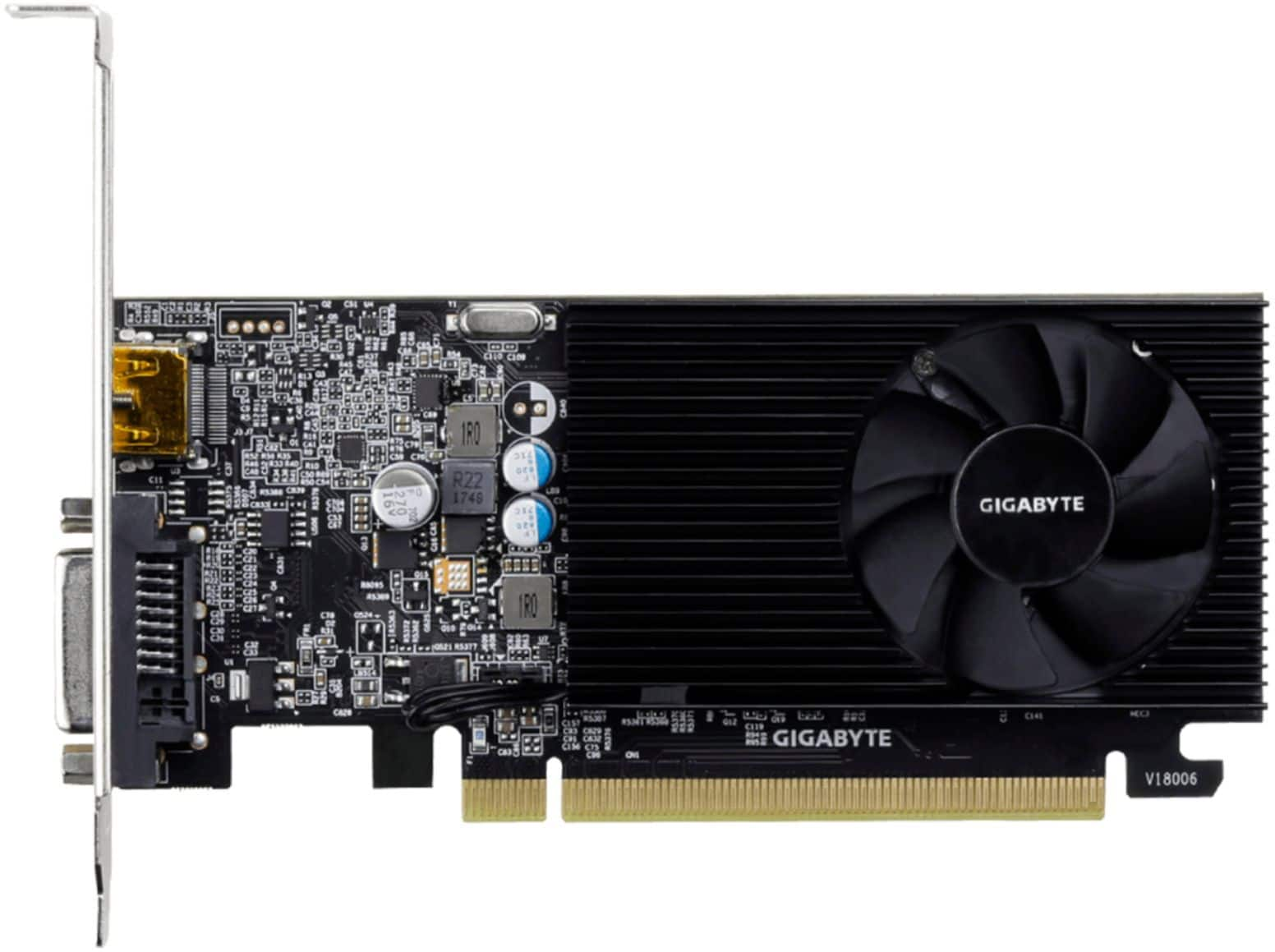
    A low-profile black graphics card with 2GB GDDR4 memory, HDMI and DVI-D ports, supporting 4K resolution.

    A low-profile black graphics card with 2GB GDDR4 memory, HDMI and DVI-D ports, supporting 4K resolution.

    What customers like

    • Works very well
    • Meets expectations
    • Fast shipping
    (71)
    $129.99
    SAVE $15.21
    Your price for this item is $129.99
  2. 2

    About this product

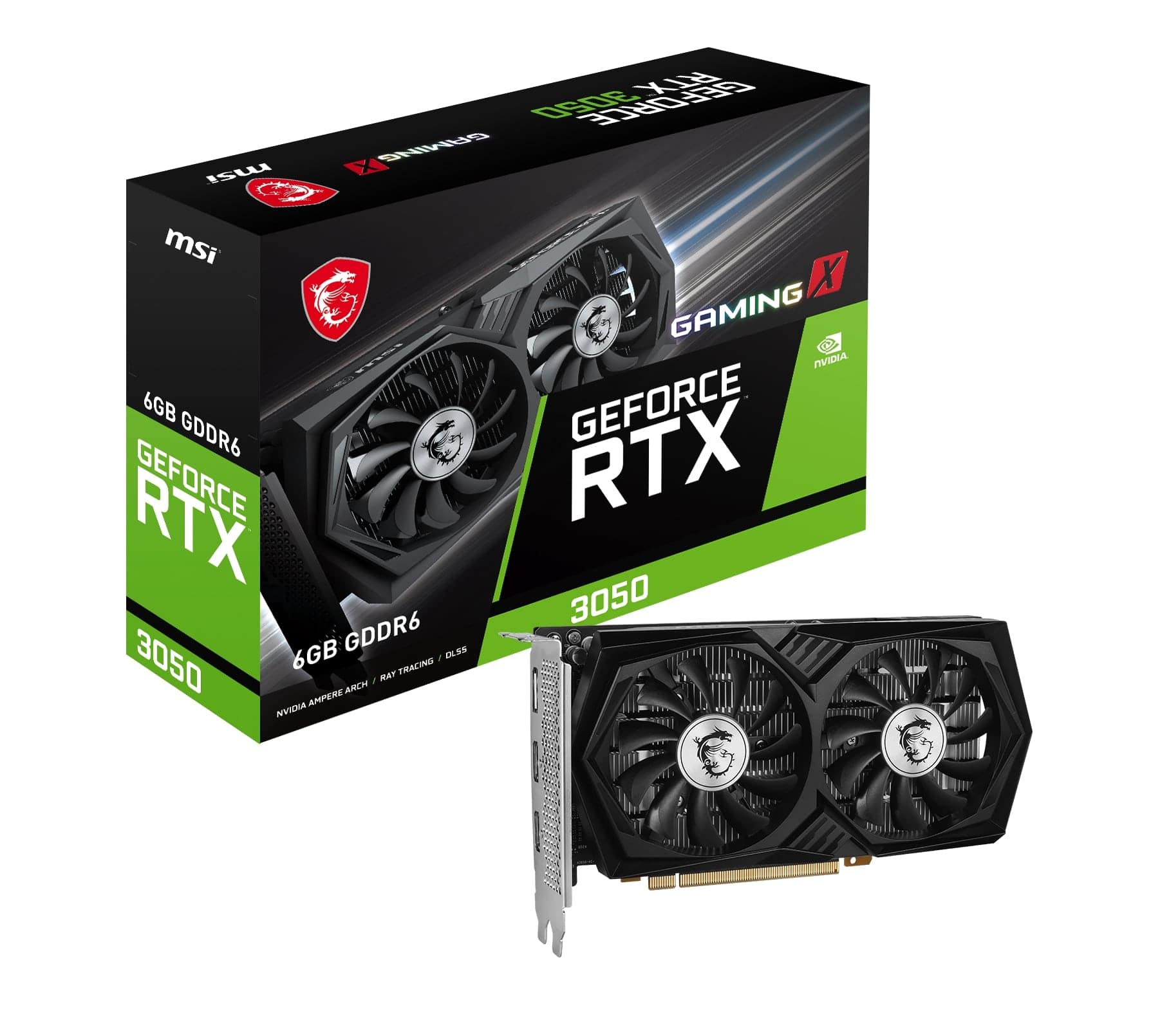
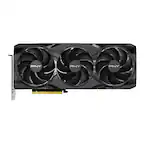
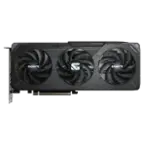
    A high-performance black graphics card with 6GB GDDR6, triple-fan cooling, and PCI Express 4.0 support.

    A high-performance black graphics card with 6GB GDDR6, triple-fan cooling, and PCI Express 4.0 support.

    What customers like

    • Excellent 1080p gaming performance
    • Easy installation and compatibility with budget builds
    • Affordable and budget-friendly
    • Quiet and efficient cooling system
    • Low power consumption with no external power needed
    (268)
    $279.99 Your price for this item is $279.99
  3. 3

    About this product

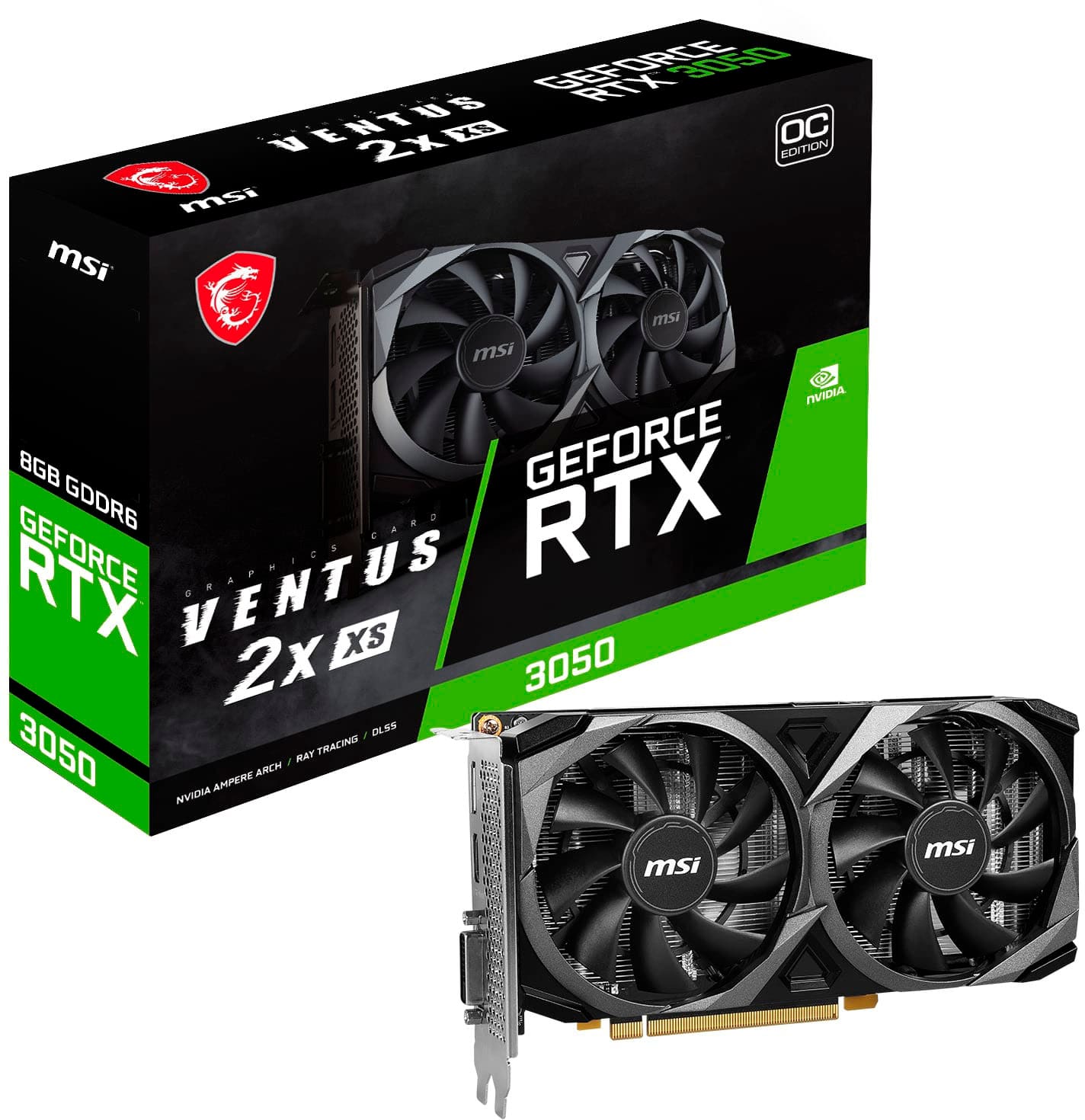
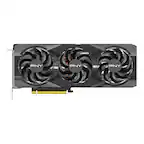
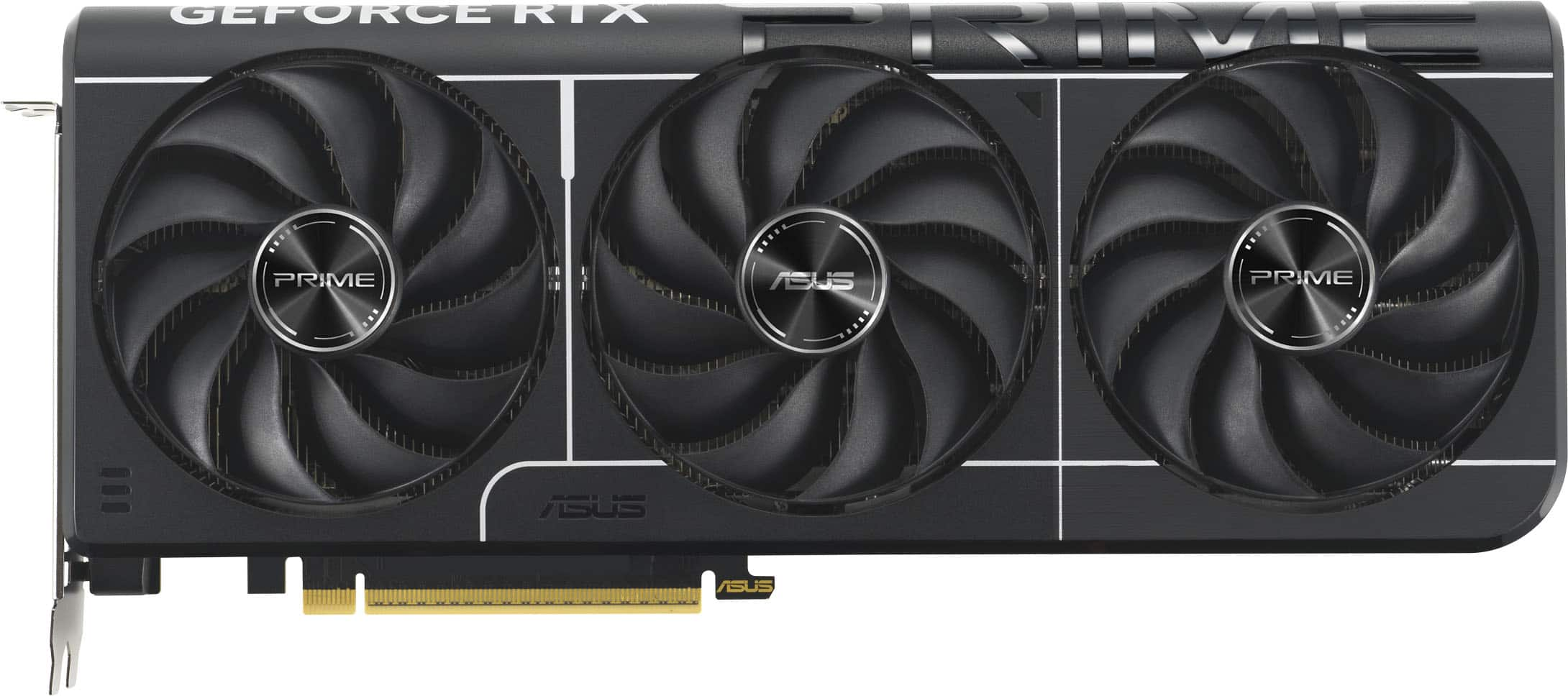
    A black PCIe 4.0 graphics card with 8GB GDDR6, triple fans, and 8K gaming support.

    A black PCIe 4.0 graphics card with 8GB GDDR6, triple fans, and 8K gaming support.

    What customers like

    • Easy installation and reliable
    • Good for budget builds and upgrades
    • Great value for the price
    • Quiet and cool operation
    • Strong performance for 1080p and 1440p gaming
    (292)
    $359.99 Your price for this item is $359.99
  4. 4

    About this product

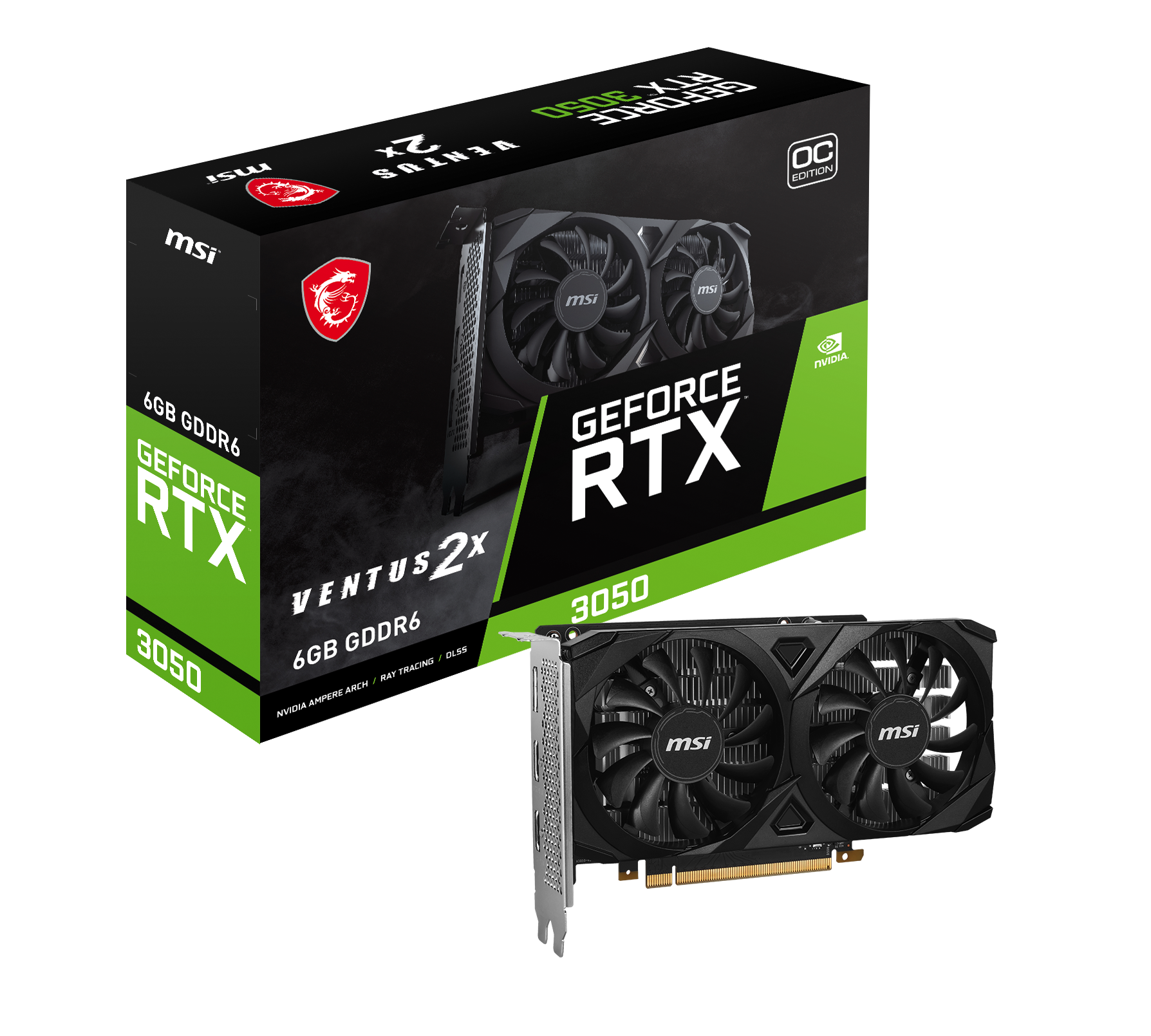
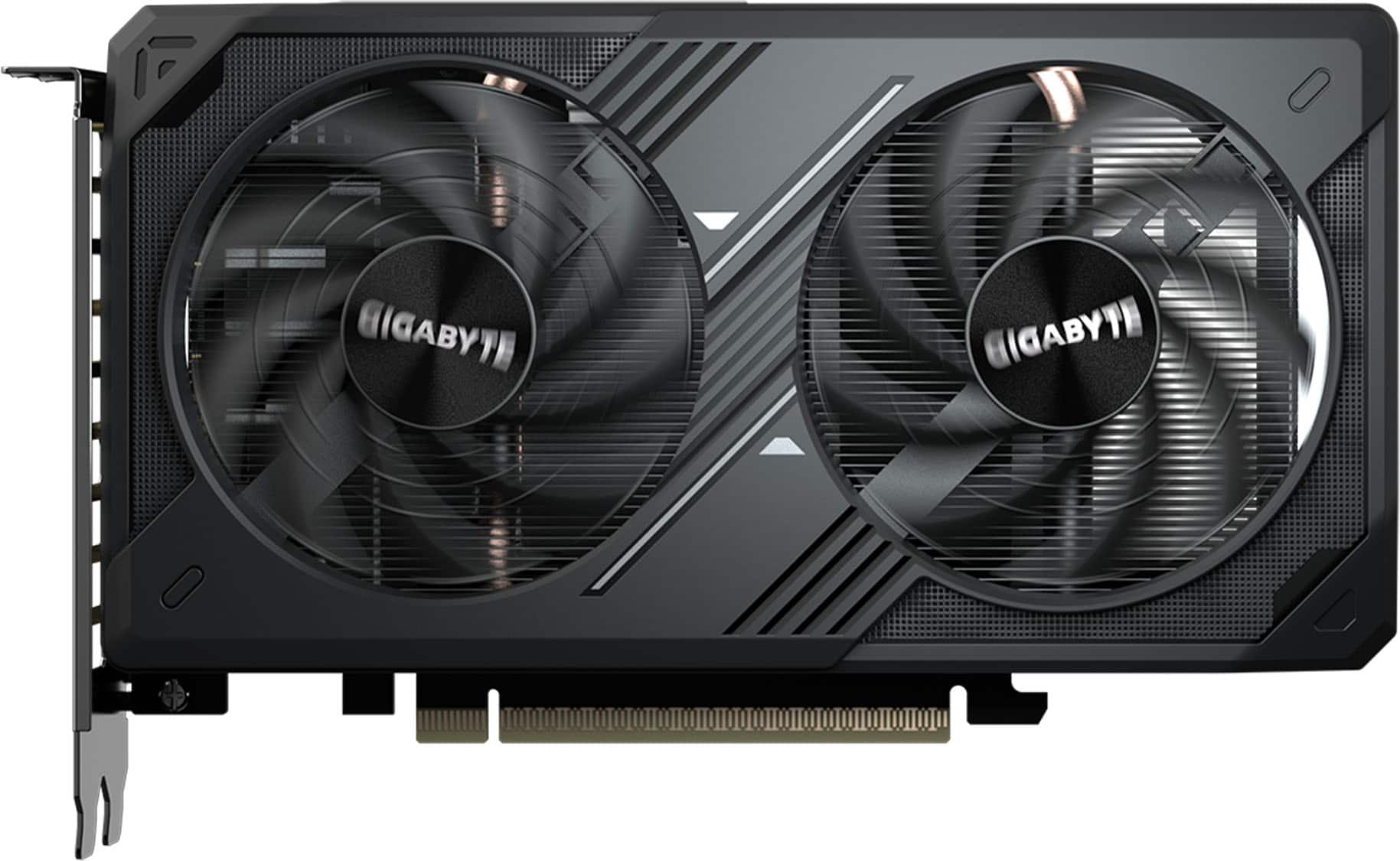
    A black dual-fan graphics card with 6GB GDDR6, PCIe 4.0, HDMI 2.1, and 8K support.

    A black dual-fan graphics card with 6GB GDDR6, PCIe 4.0, HDMI 2.1, and 8K support.

    (1)
    $259.99
    SAVE $20.00
    Your price for this item is $259.99
  5. 5

    About this product

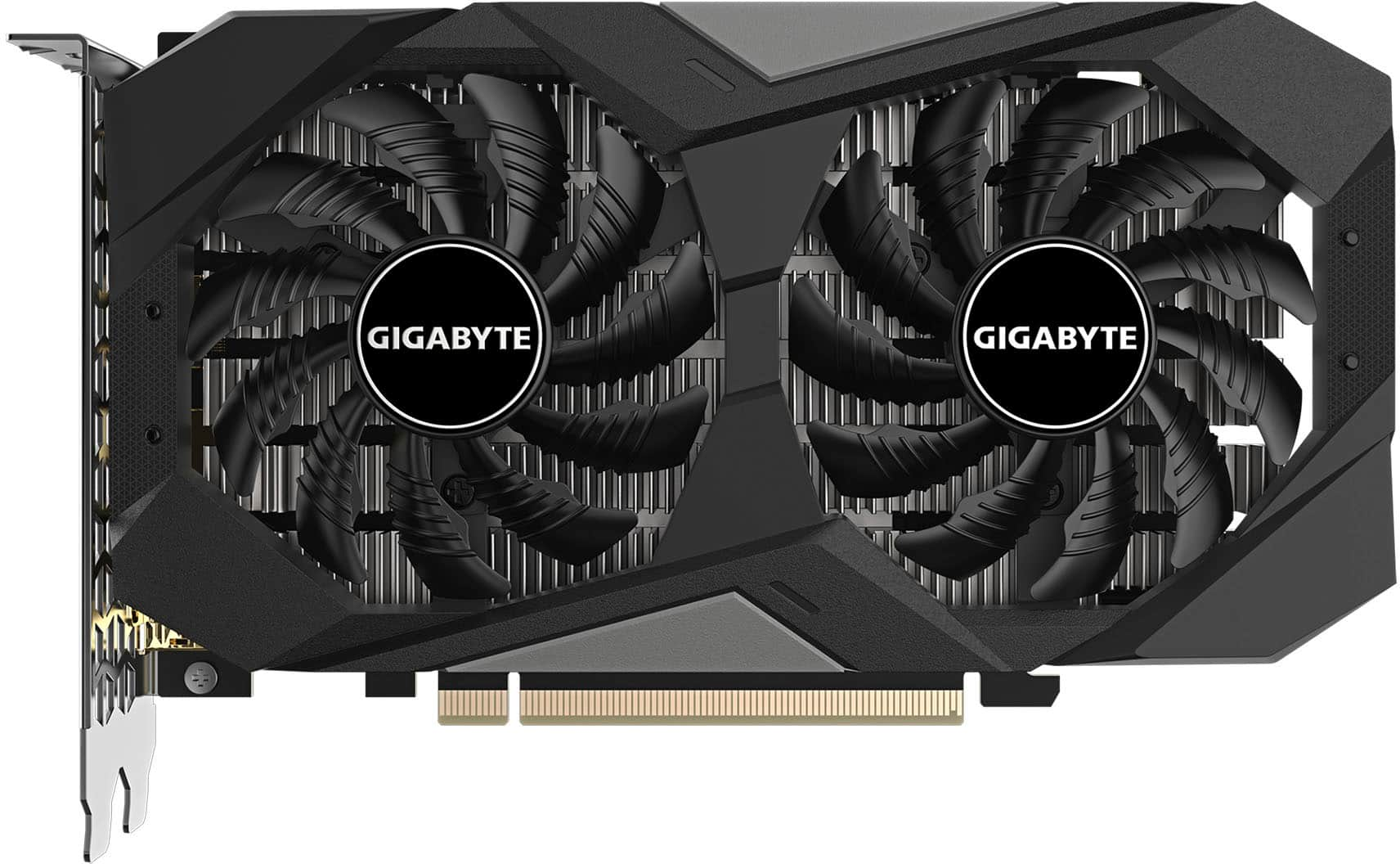
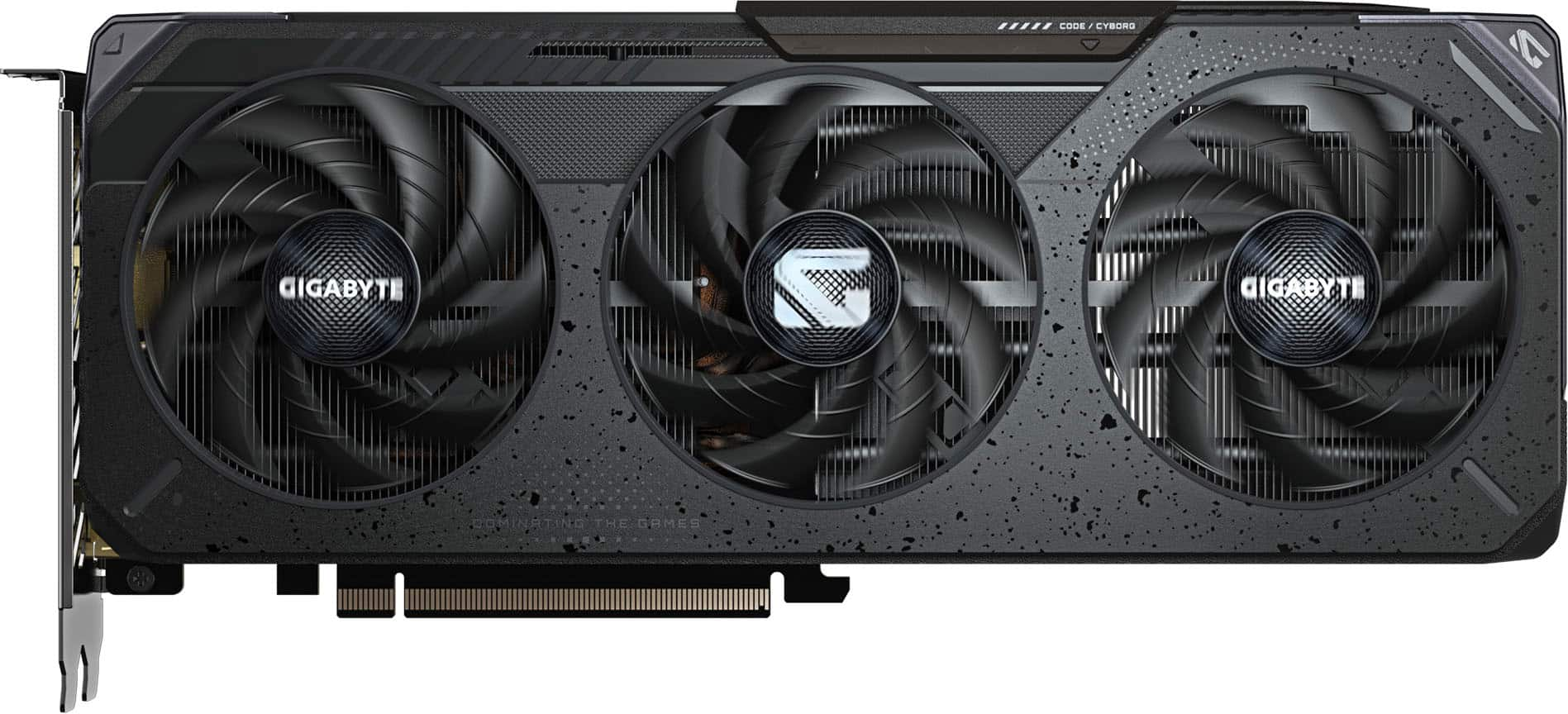
    A black PCIe 4.0 graphics card with 6GB GDDR6, WINDFORCE cooling, and 8K display support.

    A black PCIe 4.0 graphics card with 6GB GDDR6, WINDFORCE cooling, and 8K display support.

    What customers like

    • Energy efficient and runs cool
    • Good value for the price
    • Solid entry-level performance for modern games
    • Easy to install
    • Smooth gaming performance
    (25)
    $264.99 Your price for this item is $264.99

Top Rated Graphics Card Under 400

The best graphics card under 400 for your PC balances the performance you want with the hardware you already own and the games or applications you use most. Graphics cards in this budget category can appeal to first-time PC builders, players upgrading an existing desktop, and shoppers looking for dedicated graphics without stepping into a premium budget. For gaming, the most useful comparisons center on your monitor’s resolution, your preferred visual settings, and the frame rates you want to achieve. Competitive games often place a higher priority on responsive performance, while visually detailed single-player games can make lighting, textures, and image quality more important. Video memory helps support textures and other graphics data, but memory capacity alone does not determine how well a card performs. Graphics architecture, memory bandwidth, and the demands of individual games also matter. Features such as ray tracing, upscaling, and frame generation offer additional ways to balance visual quality and performance, with support and results varying by card and game.

Compatibility is just as important as graphics performance when comparing options for a desktop upgrade or a new build. Physical dimensions vary between graphics cards, so card length, height, and thickness all affect whether a model fits comfortably inside a case. Larger cooling assemblies may occupy neighboring expansion slots, and front-mounted fans or liquid-cooling radiators can reduce available clearance. Power requirements deserve equal attention: the power supply needs adequate capacity for the complete system and the appropriate connections for the card. Display outputs should match the monitors you plan to use, including the connection standards needed for your intended resolution and refresh rate. Cooling design also affects everyday use, especially in a compact case or a computer positioned close to your desk. Fan behavior, airflow, and heat management can influence noise during demanding workloads. A well-matched graphics upgrade also takes the processor and system memory into account, since performance improvements depend on the complete PC rather than the graphics card alone.

Beyond gaming, a dedicated graphics card can be useful for photo editing, video production, 3D work, and other applications that support GPU acceleration. The value of an upgrade depends on which parts of your software can use the GPU, how much graphics memory your projects require, and whether the application supports the card’s architecture and drivers. Video encoding and decoding capabilities can also be relevant for streaming, recording gameplay, or working with media, although supported formats and features differ among cards. For a computer used for both work and entertainment, the strongest fit may be an option that balances gaming performance with the capabilities your creative tools require. Shoppers replacing integrated graphics or an earlier dedicated card can weigh these practical benefits alongside power use, cooling, and monitor compatibility. Comparing graphics cards around the way you actually use your computer helps keep the focus on meaningful performance and useful features rather than a single specification.

FAQs