Bluetooth Headphones Chromebook
-
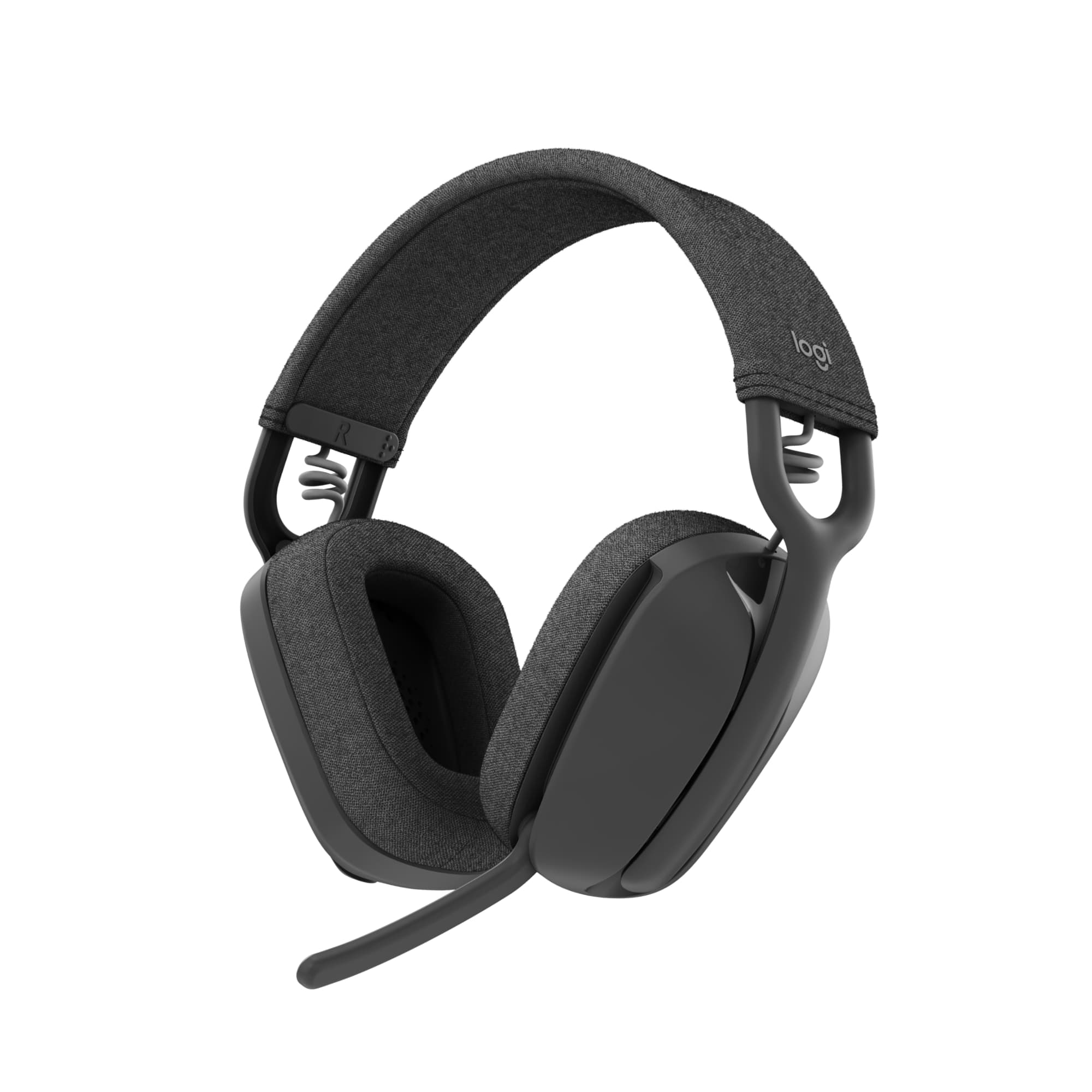
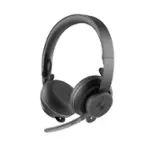
Logitech - Zone Vibe 100 Wireless Bluetooth Over-the-Ear Headphones with Noise-Cancelling Microphone - Graphite
SKU: J7H7ZY8YWGBest headset for everyday use....Love them. Great sound, great battery life. Easy to use!...These headphones work great and they were at a good price, best buy has been one of the best places to
See all Headsets & MicrophonesProduct Description
A lightweight, wireless over-ear headset in graphite with noise-cancelling mic, memory foam cushions, and Bluetooth.Your price for this item is $99.99 -
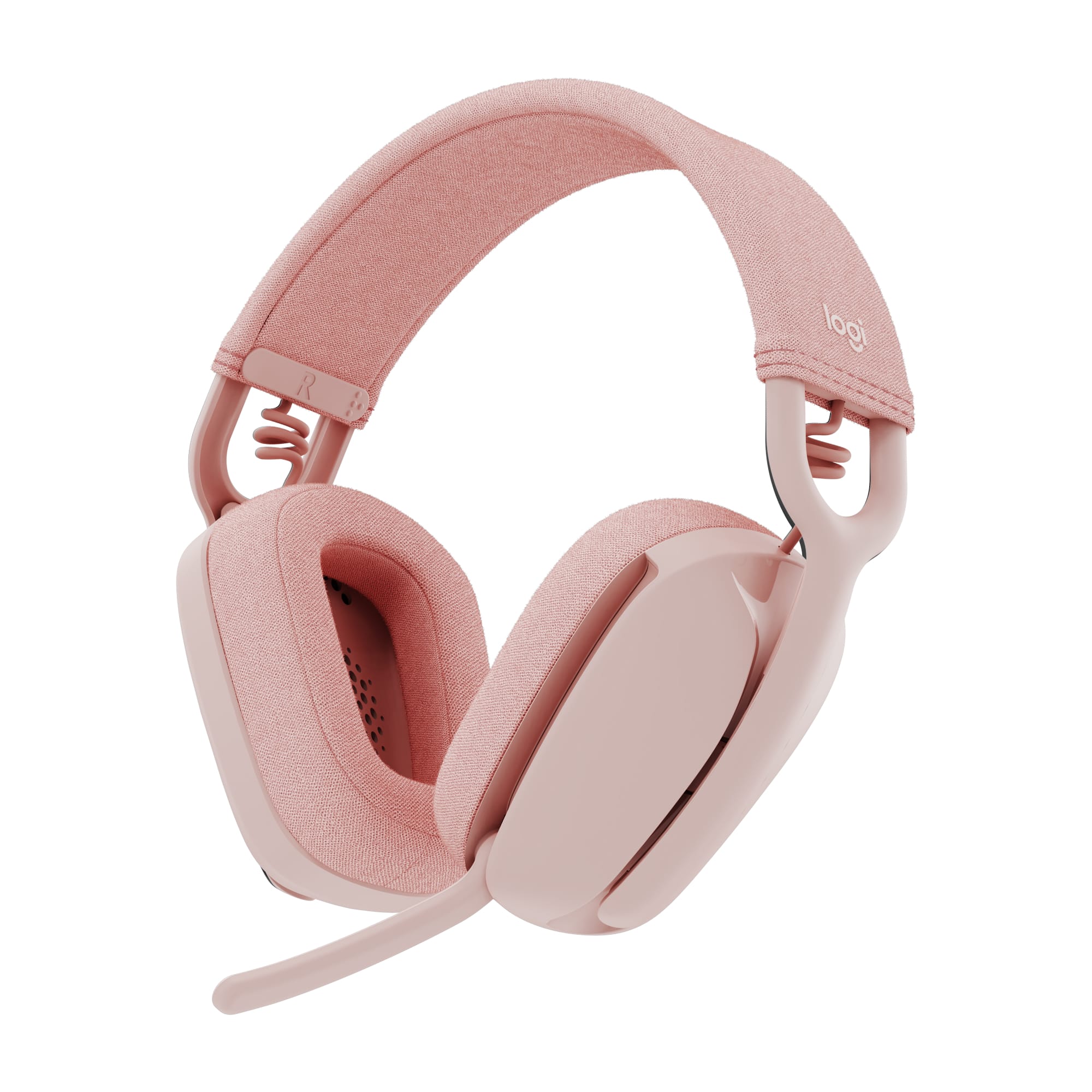
Logitech - Zone Vibe 100 Bluetooth Over Ear Headphones with Noise-Cancelling Microphone - Rose
SKU: J7H7ZY8YW4I work from home and have children....they work great with blocking out background sound!!
See all Headsets & MicrophonesProduct Description
A stylish rose wireless headset with noise-cancelling microphone, memory foam cushions, and multipoint Bluetooth connectivity.Your price for this item is $99.99Save $31The previous price was $130.99 -
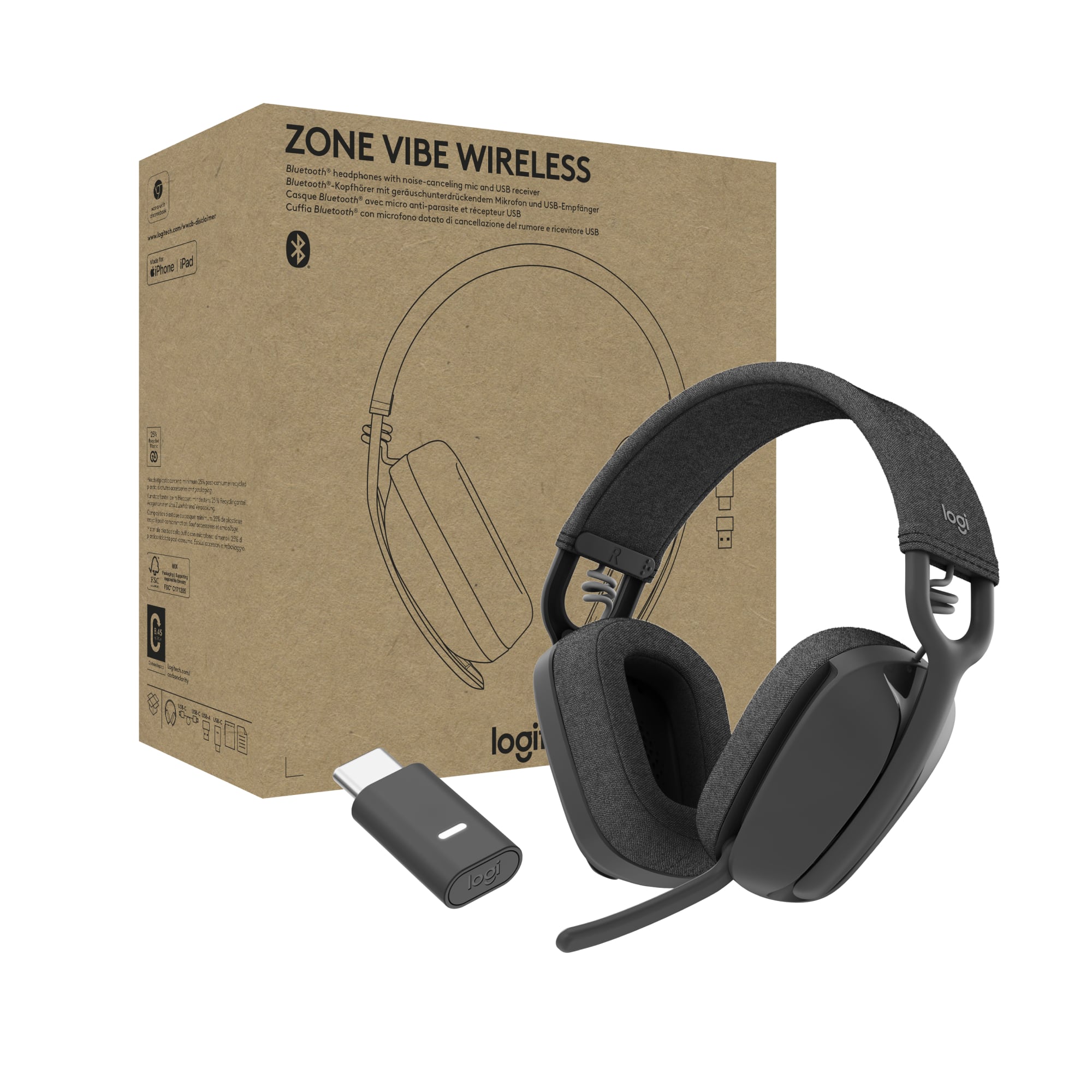
Logitech - Zone Vibe Bluetooth Headphones with Noise Canceling Mic for Google Meet, Google Voice, Zoom, Mac/PC (with receiver) - Graphite
SKU: J7H7ZY88J8This is the best microphone noise-cancelling headset I’ve used so far.
See all Gaming HeadsetsProduct Description
A lightweight graphite wireless headset with noise-canceling mic, Bluetooth connectivity, and business-grade audio quality.Your price for this item is $99.99 -
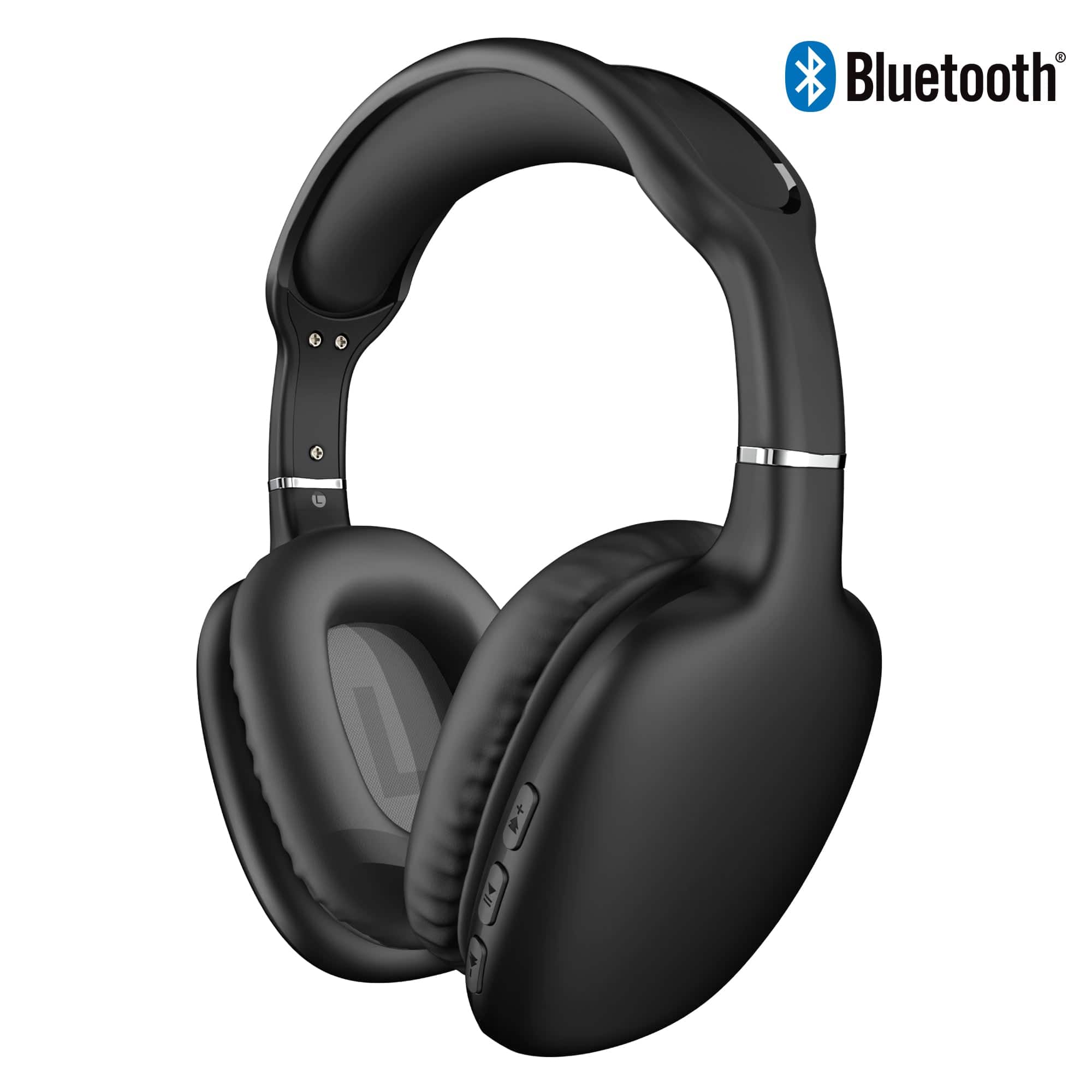
iBasics - Wireless Over-Ear Headphones – Bluetooth HD Stereo, Deep Bass & Soft Ear Cushions - Black
SKU: J3C57CHFRCSee all Over-Ear HeadphonesProduct Description
A black Bluetooth over-ear headphone set with 40mm drivers, memory-foam cushions, microphone, and up to 10-hour playback.Your price for this item is $37.99 -
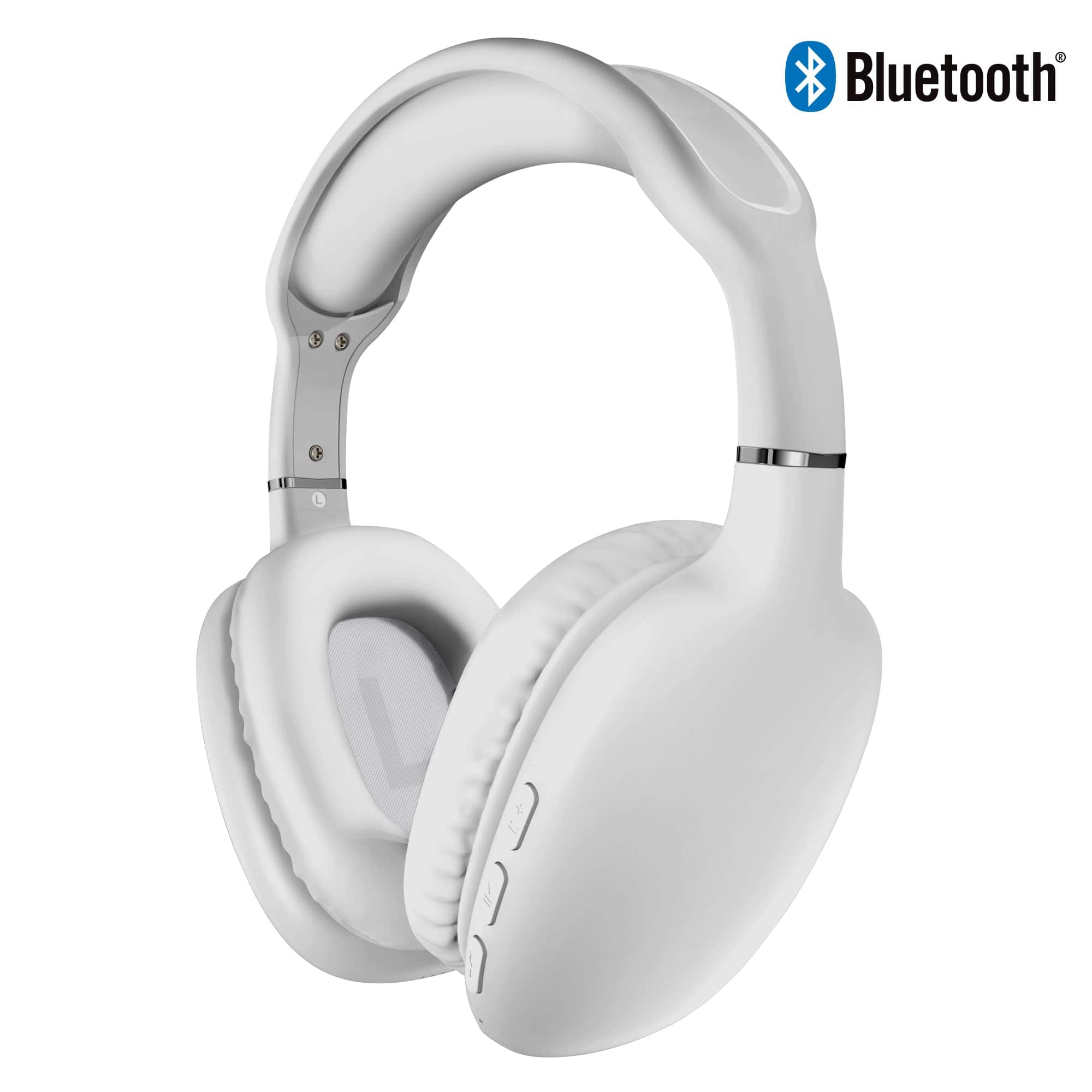
iBasics - Wireless Over-Ear Headphones – Bluetooth HD Stereo, Deep Bass & Soft Ear Cushions - White
SKU: J3C57CHFQJSee all Over-Ear HeadphonesProduct Description
A white over-ear headset with Bluetooth 5.0, 40mm drivers, memory foam cushions, and 10-hour battery life.Your price for this item is $37.99 -
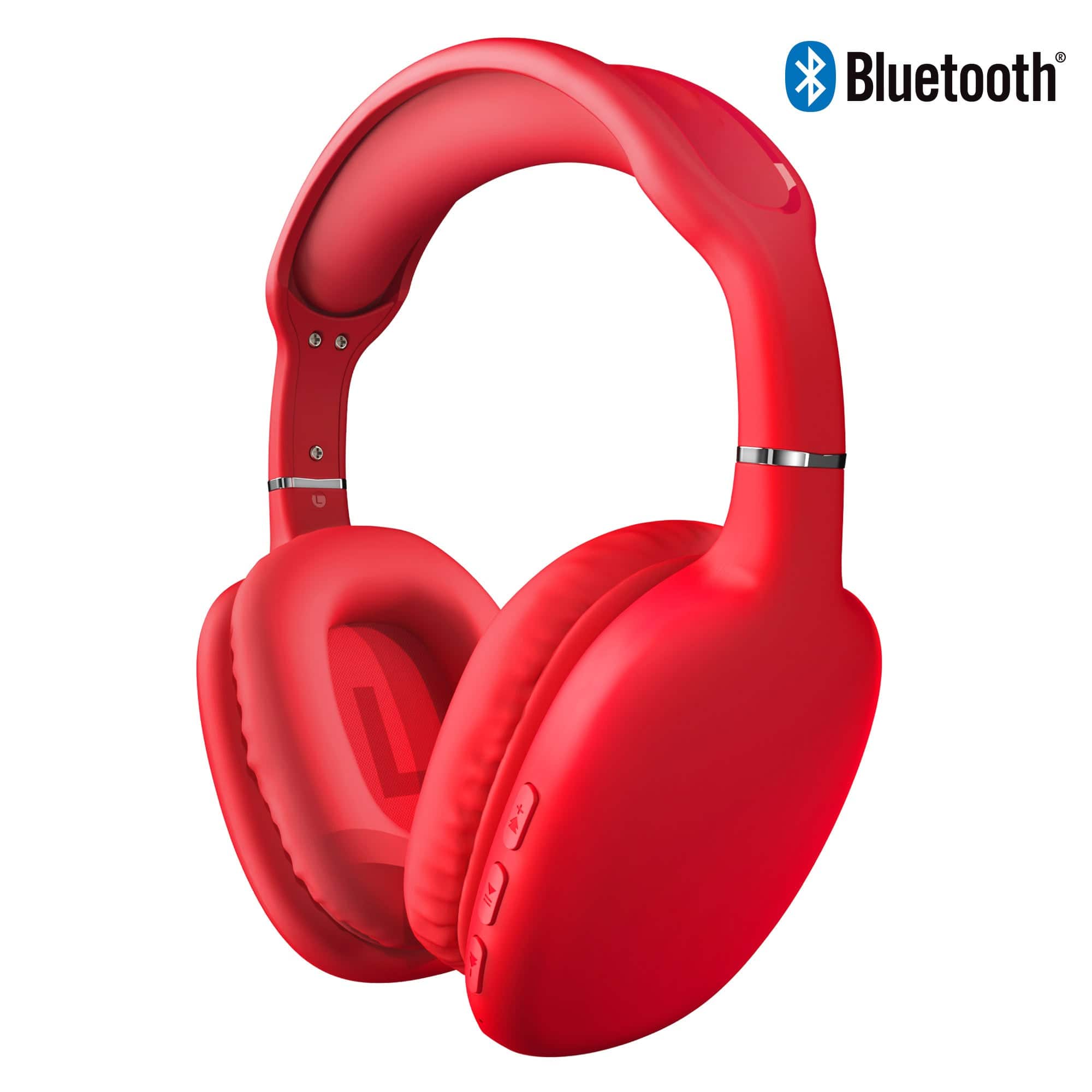
iBasics - Wireless Over-Ear Headphones – Bluetooth HD Stereo, Deep Bass & Soft Ear Cushions - Red
SKU: J3C57CHFRKSee all Over-Ear HeadphonesProduct Description
A red wireless over-ear headphones featuring Bluetooth 5.0, 40mm drivers, memory foam cushions, and 10-hour playback.Your price for this item is $37.99 -
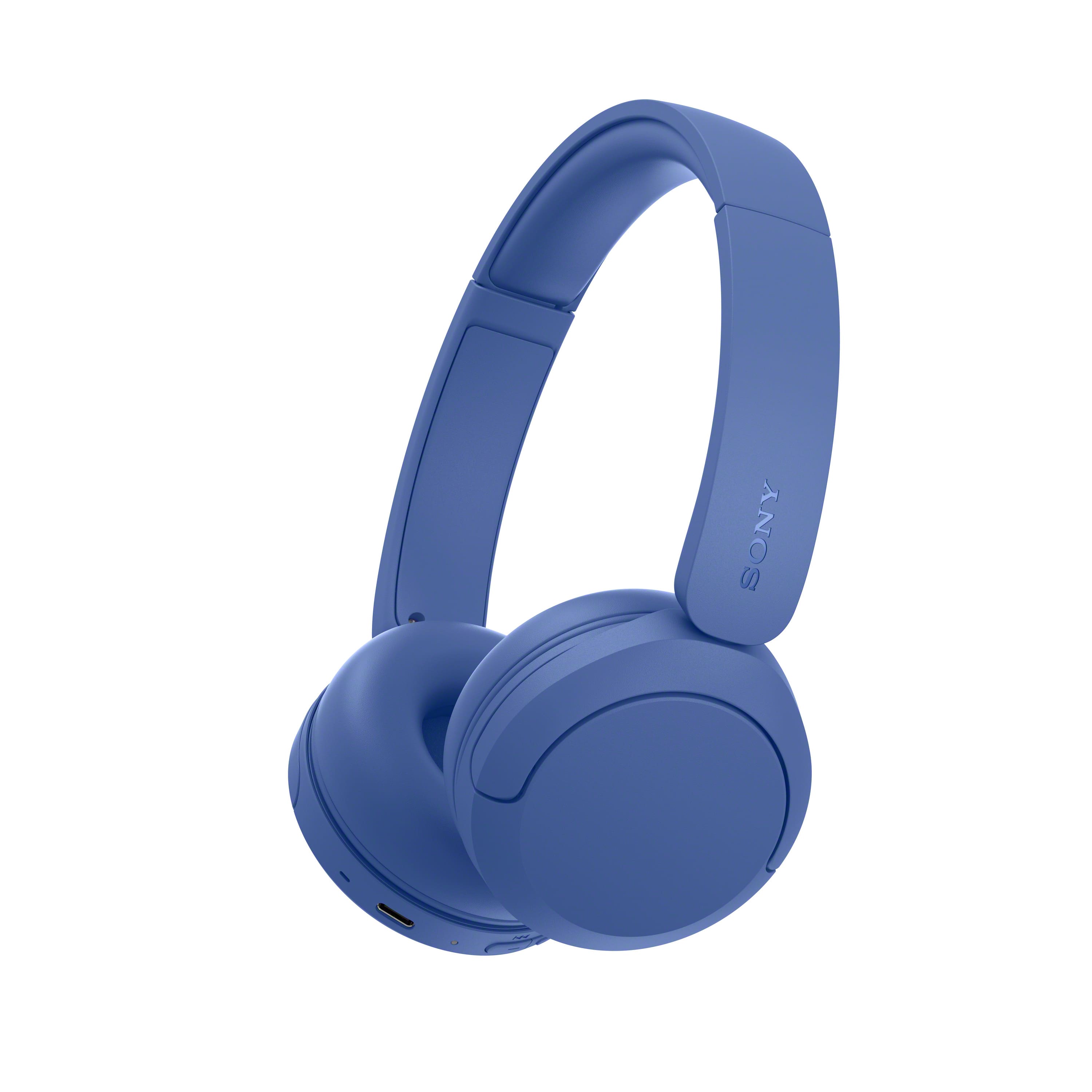
Sony - WH-CH530 Wireless Headphone with Microphone - Cobalt
SKU: J7XSRH55PHSee all Headsets & MicrophonesProduct Description
A blue wireless headset with Bluetooth, microphone, AI noise reduction, adjustable headband, and 55-hour battery life.Your price for this item is $69.99 -
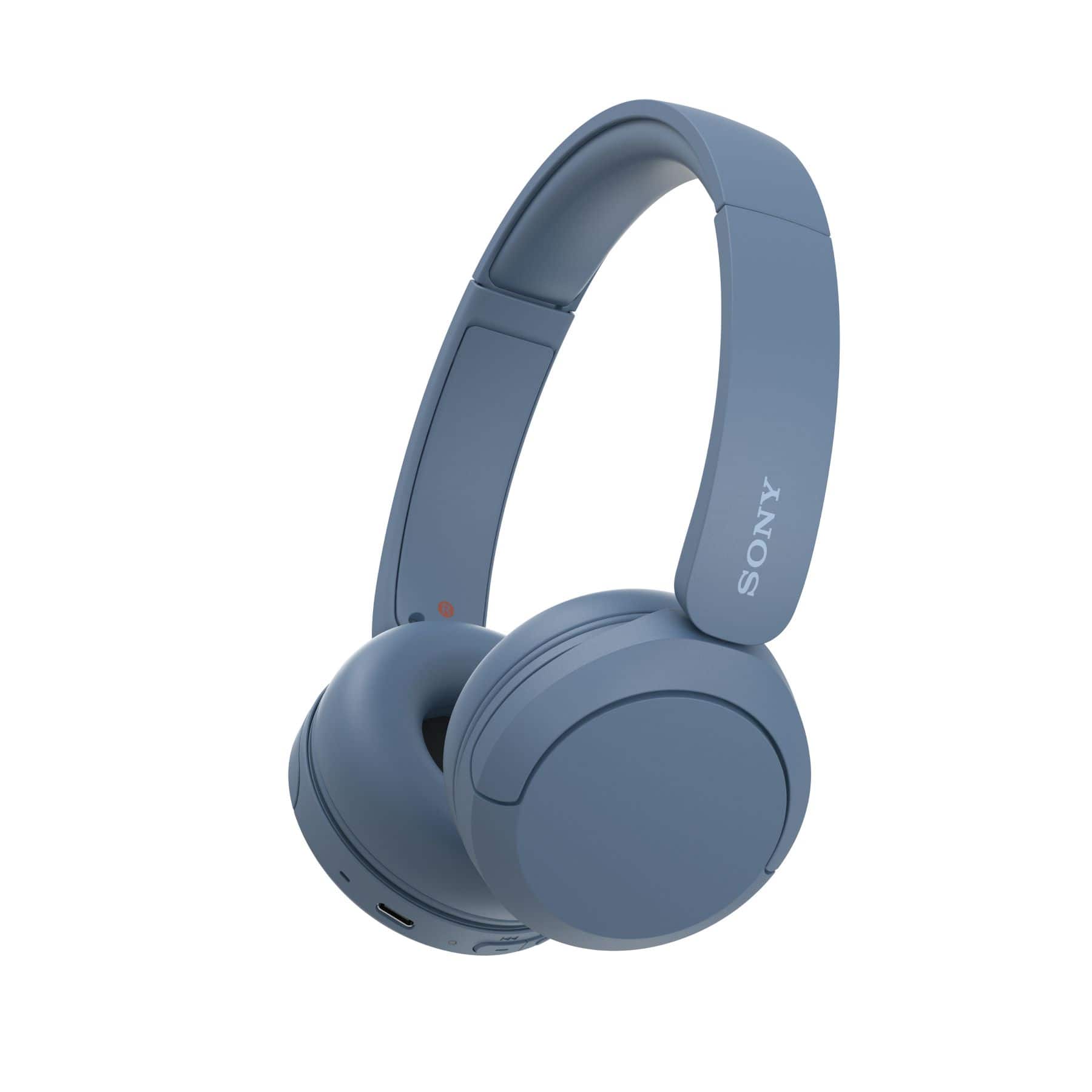
Sony - WH-CH520 Wireless Headphone with Microphone - Blue
SKU: J7XSRH53W5I love my headphones they are truly the best....LOVE LOVE LOVEEEE
See all Headsets & MicrophonesProduct Description
A wireless on-ear headphone in blue offering up to 50 hours battery life and built-in microphone.Your price for this item is $60.99Save $7The previous price was $68.00 -
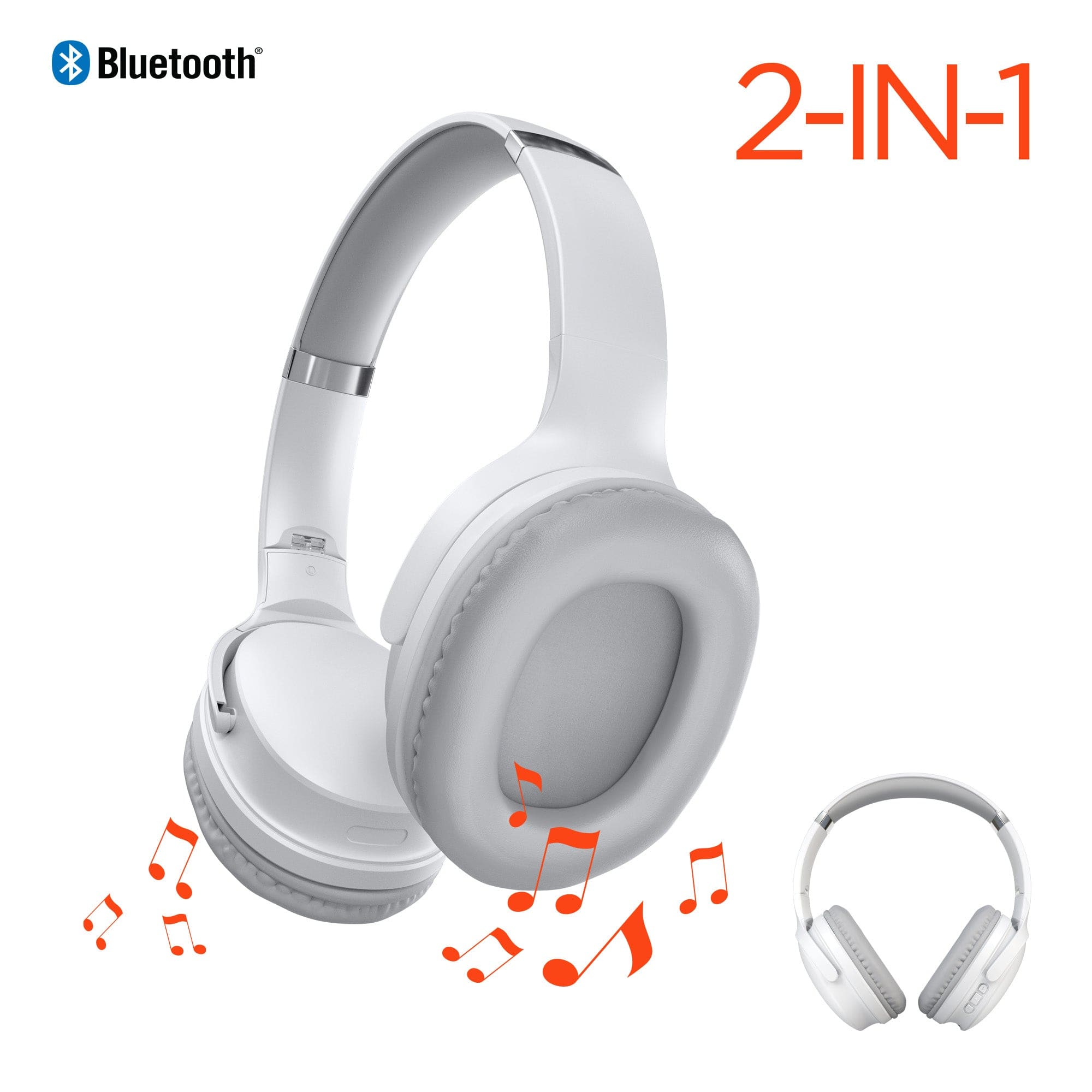
iBasics - 2-in-1 Bluetooth Headphones + Speaker – Wireless Over-Ear Audio - White
SKU: J3C57CHF95See all Over-Ear HeadphonesProduct Description
A white 2-in-1 wireless headset switches between private headphone and shared speaker listening with Bluetooth 5.3.Your price for this item is $37.99 -
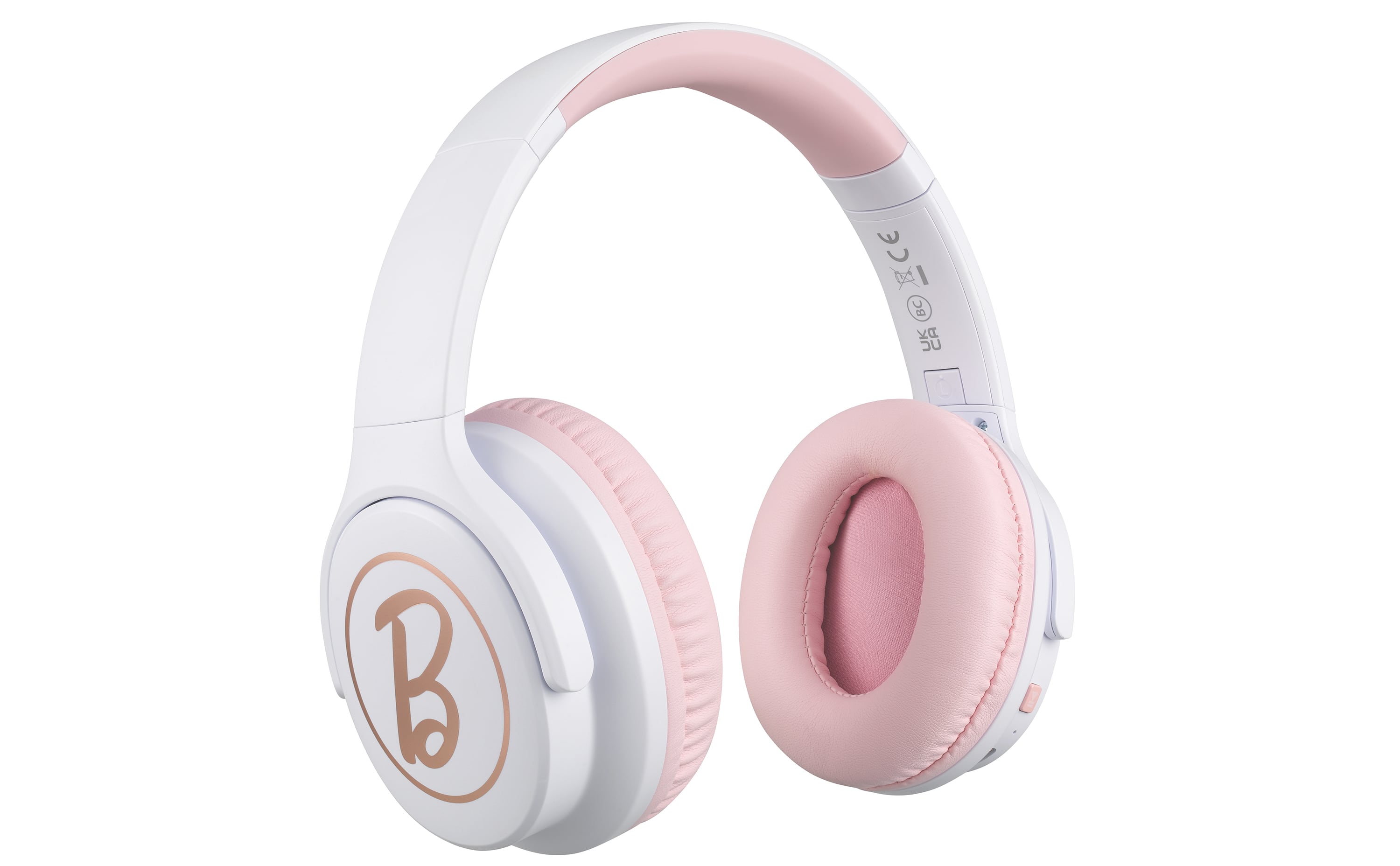
eKids - Barbie Wireless Headphones for Kids, Bluetooth Headphones for School, Home, or Travel - Pink
SKU: J7Q2JPLTJ2It’s not the first pair that I’ve gotten from Best Buy the first ones I bought in 2023 and they lasted...I absolutely love these headphones for my daughter.
See all Over-Ear HeadphonesProduct Description
A pair of pink, foldable Bluetooth headphones designed for kids, perfect for school, home, or travel use.Your price for this item is $30.99
Best Sellers



Related Pages



FAQ
Most Bluetooth headphones are compatible with Chromebooks that have built-in Bluetooth functionality. To ensure compatibility, check your Chromebook's specifications and verify that Bluetooth is enabled.
To connect Bluetooth headphones, open your Chromebook's settings, select 'Bluetooth', and make sure it is turned on. Put your headphones in pairing mode, then select them from the list of available devices to connect.
Yes, Bluetooth headphones can be used for video calls on your Chromebook. Once connected, your Chromebook will use the headphones for audio input and output during calls on platforms like Google Meet, Zoom, or Microsoft Teams.
Bluetooth headphones can be used to listen to audio from any app on your Chromebook, including YouTube, Spotify, and other streaming services, as long as the headphones are properly connected.
After connecting your Bluetooth headphones, click the status area where your account picture appears, select the audio settings, and choose your preferred audio output device from the list.