Headphones For Chromebooks
-
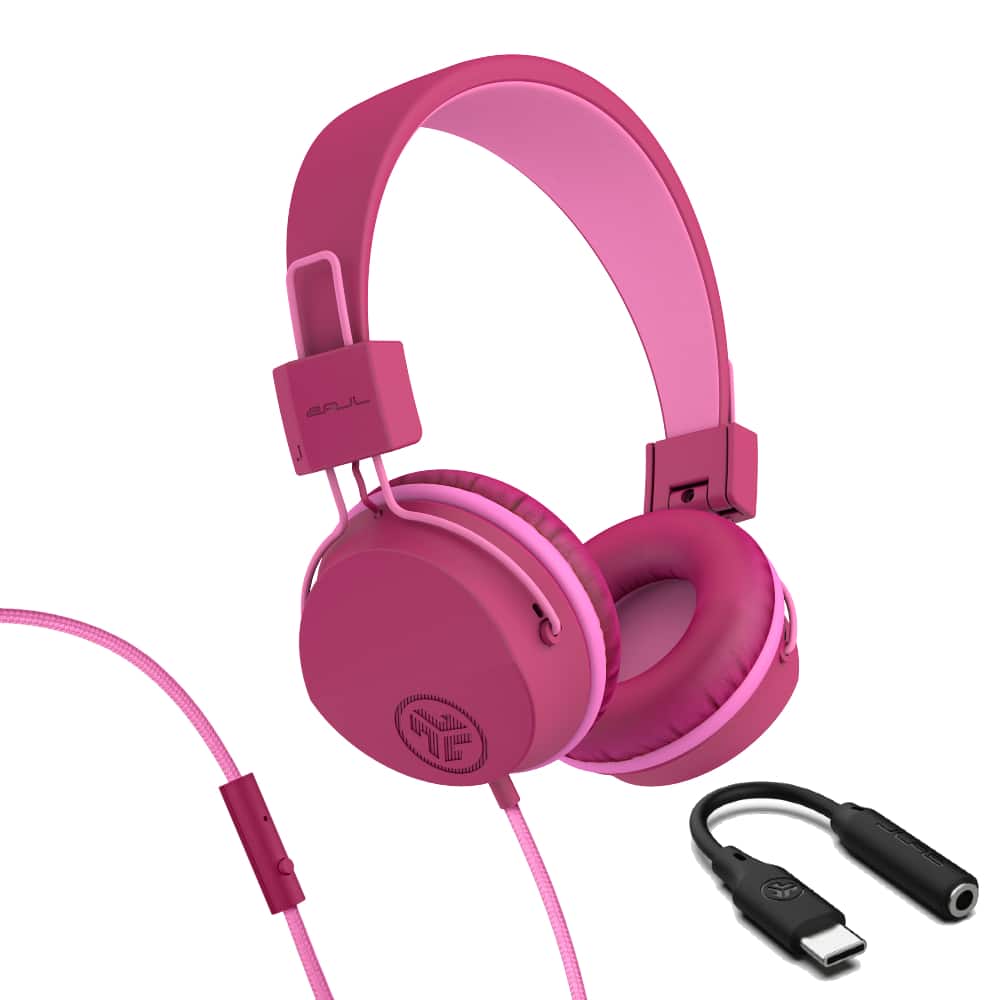
JLab - JBuddies Studio On-Ear Kids Wired Headphones - Dark Pink 2
SKU: J3GW8X47X3See all Over-Ear HeadphonesProduct Description
A pair of dark pink wired on-ear headphones with USB-C, volume limiter, and soft Cloud Foam cushions.Your price for this item is $24.99 -
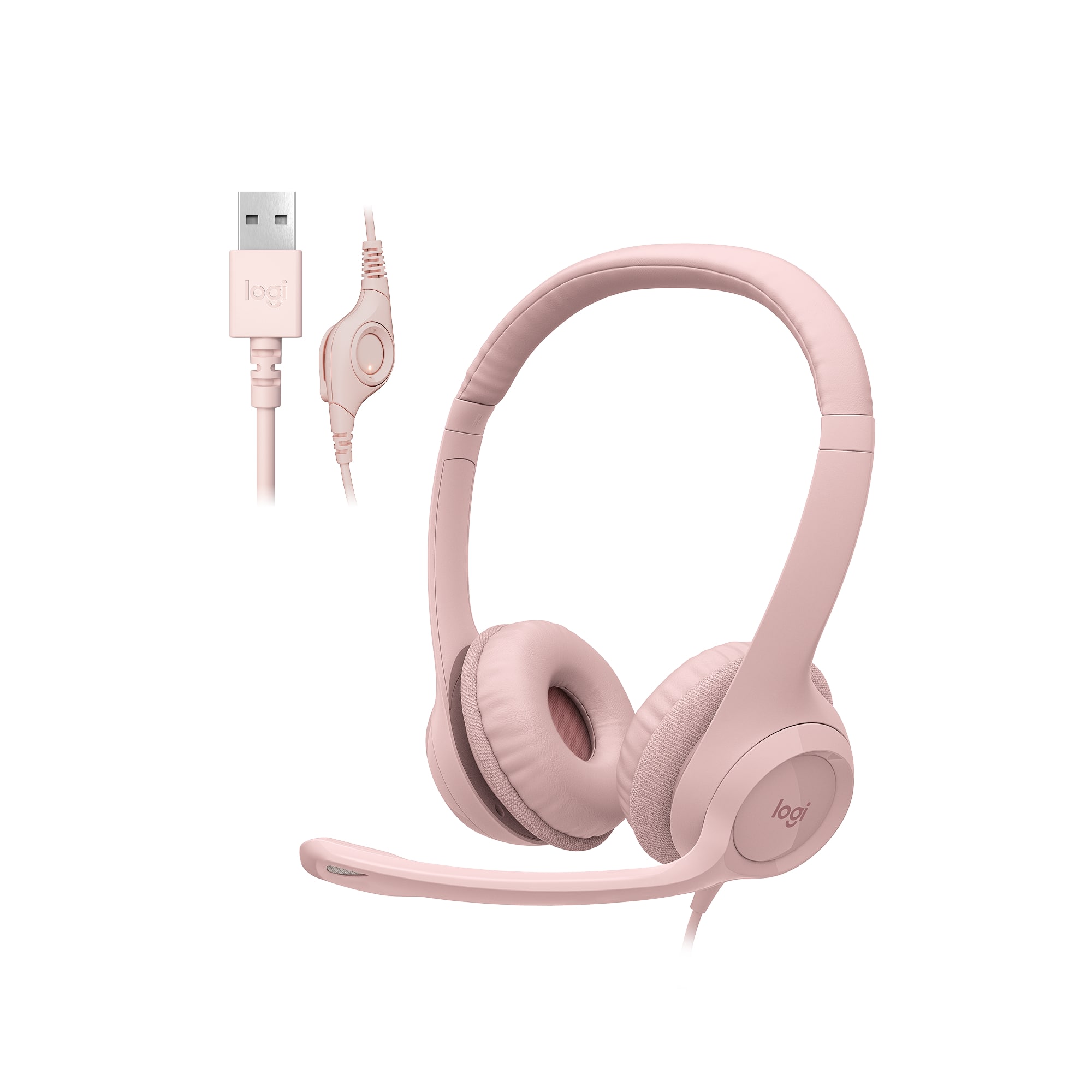
Logitech - H390 Wired USB-A On-Ear Stereo Headphones with Noise Canceling Microphone - Rose
SKU: J7H7ZY8H2XLove love love the audio from the receiving end it great and not choppy like most headsets...This headset is one of the best headsets thta I love to use as it has noise cancelling and when I dictate...it...
See all Headsets & MicrophonesProduct Description
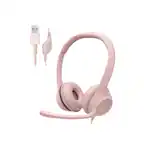
A rose-colored wired headset with USB-A connection, noise-canceling microphone, and in-line volume controls.Your price for this item is $24.99 -
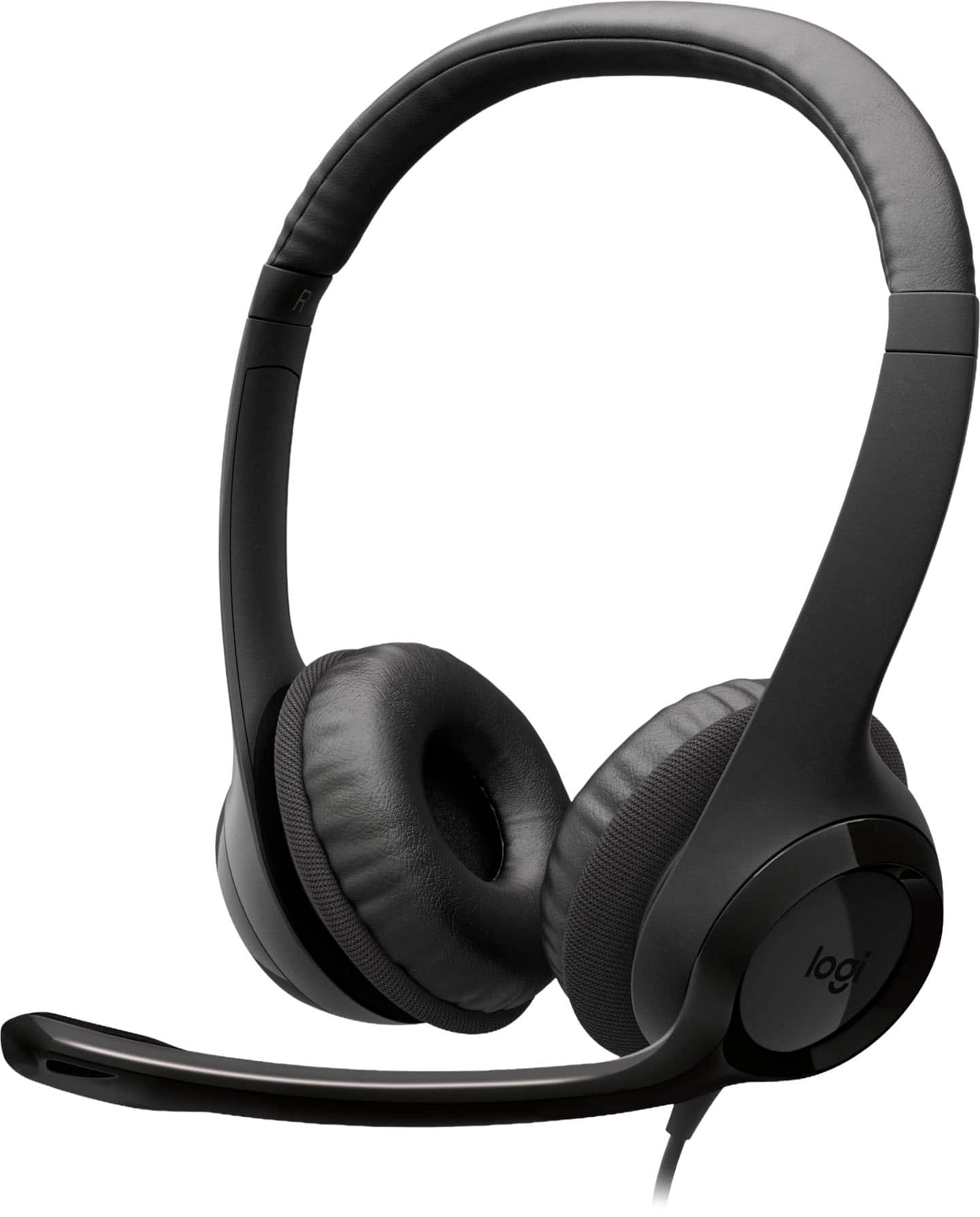
Logitech - H390 Wired USB-C On-Ear Stereo Headphones with Noise Canceling Microphone - Black
SKU: J7H7ZYLX3YThese are the best headphones on the market for my work from home job....I really love it and buy this product.
See all Headsets & MicrophonesProduct Description
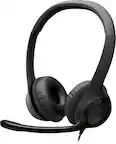
A black wired on-ear headset with USB-C, noise-canceling microphone, and convenient inline controls.Your price for this item is $24.99 -
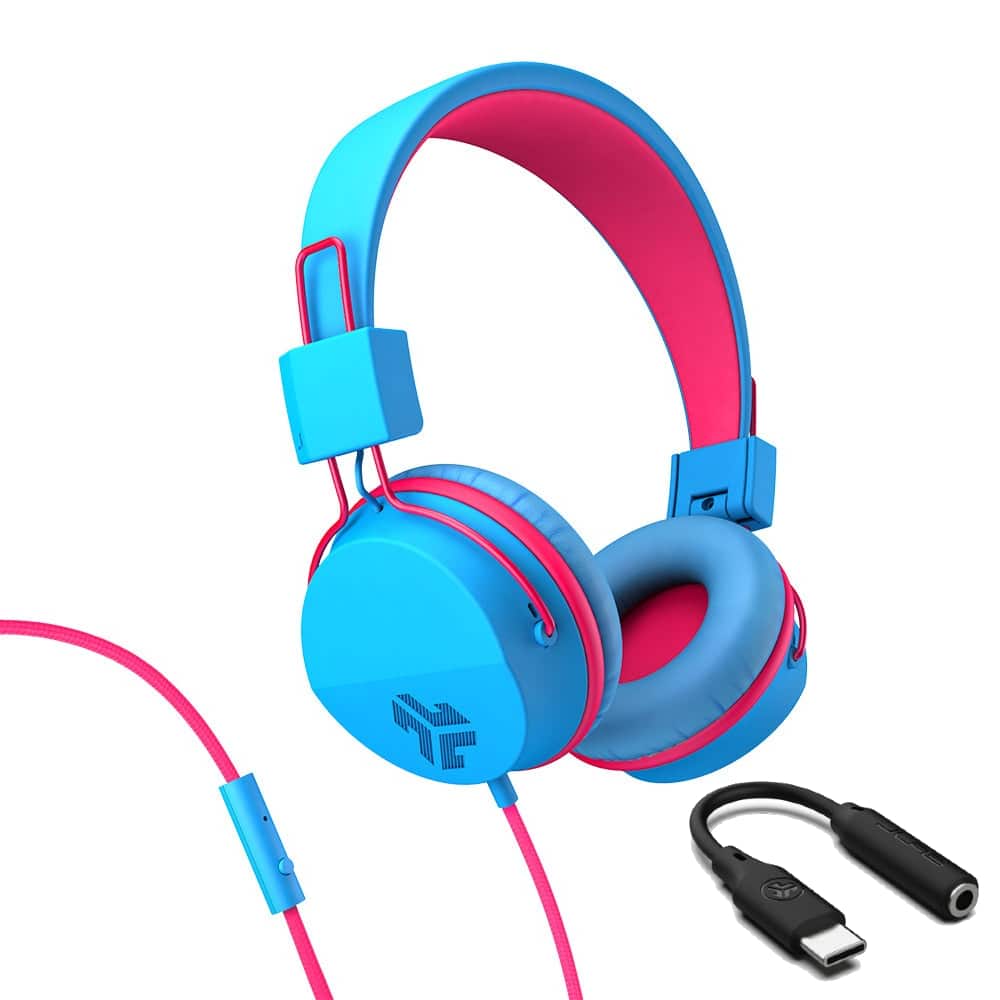
JLab - JBuddies Studio On-Ear Kids Wired Headphones - Blue/Pink
SKU: J3GW8X472FSee all On-Ear HeadphonesProduct Description
A pair of blue and pink wired on-ear kids headphones with USB-C, volume limiter, and foldable design.Your price for this item is $24.99 -
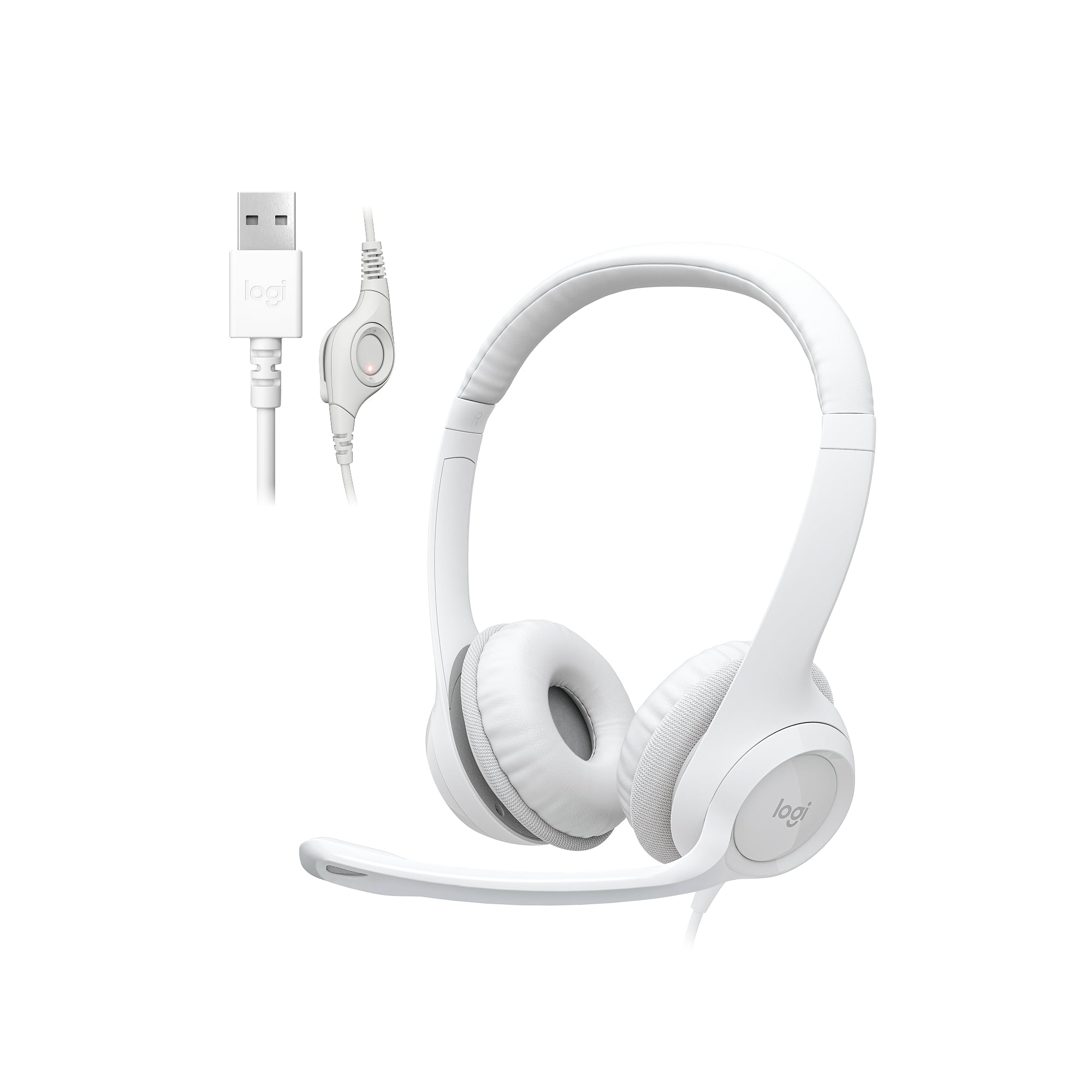
Logitech - H390 Wired USB-A On-Ear Stereo Headphones with Noise Canceling Microphone - Off-White
SKU: J7H7ZY8HX2See all Headsets & MicrophonesProduct Description
An off-white wired on-ear headset with USB-A connection, noise-canceling microphone, and in-line volume controls.Your price for this item is $24.99 -
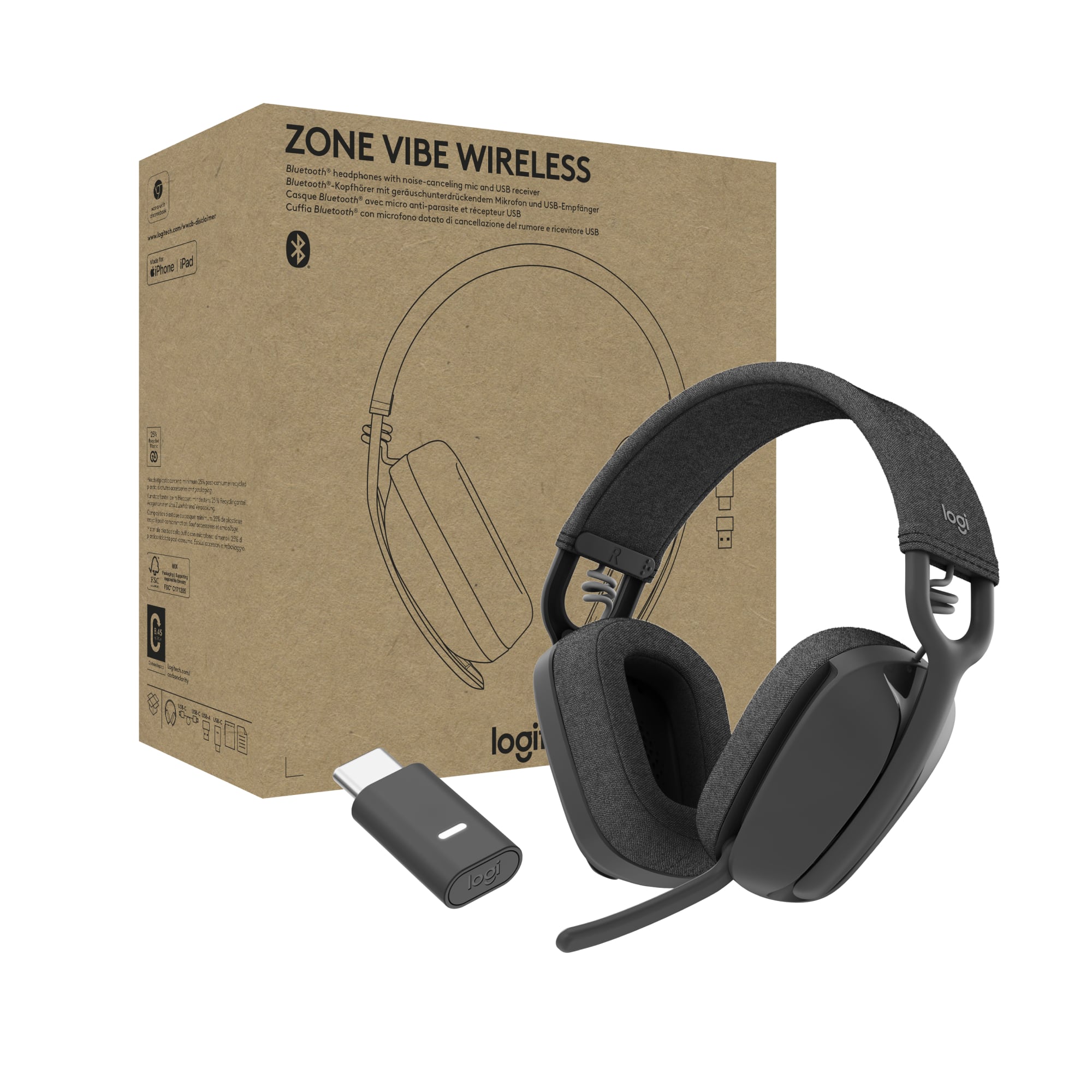
Logitech - Zone Vibe Bluetooth Headphones with Noise Canceling Mic for Google Meet, Google Voice, Zoom, Mac/PC (with receiver) - Graphite
SKU: J7H7ZY88J8This is the best microphone noise-cancelling headset I’ve used so far.
See all Gaming HeadsetsProduct Description
A lightweight graphite wireless headset with noise-canceling mic, Bluetooth connectivity, and business-grade audio quality.Your price for this item is $99.99 -
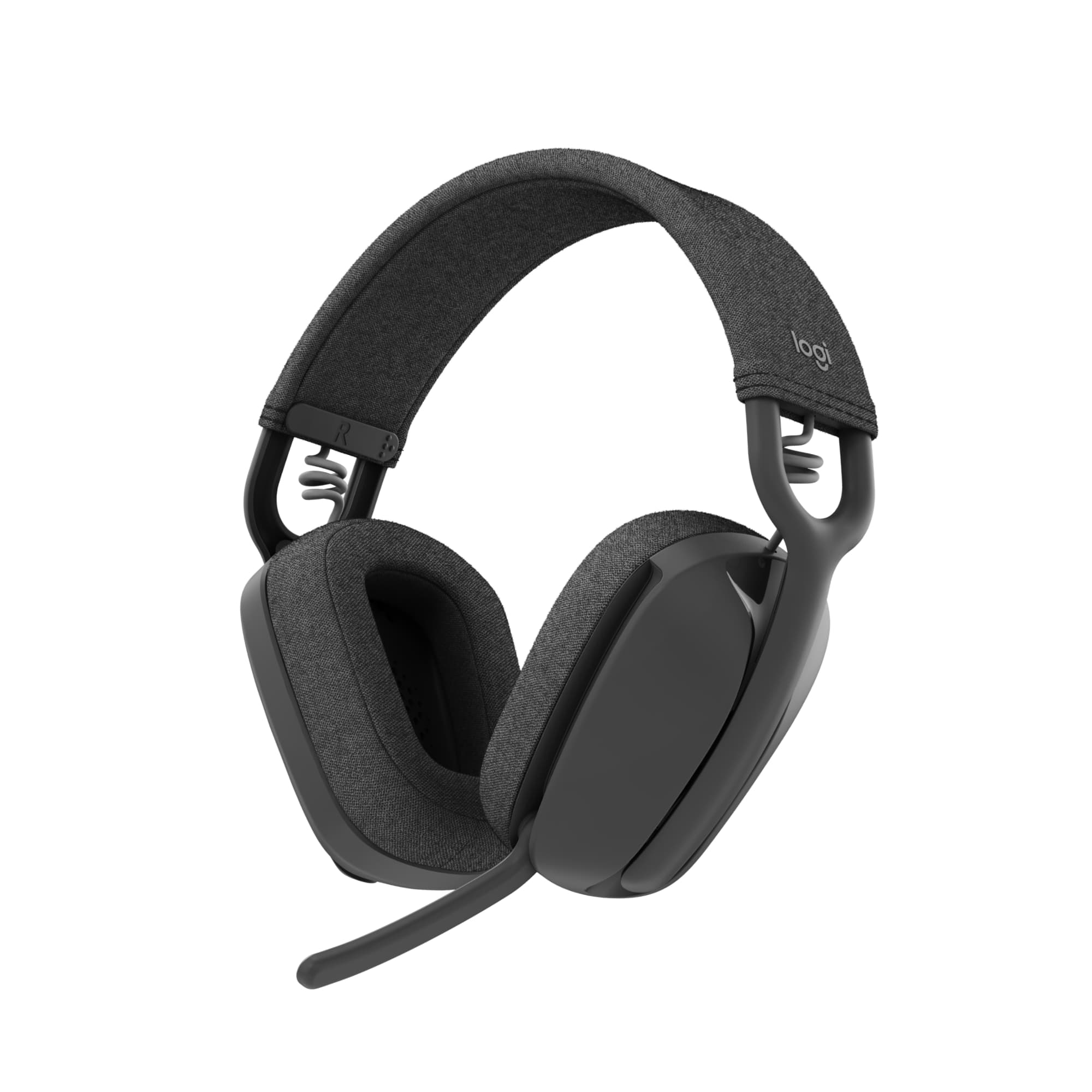
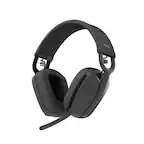
Logitech - Zone Vibe 100 Wireless Bluetooth Over-the-Ear Headphones with Noise-Cancelling Microphone - Graphite
SKU: J7H7ZY8YWGBest headset I have ever used. All day: No problem...I love everything about this headset. It's a beautiful fit and I wear it all day for work....Best headset I have ever owned....Overall great product...
See all Headsets & MicrophonesProduct Description
A lightweight, wireless over-ear headset in graphite with noise-cancelling mic, memory foam cushions, and Bluetooth.Your price for this item is $99.99 -
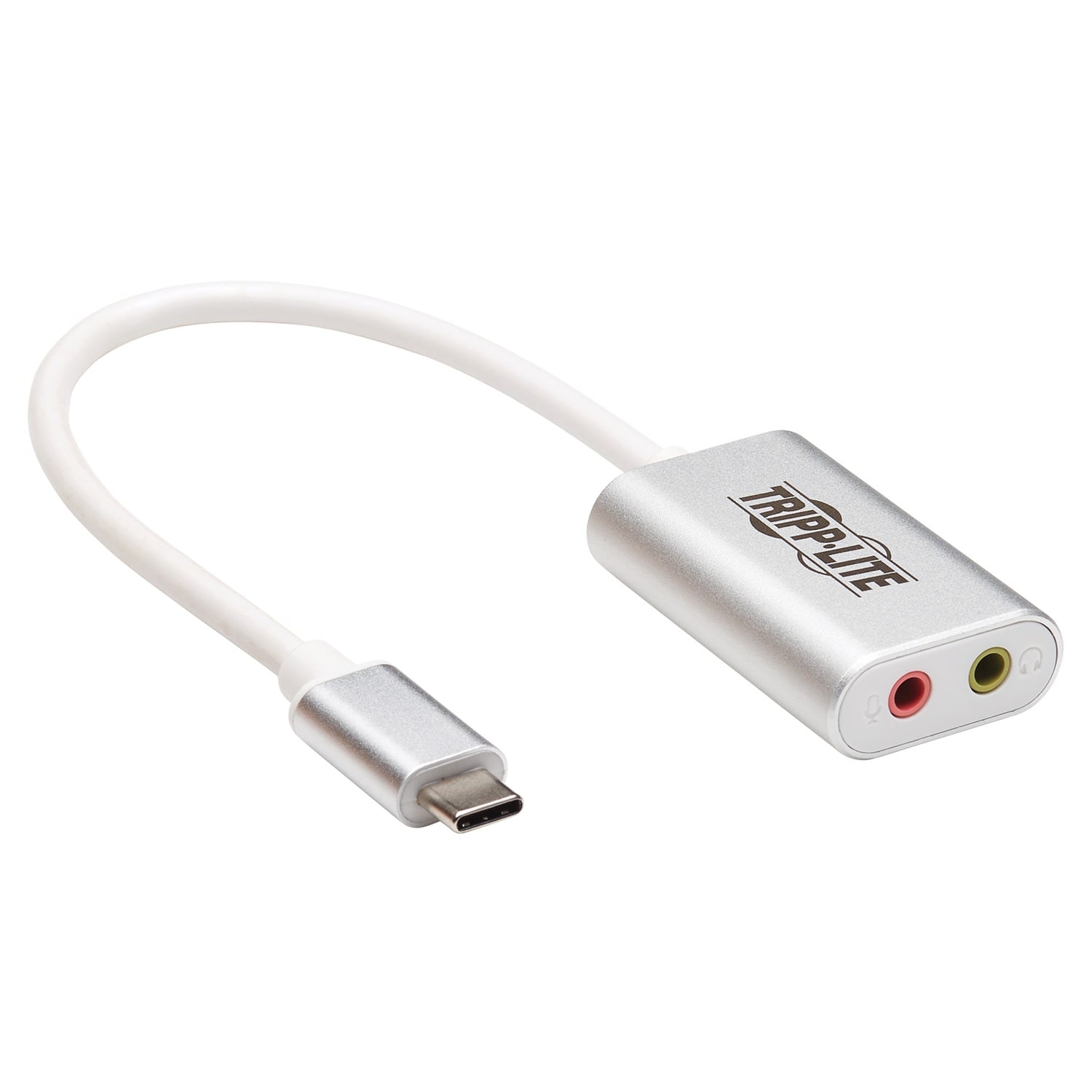
Tripp Lite - USB-C to 3.5-mm Stereo Audio Adapter U437-002 - Silver
SKU: J78C5ZSTC5See all Monitor & Video CablesProduct Description
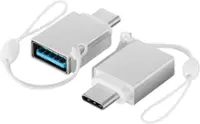
A silver USB-C to 3.5mm adapter with separate microphone and headphone jacks for versatile audio connections.Your price for this item is $28.99
Best Sellers


Related Pages



FAQ
Yes, most wireless headphones that use Bluetooth technology are compatible with Chromebooks. You can easily pair them by enabling Bluetooth on your Chromebook and selecting your headphones from the available devices.
Chromebooks support headphones with a built-in microphone, allowing you to use them for video calls, voice recordings, and online classes. Simply plug in the headphones or connect them via Bluetooth, and your Chromebook will typically recognize the microphone automatically.
Many Chromebooks offer USB-C ports, and you can use USB-C headphones for audio. Make sure your Chromebook supports audio output through USB-C, which is common in newer models.
Most Chromebooks feature a standard 3.5mm audio jack, which is compatible with most wired headphones and headsets. Simply plug your headphones into the audio port to use them.
When you connect headphones to your Chromebook, it should automatically switch the audio output to them. If it doesn’t, click on the status area in the bottom right, select the audio settings, and choose your headphones from the available output devices.