Audio Interface For Chromebook
-
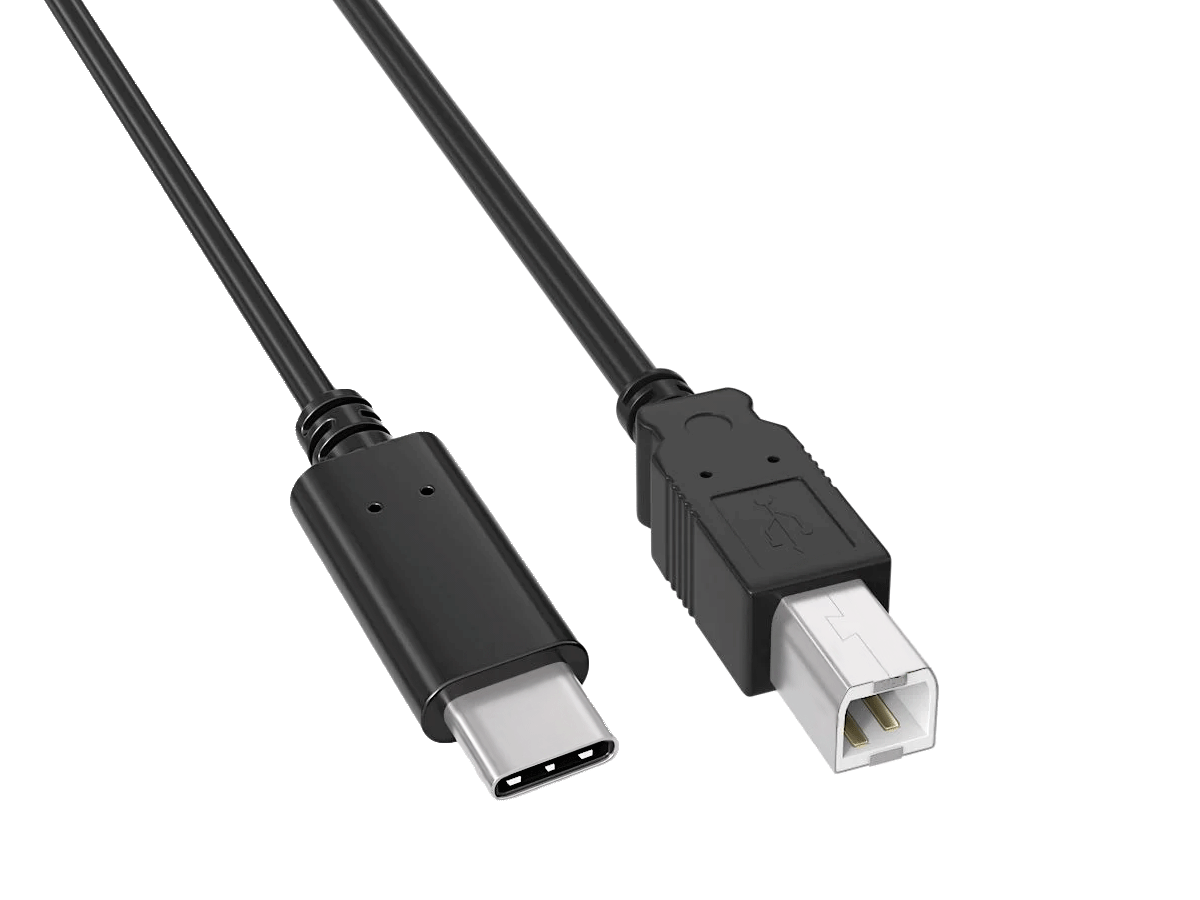
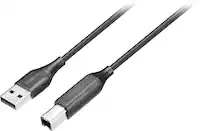
Cable Leader - USB 2.0 USB-C to USB-B Printer Cable, 480Mbps Shielded for Printer, Scanner, Audio Interface - Black
SKU: J39TZ8QWLFSee all Monitor & Video CablesProduct Description
A black shielded USB-C to USB-B cable enabling fast, reliable connections between modern laptops and legacy devices.Your price for this item is $13.49 -
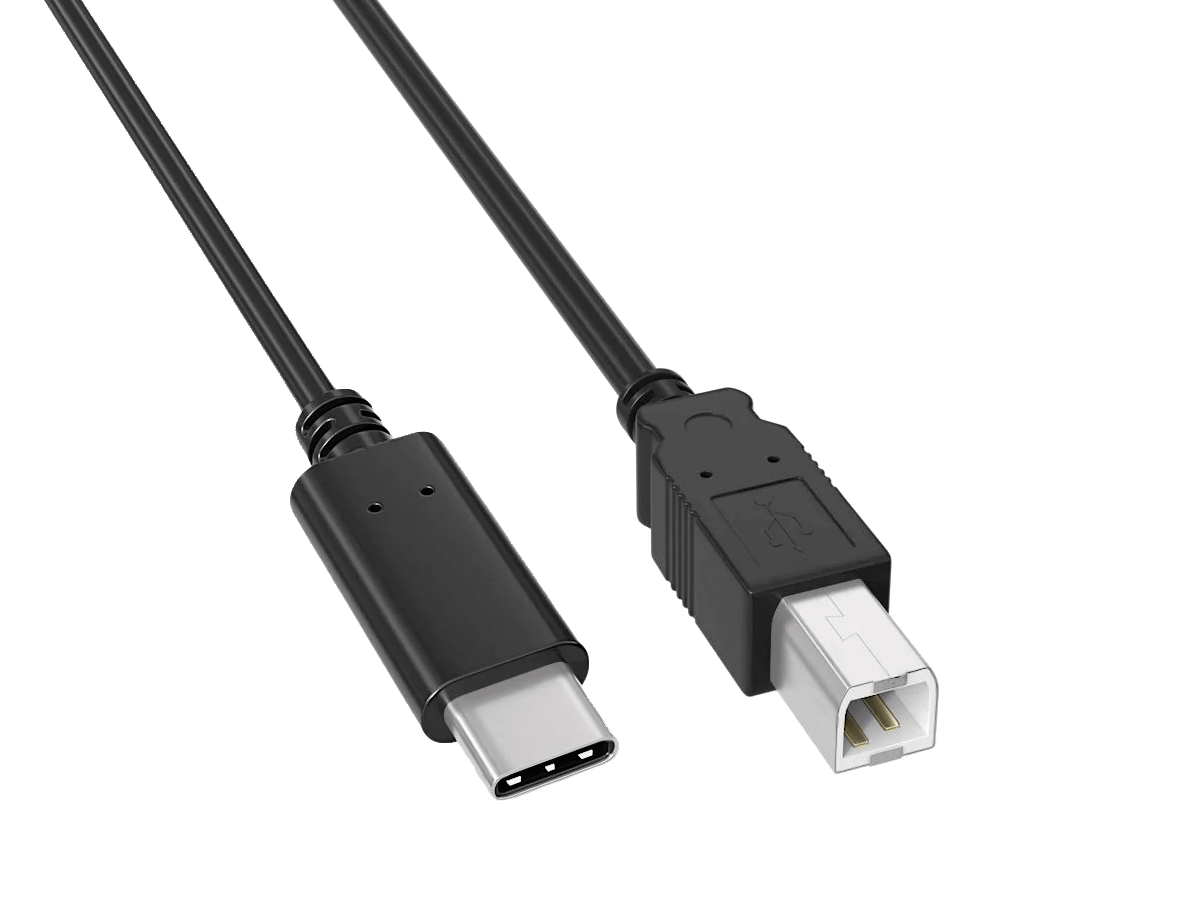
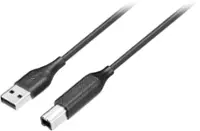
Cable Leader - USB 2.0 USB-C to USB-B Printer Cable, 480Mbps Shielded for Printer, Scanner, Audio Interface - Black
SKU: J39TZ8QWGVSee all Monitor & Video CablesProduct Description
A black shielded USB-C to USB-B cable enabling fast, reliable connections between modern laptops and legacy devices.Your price for this item is $12.99 -
IOGEAR - 13-Port Dock Pro USB-C Triple HD Slim Dock Station - Silver
SKU: J3KY454GVFSee all Docking StationsProduct Description
A slim silver dock station offering 13 ports, triple HD display support, and 100W USB-C charging.Your price for this item is $129.99 -
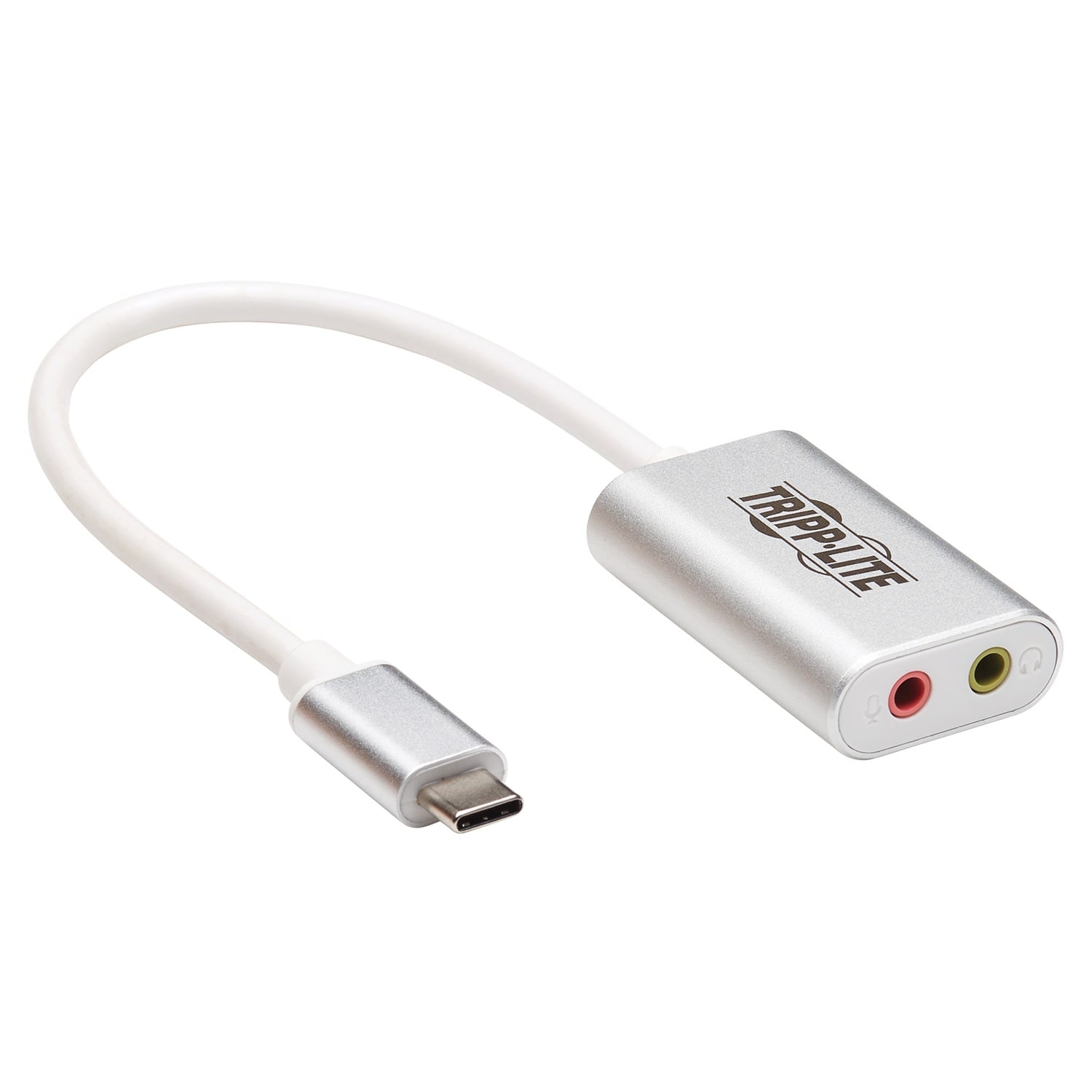
Tripp Lite - USB-C to 3.5-mm Stereo Audio Adapter U437-002 - Silver
SKU: J78C5ZSTC5See all Monitor & Video CablesProduct Description
A silver USB-C to 3.5mm adapter with separate microphone and headphone jacks for versatile audio connections.Your price for this item is $28.99

Best Sellers


Related Pages



FAQ
Yes, many audio interfaces are compatible with Chromebooks and can be used for music production, podcasting, and recording. Be sure to choose an interface that supports USB connectivity and is compatible with Chrome OS.
Most audio interfaces that use USB class-compliant drivers work plug-and-play with Chromebooks, so you typically don’t need to install additional drivers or software.
Chromebooks support web-based audio recording and editing applications such as Soundtrap, BandLab, and Audiotool, which work well with most audio interfaces.
Yes, audio interfaces allow you to connect microphones, guitars, keyboards, and other instruments to your Chromebook for high-quality recording and playback.
Simply connect the audio interface to your Chromebook using a USB cable. Then, select the interface as the input and output device in your Chromebook’s audio settings or within your chosen web-based audio app.